Website User Agreement For App
Description
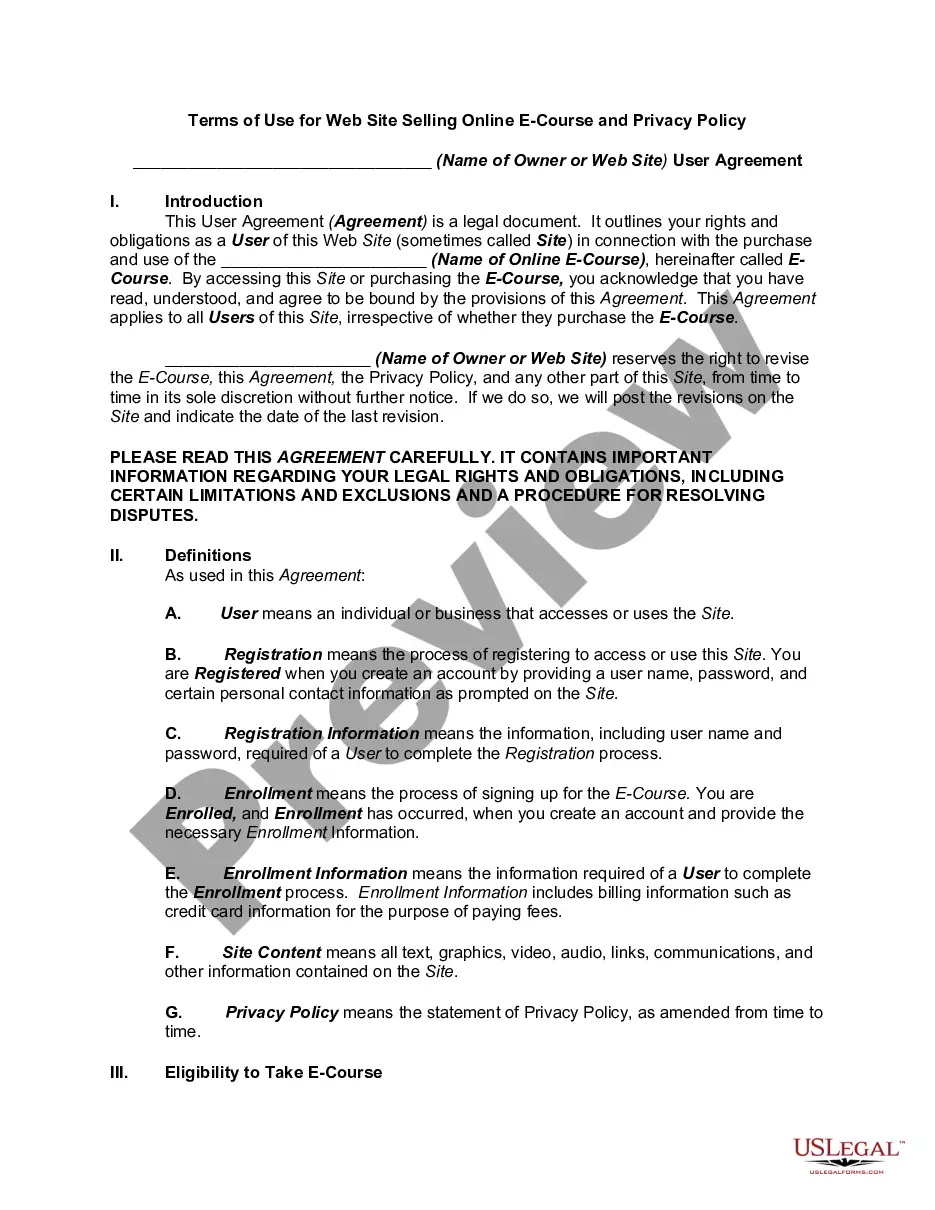
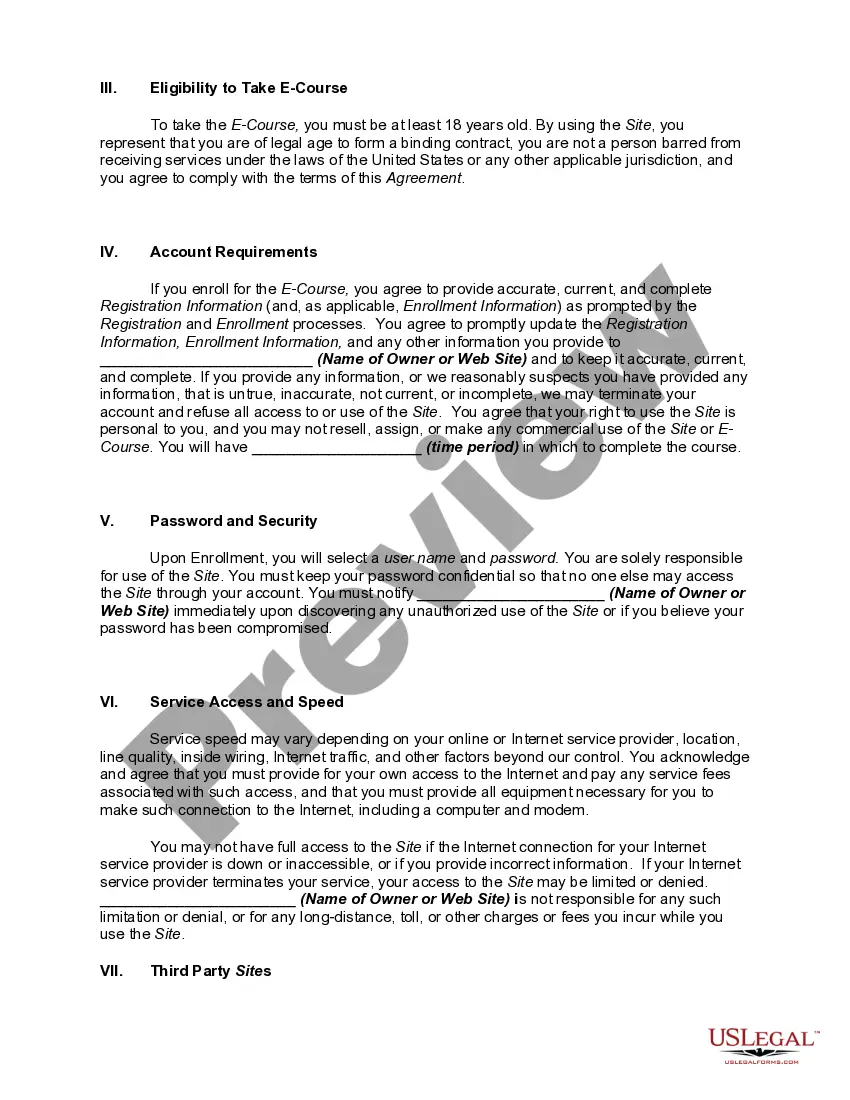
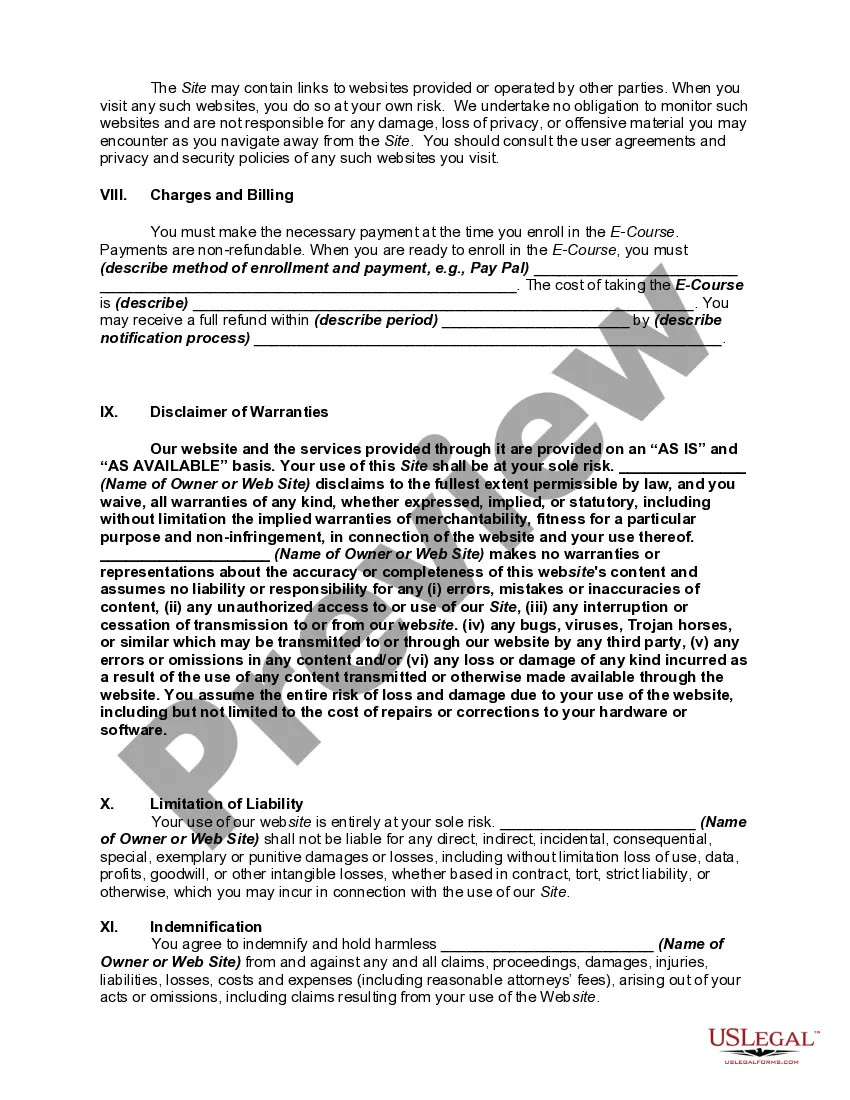
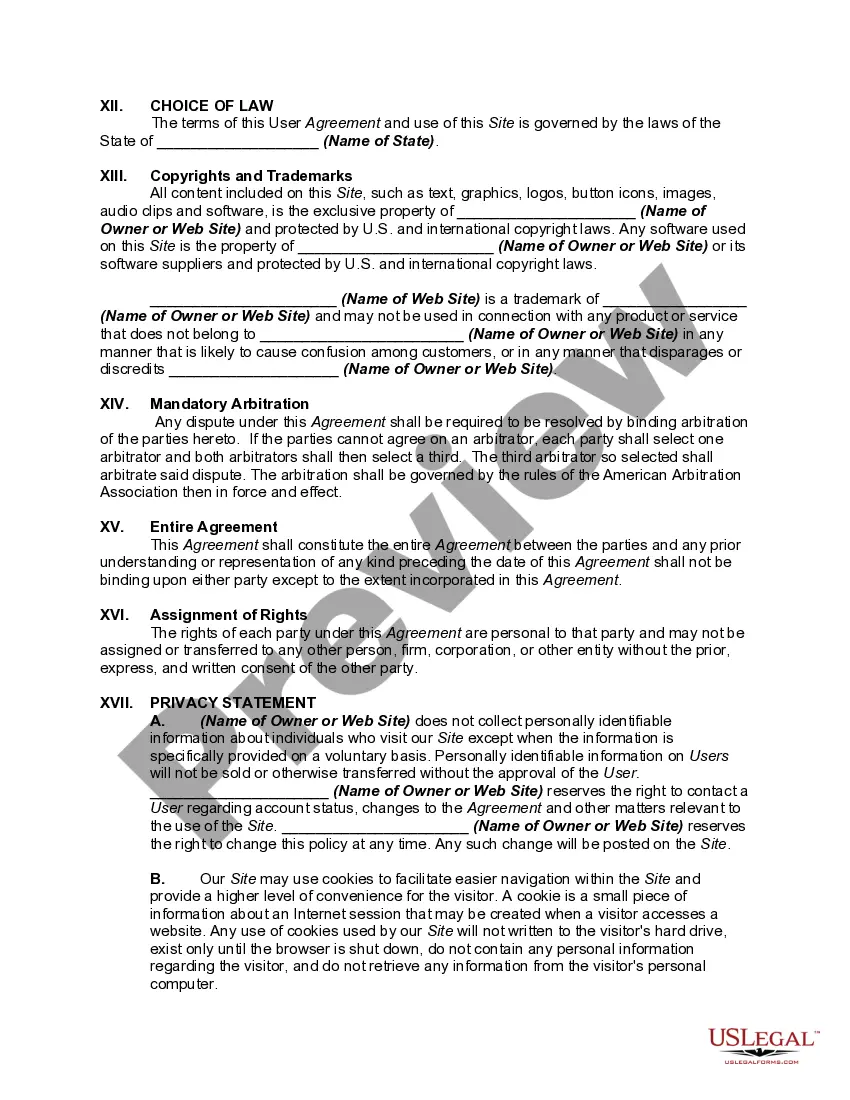
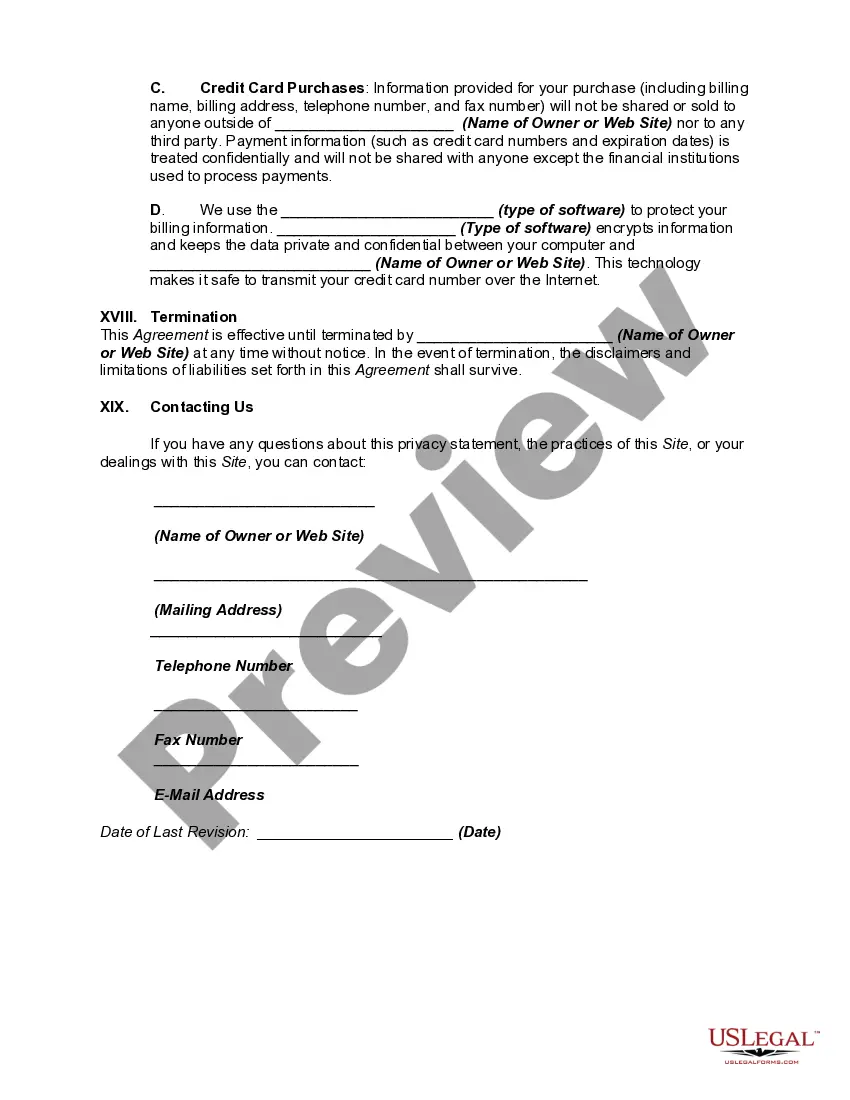
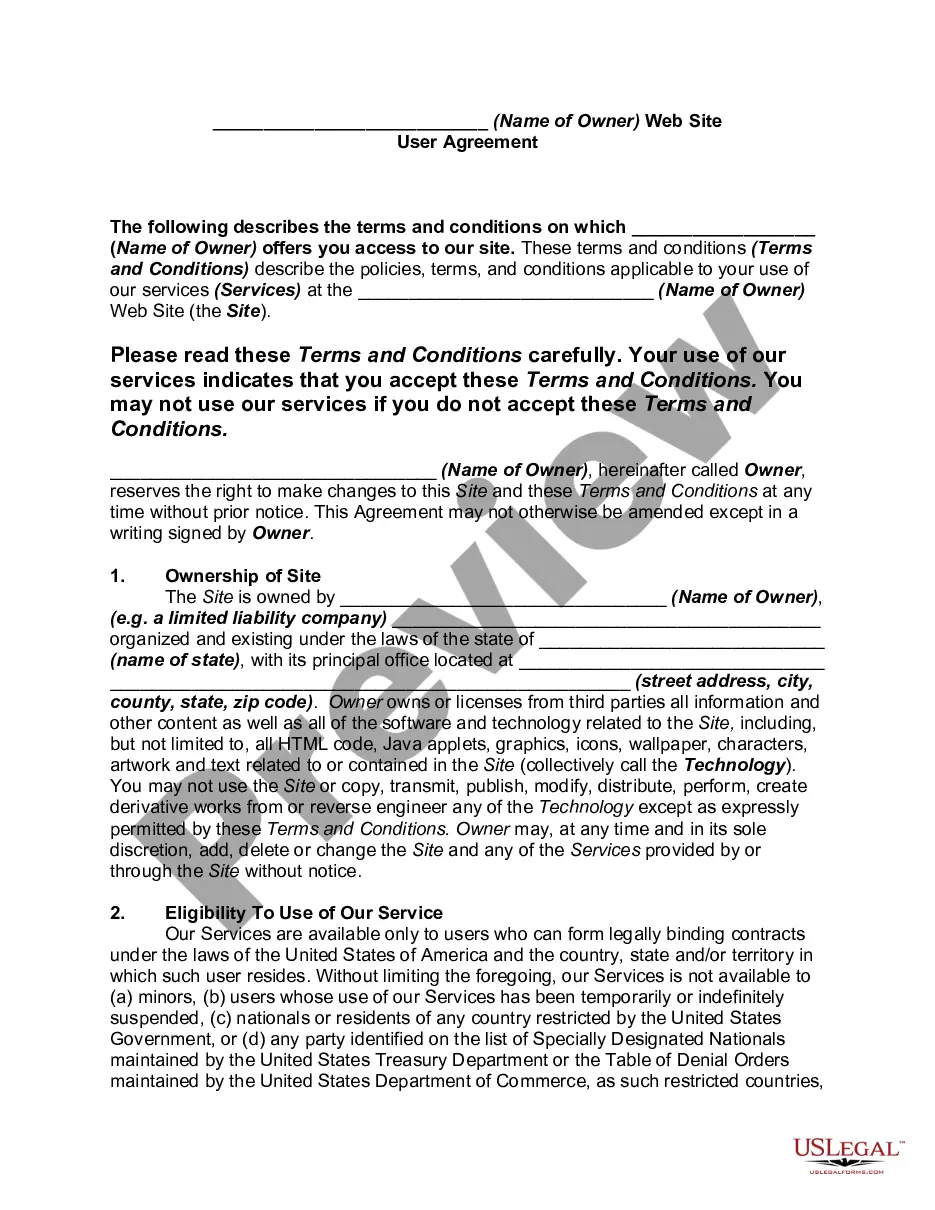
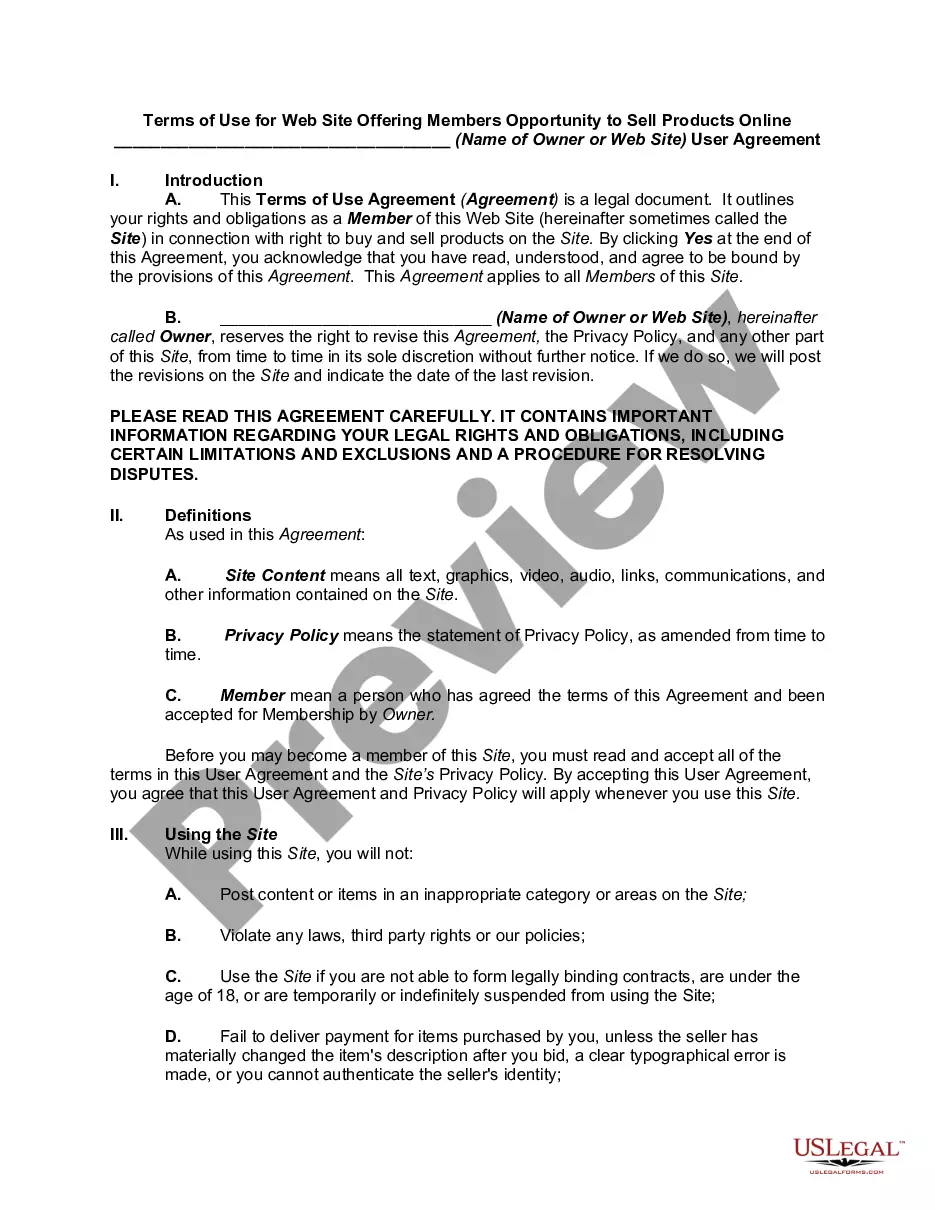
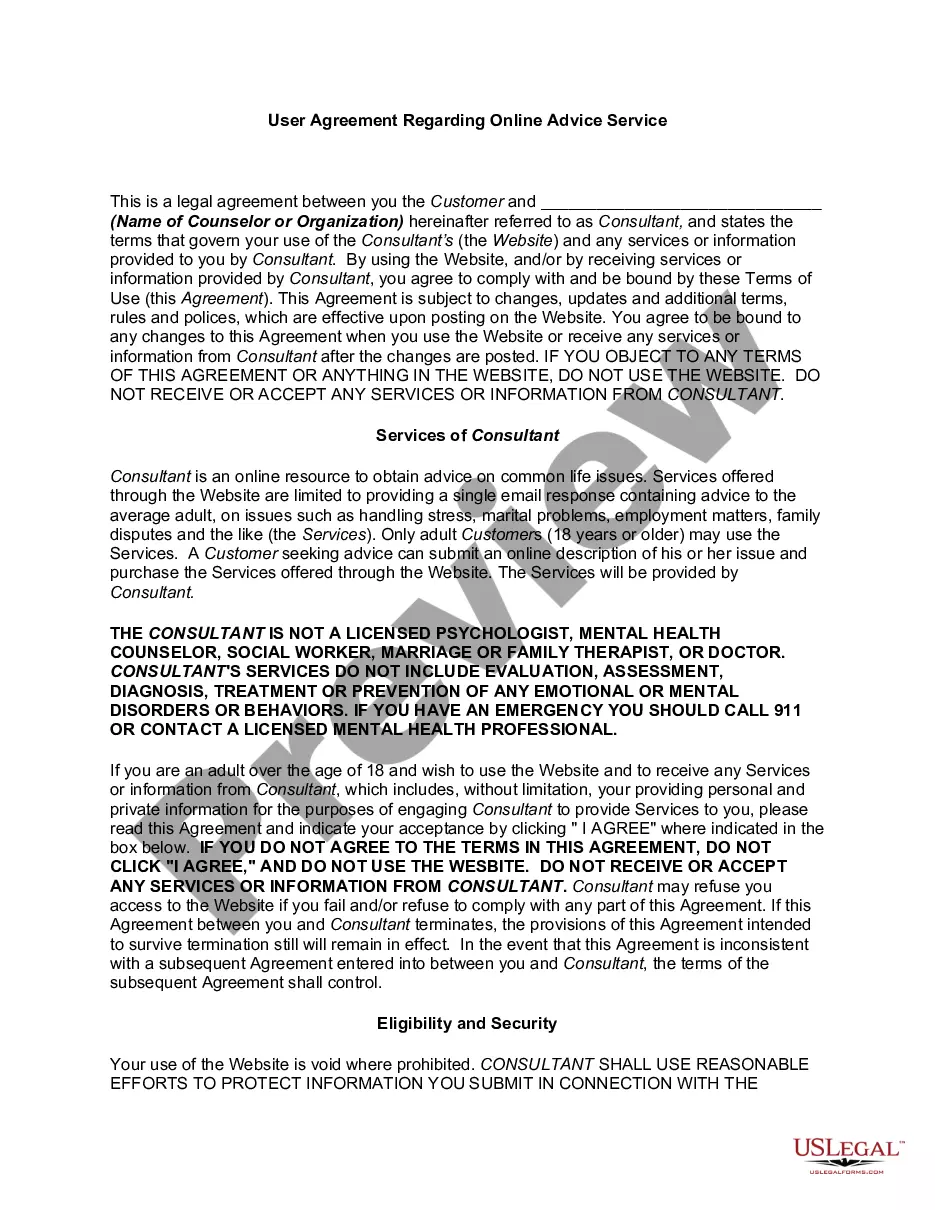
Get your form ready online
Our built-in tools help you complete, sign, share, and store your documents in one place.
Make edits, fill in missing information, and update formatting in US Legal Forms—just like you would in MS Word.
Download a copy, print it, send it by email, or mail it via USPS—whatever works best for your next step.
Sign and collect signatures with our SignNow integration. Send to multiple recipients, set reminders, and more. Go Premium to unlock E-Sign.
If this form requires notarization, complete it online through a secure video call—no need to meet a notary in person or wait for an appointment.
We protect your documents and personal data by following strict security and privacy standards.

Make edits, fill in missing information, and update formatting in US Legal Forms—just like you would in MS Word.

Download a copy, print it, send it by email, or mail it via USPS—whatever works best for your next step.

Sign and collect signatures with our SignNow integration. Send to multiple recipients, set reminders, and more. Go Premium to unlock E-Sign.

If this form requires notarization, complete it online through a secure video call—no need to meet a notary in person or wait for an appointment.

We protect your documents and personal data by following strict security and privacy standards.
Looking for another form?


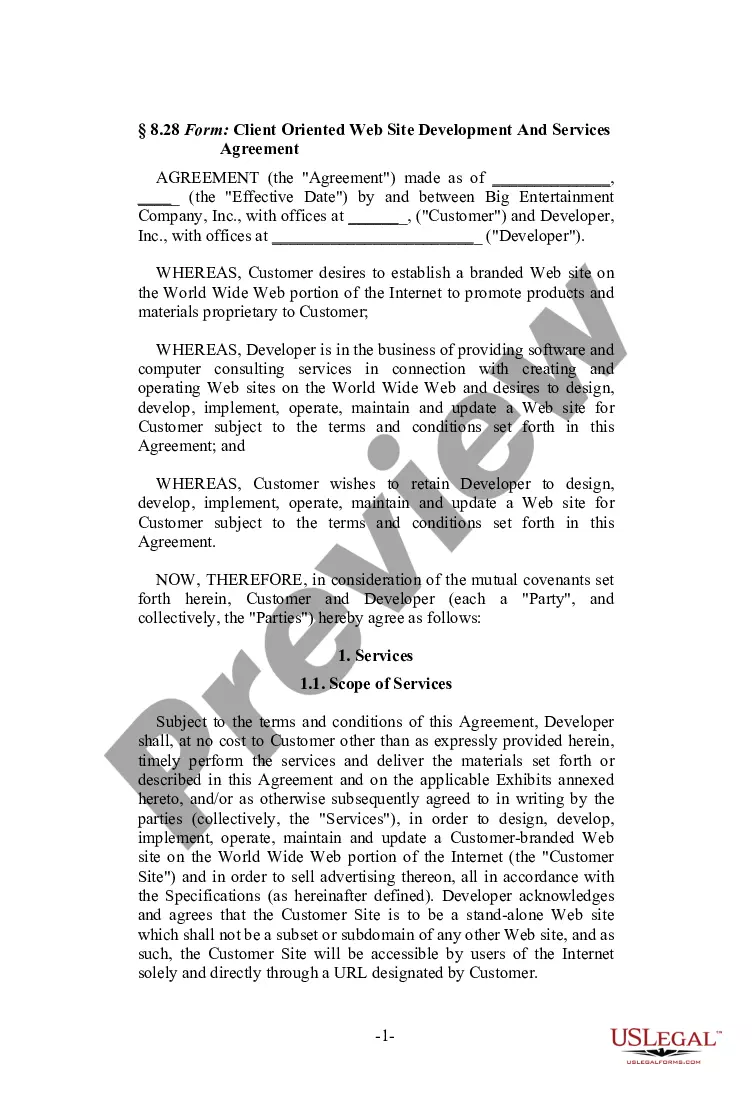


How to fill out Website Subscription User Agreement - Terms Of Use For Website Selling Online E-Course Privacy Policy?
Whether for business purposes or for individual affairs, everyone has to deal with legal situations at some point in their life. Filling out legal papers demands careful attention, beginning from picking the proper form template. For instance, if you pick a wrong version of a Website User Agreement For App, it will be turned down when you send it. It is therefore crucial to get a reliable source of legal files like US Legal Forms.
If you need to obtain a Website User Agreement For App template, stick to these simple steps:
- Get the sample you need by utilizing the search field or catalog navigation.
- Examine the form’s information to ensure it fits your situation, state, and county.
- Click on the form’s preview to see it.
- If it is the wrong document, get back to the search function to find the Website User Agreement For App sample you require.
- Get the file when it matches your requirements.
- If you already have a US Legal Forms account, click Log in to access previously saved templates in My Forms.
- If you don’t have an account yet, you can download the form by clicking Buy now.
- Pick the proper pricing option.
- Finish the account registration form.
- Choose your transaction method: use a bank card or PayPal account.
- Pick the file format you want and download the Website User Agreement For App.
- When it is downloaded, you can complete the form by using editing software or print it and finish it manually.
With a large US Legal Forms catalog at hand, you don’t need to spend time looking for the appropriate sample across the web. Take advantage of the library’s straightforward navigation to get the right form for any situation.
Form popularity
FAQ
Hear this out loud Pause?I agree to the terms and conditions as set out by the user agreement.? Or: ?By clicking here, I state that I have read and understood the terms and conditions.? Using a clickwrap method may better protect a business because a user must take proactive measures to agree to terms and conditions.
What To Include In Your Terms and Conditions Introduction. Effective Date. Changes to the Agreement. User Guidelines and Acceptable Uses. Prohibited Behaviors and Activities. User Contributions Clause. Digital Millennium Copyright Act (DMCA) Notice and Policy. Intellectual Property Disclosure.
Common Clauses to Include in Your App Terms and Conditions Introduction and Definitions. License to Use. Acceptable Uses. Prohibited Behaviors. Termination and Account Suspension. Intellectual Property Protection. User-Generated Content. Payment Clauses.
Hear this out loud PauseA user agreement is a legally binding contract between a website user and the site's owner, operator, or provider. Sometimes referred to as an end-user license agreement, terms of service, privacy policy, or terms and conditions, a user agreement spells out the rights and responsibilities of all involved parties.
In general, almost every Terms and Conditions agreement should include the following clauses: Introduction. Right to make changes to the agreement. User guidelines (rules, restrictions, requirements) Copyright and intellectual property. Governing law. Warranty disclaimer. Limitation of liability.