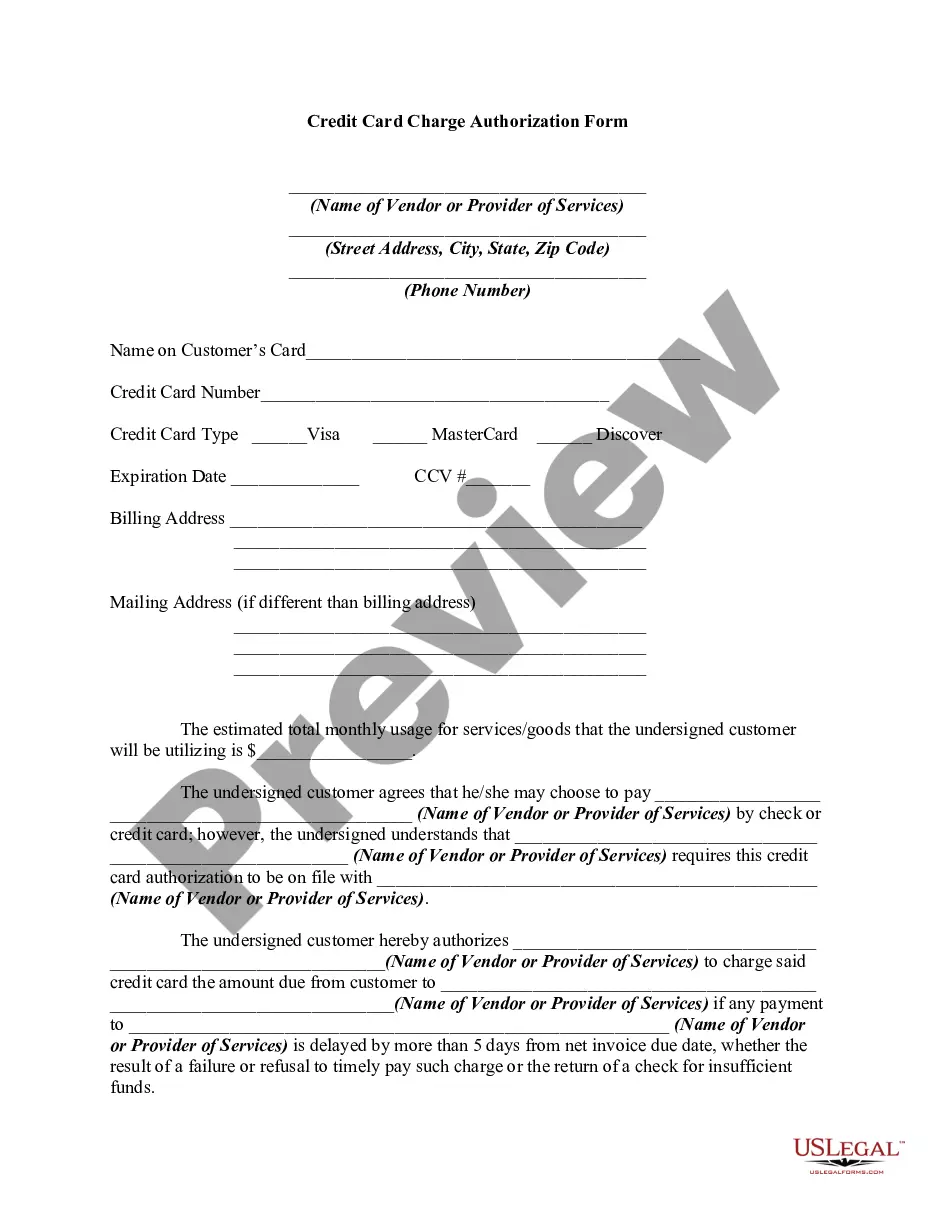
Blank Credit Card Payment Form For Stripe
Description
Get your form ready online
Our built-in tools help you complete, sign, share, and store your documents in one place.
Make edits, fill in missing information, and update formatting in US Legal Forms—just like you would in MS Word.
Download a copy, print it, send it by email, or mail it via USPS—whatever works best for your next step.
Sign and collect signatures with our SignNow integration. Send to multiple recipients, set reminders, and more. Go Premium to unlock E-Sign.
If this form requires notarization, complete it online through a secure video call—no need to meet a notary in person or wait for an appointment.
We protect your documents and personal data by following strict security and privacy standards.

Make edits, fill in missing information, and update formatting in US Legal Forms—just like you would in MS Word.

Download a copy, print it, send it by email, or mail it via USPS—whatever works best for your next step.

Sign and collect signatures with our SignNow integration. Send to multiple recipients, set reminders, and more. Go Premium to unlock E-Sign.

If this form requires notarization, complete it online through a secure video call—no need to meet a notary in person or wait for an appointment.

We protect your documents and personal data by following strict security and privacy standards.
Looking for another form?



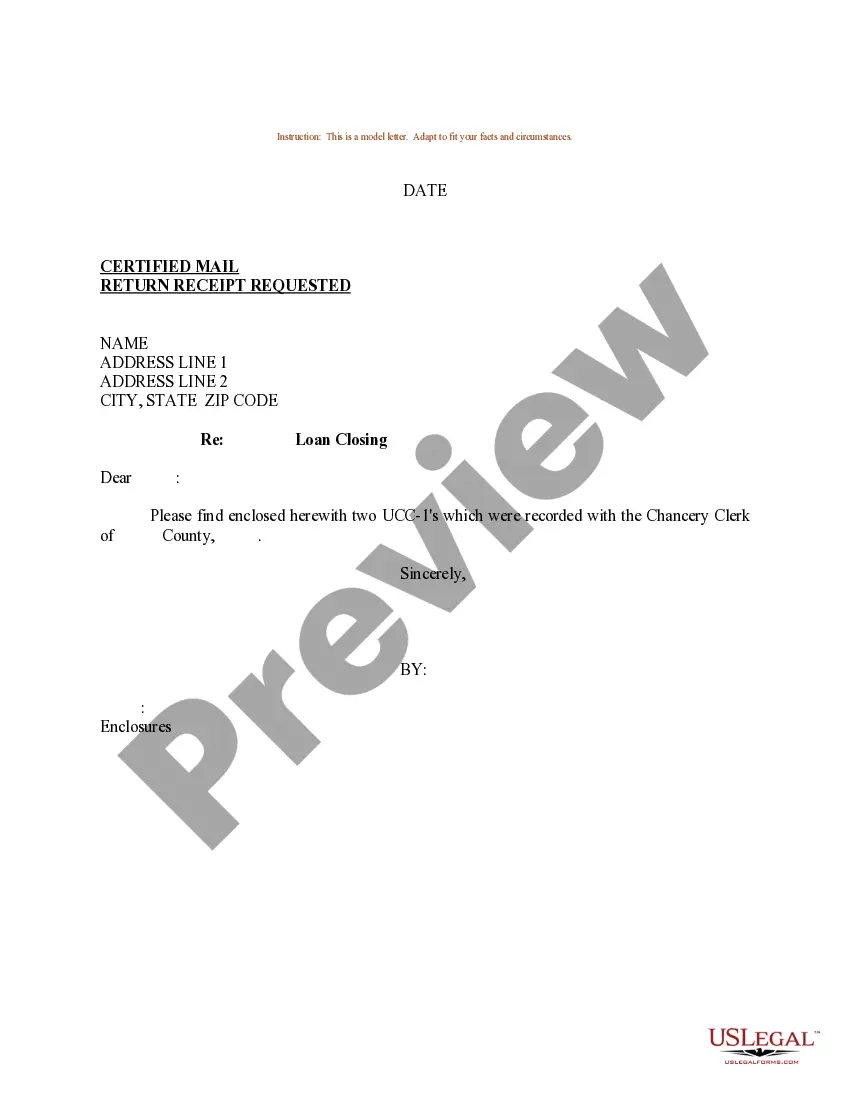

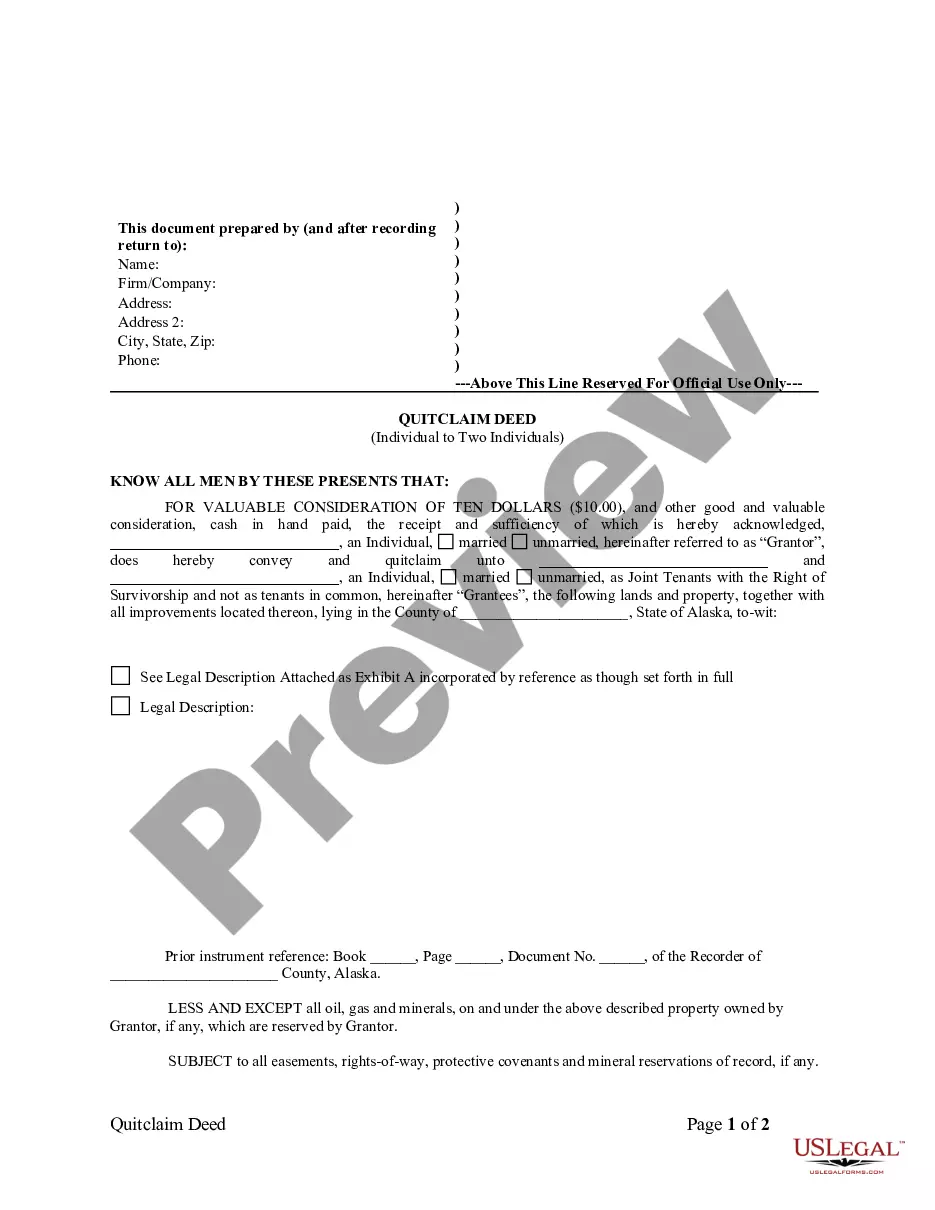
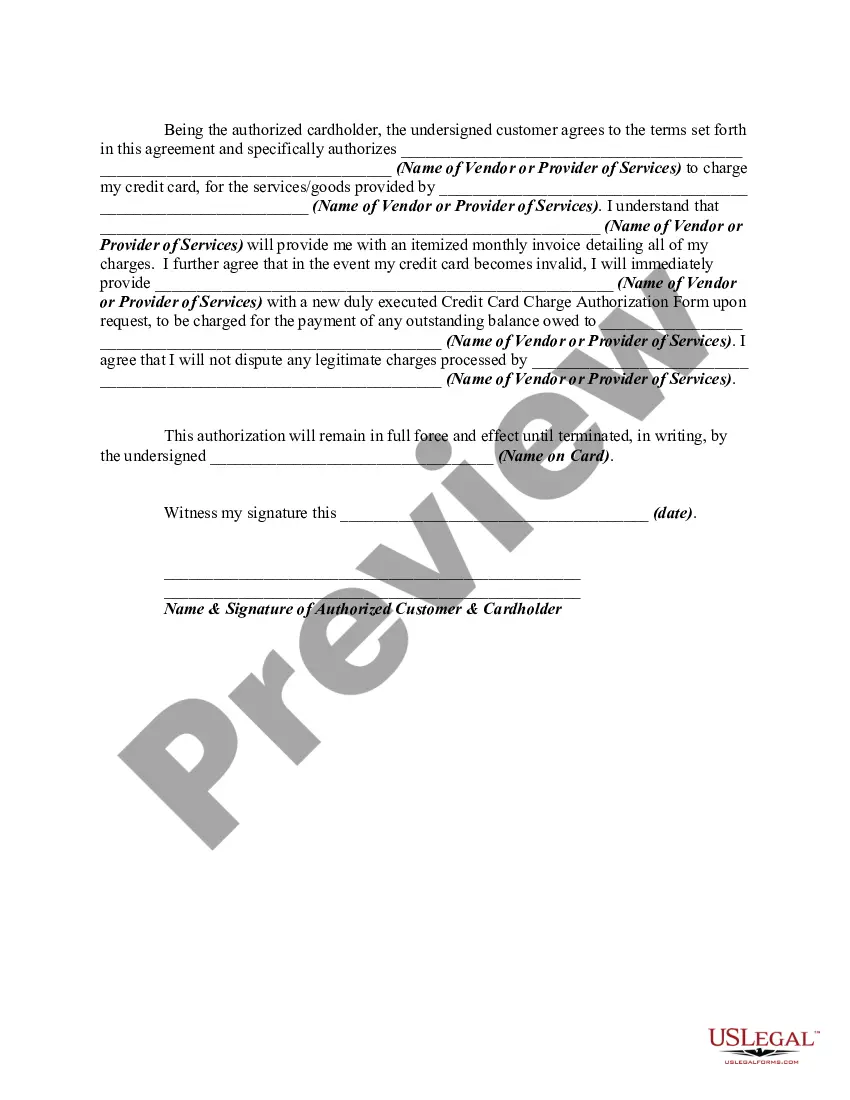
How to fill out Credit Card Charge Authorization Form?
Finding a reliable resource for the latest and most applicable legal templates is a significant portion of dealing with bureaucracy.
Selecting the appropriate legal documents requires precision and careful consideration, making it vital to obtain samples of the Blank Credit Card Payment Form For Stripe solely from reputable providers, such as US Legal Forms.
Mitigate the hassle associated with your legal paperwork. Browse the broad collection of US Legal Forms to discover legal templates, evaluate their relevance to your situation, and download them without delay.
- Utilize the catalog navigation or search bar to locate your template.
- Examine the form’s details to confirm its compliance with your state and county regulations.
- Check the form preview, if available, to verify that it is the specific form you need.
- Return to the search and seek the correct template if the Blank Credit Card Payment Form For Stripe does not meet your criteria.
- If you are confident about the form’s applicability, proceed to download it.
- As a registered customer, click Log in to validate your identity and access your selected forms in My documents.
- If you haven't created an account yet, click Buy now to obtain the form.
- Choose the pricing option that best fits your needs.
- Continue to the registration to complete your purchase.
- Complete your transaction by selecting a payment method (credit card or PayPal).
- Choose the file format for downloading the Blank Credit Card Payment Form For Stripe.
- After obtaining the form on your device, you may either edit it using an editor or print it out to complete manually.
Form popularity
FAQ
Custom payment flow the Stripe Ruby library. settings. ... Create a PaymentIntent. settings. ... Configure payment methods. settings. ... Load Stripe.js. settings. ... Define the payment form. settings. ... Initialize Stripe.js. settings. ... Fetch a PaymentIntent. settings. ... Initialize Stripe Elements. settings.
To complete a payment online, customers enter their card information at checkout. Wallets are linked to a card or bank account, but can also store monetary value. Wallets typically require customer verification (e.g., biometrics, SMS, passcode) to complete a payment.
The customer provides their card information, either online or in person. Those card details enter Stripe's payment gateway, which encrypts the data. Stripe sends that data to the acquirer, which is a bank that will process the transaction on the merchant's behalf.
Stripe supports several card brands, from large global networks like Visa and Mastercard to local networks like Cartes Bancaires in France or Interac in Canada. When you integrate Stripe, you can begin accepting a diversity of card brands without any additional configurations, including: American Express.
Stripe Checkout is a prebuilt payment form optimized for conversion. Embed Checkout into your website or direct customers to a Stripe-hosted page to easily and securely accept one-time payments or subscriptions.