Write Re
Description





Get your form ready online
Our built-in tools help you complete, sign, share, and store your documents in one place.
Make edits, fill in missing information, and update formatting in US Legal Forms—just like you would in MS Word.
Download a copy, print it, send it by email, or mail it via USPS—whatever works best for your next step.
Sign and collect signatures with our SignNow integration. Send to multiple recipients, set reminders, and more. Go Premium to unlock E-Sign.
If this form requires notarization, complete it online through a secure video call—no need to meet a notary in person or wait for an appointment.
We protect your documents and personal data by following strict security and privacy standards.

Make edits, fill in missing information, and update formatting in US Legal Forms—just like you would in MS Word.

Download a copy, print it, send it by email, or mail it via USPS—whatever works best for your next step.

Sign and collect signatures with our SignNow integration. Send to multiple recipients, set reminders, and more. Go Premium to unlock E-Sign.

If this form requires notarization, complete it online through a secure video call—no need to meet a notary in person or wait for an appointment.

We protect your documents and personal data by following strict security and privacy standards.
Looking for another form?




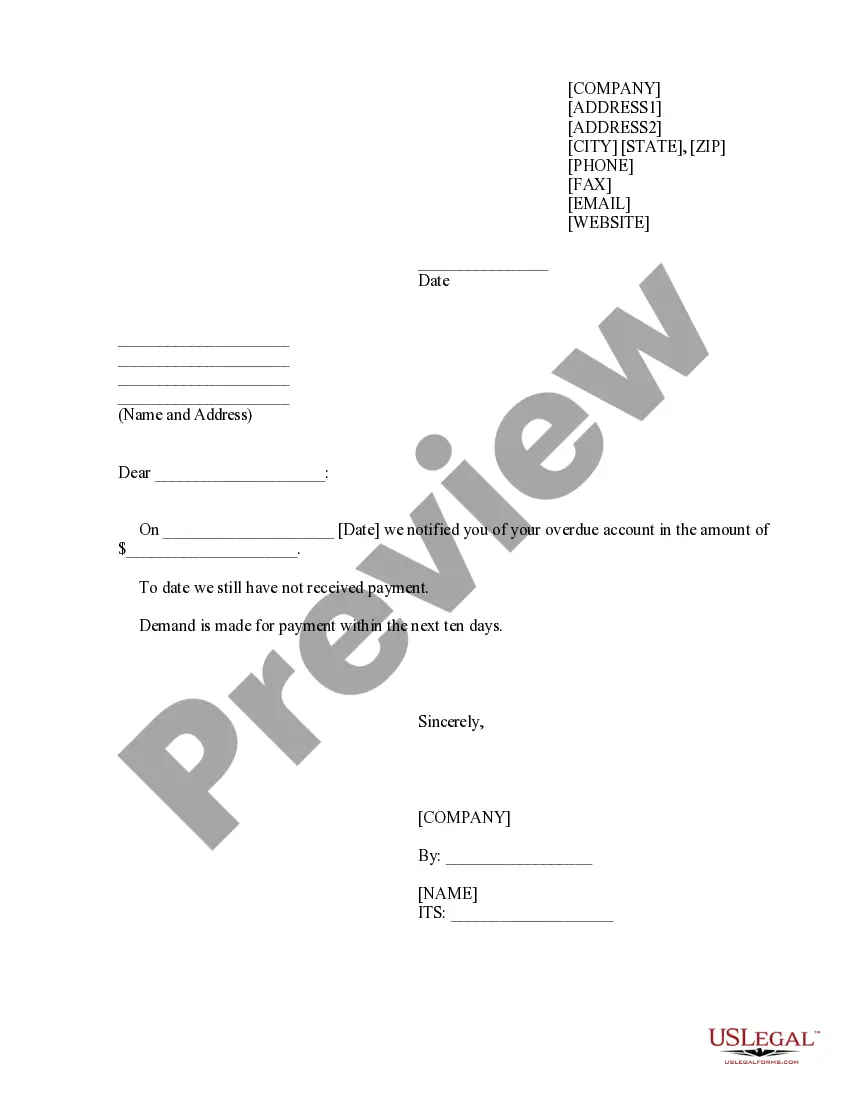
How to fill out Writ Of Replevin Or Repossession?
- If you're a returning user, log into your account and locate the desired form template. Ensure your subscription remains active; renew if necessary.
- For new users, start by previewing the available form templates. Confirm that the selected template meets your specific needs and complies with local jurisdiction requirements.
- If you don’t find a suitable form, utilize the Search tab to navigate through the extensive collection and pinpoint the correct document.
- When you find the appropriate form, click on the Buy Now button to select your preferred subscription plan. Create an account to gain full access to the library.
- Complete your purchase by entering your payment information, either through a credit card or PayPal account.
- Once payment is confirmed, download your form to your device. Access your recently downloaded document anytime from the My Forms section of your profile.
By following these steps, you ensure an effortless experience in acquiring the legal forms necessary for your needs.
Start today with US Legal Forms and streamline your legal document process!
Form popularity
FAQ
File regex refers to the application of regular expressions specifically to match file names and extensions. It helps in validating, filtering, or organizing files based on their naming conventions. By understanding how to write re for files, users can enhance file management and data retrieval tasks.
Writing a regular expression involves defining the string patterns you want to match. Start simple by identifying the characters and formats present in your data, then expand into more complex patterns as necessary. Mastering this skill opens new possibilities in data manipulation and processing.
To create a regex for a PDF file name, you could use a pattern like '^\w\s-+\.pdf$'. This expression will match file names that contain letters, numbers, underscores, spaces, and hyphens, ending with '.pdf'. By knowing how to write re for specific file types, you can streamline organization and validation processes.
When writing regex for special characters, you need to escape them using a backslash. For example, if you wanted to match a period, use '\.' instead of '.' since a period normally signifies any character in regex. This simple approach allows you to effectively handle characters that have special meanings.
To decipher a regex, you need to break down its components into their meanings—like literals, quantifiers, and metacharacters. By learning how to write re, you gain the ability to interpret patterns and understand what to expect from the text you analyze. Understanding these elements can significantly enhance your text processing skills.
Regex is a sequence of characters that forms a search pattern, primarily used for string matching. It provides a concise way to specify the criteria for text processing tasks. Understanding regex opens doors to various applications in programming, web development, and data analysis.
Regular expressions, or regex, are used for searching, matching, or manipulating text based on specific patterns. They help you validate inputs, like emails or passwords, and can also extract critical data from larger texts. Learning how to write re can enhance your ability to handle strings efficiently.
To write regular expressions in Python, you can use the 're' module. Begin by importing the module, and then utilize functions like re.search() and re.match() to find patterns in your text. This module allows you to easily manipulate strings and extract useful information, making it a powerful tool for programmers.
'Re' is the term most commonly used in letters, particularly in formal or professional contexts. It stands for 'regarding' and communicates the main topic succinctly. When you choose to write re, you contribute to smoother communication and help your recipient understand your message quickly.
The correct term is 'write again,' which indicates creating a new version of something you have already written. In contrast, 'rewrite' signifies modifying the existing content. If you want to clarify your intentions in writing, choose 'write re' to make your point clear, especially in business correspondences.