Appointment O Que é
Description
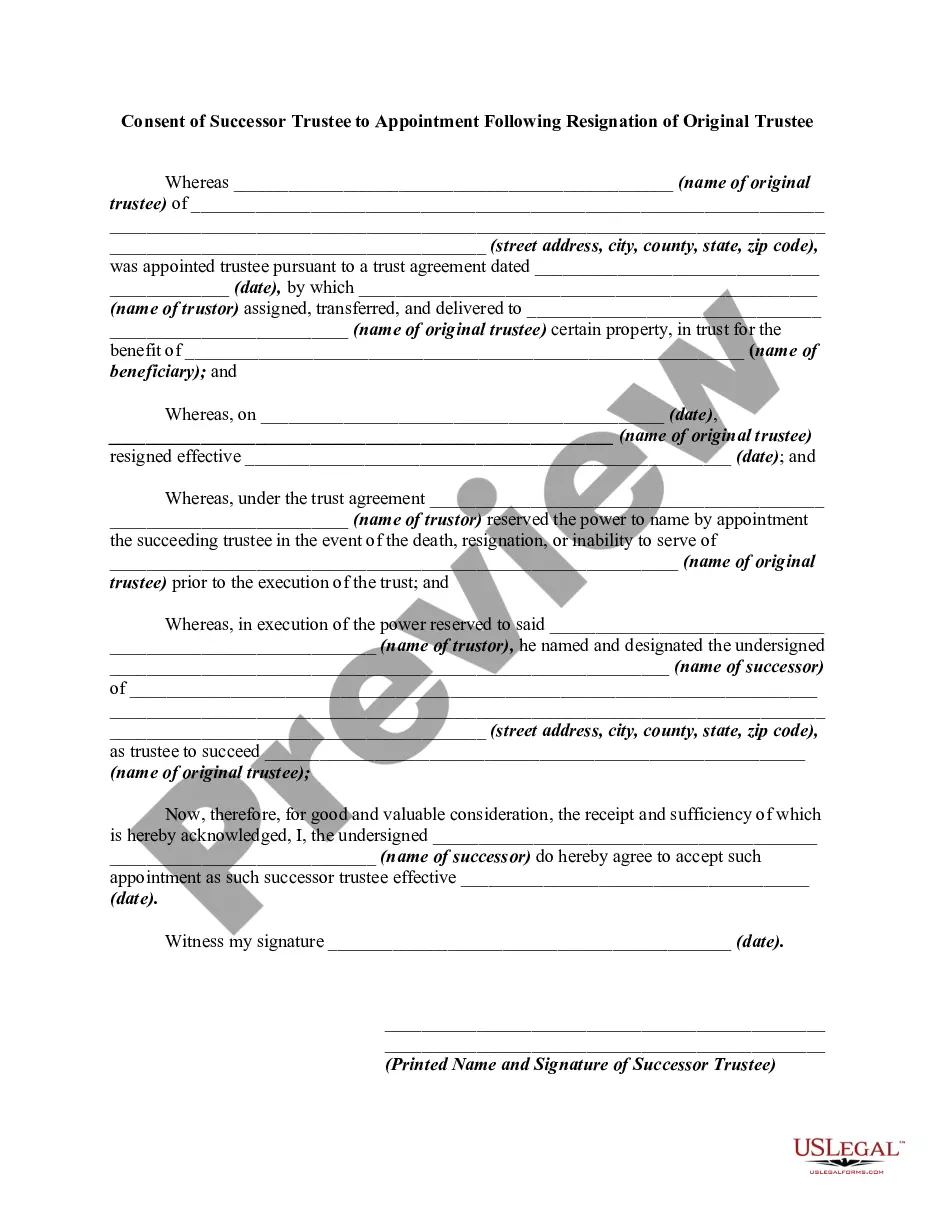
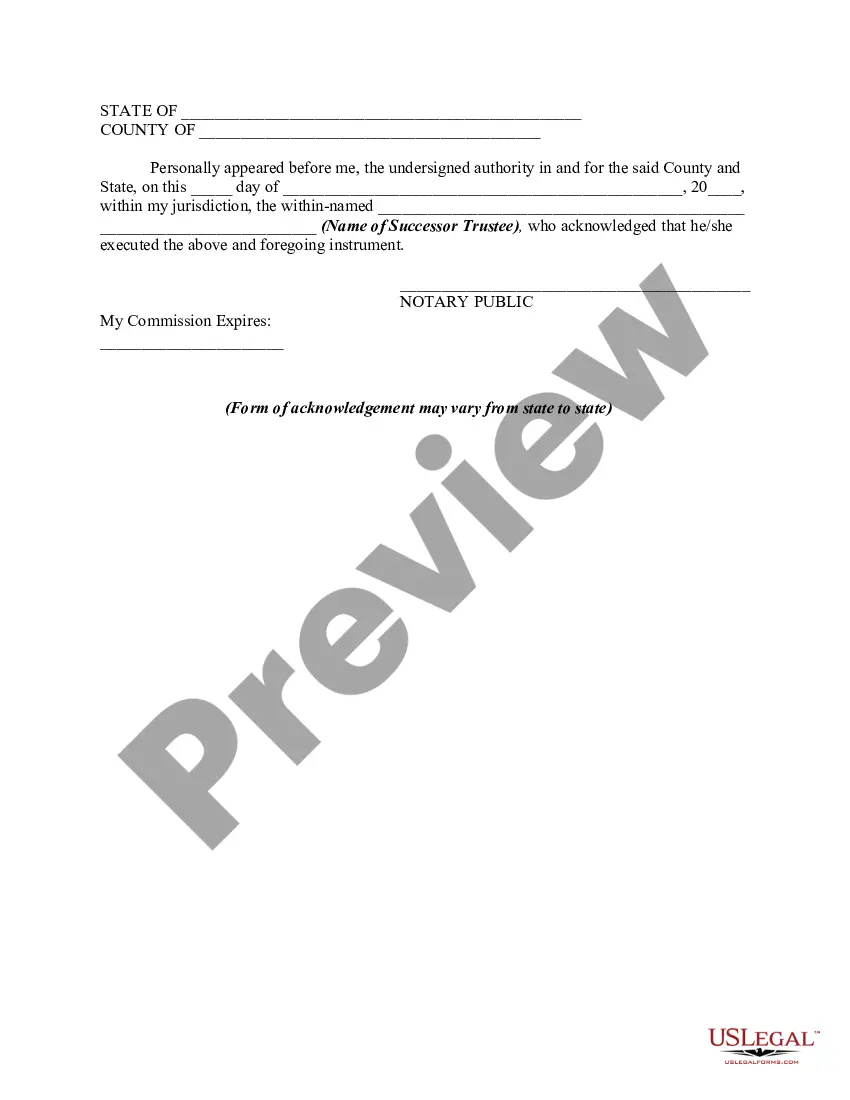
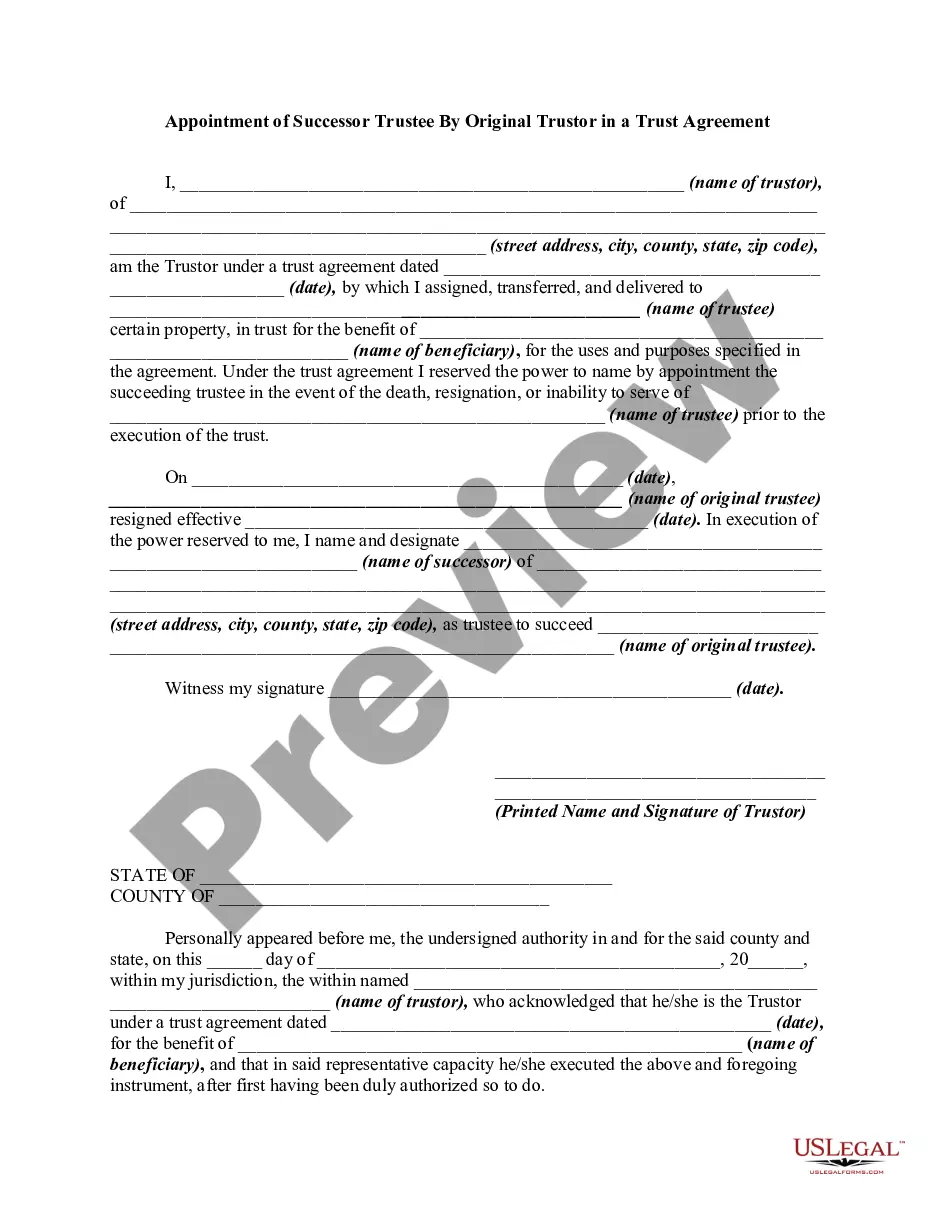
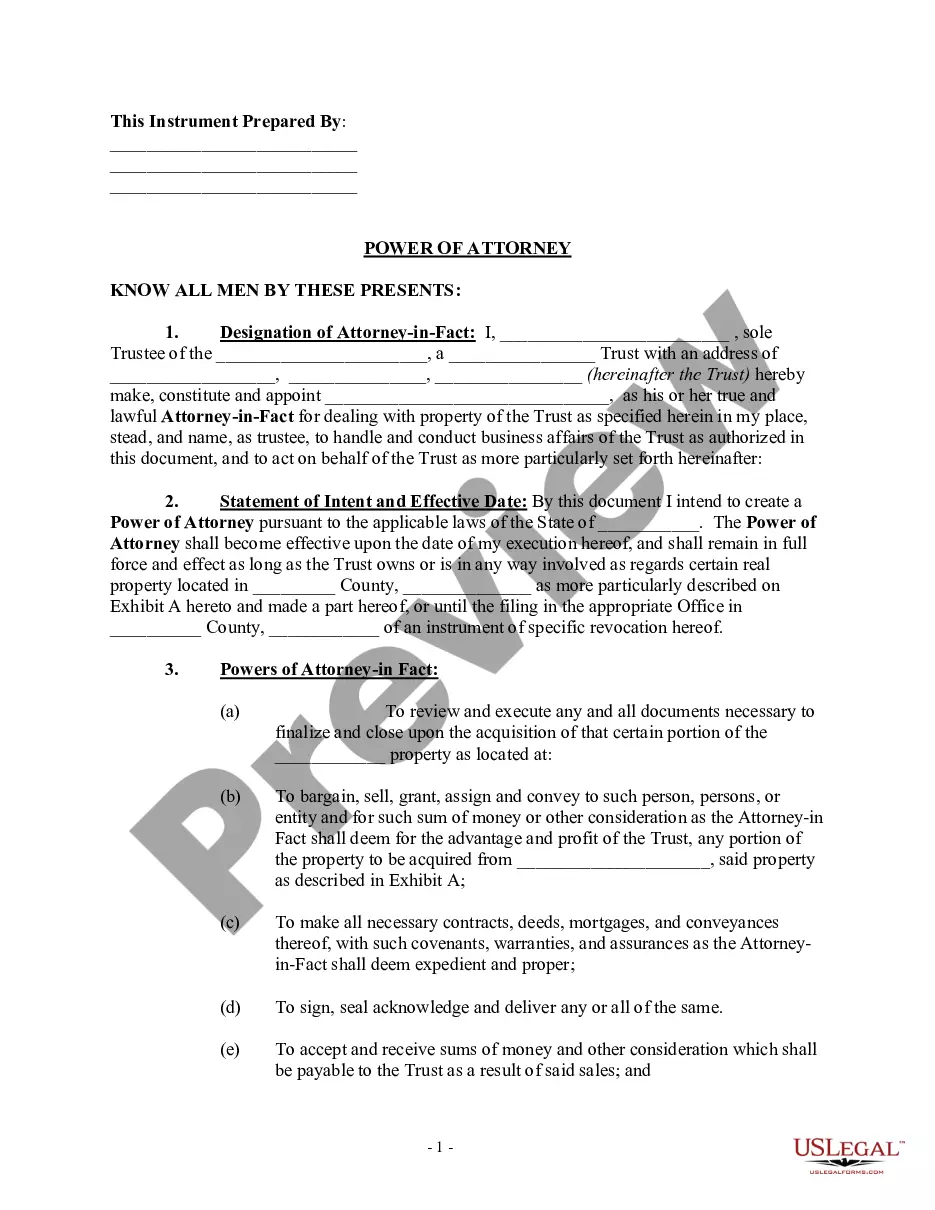
Get your form ready online
Our built-in tools help you complete, sign, share, and store your documents in one place.
Make edits, fill in missing information, and update formatting in US Legal Forms—just like you would in MS Word.
Download a copy, print it, send it by email, or mail it via USPS—whatever works best for your next step.
Sign and collect signatures with our SignNow integration. Send to multiple recipients, set reminders, and more. Go Premium to unlock E-Sign.
If this form requires notarization, complete it online through a secure video call—no need to meet a notary in person or wait for an appointment.
We protect your documents and personal data by following strict security and privacy standards.

Make edits, fill in missing information, and update formatting in US Legal Forms—just like you would in MS Word.

Download a copy, print it, send it by email, or mail it via USPS—whatever works best for your next step.

Sign and collect signatures with our SignNow integration. Send to multiple recipients, set reminders, and more. Go Premium to unlock E-Sign.

If this form requires notarization, complete it online through a secure video call—no need to meet a notary in person or wait for an appointment.

We protect your documents and personal data by following strict security and privacy standards.
Looking for another form?



How to fill out Consent Of Successor Trustee To Appointment Following Resignation Of Original Trustee?
- Log in to your US Legal Forms account if you’re a returning user. Ensure your subscription is active, and you can instantly download the required template.
- If it’s your first time, start by checking out the Preview mode of the forms. Verify that the form matches your local jurisdiction requirements.
- Utilize the Search tab if the initial form doesn’t fit your needs. Find the appropriate template that suits your specific legal situation.
- Purchase the necessary document by clicking the Buy Now button. Select your preferred subscription plan and create an account to access the resources.
- Complete your transaction by entering your payment details using a credit card or PayPal account.
- Download your completed form. Access it anytime through the My Forms section within your profile for easy future use.
US Legal Forms empowers you to conveniently obtain legal documents for various needs. With over 85,000 forms available, you can easily find what you need on the platform.
Don’t hesitate to explore the extensive library and secure your document today. Start your legal journey with confidence by visiting US Legal Forms now!
Form popularity
FAQ
When you attend a biometric appointment, ensure you carry a valid photo ID, the appointment notice, and any required forms related to your application. This appointment o que é essential for confirming your identity and capturing your biometrics. Having all documents ready will facilitate a smooth experience and help avoid delays.
To schedule your US visa appointment, visit the U.S. State Department's visa appointment website. After filling out the necessary forms and paying the required fees, you can choose a time that fits your schedule. Knowing that this appointment o que é a step towards your immigration journey is motivating, so stay organized and proactive.
When attending your biometrics appointment for a U.S. visa, bring a government-issued ID, your appointment confirmation letter, and any other documentation related to your application. This appointment o que é vital for verifying your identity. Preparedness at this stage is key, as it affects subsequent stages of your visa process.
For U.S. visa biometrics, you will need a valid photo ID, your appointment confirmation, and any other relevant immigration documents. This appointment o que é designed to capture your fingerprints and photograph for identification purposes. Make sure you check the specific details outlined on the USCIS or Department of State website for your visa category.
At your U.S. visa appointment, it's important to bring your passport, DS-160 confirmation page, visa appointment confirmation, and any supporting documents that pertain to your case. This appointment o que é your opportunity to provide all necessary information. Ensuring you have everything organized can significantly improve your chances for approval.
To request an Infopass appointment, you can visit the official U.S. Citizenship and Immigration Services (USCIS) website. It's a straightforward process where you choose a date and time that works for you. Remember, this appointment o que é crucial for addressing specific issues related to your immigration status.
For your biometrics appointment, you will typically need to bring a government-issued photo ID, such as a passport or driver's license, along with any appointment confirmation notices. This appointment o que é essential to ensure your identification matches the records. Additionally, having your completed forms ready will help streamline the process.
This question appears incomplete, but it may refer to many topics that could relate to 'Appointment o que é.' For example, if you need to learn about appointment procedures for legal matters, consider how different aspects of the legal system come into play. If you seek guidance on appointments related to your legal needs, platforms like uslegalforms offer resources that can simplify the process.
The Unicode value of the digit '9' is U0039. This value is part of the Unicode standard that accommodates numbers and symbols used across various languages. Knowing how to encode numbers can enhance your understanding of related terms like 'Appointment o que é' and ensure proper representation in documents.
U00E9 is the Unicode representation for the character 'é', commonly used in various languages, including Portuguese and French. Proper use of special characters like 'é' enriches communication, especially when discussing terms like 'Appointment o que é.' Correct encoding ensures clarity and precision in your digital documents.