Appoint Successor Trustee Form For Tax Return
Description

Get your form ready online
Our built-in tools help you complete, sign, share, and store your documents in one place.
Make edits, fill in missing information, and update formatting in US Legal Forms—just like you would in MS Word.
Download a copy, print it, send it by email, or mail it via USPS—whatever works best for your next step.
Sign and collect signatures with our SignNow integration. Send to multiple recipients, set reminders, and more. Go Premium to unlock E-Sign.
If this form requires notarization, complete it online through a secure video call—no need to meet a notary in person or wait for an appointment.
We protect your documents and personal data by following strict security and privacy standards.

Make edits, fill in missing information, and update formatting in US Legal Forms—just like you would in MS Word.

Download a copy, print it, send it by email, or mail it via USPS—whatever works best for your next step.

Sign and collect signatures with our SignNow integration. Send to multiple recipients, set reminders, and more. Go Premium to unlock E-Sign.

If this form requires notarization, complete it online through a secure video call—no need to meet a notary in person or wait for an appointment.

We protect your documents and personal data by following strict security and privacy standards.
Looking for another form?



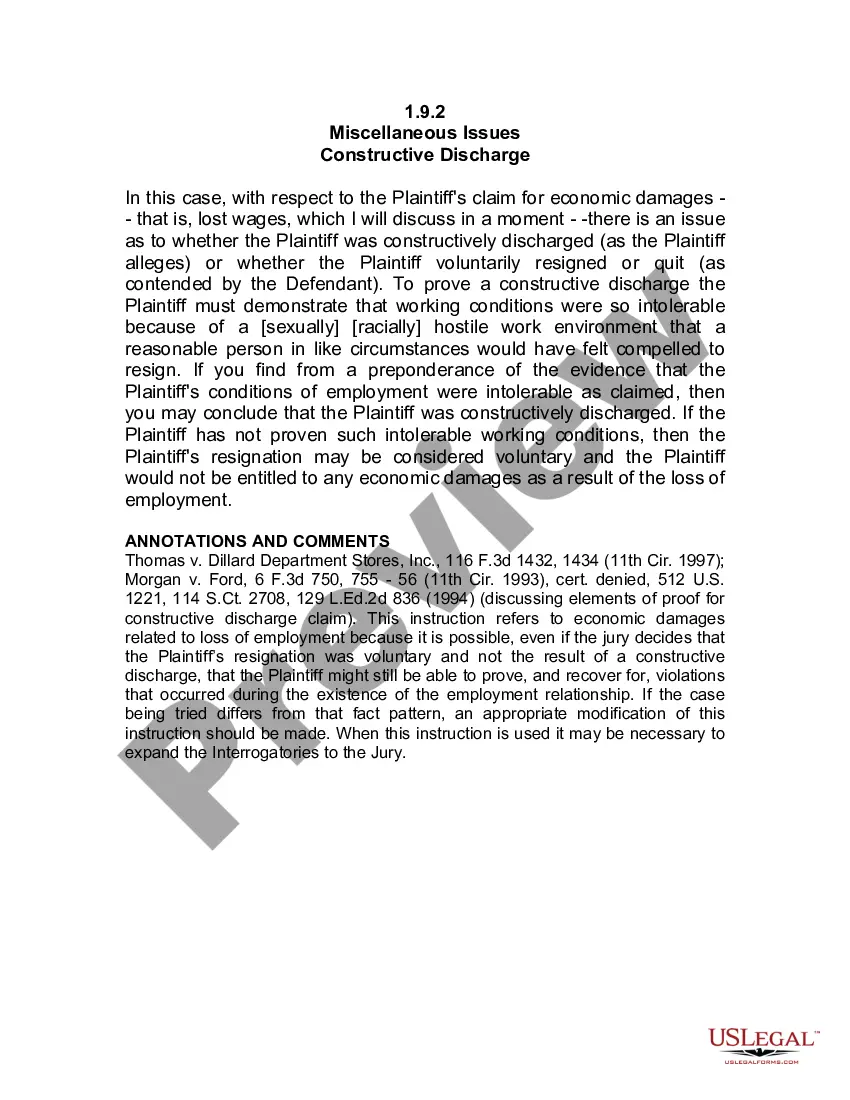

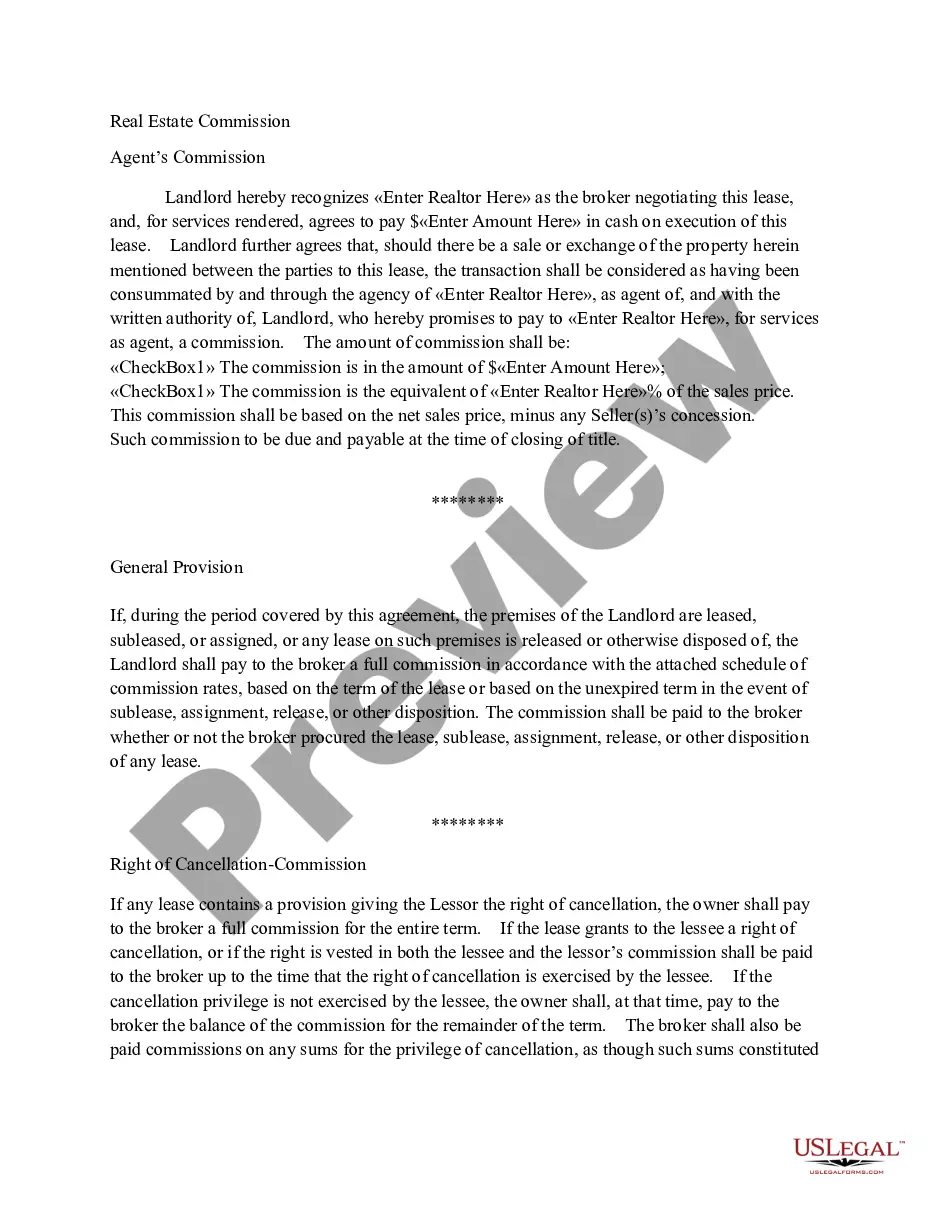
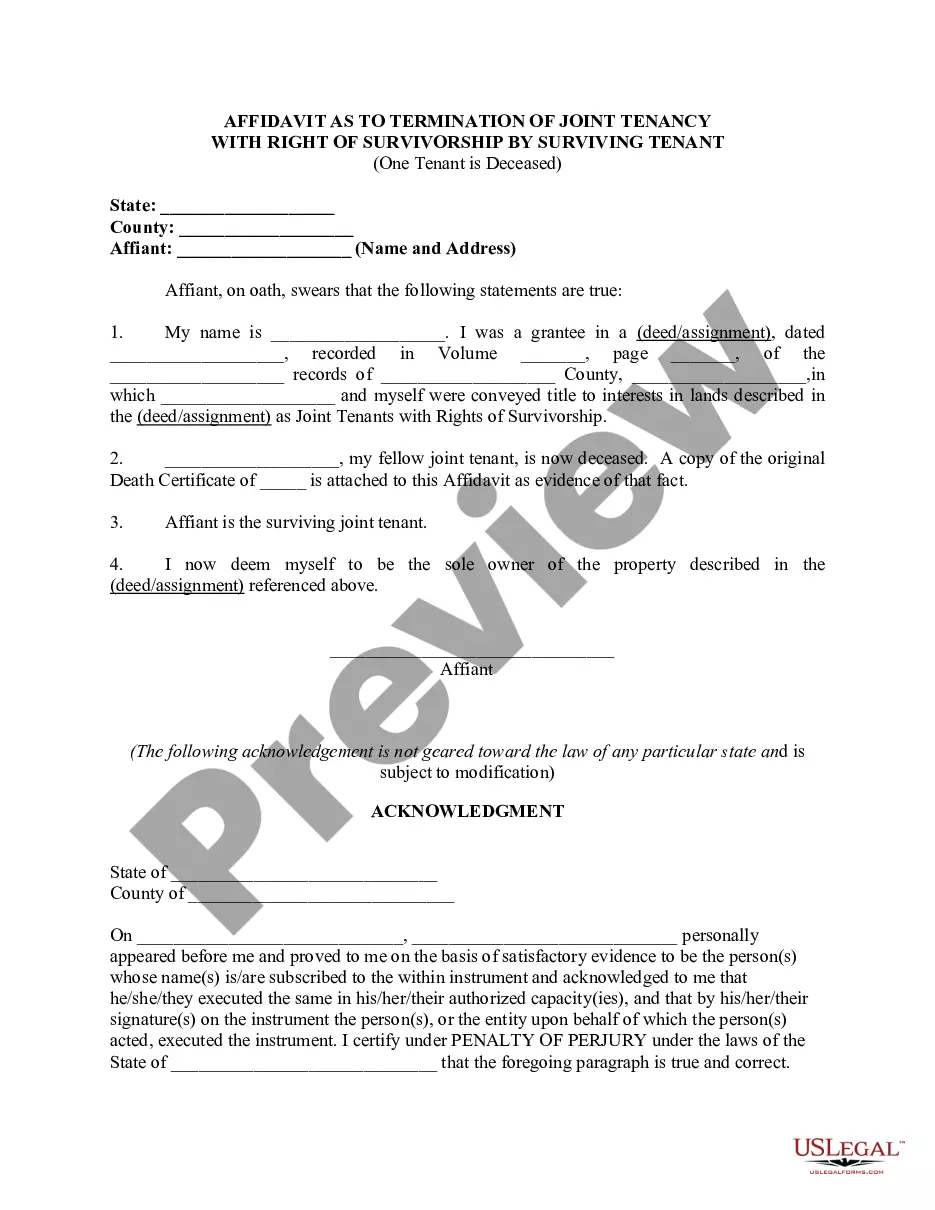
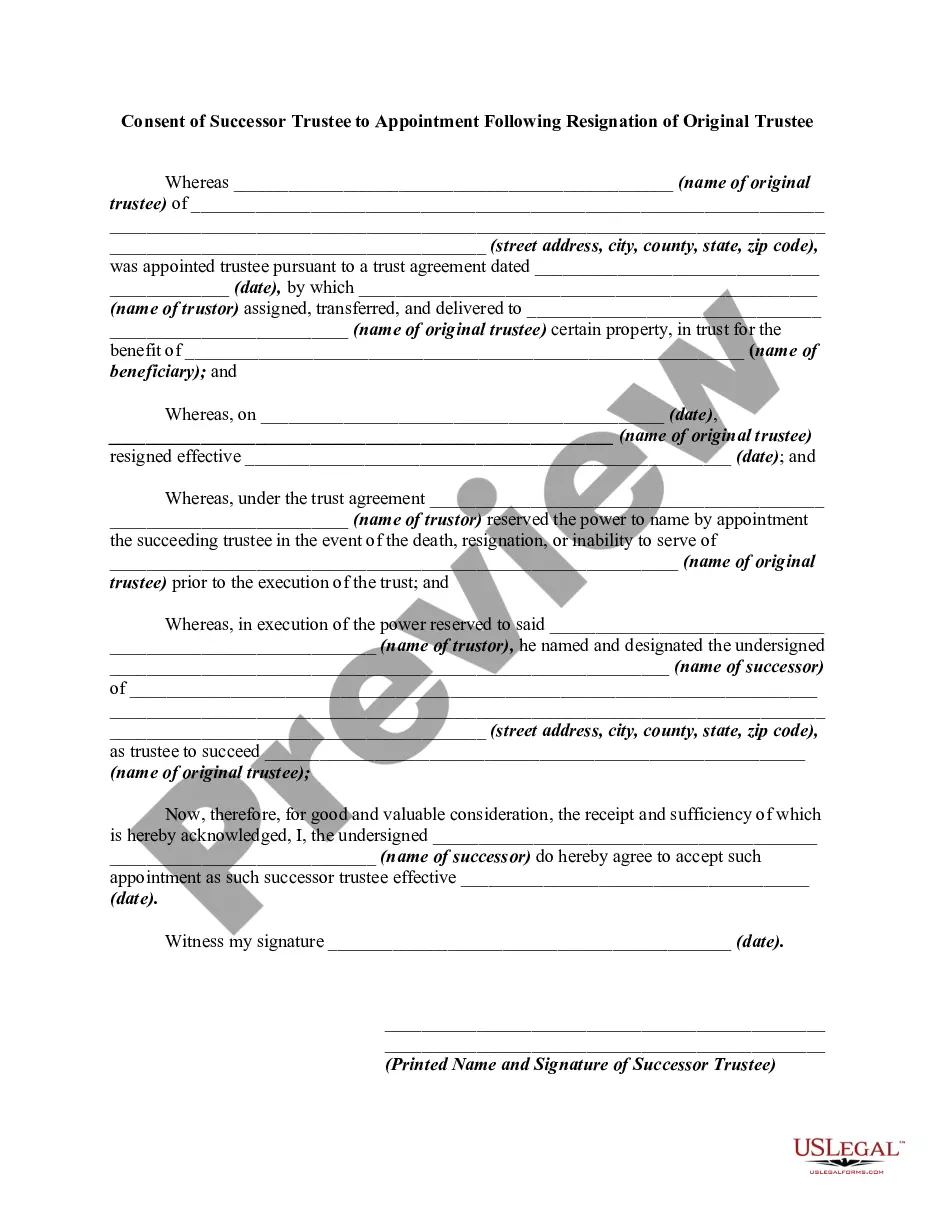
How to fill out Consent Of Successor Trustee To Appointment Following Resignation Of Original Trustee?
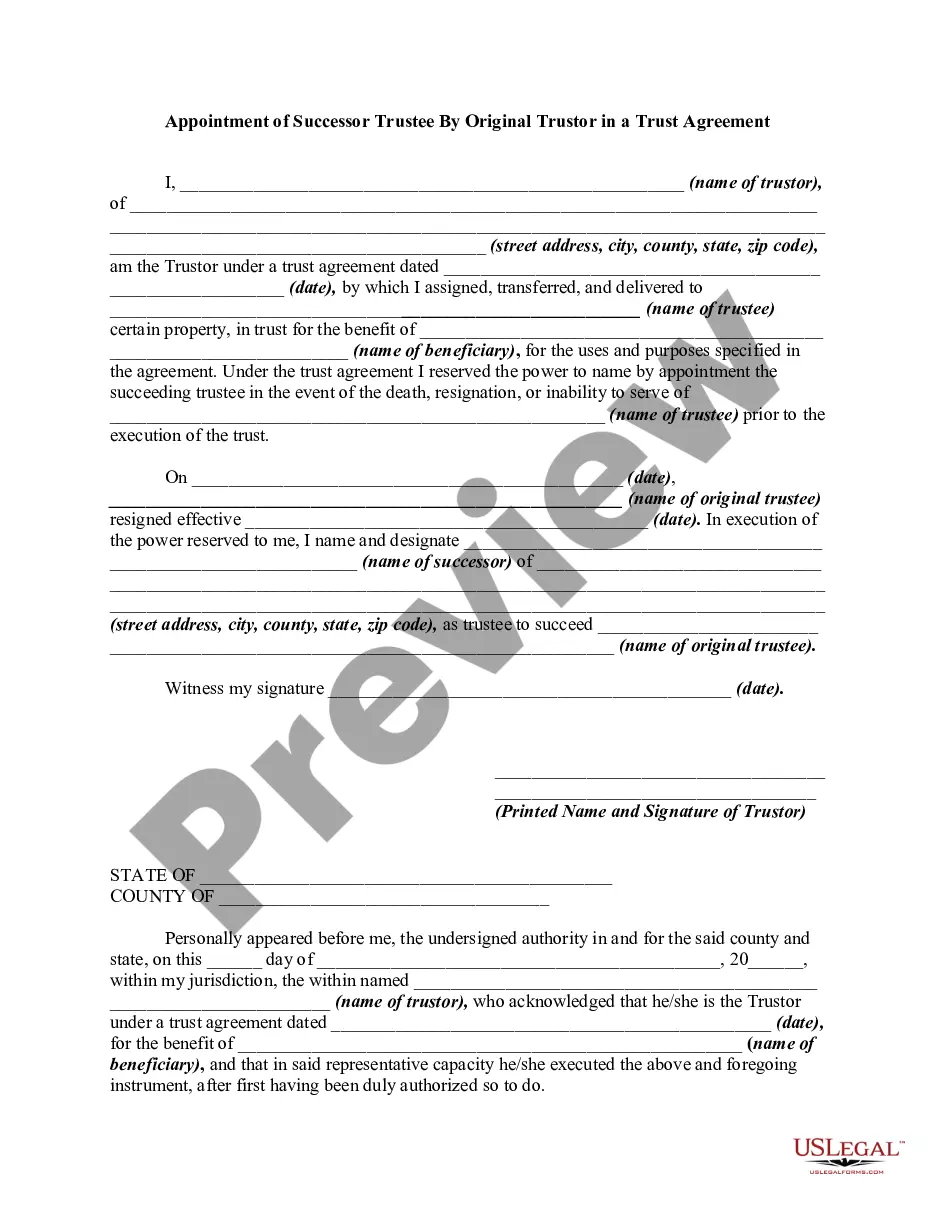
Whether for corporate aims or for individual concerns, everyone must deal with legal issues at some point in their lives. Completing legal paperwork requires meticulous attention, starting with selecting the correct form template. For instance, if you opt for an incorrect version of the Appoint Successor Trustee Form For Tax Return, it will be rejected upon submission. It is thus crucial to obtain a trustworthy source of legal documents such as US Legal Forms.
If you need to acquire an Appoint Successor Trustee Form For Tax Return template, follow these straightforward steps: Find the template you require by using the search bar or catalog navigation. Review the form's details to confirm it aligns with your situation, state, and area. Click on the form's preview to examine it. If it is the wrong document, return to the search feature to find the Appoint Successor Trustee Form For Tax Return template you need. Download the file once it satisfies your criteria. If you possess a US Legal Forms account, click Log in to access previously saved documents in My documents. If you do not have an account yet, you can obtain the form by clicking Buy now. Select the appropriate pricing option. Complete the account registration form. Choose your payment method: you can utilize a credit card or PayPal account. Select the file format you prefer and download the Appoint Successor Trustee Form For Tax Return. Once downloaded, you can fill out the form using editing software or print it and complete it manually.
With a vast US Legal Forms catalog available, you do not need to waste time searching for the suitable template online. Utilize the library's user-friendly navigation to locate the correct template for any circumstance.
- Whether for corporate aims or for individual concerns, everyone must deal with legal issues at some point in their lives.
- Completing legal paperwork requires meticulous attention, starting with selecting the correct form template.
- For instance, if you opt for an incorrect version of the Appoint Successor Trustee Form For Tax Return, it will be rejected upon submission.
- It is thus crucial to obtain a trustworthy source of legal documents such as US Legal Forms.
- If you need to acquire an Appoint Successor Trustee Form For Tax Return template, follow these straightforward steps.
- Find the template you require by using the search bar or catalog navigation.
- Review the form's details to confirm it aligns with your situation, state, and area.
- Click on the form's preview to examine it.
- If it is the wrong document, return to the search feature to find the Appoint Successor Trustee Form For Tax Return template you need.
- Download the file once it satisfies your criteria.
- If you possess a US Legal Forms account, click Log in to access previously saved documents in My documents.
- If you do not have an account yet, you can obtain the form by clicking Buy now.
Form popularity
FAQ
Form 1310 is not required for certain individuals, such as those who are not claiming a refund on behalf of a deceased taxpayer. If you have already filed the Appoint successor trustee form for tax return and are managing the tax obligations, you may not need to file Form 1310. Understanding these requirements helps ensure that you take the right steps for your tax situation without unnecessary filings.
You can easily obtain Form 56 from the IRS website or use platforms like uslegalforms that provide access to various legal documents. These platforms often simplify the process by offering ready-to-use forms, including the Appoint successor trustee form for tax return. By choosing the right resources, you can ensure you have the correct form at your fingertips.
Yes, a trustee is required to file Form 56 to inform the IRS of their appointment. This filing is crucial when you want to appoint a successor trustee and ensure that they can handle tax returns on behalf of the trust. Neglecting to file this form can lead to complications, so utilizing the Appoint successor trustee form for tax return is essential for clarity and compliance.
Form 56 is used to notify the IRS of the appointment of a new fiduciary, such as a successor trustee, while Form 2848 serves as a power of attorney for tax matters. When you fill out the Appoint successor trustee form for tax return, you primarily focus on establishing who will manage the tax obligations of the trust. Understanding these forms ensures proper compliance with IRS regulations and safeguards your tax interests.
Who should complete the application. If an estate exists, the executor named in the will or the administrator named by the Court to administer the estate applies for the death benefit. The executor should apply for the benefit within 60 days of the date of death.
The amount is taxable in most circumstances. The CPP death benefit is normally included in the estate's income and reported on the estate's trust return for the year the amount was received.
The taxpayer is deceased and the executor(s) signed the Form T1013. Send the legal document, such as the last will, testament, or letter of administration naming the executor(s) to the deceased taxpayer's tax centre without delay. Go to the CRA Web site for tax centre addresses.
Because of the amount of signed documentation that is typically required with Form 56, you will likely be unable to take advantage of the Paperwork Reduction Act and file any of Form 56 online.
Designating a successor holder is as simple as a name change on the account regardless of whether the account is a deposit, annuity contract or trust. Your successor holder can make tax-free withdrawals or make contributions to that account after your death, depending on their own unused TFSA contribution room.