Motion For Writ Of Garnishment With Set Aside
Description
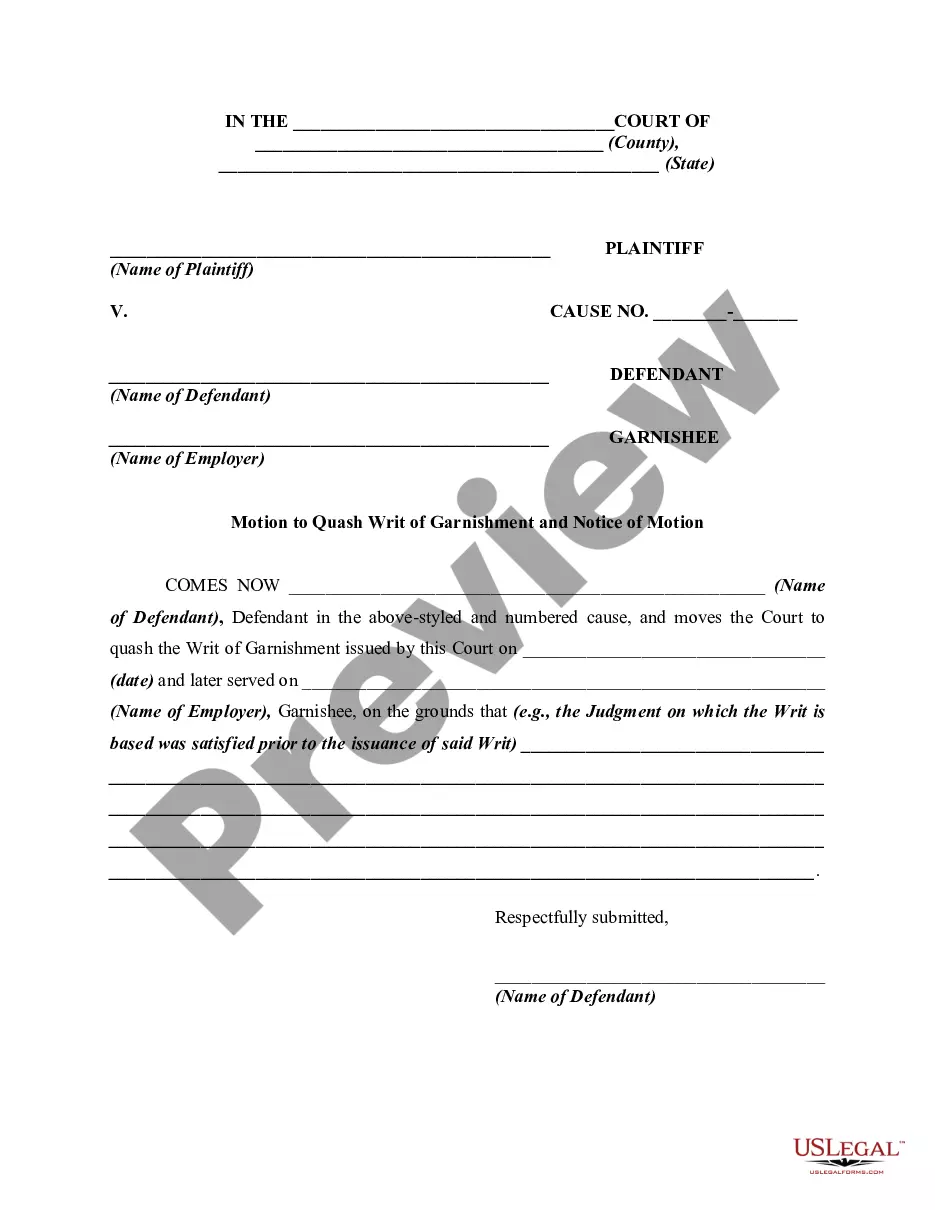
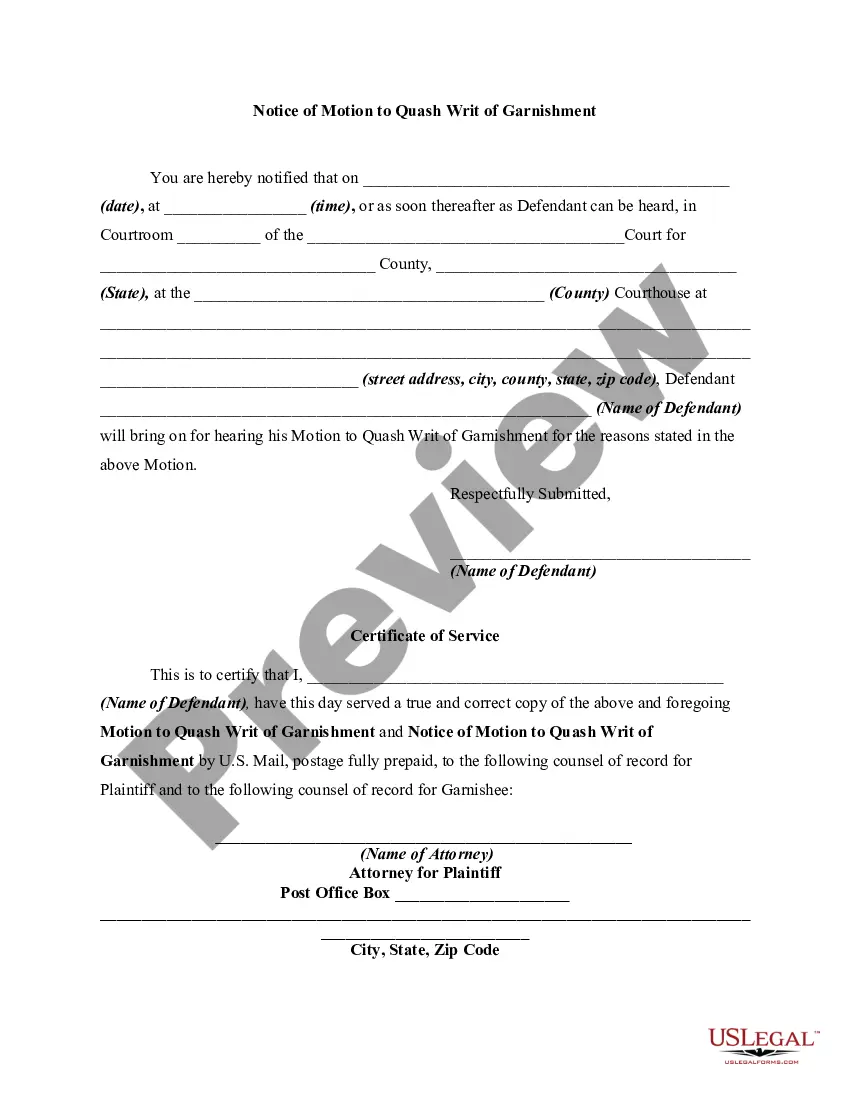
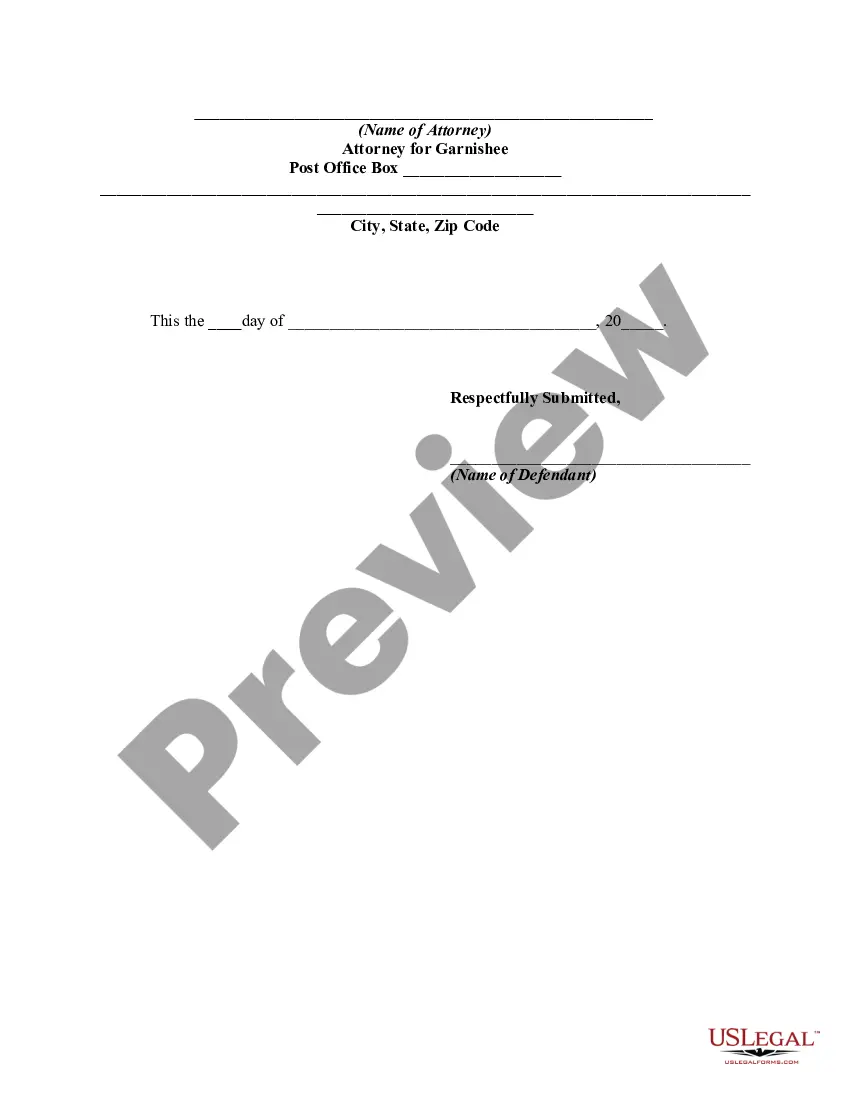
Get your form ready online
Our built-in tools help you complete, sign, share, and store your documents in one place.
Make edits, fill in missing information, and update formatting in US Legal Forms—just like you would in MS Word.
Download a copy, print it, send it by email, or mail it via USPS—whatever works best for your next step.
Sign and collect signatures with our SignNow integration. Send to multiple recipients, set reminders, and more. Go Premium to unlock E-Sign.
If this form requires notarization, complete it online through a secure video call—no need to meet a notary in person or wait for an appointment.
We protect your documents and personal data by following strict security and privacy standards.

Make edits, fill in missing information, and update formatting in US Legal Forms—just like you would in MS Word.

Download a copy, print it, send it by email, or mail it via USPS—whatever works best for your next step.

Sign and collect signatures with our SignNow integration. Send to multiple recipients, set reminders, and more. Go Premium to unlock E-Sign.

If this form requires notarization, complete it online through a secure video call—no need to meet a notary in person or wait for an appointment.

We protect your documents and personal data by following strict security and privacy standards.
Looking for another form?



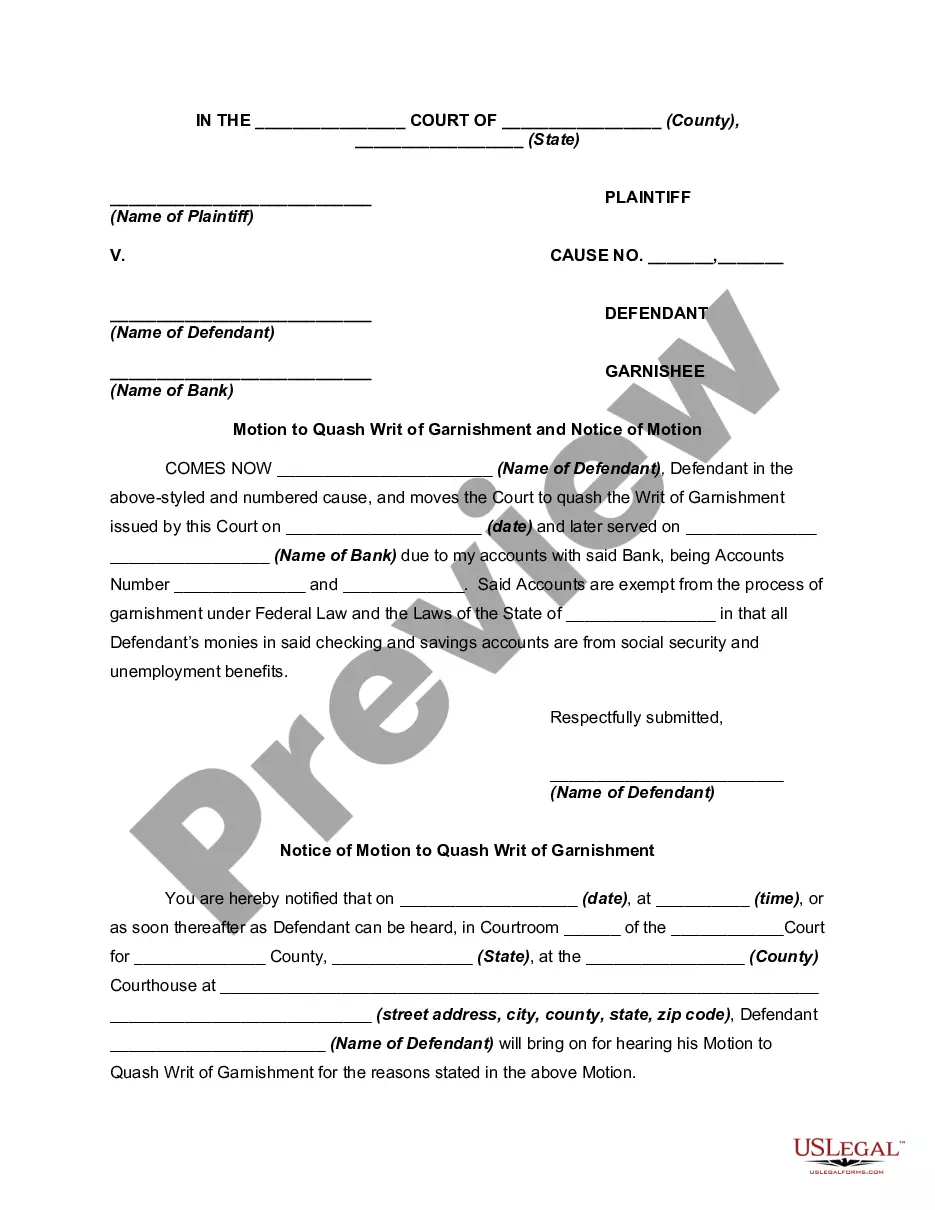
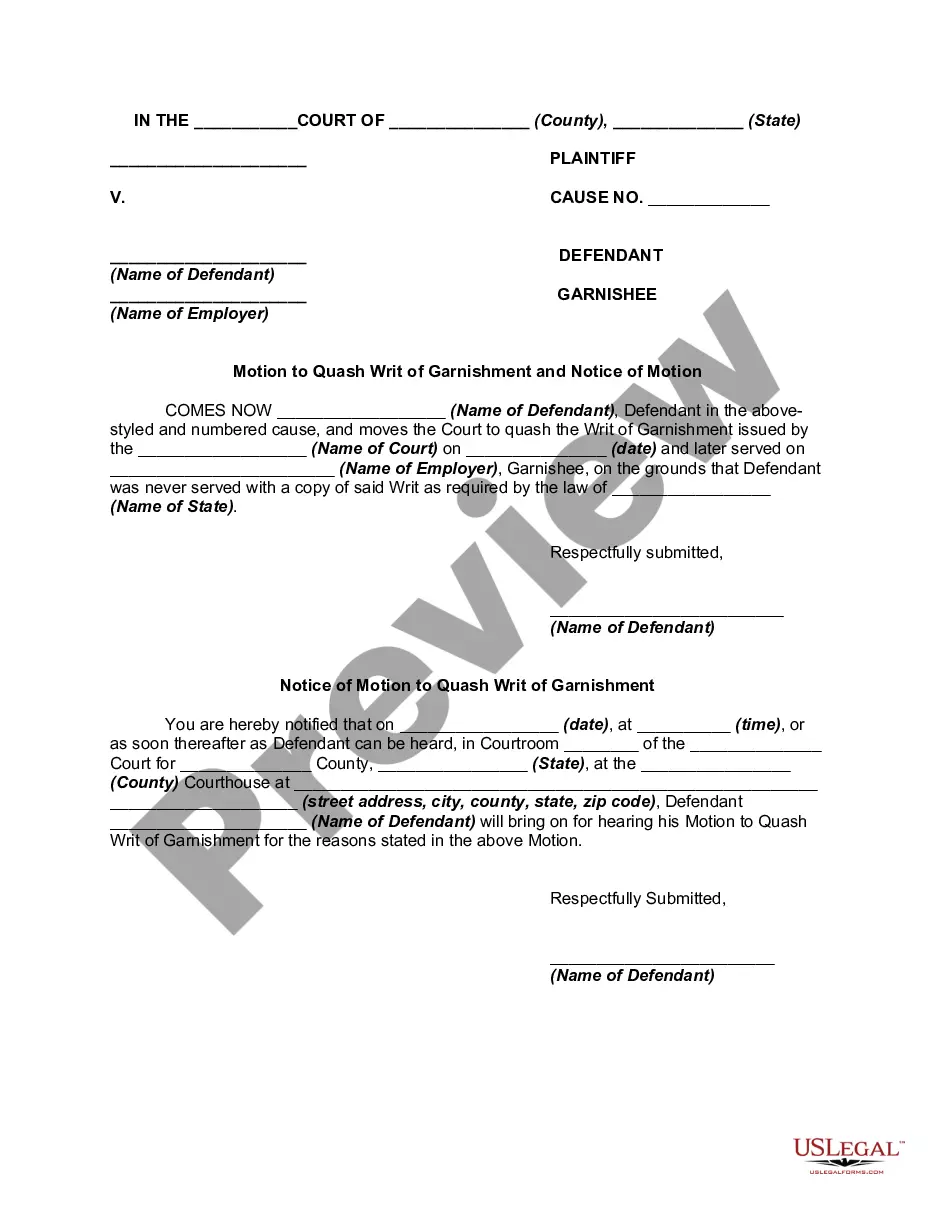
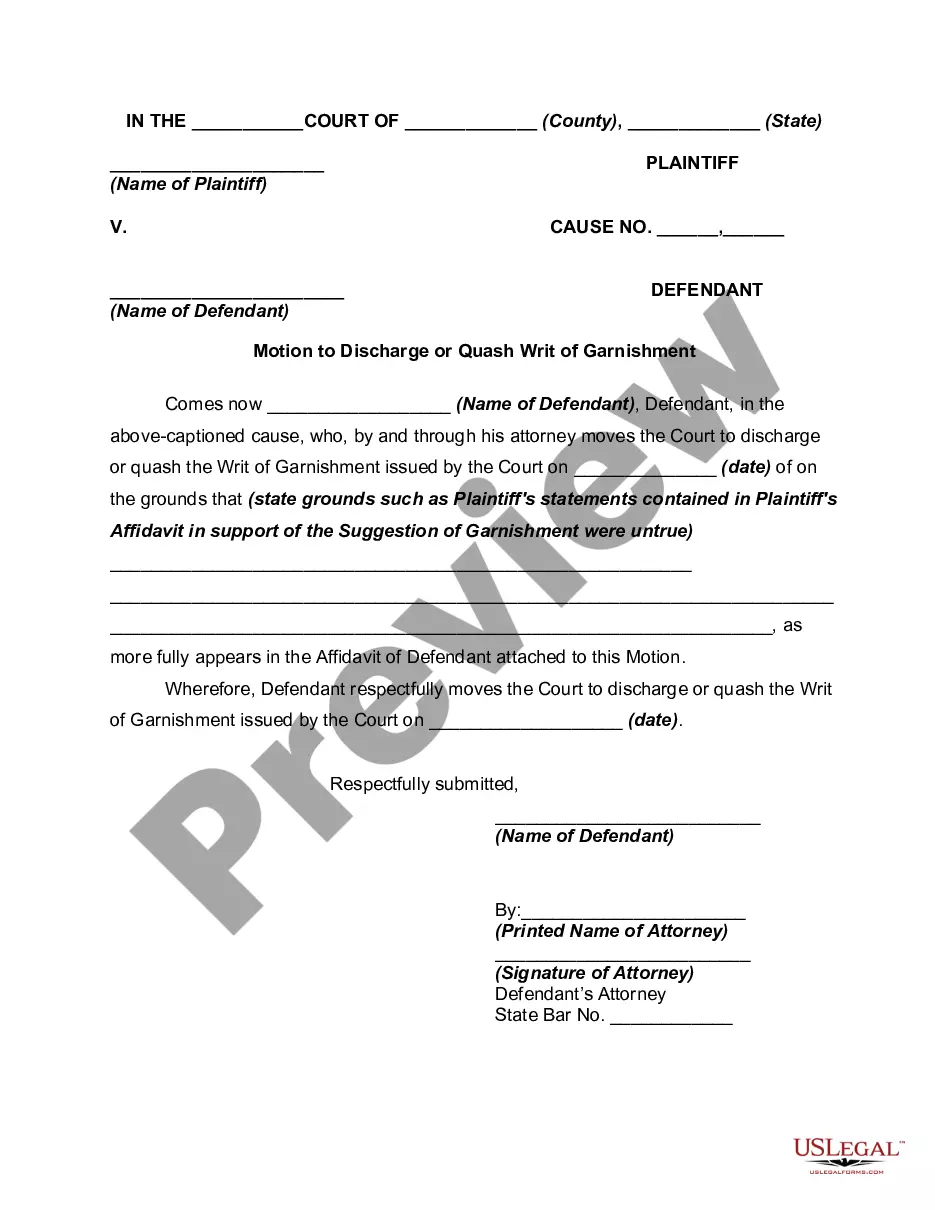
How to fill out Motion Of Defendant To Discharge Or Quash Writ Of Garnishment And Notice Of Motion?
Whether for commercial reasons or for personal affairs, everyone must handle legal issues at some stage in their lives.
Filling out legal paperwork requires meticulous care, starting from selecting the correct template example.
With an extensive US Legal Forms library available, you need never waste time searching for the proper template online. Utilize the library’s user-friendly navigation to discover the ideal document for any situation.
- Locate the template you require by utilizing the search box or catalog browsing.
- Review the form’s details to ensure it corresponds with your case, state, and area.
- Click on the form’s preview to inspect it.
- If it is the incorrect form, return to the search tool to find the Motion For Writ Of Garnishment With Set Aside template you need.
- Download the document if it suits your needs.
- If you possess a US Legal Forms account, simply click Log in to access previously saved documents in My documents.
- Should you not have an account yet, you can obtain the form by clicking Buy now.
- Choose the appropriate pricing plan.
- Fill out the account registration form.
- Select your payment method: you can utilize a credit card or PayPal account.
- Choose the file format you desire and download the Motion For Writ Of Garnishment With Set Aside.
- Once downloaded, you can complete the form using editing software or print it and fill it out by hand.
Form popularity
FAQ
If you miss payments, your creditor can file a Motion to Set Aside the Order for Installment Payments. If that motion is granted, your creditor can garnish your wages.
To ask a court to set aside (cancel) a court order or judgment, you have to file a ?request for order to set aside,? sometimes called a ?motion to set aside? or ?motion to vacate.? The terms ?set aside? or ?vacate? a court order basically mean to ?cancel? or undo that order to start over on a particular issue.
How to ask to cancel the judge's decision Fill out the Notice. Fill out a Notice of Motion to Vacate Judgment and Declaration (form SC-135) ... Make copies. Make 2 copies of the Notice. File the Notice and pay the filing fee. Give the original and the 2 copies to the court clerk. ... Go to your new court date.
?The writ shall require the garnishee to serve an answer on the plaintiff within 20 days after service of the writ stating whether the garnishee is indebted to the defendant at the time of the answer, or was indebted at the time of service of the writ, plus up to 1 business day for the garnishee to act expeditiously on ...
A Motion to Set Aside Default or Judgment is used to ask the court to set aside or "undo" a default or judgment or final order in a case, and to allow the case to move ahead as if the default or judgment had not been made.