Title (property)
Description
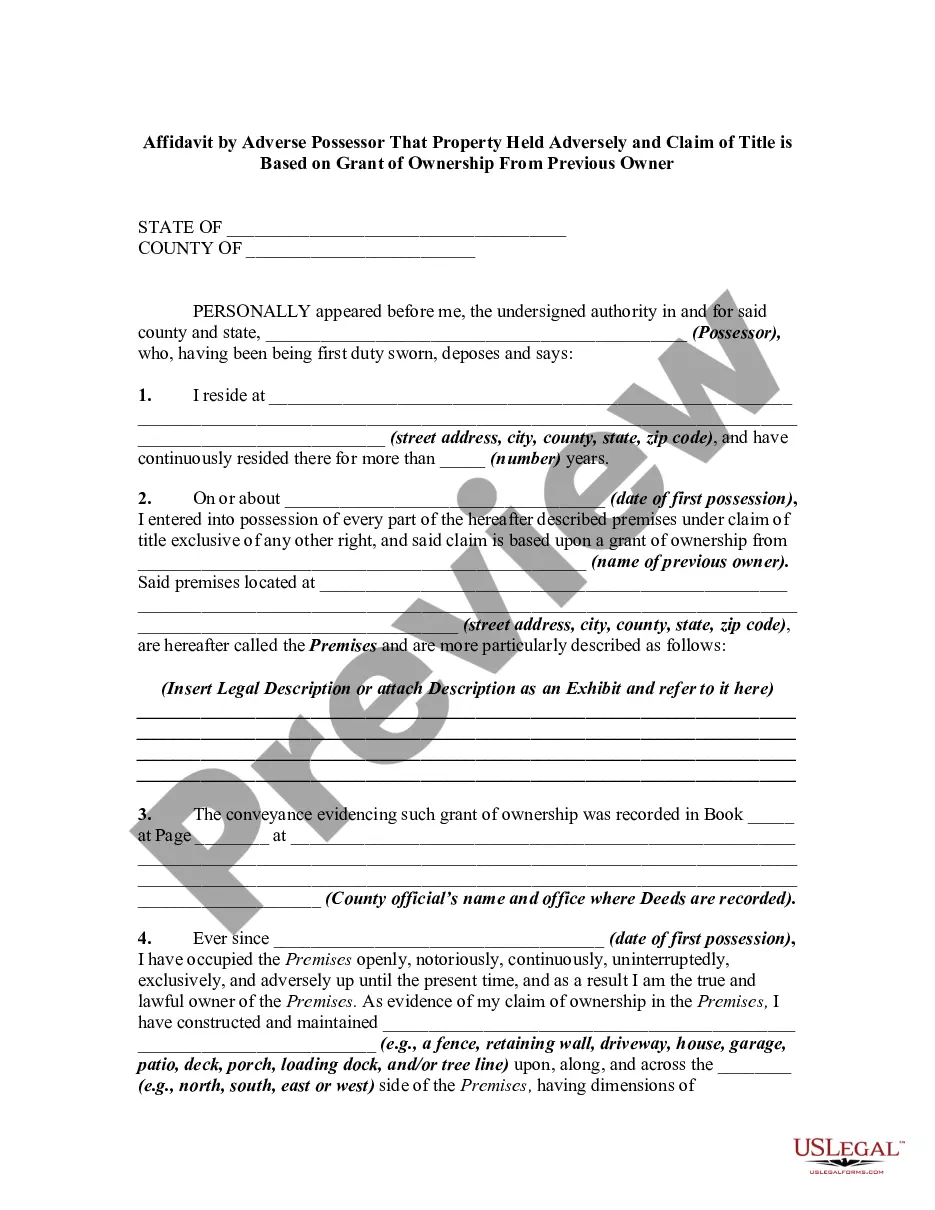
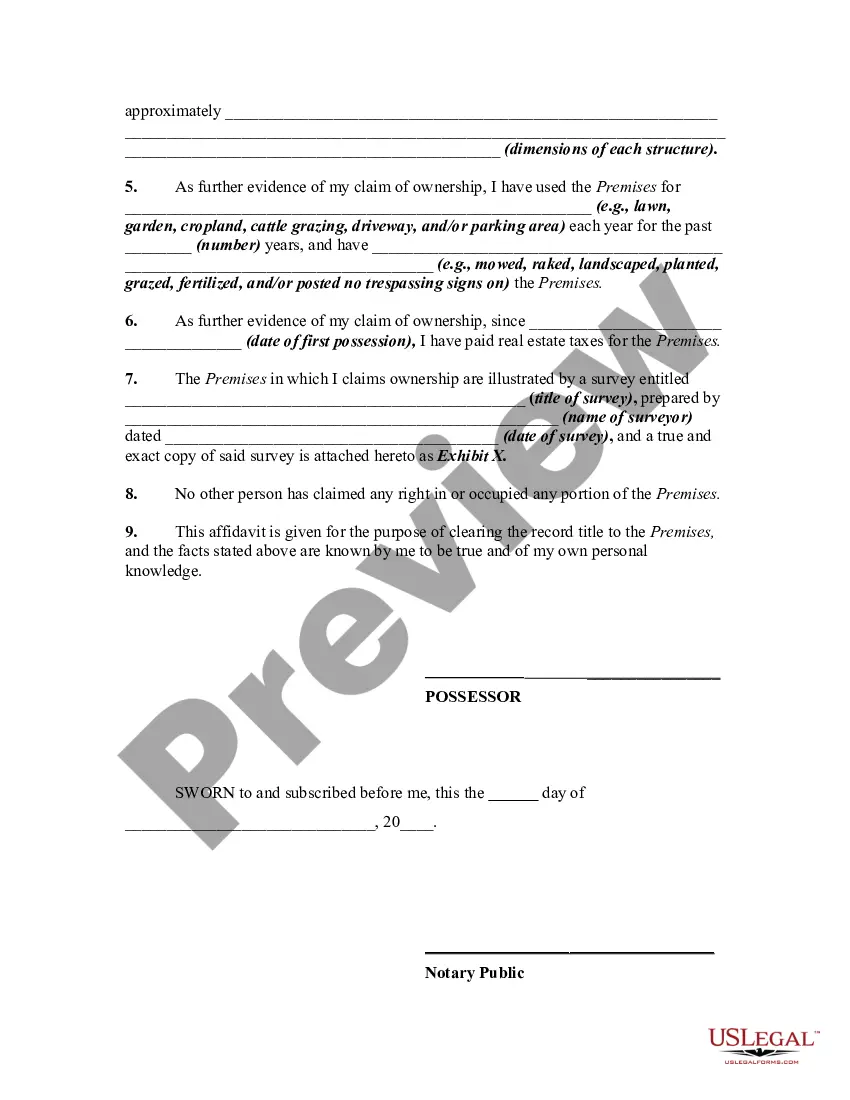

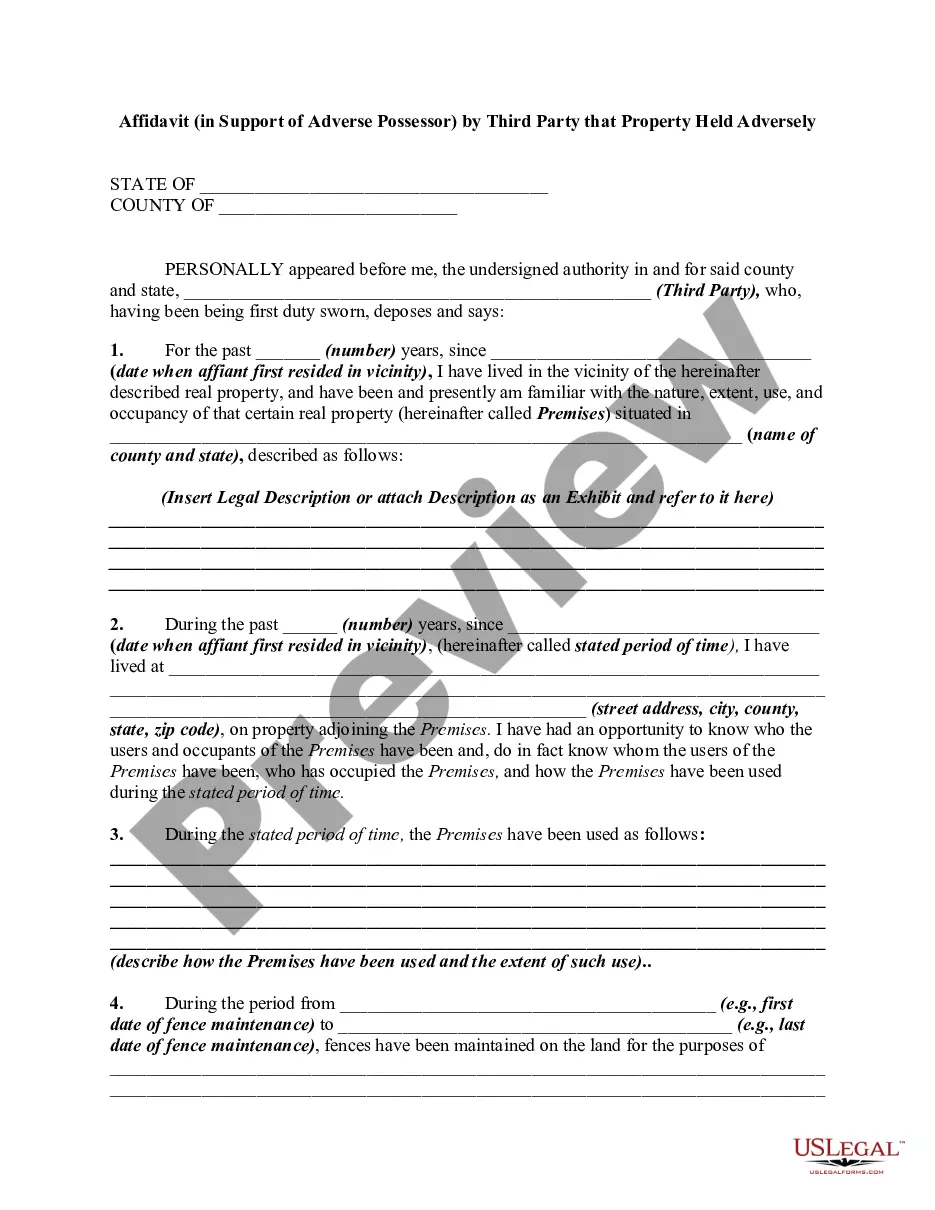
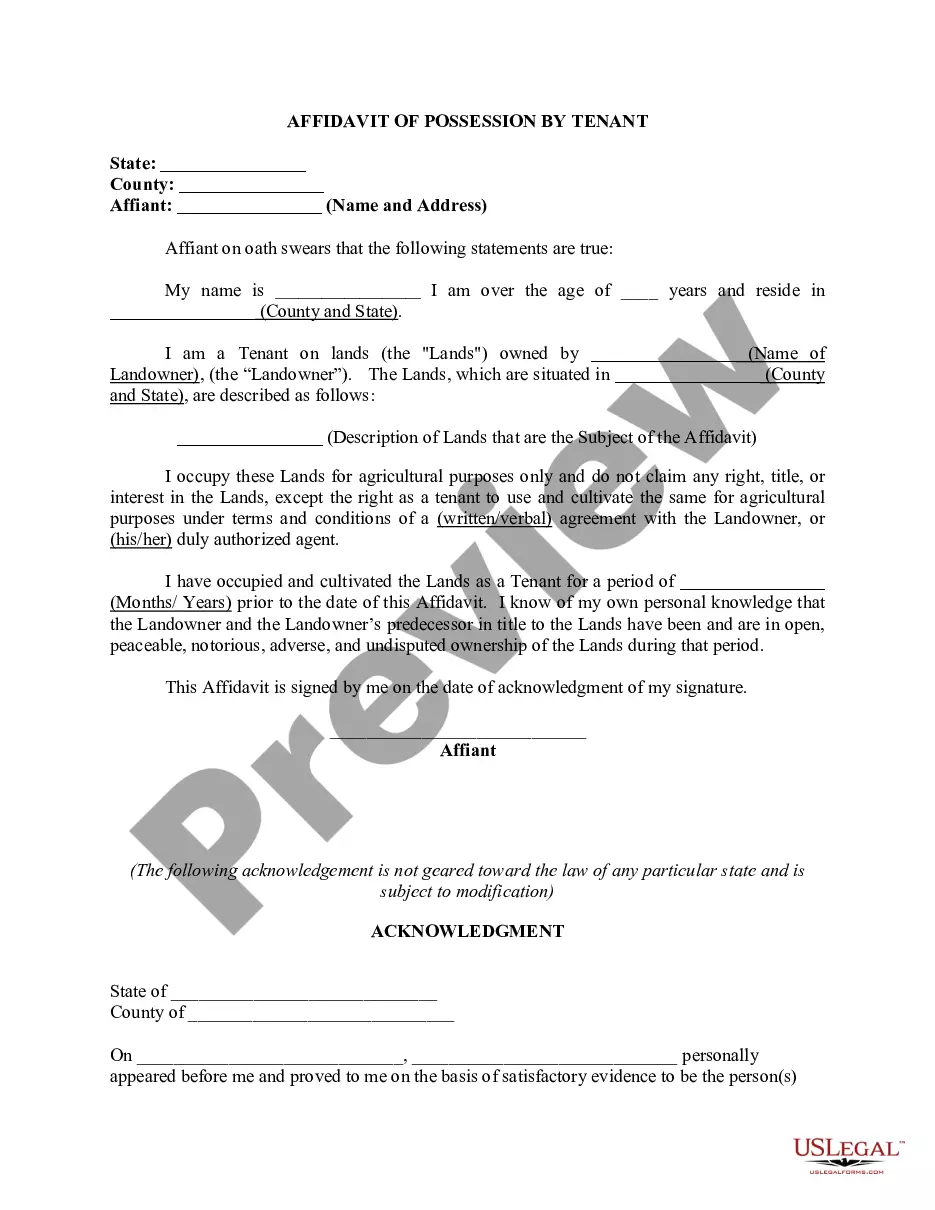
Get your form ready online
Our built-in tools help you complete, sign, share, and store your documents in one place.
Make edits, fill in missing information, and update formatting in US Legal Forms—just like you would in MS Word.
Download a copy, print it, send it by email, or mail it via USPS—whatever works best for your next step.
Sign and collect signatures with our SignNow integration. Send to multiple recipients, set reminders, and more. Go Premium to unlock E-Sign.
If this form requires notarization, complete it online through a secure video call—no need to meet a notary in person or wait for an appointment.
We protect your documents and personal data by following strict security and privacy standards.

Make edits, fill in missing information, and update formatting in US Legal Forms—just like you would in MS Word.

Download a copy, print it, send it by email, or mail it via USPS—whatever works best for your next step.

Sign and collect signatures with our SignNow integration. Send to multiple recipients, set reminders, and more. Go Premium to unlock E-Sign.

If this form requires notarization, complete it online through a secure video call—no need to meet a notary in person or wait for an appointment.

We protect your documents and personal data by following strict security and privacy standards.
Looking for another form?
How to fill out Affidavit By Adverse Possessor That Property Held Adversely And Claim Of Title Is Based On Grant Of Ownership From Previous Owner - Squatters Rights?
- If you have used US Legal Forms before, simply log in to your account to download the necessary form by clicking the Download button. Ensure your subscription is current; if not, renew it according to your plan.
- For first-time users, start by checking the Preview mode and form description to select the Title (property) form that fits your requirements and adheres to your local jurisdiction.
- If the chosen document doesn't meet your needs, use the Search tab to look for alternatives. Once you find an appropriate form, you can proceed.
- Next, click the Buy Now button to select your preferred subscription plan. You must create an account to access the forms available in the library.
- Complete your purchase by entering your credit card information or using PayPal for your subscription.
- Finally, download the form to your device. You can access it anytime through the My Forms section in your profile.
US Legal Forms not only offers an extensive collection of more than 85,000 legal documents but also connects users with premium experts to ensure that each form is completed correctly and in compliance with legal standards.
Take control of your legal needs today with US Legal Forms. Start your journey towards stress-free document management now!
Form popularity
FAQ
To fill out a motor vehicle title, start by providing the required information about the vehicle, including its VIN and odometer reading. Next, both the buyer and seller should sign in the designated areas, affirming the transfer of ownership. Properly completing this form prevents future ownership disputes. Refer to US Legal Forms for guidance and templates to aid you in this process.
Filling out a Texas title and registration form requires clear and accurate information about the vehicle and the owners. Begin by entering the vehicle's details, including make, model, and Vehicle Identification Number (VIN). Next, provide the personal information of the buyer and seller. Using US Legal Forms can give you access to sample forms and tips to ensure everything is filled out correctly.
Transferring property title in Texas involves several steps. First, both parties must complete and sign the appropriate documents, such as the Texas Title Application. After that, the buyer should submit the signed documents to the local tax office. US Legal Forms can assist you in navigating these requirements by providing templates and detailed instructions.
Yes, obtaining a seller's signature is crucial for a Texas title application. The seller’s signature validates that they consent to the transfer of the property title to the buyer. This signature helps prevent potential disputes about ownership. For clarity and assistance, explore US Legal Forms, which can help simplify the paperwork process.
A property title encompasses essential documents that prove ownership of real estate. It typically includes information about the property’s legal description, ownership history, and any liens or encumbrances attached to it. Understanding the components of a title can help you make informed buying decisions. If you need reliable templates or forms, US Legal Forms offers resources to guide you.
In Texas, it is not mandatory for both parties to be present during a title transfer. However, it is beneficial for everyone involved to ensure a smooth process. If one party cannot attend, they can provide a signed power of attorney to allow the other party to complete the transfer on their behalf. Always ensure that you have the correct documents ready, and consider using US Legal Forms for convenience.
The best proof of ownership of your property is the title deed. A title deed clearly states your name as the owner and includes important details like property boundaries. Additionally, having a title insurance policy can further validate ownership and protect against any claims. For comprehensive assistance, US Legal Forms offers templates that can help you establish and secure your property ownership.
To add a title to a document, start by finding an appropriate location—usually at the beginning. Type your title and consider using larger font sizes or bold formatting to make it prominent. Additionally, clarity in your title helps convey your document's purpose effectively.
To access document properties, locate the 'File' menu at the top left of your document. After clicking on 'File', select 'Document Properties'. This section includes important details such as the title, author, and other properties that define your document.
In Google Docs, you can add a title by clicking at the top of the page. Simply type your title and use the formatting toolbar to adjust the font size and style. This ensures your document title stands out and captures reader interest from the very beginning.