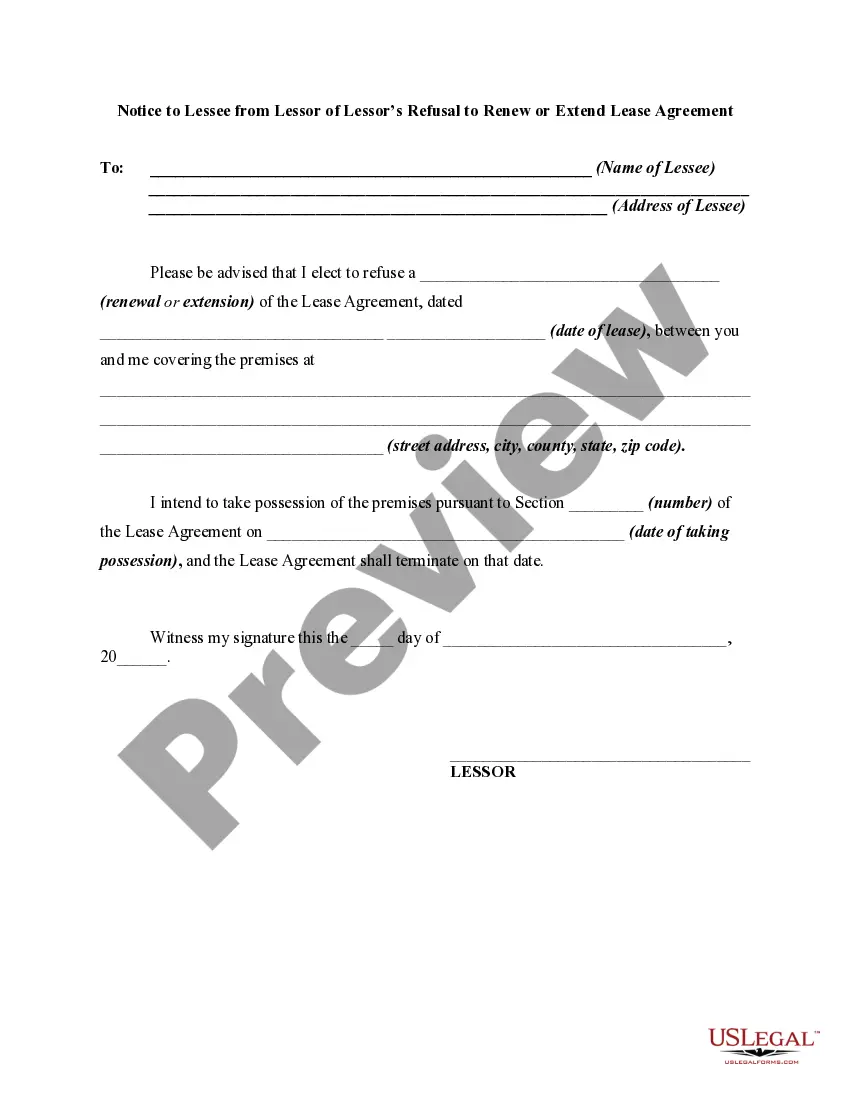
Not Currently Eligible For Renewal
Description
Get your form ready online
Our built-in tools help you complete, sign, share, and store your documents in one place.
Make edits, fill in missing information, and update formatting in US Legal Forms—just like you would in MS Word.
Download a copy, print it, send it by email, or mail it via USPS—whatever works best for your next step.
Sign and collect signatures with our SignNow integration. Send to multiple recipients, set reminders, and more. Go Premium to unlock E-Sign.
If this form requires notarization, complete it online through a secure video call—no need to meet a notary in person or wait for an appointment.
We protect your documents and personal data by following strict security and privacy standards.

Make edits, fill in missing information, and update formatting in US Legal Forms—just like you would in MS Word.

Download a copy, print it, send it by email, or mail it via USPS—whatever works best for your next step.

Sign and collect signatures with our SignNow integration. Send to multiple recipients, set reminders, and more. Go Premium to unlock E-Sign.

If this form requires notarization, complete it online through a secure video call—no need to meet a notary in person or wait for an appointment.

We protect your documents and personal data by following strict security and privacy standards.
Looking for another form?

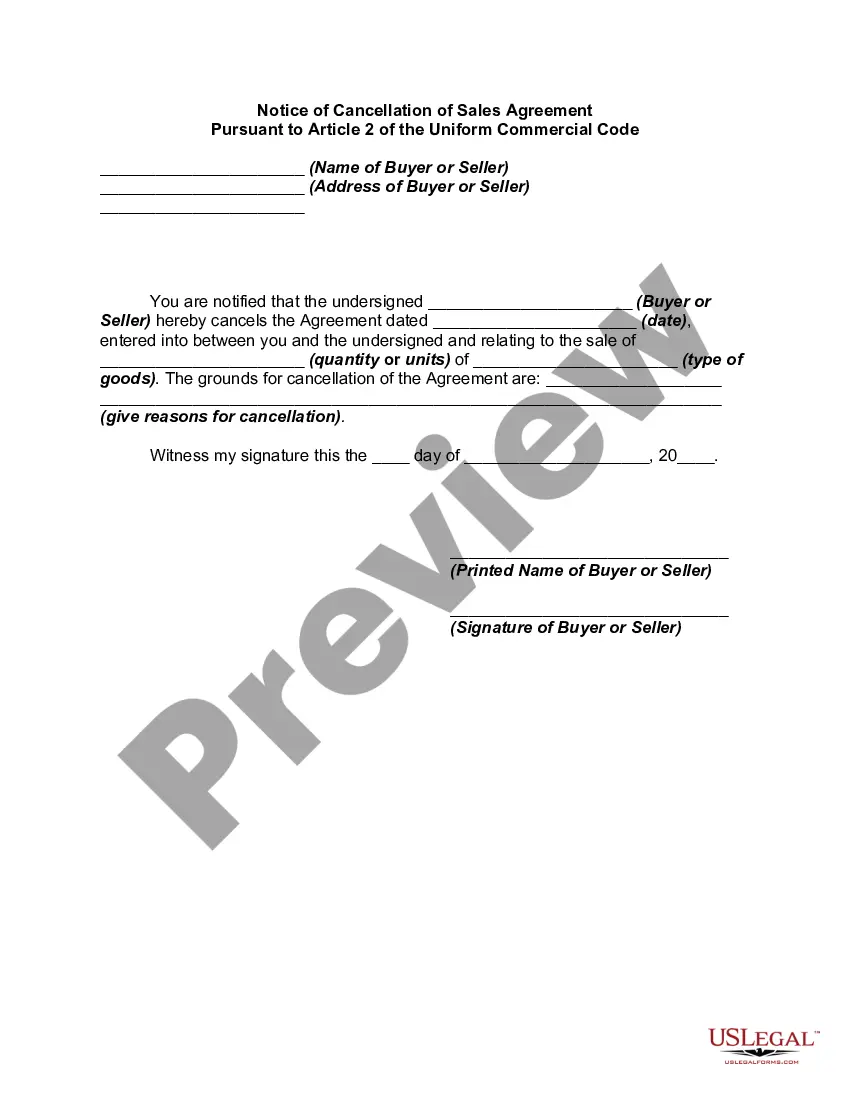

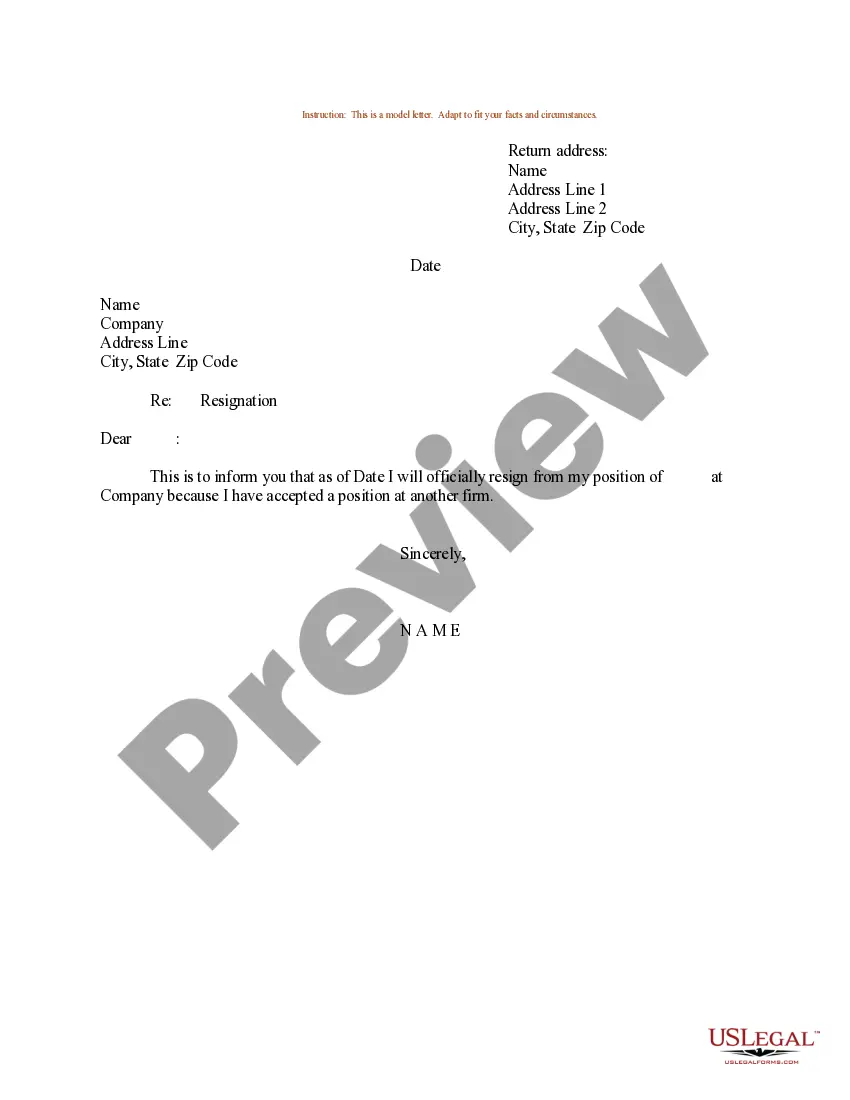

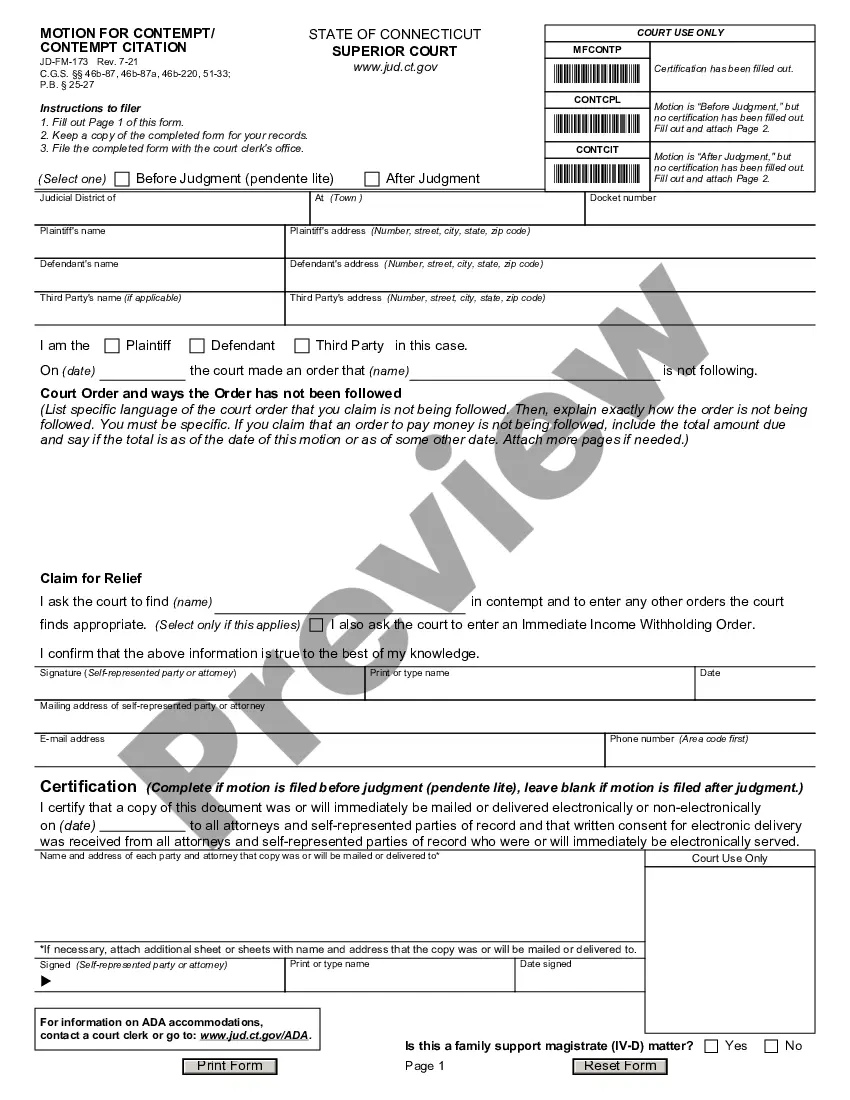

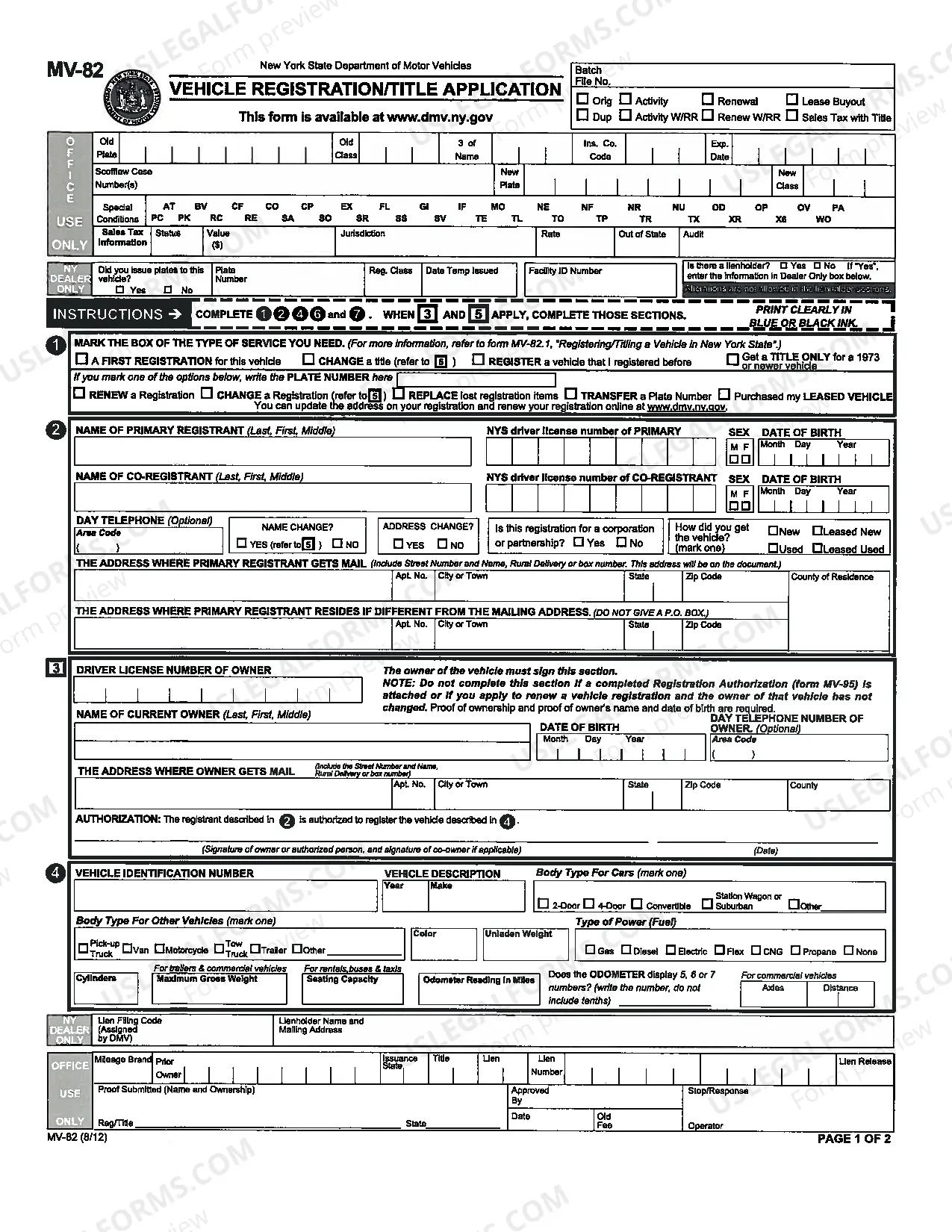

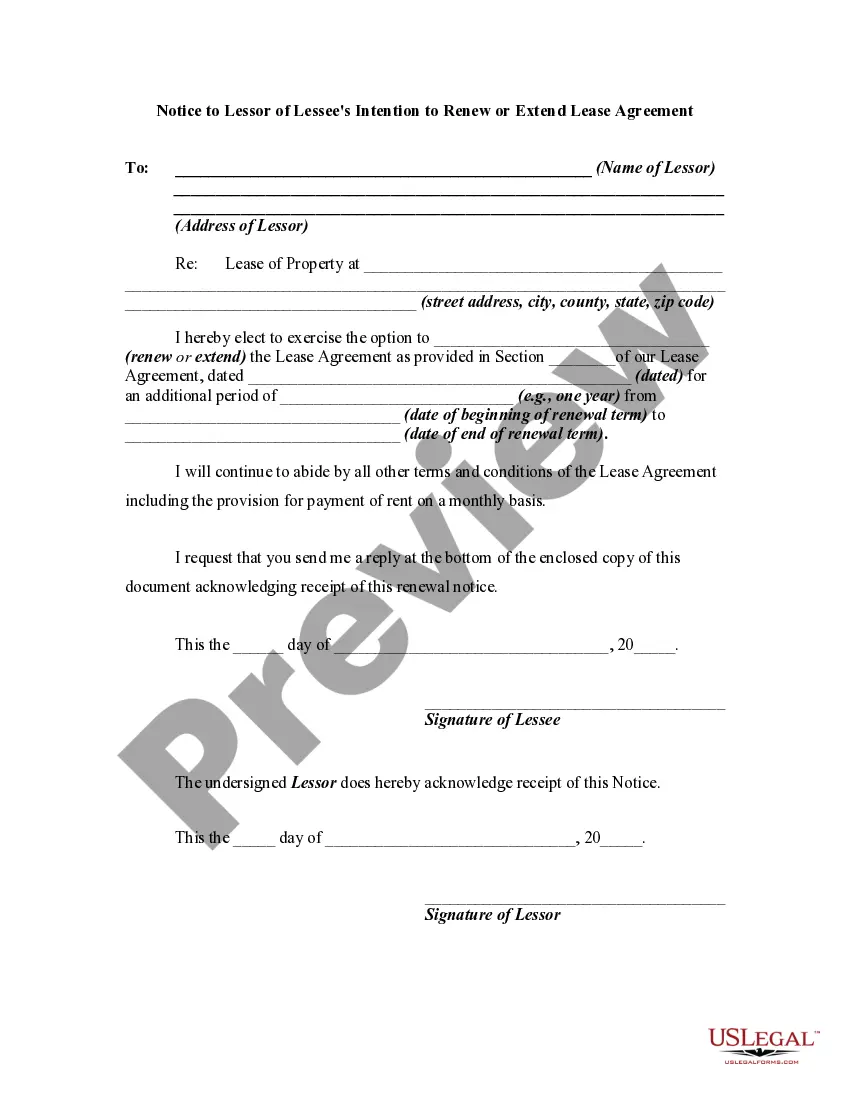
How to fill out Notice To Lessee From Lessor Of Lessor's Refusal To Renew Or Extend Lease Agreement - Past Due Rent - Nonrenewal Or Not Renewing?
Whether for commercial reasons or for personal issues, everyone must confront legal circumstances at some point in their life.
Filling out legal documents requires meticulous attention, beginning with selecting the correct form template.
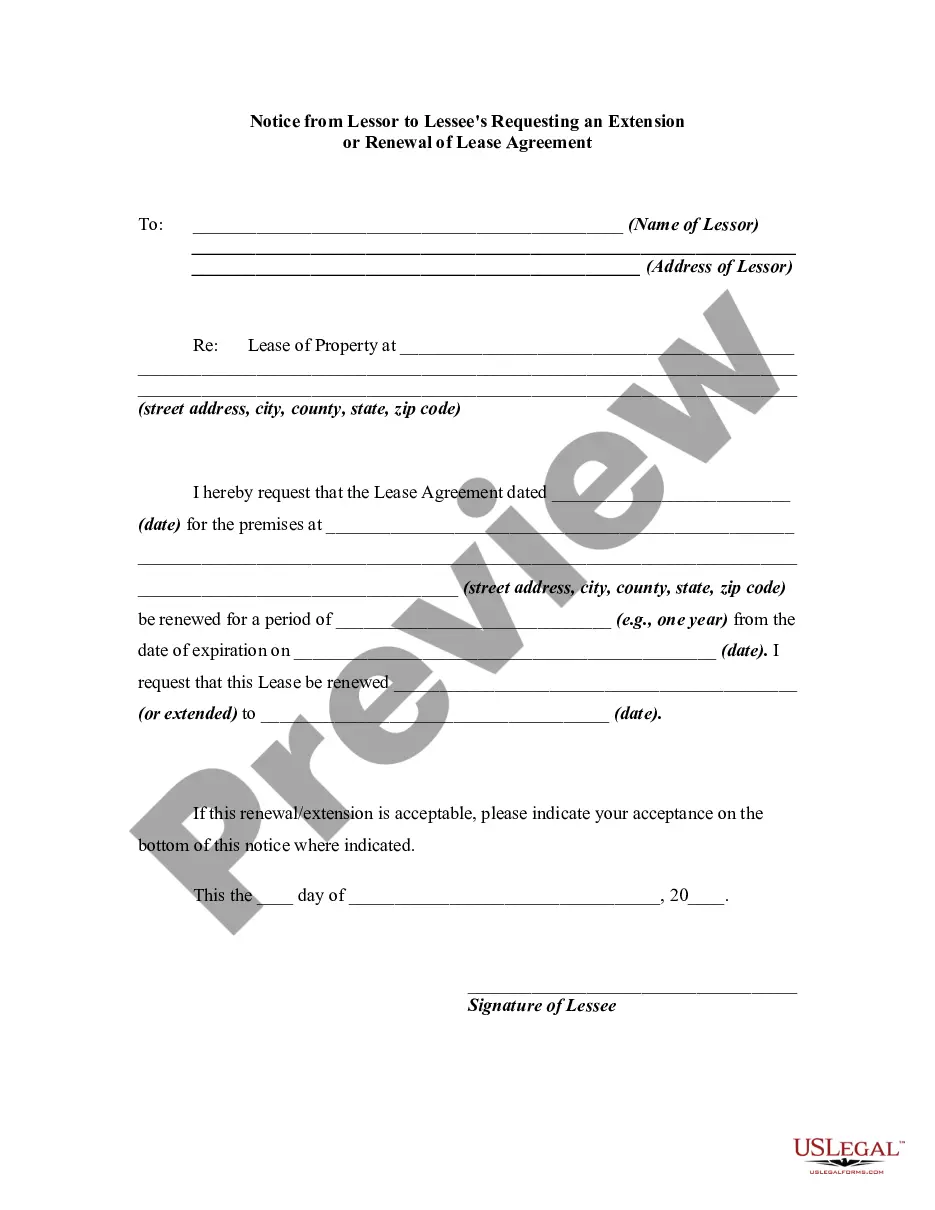
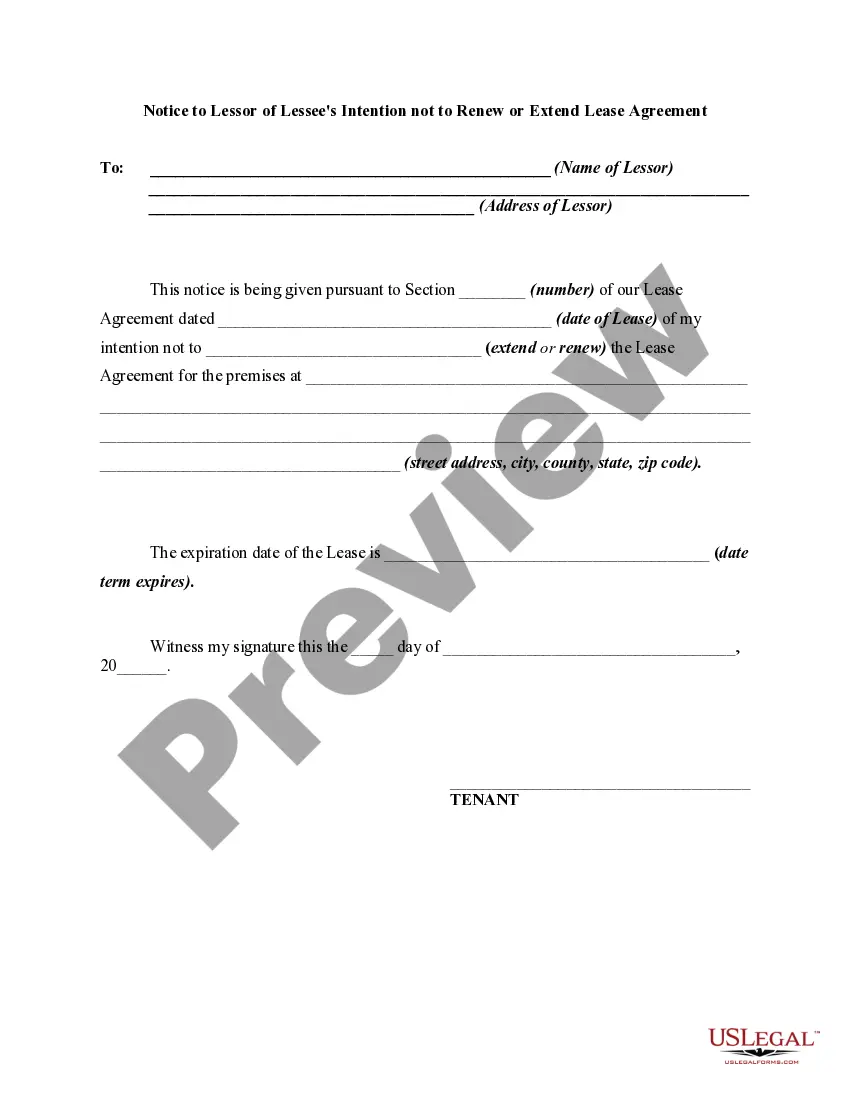
Choose the document format you prefer and download the Not Currently Eligible For Renewal. Once saved, you can fill out the form using editing software or print it and complete it by hand. With an extensive US Legal Forms collection available, you never have to waste time searching for the right sample online. Utilize the library’s user-friendly navigation to find the appropriate template for any event.
- For instance, if you select an incorrect version of a Not Currently Eligible For Renewal, it will be rejected once you submit it.
- Thus, it is crucial to have a reliable source of legal documents like US Legal Forms.
- If you need to acquire a Not Currently Eligible For Renewal template, follow these straightforward steps.
- Retrieve the sample you require by using the search bar or catalog browsing.
- Examine the form’s description to ensure it fits your situation, state, and county.
- Click on the form’s preview to review it.
- If it is the wrong document, return to the search tool to find the Not Currently Eligible For Renewal sample you need.
- Obtain the template if it meets your criteria.
- If you already possess a US Legal Forms account, simply click Log in to access previously stored templates in My documents.
- If you do not have an account yet, you may acquire the form by clicking Buy now.
- Choose the suitable pricing option.
- Complete the profile registration form.
- Select your payment method: use a credit card or PayPal account.
Form popularity
FAQ
This status indicates the domain is not eligible for renewal. It is an uncommon status that is usually enacted during legal disputes or auDA compliance review (auDRP).
Once active, server renew prohibited means that the domain on which the status is set cannot be renewed.
Status ?client transfer prohibited? means domain cannot be transferred. The domain name you've got your eyes on has just expired which in most cases automatically sets this status code. It is because the vast majority of registrars offer a grace period of.
Server transfer prohibited. This status code prevents your domain from being transferred from your current registrar to another. It is an uncommon status that is usually enacted during legal or other disputes, at your request, or when a redemptionPeriod status is in place.
?Renewal? is the process of renewing a domain name with a domain registrar. This typically involves paying a renewal fee and submitting updated contact information. It is important to renew a domain name before it expires, otherwise it may be lost.