Completion Or Completing
Description
Get your form ready online
Our built-in tools help you complete, sign, share, and store your documents in one place.
Make edits, fill in missing information, and update formatting in US Legal Forms—just like you would in MS Word.
Download a copy, print it, send it by email, or mail it via USPS—whatever works best for your next step.
Sign and collect signatures with our SignNow integration. Send to multiple recipients, set reminders, and more. Go Premium to unlock E-Sign.
If this form requires notarization, complete it online through a secure video call—no need to meet a notary in person or wait for an appointment.
We protect your documents and personal data by following strict security and privacy standards.

Make edits, fill in missing information, and update formatting in US Legal Forms—just like you would in MS Word.

Download a copy, print it, send it by email, or mail it via USPS—whatever works best for your next step.

Sign and collect signatures with our SignNow integration. Send to multiple recipients, set reminders, and more. Go Premium to unlock E-Sign.

If this form requires notarization, complete it online through a secure video call—no need to meet a notary in person or wait for an appointment.

We protect your documents and personal data by following strict security and privacy standards.
Looking for another form?
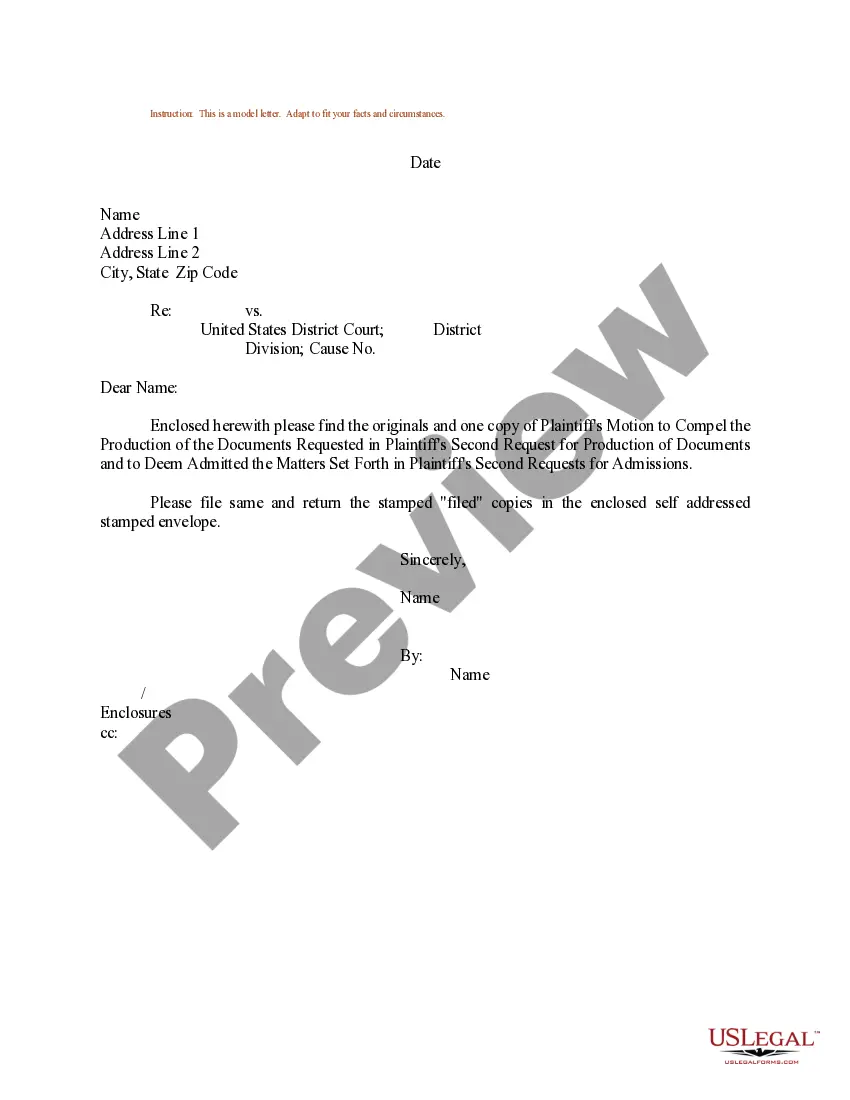
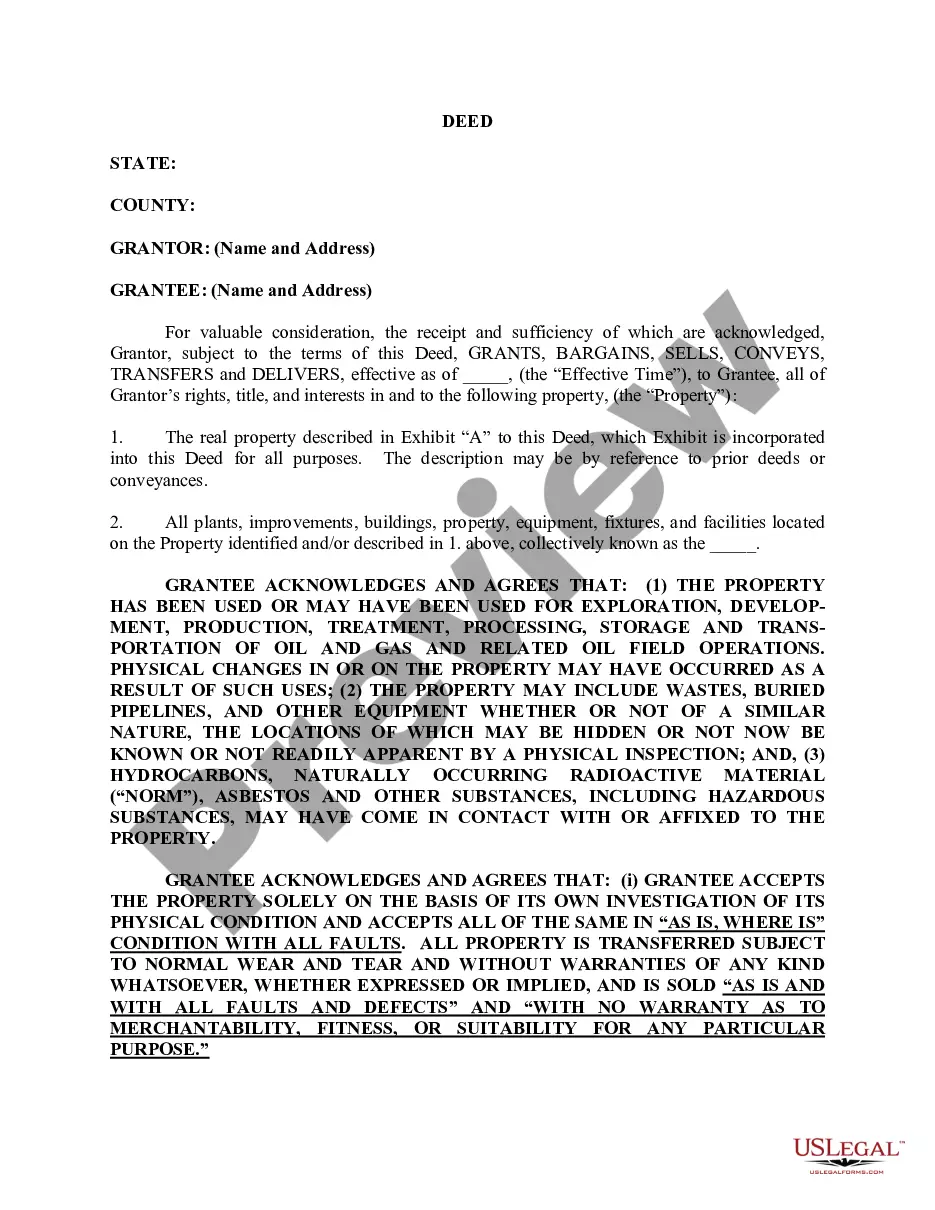
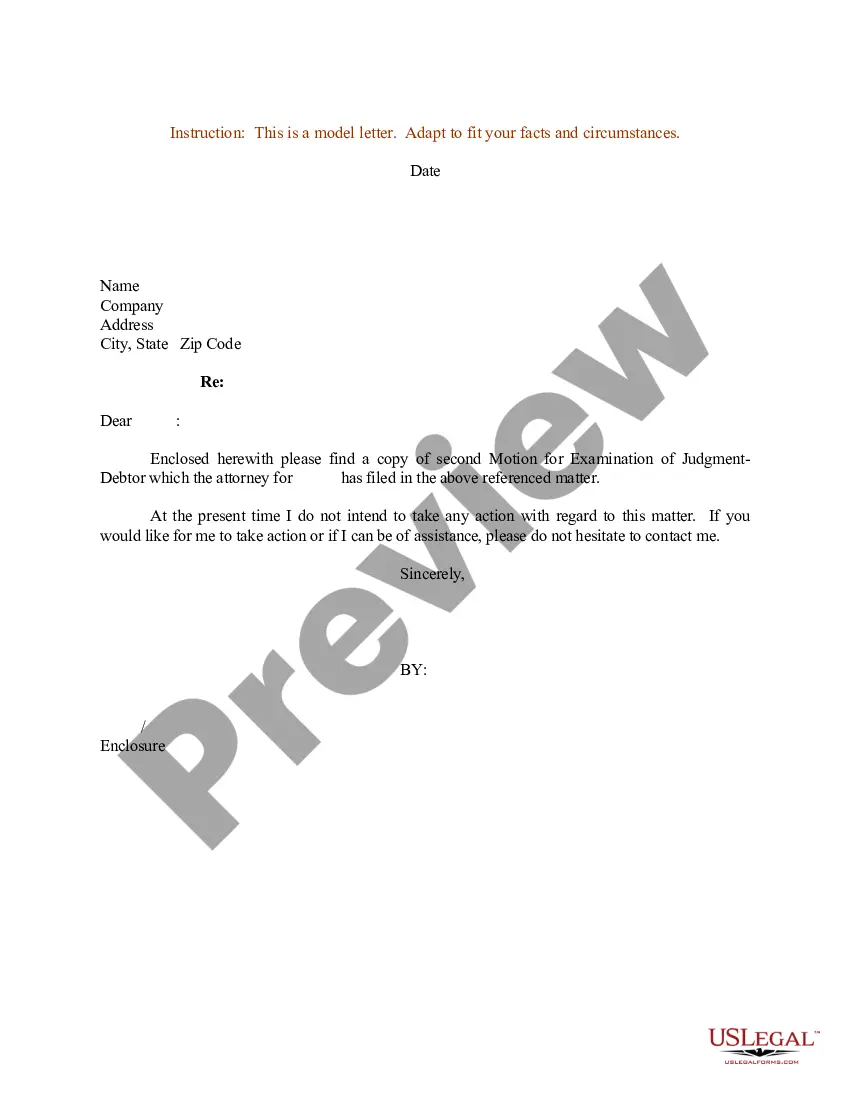

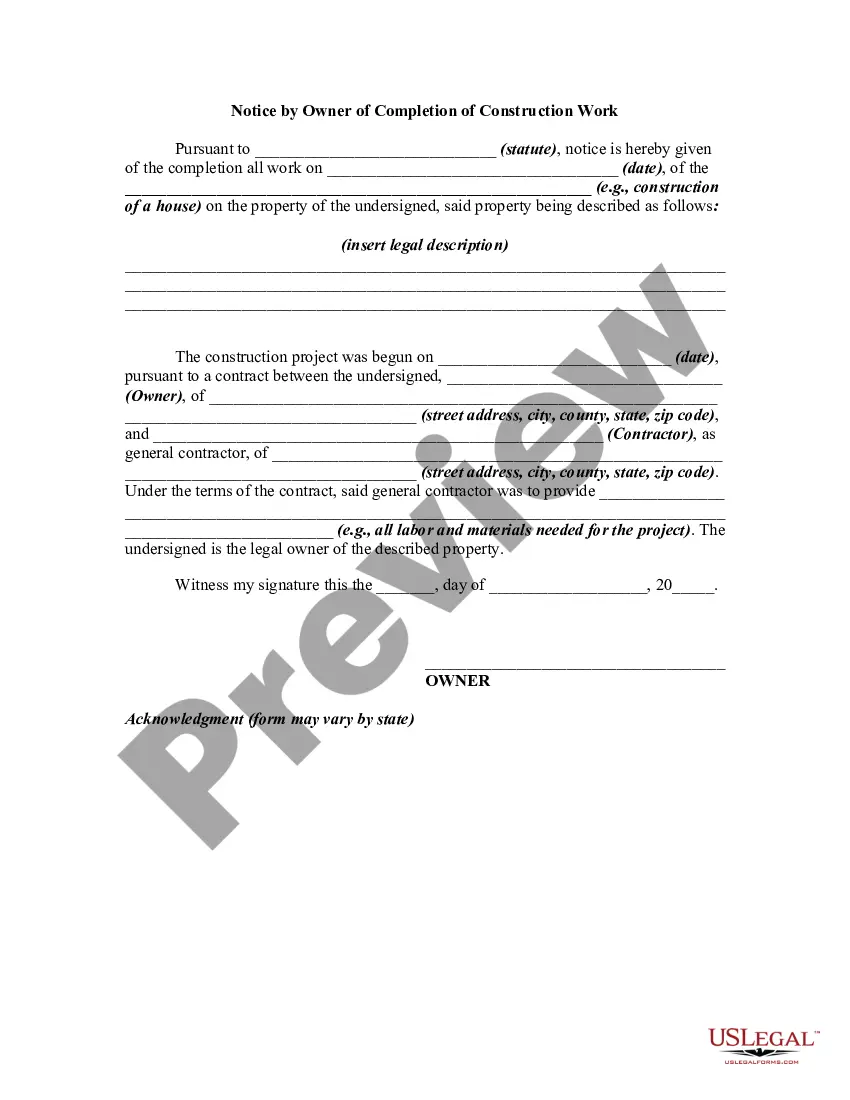
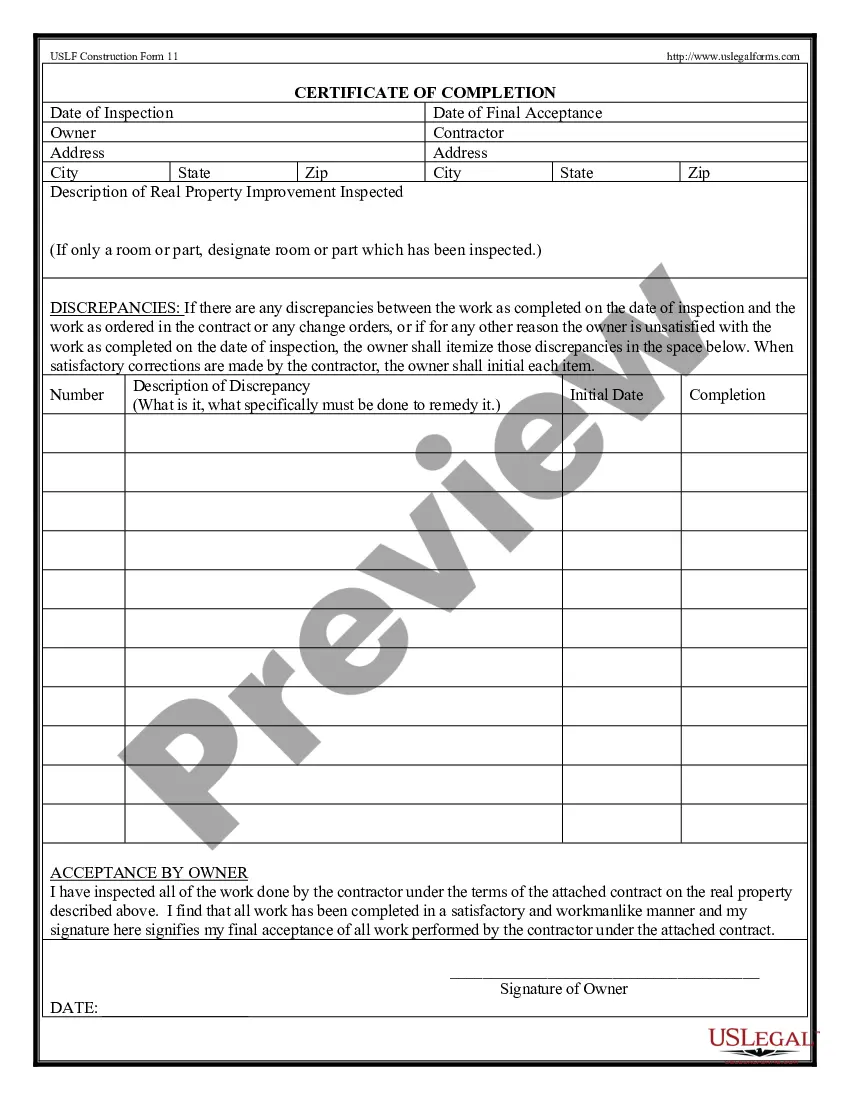
How to fill out Notice By Owner Of Completion Of Construction Work?
The Conclusion Or Finalizing you observe on this webpage is a reusable official format crafted by expert attorneys in accordance with national and local laws.
For over 25 years, US Legal Forms has supplied individuals, enterprises, and legal representatives with more than 85,000 validated, jurisdiction-specific documents for any business and personal situation. It’s the fastest, easiest and most reliable method to obtain the paperwork you require, as the service ensures the utmost level of data protection and anti-malware safeguards.
Select the format you prefer for your Conclusion Or Finalizing (PDF, DOCX, RTF) and save the example on your device. Fill out and sign the document. Print the template to complete it manually. Alternatively, use an online multifunctional PDF editor to quickly and accurately fill out and sign your form with an electronic signature. Download your documents again. Use the same document anytime needed. Access the My documents tab in your profile to redownload any previously saved forms. Register for US Legal Forms to have validated legal templates for all of life’s situations at your fingertips.
- Seek the document you require and examine it.
- Browse through the file you searched and preview it or scrutinize the form description to confirm it meets your needs. If it does not, use the search function to find the correct one. Click Buy Now once you have discovered the template you need.
- Register and sign in.
- Choose the pricing plan that fits you and create an account. Utilize PayPal or a credit card to make a swift payment. If you already hold an account, Log In and verify your subscription to continue.
- Obtain the editable template.
Form popularity
FAQ
In the context, they both are quite similar in meaning. However, the adjective "complete" refers to a state of completeness, whereas passive form of the verb "to complete" suggests a finished action/process. Since the state of the task is a finished/completed process, I would, too, use "completed".
Completion means that is it already done. you have already completed it. Completing means you have still doing it and have not finished completing it.
The sentence 'The payment has been completed' is correct and usable in written English.
In the context, they both are quite similar in meaning. However, the adjective "complete" refers to a state of completeness, whereas passive form of the verb "to complete" suggests a finished action/process. Since the state of the task is a finished/completed process, I would, too, use "completed".
?Complete? can be an adjective or a verb, whose past participle is ?completed?. ?50 complete interviews? means that each of those 50 interviews don't lack any parts, each of them having been fully brought to an end, including 100% of the necessary or required elements. ?Complete? is the adjective, here.