File An Answer In Texas For Sale
Description
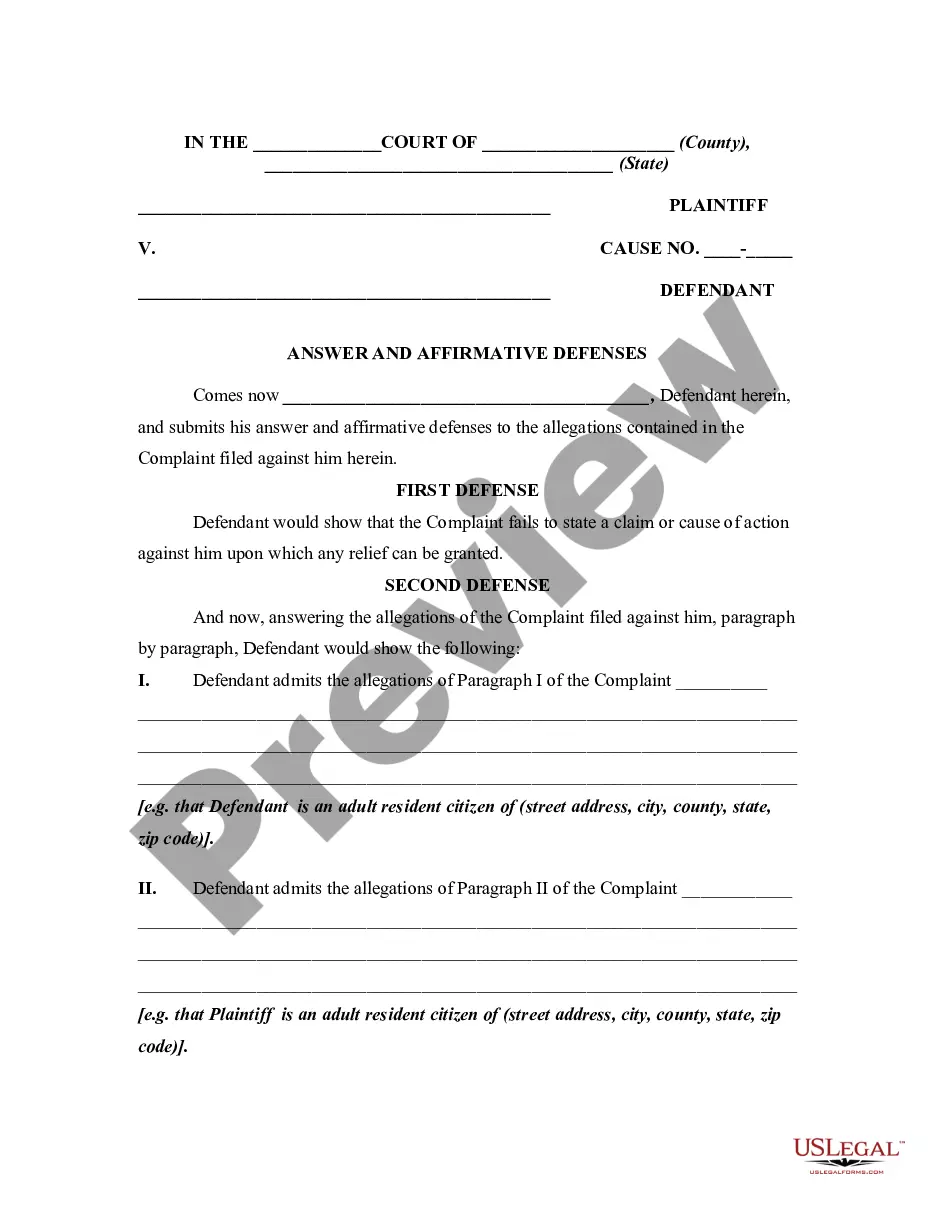
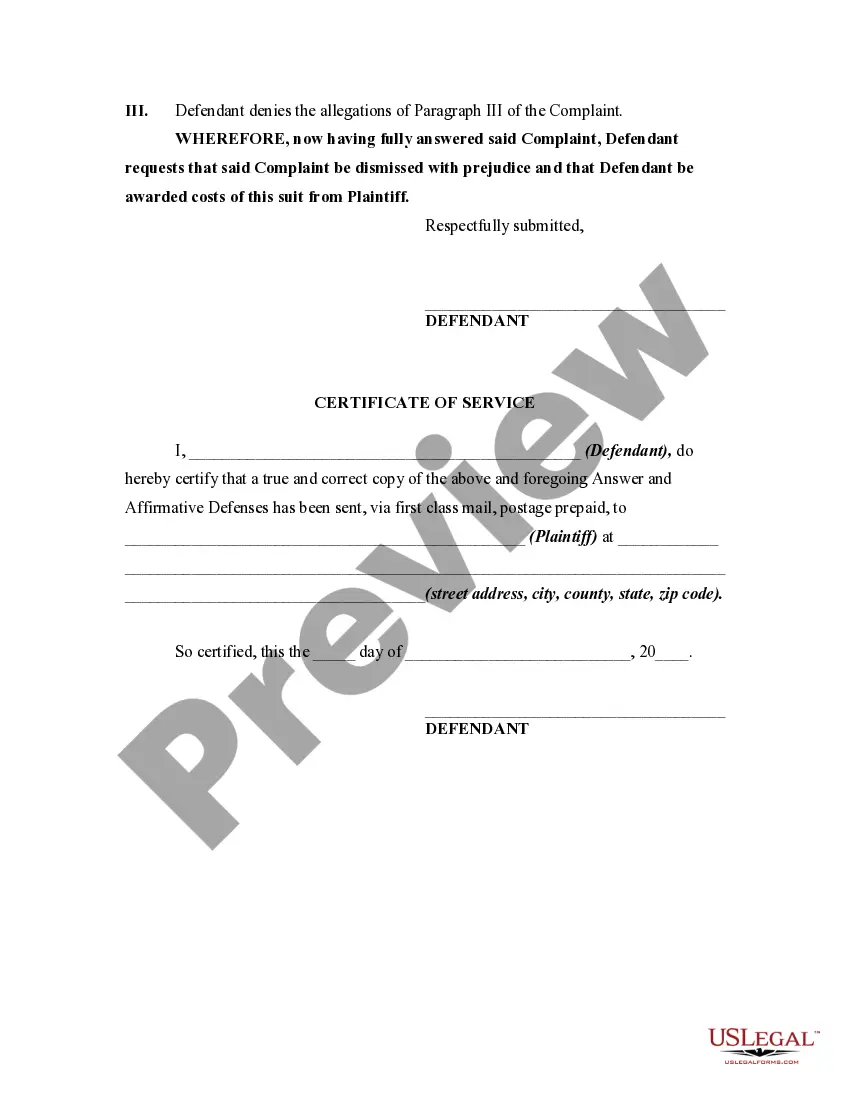
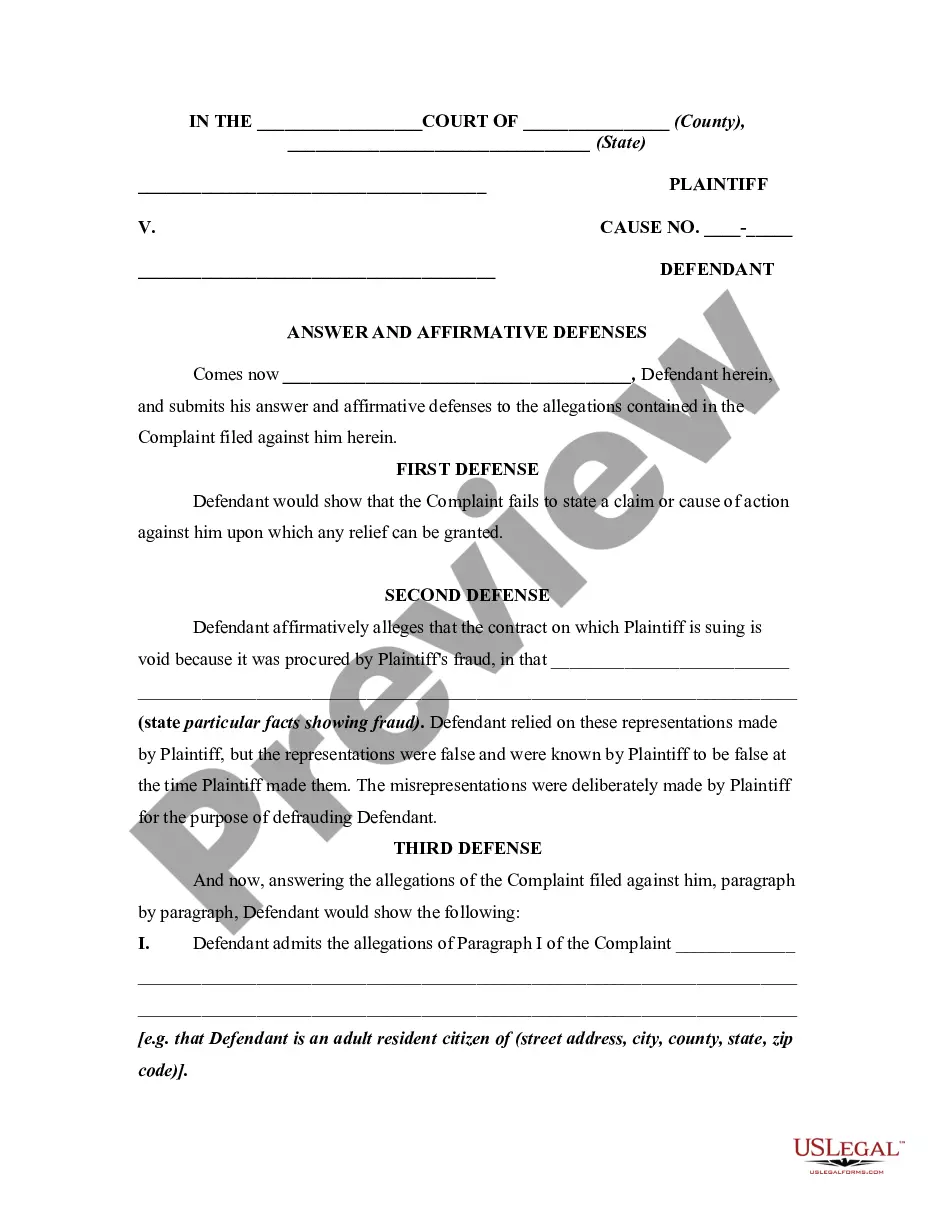
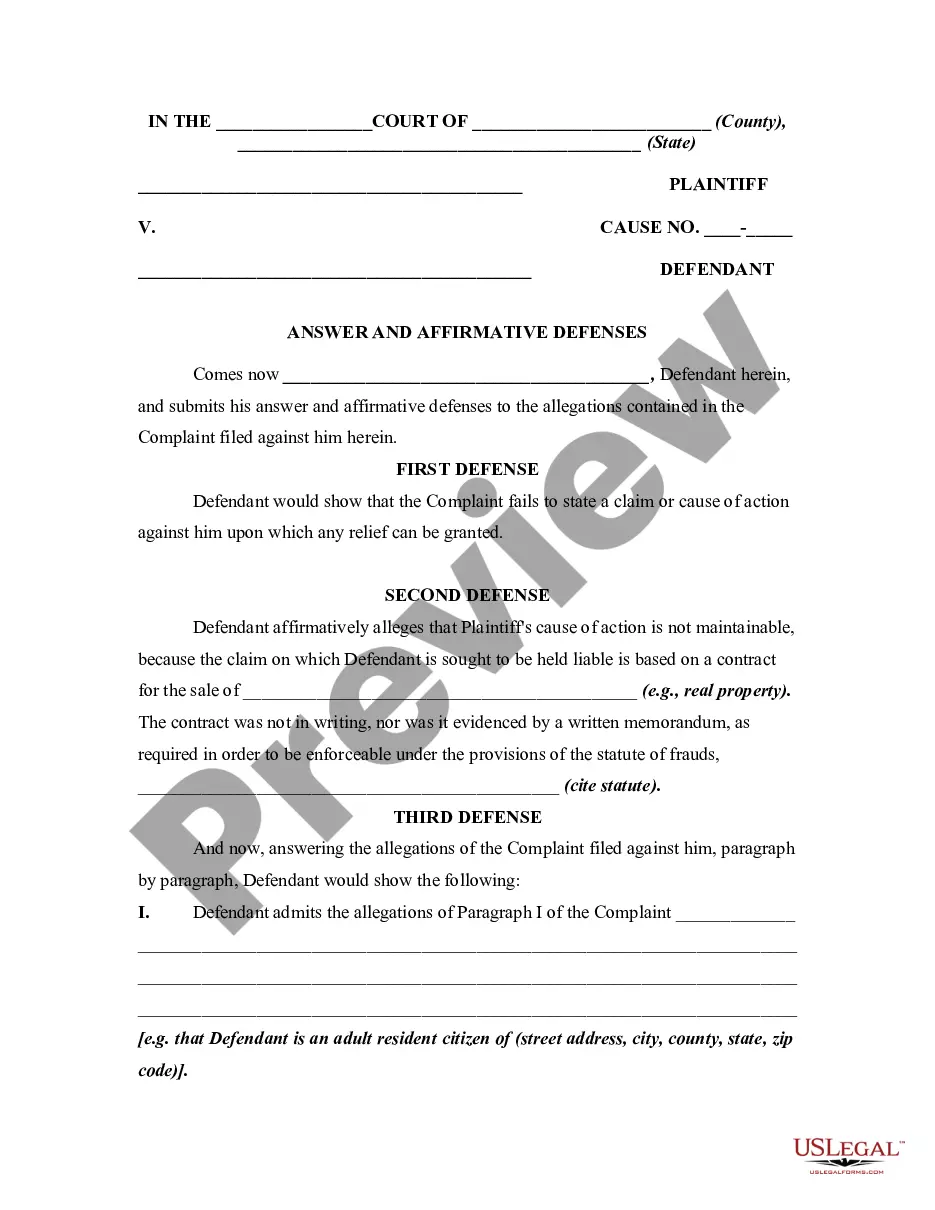
Get your form ready online
Our built-in tools help you complete, sign, share, and store your documents in one place.
Make edits, fill in missing information, and update formatting in US Legal Forms—just like you would in MS Word.
Download a copy, print it, send it by email, or mail it via USPS—whatever works best for your next step.
Sign and collect signatures with our SignNow integration. Send to multiple recipients, set reminders, and more. Go Premium to unlock E-Sign.
If this form requires notarization, complete it online through a secure video call—no need to meet a notary in person or wait for an appointment.
We protect your documents and personal data by following strict security and privacy standards.

Make edits, fill in missing information, and update formatting in US Legal Forms—just like you would in MS Word.

Download a copy, print it, send it by email, or mail it via USPS—whatever works best for your next step.

Sign and collect signatures with our SignNow integration. Send to multiple recipients, set reminders, and more. Go Premium to unlock E-Sign.

If this form requires notarization, complete it online through a secure video call—no need to meet a notary in person or wait for an appointment.

We protect your documents and personal data by following strict security and privacy standards.
Looking for another form?

How to fill out General Form Of An Answer By Defendant In A Civil Lawsuit?
Regardless of whether for commercial intentions or personal matters, everyone must confront legal circumstances at some time in their life.
Completing legal documents requires meticulous focus, starting from selecting the correct form template. For instance, if you choose an incorrect version of the File An Answer In Texas For Sale, it will be rejected upon submission. Thus, it is crucial to have a reliable source for legal documents like US Legal Forms.
Once downloaded, you can fill out the form using editing software or print it and complete it manually. With an extensive US Legal Forms catalog available, you do not need to waste time searching for the correct sample online. Utilize the library’s straightforward navigation to find the suitable template for any circumstance.
- Locate the sample you require using the search bar or catalog navigation.
- Review the form’s details to confirm it fits your case, state, and county.
- Click on the form’s preview to examine it.
- If it is the incorrect form, return to the search function to find the File An Answer In Texas For Sale sample you require.
- Obtain the file if it meets your specifications.
- If you already possess a US Legal Forms account, simply click Log in to access previously saved documents in My documents.
- If you do not have an account yet, you can download the form by clicking Buy now.
- Choose the appropriate pricing option.
- Fill out the account registration form.
- Select your payment method: you can use a credit card or PayPal account.
- Choose the document format you prefer and download the File An Answer In Texas For Sale.
Form popularity
FAQ
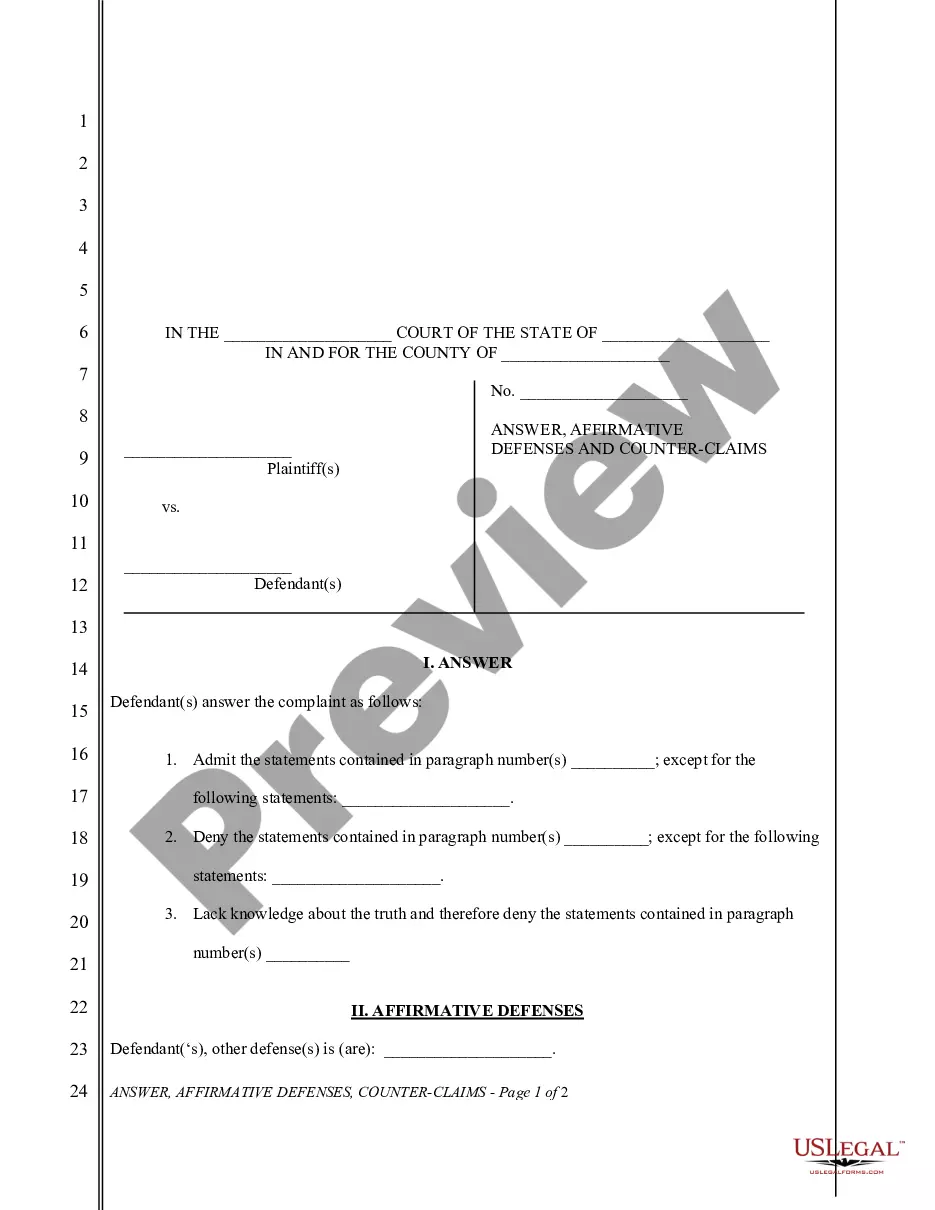
File an answer An answer is your opportunity to respond to the complaint's factual allegations and legal claims. It also allows you to assert "affirmative defenses," facts or legal arguments you raise to defeat plaintiff's claim. Filing an answer prevents the plaintiff from getting a default judgment against you.
File (turn in) your completed answer form with the court. To file online, go to E-File Texas ( ) [11] and follow the instructions. To file in person, take your answer (and copies) to the district clerk's office in the county where the plaintiff filed the case.
If you want to make sure you keep the right to get notice about each court hearing and take part in the case, you may file an Answer to the lawsuit with the clerk's office. File an Answer. An Answer is sometimes called an ?Original Answer? or a ?General Denial.? There is no fee to file an Answer.
An answer is a legal form filed with the court by the respondent in a court case. In a family law case, the petitioner is the person who starts the case by filing a petition with the court. The other side is the respondent. Filing an answer with the court protects the respondent's right to have a say in the case.