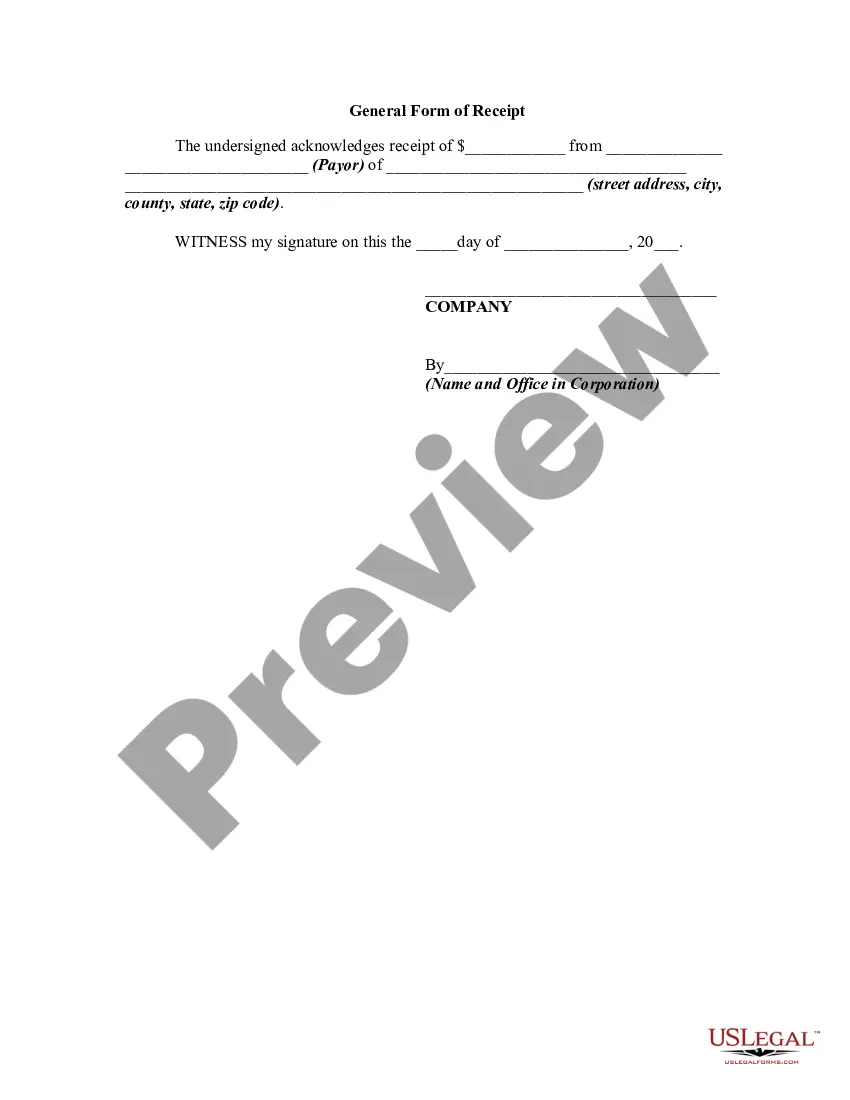
General Receipt Template With Tax
Description
Get your form ready online
Our built-in tools help you complete, sign, share, and store your documents in one place.
Make edits, fill in missing information, and update formatting in US Legal Forms—just like you would in MS Word.
Download a copy, print it, send it by email, or mail it via USPS—whatever works best for your next step.
Sign and collect signatures with our SignNow integration. Send to multiple recipients, set reminders, and more. Go Premium to unlock E-Sign.
If this form requires notarization, complete it online through a secure video call—no need to meet a notary in person or wait for an appointment.
We protect your documents and personal data by following strict security and privacy standards.

Make edits, fill in missing information, and update formatting in US Legal Forms—just like you would in MS Word.

Download a copy, print it, send it by email, or mail it via USPS—whatever works best for your next step.

Sign and collect signatures with our SignNow integration. Send to multiple recipients, set reminders, and more. Go Premium to unlock E-Sign.

If this form requires notarization, complete it online through a secure video call—no need to meet a notary in person or wait for an appointment.

We protect your documents and personal data by following strict security and privacy standards.
Looking for another form?


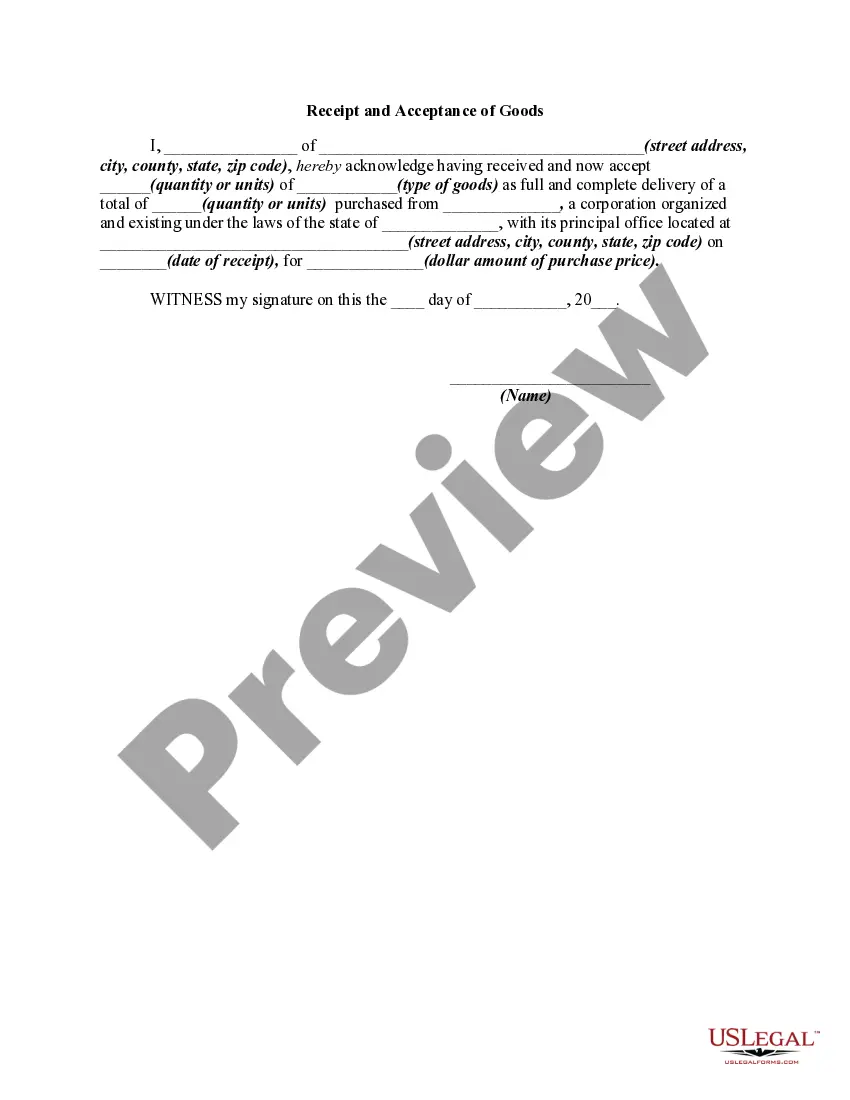
How to fill out General Form Of Receipt?
The General Receipt Template With Tax displayed on this page is a reusable official template created by expert attorneys in accordance with federal and state statutes and regulations.
For over 25 years, US Legal Forms has supplied individuals, businesses, and lawyers with more than 85,000 authenticated, state-specific documents for any commercial and personal event. It’s the fastest, simplest, and most dependable method to acquire the necessary paperwork, as the service ensures the utmost level of data protection and anti-malware security.
Choose the format you prefer for your General Receipt Template With Tax (PDF, Word, RTF) and download the sample to your device.
- Search for the document you require and examine it.
- Look through the file you searched and preview it or check the form description to verify it meets your needs. If it doesn’t, utilize the search bar to find the suitable one. Click Buy Now once you have located the template you want.
- Register and Log In.
- Select the pricing plan that best fits you and create an account. Use PayPal or a credit card to make a quick payment. If you already possess an account, Log In and verify your subscription to proceed.
- Acquire the fillable template.
Form popularity
FAQ
Money Receipt Book | How To Fill Out - YouTube YouTube Start of suggested clip End of suggested clip Below. All the way to the left side of your original receiver. Of the receipt you can have a sectionMoreBelow. All the way to the left side of your original receiver. Of the receipt you can have a section for notes. At the top is the date duplicate numbers as far as for the receipts.
No matter how you're making your receipt, every receipt you issue should include: The number, date, and time of the purchase. Invoice number or receipt number. The number of items purchased and price totals. The name and location of the business the items have been bought from. Any tax charged. The method of payment.
Complete the purchase date, paid by, purchase description, and amount details for each payment receipt. Add a tax rate and shipping and handling costs (if applicable), and the template will automatically calculate the total purchase amount.
Choose What Information You Want to Include in Your Cash Receipts Business name and contact information. Customer's contact information. Date of transaction. Time of transaction. Description of the product or service sold. Item quantity. Subtotal. Total.
The cash receipt book holder will complete the information at the top of the cash receipt: LOCATION, DATE, RECEIVED FROM, AND AMOUNT. Indicate in the appropriate box on the cash receipt the form of payment: coin or currency, check, or money order.