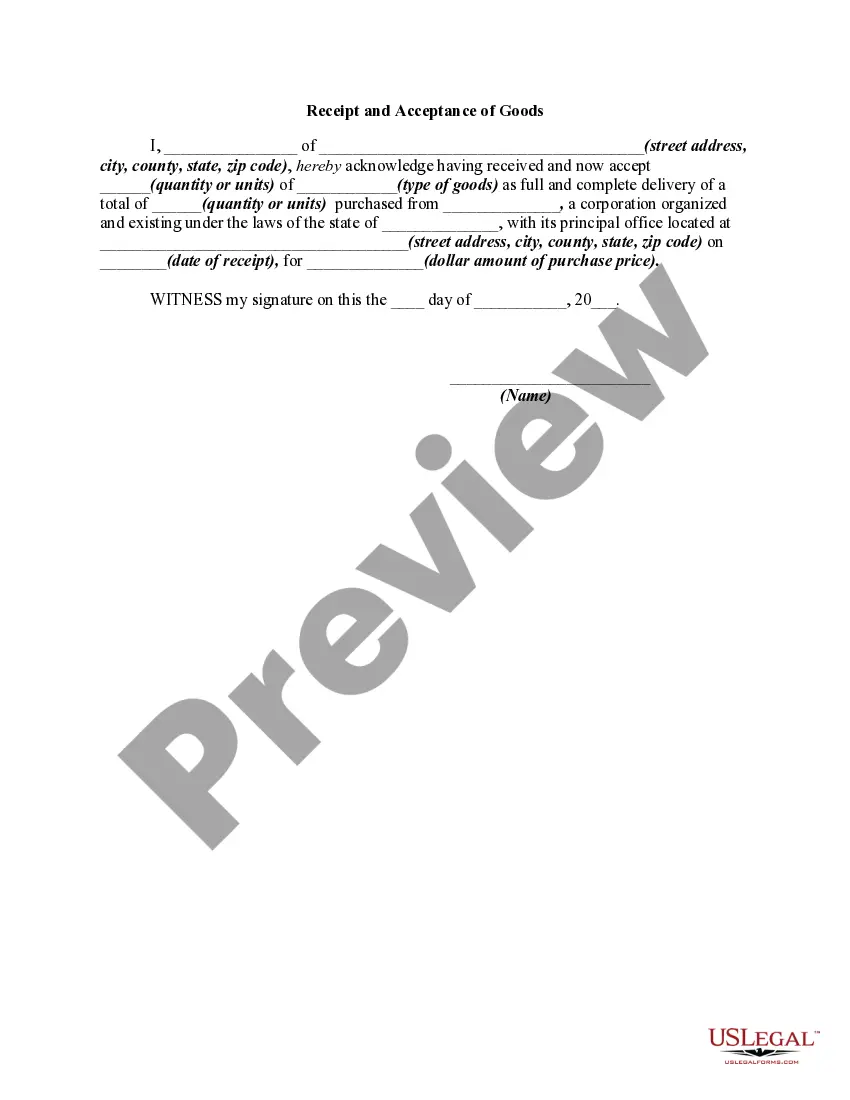
Goods Receipt For Outbound Delivery Sap
Description
Get your form ready online
Our built-in tools help you complete, sign, share, and store your documents in one place.
Make edits, fill in missing information, and update formatting in US Legal Forms—just like you would in MS Word.
Download a copy, print it, send it by email, or mail it via USPS—whatever works best for your next step.
Sign and collect signatures with our SignNow integration. Send to multiple recipients, set reminders, and more. Go Premium to unlock E-Sign.
If this form requires notarization, complete it online through a secure video call—no need to meet a notary in person or wait for an appointment.
We protect your documents and personal data by following strict security and privacy standards.

Make edits, fill in missing information, and update formatting in US Legal Forms—just like you would in MS Word.

Download a copy, print it, send it by email, or mail it via USPS—whatever works best for your next step.

Sign and collect signatures with our SignNow integration. Send to multiple recipients, set reminders, and more. Go Premium to unlock E-Sign.

If this form requires notarization, complete it online through a secure video call—no need to meet a notary in person or wait for an appointment.

We protect your documents and personal data by following strict security and privacy standards.
Looking for another form?


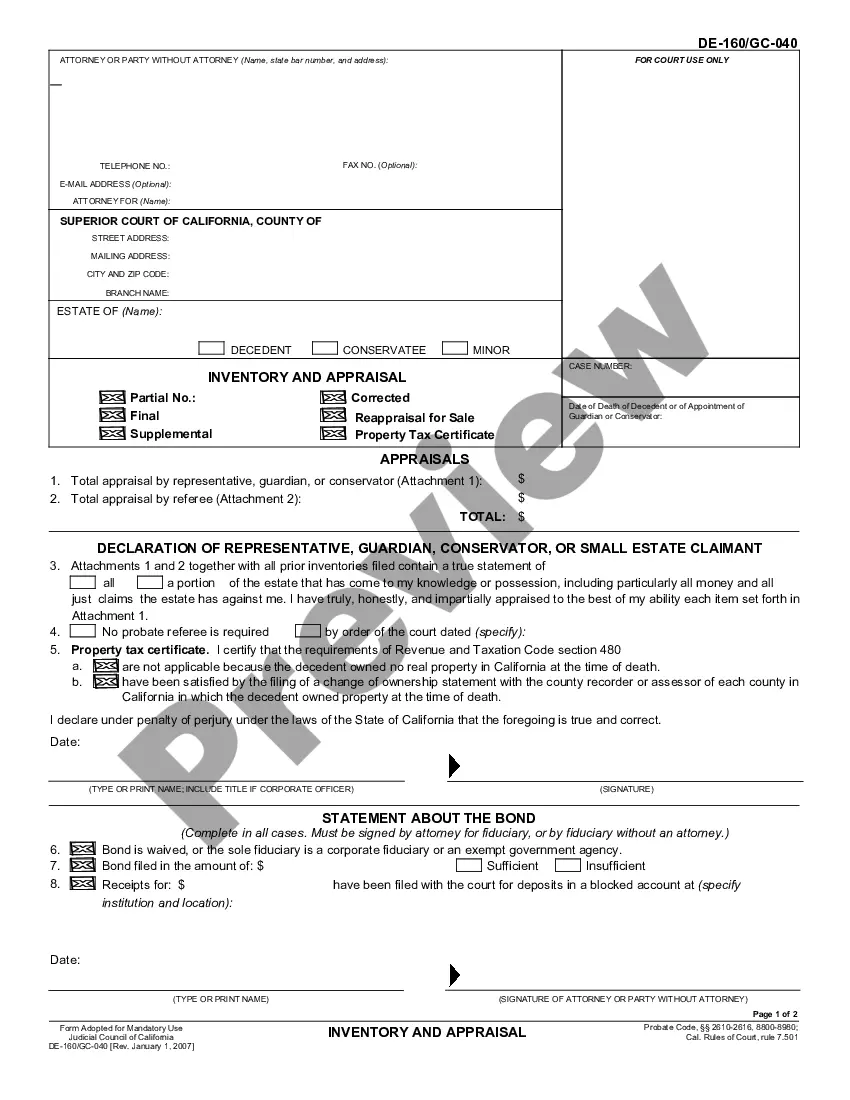





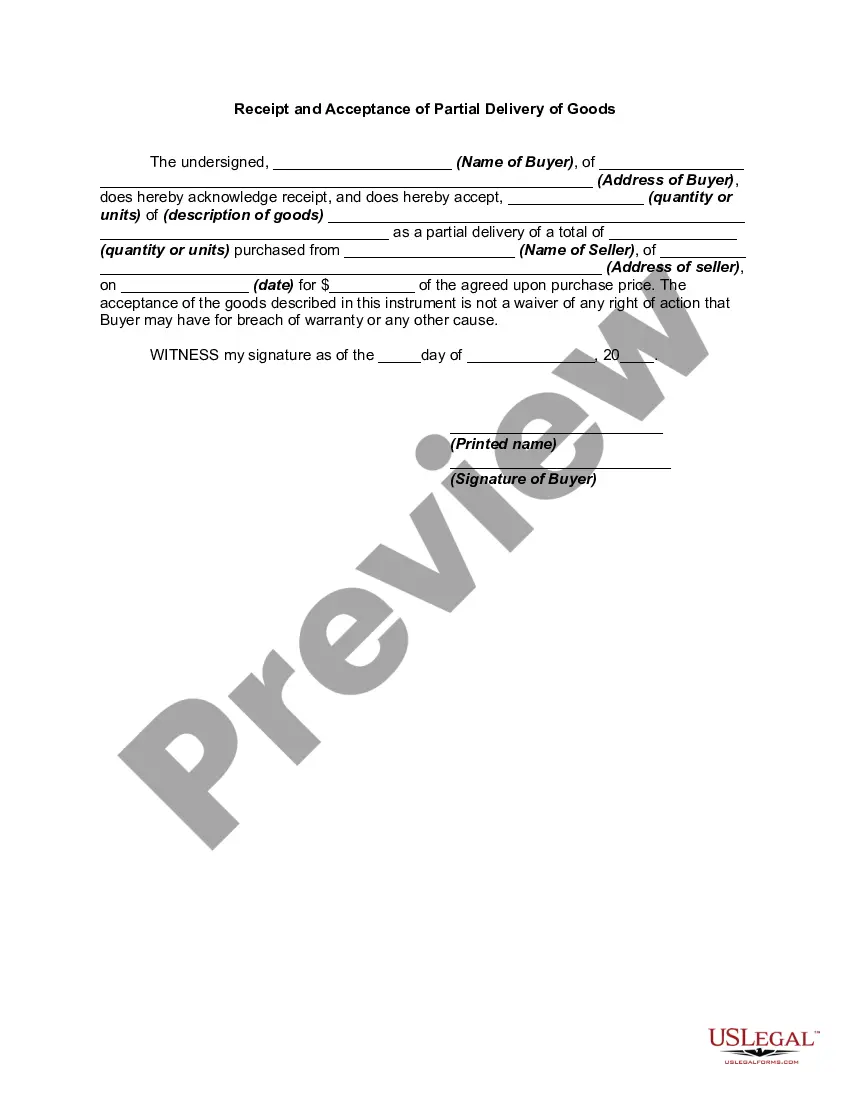
How to fill out Receipt And Acceptance Of Goods?
It’s clear that you cannot transform into a legal expert instantly, nor can you understand how to rapidly create Goods Receipt For Outbound Delivery Sap without possessing a specialized skill set.
Assembling legal documents is an arduous task that demands particular training and abilities. So, why not entrust the creation of the Goods Receipt For Outbound Delivery Sap to the professionals.
With US Legal Forms, one of the largest legal document repositories, you can find everything from court papers to templates for internal business communication.
If you need any other form, begin your search anew.
Create a free account and choose a subscription plan to buy the form. Click Buy now. Once the payment is processed, you can download the Goods Receipt For Outbound Delivery Sap, fill it out, print it, and send or mail it to the appropriate individuals or organizations.
- We recognize the significance of compliance and adherence to federal and state laws and regulations.
- That’s why, on our platform, all templates are region-specific and up to date.
- Here’s how to start on our website and acquire the form you need in just a few minutes.
- Locate the document you require using the search bar at the top of the page.
- Preview it (if this option is available) and read the accompanying description to determine if Goods Receipt For Outbound Delivery Sap is what you’re looking for.
Form popularity
FAQ
Outbound Delivery Order Creating the delivery and therefore creating an outbound delivery. Picking the delivery. Canceling the ?delivery picking? Loading the delivery. Canceling the ?delivery loading? Setting the status Leave Yard. Adjusting the delivery quantity to the picked quantity. Posting a goods movement.
SAP SD - Outbound Delivery To check the material and order to ensure if the outbound delivery of goods is possible. Defining the quantity of goods and its availability. Packing the outbound delivery. Calculating weight or volume of delivery. Find out the delivery situation and the delivery agreement. Defining the route.
When creating or changing an outbound delivery, select Edit Post goods issue on one of the overview screens. Before posting goods issue, you can specify the actual goods issue date without having to change the planned date by entering the actual goods issue date on one of the overview screens.
Procedure From the SAP Fiori launchpad, open the Create Outbound Delivery ? with Order Reference app. ... Enter the appropriate shipping point. Specify the selection date. ... If you only want to deliver some of the order items, specify the appropriate item numbers in the From item and To item fields. Select Enter.
Creating a Goods Receipt Call transaction MB01. The initial screen appears. Enter the required data: Header data. ... Choose ENTER . ... Select the purchase order items you want to copy and check the goods receipt quantities. Copy the selected items. ... Post the document.