Commercial Property Forms And Endorsements
Description
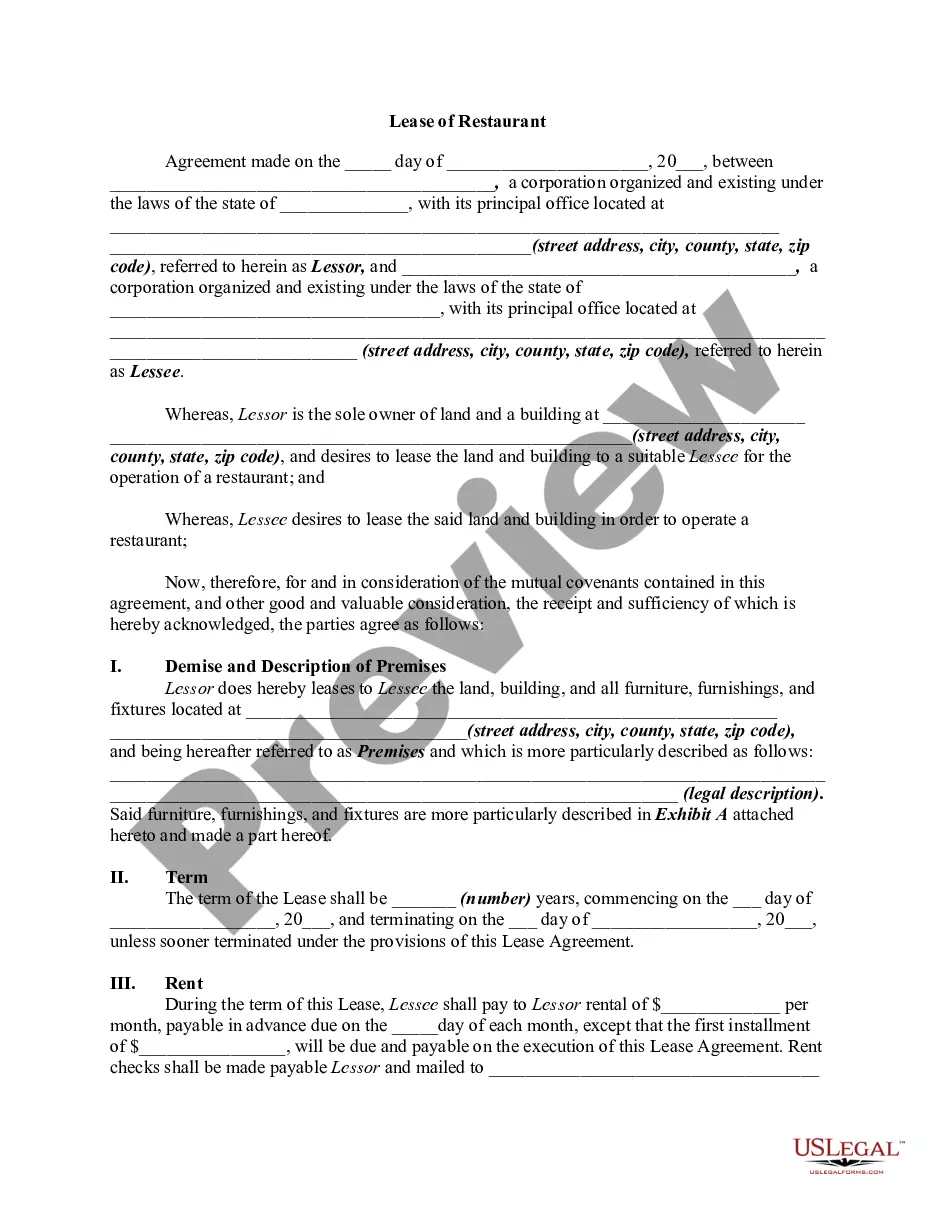
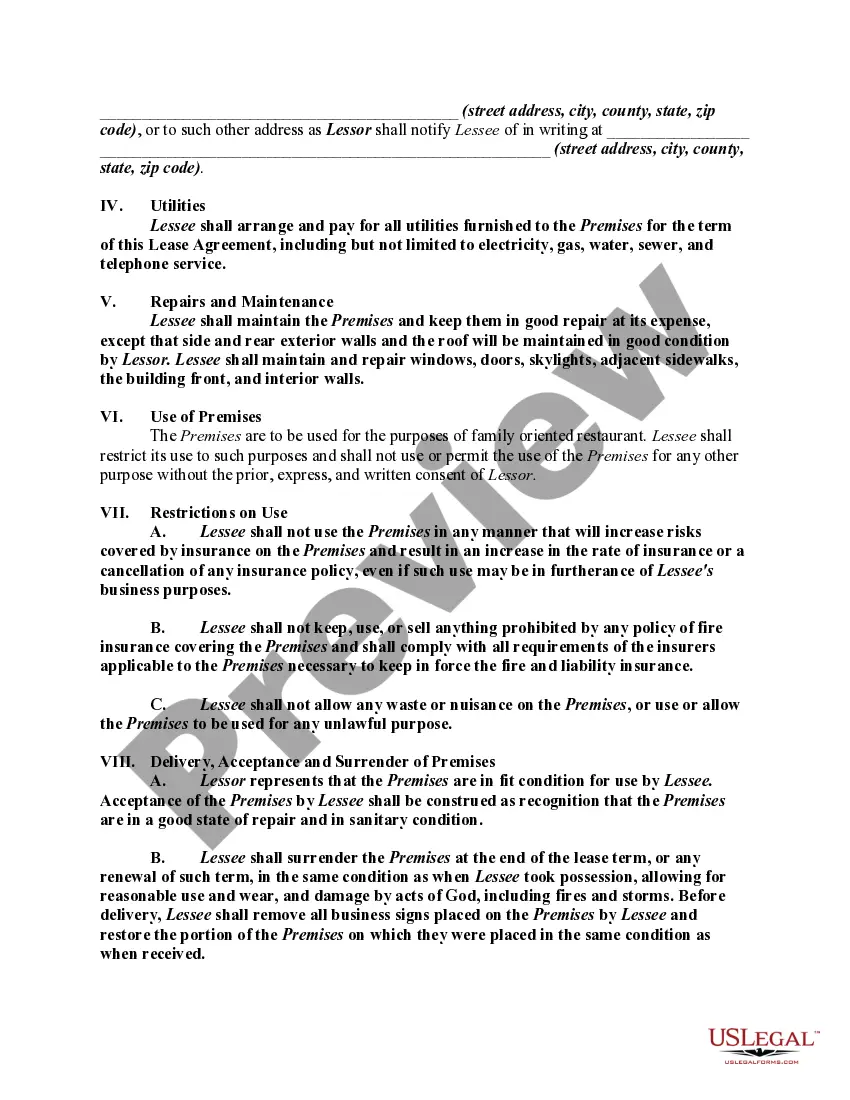
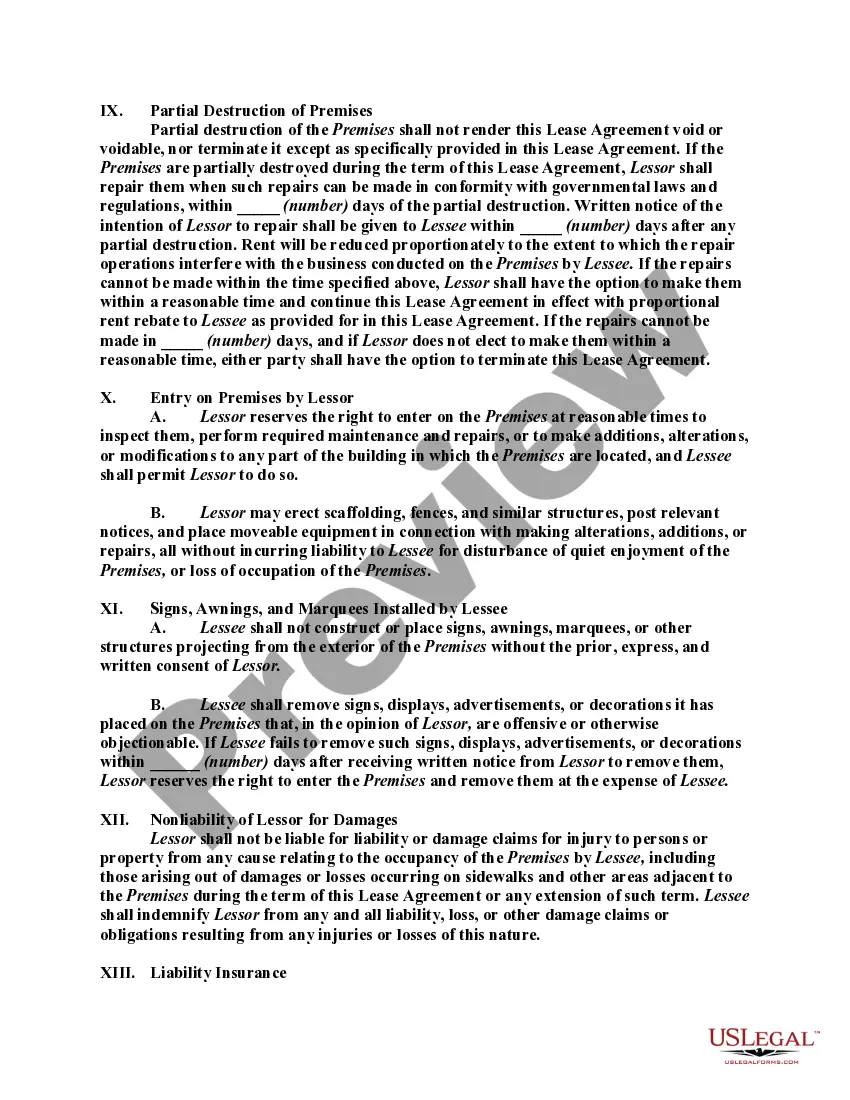
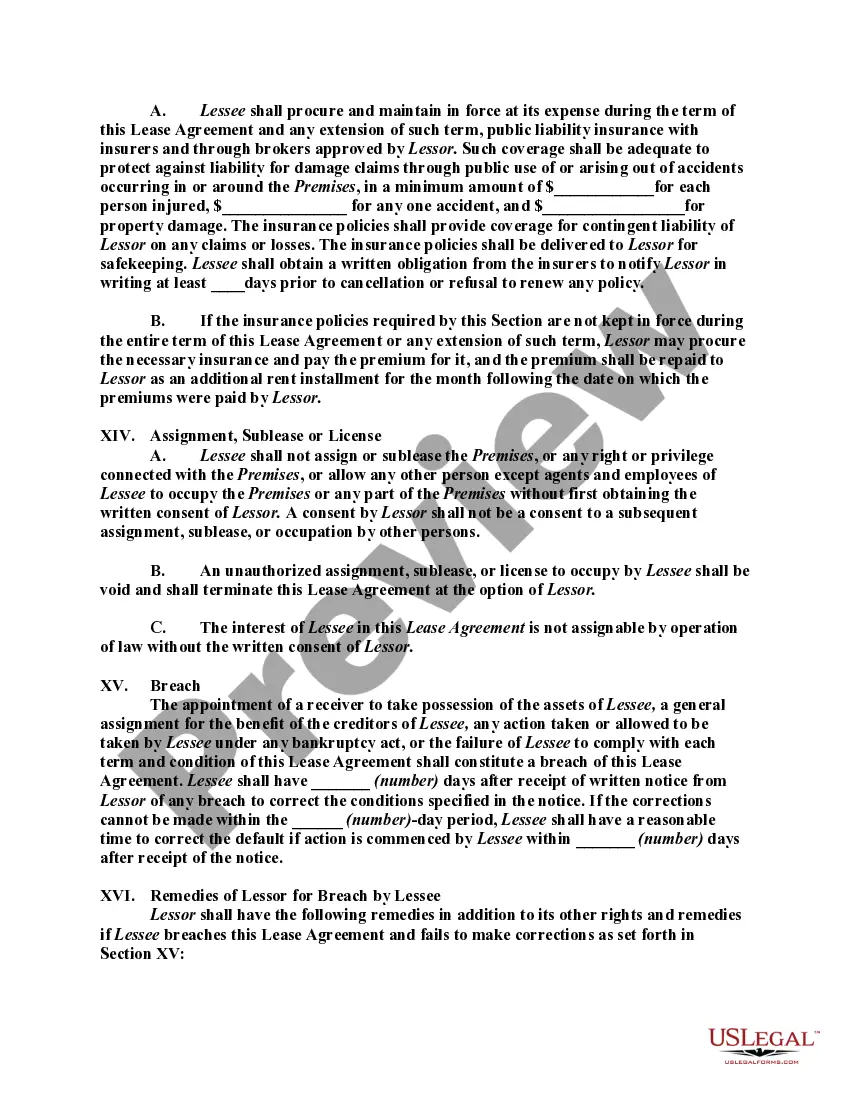
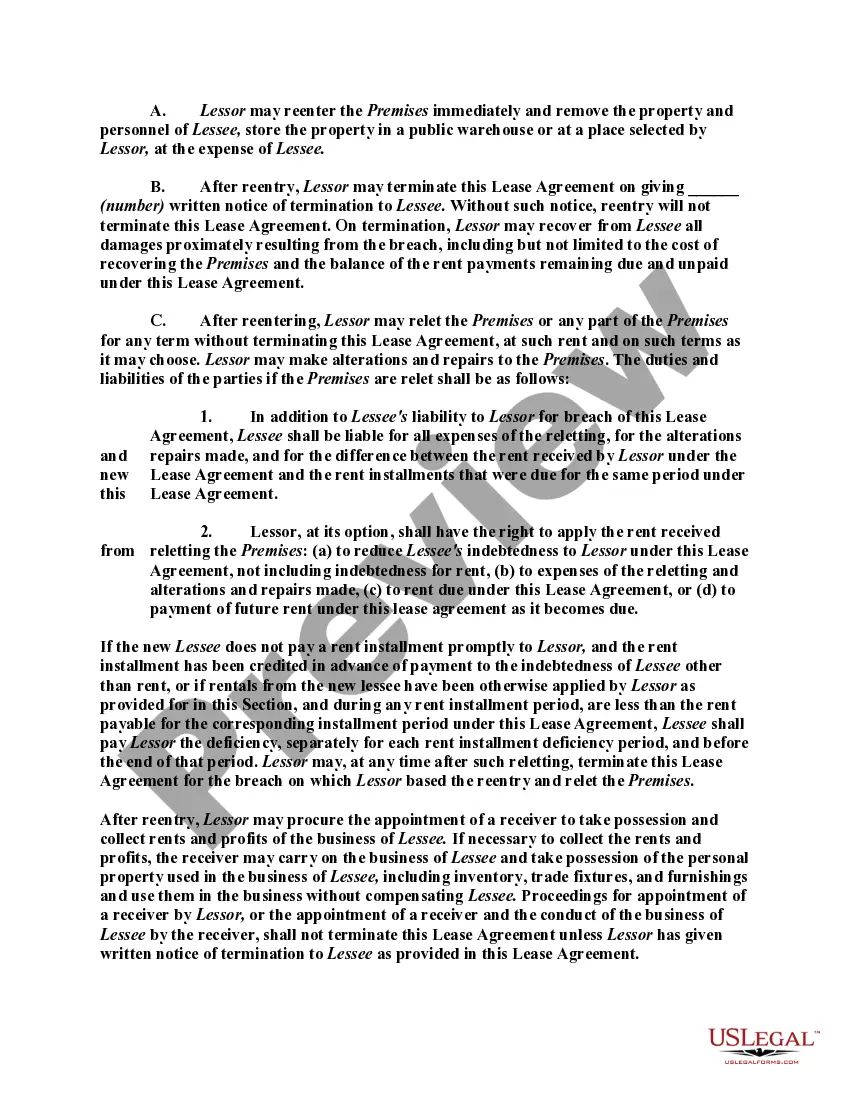
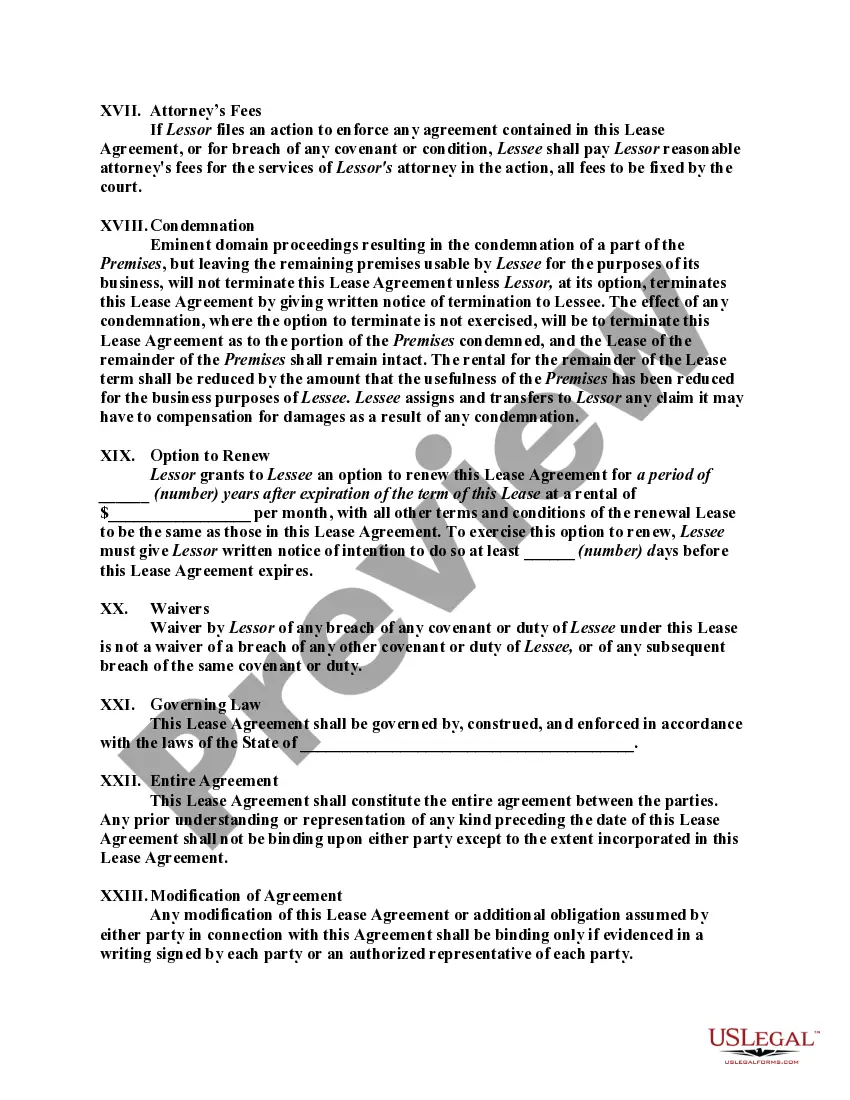
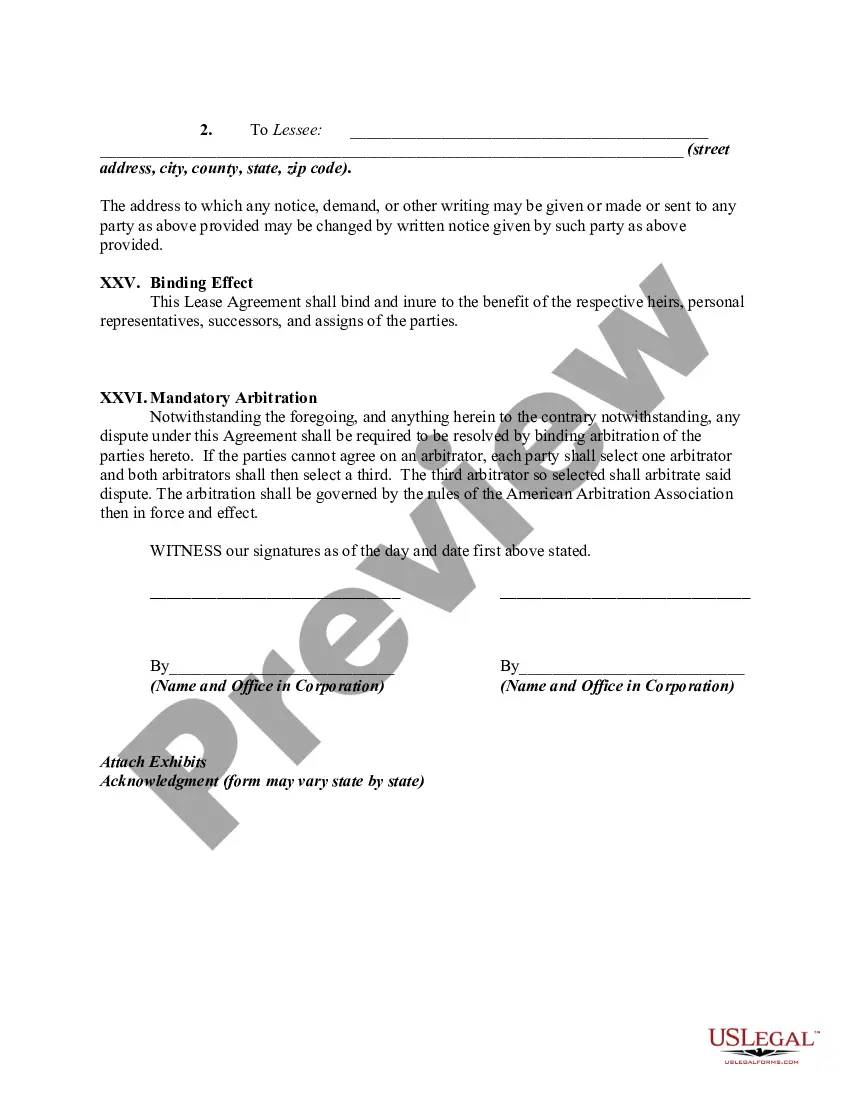

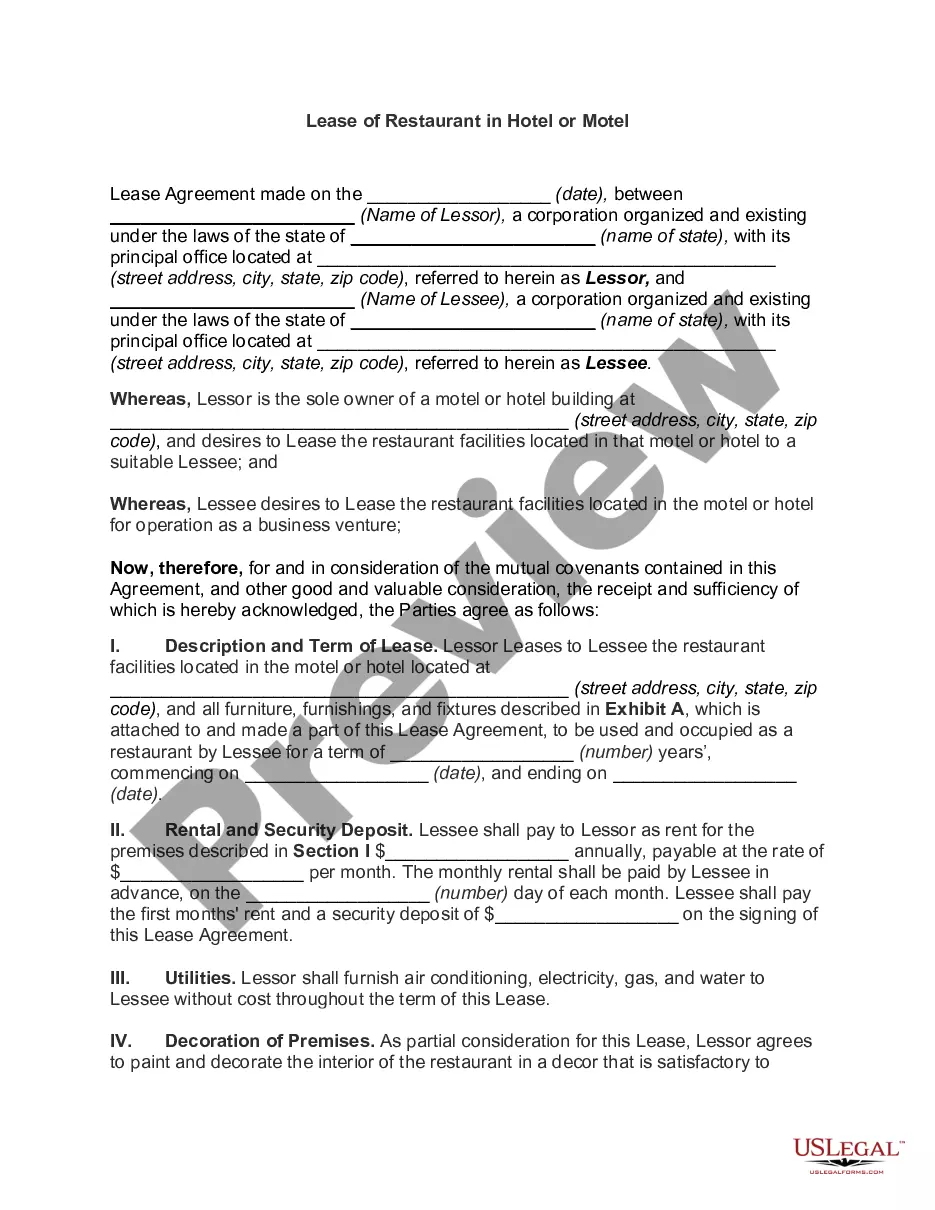
Get your form ready online
Our built-in tools help you complete, sign, share, and store your documents in one place.
Make edits, fill in missing information, and update formatting in US Legal Forms—just like you would in MS Word.
Download a copy, print it, send it by email, or mail it via USPS—whatever works best for your next step.
Sign and collect signatures with our SignNow integration. Send to multiple recipients, set reminders, and more. Go Premium to unlock E-Sign.
If this form requires notarization, complete it online through a secure video call—no need to meet a notary in person or wait for an appointment.
We protect your documents and personal data by following strict security and privacy standards.

Make edits, fill in missing information, and update formatting in US Legal Forms—just like you would in MS Word.

Download a copy, print it, send it by email, or mail it via USPS—whatever works best for your next step.

Sign and collect signatures with our SignNow integration. Send to multiple recipients, set reminders, and more. Go Premium to unlock E-Sign.

If this form requires notarization, complete it online through a secure video call—no need to meet a notary in person or wait for an appointment.

We protect your documents and personal data by following strict security and privacy standards.
Looking for another form?





How to fill out Lease Of Restaurant?
Whether for business purposes or for individual affairs, everybody has to manage legal situations at some point in their life. Filling out legal papers needs careful attention, starting with choosing the right form template. For instance, when you choose a wrong edition of a Commercial Property Forms And Endorsements, it will be declined when you send it. It is therefore crucial to have a reliable source of legal papers like US Legal Forms.
If you have to obtain a Commercial Property Forms And Endorsements template, stick to these easy steps:
- Find the sample you need by utilizing the search field or catalog navigation.
- Look through the form’s description to ensure it matches your case, state, and county.
- Click on the form’s preview to examine it.
- If it is the wrong document, go back to the search function to find the Commercial Property Forms And Endorsements sample you need.
- Get the template when it meets your needs.
- If you already have a US Legal Forms account, click Log in to access previously saved files in My Forms.
- If you don’t have an account yet, you may download the form by clicking Buy now.
- Pick the appropriate pricing option.
- Finish the account registration form.
- Pick your transaction method: use a bank card or PayPal account.
- Pick the file format you want and download the Commercial Property Forms And Endorsements.
- After it is downloaded, you are able to fill out the form with the help of editing applications or print it and complete it manually.
With a vast US Legal Forms catalog at hand, you don’t need to spend time seeking for the right sample across the web. Utilize the library’s straightforward navigation to find the correct form for any situation.
Form popularity
FAQ
CG 20 26 Additional Insured - Designated Person or Organization. Adds a designated person or organization as an additional insured for liability arising out of the named insured's premises or operations. This endorsement can be used to add any interest to the policy, subject to company approval.
Excluded Property Money, security, accounts, bills. Land, piers, docks, and wharves. Vehicles, aircraft, and watercraft (with certain exceptions) Animals other than stock.
CG 20 11: Landlord Additional Insured Endorsement The endorsement does exclude structural alterations, construction, or demolition performed on behalf of the landlord. With this endorsement, it is important to specifically list the premises being leased as failure to do so can result in a denial of coverage.
Commercial endorsements involve requests to company staff or officials from third-party vendors or other businesses to promote or vouch for their products or services.