Special Needs Trust Information For Adults
Description



Get your form ready online
Our built-in tools help you complete, sign, share, and store your documents in one place.
Make edits, fill in missing information, and update formatting in US Legal Forms—just like you would in MS Word.
Download a copy, print it, send it by email, or mail it via USPS—whatever works best for your next step.
Sign and collect signatures with our SignNow integration. Send to multiple recipients, set reminders, and more. Go Premium to unlock E-Sign.
If this form requires notarization, complete it online through a secure video call—no need to meet a notary in person or wait for an appointment.
We protect your documents and personal data by following strict security and privacy standards.

Make edits, fill in missing information, and update formatting in US Legal Forms—just like you would in MS Word.

Download a copy, print it, send it by email, or mail it via USPS—whatever works best for your next step.

Sign and collect signatures with our SignNow integration. Send to multiple recipients, set reminders, and more. Go Premium to unlock E-Sign.

If this form requires notarization, complete it online through a secure video call—no need to meet a notary in person or wait for an appointment.

We protect your documents and personal data by following strict security and privacy standards.
Looking for another form?

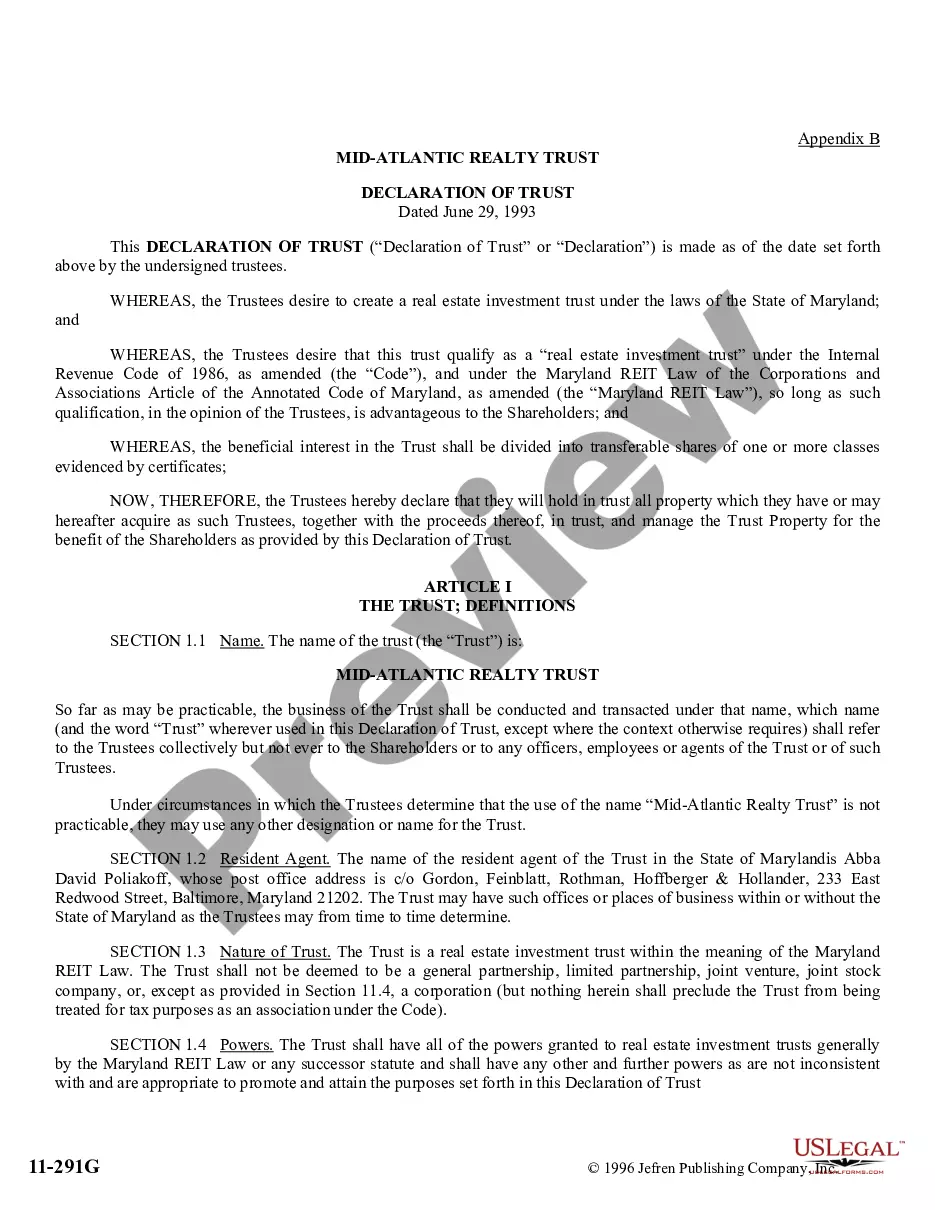



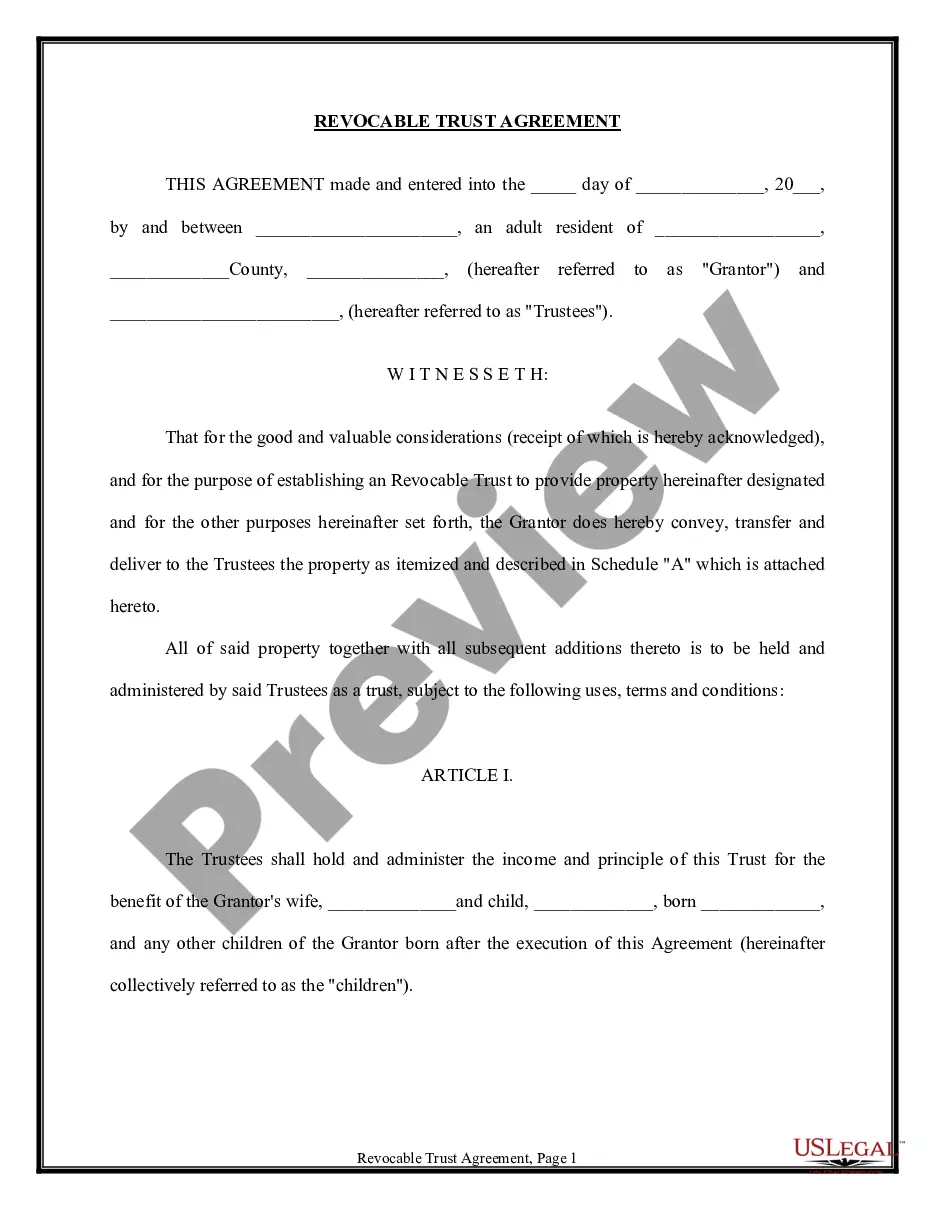
How to fill out Trust Agreement - Family Special Needs?
It’s well-known that you cannot instantly become a legal expert, nor can you easily comprehend how to swiftly draft Special Needs Trust Information For Adults without a specialized foundation.
Assembling legal documents is a lengthy endeavor that necessitates specific training and expertise. So why not entrust the creation of the Special Needs Trust Information For Adults to the experts.
With US Legal Forms, one of the most comprehensive repositories of legal documents, you can find everything from court filings to templates for internal business communication.
You can access your documents again from the My documents section at any time. If you’re a returning customer, simply Log In to find and download the template from the same section.
Regardless of the intent behind your documents—whether financial, legal, or personal—our platform is equipped to assist you. Give US Legal Forms a try today!
- Identify the document you require by utilizing the search feature at the top of the webpage.
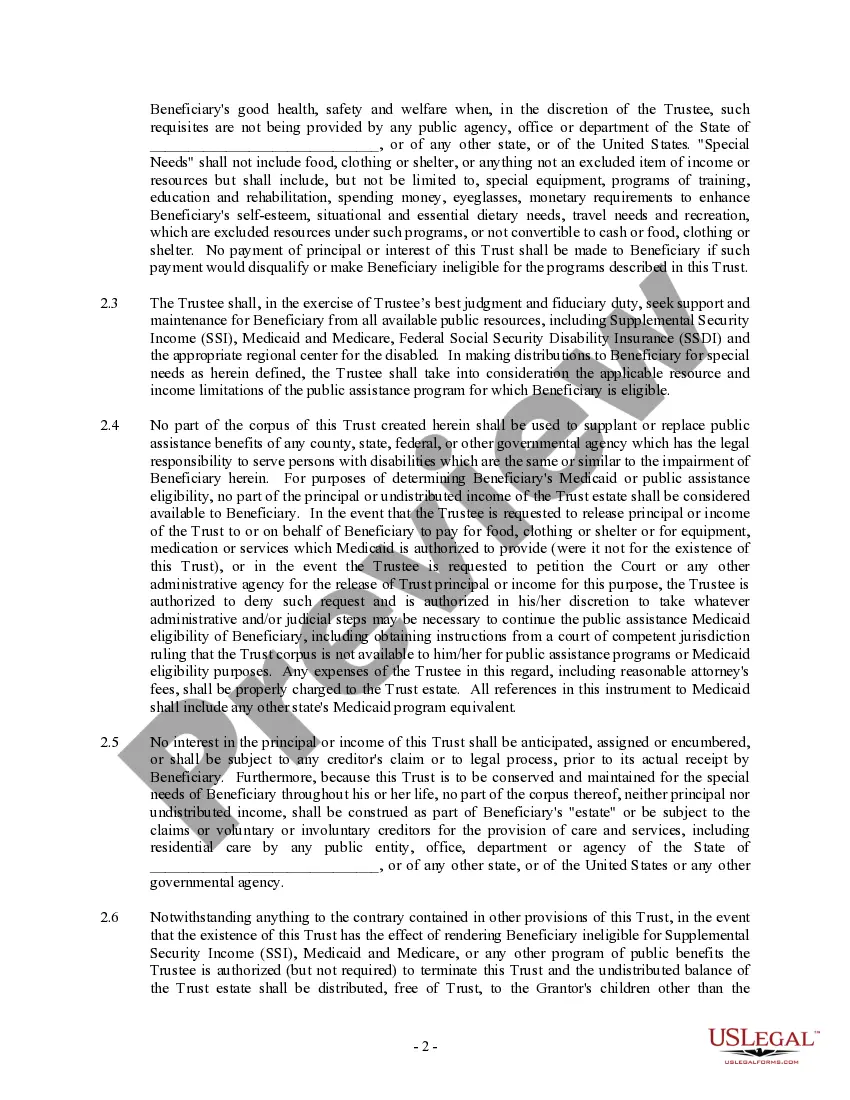
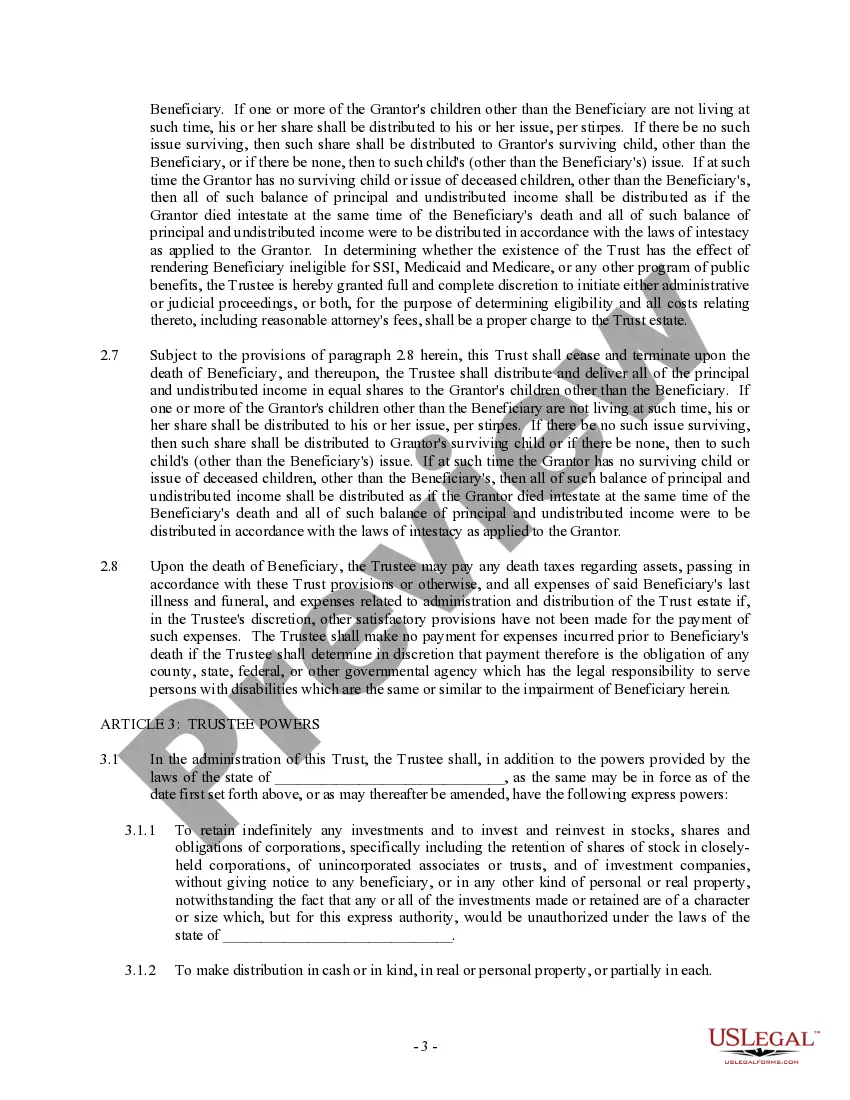
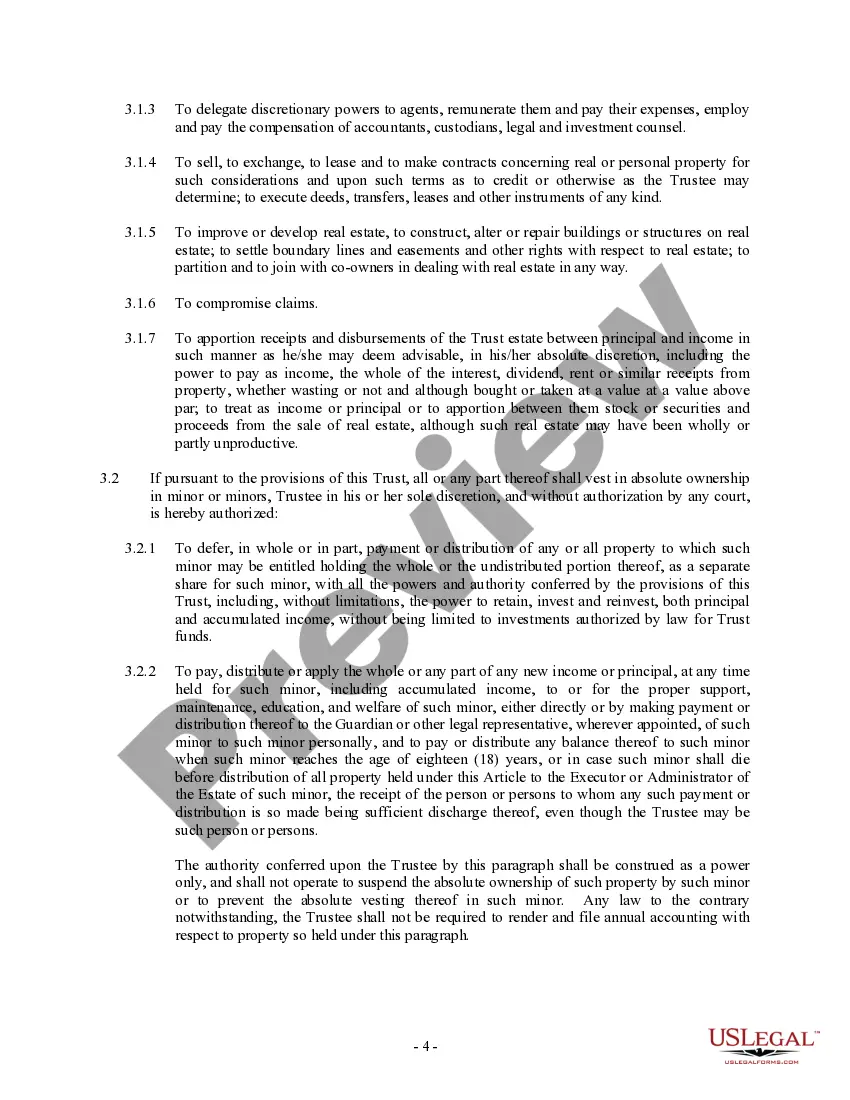
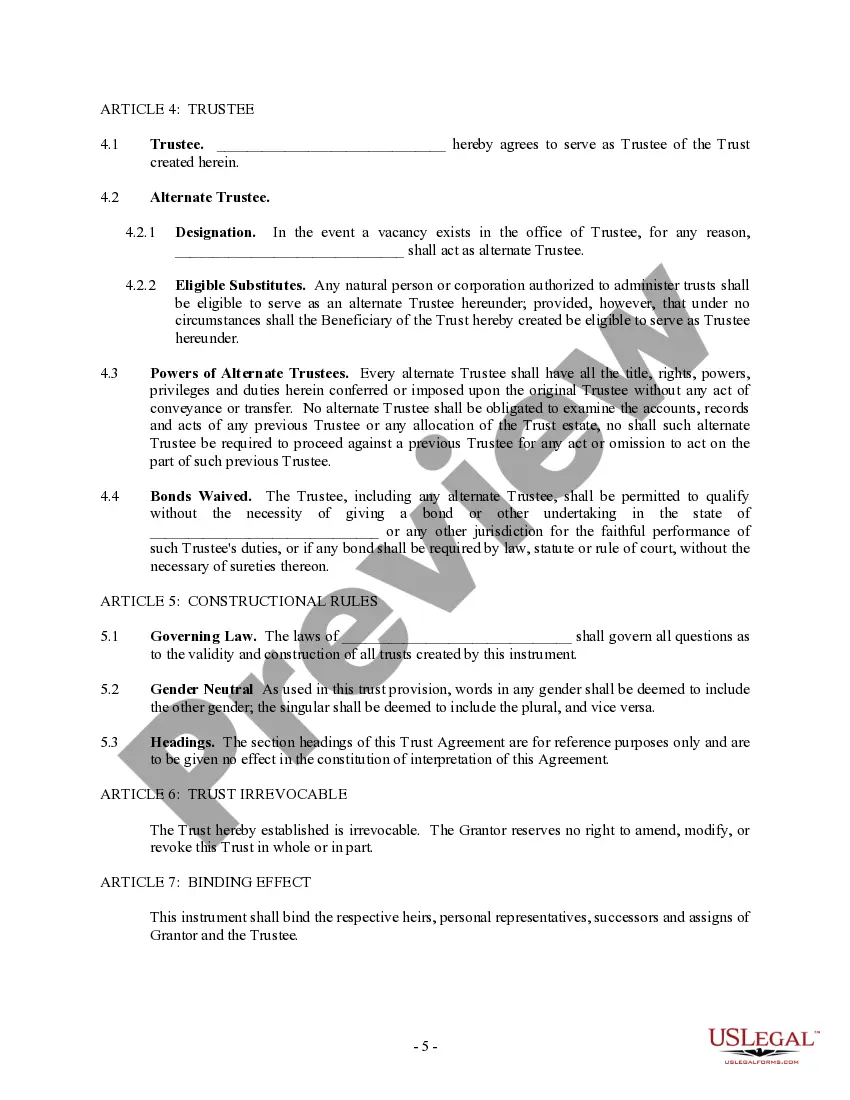
- Preview it (if this feature is available) and review the accompanying description to determine if Special Needs Trust Information For Adults is what you need.
- If you require a different document, restart your search.
- Create a free account and choose a subscription option to purchase the template.
- Select Buy now. Once payment is finalized, you can obtain the Special Needs Trust Information For Adults, complete it, print it, and forward it either by mail or electronically to the necessary individuals or entities.
Form popularity
FAQ
Third party special needs trusts are generally either considered ?complex trusts? or ?qualified disability trusts? for income tax purposes and the trust itself is responsible for reporting its own items of income, deduction, and credit.
The trustee works in very close contact with the beneficiary and/or their caregiver to manage the trust and its financial distributions to pay for these things. The main takeaway regarding distribution of SNT funds is this: The beneficiary never sees the money directly, but the money is used to pay for their needs.
Funds held in a properly drafted special needs trust (SNT) will not affect a Supplemental Security Income (SSI) or Medicaid recipient's benefits. However, funds disbursed in a manner that violates SSI or Medicaid rules can impact these benefits.
A special needs trust is a legal arrangement that provides access to funding to someone who is physically or mentally disabled or chronically ill. This trust allows for the additional financial support of an individual without potentially jeopardizing the benefits provided by public assistance programs.
In these circumstances, the Form 1041 is very simple to complete. The trustee will check the box on Form 1041 indicating that the trust is a grantor trust and provide some general information about the trust (name, address, tax identification number, and the date the trust was established).