Property States Any Without
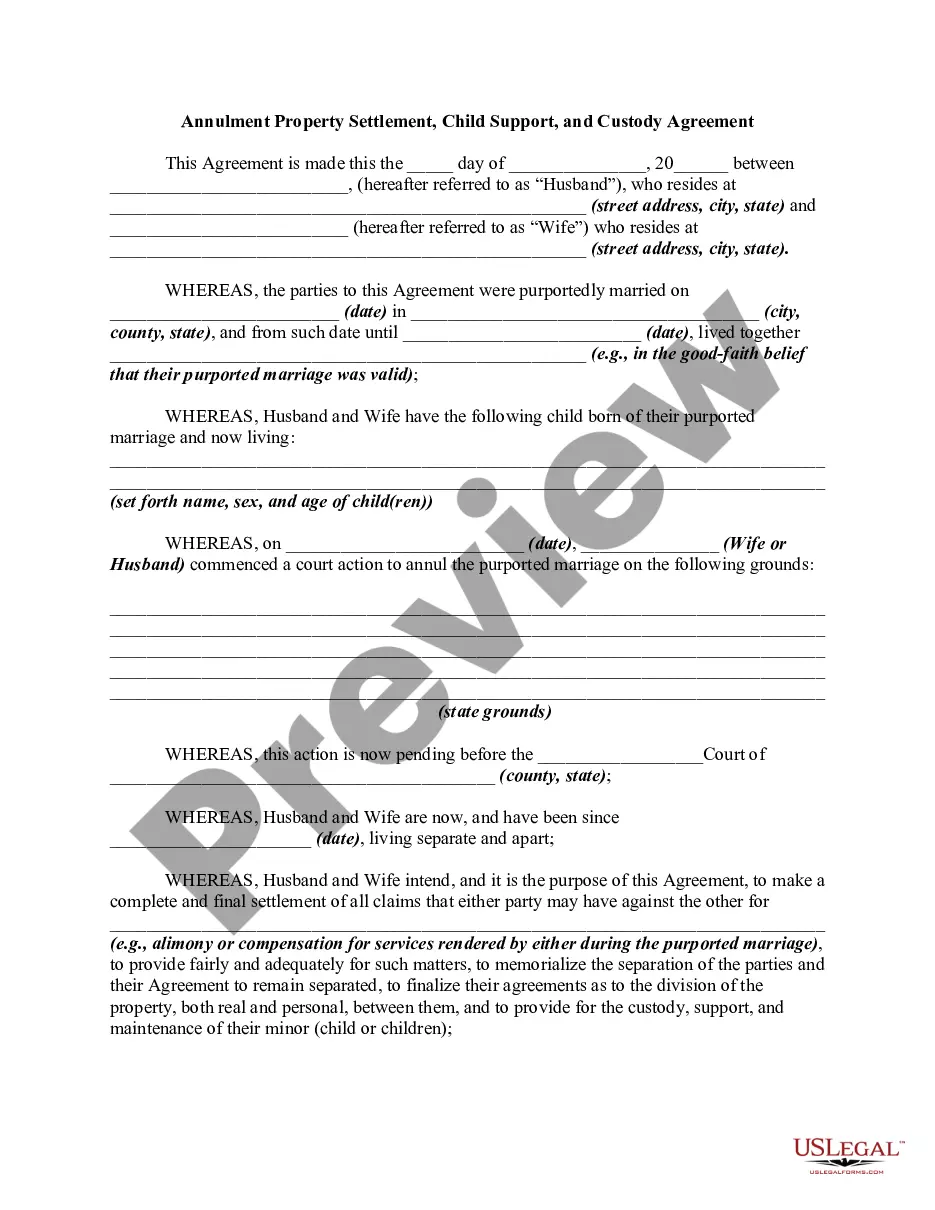
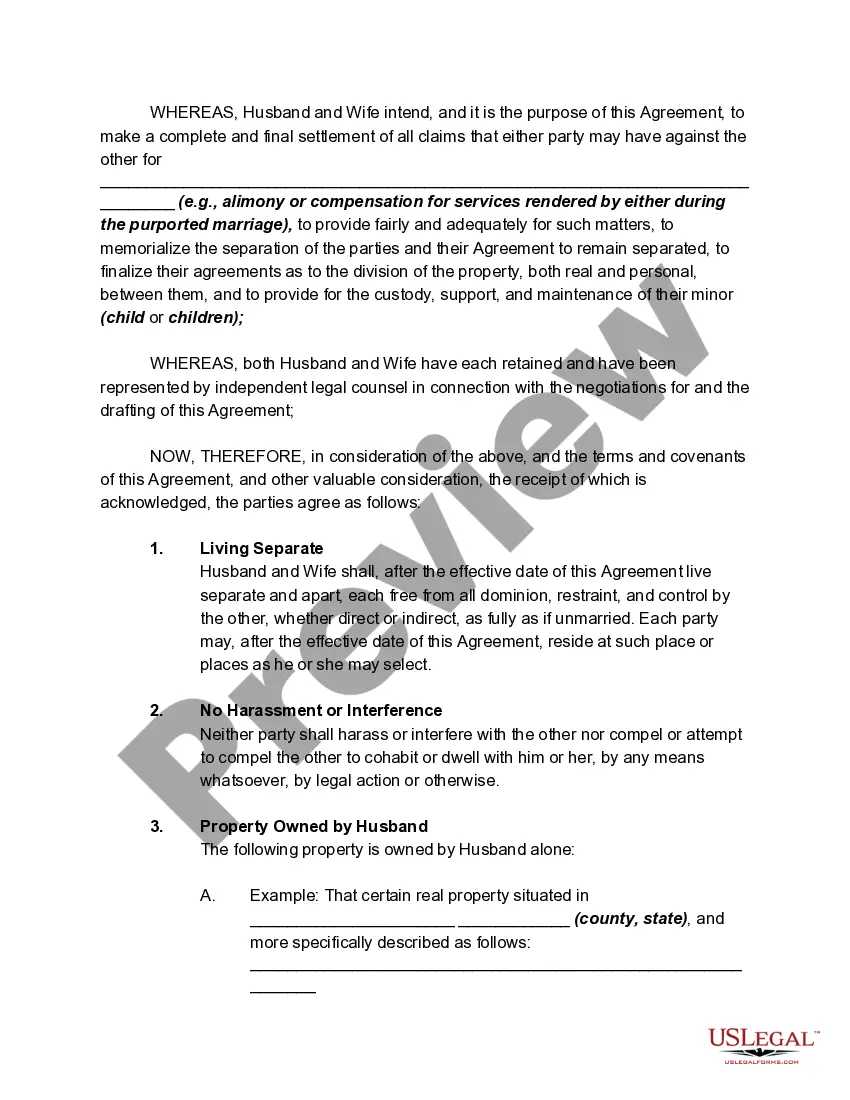
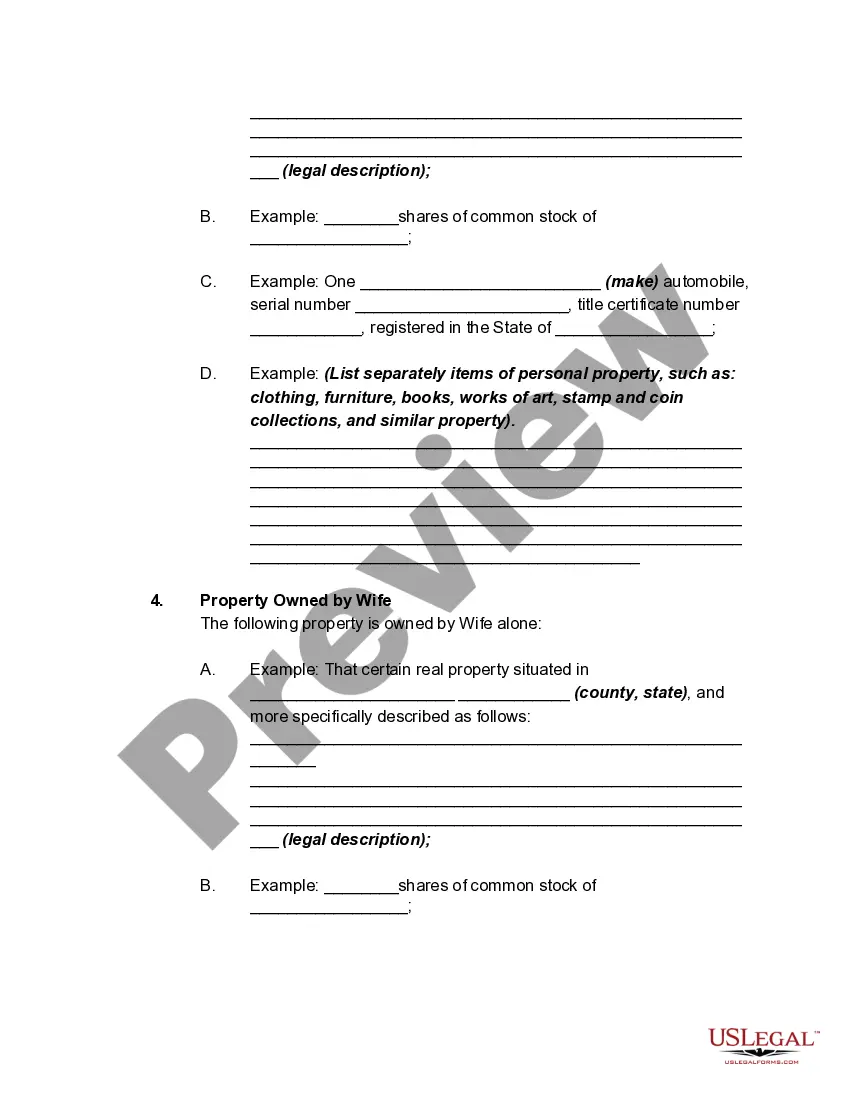
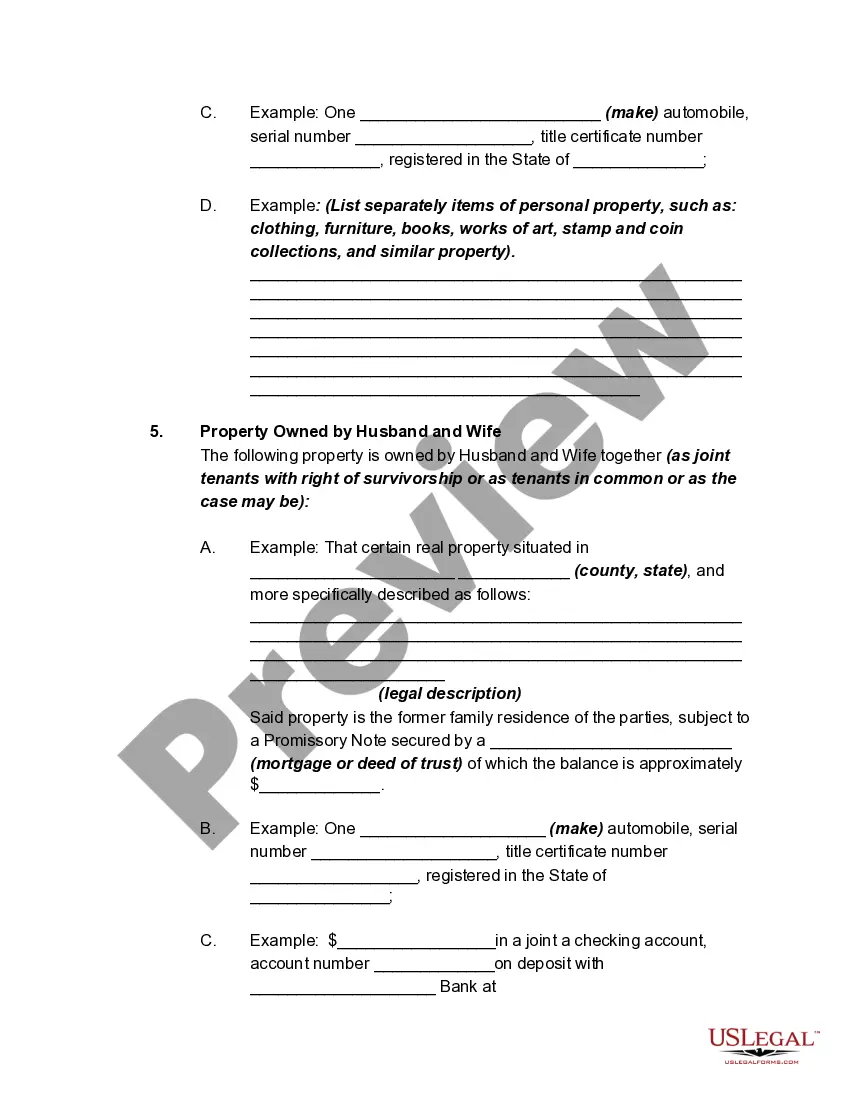
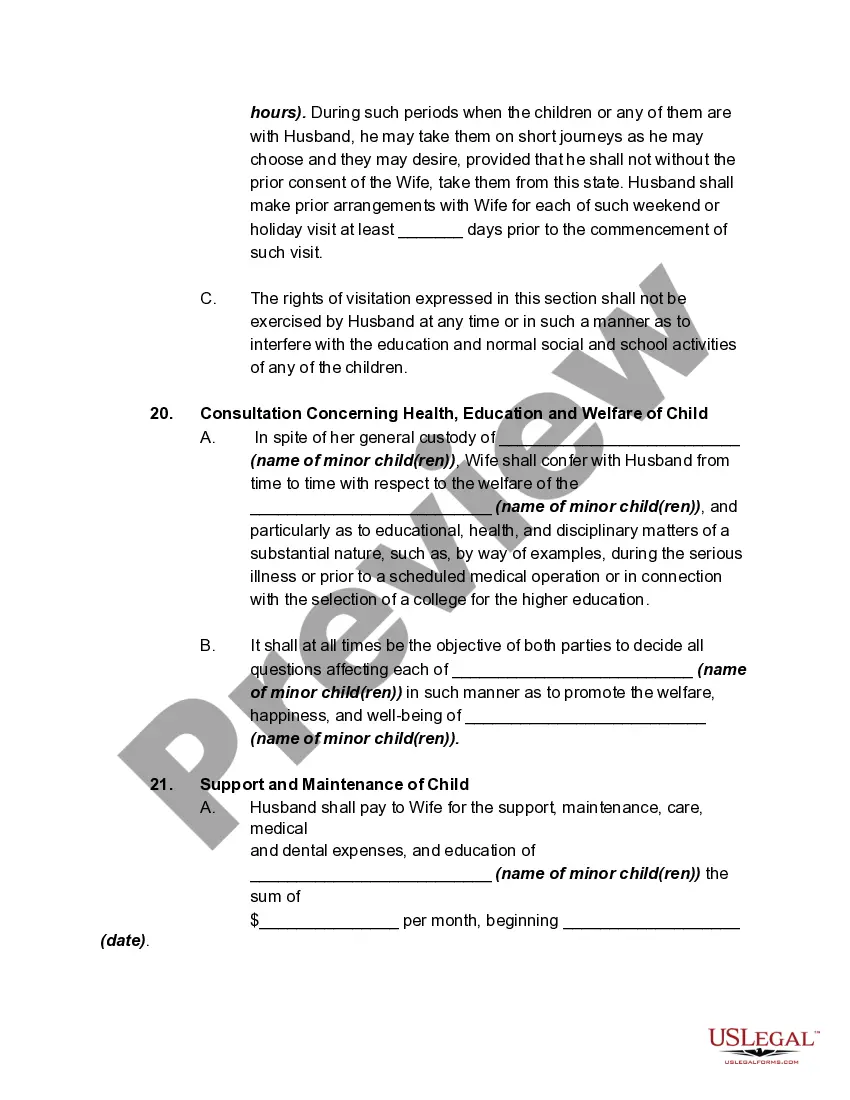
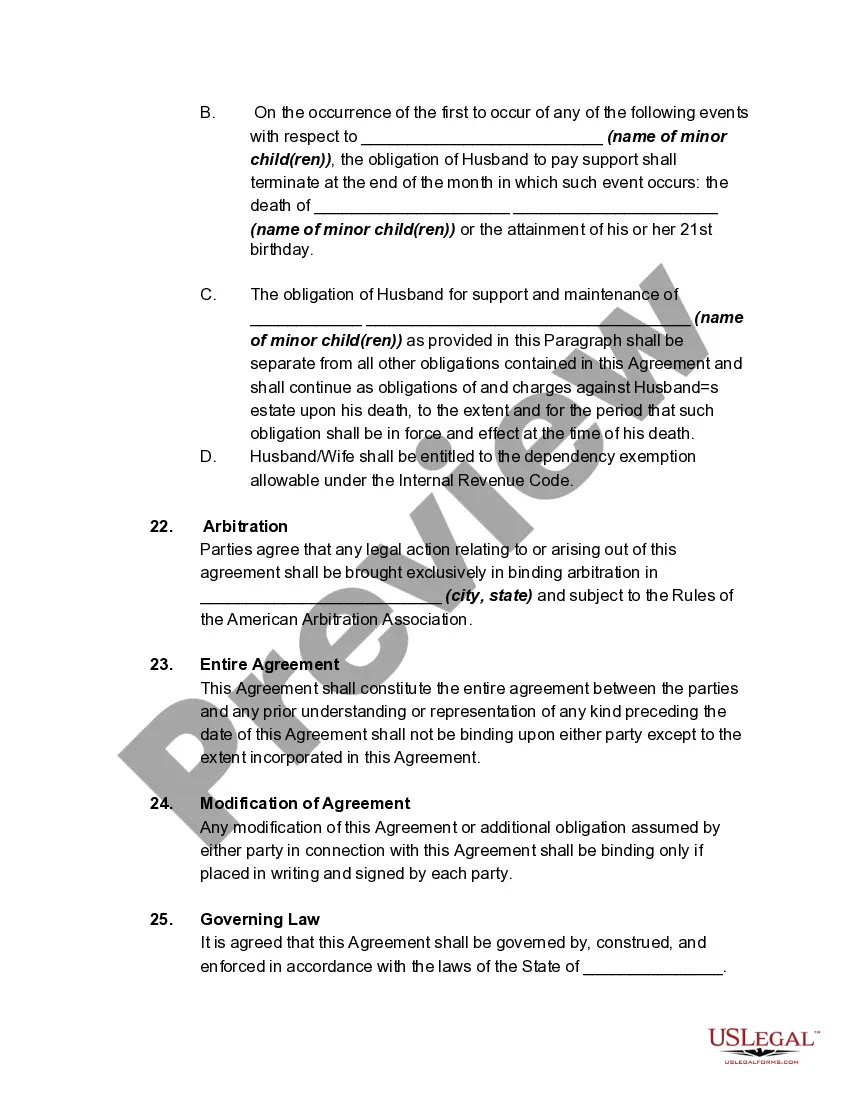
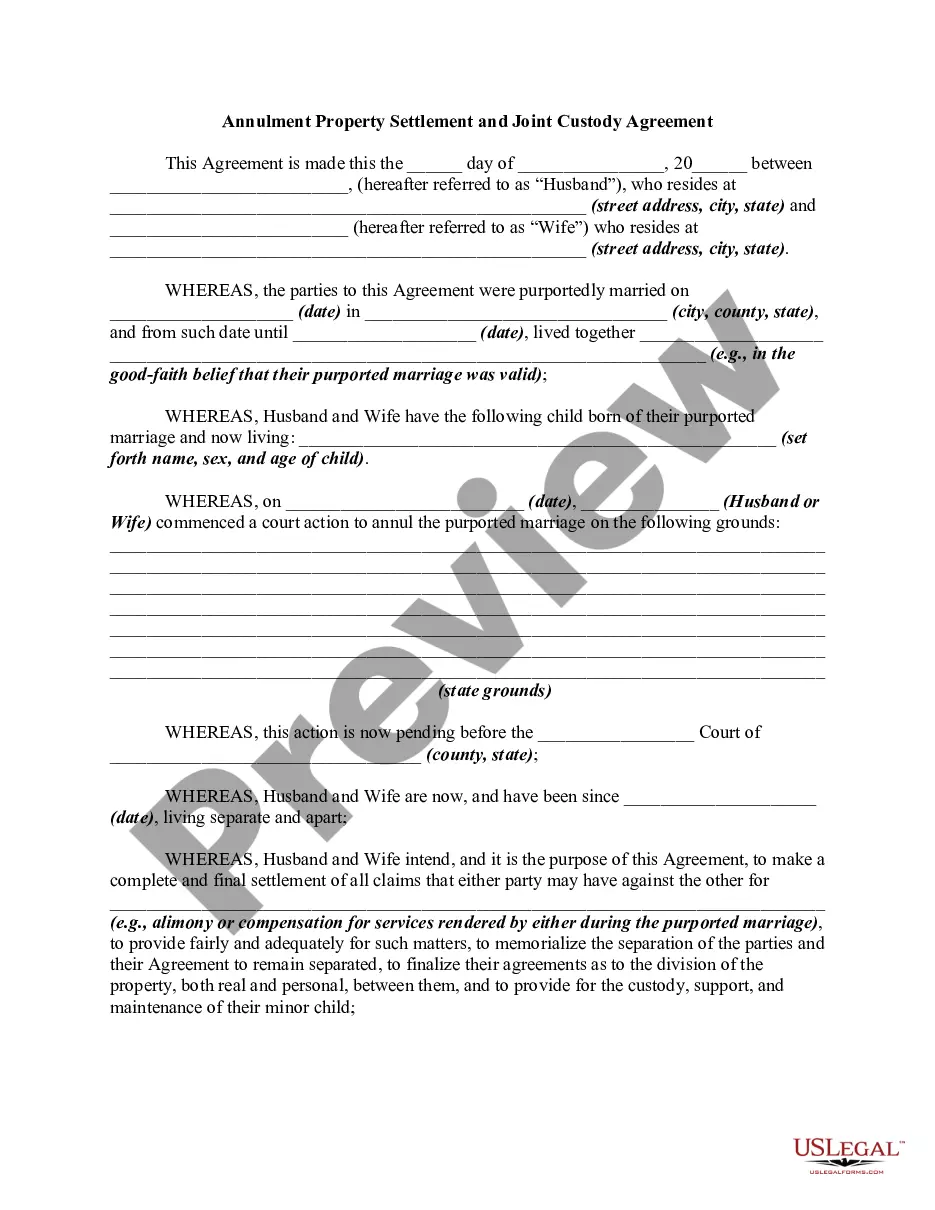
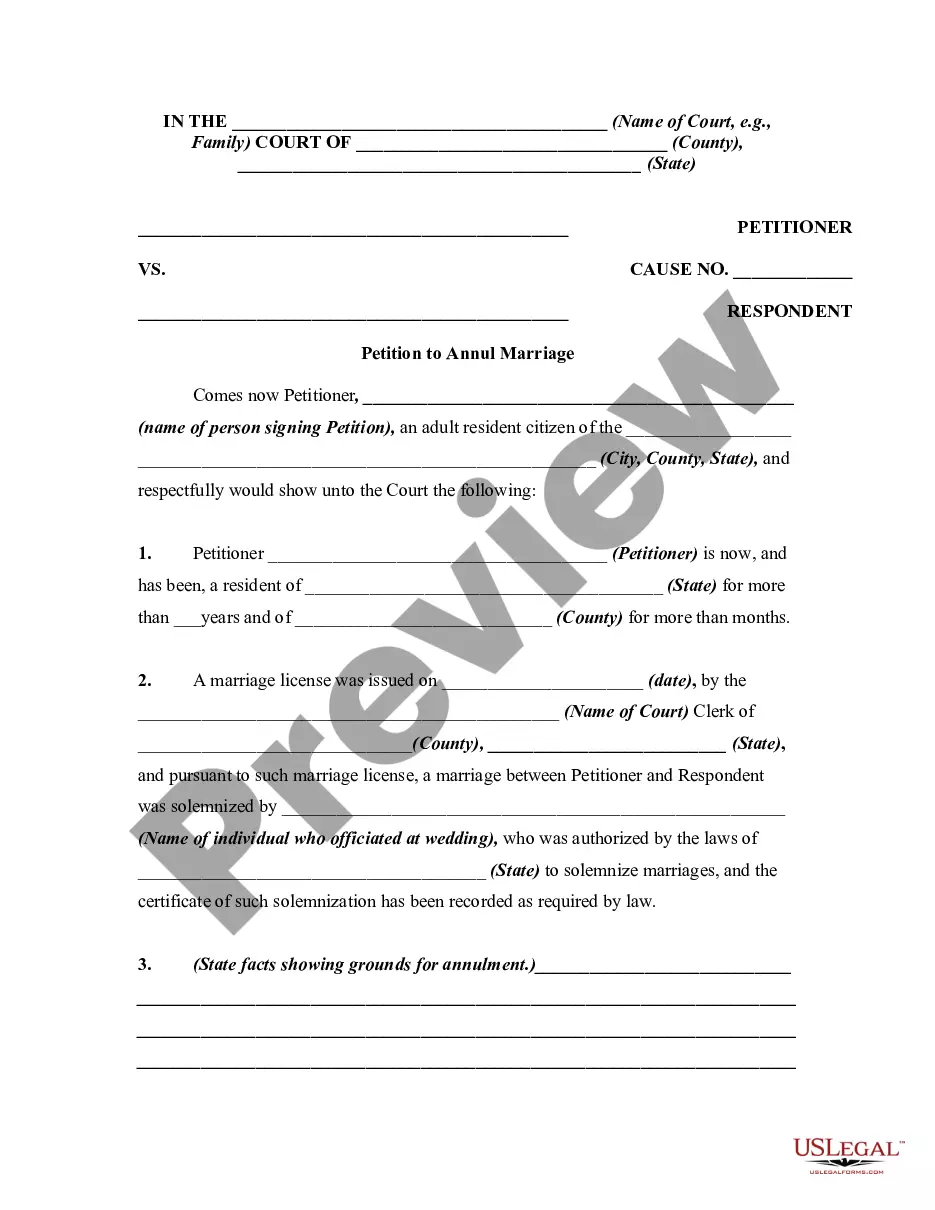
Description

Get your form ready online
Our built-in tools help you complete, sign, share, and store your documents in one place.
Make edits, fill in missing information, and update formatting in US Legal Forms—just like you would in MS Word.
Download a copy, print it, send it by email, or mail it via USPS—whatever works best for your next step.
Sign and collect signatures with our SignNow integration. Send to multiple recipients, set reminders, and more. Go Premium to unlock E-Sign.
If this form requires notarization, complete it online through a secure video call—no need to meet a notary in person or wait for an appointment.
We protect your documents and personal data by following strict security and privacy standards.

Make edits, fill in missing information, and update formatting in US Legal Forms—just like you would in MS Word.

Download a copy, print it, send it by email, or mail it via USPS—whatever works best for your next step.

Sign and collect signatures with our SignNow integration. Send to multiple recipients, set reminders, and more. Go Premium to unlock E-Sign.

If this form requires notarization, complete it online through a secure video call—no need to meet a notary in person or wait for an appointment.

We protect your documents and personal data by following strict security and privacy standards.
Looking for another form?
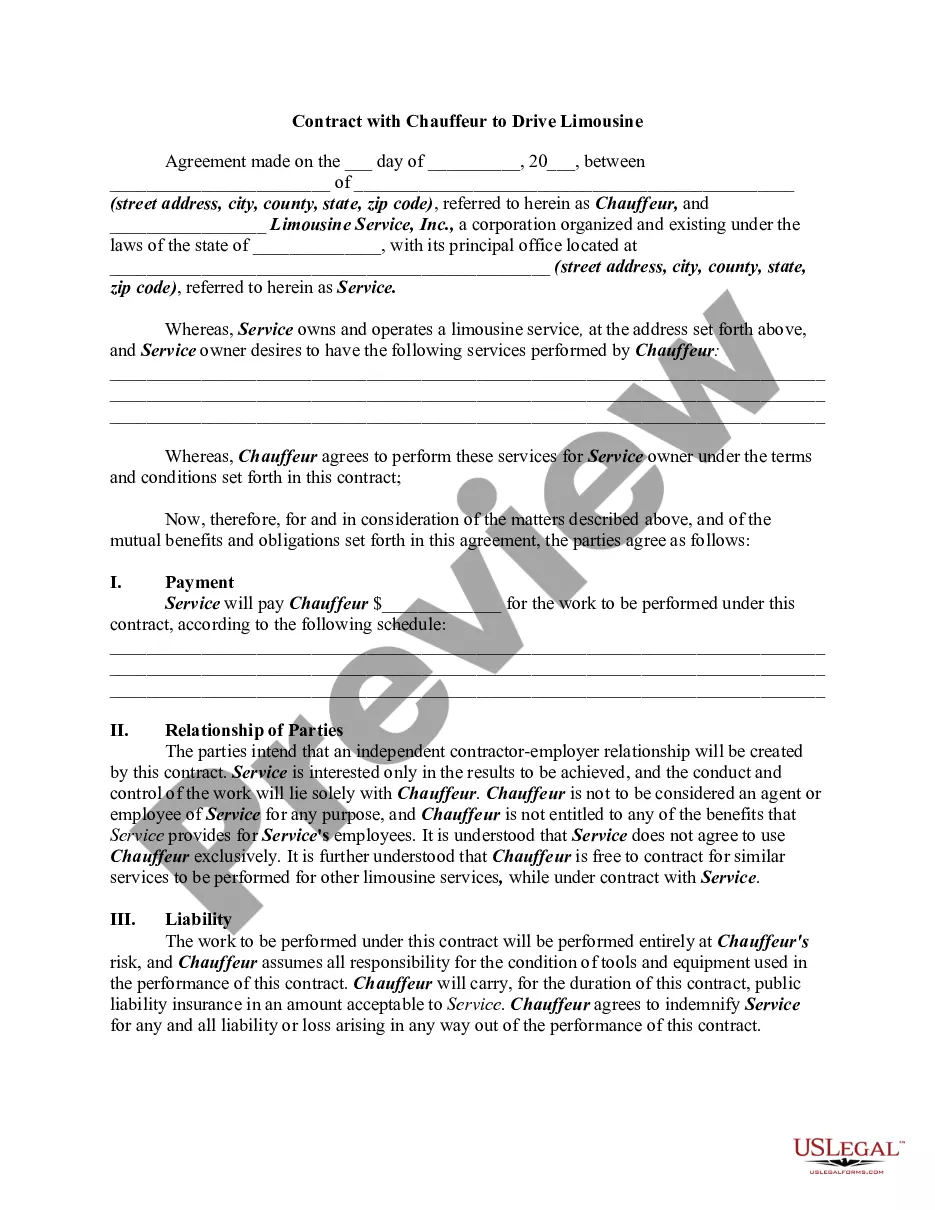







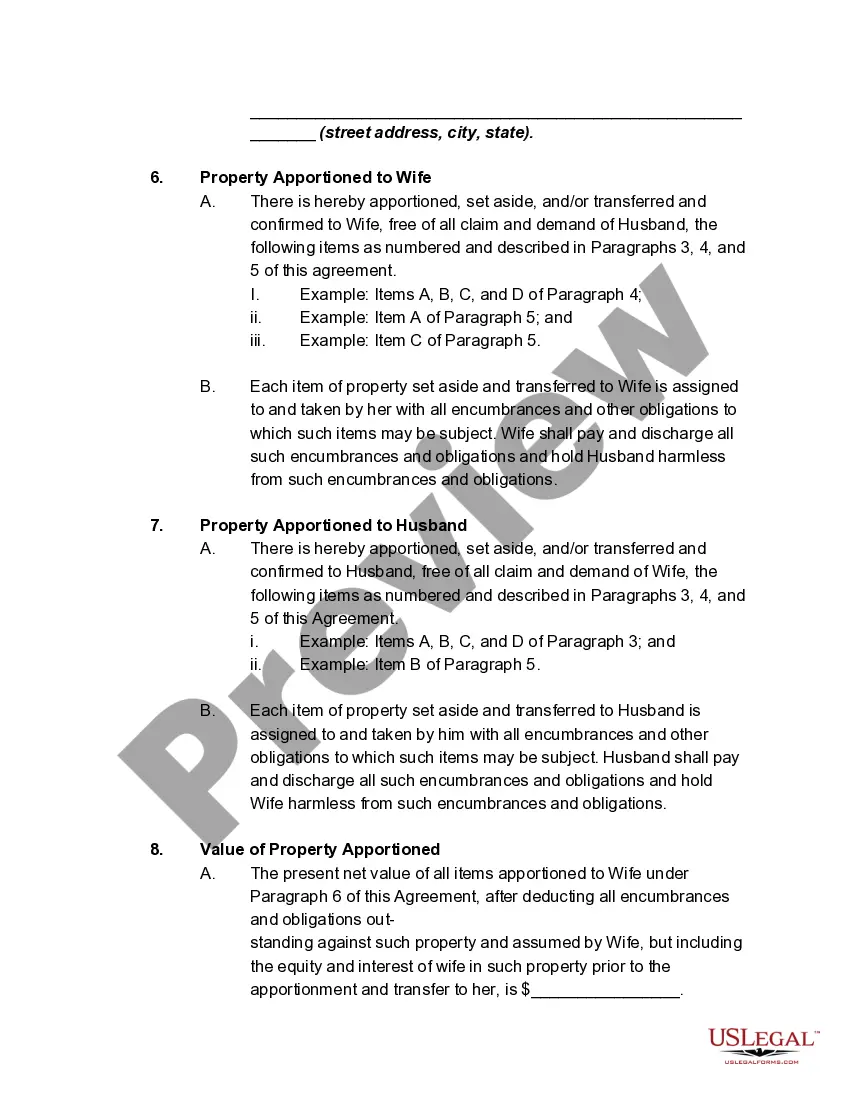
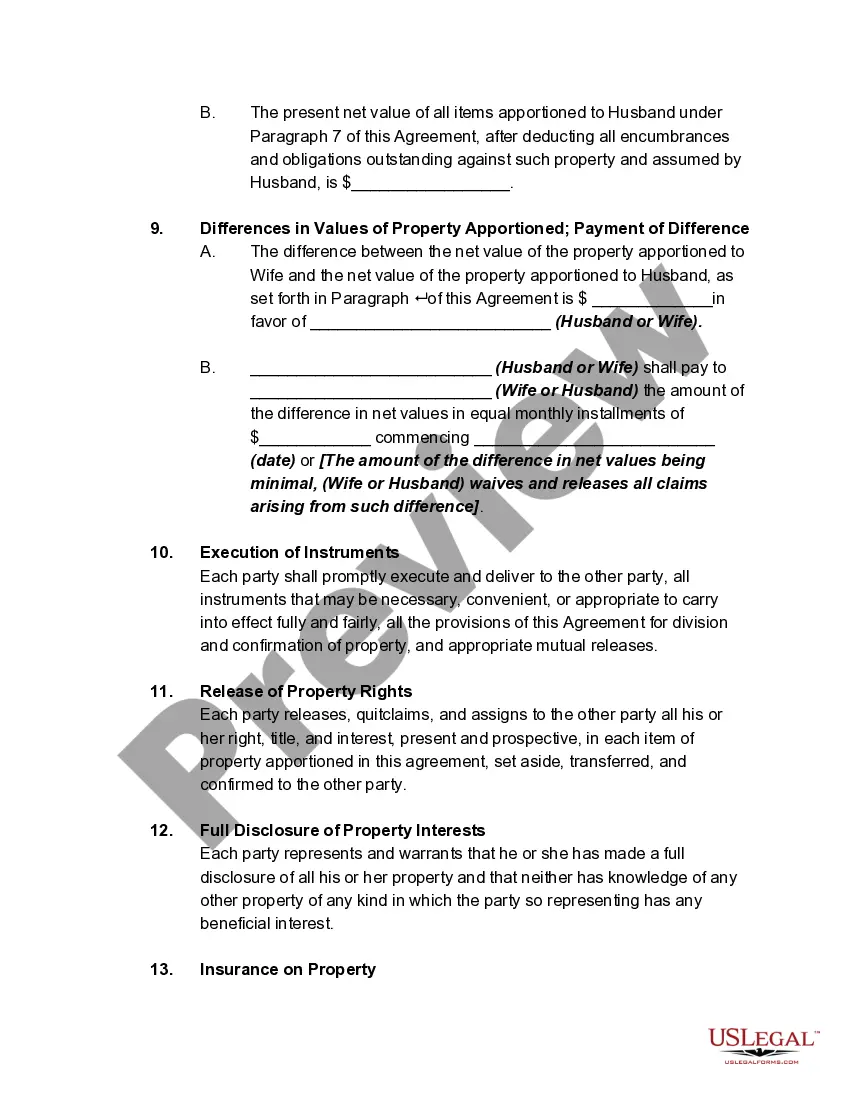
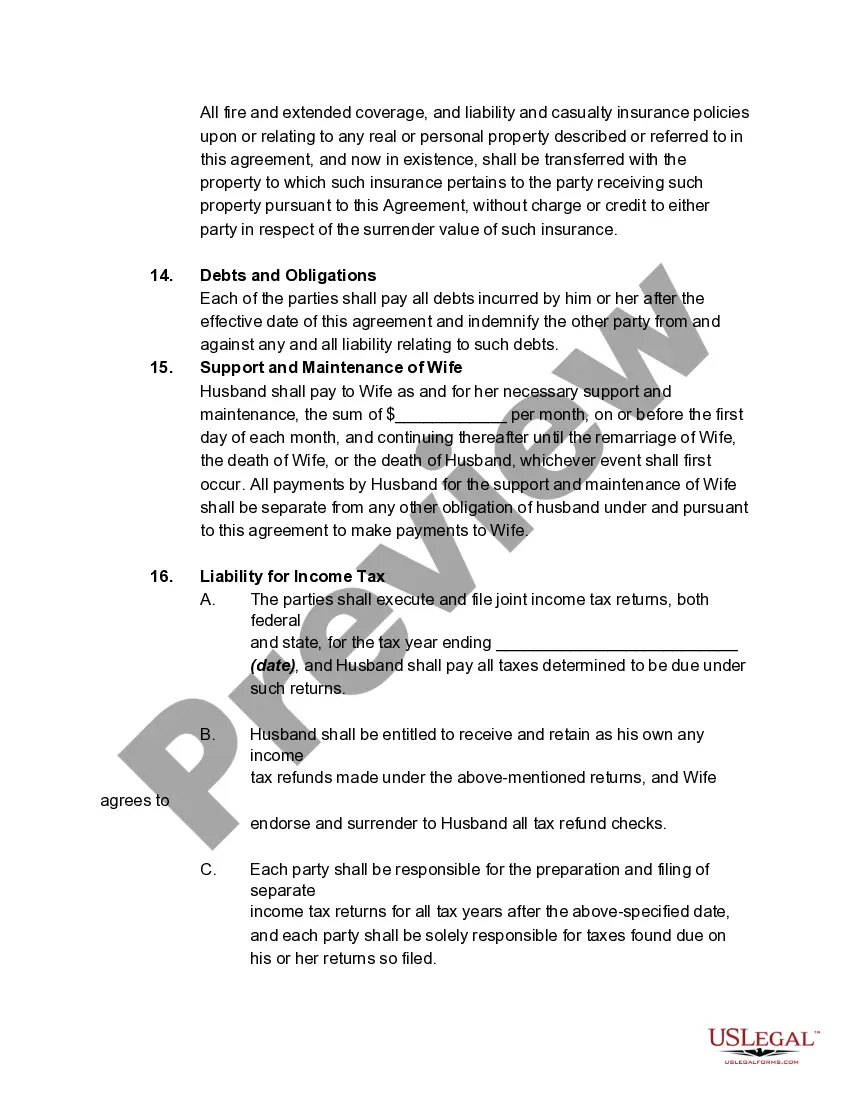
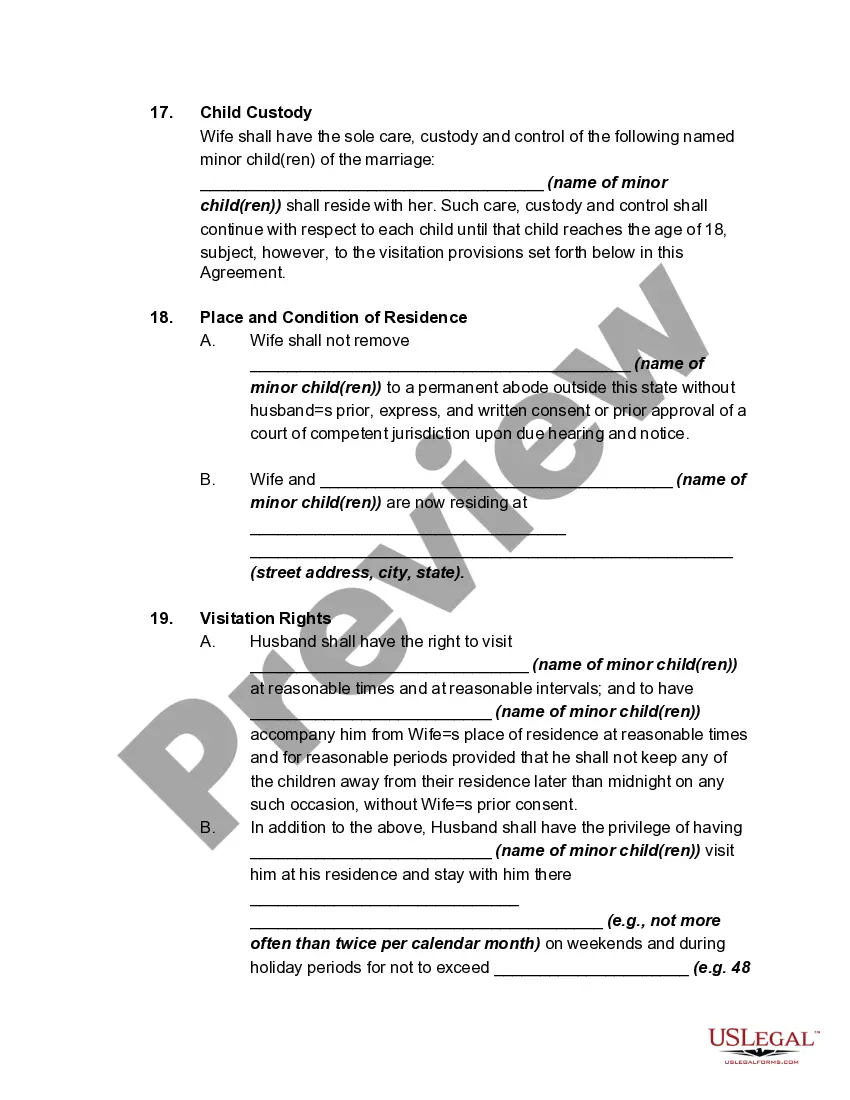
How to fill out Annulment Property Settlement, Child Support, And Custody Agreement?
Utilizing legal document samples that adhere to federal and local laws is essential, and the internet provides numerous choices to select from.
However, what is the purpose of spending time searching for the appropriate Property States Any Without template online when the US Legal Forms digital library already compiles such documents in one location.
US Legal Forms is the premier online legal repository featuring over 85,000 customizable templates created by attorneys for various professional and personal situations.
Examine the template using the Preview feature or through the textual description to verify it meets your requirements.
- They are easy to navigate with all documents categorized by state and intended use.
- Our specialists keep up with legislative updates, ensuring your forms are current and compliant when obtaining a Property States Any Without from our site.
- Acquiring a Property States Any Without is straightforward and quick for both existing and new users.
- If you already possess an account with an active subscription, Log In and download the document sample you need in your desired format.
- If you are a newcomer to our platform, follow the steps outlined below.
Form popularity
FAQ
Entering income adjustments for a community property state Sign in to TurboTax and open or continue your return. Search for community property and select the Jump to link. On the Community Property Income screen, select Yes and follow the instructions to enter any income adjustments.
Hear this out loud PauseThere are 9 community property states: Arizona, California, Idaho, Louisiana, Nevada, New Mexico, Texas, Washington, and Wisconsin. In these states, the law assumes that all property (and debts) acquired during the marriage belong equally to both spouses.
Hear this out loud PauseWhat is Form 8958: Allocation of Tax Amounts Between Certain Individuals in Community Property State. Several states have "community property" laws, which say that most income earned and most assets acquired during a marriage are the equal property of both spouses, regardless of whose name is on the check or the title.
Hear this out loud PauseWhen you live in a community property state and file separate returns, you each must report 50 percent of your spouse's income and half of income generated by community assets, plus all of your separate income. The IRS has an allocation worksheet to simplify your calculations in Publication 555 Community Property.
California is a community property state. When filing a separate return, each spouse/RDP reports the following: One-half of the community income. All of their own separate income.