Acknowledgement Of Receipt Letter Example With Signature In Queens
Description





Get your form ready online
Our built-in tools help you complete, sign, share, and store your documents in one place.
Make edits, fill in missing information, and update formatting in US Legal Forms—just like you would in MS Word.
Download a copy, print it, send it by email, or mail it via USPS—whatever works best for your next step.
Sign and collect signatures with our SignNow integration. Send to multiple recipients, set reminders, and more. Go Premium to unlock E-Sign.
If this form requires notarization, complete it online through a secure video call—no need to meet a notary in person or wait for an appointment.
We protect your documents and personal data by following strict security and privacy standards.

Make edits, fill in missing information, and update formatting in US Legal Forms—just like you would in MS Word.

Download a copy, print it, send it by email, or mail it via USPS—whatever works best for your next step.

Sign and collect signatures with our SignNow integration. Send to multiple recipients, set reminders, and more. Go Premium to unlock E-Sign.

If this form requires notarization, complete it online through a secure video call—no need to meet a notary in person or wait for an appointment.

We protect your documents and personal data by following strict security and privacy standards.
Looking for another form?


Form popularity
FAQ
How do you fill out an acknowledgment letter? Date of receipt: State when the document or goods were received. Description: Provide a concise description of the received document or goods. Confirmation statement: Include a statement confirming the safe receipt of the document or goods.
How to create an acknowledgment receipt Use a company letterhead. Use electronic or paper letterhead. Write acknowledgment statement. Referring to the document by name, version number if applicable and state that the recipient has received the document. Sign and date. Explain the next step. Provide contact information.
Here is how to write a confirmation email in 10 steps: Specify the recipients. Add the email addresses of the recipient or recipients in the email address bar. Write a subject line. Craft a greeting. State the purpose of the email. List the details. Request additional information. Ask questions. Express gratitude.
Kick off your acknowledgment letter by stating the date you received the document or goods, providing a brief description for clarity, and confirming their safe arrival. Clarity in this section is paramount to avoid any follow-up inquiries from the sender seeking more details.
Consider following these steps to create an acknowledging receipt: Begin with a professional letterhead or logo. You can begin by including the letterhead or logo of your employer . Include the acknowledgment statement. Sign the document. Describe what to do next. Add your contact information. Proofread and edit.
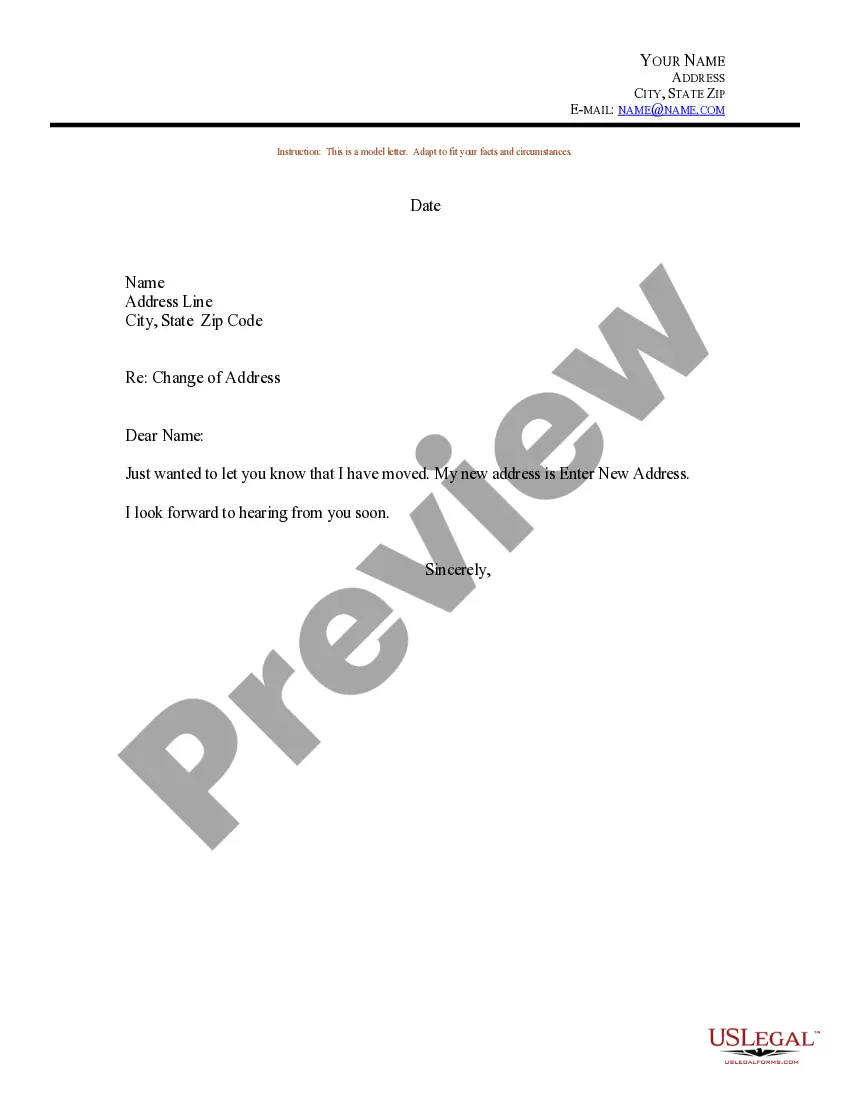
Hi (Recipient's name), Thank you for sending me the (insert details) documents. I can confirm that I received them on (insert date). We will review the documents and prepare our response shortly.
How To Write Acknowledgement Email Replies? Appreciate the sender. Be straightforward. Address the main point. Be timely. Maintain politeness. Offer your insights. Answer the questions. Involve the sender.
Confirmation Email Reply Sample Dear Recipient's Name, Thank you for your email regarding Subject of Original Email. I've completed the Action mentioned in the original email. Please let me know if there's anything else I need to do as the next steps.
Acknowledgement Letters for Receipt of Payment Dear Sir, This letter acknowledges the receipt of your payment for the products supplied. We have received the complete payment for order number 345, which was supplied last week. Thank you for your continued trust in our company.
Acknowledgment of receipt for a document Dear (Recipient's name), I am writing to confirm that I have received the Document Name on Date. Thank you for sending this document.

