Llc Limited Company For Contractor
Description
Get your form ready online
Our built-in tools help you complete, sign, share, and store your documents in one place.
Make edits, fill in missing information, and update formatting in US Legal Forms—just like you would in MS Word.
Download a copy, print it, send it by email, or mail it via USPS—whatever works best for your next step.
Sign and collect signatures with our SignNow integration. Send to multiple recipients, set reminders, and more. Go Premium to unlock E-Sign.
If this form requires notarization, complete it online through a secure video call—no need to meet a notary in person or wait for an appointment.
We protect your documents and personal data by following strict security and privacy standards.

Make edits, fill in missing information, and update formatting in US Legal Forms—just like you would in MS Word.

Download a copy, print it, send it by email, or mail it via USPS—whatever works best for your next step.

Sign and collect signatures with our SignNow integration. Send to multiple recipients, set reminders, and more. Go Premium to unlock E-Sign.

If this form requires notarization, complete it online through a secure video call—no need to meet a notary in person or wait for an appointment.

We protect your documents and personal data by following strict security and privacy standards.
Looking for another form?










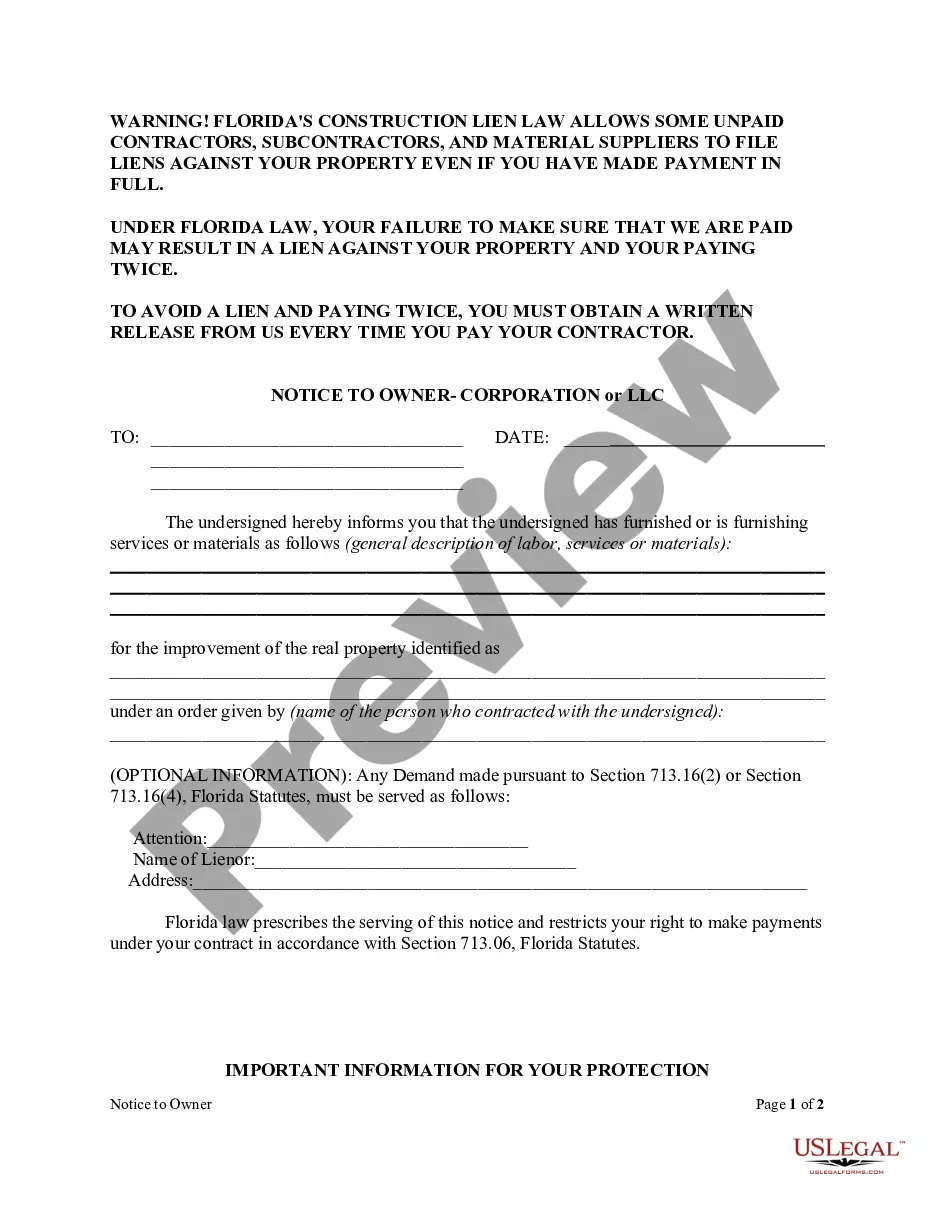
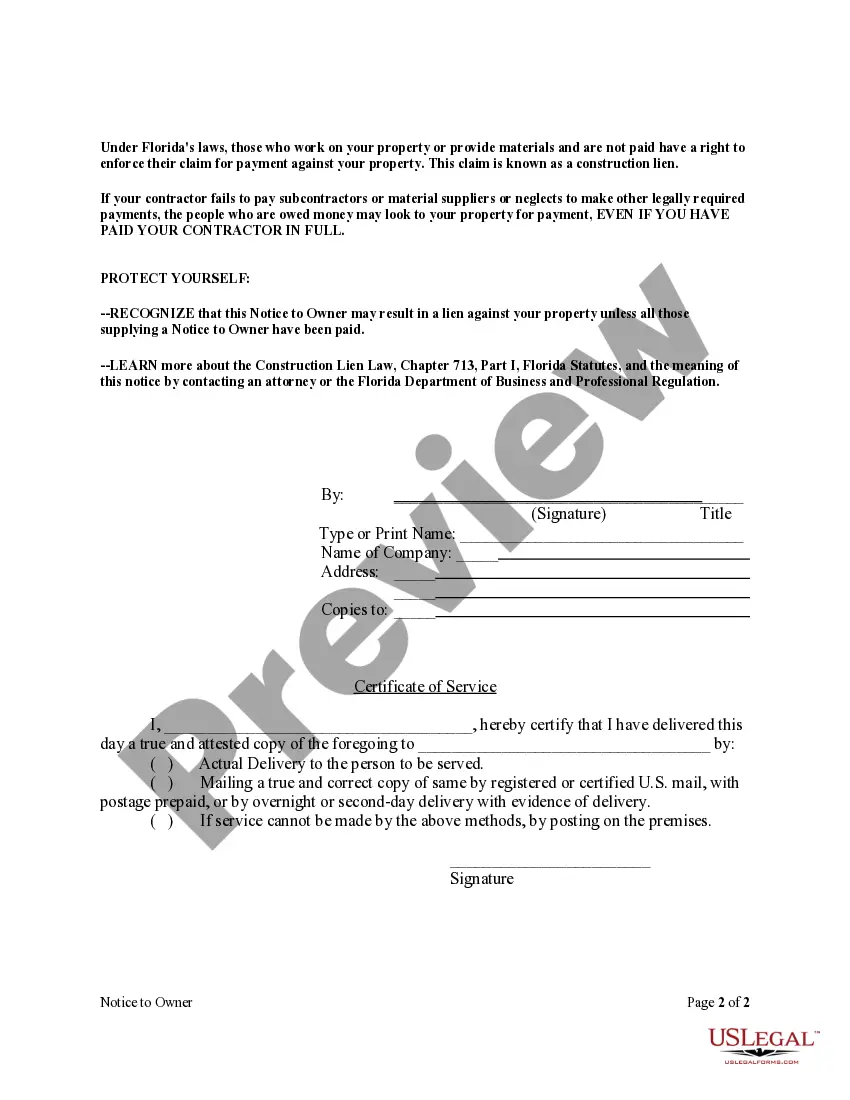
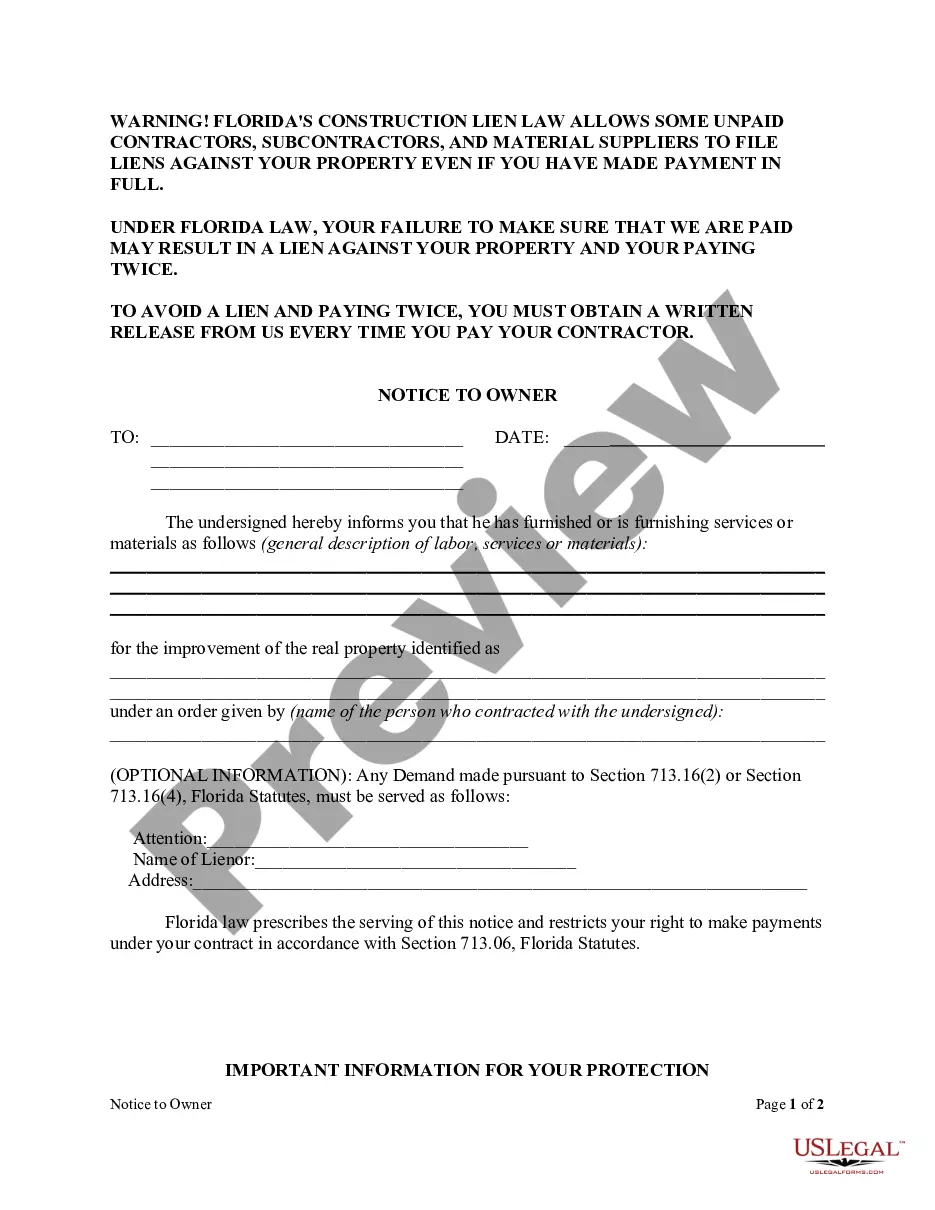
How to fill out Florida Notice To Owner Form - Construction - Mechanic Liens - Corporation?
It’s common knowledge that you cannot transform into a legal expert in a day, nor can you swiftly learn how to draft an LLC Limited Company for Contractors without possessing a specialized skill set.
Drafting legal documents is an extensive process that demands specific education and expertise. So, why not entrust the preparation of the LLC Limited Company for Contractors to the experts.
With US Legal Forms, which boasts one of the most extensive collections of legal documents, you can locate everything from court papers to in-office communication templates.
If you need another template, simply initiate your search again.
Create a free account and select a subscription plan to purchase the form. Click Buy now. After the transaction is finalized, you can acquire the LLC Limited Company for Contractors, complete it, print it, and send or mail it to the specified individuals or organizations.
- We understand how crucial compliance and adherence to federal and local regulations are.
- That’s why, on our platform, all forms are tailored to specific locations and are updated regularly.
- To start, visit our website and obtain the form you require in just a few minutes.
- Find the document you need using the search bar located at the top of the page.
- Preview it (if this feature is available) and read the accompanying description to verify if the LLC Limited Company for Contractors meets your needs.
Form popularity
FAQ
3. Completing Form W-9 for LLC Line 1: Legal Name. ... Line 2: Business Name/disregarded entity name. ... Line 3: LLC - federal tax classification. ... Line 4: Exemptions. ... Line 5, & 6: Address. ... Part II: Certification.
If you've made the determination that the person you're paying is an independent contractor, the first step is to have the contractor complete Form W-9, Request for Taxpayer Identification Number and Certification.
Tax Classification- LLCs with two or more members should check the box on line 3 of the Form W-9 and enter ?P? to the right of the box. Name - Enter the legal name of the LLC, as it appears on IRS documentation on line 1 of the form.
How to fill out a W-9 form Download the W-9 form from IRS.gov. ... Provide your full legal name and business name. ... Describe your business structure. ... Exemption. ... Enter your mailing address. ... Add any account numbers. ... Provide your Social Security number or Employer Identification Number. ... See if you need to sign and date the form.
If you are a sole proprietor or single-member limited liability company (LLC), you should enter your own name on line 1 as well. Partnerships, multiple-member LLCs, C corporations, and S corporations should enter the entity's name as shown on the entity's tax return. The second line is for your business's name, if any.