Common Law Marriage For Insurance
Description
Get your form ready online
Our built-in tools help you complete, sign, share, and store your documents in one place.
Make edits, fill in missing information, and update formatting in US Legal Forms—just like you would in MS Word.
Download a copy, print it, send it by email, or mail it via USPS—whatever works best for your next step.
Sign and collect signatures with our SignNow integration. Send to multiple recipients, set reminders, and more. Go Premium to unlock E-Sign.
If this form requires notarization, complete it online through a secure video call—no need to meet a notary in person or wait for an appointment.
We protect your documents and personal data by following strict security and privacy standards.

Make edits, fill in missing information, and update formatting in US Legal Forms—just like you would in MS Word.

Download a copy, print it, send it by email, or mail it via USPS—whatever works best for your next step.

Sign and collect signatures with our SignNow integration. Send to multiple recipients, set reminders, and more. Go Premium to unlock E-Sign.

If this form requires notarization, complete it online through a secure video call—no need to meet a notary in person or wait for an appointment.

We protect your documents and personal data by following strict security and privacy standards.
Looking for another form?

How to fill out Colorado Affidavit Of Common Law Marriage?
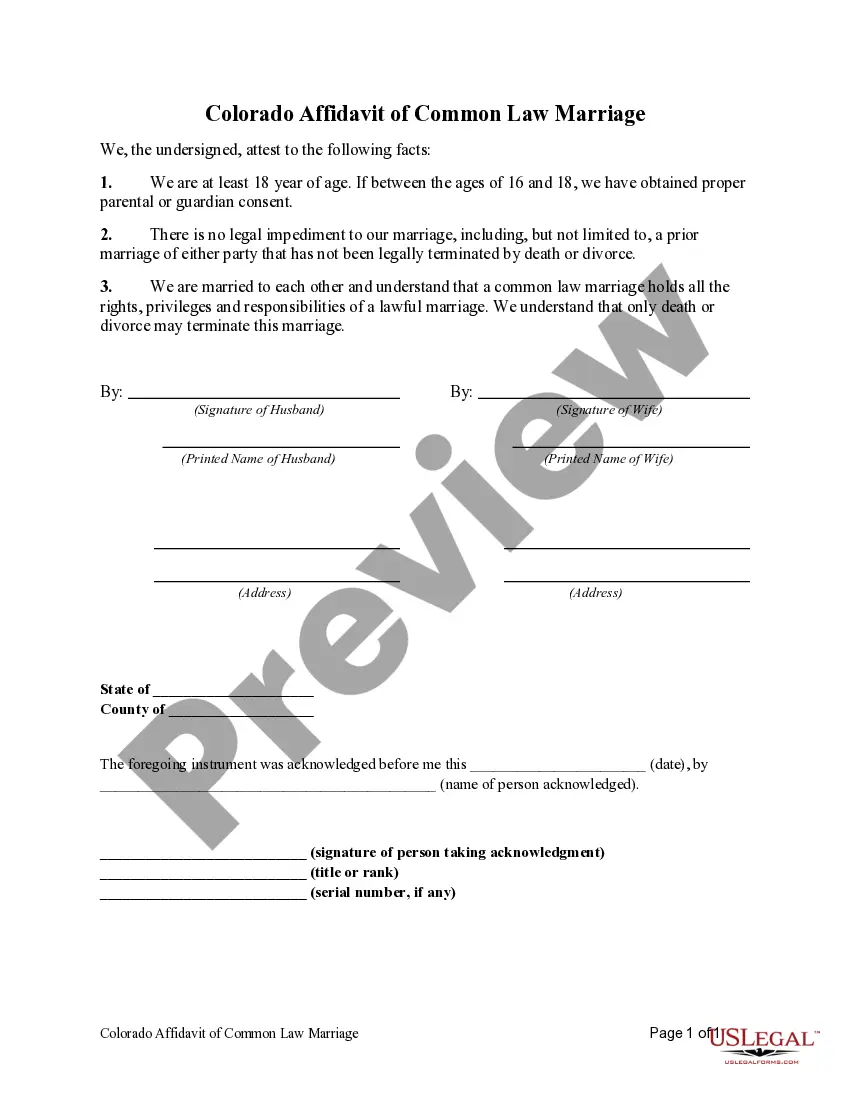
The Common Law Marriage For Insurance you see on this page is a multi-usable legal template drafted by professional lawyers in accordance with federal and regional laws and regulations. For more than 25 years, US Legal Forms has provided individuals, organizations, and attorneys with more than 85,000 verified, state-specific forms for any business and personal occasion. It’s the fastest, simplest and most trustworthy way to obtain the paperwork you need, as the service guarantees the highest level of data security and anti-malware protection.
Acquiring this Common Law Marriage For Insurance will take you just a few simple steps:
- Browse for the document you need and review it. Look through the sample you searched and preview it or check the form description to verify it fits your needs. If it does not, use the search bar to find the right one. Click Buy Now when you have found the template you need.
- Subscribe and log in. Choose the pricing plan that suits you and register for an account. Use PayPal or a credit card to make a prompt payment. If you already have an account, log in and check your subscription to proceed.
- Obtain the fillable template. Pick the format you want for your Common Law Marriage For Insurance (PDF, DOCX, RTF) and save the sample on your device.
- Complete and sign the paperwork. Print out the template to complete it by hand. Alternatively, use an online multi-functional PDF editor to quickly and precisely fill out and sign your form with a eSignature.
- Download your paperwork one more time. Utilize the same document again whenever needed. Open the My Forms tab in your profile to redownload any earlier purchased forms.
Sign up for US Legal Forms to have verified legal templates for all of life’s scenarios at your disposal.
Form popularity
FAQ
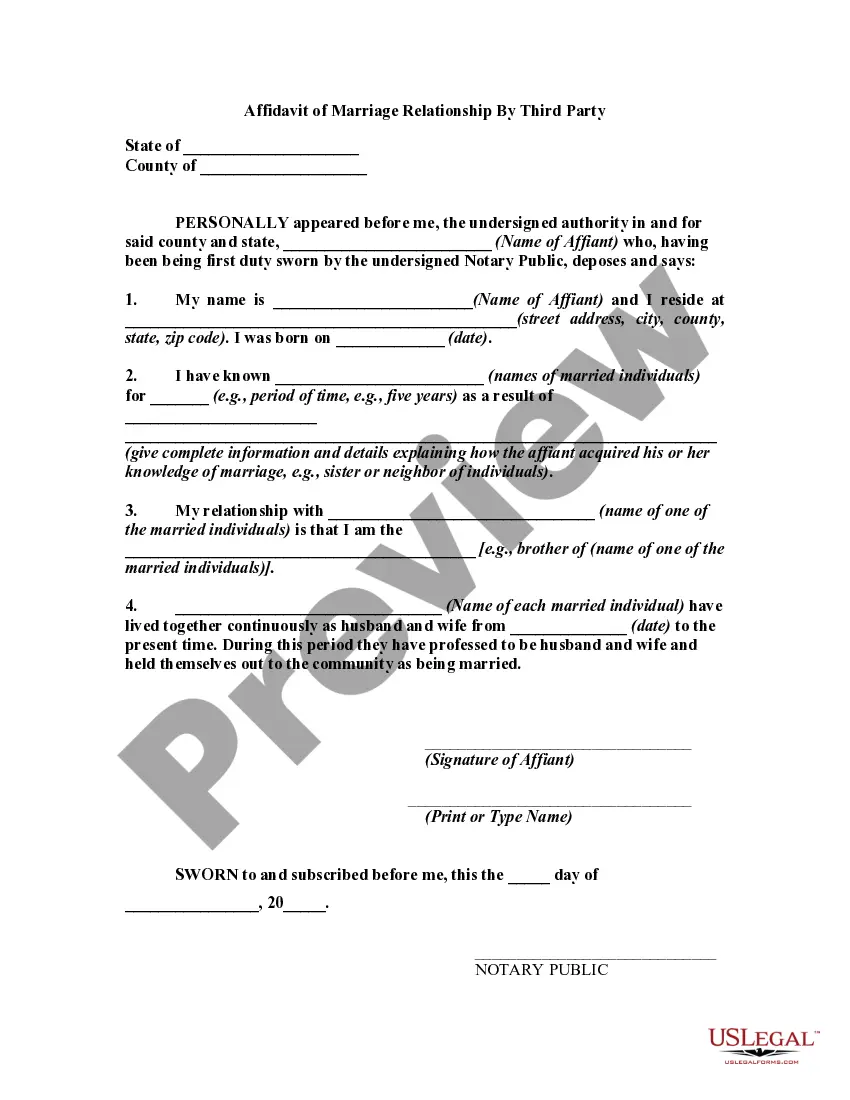
For couples that choose not to declare their common law marriage, documents such as lease agreements, tax returns, and insurance policies may be requested in order to "prove" the marriage.
Deeds showing title to property held jointly by both parties in the common-law marriage. Bank statements and checks showing joint ownership of the accounts. Loan documents, leases, mortgages, and promissory notes that show joint financial obligations of the parties.
Yes. After an employee registers their domestic partnership, the employee may enroll a domestic partner in their benefits.
A common law marriage must be initiated in a state that recognizes common law marriages for the marriage to be valid. If you are in a valid common law marriage, then your spouse is eligible for FEHB coverage. The National Conference of State Legislatures lists the states that recognize common law marriages.
Financial statements from any joint bank or credit accounts. tax returns that you filed as a married couple. leases, deeds, or mortgage documents showing that you jointly held property. insurance, employment, or other benefit forms or policies listing your partner as your spouse.