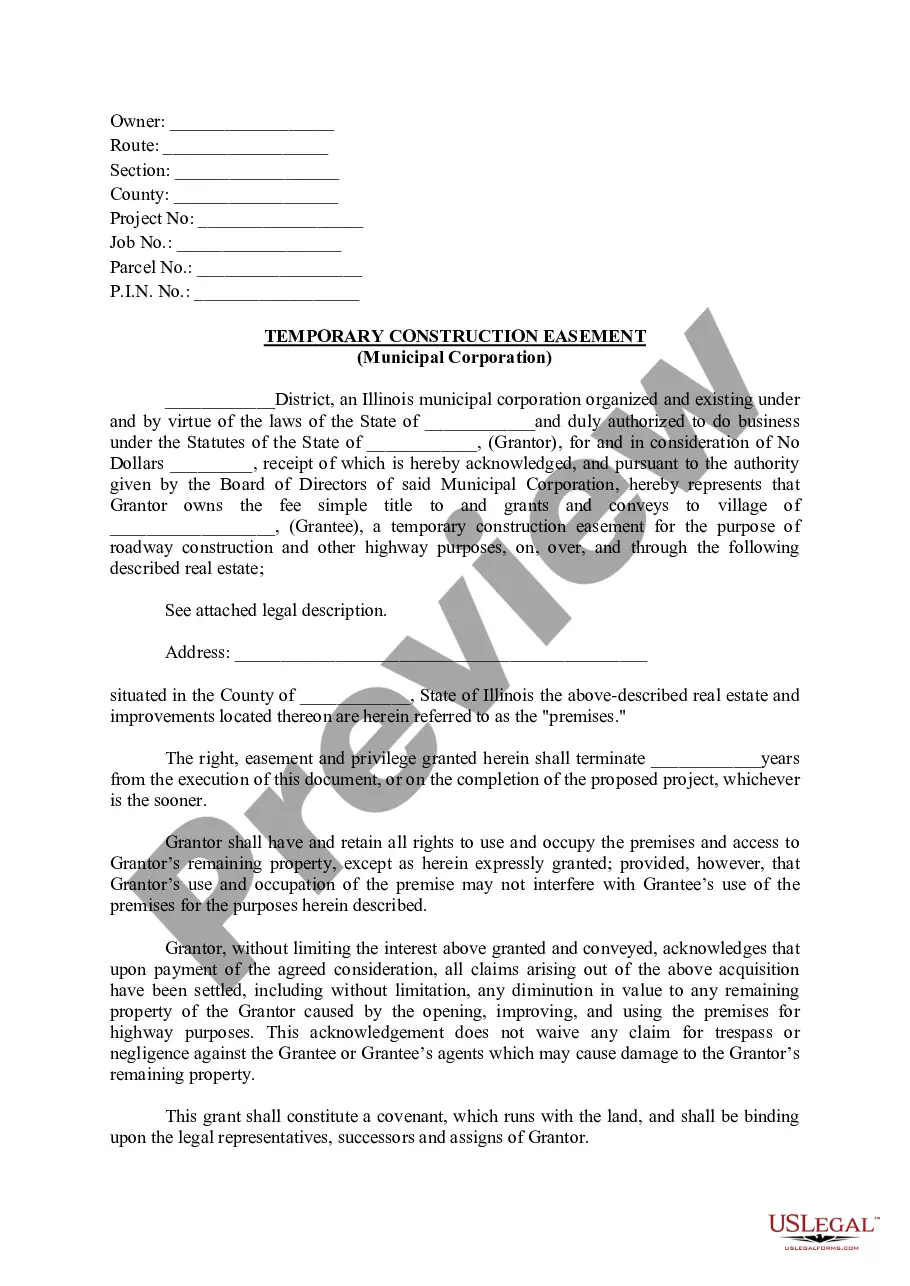
West Virginia Notice of Mechanic's Lien by Contractor - Corporation
What this document covers
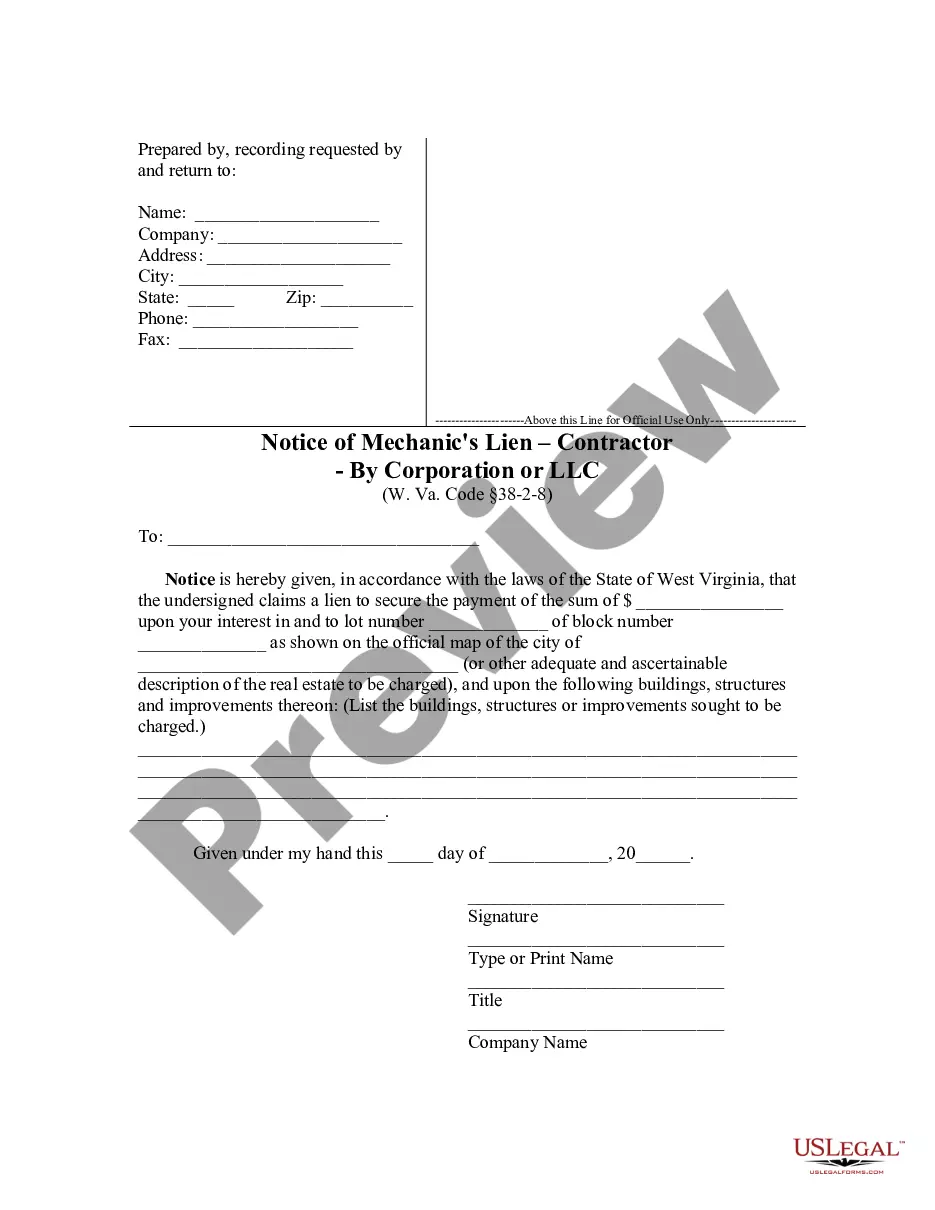
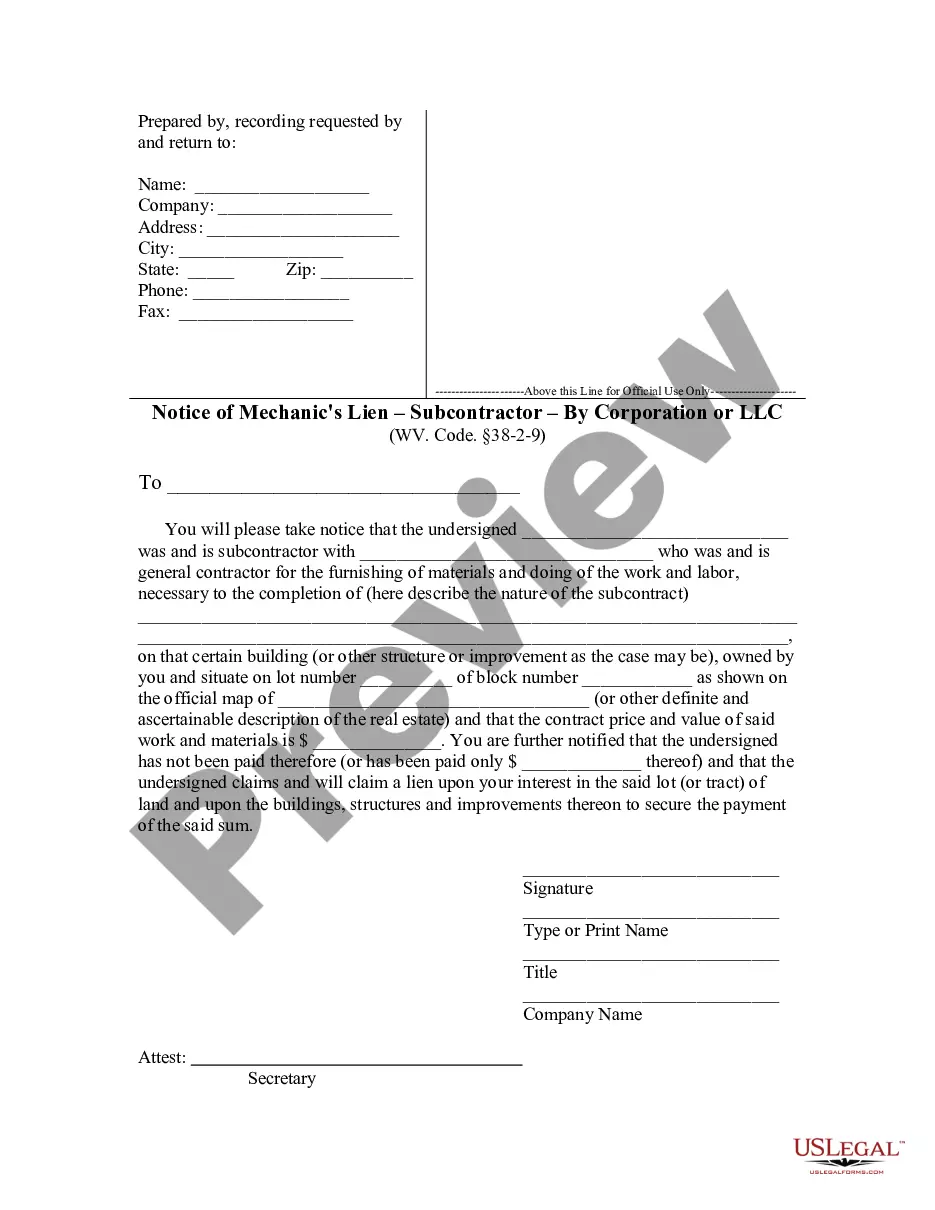
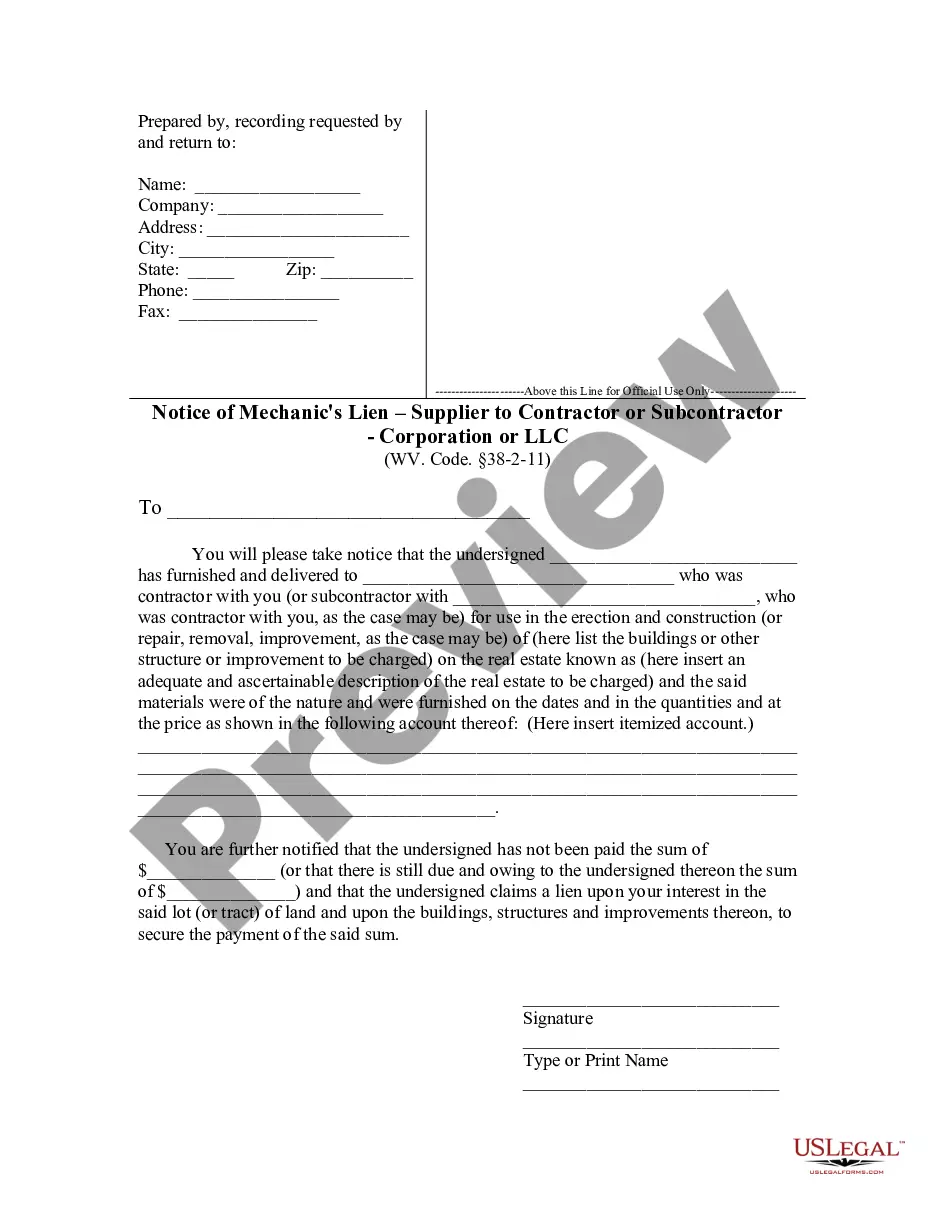
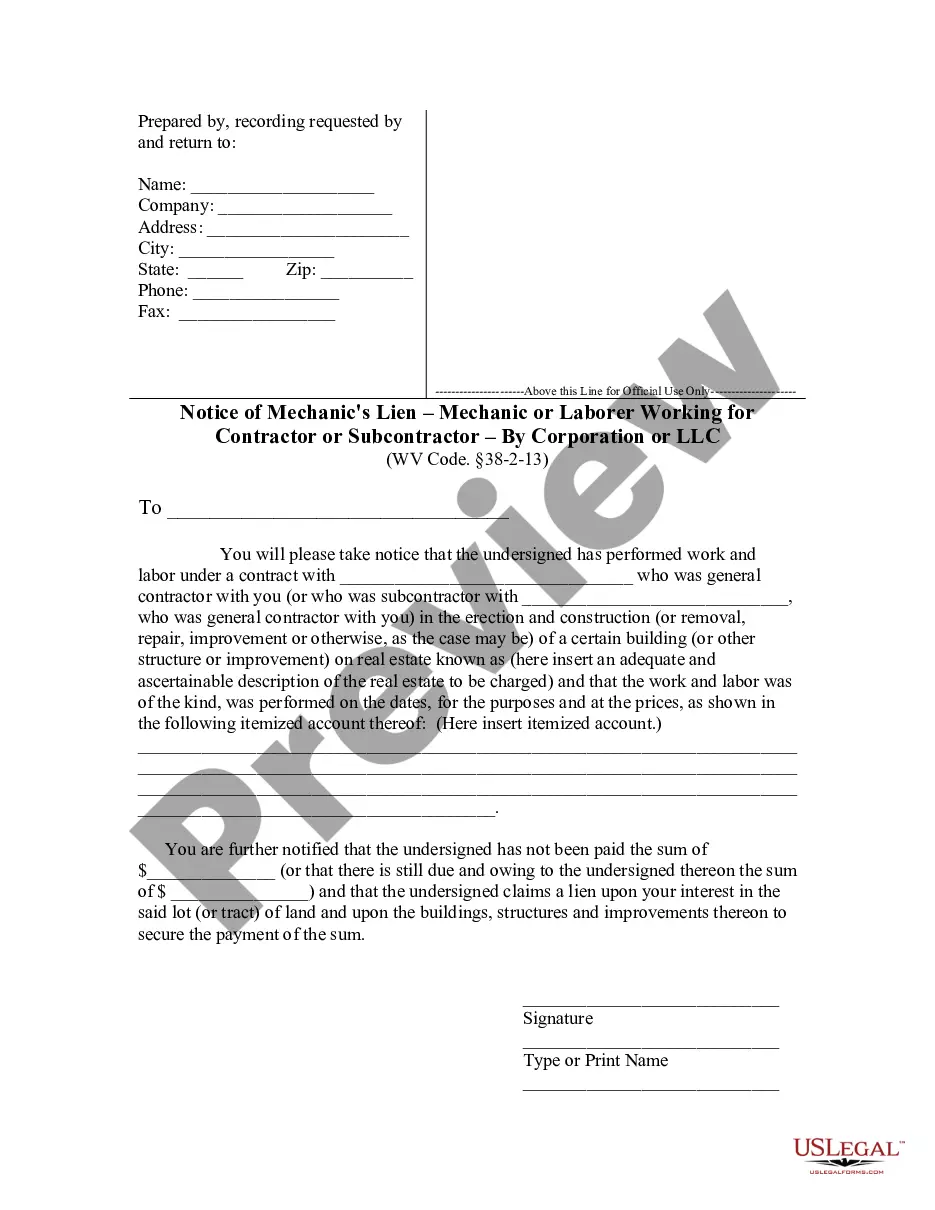
The Notice of Mechanic's Lien by Contractor - Corporation is a legal document that allows a contractor to formally notify property owners of a claim for payment for labor or materials provided. This form is essential for contractors wanting to secure payment for their services by placing a lien on the property, distinguishing it from other notices, such as those used by subcontractors or suppliers. Proper use of this form can help enforce a contractor's rights under state law.
Key parts of this document
- Prepared by details: Includes name, company, address, phone, and fax.
- Property information: Specifies the property subject to the lien, including lot and block numbers.
- Claim amount: States the sum being claimed for unpaid work.
- Signature section: Requires the contractor's signature, name, title, and corporation name.
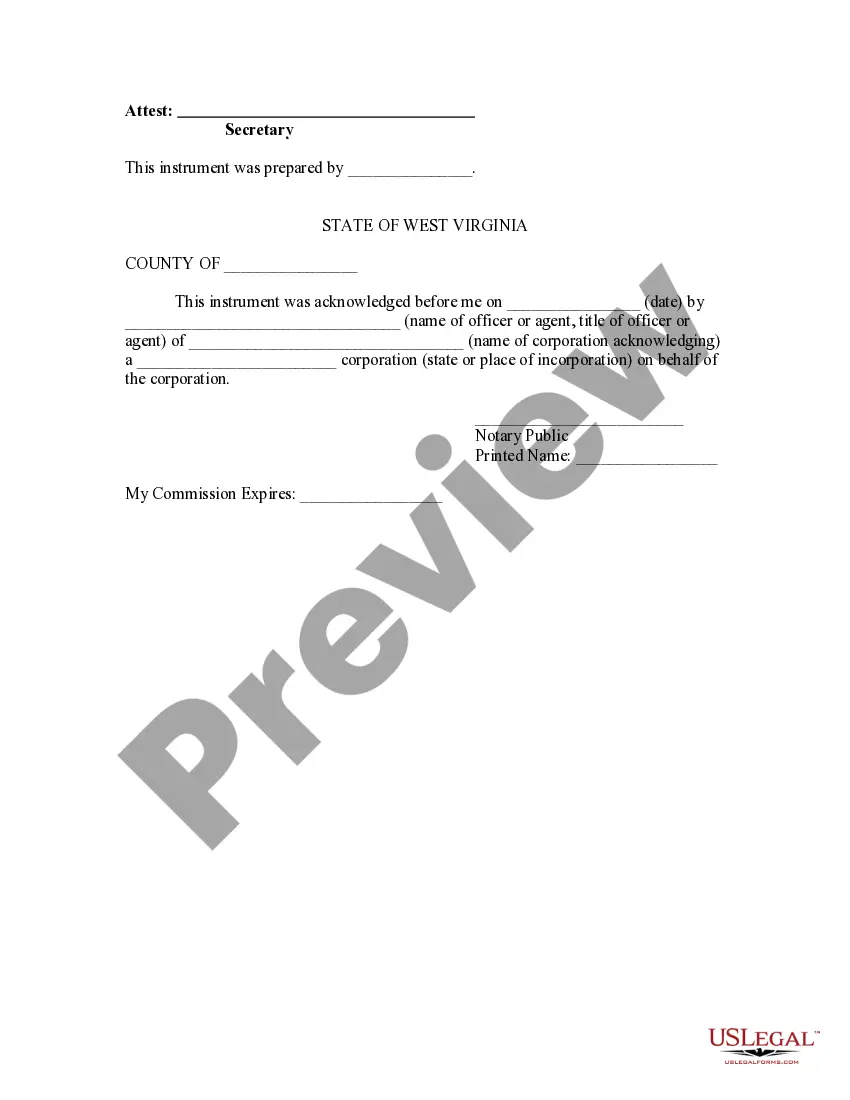
- Notary acknowledgment section: Provides space for a notary public's verification.
When to use this document
This form should be used when a contractor has completed work on a property and has not received payment for their services. It is particularly important in situations where the contractor needs to secure a legal interest in the property to encourage payment. Using this notice promptly ensures that the contractor's rights are protected and that all legal requirements are met.
Who can use this document
- Licensed contractors who performed work or provided materials on a property.
- Corporations engaged in construction or renovation projects.
- Property owners who have unpaid contractors and want to formalize notice of a lien.
How to prepare this document
- Identify the parties: Enter the contractor's name, company, and contact details in the prepared by section.
- Specify the property: Accurately describe the property along with the lot and block numbers.
- Claim the amount: Clearly state the amount of money owed for services rendered.
- Gather signatures: Ensure the contractor signs and includes their title and company information.
- Notarization: Have the form notarized, if required, to validate the lien.
Does this document require notarization?
To make this form legally binding, it must be notarized. Our online notarization service, powered by Notarize, lets you verify and sign documents remotely through an encrypted video session.
Get your form ready online
Our built-in tools help you complete, sign, share, and store your documents in one place.
Make edits, fill in missing information, and update formatting in US Legal Forms—just like you would in MS Word.
Download a copy, print it, send it by email, or mail it via USPS—whatever works best for your next step.
Sign and collect signatures with our SignNow integration. Send to multiple recipients, set reminders, and more. Go Premium to unlock E-Sign.
If this form requires notarization, complete it online through a secure video call—no need to meet a notary in person or wait for an appointment.
We protect your documents and personal data by following strict security and privacy standards.

Make edits, fill in missing information, and update formatting in US Legal Forms—just like you would in MS Word.

Download a copy, print it, send it by email, or mail it via USPS—whatever works best for your next step.

Sign and collect signatures with our SignNow integration. Send to multiple recipients, set reminders, and more. Go Premium to unlock E-Sign.

If this form requires notarization, complete it online through a secure video call—no need to meet a notary in person or wait for an appointment.

We protect your documents and personal data by following strict security and privacy standards.
Common mistakes to avoid
- Failing to accurately describe the property, which can invalidate the lien.
- Not signing the document or omitting the contractor's title.
- Missing the notarization step, if applicable under state law.
- Submitting the form too late, leading to loss of lien rights.
Benefits of using this form online
- Easy access: Download the form immediately without any mailing delays.
- Customizable: Fill out the form with specific details pertinent to your situation.
- Professional quality: Ensure the document is drafted to meet legal standards.
- Time-saving: Complete the form at your convenience and retain a digital copy.
Looking for another form?

Form popularity
FAQ
Call the Business Division - call (304) 558-8000 to speak with a Business Specialist for a non-binding check. File the application - Submit the Name Reservation (form NR-1) application and filing fee to the Business Division. Once approved, the name is reserved exclusively for the applicant for 120 days.
If you need to change or amend an accepted West Virginia State Income Tax Return for the current or previous Tax Year, you need to complete Form IT-140. Form IT-140 is the Form used for the Tax Amendment.Check the "Amended return" box to report that it's an amended tax return.
Nonresidents must file a West Virginia tax return if their federal adjusted gross income includes income from West Virginia sources. Part-year residents of West Virginia must file a tax return, even if only to receive a refund.
According to West Virginia Instructions for Form IT 140, you must file a West Virginia tax return IF: You are a full year resident or part year resident of West Virginia.You had West Virginia income tax withheld from your wages and are due a refund.