Form - Audiovisual Streaming - Downloading License Agreement
Overview of this form
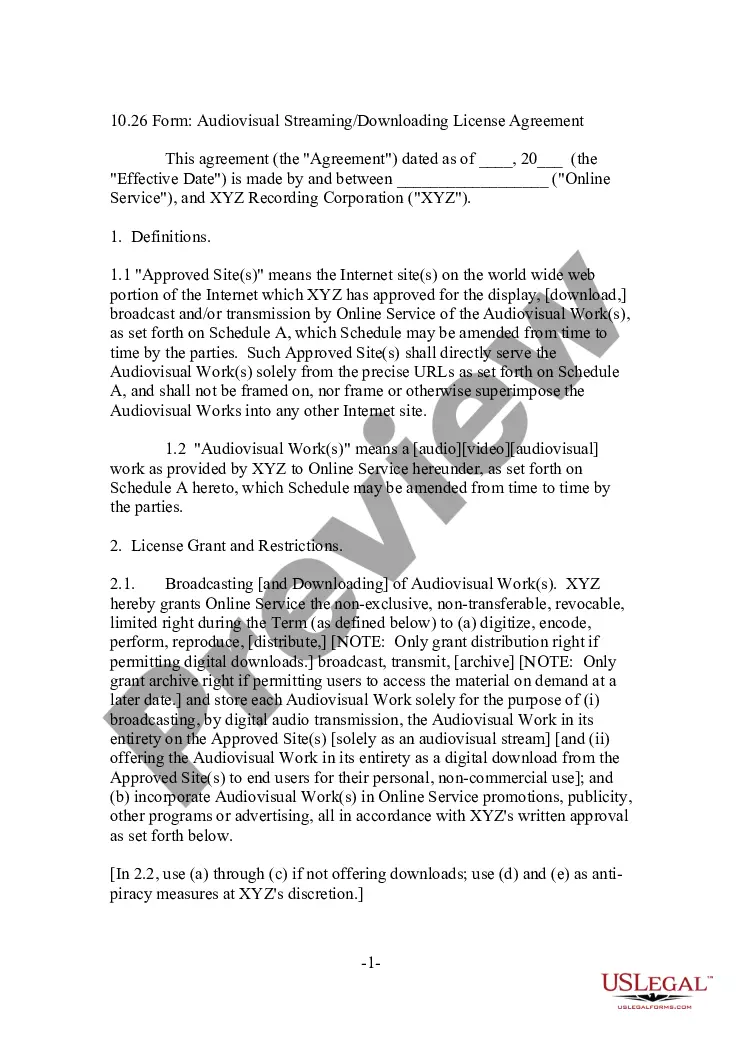
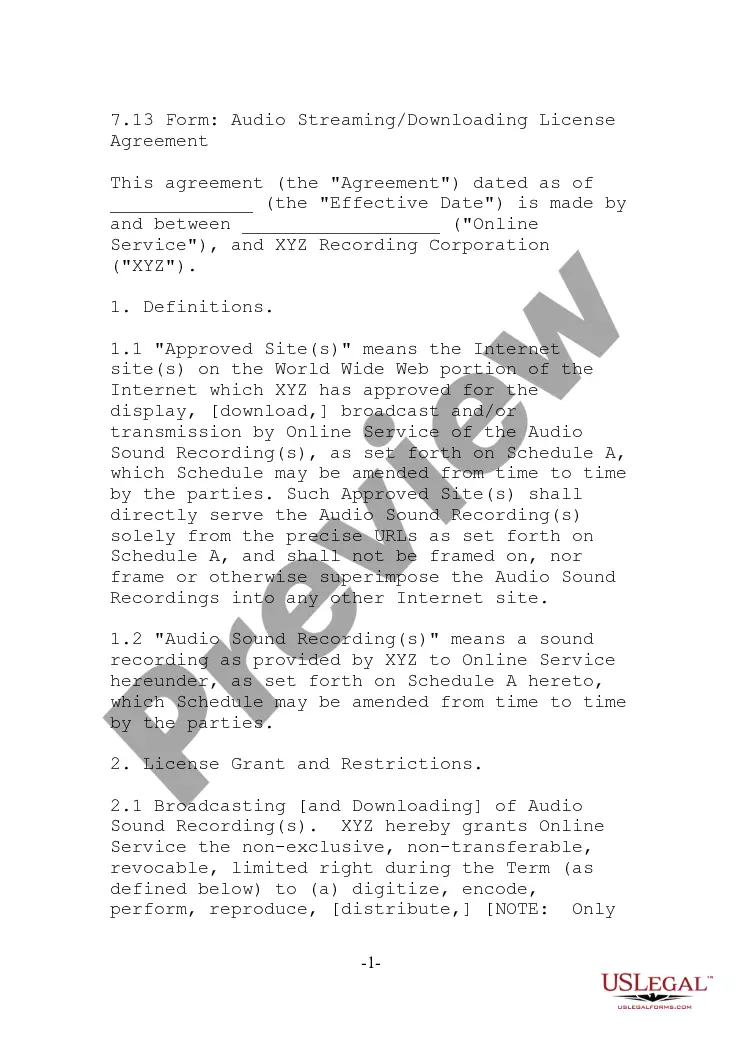
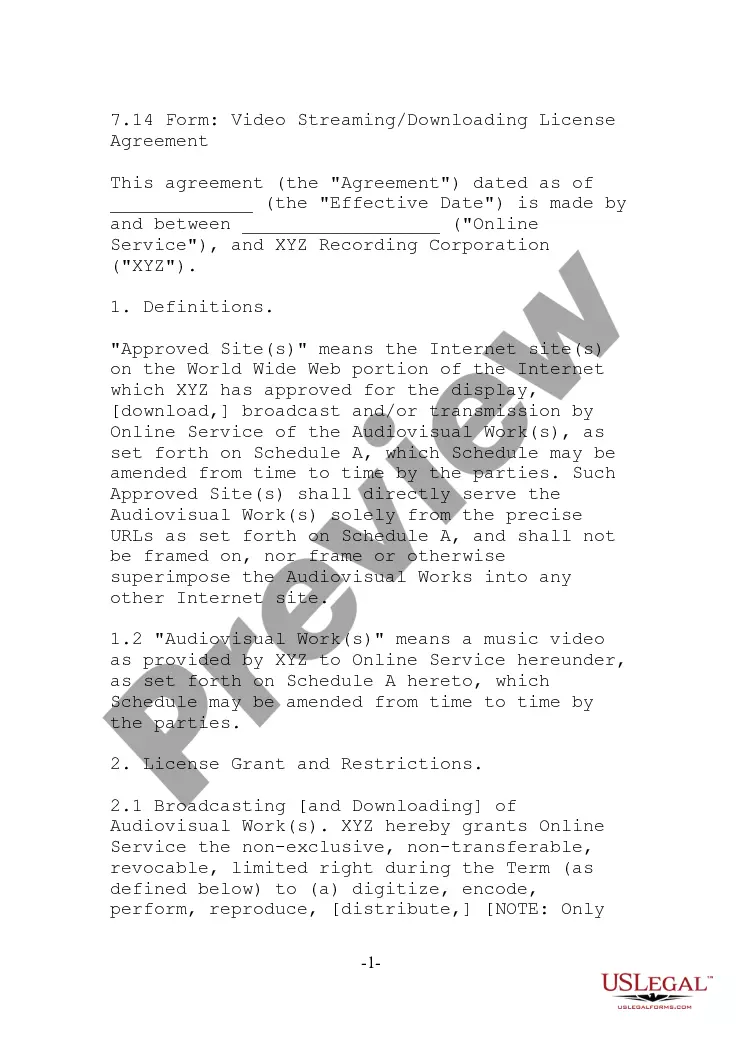
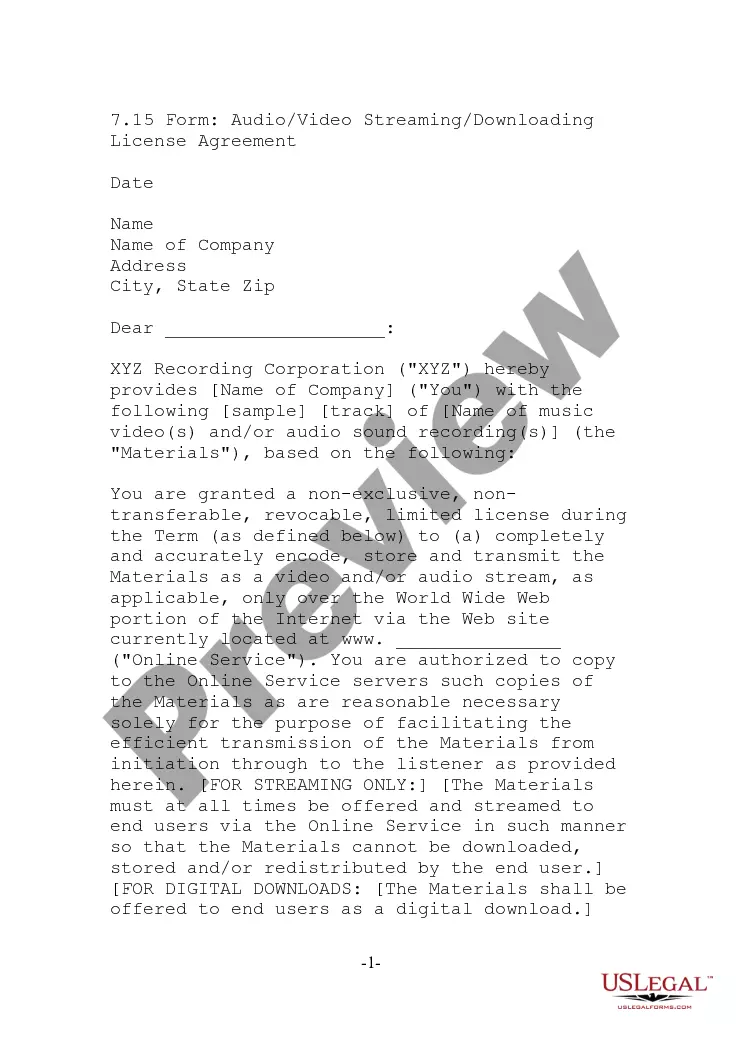
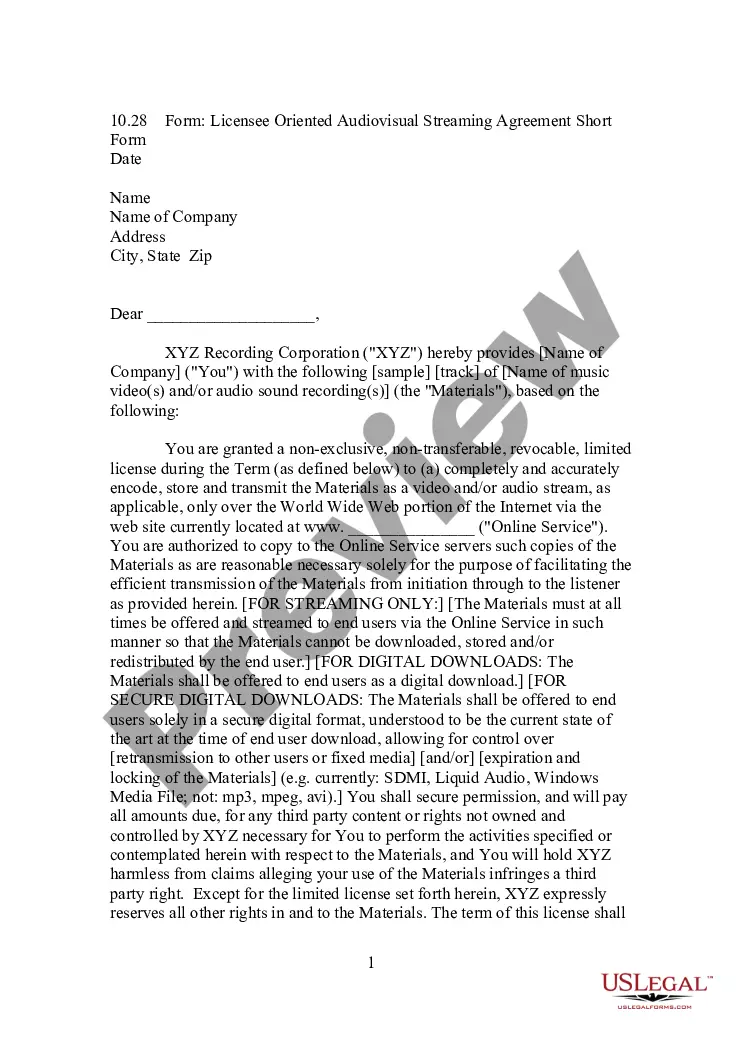
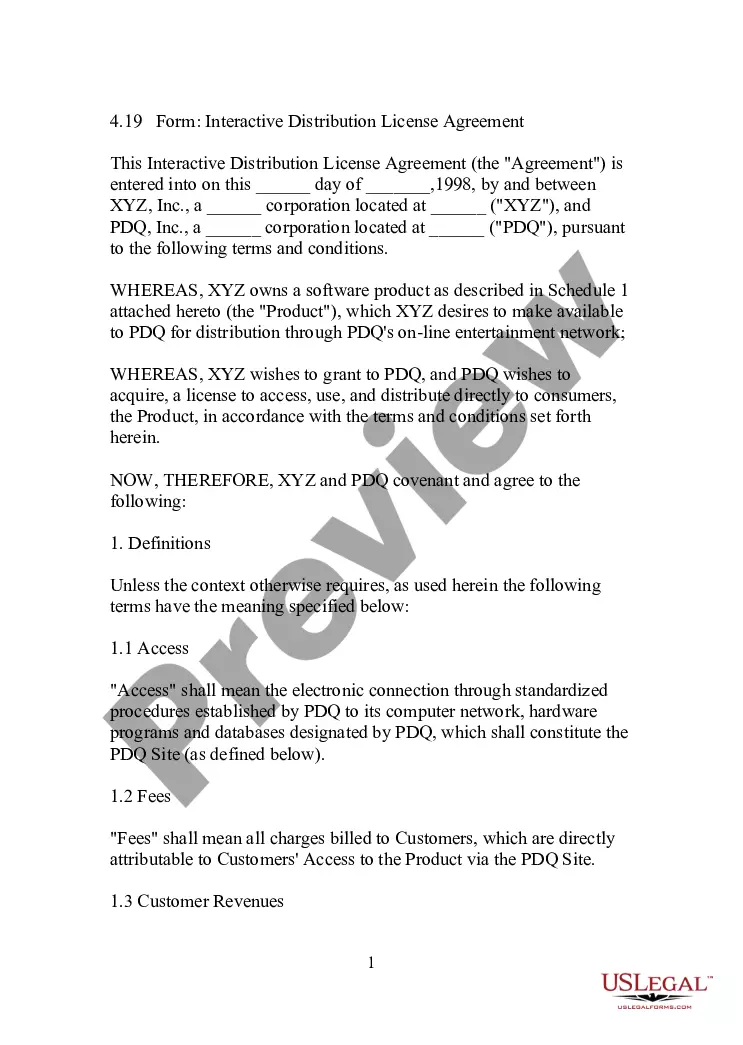
The Audiovisual Streaming - Downloading License Agreement is a contract used in business settings for licensing audiovisual works. It outlines the terms under which an online service can display, download, and broadcast specific audiovisual content provided by a recording corporation. This agreement is essential for ensuring that all parties adhere to copyright laws and proper usage guidelines, distinguishing it from other licensing forms by focusing specifically on digital transmission and downloading rights.
Main sections of this form
- Definitions: Establishes key terms such as "Approved Site" and "Audiovisual Work."
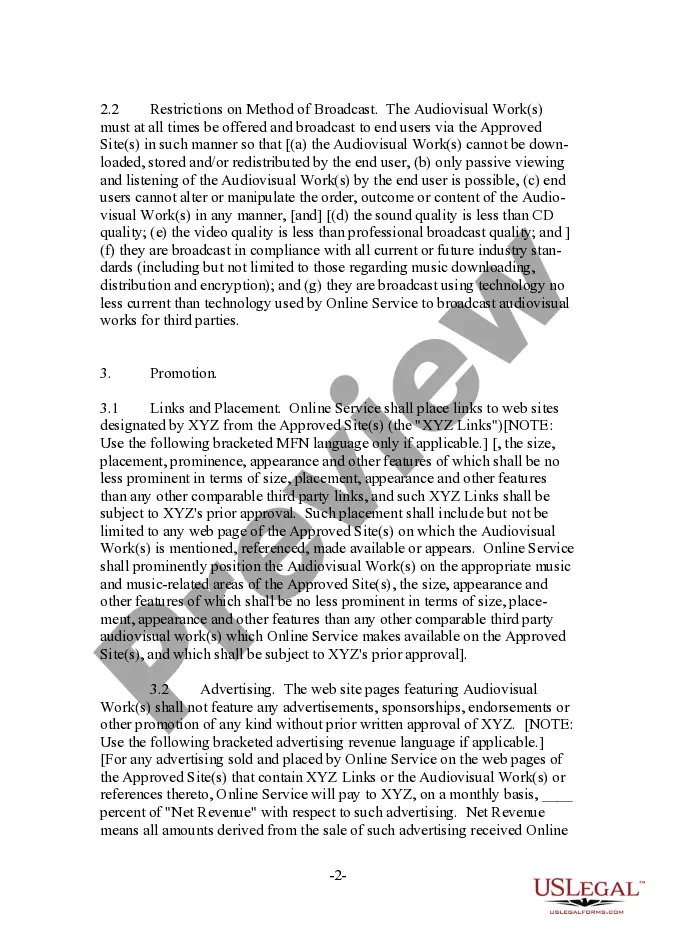
- License Grant and Restrictions: Details the conditions under which the online service can use the content.
- Promotion: Outlines how the audiovisual works can be marketed and linked on approved sites.
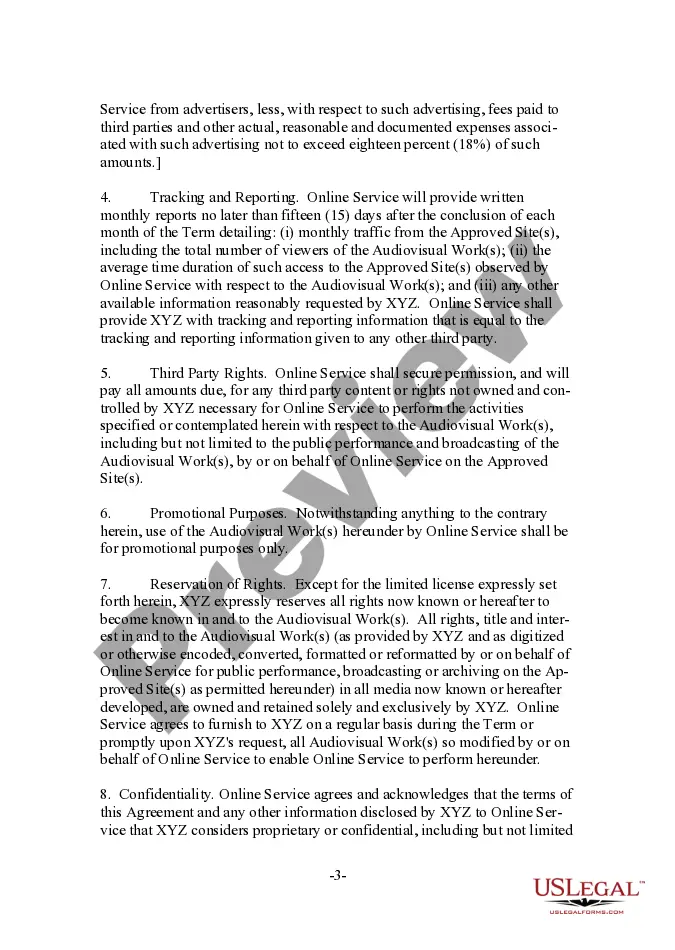
- Tracking and Reporting: Specifies reporting requirements and traffic data that must be provided.
- Confidentiality: Protects proprietary information shared between the parties.
- Indemnification: Details the responsibilities of the online service in the event of breaches or claims.
When to use this form
This agreement should be utilized when an online service wishes to legally stream and offer downloads of audiovisual works from a recording corporation. It is particularly relevant for digital media platforms looking to license content for streaming and downloading purposes, as well as for businesses aiming to expand their media offerings while adhering to copyright and licensing regulations.
Who should use this form
- Businesses operating online platforms that distribute audiovisual content.
- Copyright holders or recording corporations licensing their audiovisual works.
- Legal professionals assisting clients with digital content agreements.
- Marketing departments seeking to promote audiovisual works responsibly.
How to complete this form
- Identify the parties involved: Write the legal names of the online service and recording corporation.
- Specify the effective date: Fill in the date the agreement goes into effect.
- List approved sites and works: Provide the URLs and details of the audiovisual works in Schedule A.
- Outline the grant of rights: Indicate the scope of the license being granted, including usage restrictions.
- Include signatures: Ensure appropriate representatives sign and date the agreement to finalize it.
Does this form need to be notarized?
Notarization is not commonly needed for this form. However, certain documents or local rules may make it necessary. Our notarization service, powered by Notarize, allows you to finalize it securely online anytime, day or night.
Get your form ready online
Our built-in tools help you complete, sign, share, and store your documents in one place.
Make edits, fill in missing information, and update formatting in US Legal Forms—just like you would in MS Word.
Download a copy, print it, send it by email, or mail it via USPS—whatever works best for your next step.
Sign and collect signatures with our SignNow integration. Send to multiple recipients, set reminders, and more. Go Premium to unlock E-Sign.
If this form requires notarization, complete it online through a secure video call—no need to meet a notary in person or wait for an appointment.
We protect your documents and personal data by following strict security and privacy standards.

Make edits, fill in missing information, and update formatting in US Legal Forms—just like you would in MS Word.

Download a copy, print it, send it by email, or mail it via USPS—whatever works best for your next step.

Sign and collect signatures with our SignNow integration. Send to multiple recipients, set reminders, and more. Go Premium to unlock E-Sign.

If this form requires notarization, complete it online through a secure video call—no need to meet a notary in person or wait for an appointment.

We protect your documents and personal data by following strict security and privacy standards.
Common mistakes
- Failing to clearly define approved sites and audiovisual works.
- Overlooking necessary signatures or dates which may render the agreement unenforceable.
- Not reviewing the restrictions on use which may lead to copyright violations.
Advantages of online completion
- Immediate access to a professional template that saves time.
- Editable format allows for customization to meet specific needs.
- Designed by licensed attorneys to ensure compliance with legal standards.
Legal use & context
- This agreement is enforceable as it outlines clear terms and conditions for both parties.
- Properly completed, it helps prevent legal disputes related to unauthorized use of audiovisual materials.
- Always ensure compliance with copyright laws when using licensed content.
Key takeaways
- The Audiovisual Streaming - Downloading License Agreement is crucial for lawful online distribution of audiovisual content.
- Properly completing the form protects both the Online Service and XYZ from potential liabilities.
- Always review state-specific regulations to ensure proper legal compliance when using this form.
Looking for another form?








Form popularity
FAQ
On your device, go to the Apps section. Tap Google Play Store . The app will open and you can search and browse for content to download.
On your device, go to the Apps section. Tap Google Play Store . The app will open and you can search and browse for content to download.
Check under your apps for an app called download manager or downloads.If you still can't find it, go to settings -> applications/application manager -> go to all tab -> search for downloads/download manager -> clear the data from it. Try to re download your file after after that.
Open the Android app drawer by swiping up from the bottom of the screen. Look for the My Files (or File Manager) icon and tap it. Inside the My Files app, tap "Downloads."
On your Android phone, open the Google Play store app and tap the menu button (three lines). In the menu, tap My apps & games to see a list of apps currently installed on your device. Tap All to see a list of all apps you've downloaded on any device using your Google account.
To access the Downloads folder, launch the default File Manager app and towards the top, you'll see the Download history option. You should now see the file you recently downloaded with a date and time. If you tap on the More option at the top right, you can do more with your downloaded files.
Open the Android app drawer by swiping up from the bottom of the screen. Look for the My Files (or File Manager) icon and tap it. Inside the My Files app, tap "Downloads."
Open Google Play. On your phone, use the Play Store app . Find an app you want. To check that the app is reliable, find out what other people say about it. Under the app's title, check the star ratings and the number of downloads. When you pick an app, tap Install (for free apps) or the app's price.
An easy way to see all of your downloads is to tap the three-dot menu icon in the top bar. Select Downloads from the menu. This will bring up a chronological list of everything you have downloaded in Chrome. Downloads from Chrome are stored in the Downloads folder on your device.