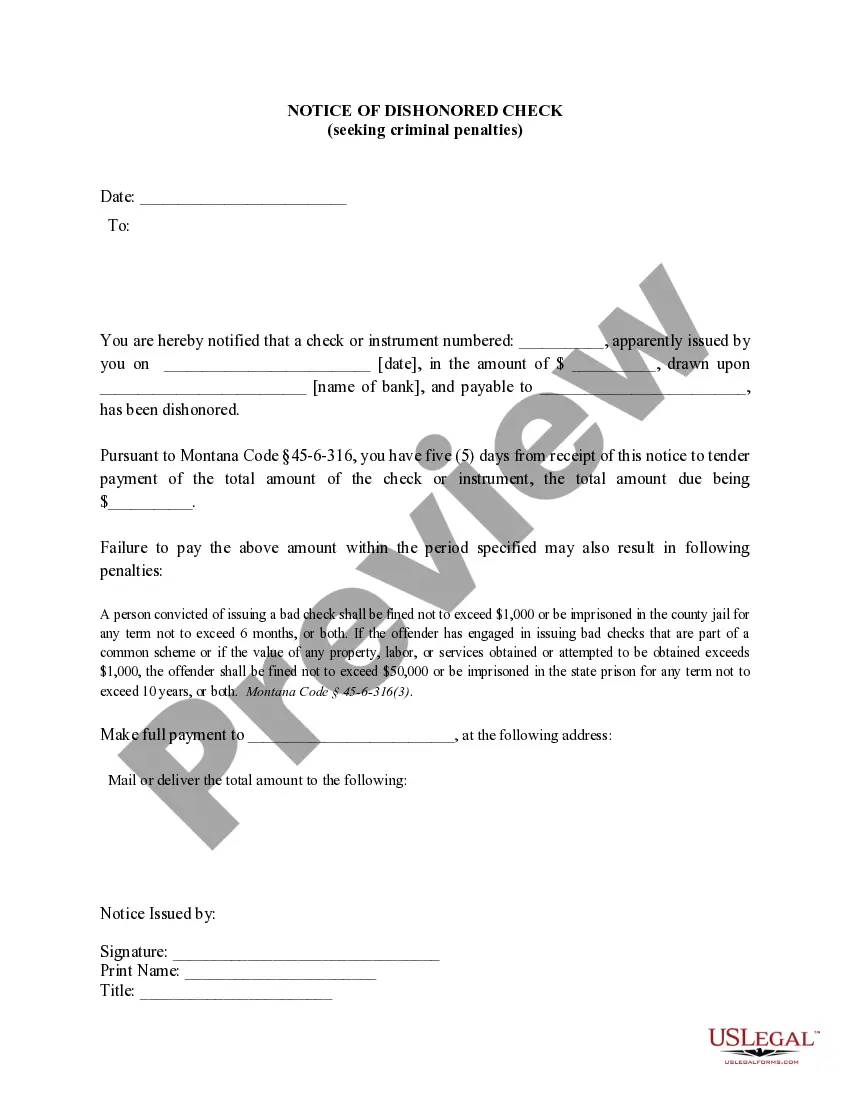
Election of Directors of Dynamics Corporation of America
Understanding this form
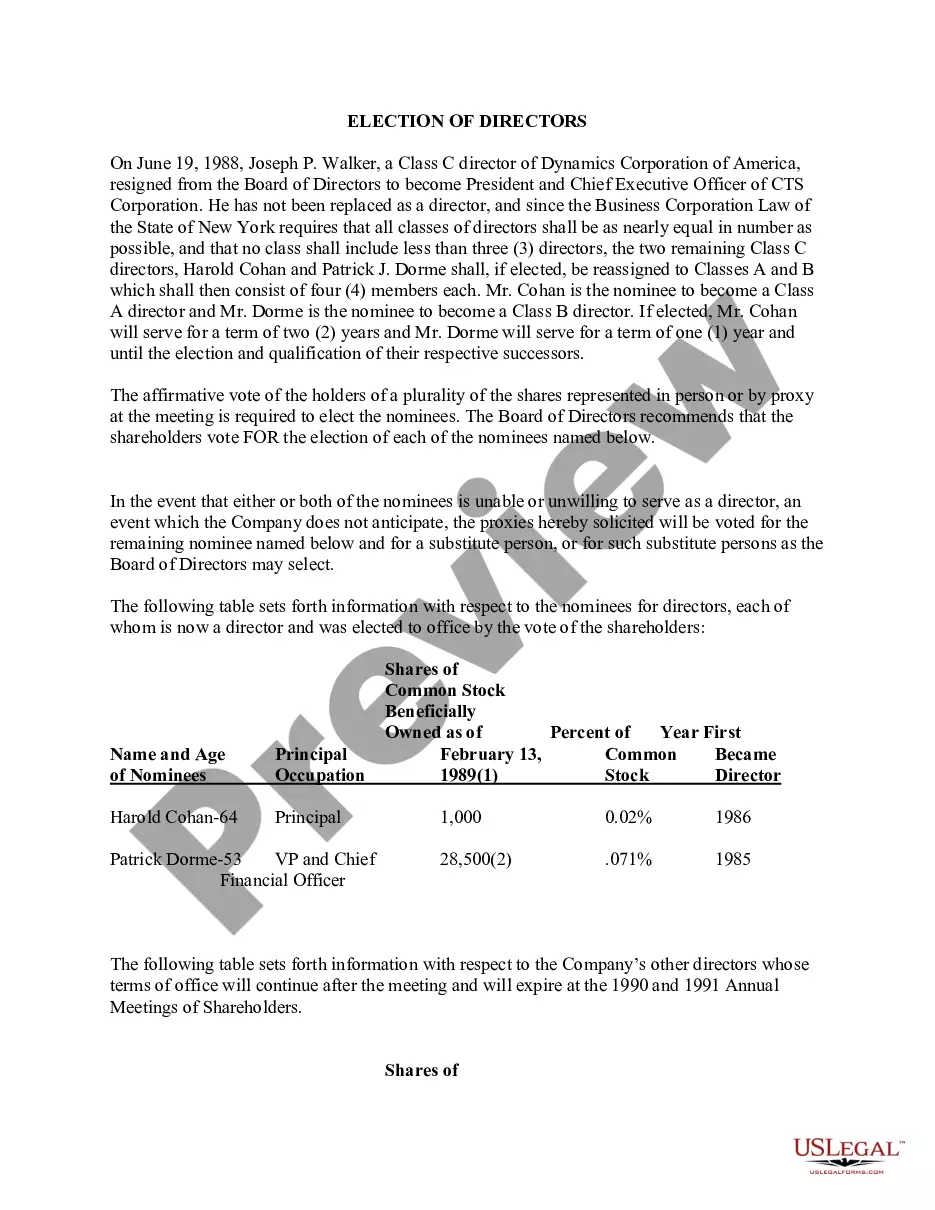
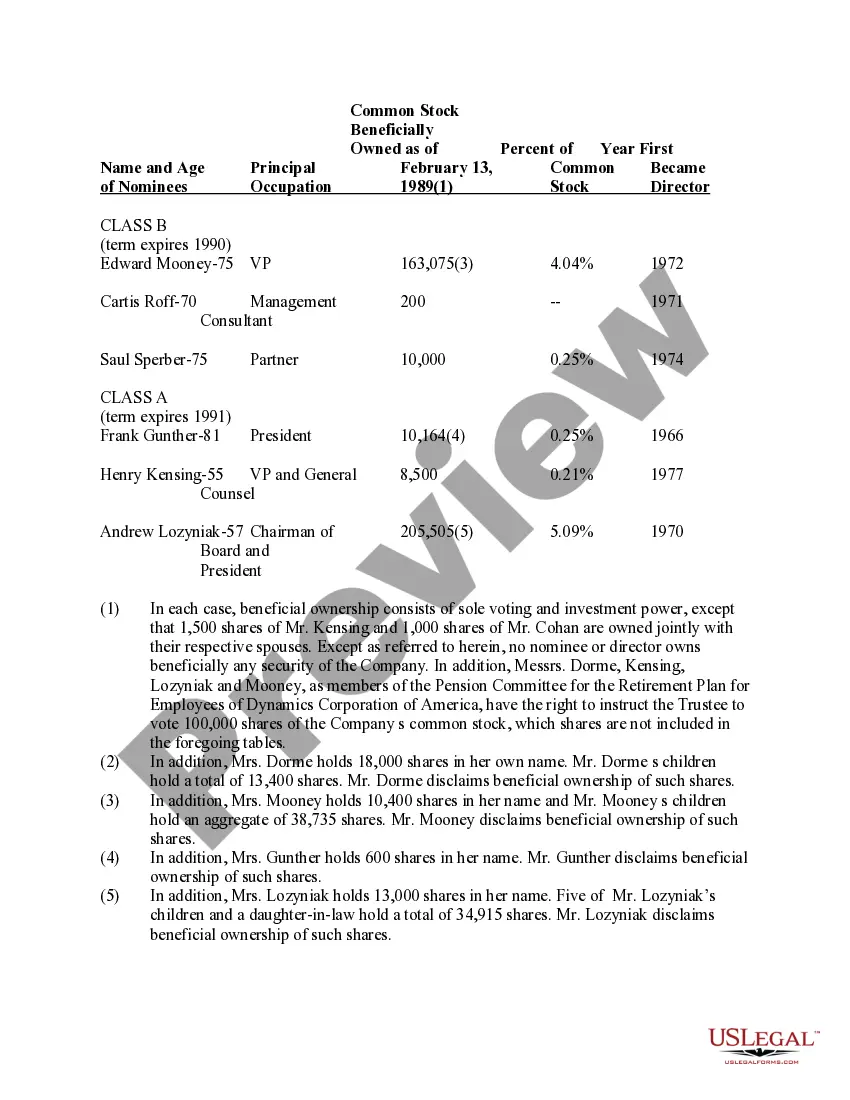
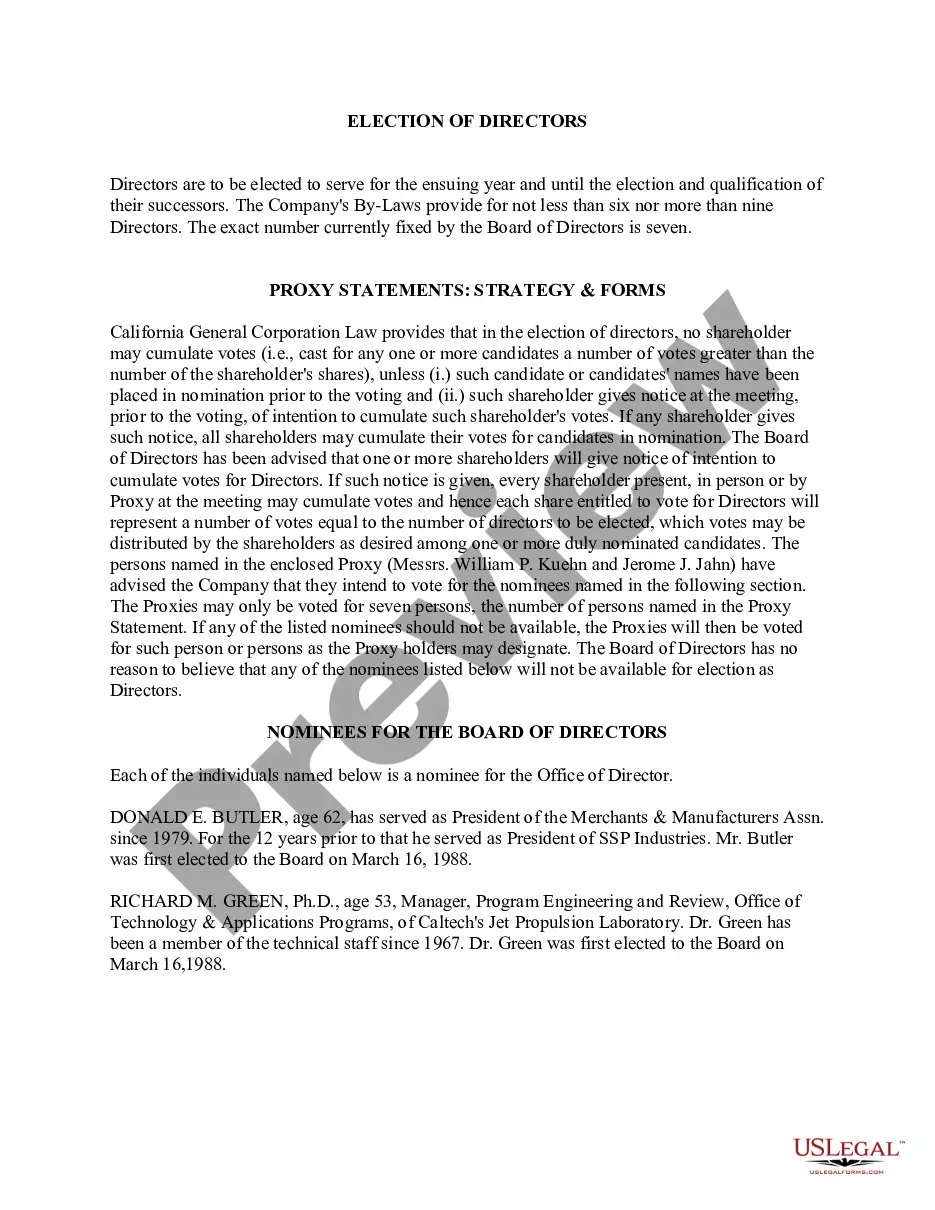
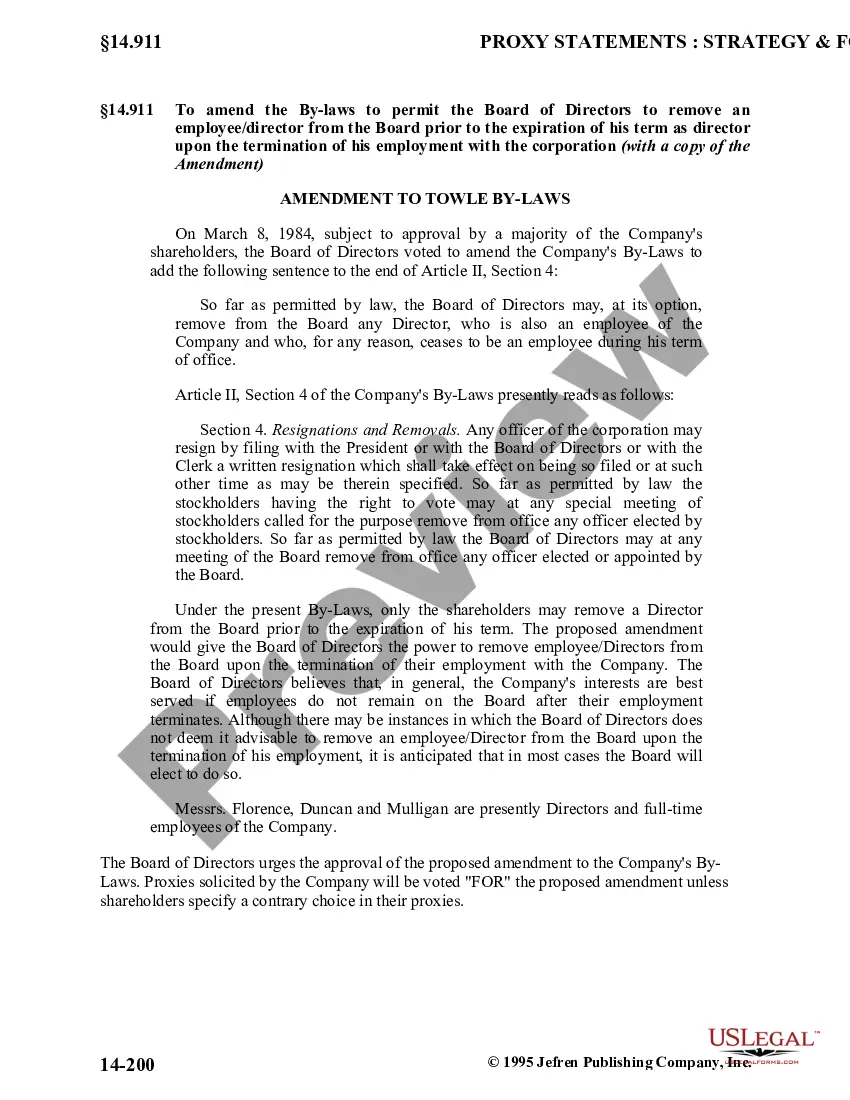
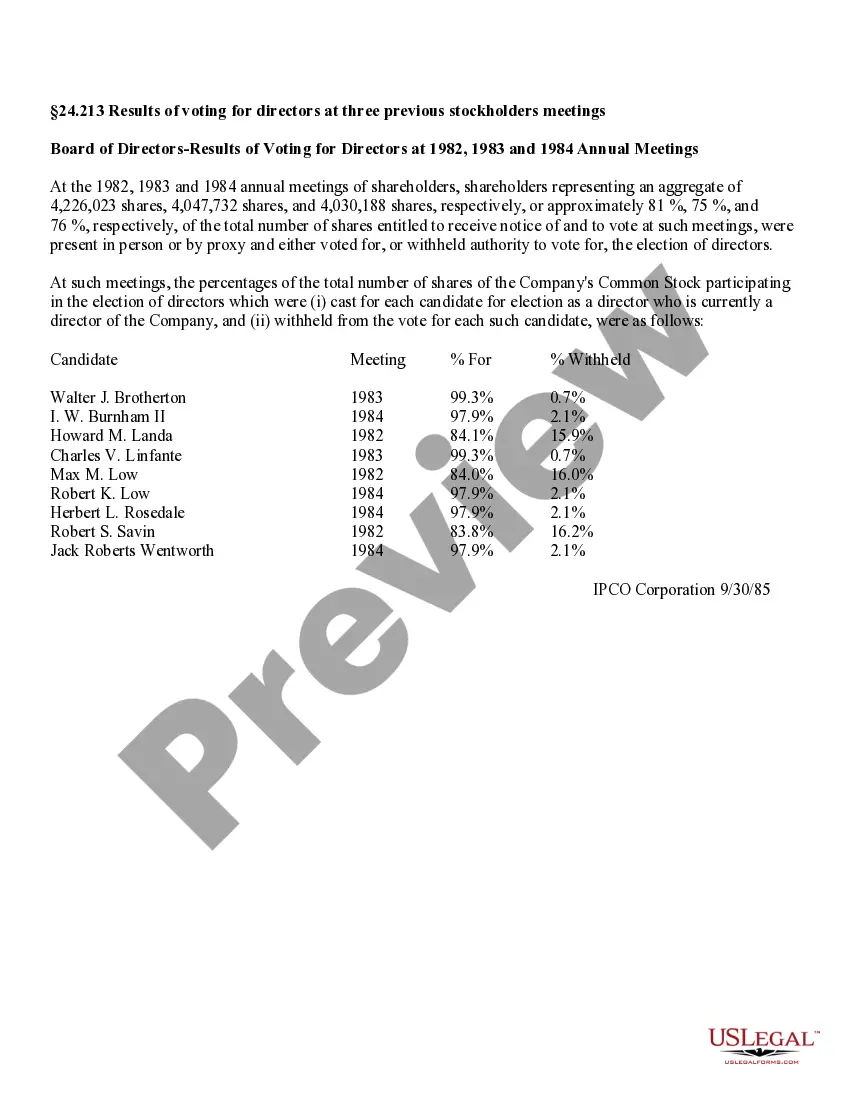
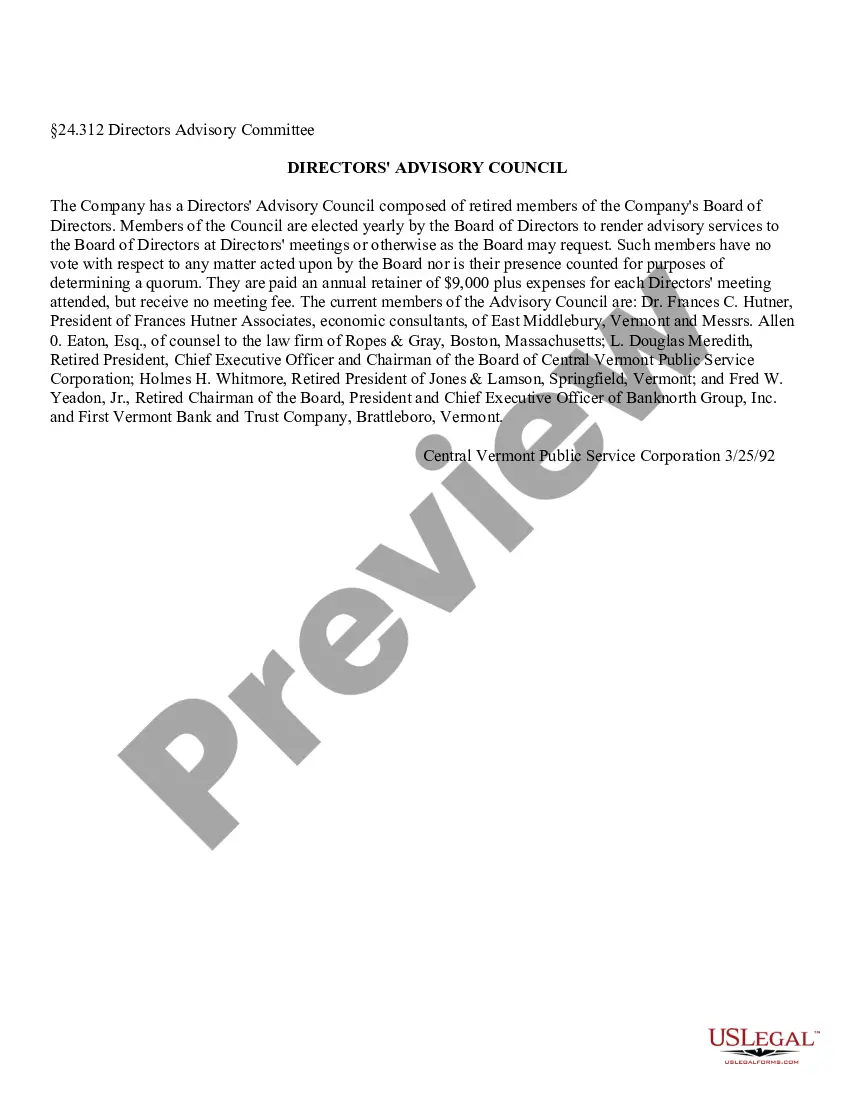
The Election of Directors of Dynamics Corporation of America is a legal document used in corporate settings to elect board members. This form ensures compliance with state corporate laws by detailing the nominees, their terms, and voting procedures. Unlike similar forms, this template is specifically crafted for the governance of Dynamics Corporation of America, making it adaptable for specific corporate circumstances.
Key parts of this document
- Resignation of a director and eligibility of nominees.
- Details regarding the number of directors required for compliance with corporate law.
- Nominees for director positions along with their respective terms and occupations.
- Voting requirements, including the need for a plurality of votes.
- Contingency clauses for nominees unable to serve.

When to use this document
This form should be utilized during a corporate meeting when electing or reassigning directors to ensure compliance with internal governance and state laws. It is essential when changes occur within the board, such as resignations or the need to maintain an equal number of director classes.
Who this form is for
- Corporate secretaries or officers of Dynamics Corporation of America.
- Shareholders participating in the election of directors.
- Legal representatives involved in corporate governance matters.
Steps to complete this form
- Gather the names and details of all nominees for director positions.
- Ensure compliance with the Business Corporation Law regarding the number of directors.
- Specify the terms of office for each nominee.
- Indicate the voting process and requirements for shareholders.
- Collect signatures and proxies as needed for the meeting.
Does this document require notarization?
This form does not typically require notarization to be legally valid. However, some jurisdictions or document types may still require it. US Legal Forms provides secure online notarization powered by Notarize, available 24/7 for added convenience.
Get your form ready online
Our built-in tools help you complete, sign, share, and store your documents in one place.
Make edits, fill in missing information, and update formatting in US Legal Forms—just like you would in MS Word.
Download a copy, print it, send it by email, or mail it via USPS—whatever works best for your next step.
Sign and collect signatures with our SignNow integration. Send to multiple recipients, set reminders, and more. Go Premium to unlock E-Sign.
If this form requires notarization, complete it online through a secure video call—no need to meet a notary in person or wait for an appointment.
We protect your documents and personal data by following strict security and privacy standards.

Make edits, fill in missing information, and update formatting in US Legal Forms—just like you would in MS Word.

Download a copy, print it, send it by email, or mail it via USPS—whatever works best for your next step.

Sign and collect signatures with our SignNow integration. Send to multiple recipients, set reminders, and more. Go Premium to unlock E-Sign.

If this form requires notarization, complete it online through a secure video call—no need to meet a notary in person or wait for an appointment.

We protect your documents and personal data by following strict security and privacy standards.
Common mistakes
- Failing to comply with requirements for equal distribution of directors across classes.
- Omitting necessary information about nominees, such as their occupation or share ownership.
- Ignoring the proper voting procedure outlined in the document.
- Not updating the form promptly following director resignations.
Why use this form online
- Convenience of downloading and completing the form at your own pace.
- Editability allows you to customize the form to meet specific needs.
- Reliability of templates created by licensed attorneys ensures legal compliance.
Legal use & context
- The form serves as a legally binding record of the election process for corporate directors.
- It helps ensure that the corporate governance follows state laws, protecting the interests of the shareholders.
- Using the form properly can prevent disputes related to director elections in the future.
Main things to remember
- The Election of Directors form is crucial for corporate governance in Dynamics Corporation of America.
- Understanding the key components and when to use this form ensures compliance with legal requirements.
- Completing the form accurately can help avoid common mistakes and potential legal issues.
Looking for another form?

Form popularity
FAQ
Call the IRS Business Assistance Line at 800-829-4933. The IRS can review your business file to see if your company is a C corporation, S corporation, partnership, single-member LLC, or sole proprietor based on any elections you may have made and the type of income tax returns you file.
A. Employer identification number (EIN): Put your company's EIN here. B. Date incorporated: Write the date your business was incorporated or registered. C. State of incorporation: Enter the state where you formed your business. D. Check if:
Filing options for IRS Form 2553 include mail and fax filing. You cannot file this form online.
The corporation should generally receive a determination on its election within 60 days after it has filed Form 2553. If the corporation is not notified of acceptance or nonacceptance of its election within 2 months of the date of filing the taxpayer should take follow-up action by calling IRS at 1-800-829-4933.
You can check your S corp status relatively easily by contacting the IRS. If you have properly submitted your S corporation form to the IRS and have not heard back, you can call the IRS at (800) 829-4933 and they will inform you of your application status.
No, there is no way to see if an LLC has elected to file its taxes as an S-corp (meaning, elected to be treated like an association, with taxation as an S-corp) with the IRS online. However, if you have the LLC's relevant information, you can call the IRS at 1-800-829-4933 and ask them.
This may take more time if you do not use the calendar year as your tax year. There is no fee to file Form 2553. However, special conditions may dictate a fee. For example, some businesses may be charged for using a non-traditional tax year.
Filing options for IRS Form 2553 include mail and fax filing. You cannot file this form online.