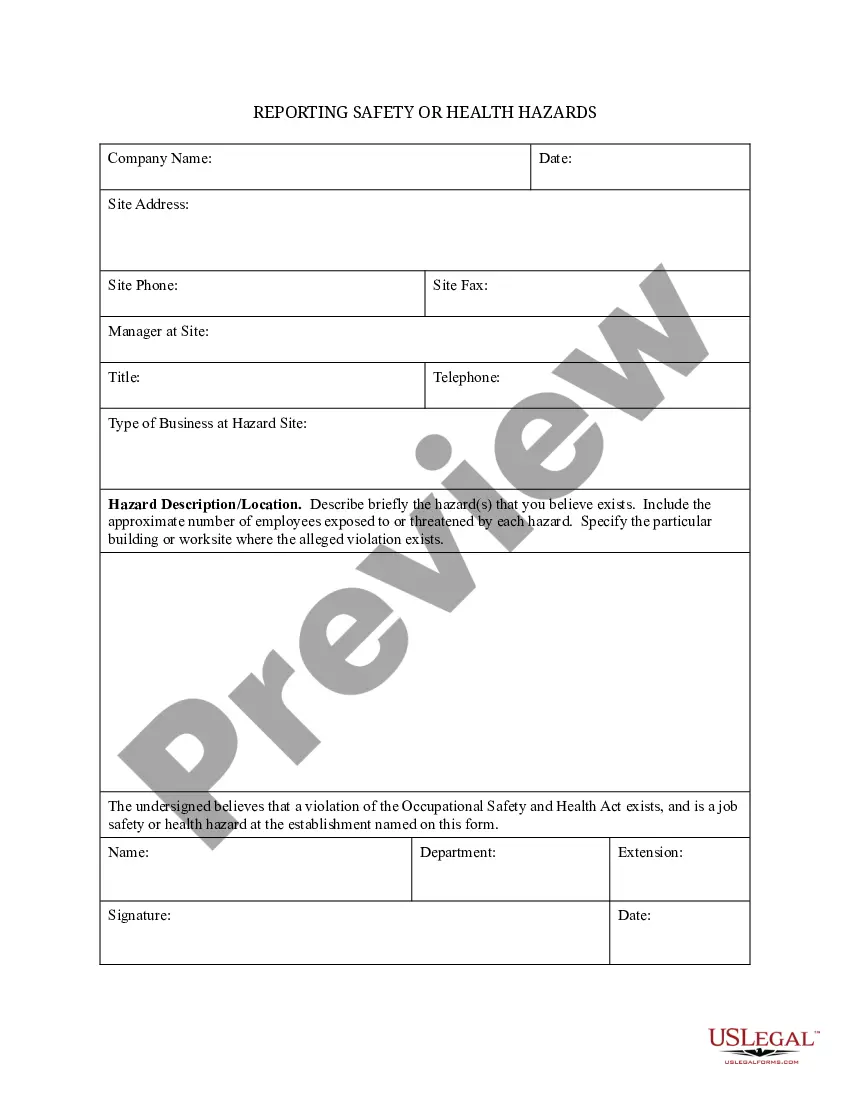
Safety or Health Hazards Report Form
Understanding this form
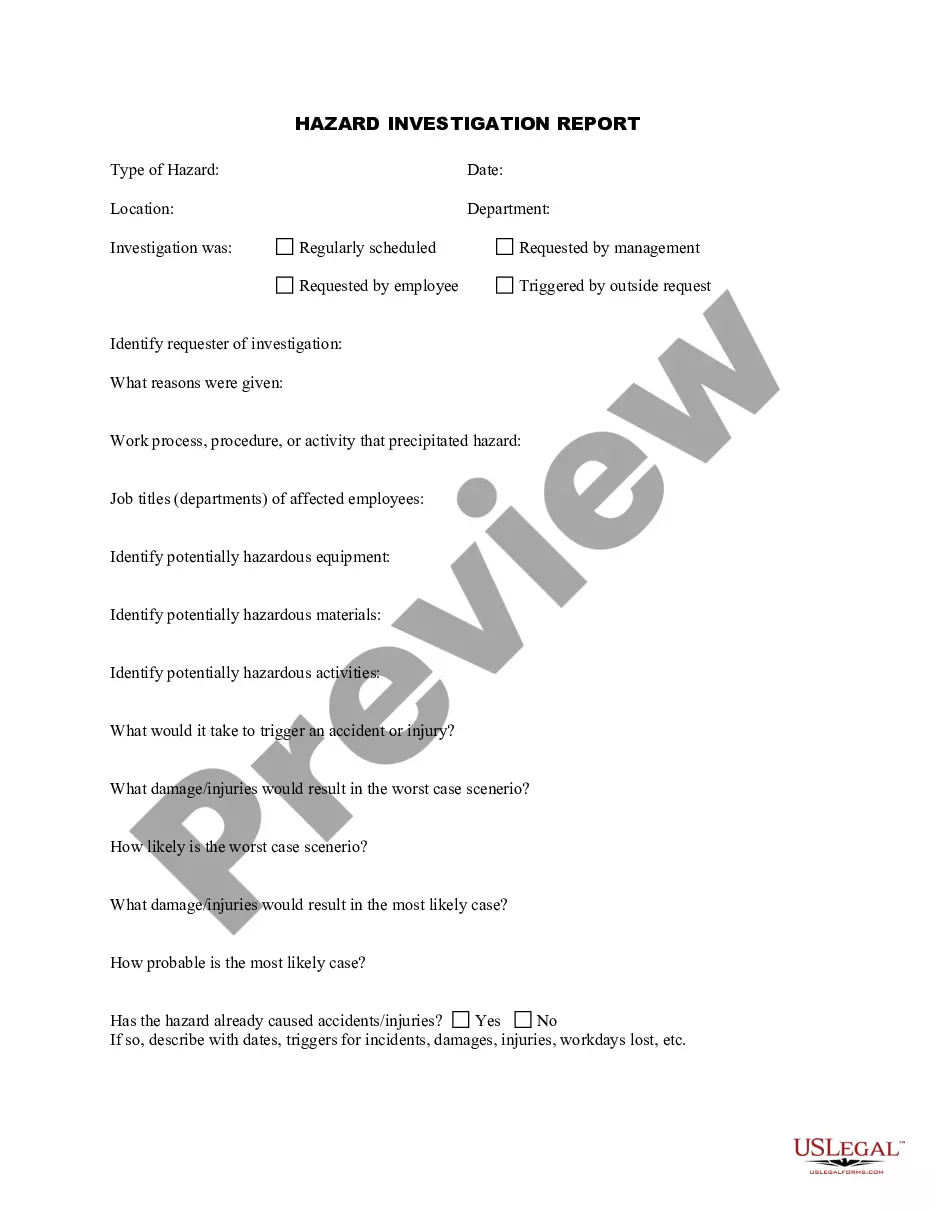
The Safety or Health Hazards Report Form is used to document any safety or health hazards recognized within a workplace environment. This form is essential for communicating existing hazards that potentially endanger employees and ensuring that appropriate actions are taken promptly. Unlike other forms that may merely record incidents, this specific form focuses on highlighting hazards and facilitating safety improvements across the workplace.
Key parts of this document
- Company Name: The name of the organization where the hazards are observed.
- Date: The date when the hazard was identified.
- Site Address: The location where the hazard exists.
- Manager at Site: The name of the individual responsible at the hazard location.
- Hazard Description: A detailed description of the hazard, including its location and the number of employees potentially affected.
- Signature: An acknowledgment from the individual filing the report.

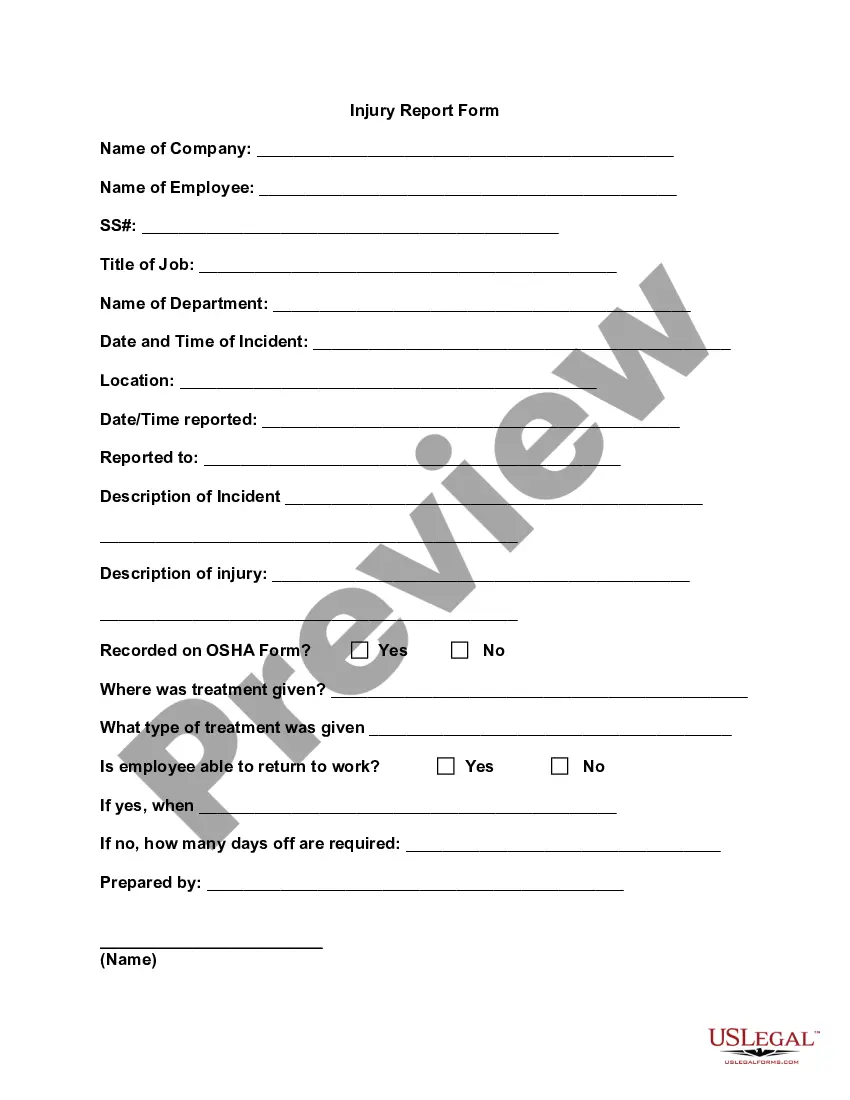
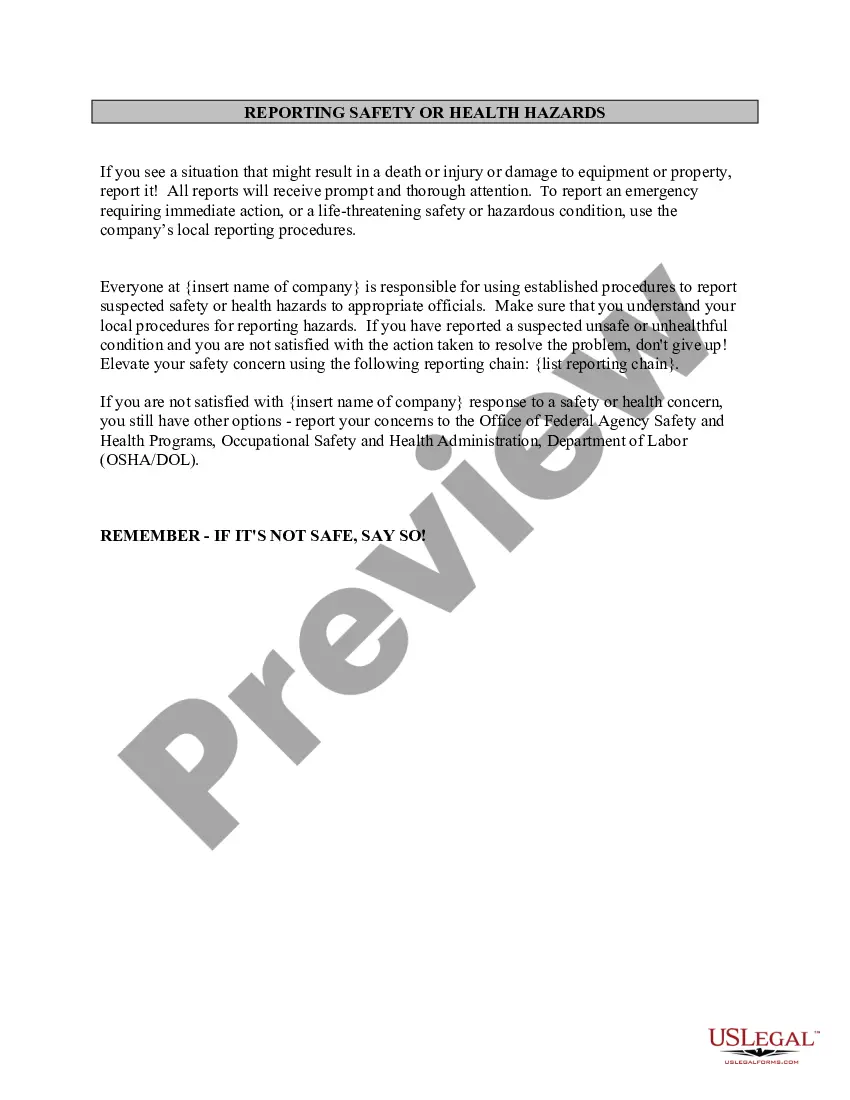
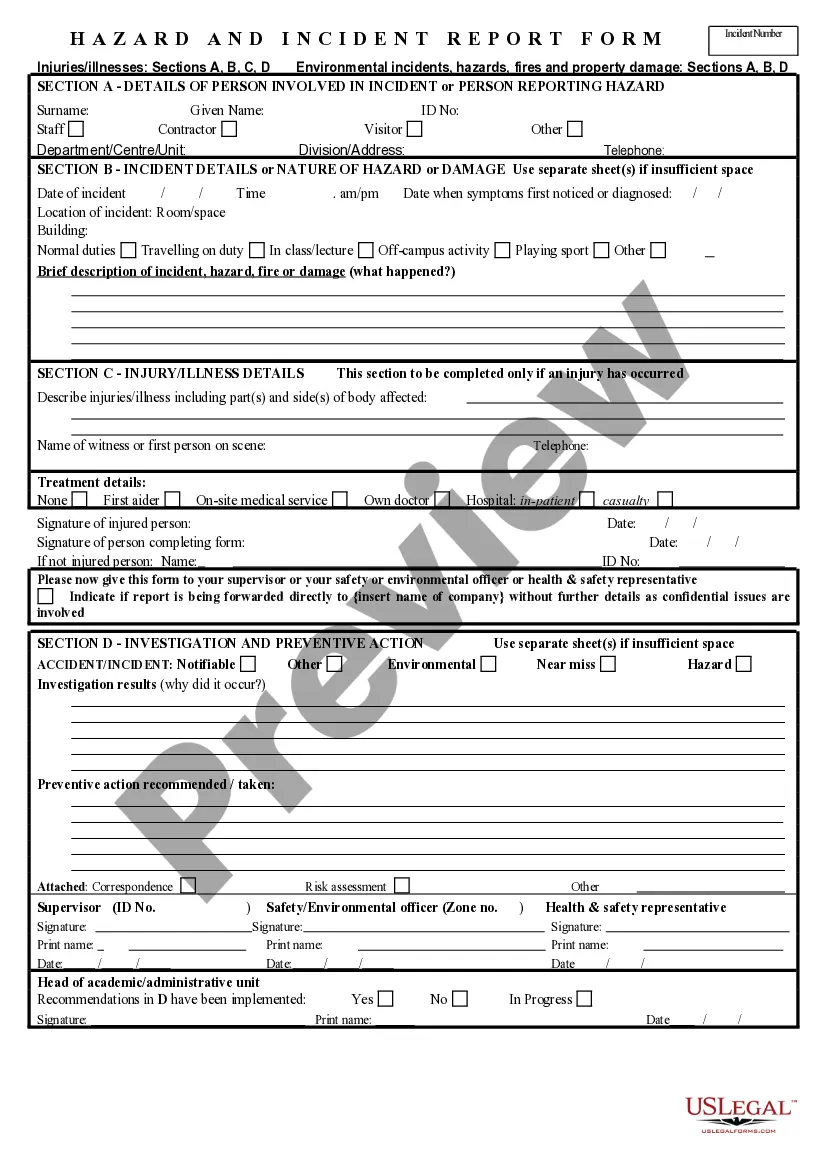
When this form is needed
This form should be utilized whenever employees notice unsafe working conditions or health hazards at their workplace. It is particularly important in situations where there is evidence of chemical exposure, equipment malfunctions, or safety protocol violations. Reporting through this form ensures that management is aware of these issues and can take corrective measures to protect employees.
Who can use this document
- Employees who identify safety or health hazards in their workplace.
- Managers needing to formally document hazard reports from staff.
- Health and safety officers tasked with monitoring workplace safety.
How to prepare this document
- Enter the company name in the designated field.
- Fill in the date when the hazard was identified.
- Provide the site address where the hazard exists.
- Identify the manager at the site and include their contact information.
- Describe the hazard in detail, including the number of employees exposed and the specific location.
- Sign and date the form to certify that the information provided is accurate.
Does this form need to be notarized?
This form does not typically require notarization to be legally valid. However, some jurisdictions or document types may still require it. US Legal Forms provides secure online notarization powered by Notarize, available 24/7 for added convenience.
Get your form ready online
Our built-in tools help you complete, sign, share, and store your documents in one place.
Make edits, fill in missing information, and update formatting in US Legal Forms—just like you would in MS Word.
Download a copy, print it, send it by email, or mail it via USPS—whatever works best for your next step.
Sign and collect signatures with our SignNow integration. Send to multiple recipients, set reminders, and more. Go Premium to unlock E-Sign.
If this form requires notarization, complete it online through a secure video call—no need to meet a notary in person or wait for an appointment.
We protect your documents and personal data by following strict security and privacy standards.

Make edits, fill in missing information, and update formatting in US Legal Forms—just like you would in MS Word.

Download a copy, print it, send it by email, or mail it via USPS—whatever works best for your next step.

Sign and collect signatures with our SignNow integration. Send to multiple recipients, set reminders, and more. Go Premium to unlock E-Sign.

If this form requires notarization, complete it online through a secure video call—no need to meet a notary in person or wait for an appointment.

We protect your documents and personal data by following strict security and privacy standards.
Avoid these common issues
- Failing to provide sufficient detail in the hazard description.
- Omitting the date of hazard identification.
- Leaving the signature field blank, which can invalidate the report.
Why complete this form online
- Convenient access to the form from any location at any time.
- Easy to edit and update with new information as circumstances change.
- Quick submission process that sends the report directly to management for review.
What to keep in mind
- The Safety or Health Hazards Report Form is crucial for documenting workplace hazards.
- Timely reporting of hazards helps ensure workplace safety and compliance with health regulations.
- Key components include hazard description, site information, and signatures to validate the report.
Looking for another form?
Form popularity
FAQ
Step 1: Know your brief. You will usually receive a clear brief for a report, including what you are studying and for whom the report should be prepared. Step 2: Keep your brief in mind at all times. Executive Summary. Introduction. Report Main Body. Conclusions and Recommendations.
To notify SafeWork NSW of an incident, call 13 10 50. Brief description of hazard/incident: (Describe the task, equipment, tools and people involved. Use sketches, if necessary. Include any action taken to ensure the safety of those who may be affected.)
An automated form number. The location of the hazard. The date the hazard was identified. The company involved in identifying or interacting with the hazard.
Introduce the Purpose of the Safety Report. Include Clear, Labeled Diagrams. Include All Relevant Statistics. Write Out All Steps Clearly. Use Clear, Simple Language.
A hazard is something that can cause harm, e.g. electricity, chemicals, working up a ladder, noise, a keyboard, a bully at work, stress, etc.For example, working alone away from your office can be a hazard. The risk of personal danger may be high. Electric cabling is a hazard.
Brief description of hazard/incident: (Describe the task, equipment, tools and people involved. Use sketches, if necessary. Include any action taken to ensure the safety of those who may be affected.) Where is the hazard located in the workplace?
Online - Use the Online Complaint Form. Fax/Mail/Email - Complete the OSHA Complaint Form En Espanol, or Send a Letter Describing Your Complaint. Telephone - Call Your Local OSHA Office or 800-321-6742 (OSHA) In Person - Visit Your Local OSHA Office.