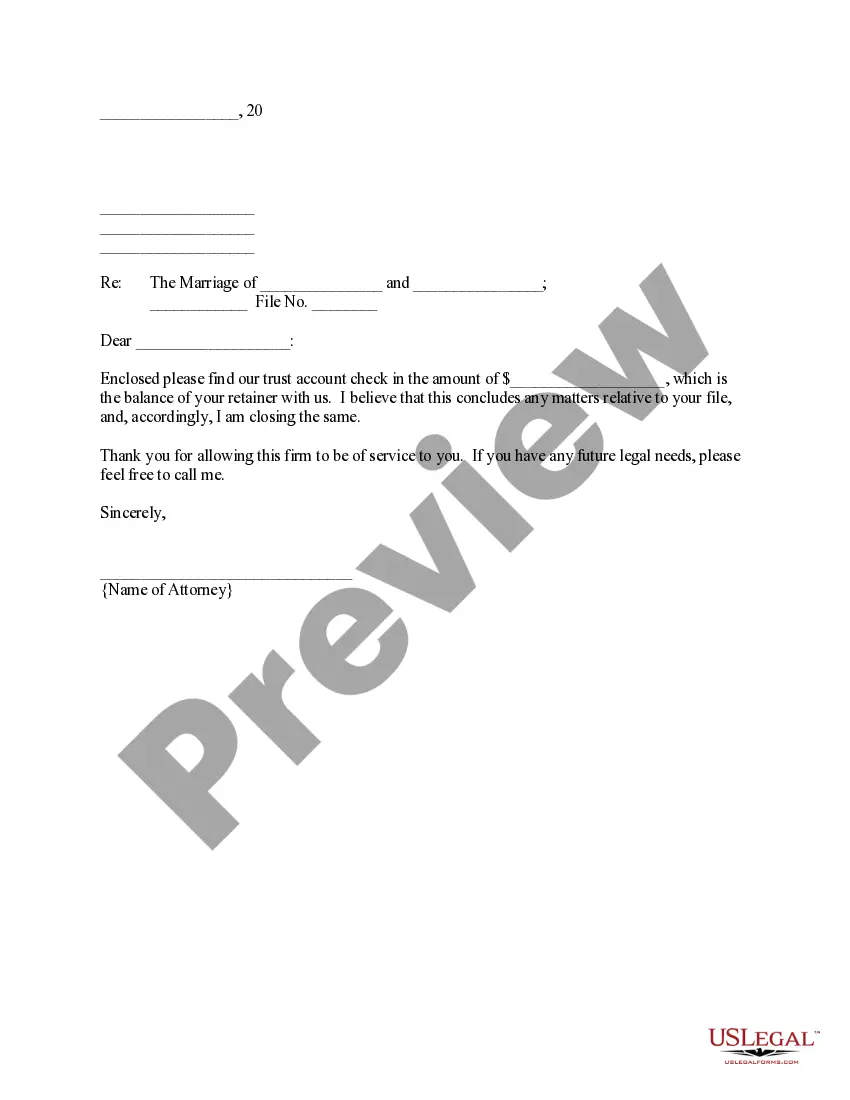
File Form for Family and Medical Leave
Understanding this form
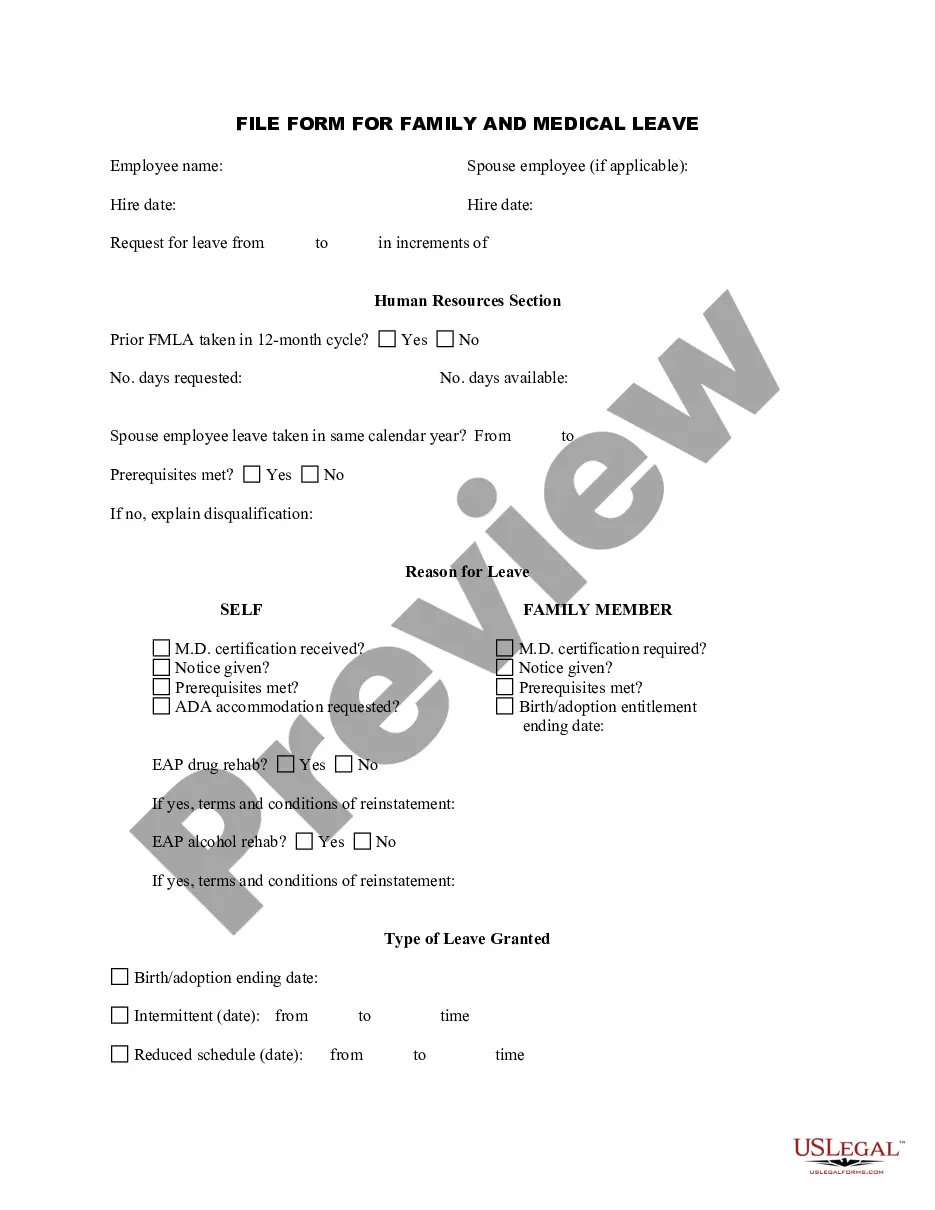
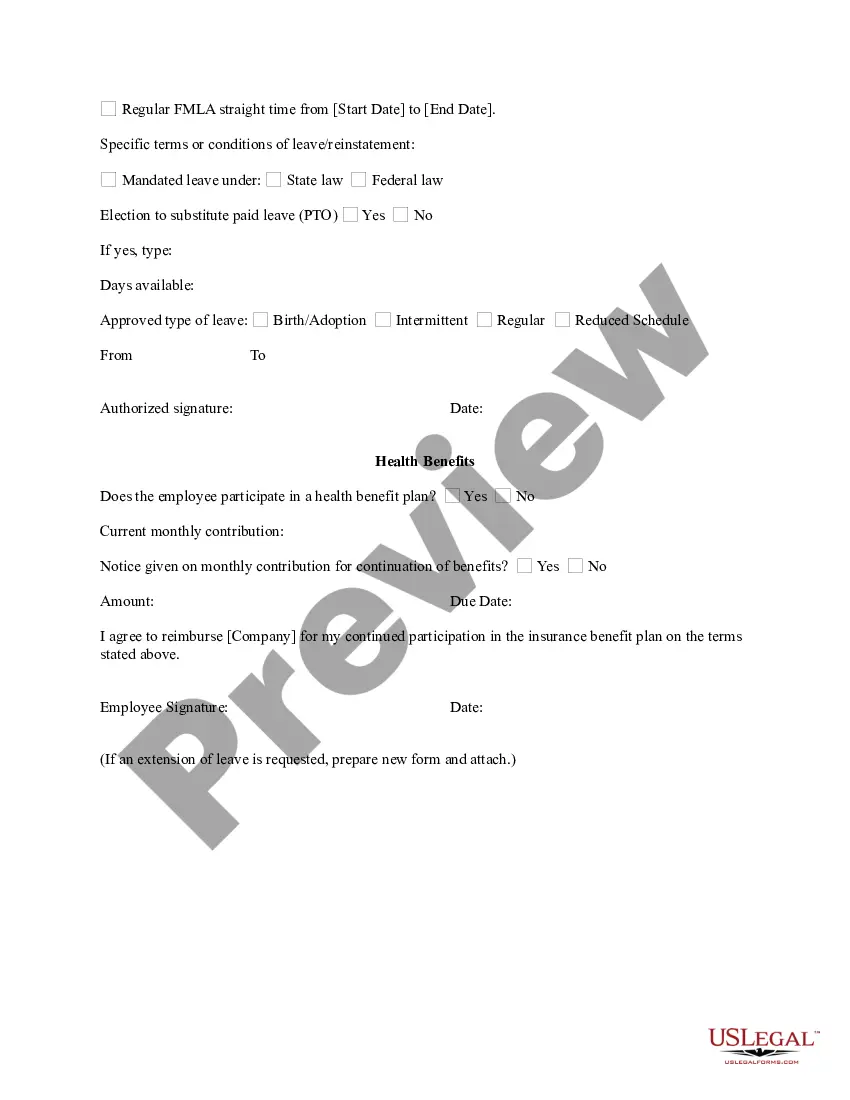
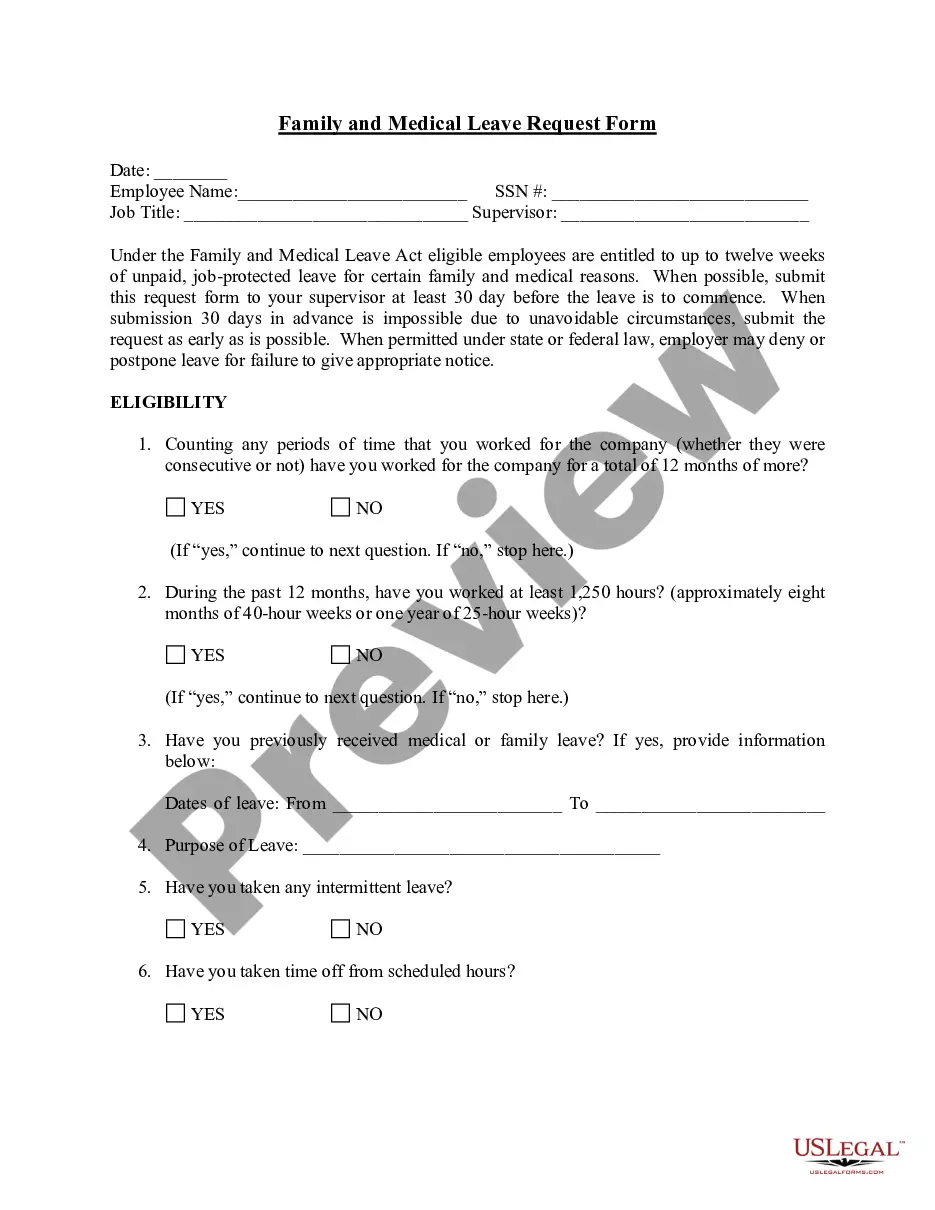
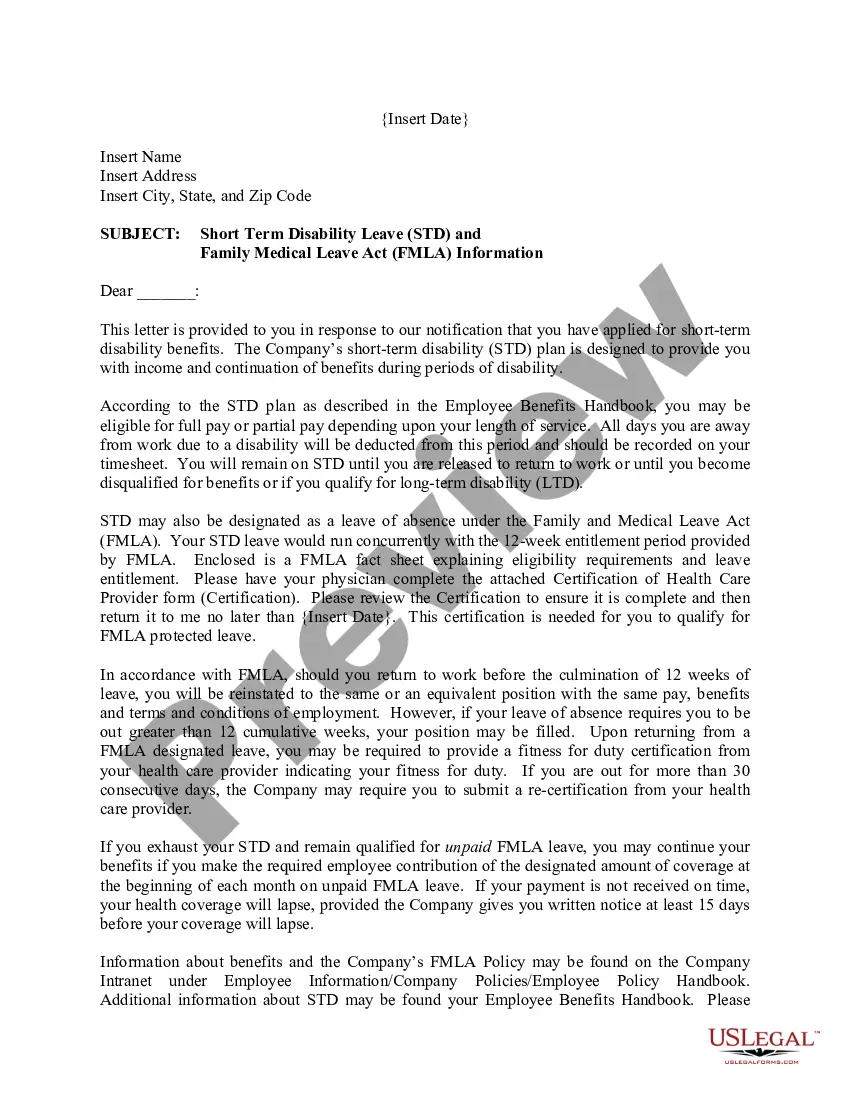
This form is a File Form for Family and Medical Leave, designed to document an employeeâs leave of absence under the Family and Medical Leave Act (FMLA). This form should be kept in the employee's file to accurately record the time taken for family or medical leave. Unlike other leave forms, this one specifically caters to FMLA stipulations, ensuring compliance with federal regulations.
Main sections of this form
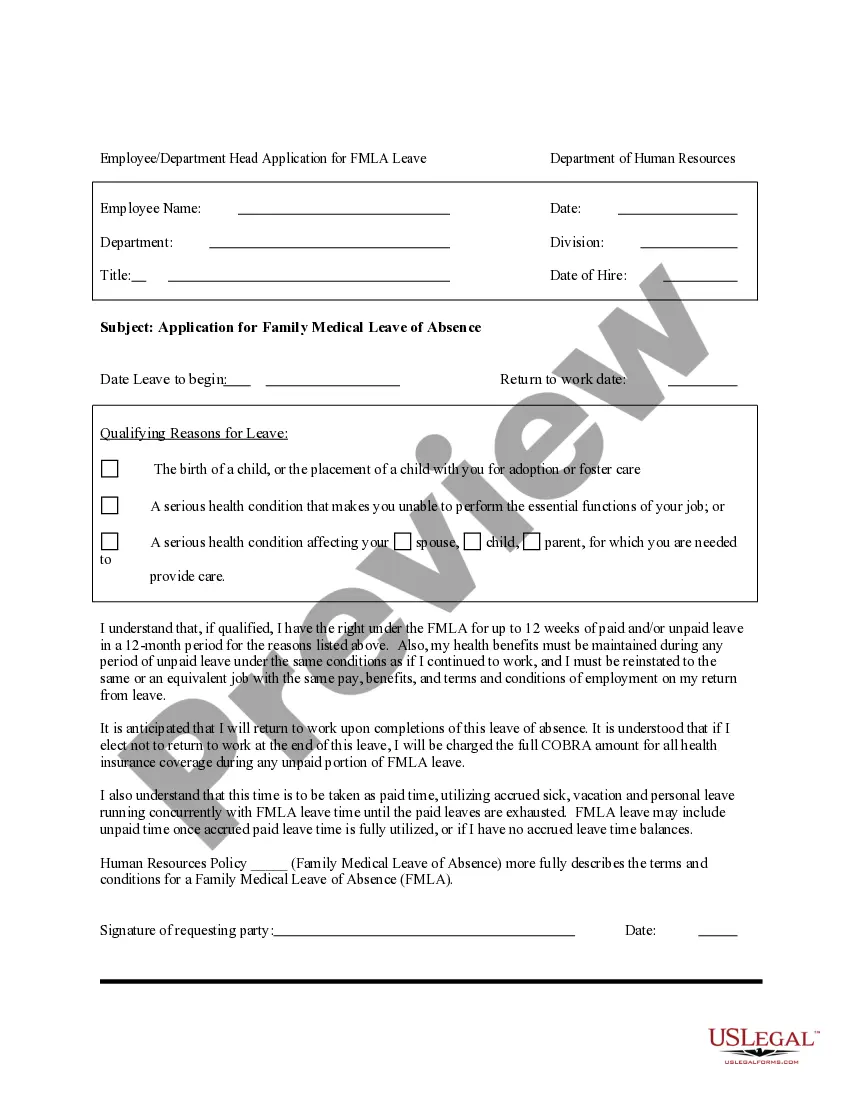
- Employee name: The individual applying for leave must provide their full name.
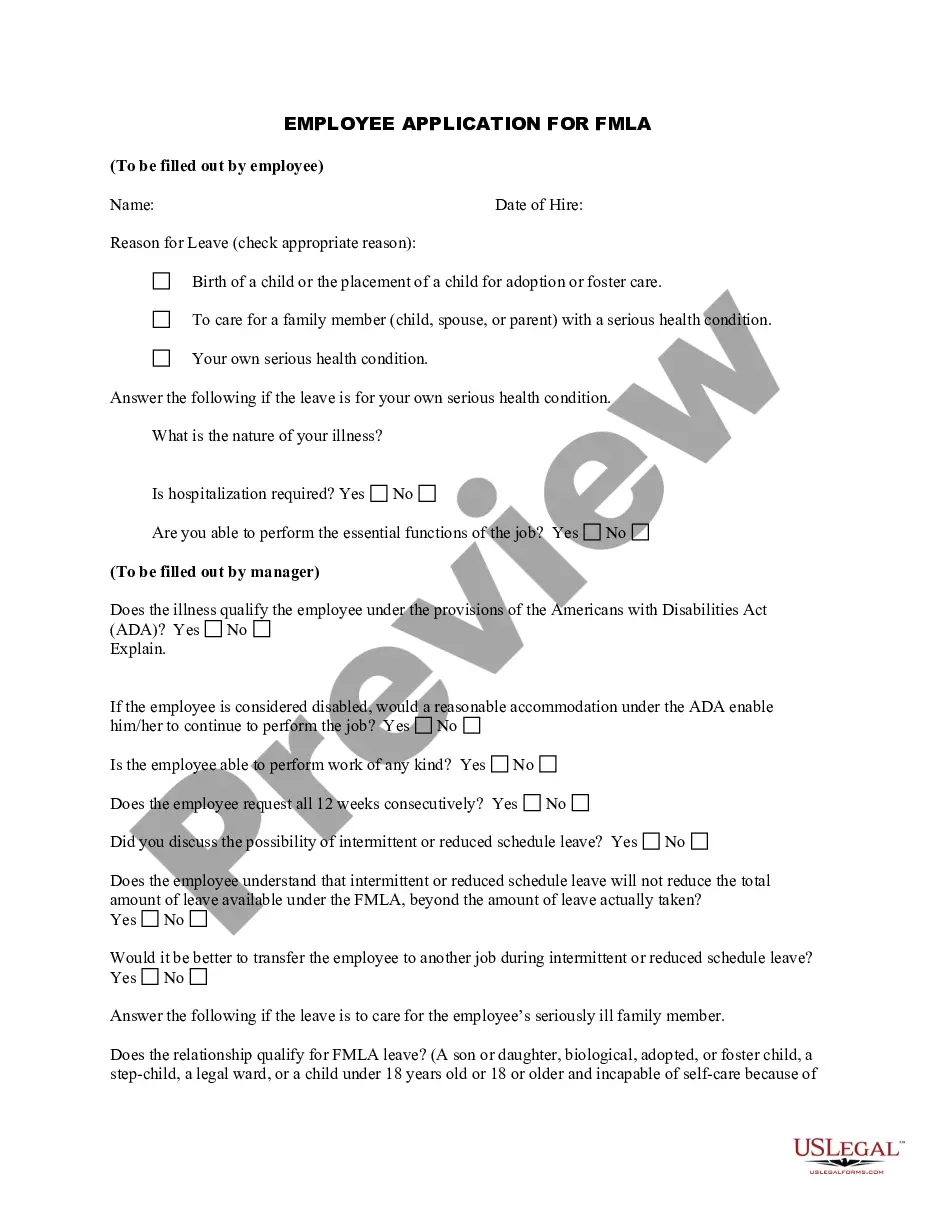
- Relationship status: Indicate whether the leave pertains to the employee or a family member.
- Hire date and request dates: Include the employee's start date and the specific dates they are requesting leave.
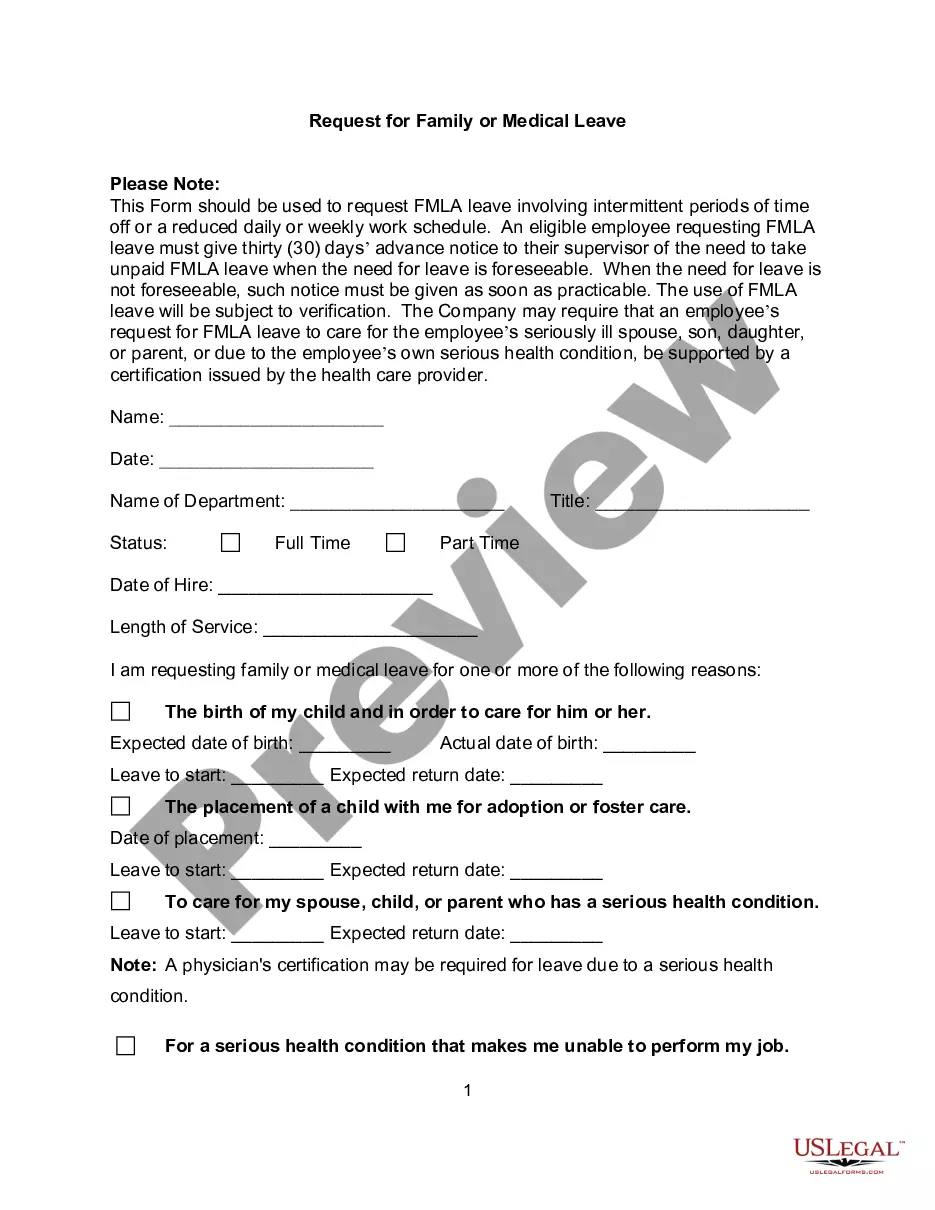
- Reason for leave: The employee must specify the reason for taking leave, such as medical conditions, family emergencies, or birth/adoption.
- Health benefits section: Information regarding participation in health benefit plans and any contributions required during the leave must be included.
- Authorized signature: The form must be signed by an authorized representative to validate the leave request.
When to use this form
This form is necessary when an employee wishes to take leave for qualifying reasons under the FMLA. Common scenarios include taking time off for the birth or adoption of a child, caring for an immediate family member with a serious health condition, or addressing a personal serious health condition. It is important for employees who anticipate needing extended leave to complete this form in advance.
Intended users of this form
This form should be used by:
- Employees who have been employed for at least twelve months and have worked at least 1,250 hours during the previous twelve months.
- Employees seeking family or medical leave for serious health conditions affecting themselves or family members.
- Employees undergoing significant life events such as childbirth or adoption.
Instructions for completing this form
To complete this form:
- Identify the employee's name and the relationship status concerning the leave request.
- Fill in the hire date and specify the requested leave dates and reason.
- Indicate if any health certifications are attached or needed.
- Provide details regarding health benefit contributions during the leave.
- Ensure the form is signed by the appropriate authority.
Does this document require notarization?
This form does not typically require notarization unless specified by local law. However, you should check local regulations to ensure compliance.
Get your form ready online
Our built-in tools help you complete, sign, share, and store your documents in one place.
Make edits, fill in missing information, and update formatting in US Legal Forms—just like you would in MS Word.
Download a copy, print it, send it by email, or mail it via USPS—whatever works best for your next step.
Sign and collect signatures with our SignNow integration. Send to multiple recipients, set reminders, and more. Go Premium to unlock E-Sign.
If this form requires notarization, complete it online through a secure video call—no need to meet a notary in person or wait for an appointment.
We protect your documents and personal data by following strict security and privacy standards.

Make edits, fill in missing information, and update formatting in US Legal Forms—just like you would in MS Word.

Download a copy, print it, send it by email, or mail it via USPS—whatever works best for your next step.

Sign and collect signatures with our SignNow integration. Send to multiple recipients, set reminders, and more. Go Premium to unlock E-Sign.

If this form requires notarization, complete it online through a secure video call—no need to meet a notary in person or wait for an appointment.

We protect your documents and personal data by following strict security and privacy standards.
Avoid these common issues
- Failing to specify the type of leave being requested, which can lead to confusion.
- Omitting required dates, which can delay the process.
- Not providing sufficient information on the reason for leave, potentially leading to denial of the request.
Advantages of online completion
- Convenience of completing the form online without the need for in-person visits.
- Editability allows for easy corrections and updates before final submission.
- Reliable formatting ensures compliance with legal standards and reduces errors.
Legal use & context
- This form is necessary to comply with the Family and Medical Leave Act.
- It serves as an official record of the employeeâs leave request.
- Employers must maintain this documentation for legal compliance and verification.
Key takeaways
- Essential for documenting employee leave under FMLA.
- Helps ensure compliance with federal and state regulations.
- Contains critical information regarding the leave request process.
Looking for another form?









Form popularity
FAQ
Yes. Doctors can and usually do charge a fee to complete Family and Medical Leave Act (FMLA) certifications.An employer may also have a policy on reimbursing an employee for the cost of certification or recertification.
This form, like 380-E, requires the employer, employee, and the health care practitioner to complete specific information. Your relative's medical provider must complete the rest of the form with information similar to that required by Form 380-E, such as: When did the condition begin. How long might it last.
Employers can't require their employees to submit doctors' notes for each FMLA absence. Sooner or later, you might have to take time off from work for a reason covered by the Family and Medical Leave Act (FMLA) (29 U.S.C. ? 2601 and following).
If the employee fails or refuses to provide a proper certification (on your form or otherwise), you can deny the leave. However, a more detailed note or letter from the doctor might suffice, even if it is not on your preferred form.
They have designated seven different FMLA application forms aligned to the reason for the qualified leave and how much information your employer requires to approve or deny the request. You can download the form from the DOL-WHD website or by calling them at 1-866-487-9243.
The FMLA allows leave for an eligible employee when the employee is needed to care for certain qualifying family members (child, spouse or parent) with a serious health condition. (The definition of son or daughter includes individuals for whom the employee stood or is standing in loco parentis.
If you are seeking FMLA leave because you are caring for a family member with a serious health condition, fill out the WH-380-F form. To take leave under the active duty qualifying exigency provision, fill out the WH-384 form.
FMLA is Family Medical Leave Act, and sometimes this is time off with pay and other times it is time off without pay, or a combination of the two. If you were paid while you were off, it should be included in the W-2 you received from the employer and is taxed just the same as regular wages.
You need leave under the Family & Medical Leave Act (FMLA). Your employer gives you a form to have your doctor fill out certifying your need for leave under the FMLA.Under the FMLA, an employer can request that you have your doctor complete a form certifying your need for leave under the FMLA.