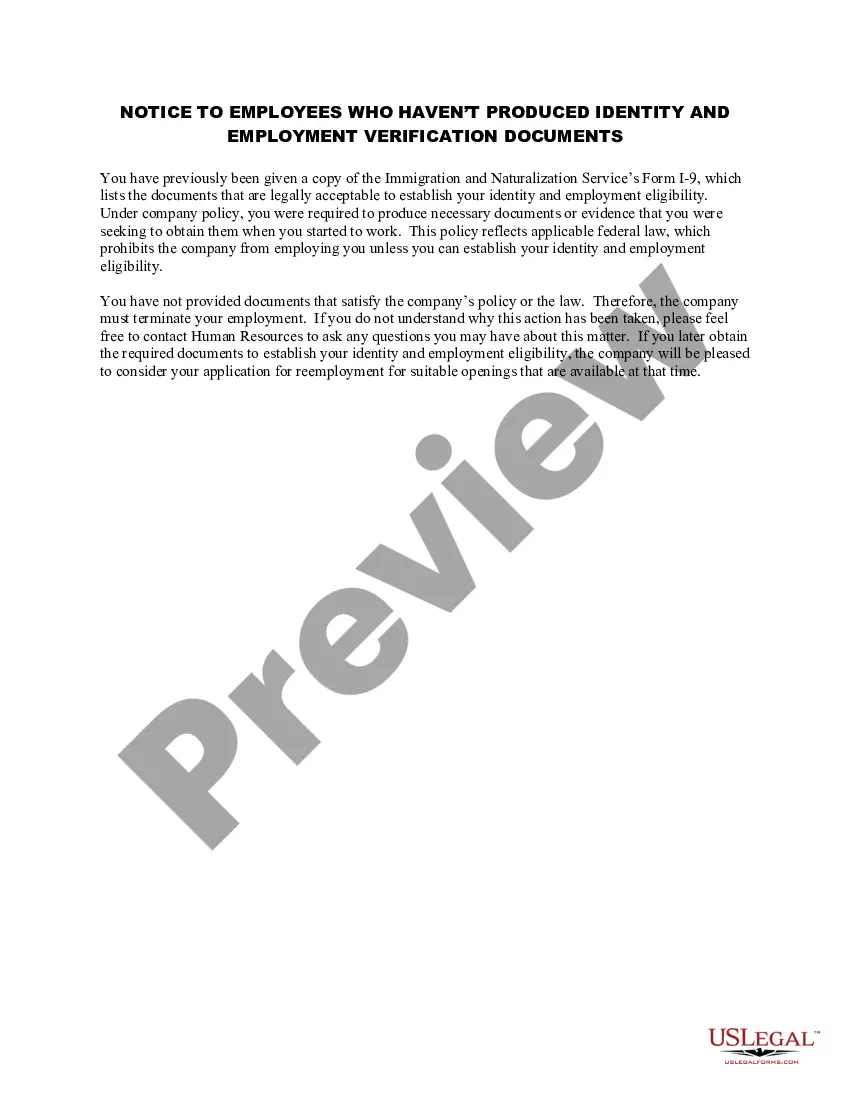
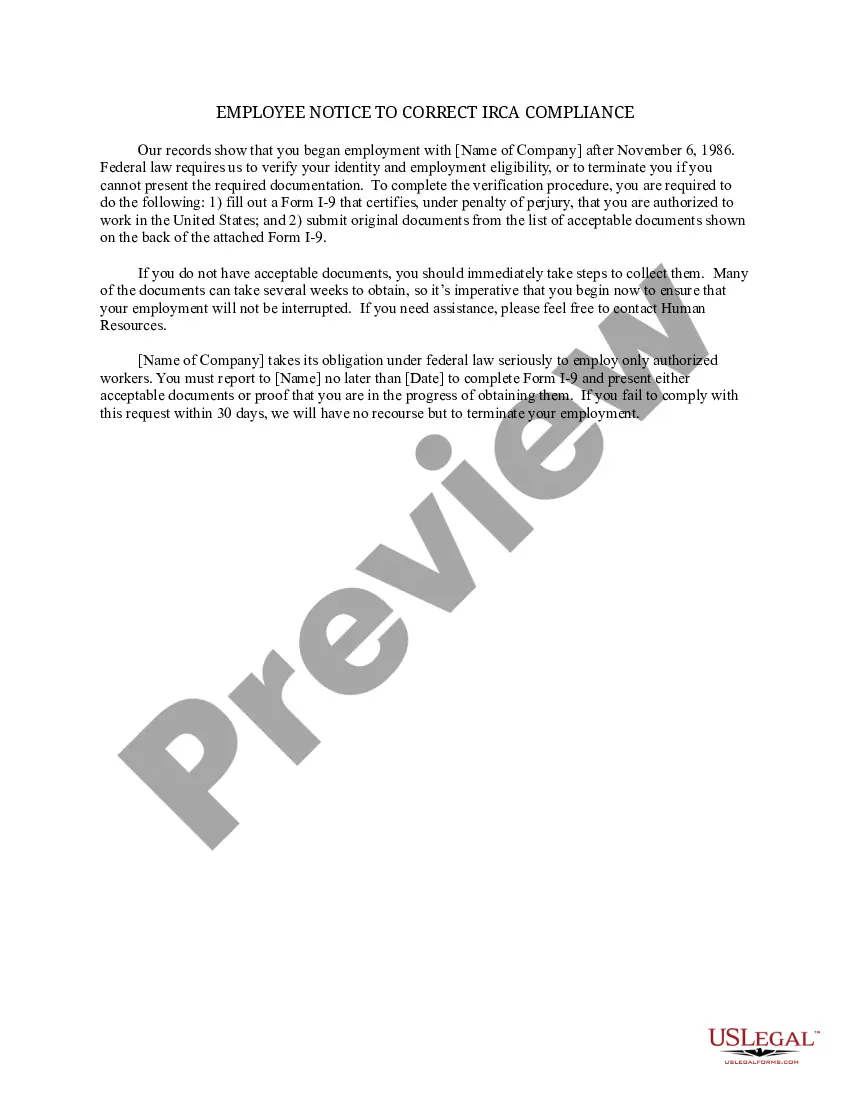
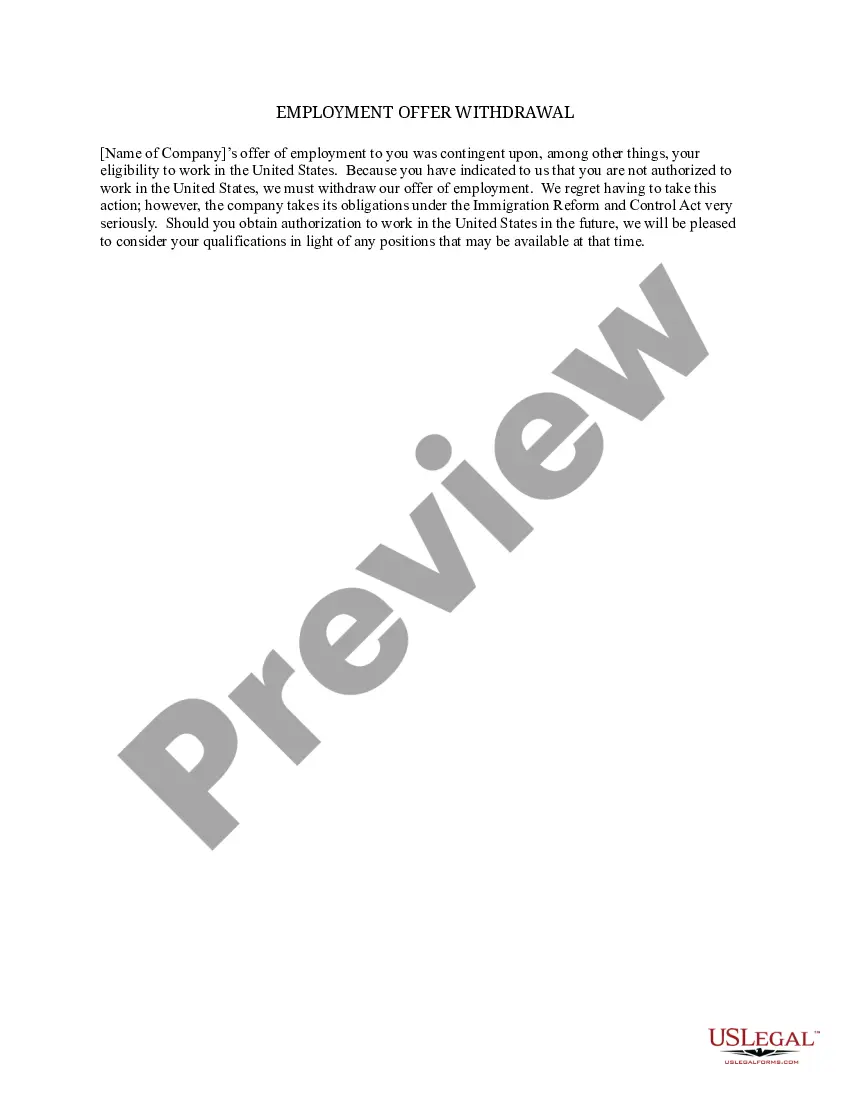
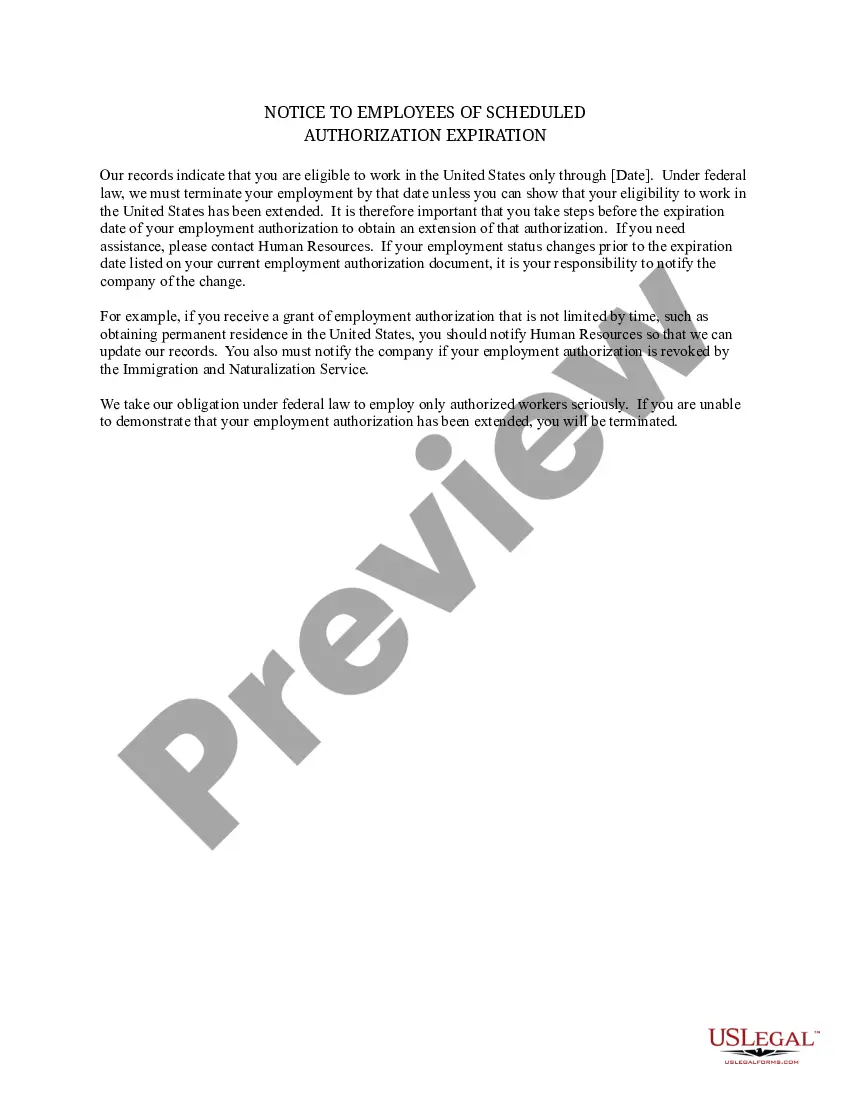
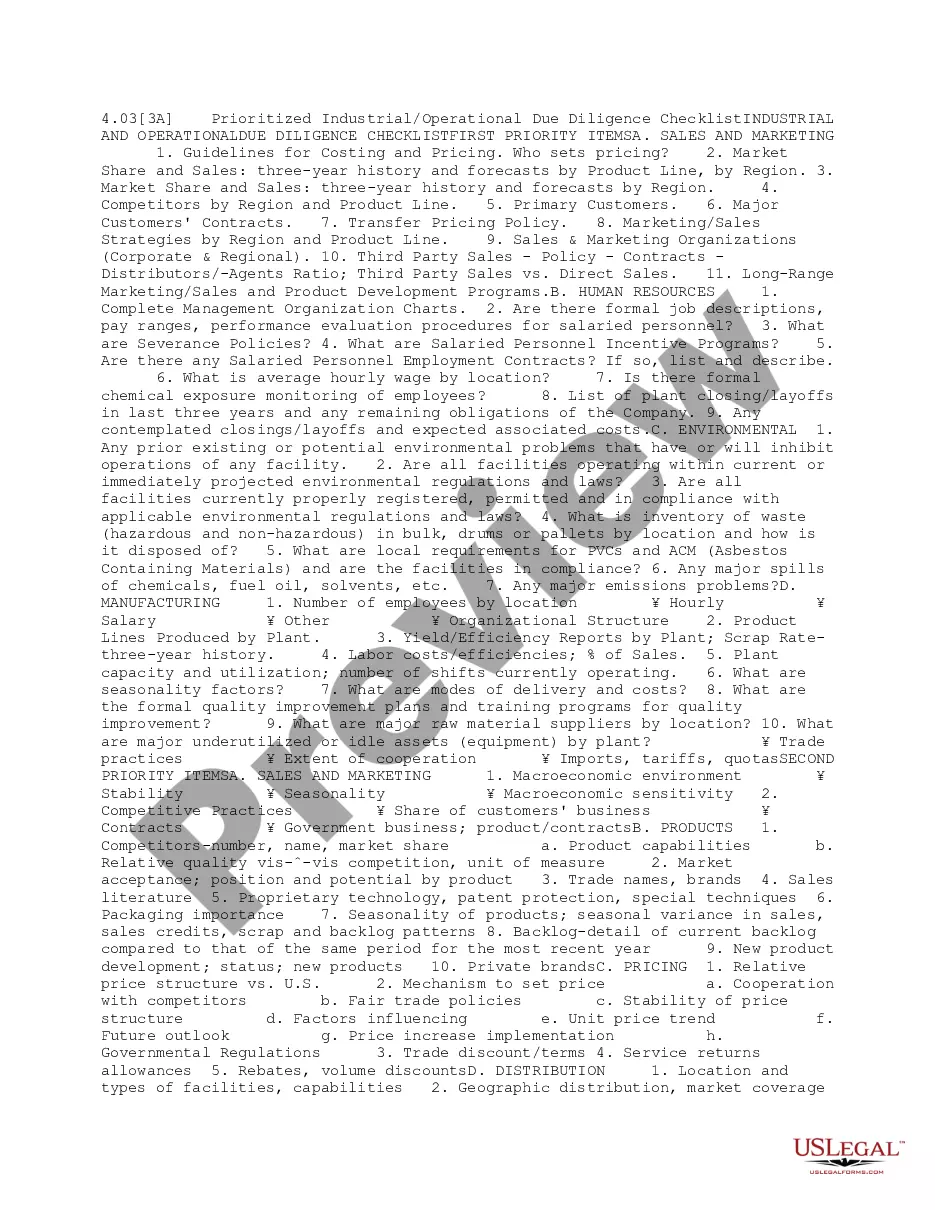
Notice to Employees Who Haven't Produced Identity and Employment Verification Documents
Description
Get your form ready online
Our built-in tools help you complete, sign, share, and store your documents in one place.
Make edits, fill in missing information, and update formatting in US Legal Forms—just like you would in MS Word.
Download a copy, print it, send it by email, or mail it via USPS—whatever works best for your next step.
Sign and collect signatures with our SignNow integration. Send to multiple recipients, set reminders, and more. Go Premium to unlock E-Sign.
If this form requires notarization, complete it online through a secure video call—no need to meet a notary in person or wait for an appointment.
We protect your documents and personal data by following strict security and privacy standards.

Make edits, fill in missing information, and update formatting in US Legal Forms—just like you would in MS Word.

Download a copy, print it, send it by email, or mail it via USPS—whatever works best for your next step.

Sign and collect signatures with our SignNow integration. Send to multiple recipients, set reminders, and more. Go Premium to unlock E-Sign.

If this form requires notarization, complete it online through a secure video call—no need to meet a notary in person or wait for an appointment.

We protect your documents and personal data by following strict security and privacy standards.
Looking for another form?

How to fill out Notice To Employees Who Haven't Produced Identity And Employment Verification Documents?
Utilize the most extensive legal library of forms. US Legal Forms is the best place for getting up-to-date Notice to Employees Who Haven't Produced Identity and Employment Verification Documents templates. Our service provides 1000s of legal documents drafted by certified legal professionals and grouped by state.
To get a template from US Legal Forms, users just need to sign up for an account first. If you’re already registered on our service, log in and select the document you need and buy it. After buying templates, users can find them in the My Forms section.
To get a US Legal Forms subscription online, follow the guidelines below:
- Find out if the Form name you’ve found is state-specific and suits your requirements.
- In case the template has a Preview function, use it to review the sample.
- If the template doesn’t suit you, use the search bar to find a better one.
- PressClick Buy Now if the template corresponds to your needs.
- Choose a pricing plan.
- Create a free account.
- Pay via PayPal or with yourr debit/bank card.
- Choose a document format and download the template.
- As soon as it is downloaded, print it and fill it out.
Save your time and effort using our service to find, download, and fill in the Form name. Join thousands of satisfied subscribers who’re already using US Legal Forms!
Form popularity
FAQ
If an employee has presented a receipt for a document, he or she must produce the actual document within 90 days of the date employment begins.
Three-day Rule. An E-Verify case is considered late if you create it later than the third business day after the employee first started work for pay. If the case you create is late, E-Verify will ask why, and you can either select one of the reasons provided or enter you own.
Failure to comply with I-9 verification and document retention requirements could result in a penalty. The minimum penalty for a first offense is $110; the maximum penalty is $1,100. Penalties are assessed based on several factors, including: The size of the employer.
The E-Verify Verification The latest three days after the new hire's first day of work for pay, unless the employee will work for fewer than three days; for them, you must verify no later than the first day of work for pay.
California. Passed in 2016, Assembly Bill 622 forbids employers to unlawfully use the E-Verify program with penalties per violation set at $10,000.
California - Limits E-Verify requirements due to misuse with new legislation going into effect in January 2016.Effective January 2021, private employers are not mandated to use E-Verify unless they have a contract with a public employer or they apply for taxpayer-funded incentives.
Is E-Verify mandatory? For most employers, E-Verify is voluntary and the overwhelming majority of the nation's 18 million employers do not participate in the E-Verify program. By law, E-Verify is mandatory for the federal government, as well as federal contractors and subcontractors.