Notice of Qualifying Event from Employer to Plan Administrator
About this form
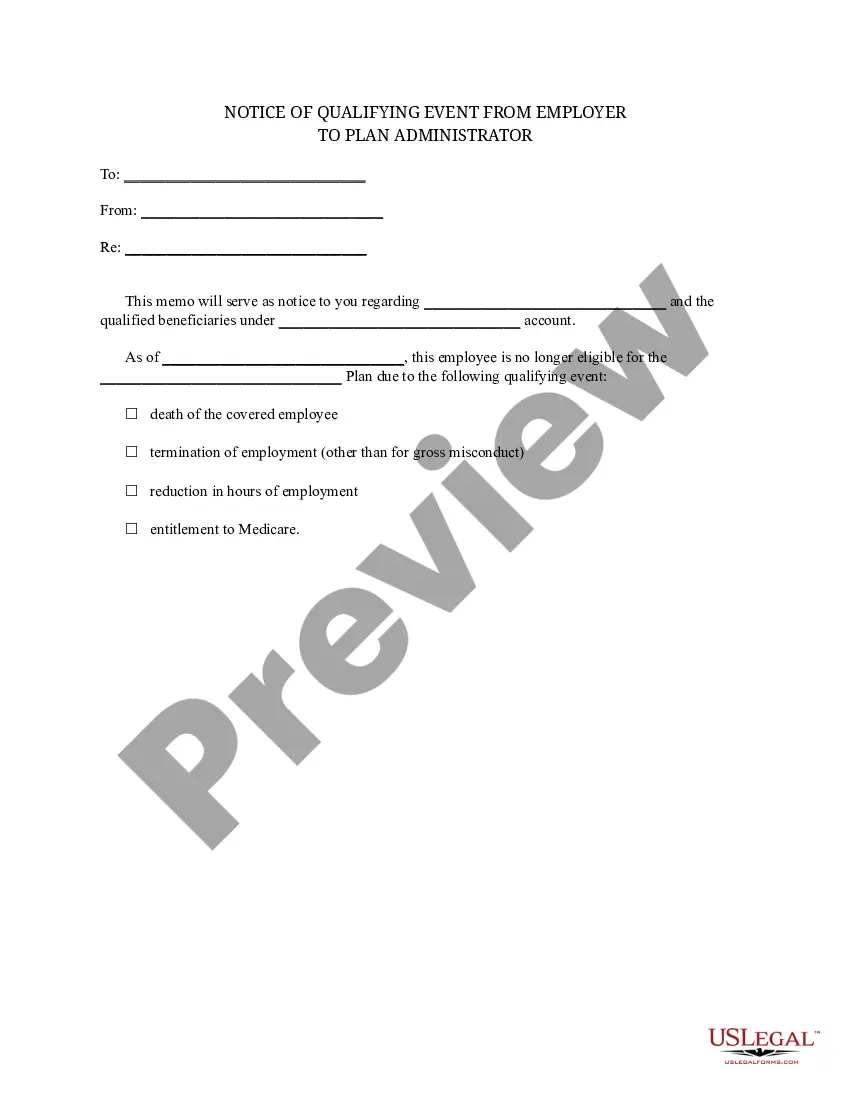
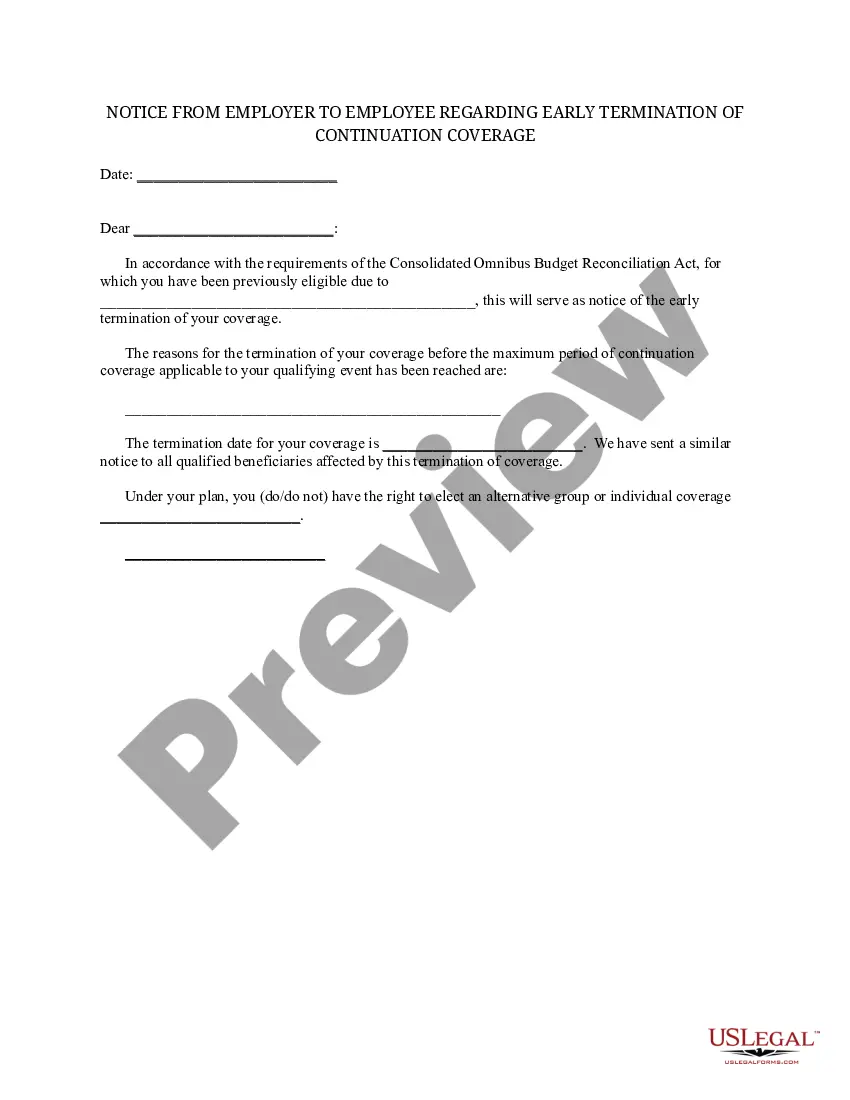
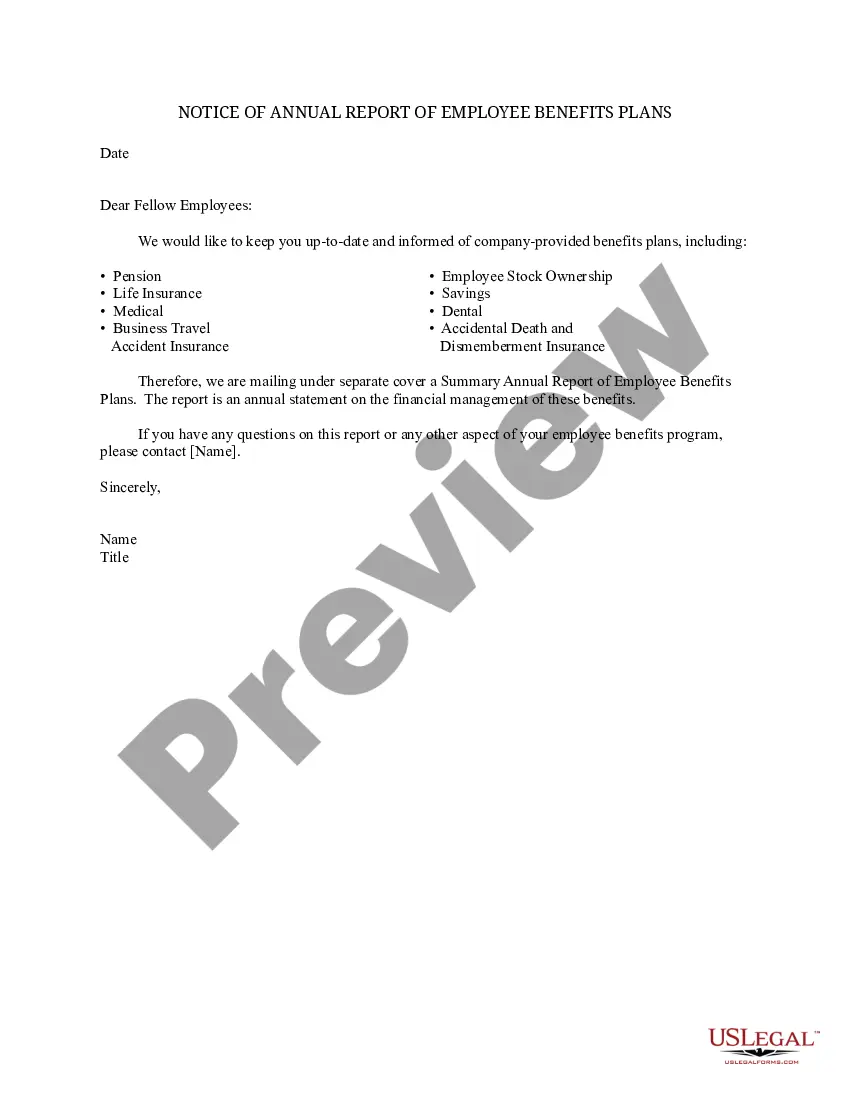
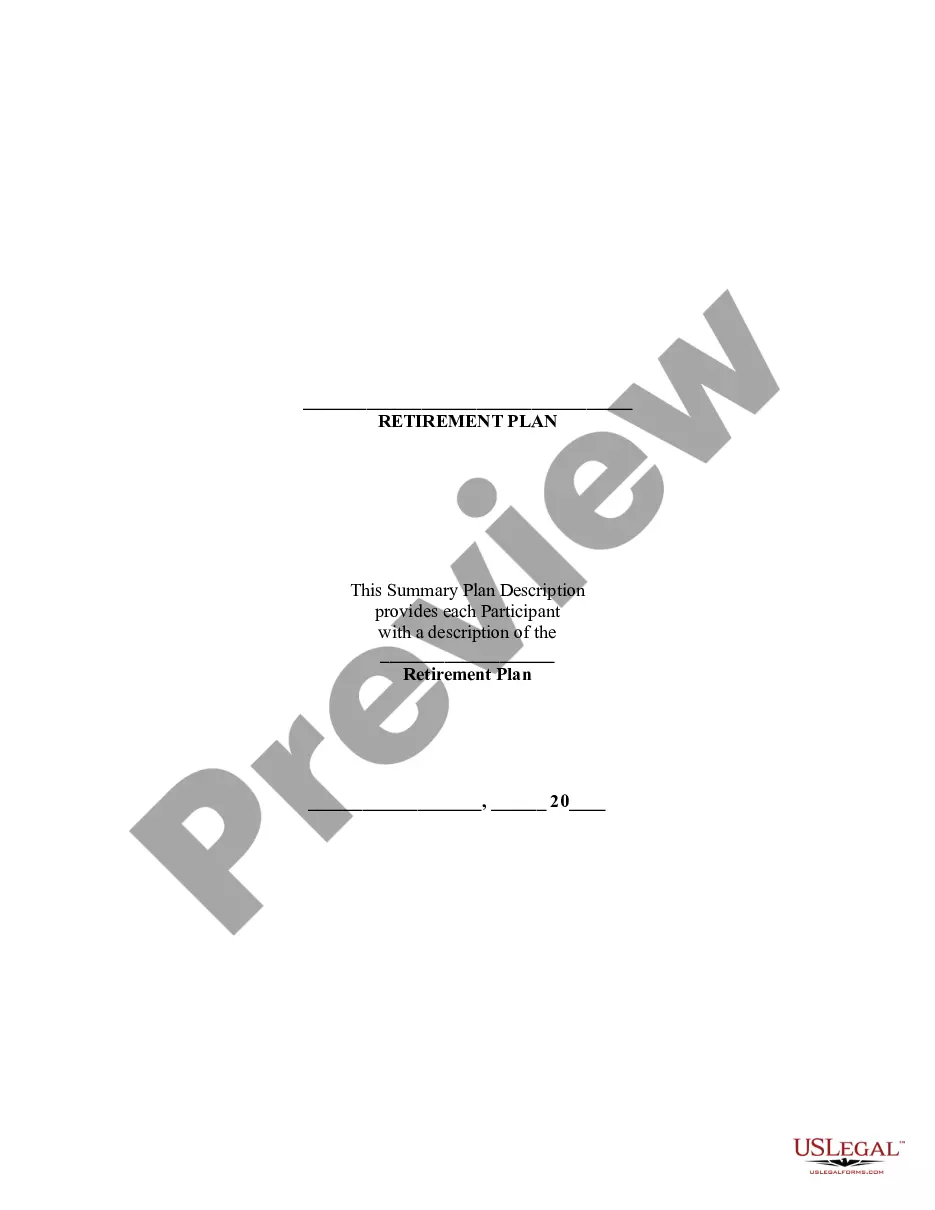
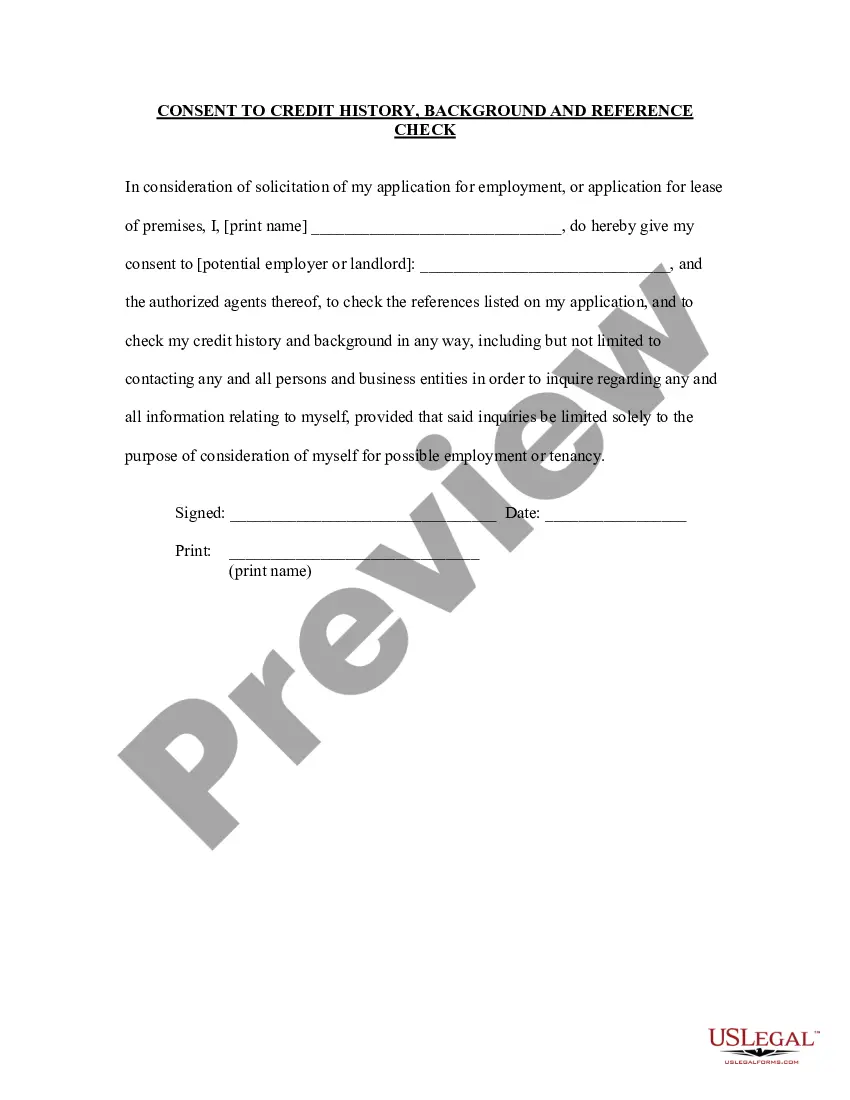
The Notice of Qualifying Event from Employer to Plan Administrator is a legal document used to notify a plan administrator about an employee's change in eligibility for benefits. This form serves to inform the appropriate party about the status of qualified beneficiaries associated with the employee's account following a qualifying event. Its clarity and specificity are crucial, as it differs from similar forms by detailing the reasons for the employee's ineligibility, which can include termination, reduction of hours, or qualifying events such as the employee's death.
What’s included in this form
- Name of the Plan Administrator
- Name of the Company Executive
- Name of the Plan
- Details about the Employee and Account Number
- Date of the qualifying event
- Checkable reasons for ineligibility (e.g., death, termination, reduction in hours, entitlement to Medicare)
Situations where this form applies
This form should be utilized when an employee undergoes a qualifying event that impacts their eligibility for company benefits. Such events may include job termination, death, or a reduction in working hours. In these instances, the employer needs to formally notify the plan administrator to ensure that all necessary adjustments are made to the employee's benefits and that qualified beneficiaries are informed of their status.
Who needs this form
Eligibility for this form is established for the following parties:
- Employers who provide benefits covered under an employer-sponsored plan
- Company executives responsible for human resources or benefits administration
- Plan administrators who manage employee benefits and need formal notification of qualifying events
How to prepare this document
- Begin by entering the name of the Plan Administrator and the name of the Company Executive in the specified fields.
- Fill in the name of the Plan, noting the relevant details for internal tracking.
- Provide the employee's name and account number to ensure accurate identification.
- Document the date when the qualifying event occurred.
- Select the appropriate checkbox for the reason that led to the employee's ineligibility.
- Ensure all provided information is correct and complete before submitting.
Notarization guidance
Notarization is generally not required for this form. However, certain states or situations might demand it. You can complete notarization online through US Legal Forms, powered by Notarize, using a verified video call available anytime.
Get your form ready online
Our built-in tools help you complete, sign, share, and store your documents in one place.
Make edits, fill in missing information, and update formatting in US Legal Forms—just like you would in MS Word.
Download a copy, print it, send it by email, or mail it via USPS—whatever works best for your next step.
Sign and collect signatures with our SignNow integration. Send to multiple recipients, set reminders, and more. Go Premium to unlock E-Sign.
If this form requires notarization, complete it online through a secure video call—no need to meet a notary in person or wait for an appointment.
We protect your documents and personal data by following strict security and privacy standards.

Make edits, fill in missing information, and update formatting in US Legal Forms—just like you would in MS Word.

Download a copy, print it, send it by email, or mail it via USPS—whatever works best for your next step.

Sign and collect signatures with our SignNow integration. Send to multiple recipients, set reminders, and more. Go Premium to unlock E-Sign.

If this form requires notarization, complete it online through a secure video call—no need to meet a notary in person or wait for an appointment.

We protect your documents and personal data by following strict security and privacy standards.
Typical mistakes to avoid
- Failing to enter the correct date of the qualifying event.
- Not providing complete information about the employee or benefits plan.
- Neglecting to check the relevant circumstances leading to ineligibility.
- Using outdated formats or templates that do not comply with current regulations.
Why use this form online
- Immediate access to compliant and updated legal document templates.
- Convenience in completing the form at any time without needing to visit a law office.
- Editability, allowing users to make necessary changes quickly.
- Secure storage of documents enabling easy retrieval when needed.
Legal use & context
- Ensures compliance with federal and state regulations regarding benefits management.
- Provides formal documentation that can be referenced in the event of disputes.
- Facilitates timely communication between employers and plan administrators regarding changes in eligibility.
Quick recap
- The Notice of Qualifying Event is vital for notifying a plan administrator of changes in employee benefits.
- Ensure all details are correctly filled out to avoid delays in benefits processing.
- Review state-specific requirements to remain compliant with local laws.
Looking for another form?







Form popularity
FAQ
A qualifying event is an event that triggers a special enrollment period for an individual or family to purchase health insurance outside of the regular annual open enrollment period.
Employers should send notices by first-class mail, obtain a certificate of mailing from the post office, and keep a log of letters sent. Certified mailing should be avoided, as a returned receipt with no delivery acceptance signature proves the participant did not receive the required notice.
Reduction of Hours The reduction of hours is a qualifying event for a covered employee, spouse, and dependent children if it causes them to lose coverage and is not accompanied by an immediate termination.
Since losing COBRA coverage early is not a qualifying event, you would not be eligible to sign up for coverage through the Exchange. (If your COBRA runs out after the normal period, which is typically 18 or 36 months, you should be eligible for a Special Enrollment and could sign up for coverage through the Exchange).
Notices properly mailed are generally considered provided on the date sent, regardless of whether they're actually received. 1. COBRA Initial Notice must be provided. Within 30 days after the employee first becomes enrolled in the group health plan.
You must have an event that qualifies you for COBRA coverage. COBRA must cover your group health plan. You must be a beneficiary that is qualified for the specific event.
Plans must give each qualified beneficiary at least 60 days to choose whether or not to elect COBRA coverage, beginning from the date the election notice is provided, or the date the qualified beneficiary would otherwise lose coverage under the group health plan due to the qualifying event, whichever is later.
The following are qualifying events: the death of the covered employee; a covered employee's termination of employment or reduction of the hours of employment; the covered employee becoming entitled to Medicare; divorce or legal separation from the covered employee; or a dependent child ceasing to be a dependent under
COBRA (Consolidated Omnibus Budget Reconciliation Act of 1985) is a federal law that requires employers of 20 or more employees who offer health care benefits to offer the option of continuing this coverage to individuals who would otherwise lose their benefits due to termination of employment, reduction in hours or