Charitable Contribution Payroll Deduction Form
What this document covers
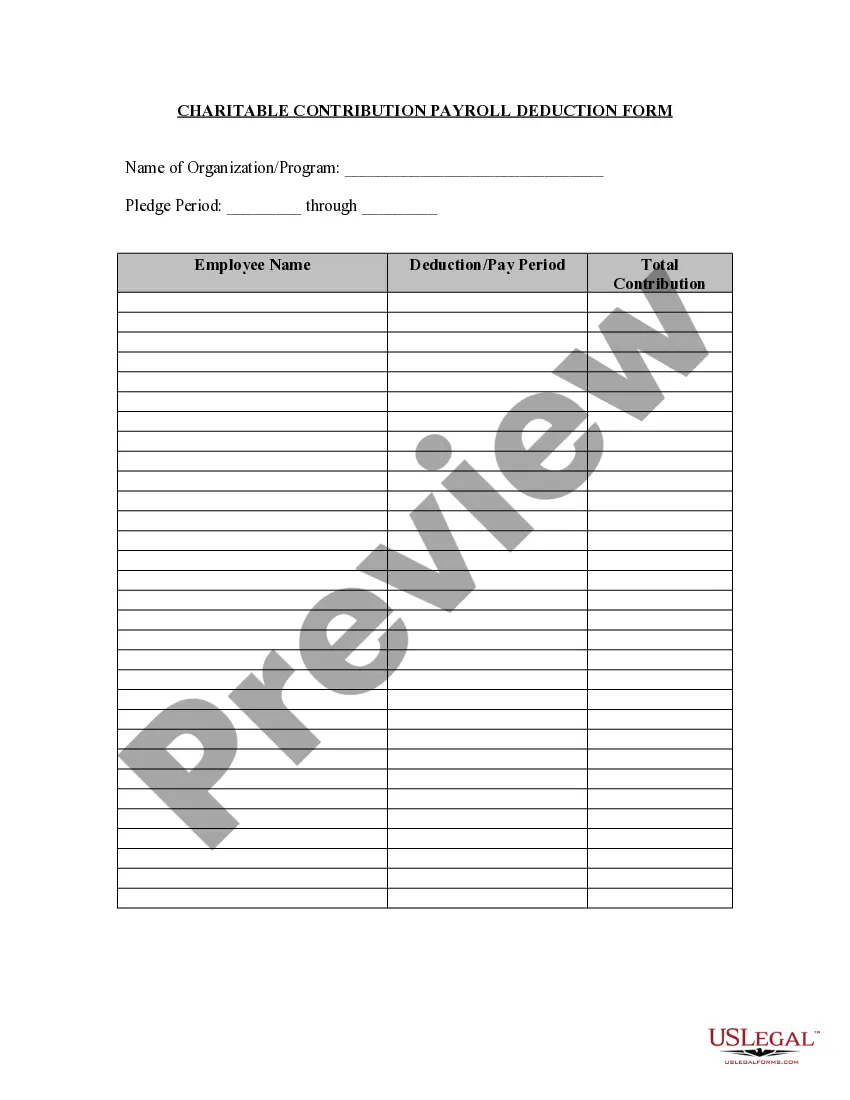
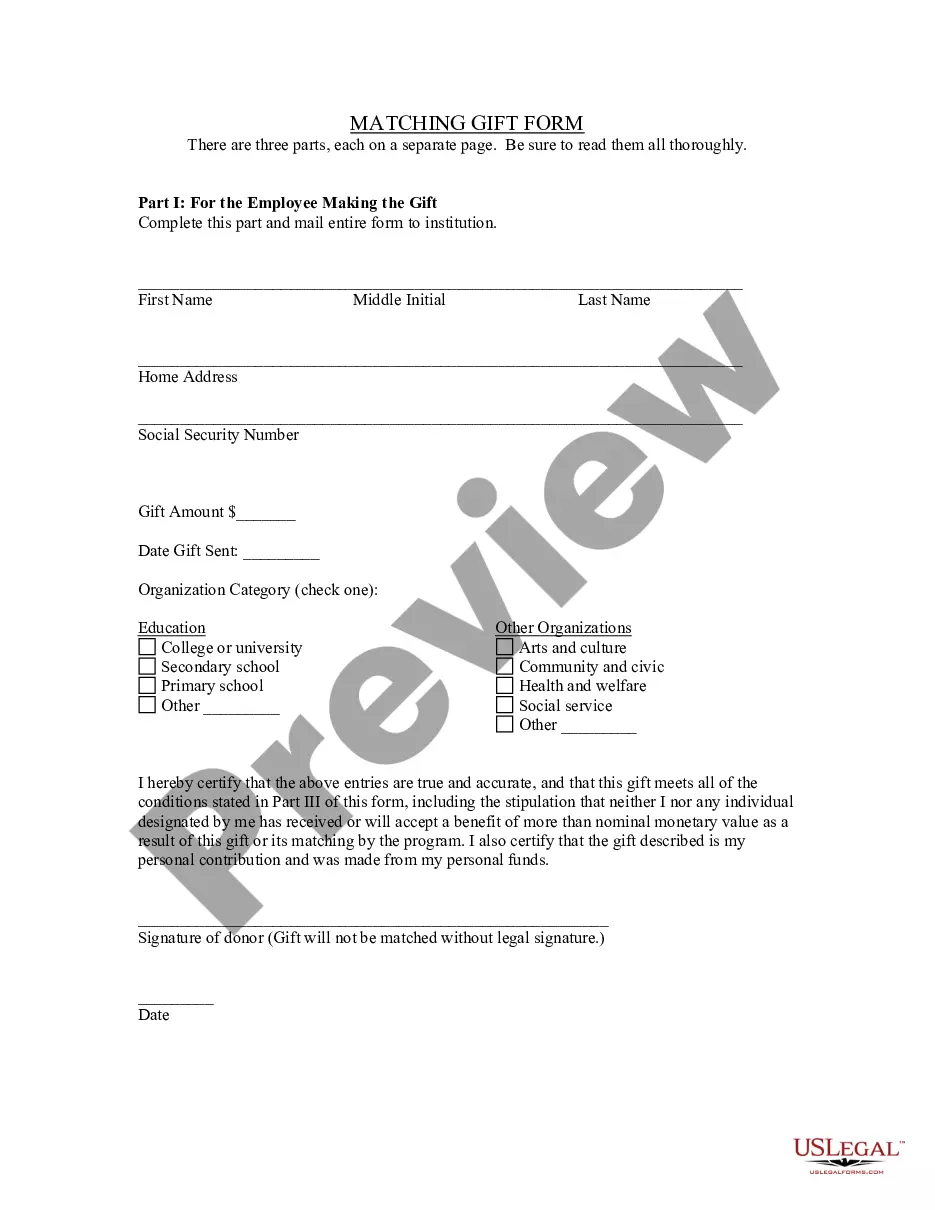
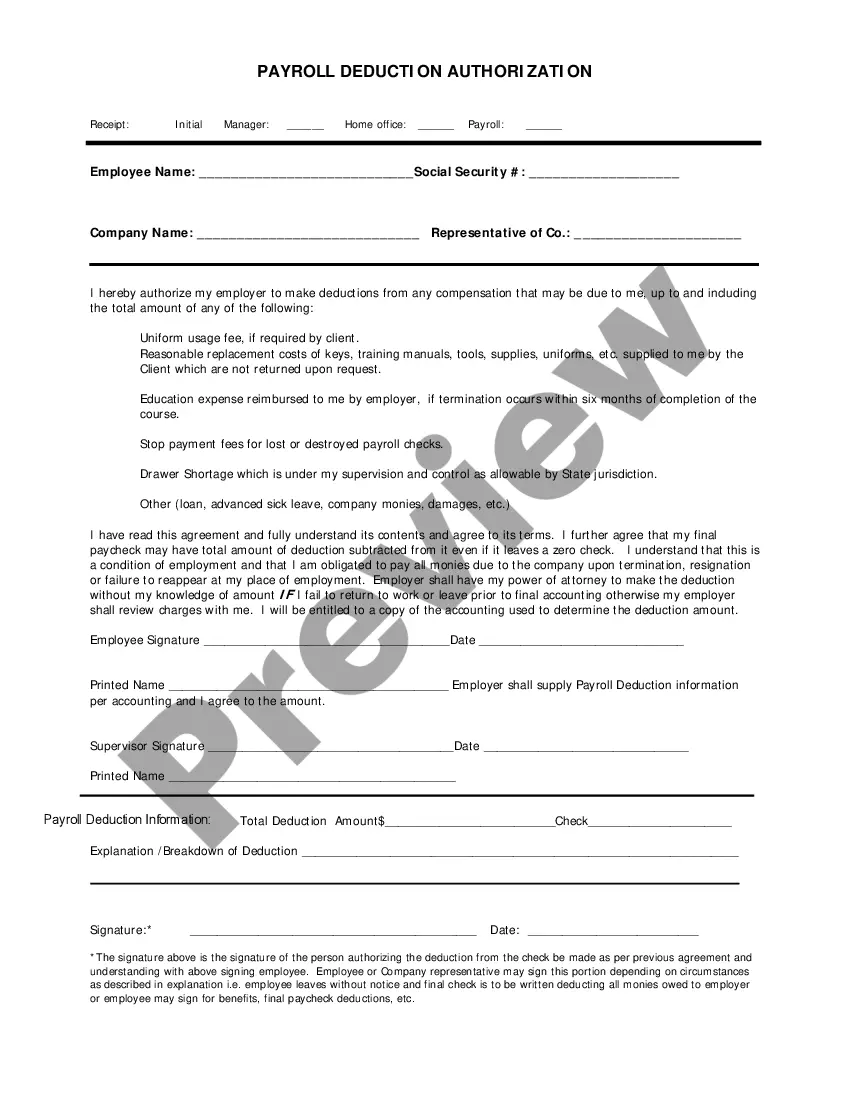
The Charitable Contribution Payroll Deduction Form is a legal document that allows employees to authorize their employer to deduct charitable contributions directly from their payroll. This form helps manage and track these deductions efficiently, ensuring clarity between employees and the organization they are supporting.
What’s included in this form
- Name of Organization/Program: Identify the charity to receive the donation.
- Pledge Period: Specify the duration of the contribution.
- Employee Name: Enter the name of the employee making the pledge.
- Deduction/Pay Period: Indicate the pay periods for the deductions.
- Total Contribution: Record the total amount to be deducted for charitable purposes.

When to use this form
This form should be used when an employee wishes to make donations to a charitable organization through payroll deductions. It is particularly useful during fundraising campaigns organized by the employer, or when employees want to set up ongoing charitable contributions that align with their values.
Who this form is for
- Employees who want to support charitable organizations through payroll deductions.
- Employers who facilitate charitable giving programs for their employees.
- Human resources personnel managing payroll and employee benefits.
How to complete this form
- Begin by entering the name of the charitable organization or program.
- Specify the pledge period, noting the start and end dates.
- Write the employee's name who will be making the contribution.
- List the deduction pay periods during which the contributions will be deducted.
- Calculate and enter the total contribution to be deducted from the employee's pay.
Notarization guidance
In most cases, this form does not require notarization. However, some jurisdictions or signing circumstances might. US Legal Forms offers online notarization powered by Notarize, accessible 24/7 for a quick, remote process.
Get your form ready online
Our built-in tools help you complete, sign, share, and store your documents in one place.
Make edits, fill in missing information, and update formatting in US Legal Forms—just like you would in MS Word.
Download a copy, print it, send it by email, or mail it via USPS—whatever works best for your next step.
Sign and collect signatures with our SignNow integration. Send to multiple recipients, set reminders, and more. Go Premium to unlock E-Sign.
If this form requires notarization, complete it online through a secure video call—no need to meet a notary in person or wait for an appointment.
We protect your documents and personal data by following strict security and privacy standards.
Make edits, fill in missing information, and update formatting in US Legal Forms—just like you would in MS Word.
Download a copy, print it, send it by email, or mail it via USPS—whatever works best for your next step.
Sign and collect signatures with our SignNow integration. Send to multiple recipients, set reminders, and more. Go Premium to unlock E-Sign.

If this form requires notarization, complete it online through a secure video call—no need to meet a notary in person or wait for an appointment.
We protect your documents and personal data by following strict security and privacy standards.
Avoid these common issues
- Failing to specify the pledge period, leading to confusion about the duration of contributions.
- Not entering the total contribution accurately, resulting in incorrect deductions.
- Leaving out the name of the organization, which could cause misdirected funds.
Advantages of online completion
- Convenience of filling out and submitting the form digitally.
- Editability allows for easy adjustments to the pledge details.
- Reliable documentation of charitable contributions for payroll records.
Quick recap
- The Charitable Contribution Payroll Deduction Form facilitates employee donations through payroll deductions.
- Properly completing this form ensures accurate tracking of charitable contributions.
- Employers and employees benefit from having a standardized process for charitable giving.
Looking for another form?

Form popularity
FAQ
For a business, create an invoice to the charity for the products or services that were donated. To record the expense, set up an expense account for donations. Next, create an entry in your accounting system that represents the product or service that was donated. You can define this as "charitable contribution."
Generally, you can only deduct charitable contributions if you itemize deductions on Schedule A (Form 1040), Itemized Deductions.
Generally, you can only deduct charitable contributions if you itemize deductions on Schedule A (Form 1040), Itemized Deductions.Only qualified organizations are eligible to receive tax deductible contributions.
You may deduct charitable contributions of money or property made to qualified organizations if you itemize your deductions. Generally, you may deduct up to 50 percent of your adjusted gross income, but 20 percent and 30 percent limitations apply in some cases.
For a business, create an invoice to the charity for the products or services that were donated. To record the expense, set up an expense account for donations. Next, create an entry in your accounting system that represents the product or service that was donated. You can define this as "charitable contribution."
This holiday season, donate to charity and give yourself the gift of an attractive tax break.If you itemize on your taxes meaning your deductions exceed the 2019 standard deduction of $12,200 for singles and $24,400 for married couples you can write off the value of your charitable donations.
No, if you take the standard deduction you do not need to itemize your donation deduction. However, if you want your deductible charitable contributions you must itemize your donation deduction on Form 1040, Schedule A: Itemized Deductions.The standard deduction is a dollar amount that reduces your taxable income.
The total charitable deduction that you will report on Schedule A is equal to the sum of the total cash donations you calculate plus the fair market value of all property donations.
Charitable donations go on line 40 of your Form 1040 tax return along with all your other itemized deductions.