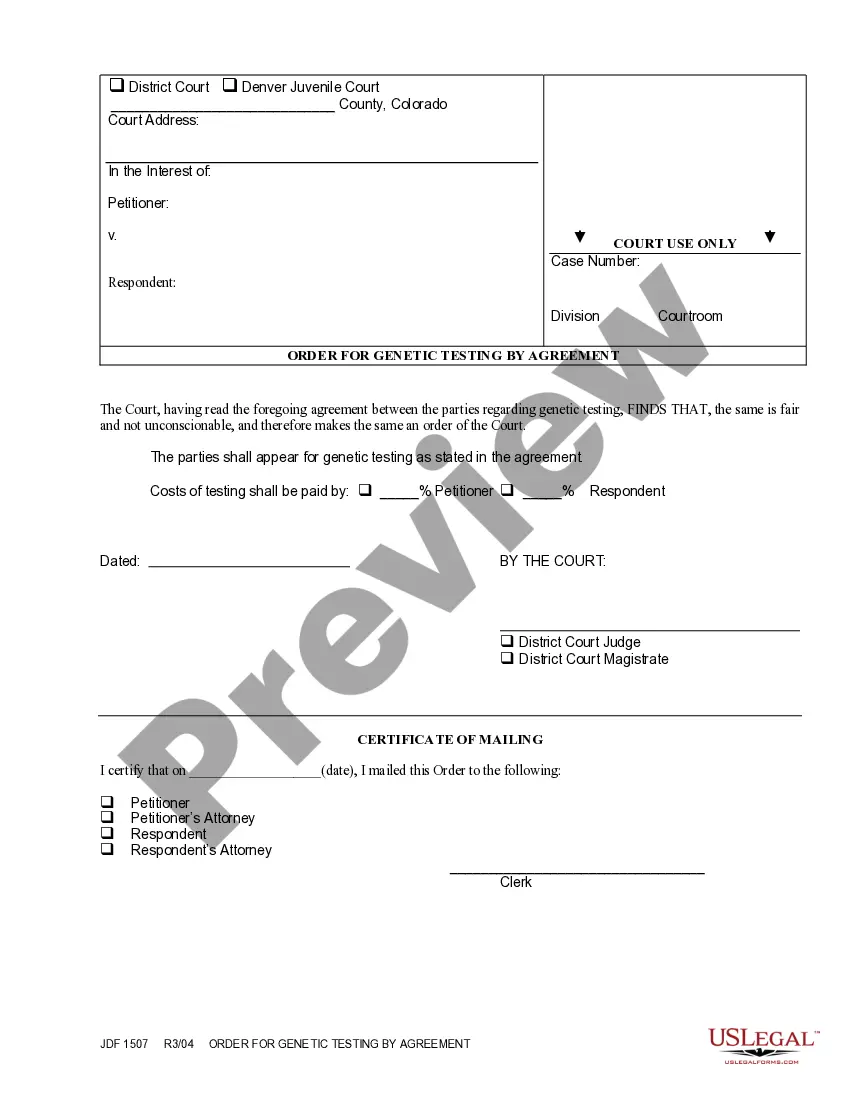
Acknowledgement and Acceptance of Order
What is this form?
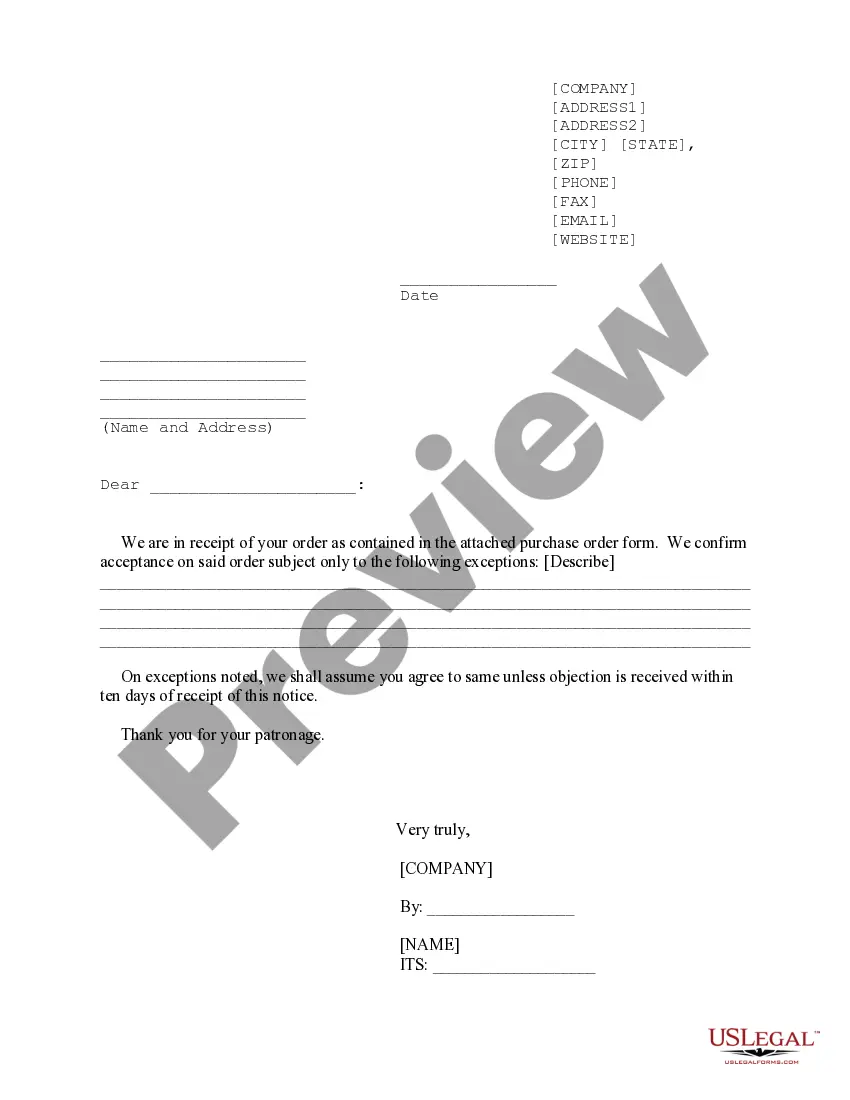
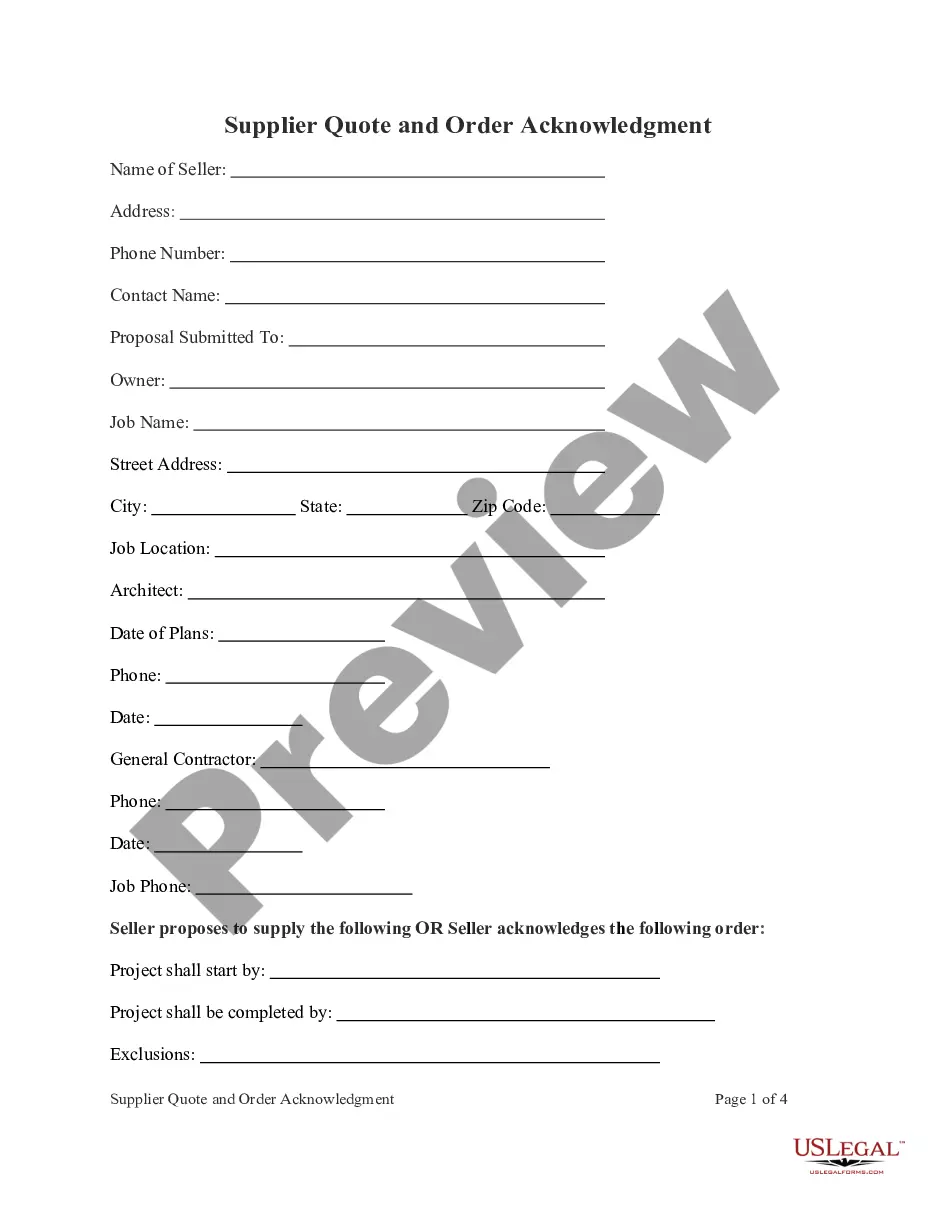
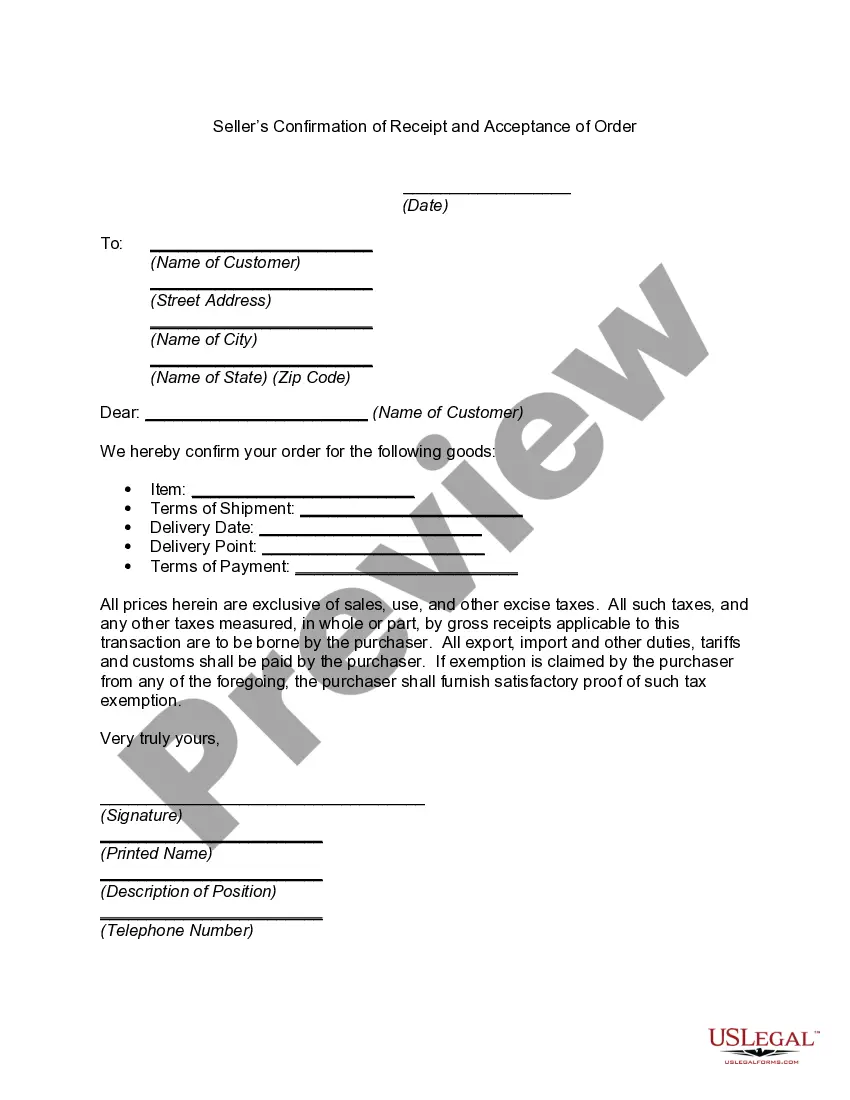
The Acknowledgement and Acceptance of Order form is a legal document used in business transactions between merchants. This form serves as a confirmation that the recipient acknowledges the receipt of goods that may not precisely match their original order. Unlike a standard receipt, this form outlines any exceptions to the order and establishes conditions under which the goods are accepted.
Form components explained
- Date of the acknowledgment
- Name and address of the recipient
- Description of the goods received
- Exceptions to the order, if any
- Signature of the recipient
- Notary acknowledgment section (if applicable)

When to use this document
This form is typically used when a buyer receives goods that differ from what was ordered but chooses to accept the delivery anyway. It is essential in situations where the seller's ownership may be disputed, or when the buyer intends to resell the goods despite the discrepancies. Using this form helps avoid misunderstandings between parties regarding the accepted condition of the goods.
Who needs this form
- Merchants and business owners involved in wholesale transactions
- Buyers who receive goods that are not exactly what they ordered
- Sellers wishing to protect their ownership rights over delivered goods
Steps to complete this form
- Enter the date of acknowledgment at the top of the form.
- Provide the recipient's name and address in the designated fields.
- Describe the goods received as outlined in Exhibit A.
- List any exceptions to the order clearly.
- Have the recipient sign and print their name to validate acceptance.
- Include notarization if required by your state law.
Is notarization required?
This form does not typically require notarization unless specified by local law. However, having it notarized can add an extra layer of legal validation, especially in transactions involving significant value.
Get your form ready online
Our built-in tools help you complete, sign, share, and store your documents in one place.
Make edits, fill in missing information, and update formatting in US Legal Forms—just like you would in MS Word.
Download a copy, print it, send it by email, or mail it via USPS—whatever works best for your next step.
Sign and collect signatures with our SignNow integration. Send to multiple recipients, set reminders, and more. Go Premium to unlock E-Sign.
If this form requires notarization, complete it online through a secure video call—no need to meet a notary in person or wait for an appointment.
We protect your documents and personal data by following strict security and privacy standards.

Make edits, fill in missing information, and update formatting in US Legal Forms—just like you would in MS Word.

Download a copy, print it, send it by email, or mail it via USPS—whatever works best for your next step.

Sign and collect signatures with our SignNow integration. Send to multiple recipients, set reminders, and more. Go Premium to unlock E-Sign.

If this form requires notarization, complete it online through a secure video call—no need to meet a notary in person or wait for an appointment.

We protect your documents and personal data by following strict security and privacy standards.
Common mistakes
- Neglecting to list exceptions that may lead to disputes later.
- Failing to sign where required, which can invalidate the form.
- Using an incorrect or outdated version of the form.
Benefits of completing this form online
- Easy access to templates drafted by licensed attorneys.
- Quickly editable to suit specific business needs.
- Secure storage and retrieval of completed documents.
Key takeaways
- The Acknowledgement and Acceptance of Order form is vital for confirming receipt of goods that may differ from the order.
- Accurate completion of the form helps avoid disputes between buyers and sellers.
- Always consider state-specific variations when using this form.
Looking for another form?



Form popularity
FAQ
Name and details of the person who is sending the letter. Name and details of the person/company to whom the letter is been sent (recipient) Date of sending the acknowledgement letter. The subject of the letter stating the reason for writing it. Statement of confirmation of receipt of the item.
2) Acknowledge: An acknowledgement of an email means that you received it, read it and the recipient acknowledges the content. An acknowledgement can be as simple as Got it, thanks! or I am not sure, but will ask NAME. or We have a meeting about this next week, and I will circle back after that.
Provide the order number. Summarize the customer contact details. Confirm the shipping address. Include an order summary. Break down the cost. Confirm the payment method and amount. Outline the shipping method and estimated delivery date.
Dear (Hiring Manager or Supervisor's Name), Please accept this email as my formal acceptance of the offered position as (position) with (company). I thank you for the opportunity, and I look forward to applying my skills to the position.
Dear Mr/Ms {Recipient's Name}, I extend my gratitude to you for offering me the position of {Title} in {Company's name}. I am delighted to accept your offer and look forward to commencing work with your company from {Date}.
An Order Acknowledgment is a commercial document issued by the Seller to the Buyer acknowledging the receipt of a Purchase Order or other document offering to buy goods or services.
SAP purchase order acknowledgement is used to ensure that a vendor received a purchase order and is sending back an acknowledgement. SAP ERP links a purchase order acknowledgment to a confirmation category. Confirmation categories are configured for external and internal confirmations.
Dear Recipient Name, We acknowledge the receipt of your purchase order number 123456. We are pleased to accept your order and look forward to doing business with you.
Simple Email Acknowledgement Reply This kind of emails may end with, Please acknowledge receipt of this message, Kindly acknowledge receipt of this email or Please acknowledge receipt of this email. Simple Email Acknowledgement for job applicants: Dear Kentura, This is to confirm I have received this email.