Agreement Regarding Installation and Use of High Speed Fiber Optic Cable and Related Infrastructure - Self-Employed
Overview of this form
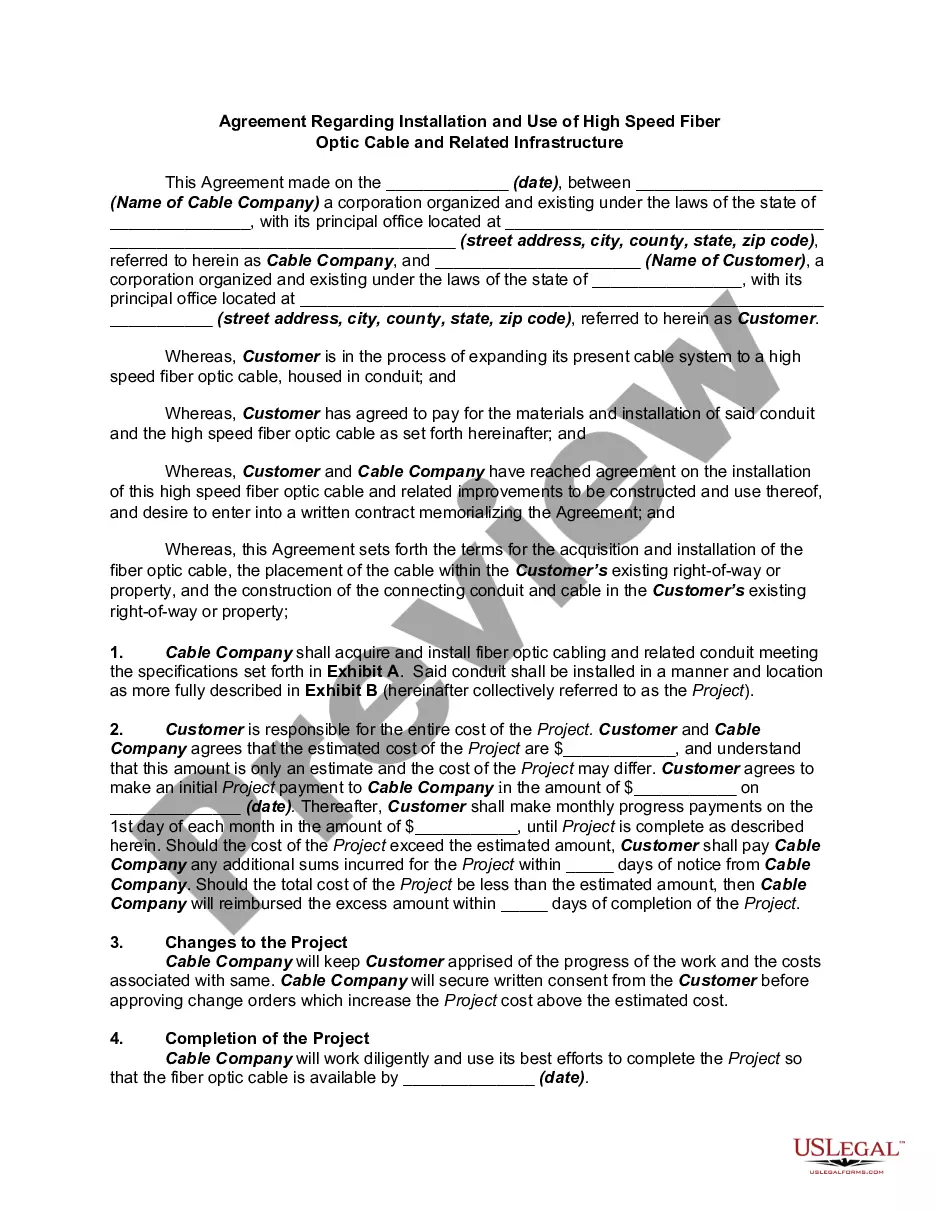
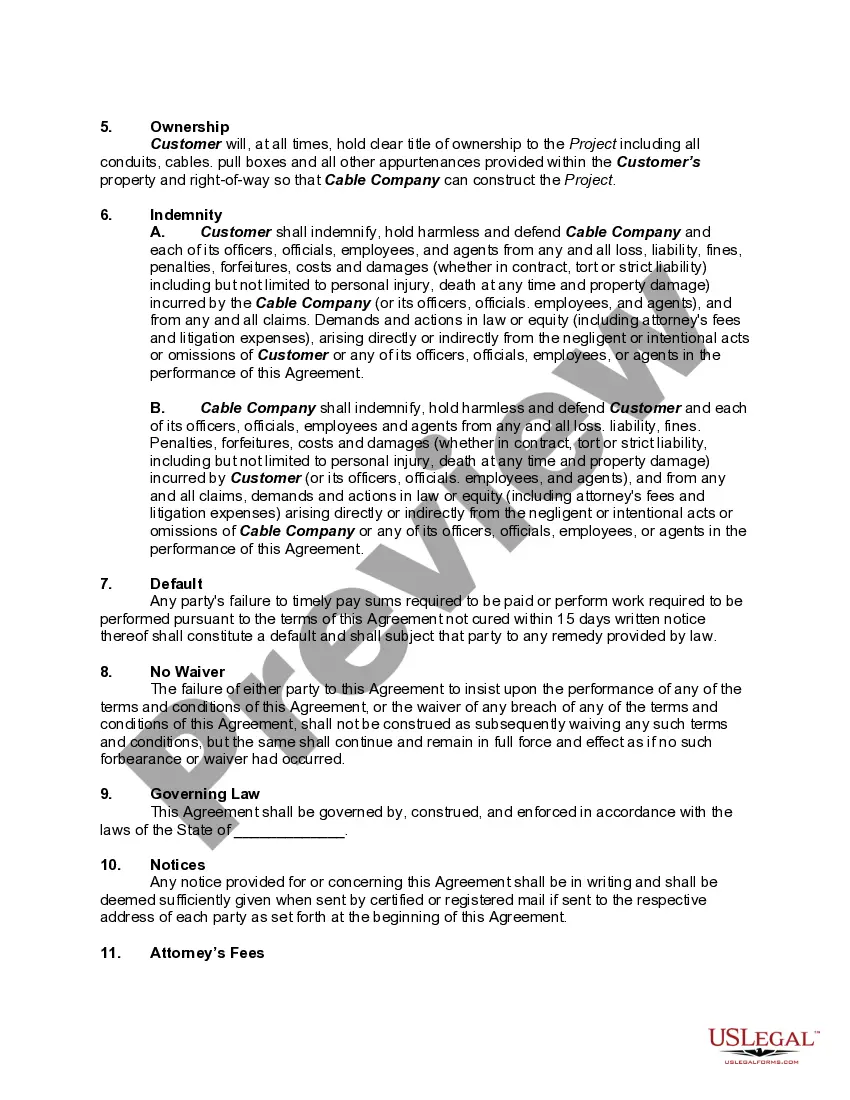
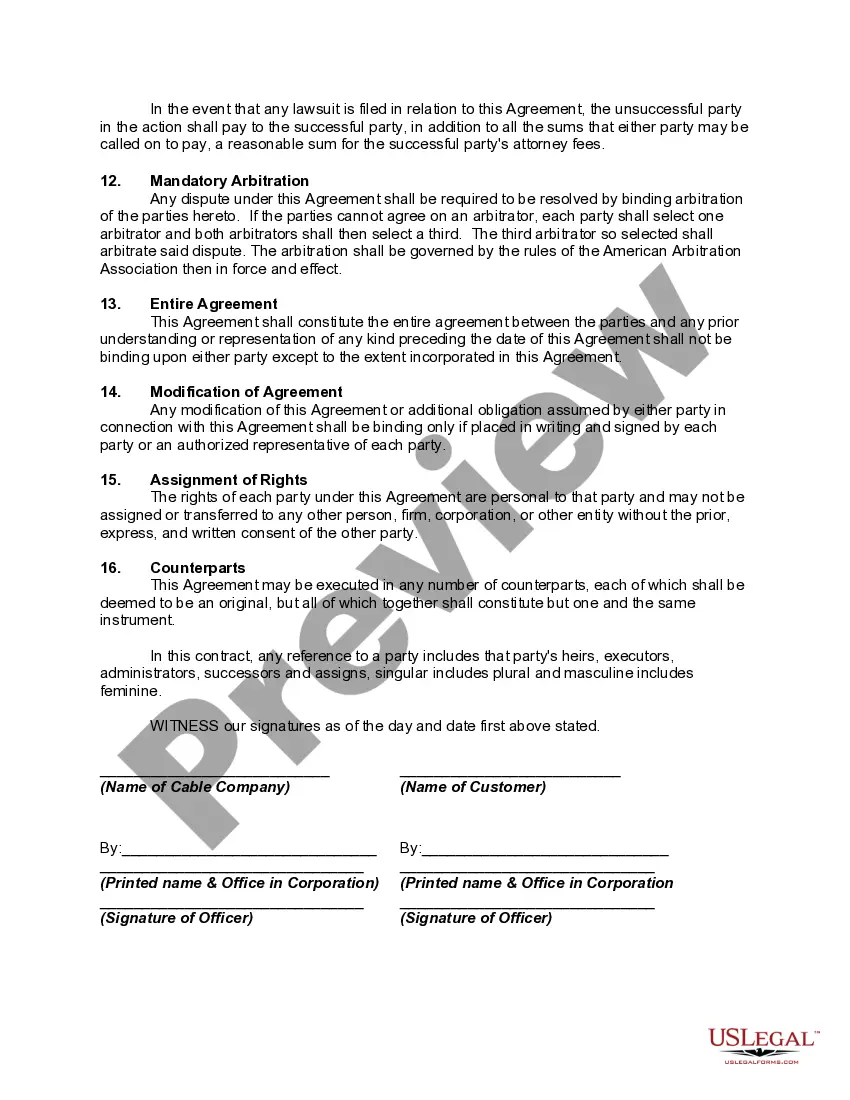
This Agreement Regarding Installation and Use of High Speed Fiber Optic Cable and Related Infrastructure is a legal document that outlines the terms between a cable company and a customer for the installation of fiber optic cables. It serves to define responsibilities, costs, project completion timelines, and liability for both parties. Unlike generic contracts, this form is tailored for professionals or businesses engaging in fiber optic installations, ensuring compliance with local laws and clear communication of expectations.
Main sections of this form
- Parties involved: Identifies the cable company and customer.
- Project details: Specifies the installation of fiber optic cable and related infrastructure.
- Cost and payment terms: Outlines estimated costs and payment schedules.
- Change orders: Defines how changes to the project cost will be handled.
- Indemnity clauses: Addresses liability and indemnification between parties.
- Completion timeline: Sets expected project completion dates.

Common use cases
This form is recommended when a company or individual intends to contract with a cable provider for the installation of high-speed fiber optic cables. Use this agreement when expanding internet infrastructure for residential or commercial properties, especially when specific legal terms and compliance with local regulations are necessary.
Intended users of this form
- Businesses or individuals planning to install fiber optic internet services.
- Cable companies providing installation services for fiber optic networks.
- Property owners looking to upgrade their internet infrastructure with fiber optics.
How to complete this form
- Identify the parties: Fill in the names and addresses of the cable company and the customer.
- Specify the project details: Describe the scope of work and any specific requirements in the project area.
- Enter costs and payment terms: Provide estimated project costs and a schedule for payments.
- Set completion dates: Indicate the expected date of project completion.
- Review indemnity clauses: Make sure both parties understand their legal obligations and liabilities.
Does this document require notarization?
This form does not typically require notarization unless specified by local law. Ensure to check your state's specific requirements to confirm if notarization is necessary for compliance.
Get your form ready online
Our built-in tools help you complete, sign, share, and store your documents in one place.
Make edits, fill in missing information, and update formatting in US Legal Forms—just like you would in MS Word.
Download a copy, print it, send it by email, or mail it via USPS—whatever works best for your next step.
Sign and collect signatures with our SignNow integration. Send to multiple recipients, set reminders, and more. Go Premium to unlock E-Sign.
If this form requires notarization, complete it online through a secure video call—no need to meet a notary in person or wait for an appointment.
We protect your documents and personal data by following strict security and privacy standards.

Make edits, fill in missing information, and update formatting in US Legal Forms—just like you would in MS Word.

Download a copy, print it, send it by email, or mail it via USPS—whatever works best for your next step.

Sign and collect signatures with our SignNow integration. Send to multiple recipients, set reminders, and more. Go Premium to unlock E-Sign.

If this form requires notarization, complete it online through a secure video call—no need to meet a notary in person or wait for an appointment.

We protect your documents and personal data by following strict security and privacy standards.
Common mistakes to avoid
- Not specifying all project details or requirements.
- Failing to outline the payment structure clearly.
- Neglecting to include indemnity clauses, which can lead to liability issues.
- Overlooking local laws relevant to fiber optic installations.
Why complete this form online
- Convenient access: Download and fill your agreement form anytime, from anywhere.
- Editability: Easily customize the form to meet your unique project needs.
- Legal reliability: Ensure that the form is created and reviewed based on current legal standards.
Legal use & context
- This agreement is legally binding once signed by both parties.
- Clear ownership rights are established to avoid future disputes.
- Indemnification clauses protect both parties from liabilities incurred during the project.
- A mandatory arbitration clause provides a method for dispute resolution outside of court.
What to keep in mind
- This agreement formalizes the installation and use of fiber optic cable between a cable company and customer.
- Clear payment and scope terms help prevent disputes and misunderstandings.
- Indemnity clauses risk protection for both parties involved.
- Local laws may affect the contract's enforceability, emphasizing the need for jurisdiction-specific compliance.
Looking for another form?





Form popularity
FAQ
During the appointment, the technician will install a small utility box called an optical network terminal (or ONT) outside or inside your home. The tech will then run a cable from a nearby equipment box to the ONT, which will carry the fiber-optic connection from the larger network to your premises.
Greater Bandwidth. Copper cables were originally designed for voice transmission and have a limited bandwidth. Faster Speeds. Longer Distances. Better Reliability. Thinner and Sturdier. More Flexibility for the Future. Lower Total Cost of Ownership.
What are two critical factors for a successful installation of fiber-optic cable? Cable pulling tension and bend radius.
Ribbon fiber requires different tools and equipment to perform splicing. What are the two critical elements that align the optical fibers in a connection? The ferrules and the mating adapter.
Cable Depth: the depth at which buried cable can be placed will vary with local conditions as with the case of 'freeze lines (depth to which the ground freezes annually). Corning Cable Systems recommends that fiber optic cable be buried a minimum depth/cover of 30 inches (77 cm).
What are some prerequisites before performing a fusion splice of optical fibers? A controlled environment such as a splicing van, trailer, or tent and a stable work surface that is large enough to accommodate the fusion splicer, tools, and the splice closure.
With direct burial installation, the cable typically steel-armored outdoor fiber cable is either plowed in or trenched. With plowing, the cable is fed into the hole as a specialized vehicle plows the line.The cable is laid in the trench, and then another six inches of protective granular soil is laid on top.
There are two primary types of fibre multimode and singlemode. Multimode fibre can carry multiple light rays (modes) at the same time by having varying optical properties at the core; essentially light travelling the shortest path (down the middle) travels the slowest.
Locate your fiber network terminal. Connect the fiber terminal to the network box. Plug in your network box. Connect your device to the network box. Set up your home Wi-Fi network.