Website Subscription User Agreement - Terms of Use for Website Selling Online E-Course Privacy Policy
What this document covers
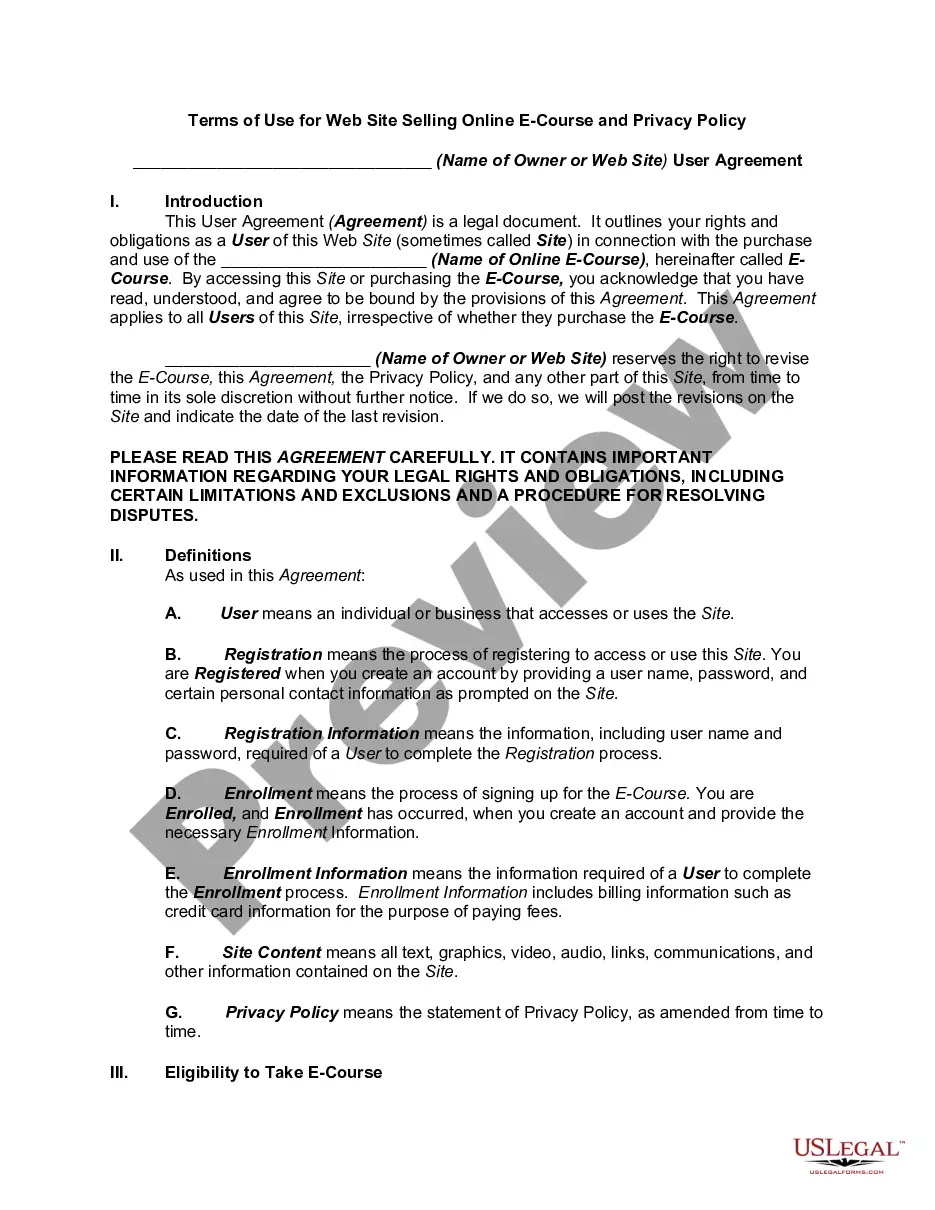
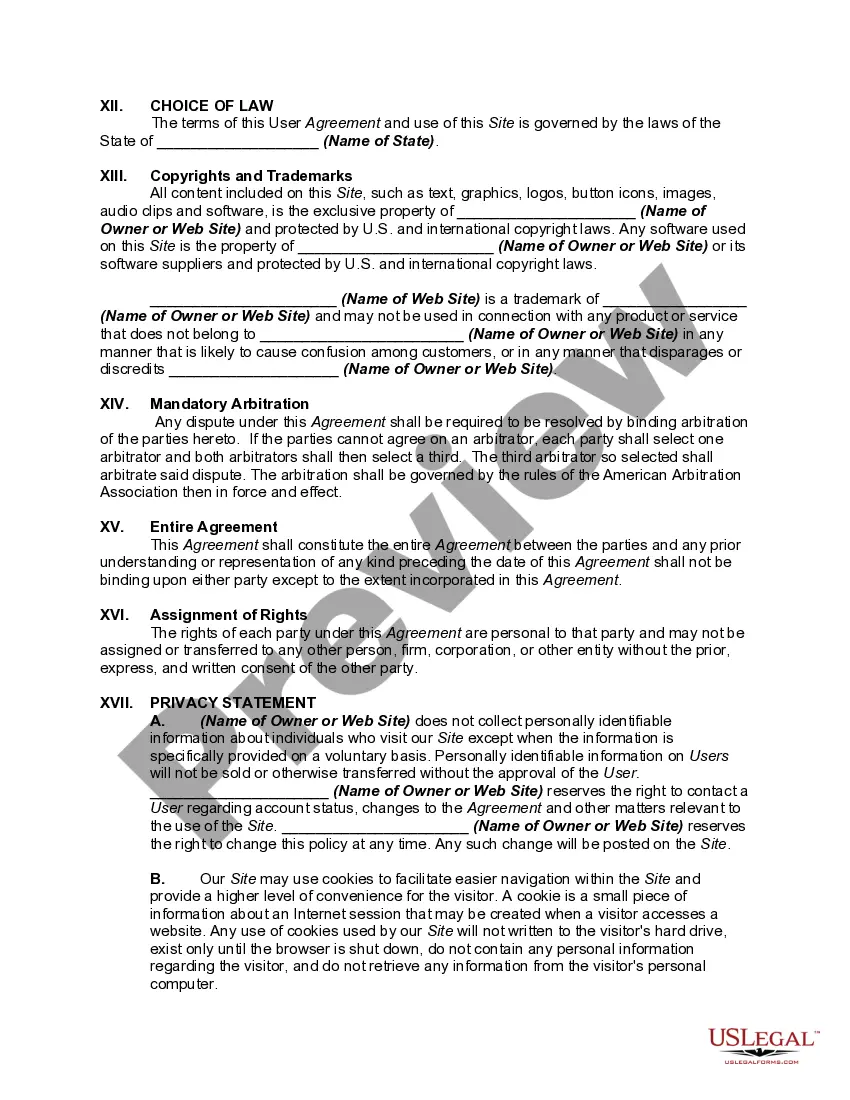
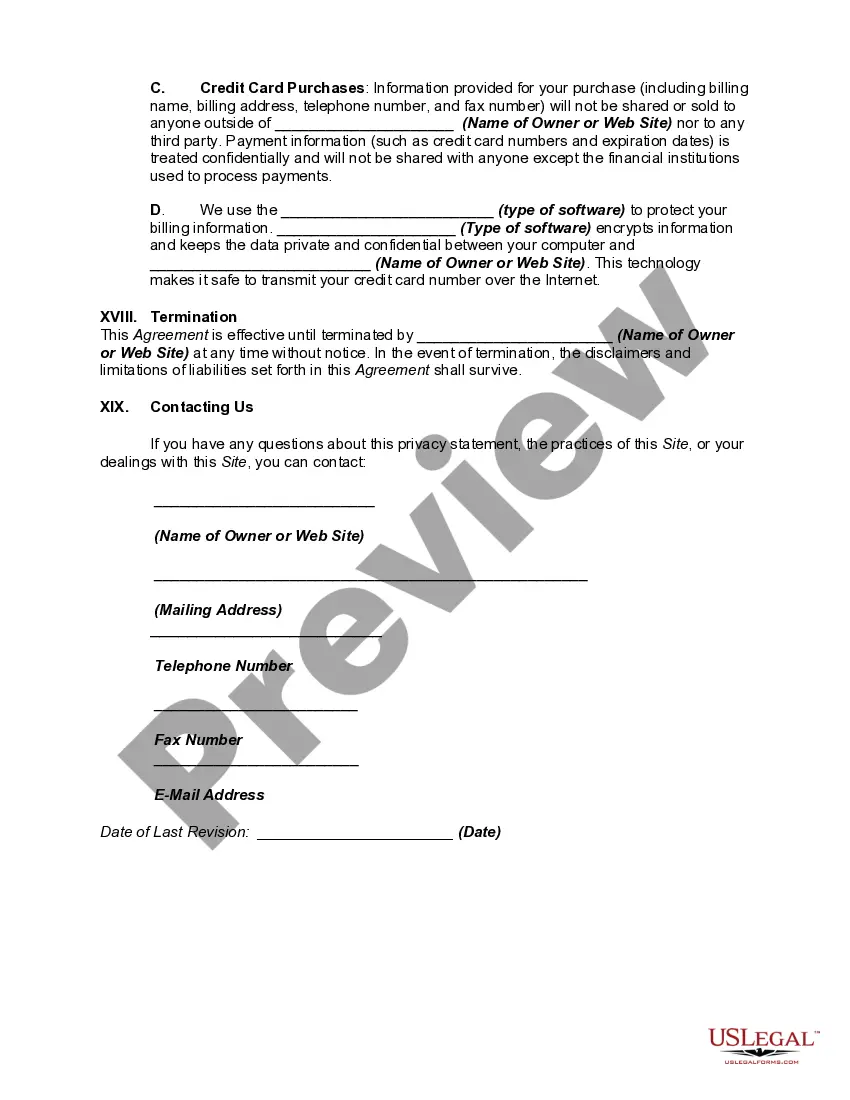
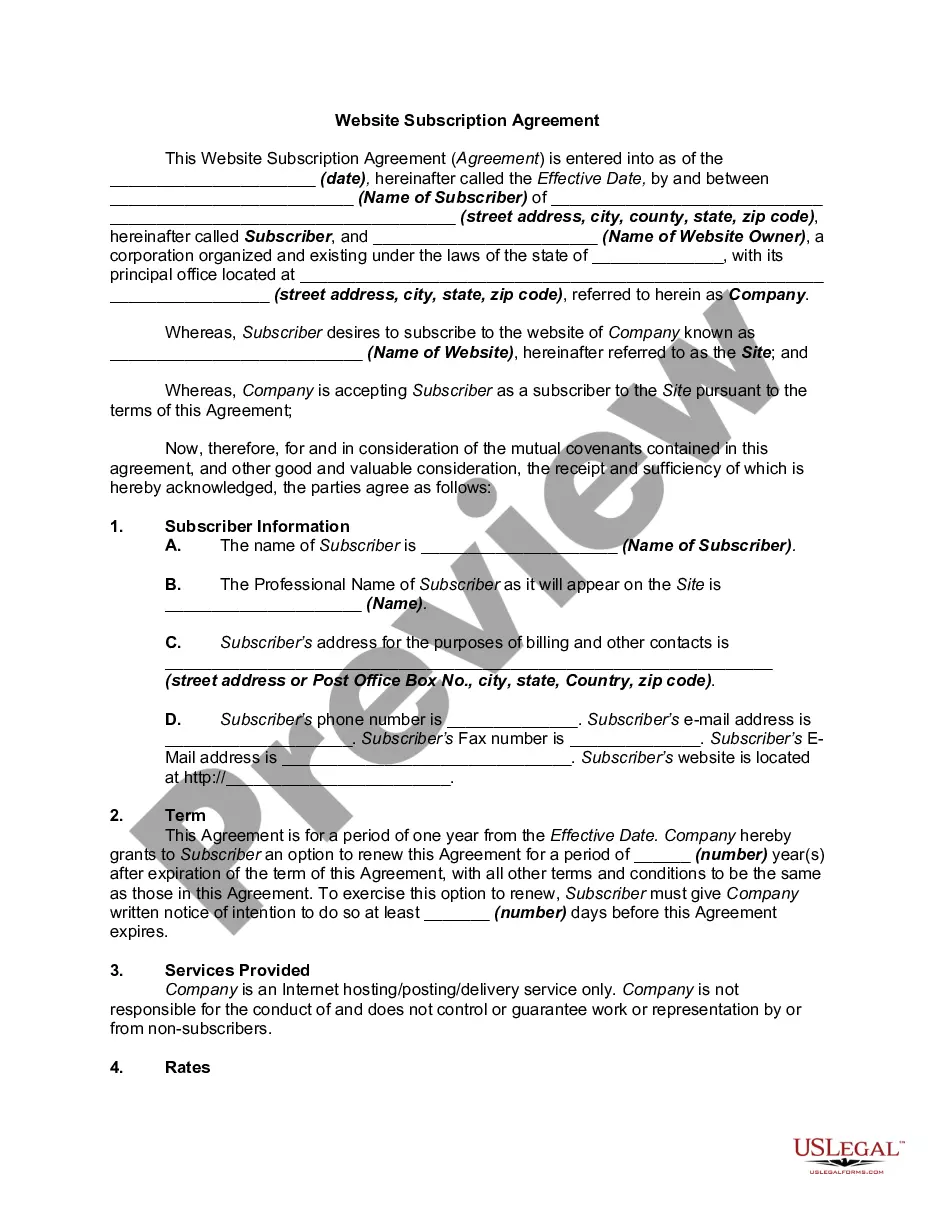
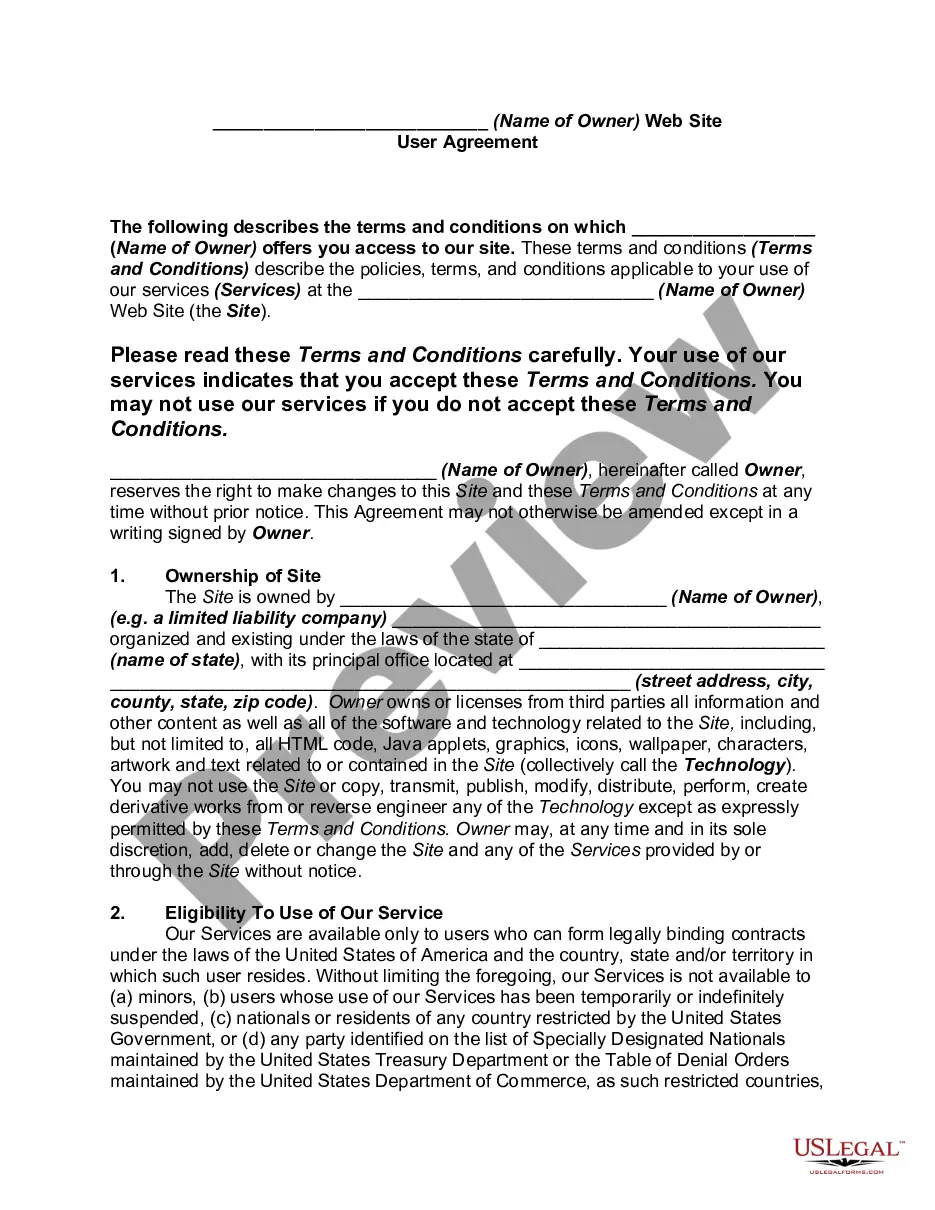
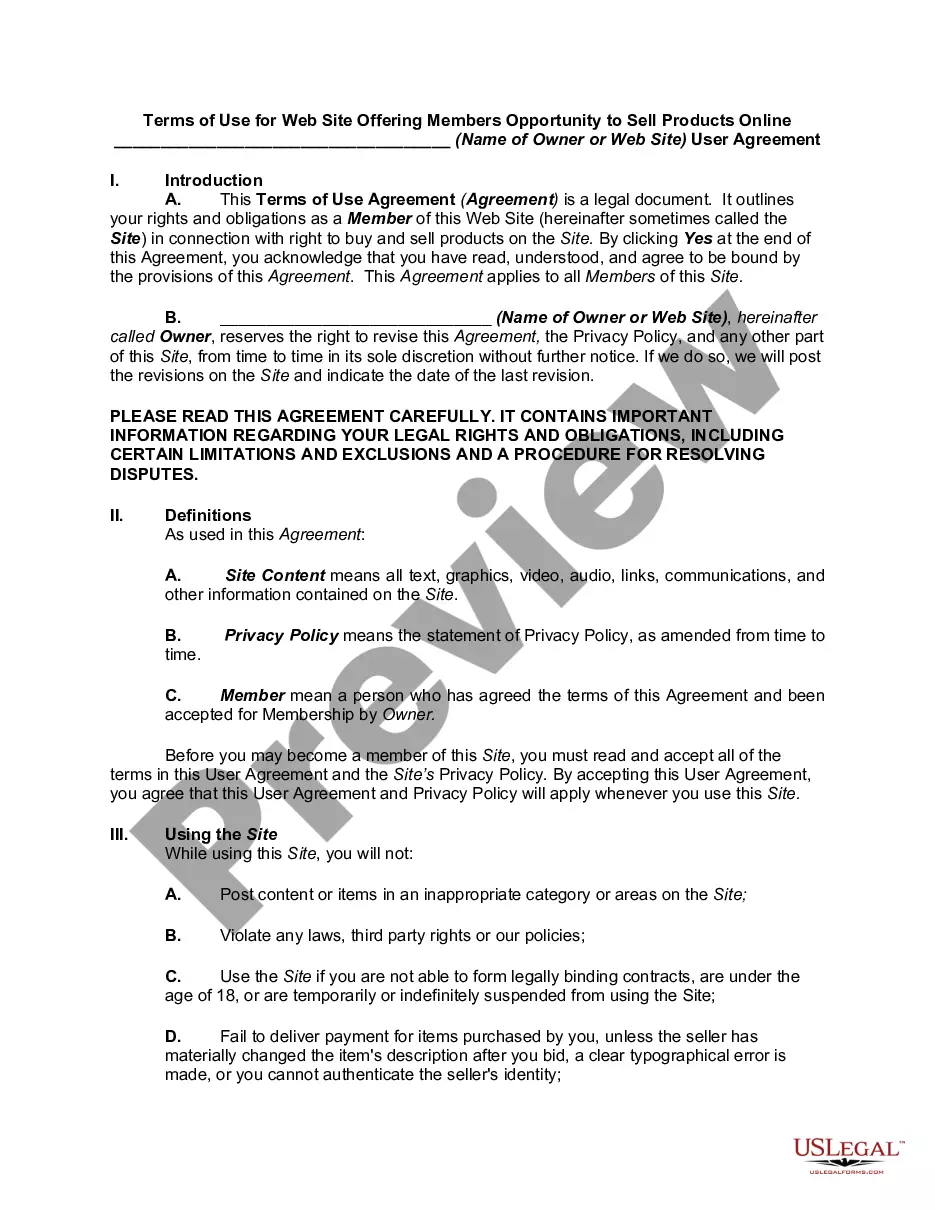
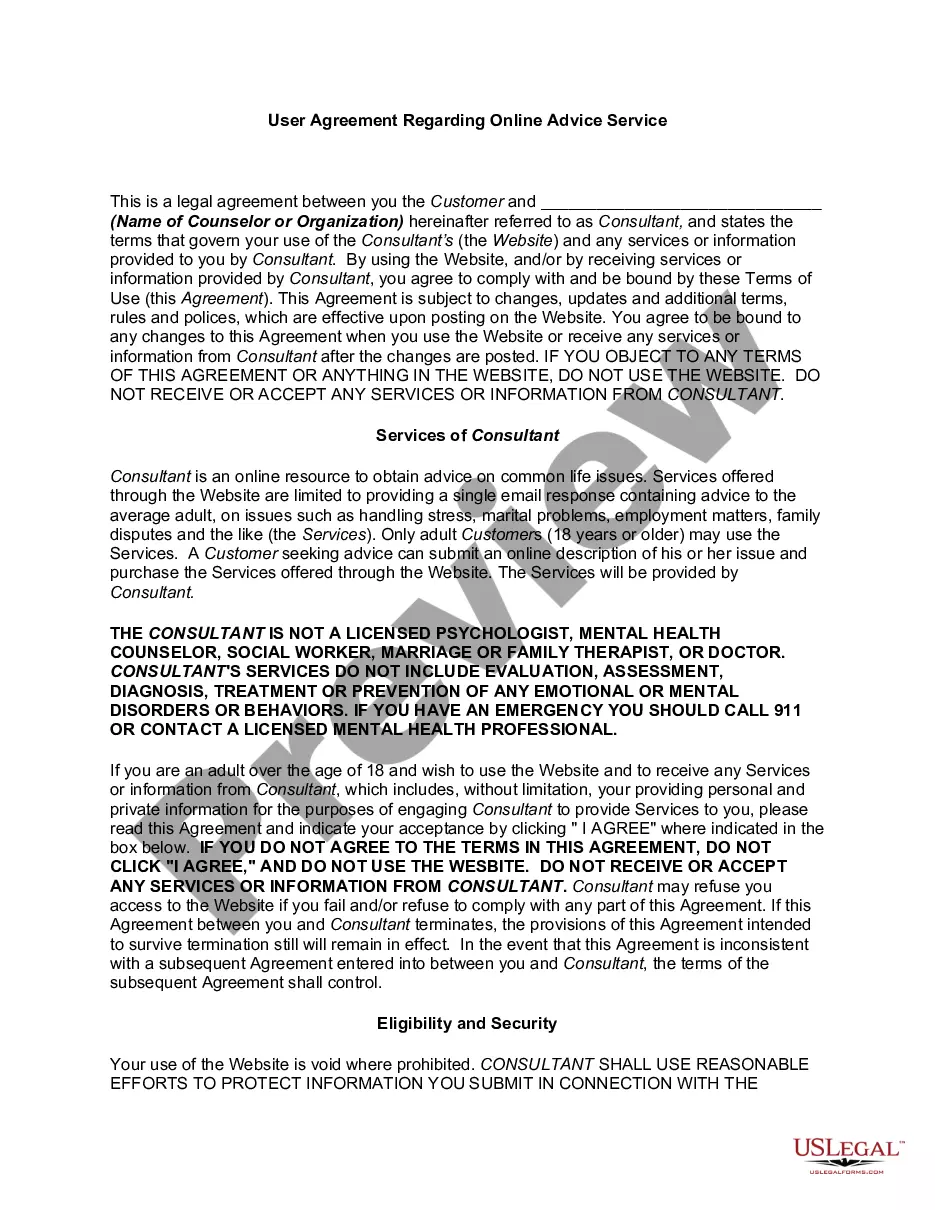
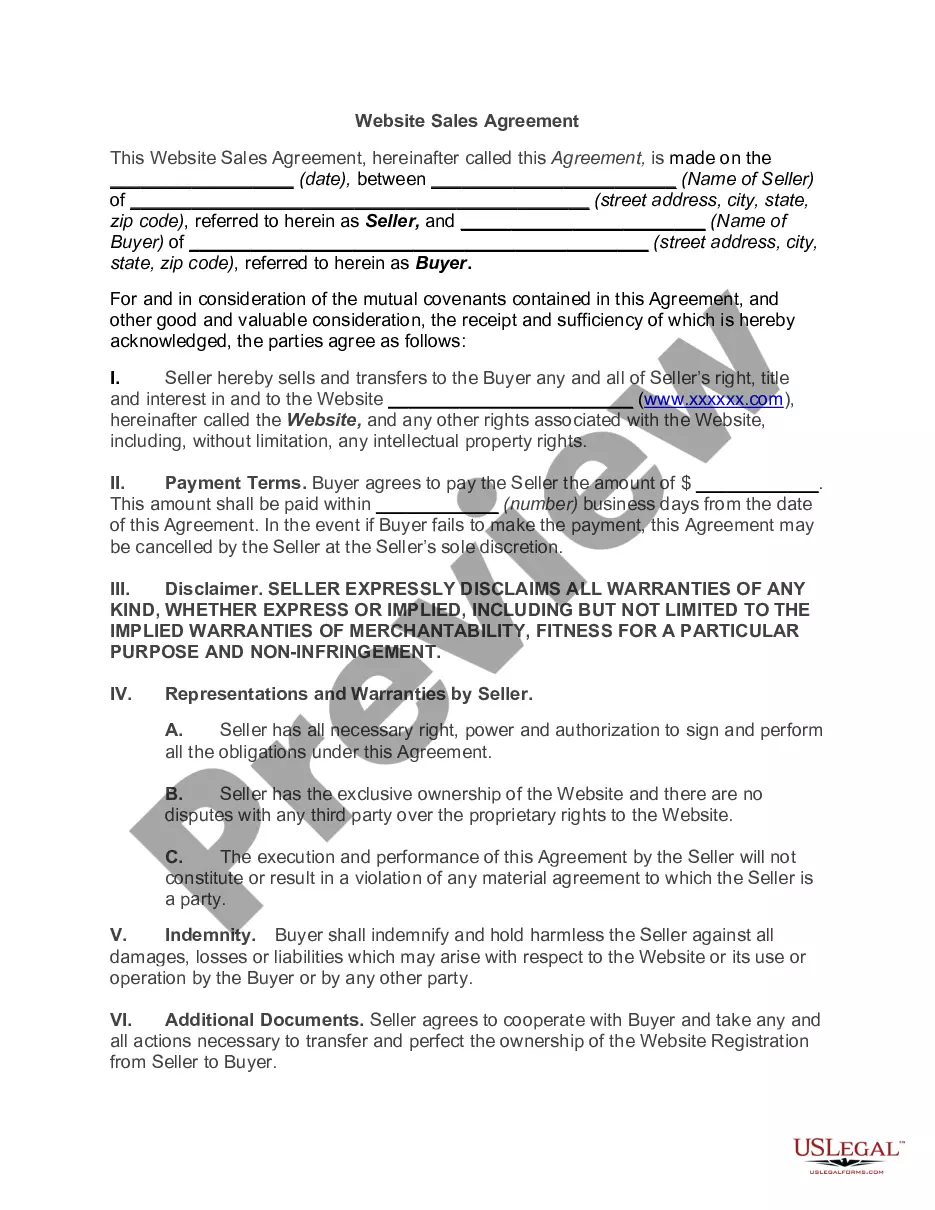
The Website Subscription User Agreement is a crucial legal document for anyone selling online courses. This form outlines the terms of use and privacy policy for a website that offers e-courses, ensuring that users understand their rights and obligations before accessing the site or enrolling in a course. Unlike other agreements, this form specifically addresses e-commerce operations, setting forth clear guidelines on user eligibility, payment terms, security protocols, and indemnification. It helps in building trust and transparency between the provider and the users.
Main sections of this form
- Introduction: Overview of user rights and obligations concerning the e-course.
- Definitions: Clarification of key terms used throughout the agreement.
- Eligibility: Requirements for users to enroll in the e-course.
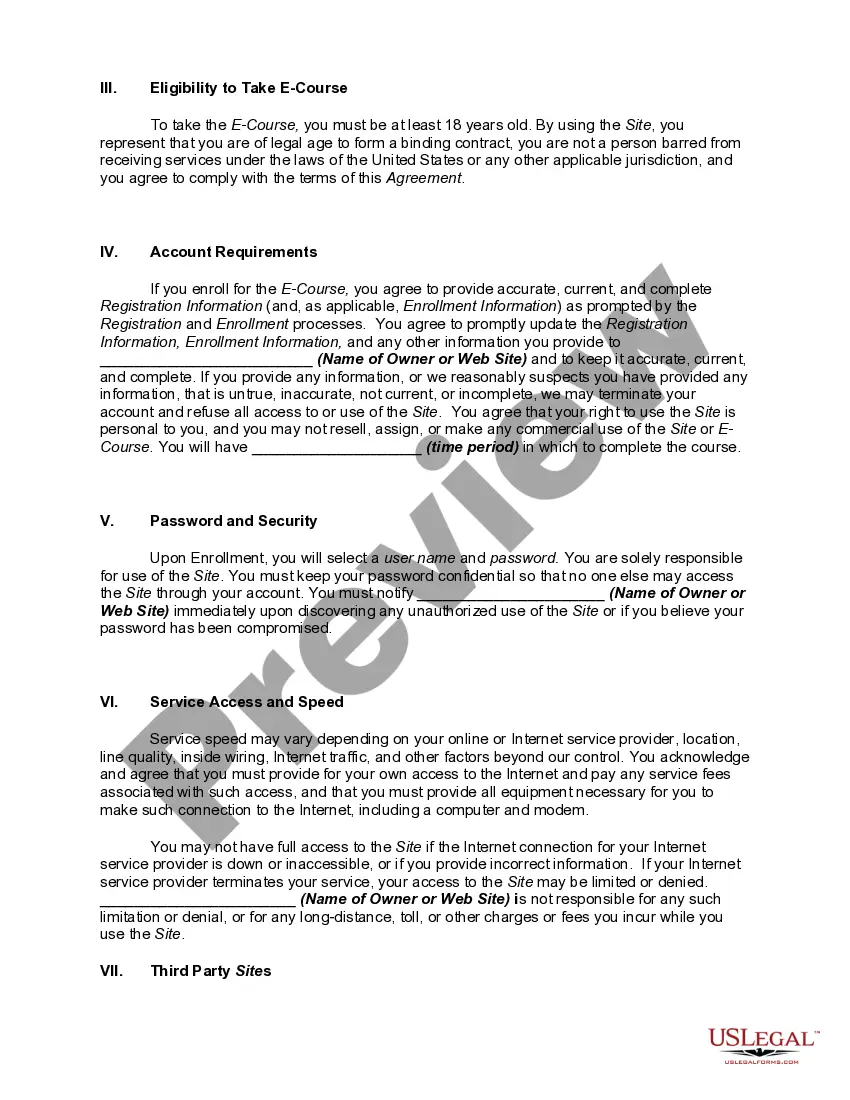
- Account Requirements: Obligations to provide accurate registration information.
- Privacy Statement: Assurance of data protection and user privacy.
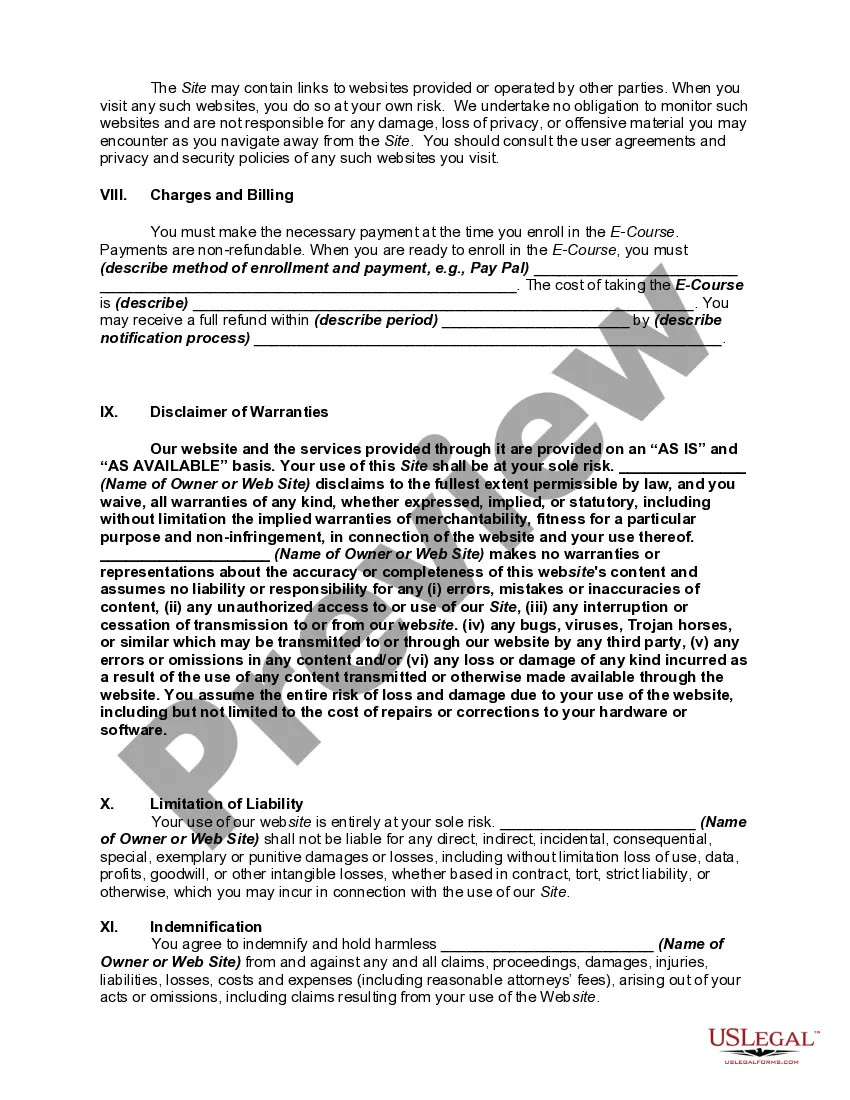
- Disclaimer of Warranties: Limitations of liability regarding the use of the website and services.
Common use cases
This form should be used whenever an individual or business intends to sell online courses through a website. It is essential before launching the website or initiating sales to outline the terms of use and privacy policy. The agreement protects both the seller and the user by making clear the expectations and responsibilities related to accessing the site and purchasing courses. This form is not only necessary for compliance but also vital for fostering a trustworthy business environment.
Who this form is for
- Online course creators who wish to sell their educational content.
- Business owners operating e-commerce websites in the education sector.
- Individuals or organizations providing digital learning materials.
- Website owners seeking to establish legal agreements with users.
How to prepare this document
- Identify the parties involved by filling in the name of the website owner and the website itself.
- Define the e-course by specifying its name and details.
- Provide user eligibility requirements, including age and legal status.
- Establish account requirements and payment methods clearly for users.
- Include a privacy statement to assure users of data protection.
- Review the entire document carefully for completeness before publishing it on your site.
Notarization guidance
Notarization is generally not required for this form. However, certain states or situations might demand it. You can complete notarization online through US Legal Forms, powered by Notarize, using a verified video call available anytime.
Get your form ready online
Our built-in tools help you complete, sign, share, and store your documents in one place.
Make edits, fill in missing information, and update formatting in US Legal Forms—just like you would in MS Word.
Download a copy, print it, send it by email, or mail it via USPS—whatever works best for your next step.
Sign and collect signatures with our SignNow integration. Send to multiple recipients, set reminders, and more. Go Premium to unlock E-Sign.
If this form requires notarization, complete it online through a secure video call—no need to meet a notary in person or wait for an appointment.
We protect your documents and personal data by following strict security and privacy standards.

Make edits, fill in missing information, and update formatting in US Legal Forms—just like you would in MS Word.

Download a copy, print it, send it by email, or mail it via USPS—whatever works best for your next step.

Sign and collect signatures with our SignNow integration. Send to multiple recipients, set reminders, and more. Go Premium to unlock E-Sign.

If this form requires notarization, complete it online through a secure video call—no need to meet a notary in person or wait for an appointment.

We protect your documents and personal data by following strict security and privacy standards.
Common mistakes to avoid
- Failing to update the agreement with the latest terms or policies.
- Neglecting to include a clear privacy policy that addresses user concerns.
- Omitting information about user rights, which can lead to misunderstandings.
- Using vague language that can create legal loopholes.
Why use this form online
- Convenience: Easily accessible and can be downloaded for immediate use.
- Editability: Forms can be customized to suit specific business needs and legal requirements.
- Reliability: Drafted by licensed attorneys, ensuring legal compliance and effectiveness.
- Transparency: Clearly communicates terms to users, enhancing trust in the business.
Looking for another form?

Form popularity
FAQ
Limitations of liability. Intellectual property/trademark protection. Pricing and payment terms, including shipping, returns, exchanges and cancellations. Product information. Dispute resolution.
Limitations of liability. Intellectual property/trademark protection. Pricing and payment terms, including shipping, returns, exchanges and cancellations. Product information. Dispute resolution.
Products Or Services Provided. Prices And Payment. Shipping And Delivery. Guarantees And Warranties. Returns, Refunds And Complaints. Limitation Of Liability. Intellectual Property Rights. Future Changes.
Ownership and copyright of the website's content. acceptable and unacceptable use of the website and content. registration, password and security procedures. availability of the website. use of cookies. links to other websites.
A brief introduction. The effective date. Jurisdiction/governing law. Link to your Privacy Policy. Contact information. Limitation of liability and disclaimer of warranties. Rules of conduct. User restrictions.
Details of the types of personal data collected through the website or app. Any affiliated organizations this data may be shared with. A clear explanation of how users can request changes to any personal data that is collected.
Use clear and concise language. Try and use language that is friendly and positive and explain the rational for provisions that might otherwise appear too strong. Make sure the information is set out in a well-structured and logical way.
Display your Terms and Conditions agreement in the following places, where applicable: Via a static link to your website footer. In a menu within your mobile app (typically in an About, Legal, Info menu) On your "Create Account" or similar type of page.
Introduction. Right to make changes to the agreement. User guidelines (rules, restrictions, requirements) Copyright and intellectual property. Governing law. Warranty disclaimer. Limitation of liability.