Radio/ Internet Policy NCAA Championships - All Divisions 2008-09
What this document covers
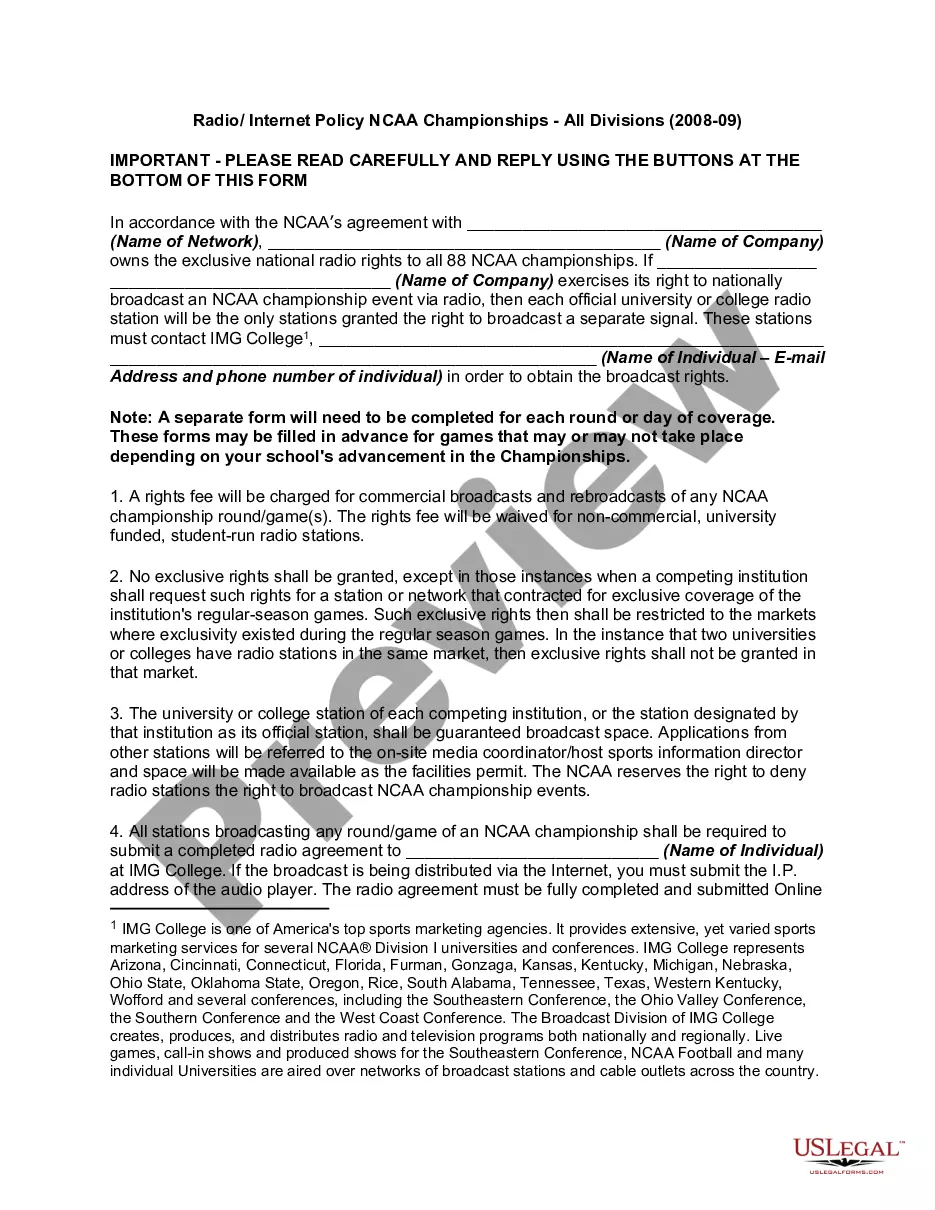
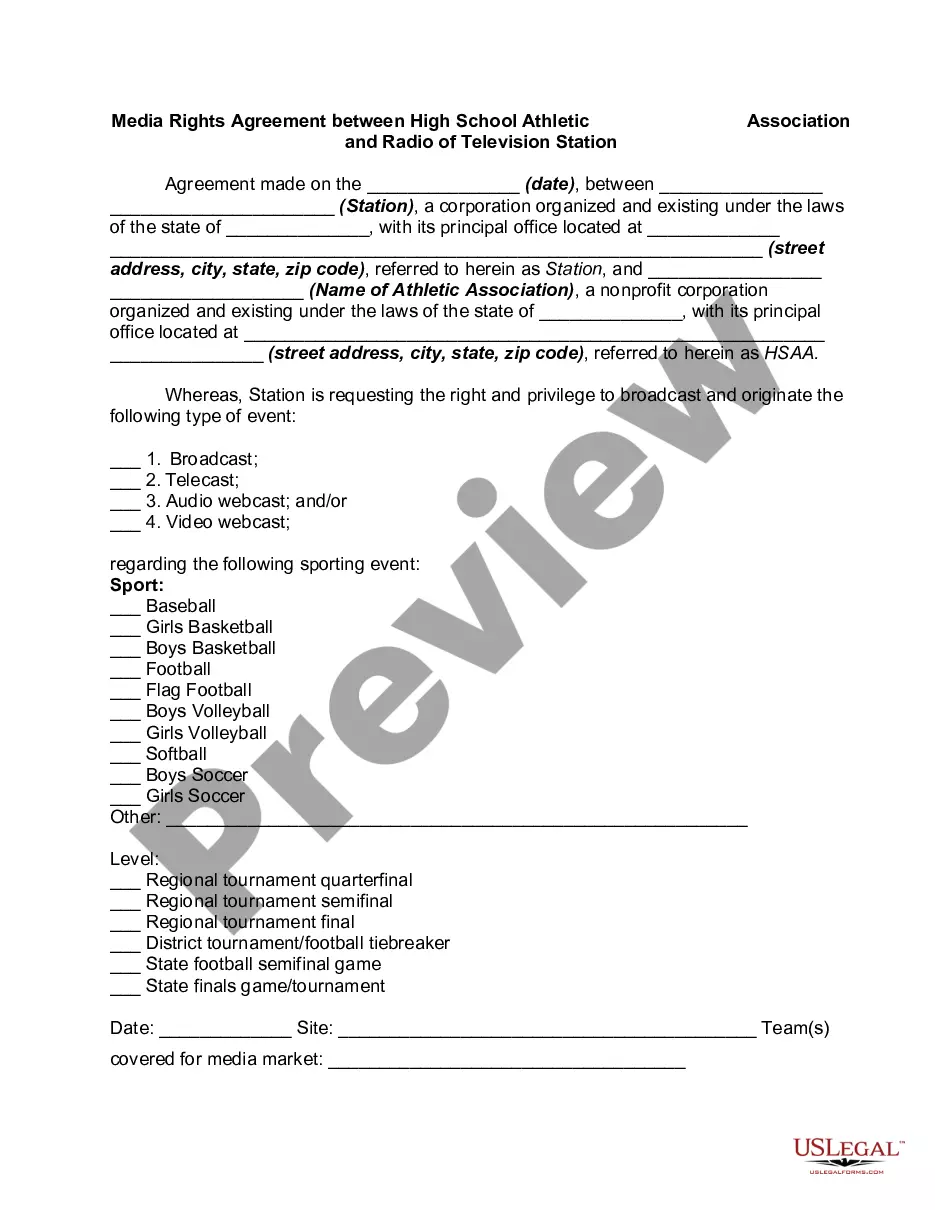
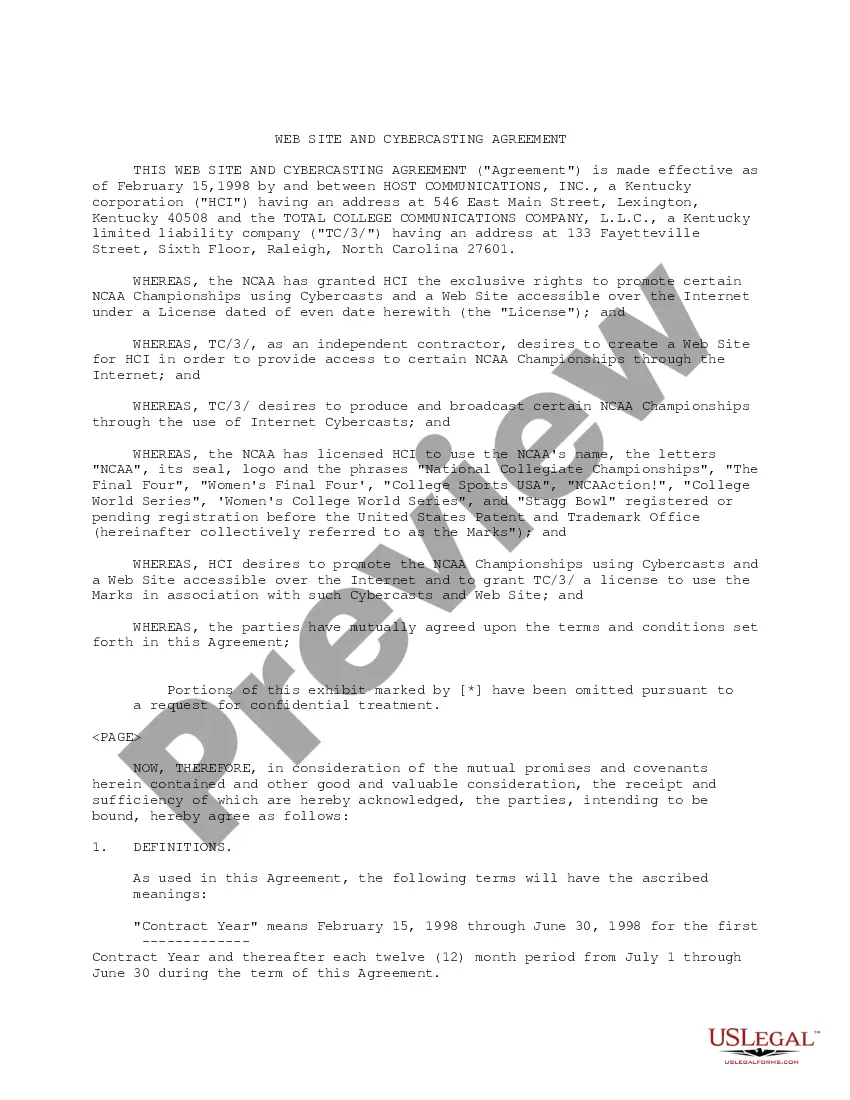
The Radio/Internet Policy NCAA Championships - All Divisions 2008-09 is a legal document that outlines the rules and rights related to the broadcasting of NCAA championship events. This form is essential for universities and colleges that wish to secure media rights for radio and internet broadcasting of NCAA events. It serves to clarify the rights and responsibilities of parties involved in broadcasting, distinguishing between commercial and non-commercial stations and their associated fees.
Form components explained
- Exclusive national radio rights details for NCAA championships
- Guidelines for university and college radio stations on broadcasting rights
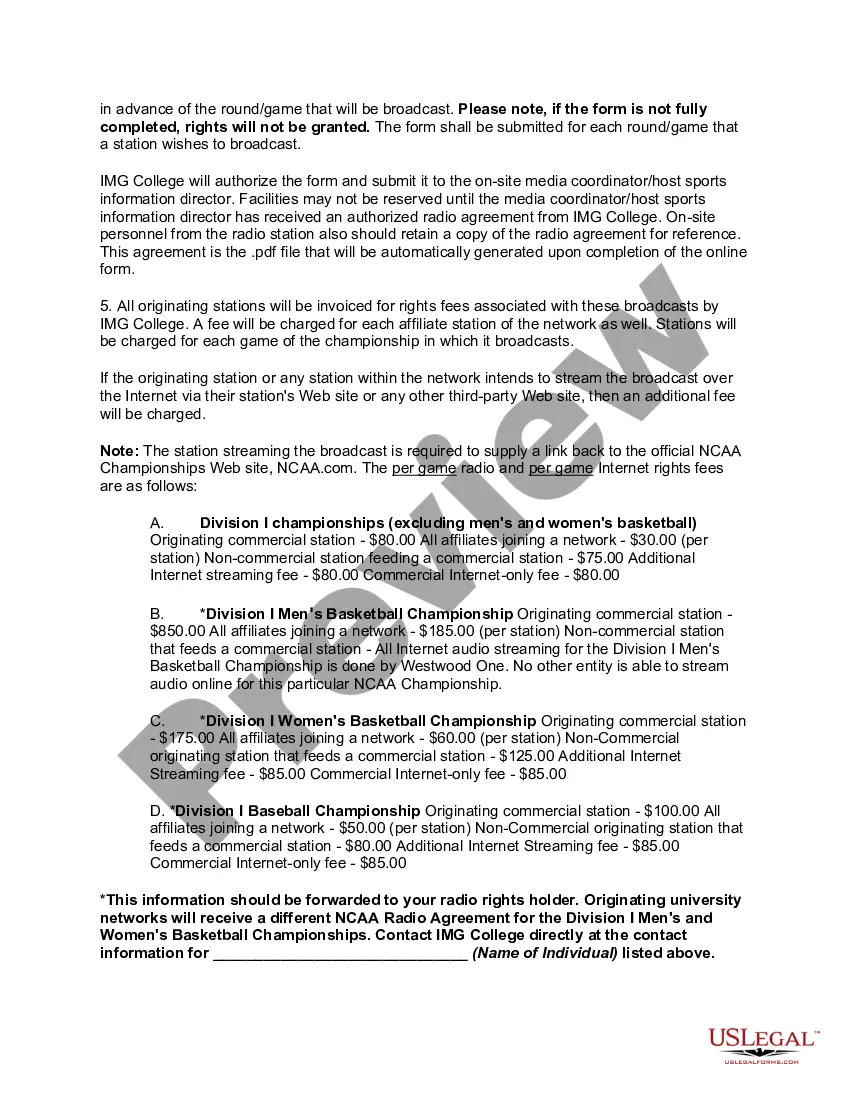
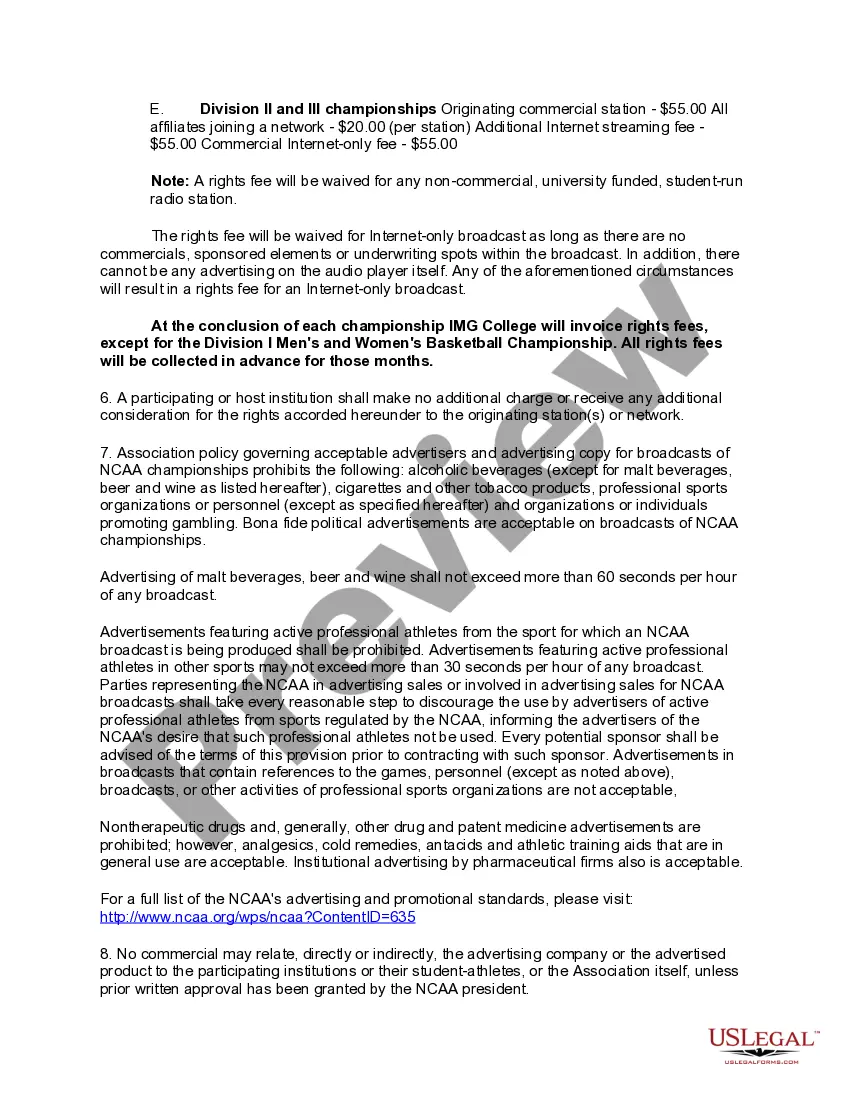
- Fees associated with commercial and non-commercial broadcasts
- Procedures for submitting a completed radio agreement
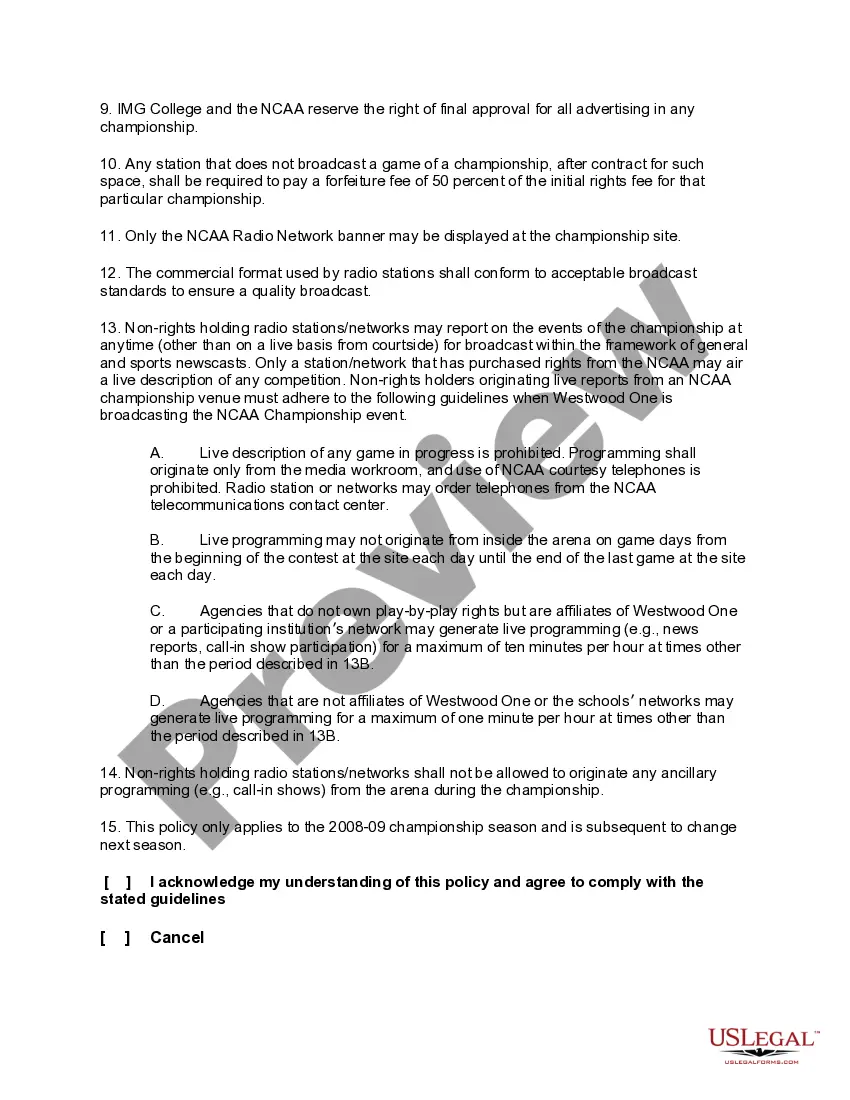
- Restrictions on live descriptions and ancillary programming for non-rights holding stations
- Advertising policy for NCAA championship broadcasts
When this form is needed
This form is needed when a university or college wishes to broadcast NCAA championship events via radio or stream the events over the internet. It is applicable for each round or day of coverage and must be used to secure broadcasting rights, especially for those parties that plan to air the events live or seek exclusive rights to coverage for specific markets.
Who this form is for
- University and college radio stations wanting to broadcast NCAA championship events
- Media companies interested in securing broadcasting rights for NCAA events
- Event coordinators and sports information directors at NCAA institutions
Completing this form step by step
- Identify the broadcasting company and the network associated with NCAA championships.
- Fill in the required fields with the names of the individuals and their contact information.
- Specify if the broadcast will be commercial or non-commercial, and note any additional needs for internet streaming.
- Ensure all fields are fully completed to avoid issues with rights granting.
- Submit the completed form online before the scheduled event date to secure broadcasting rights.
Does this form need to be notarized?
This form usually doesn’t need to be notarized. However, local laws or specific transactions may require it. Our online notarization service, powered by Notarize, lets you complete it remotely through a secure video session, available 24/7.
Get your form ready online
Our built-in tools help you complete, sign, share, and store your documents in one place.
Make edits, fill in missing information, and update formatting in US Legal Forms—just like you would in MS Word.
Download a copy, print it, send it by email, or mail it via USPS—whatever works best for your next step.
Sign and collect signatures with our SignNow integration. Send to multiple recipients, set reminders, and more. Go Premium to unlock E-Sign.
If this form requires notarization, complete it online through a secure video call—no need to meet a notary in person or wait for an appointment.
We protect your documents and personal data by following strict security and privacy standards.
Make edits, fill in missing information, and update formatting in US Legal Forms—just like you would in MS Word.
Download a copy, print it, send it by email, or mail it via USPS—whatever works best for your next step.
Sign and collect signatures with our SignNow integration. Send to multiple recipients, set reminders, and more. Go Premium to unlock E-Sign.
If this form requires notarization, complete it online through a secure video call—no need to meet a notary in person or wait for an appointment.
We protect your documents and personal data by following strict security and privacy standards.
Mistakes to watch out for
- Failing to fully complete all required fields, leading to delays in approval.
- Not submitting the form in advance of the event date.
- Overlooking specific broadcasting restrictions for non-rights holding stations.
- Confusing the requirements for commercial versus non-commercial broadcasts.
Benefits of completing this form online
- Convenience of submitting forms from anywhere, eliminating the need for in-person visits.
- Easy access to edit and update the form as needed before submission.
- Reliable processing through an automated system for faster approvals.
Legal use & context
- It outlines the rights and obligations for radio stations during NCAA events.
- The form helps ensure compliance with NCAA broadcasting rules.
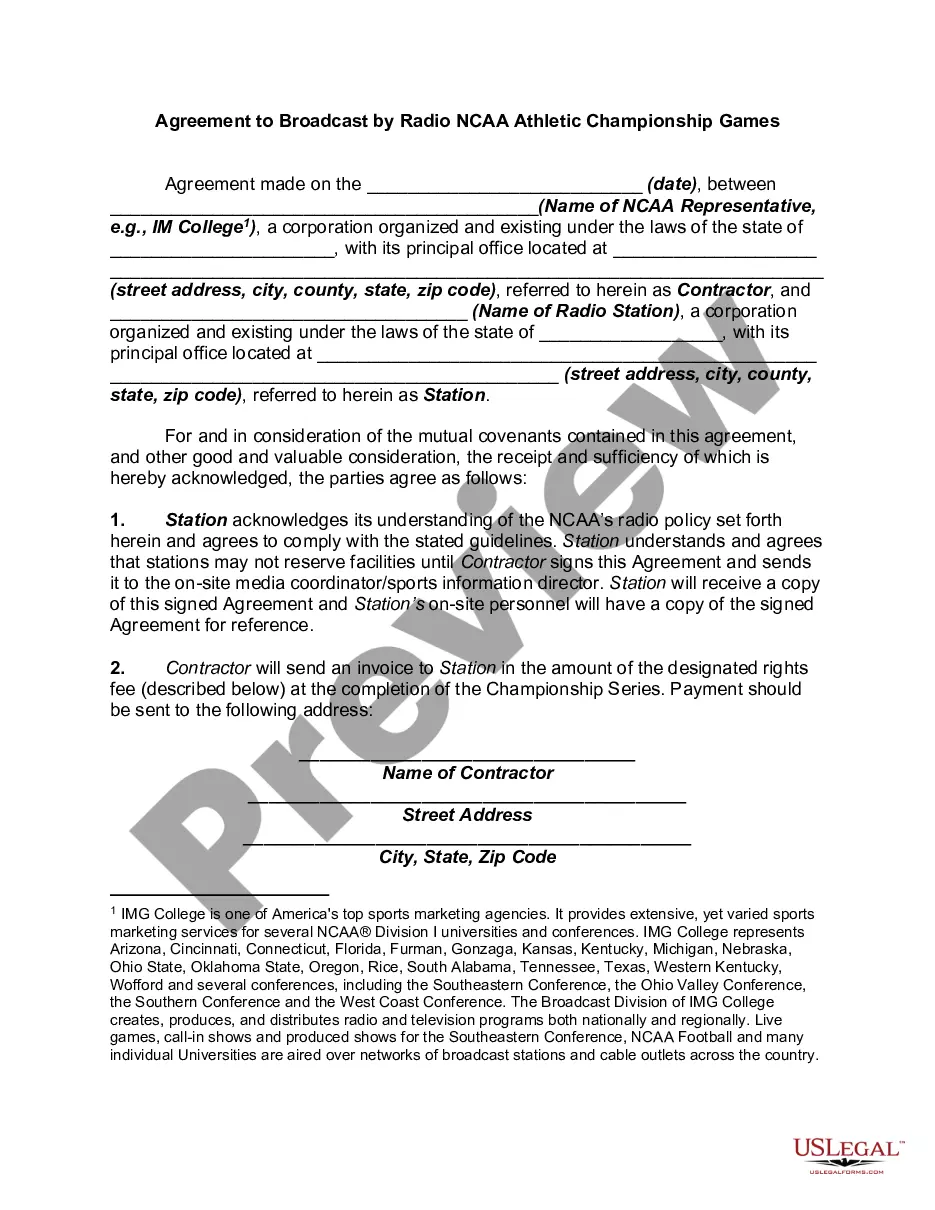
- Rights fees may be invoiced depending on the nature of the broadcast.
What to keep in mind
- The form secures broadcasting rights for NCAA championship events.
- Different fees are applicable for commercial and non-commercial broadcasts.
- Timely submission is essential to guarantee rights and access to facilities.
Looking for another form?





Form popularity
FAQ
A computer security policy defines the goals and elements of an organization's computer systems.Security policies are enforced by organizational policies or security mechanisms. A technical implementation defines whether a computer system is secure or insecure.
The Data Use Policy is a compulsory legal disclosure of how a website operator collects, retains and shares personally identifiable information. In other words, it's often a list of ways your personal data is not private and under their control.
Definition. Internet usage is the measurement (expressed in bytes, kilobytes, megabytes or gigabytes) of the amount of data flowing through your computer and the Internet network for a defined period.
The guidelines and instruction given to employees concerning the use of Internet facilities such as the Web, email and chat conferences. An Internet Usage Policy stipulates all prohibitions such as access to pornographic sites, conducting illegal activities and sexual harassment.
A computer usage policy is a document that provides employees with guidelines on how to appropriately use company equipment and the internet on your work computer network.This kind of policy can minimize the risk of computer misuse whether in the university library or a business office.
A company policy for email usage makes it more efficient by requiring emails to be archived. This allows for easy access to older messages.It also gives management the right to monitor messages to ensure employees are not engaging in activity detrimental to the business.
An acceptable use policy (AUP) is a document stipulating constraints and practices that a user must agree to for access to a corporate network or the Internet. Many businesses and educational facilities require that employees or students sign an acceptable use policy before being granted a network ID.
An acceptable use policy (AUP) is a document stipulating constraints and practices that a user must agree to for access to a corporate network or the Internet. Many businesses and educational facilities require that employees or students sign an acceptable use policy before being granted a network ID.
An Acceptable Use Policy is a series of rules that define what end users may or may not do with their technology. Usually, this policy requires some kind of acknowledgment that the rules are well understood, including potential consequences of violation, before issuing any kind of log into the system.