Web Site and Cybercasting Agreement
About this form
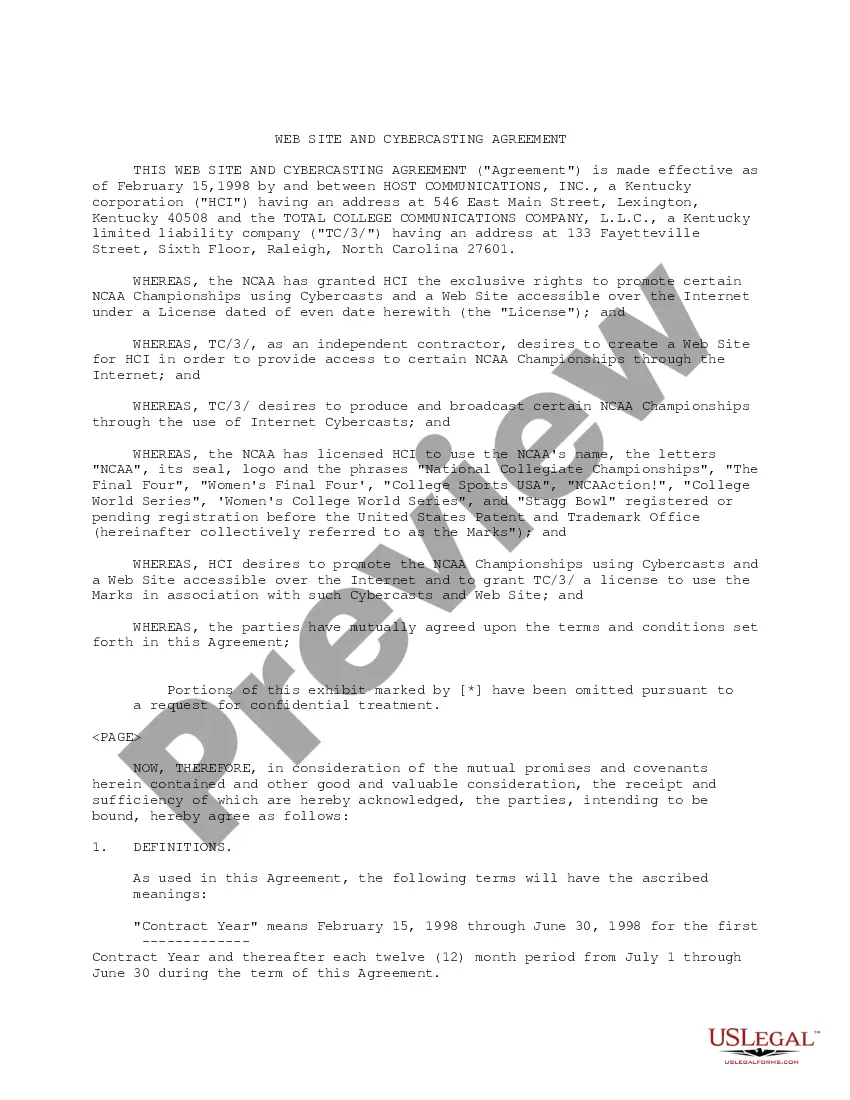
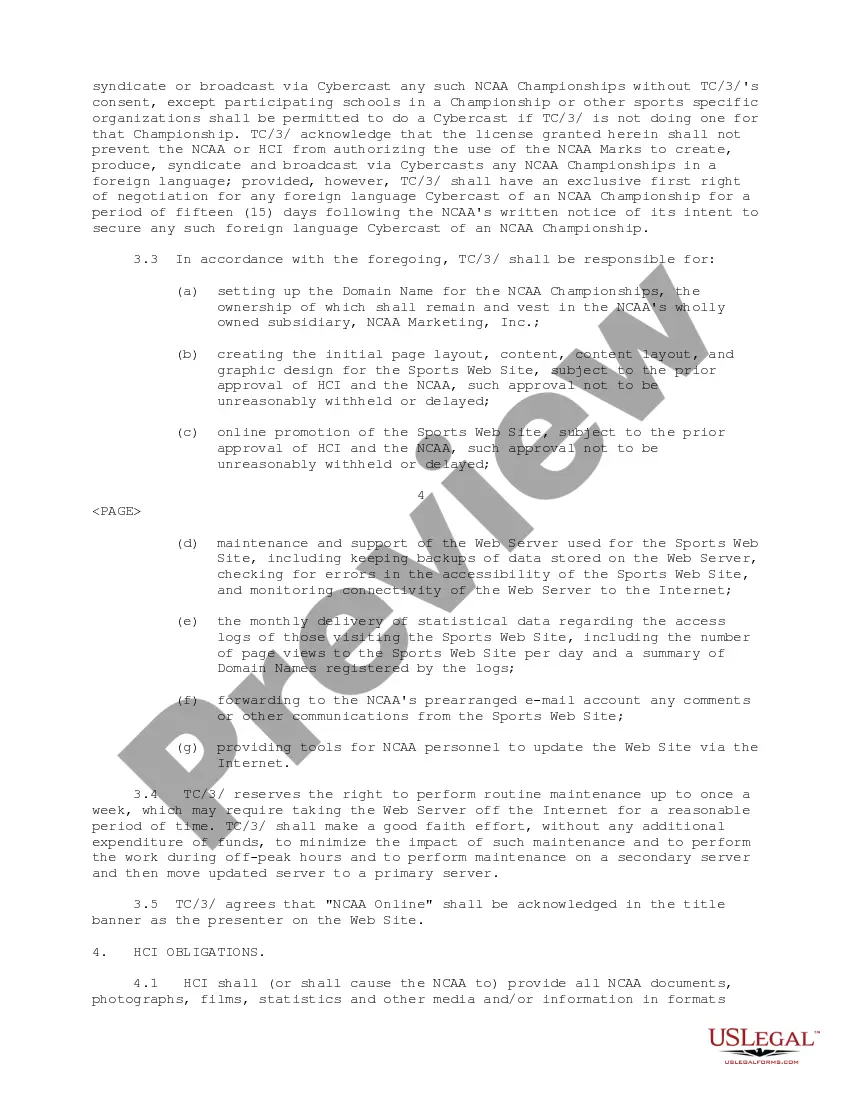
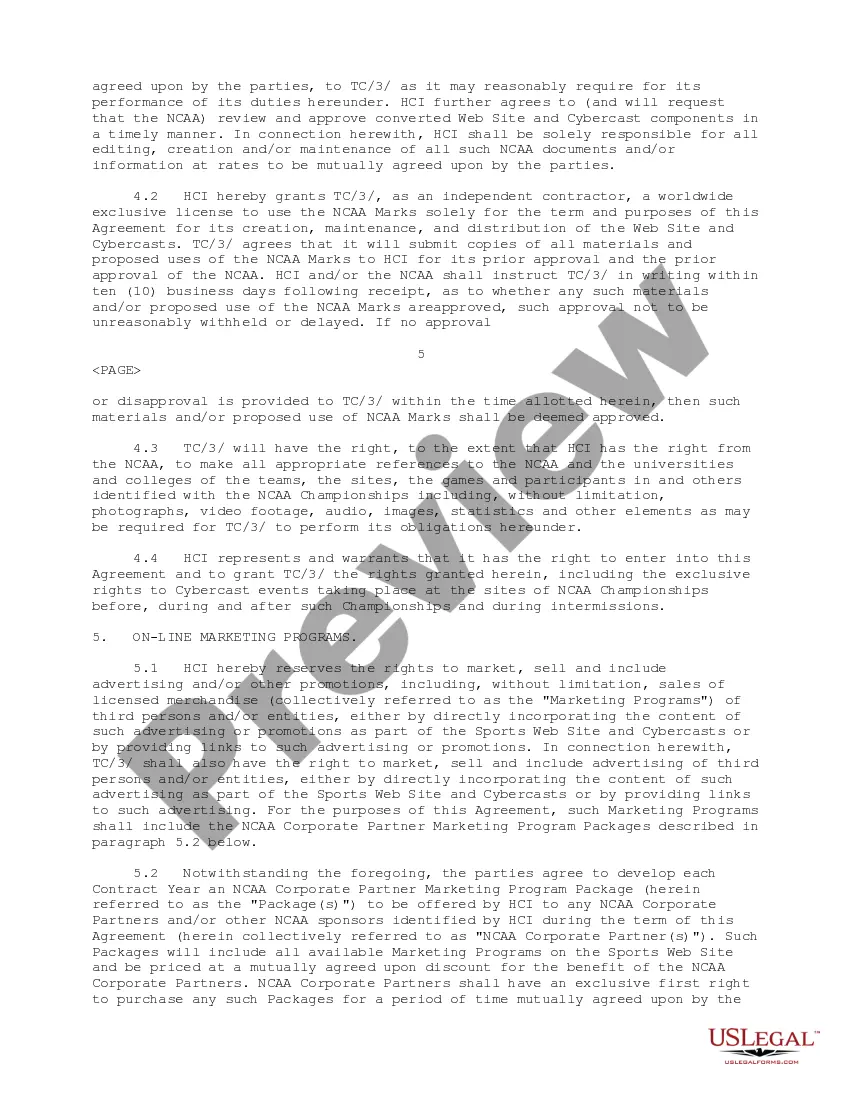
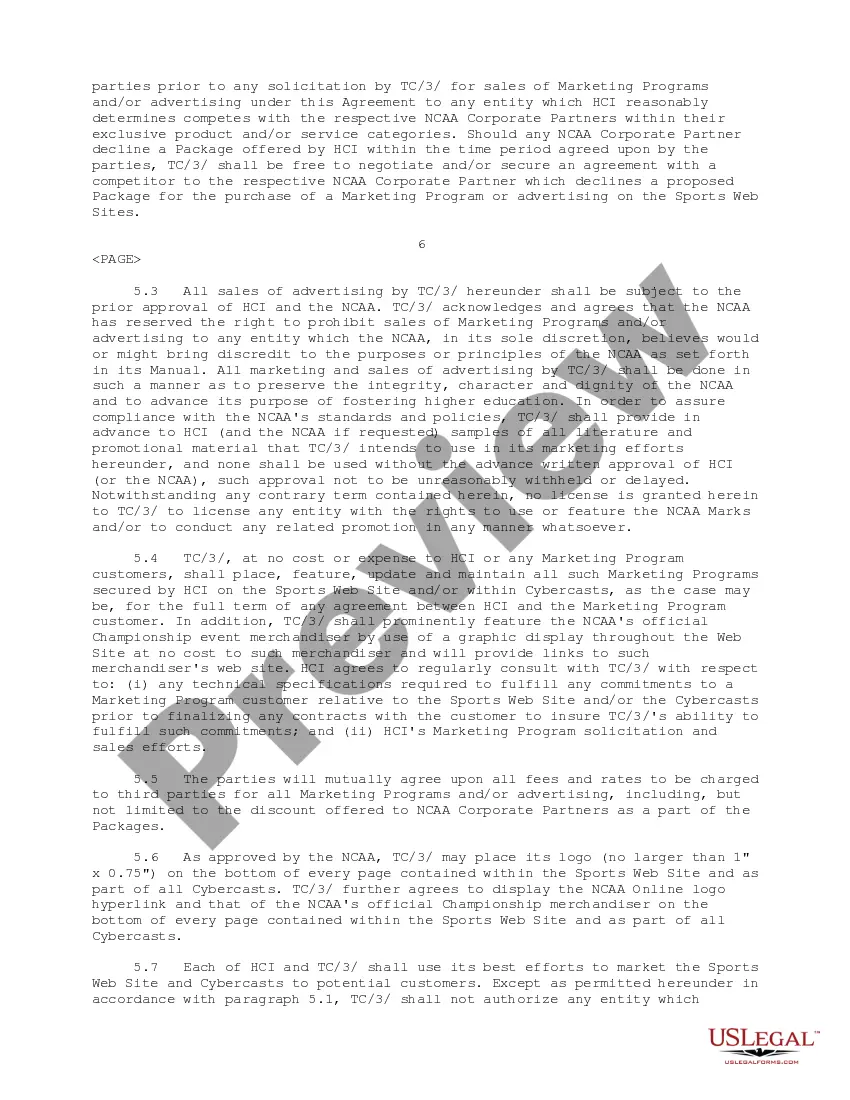
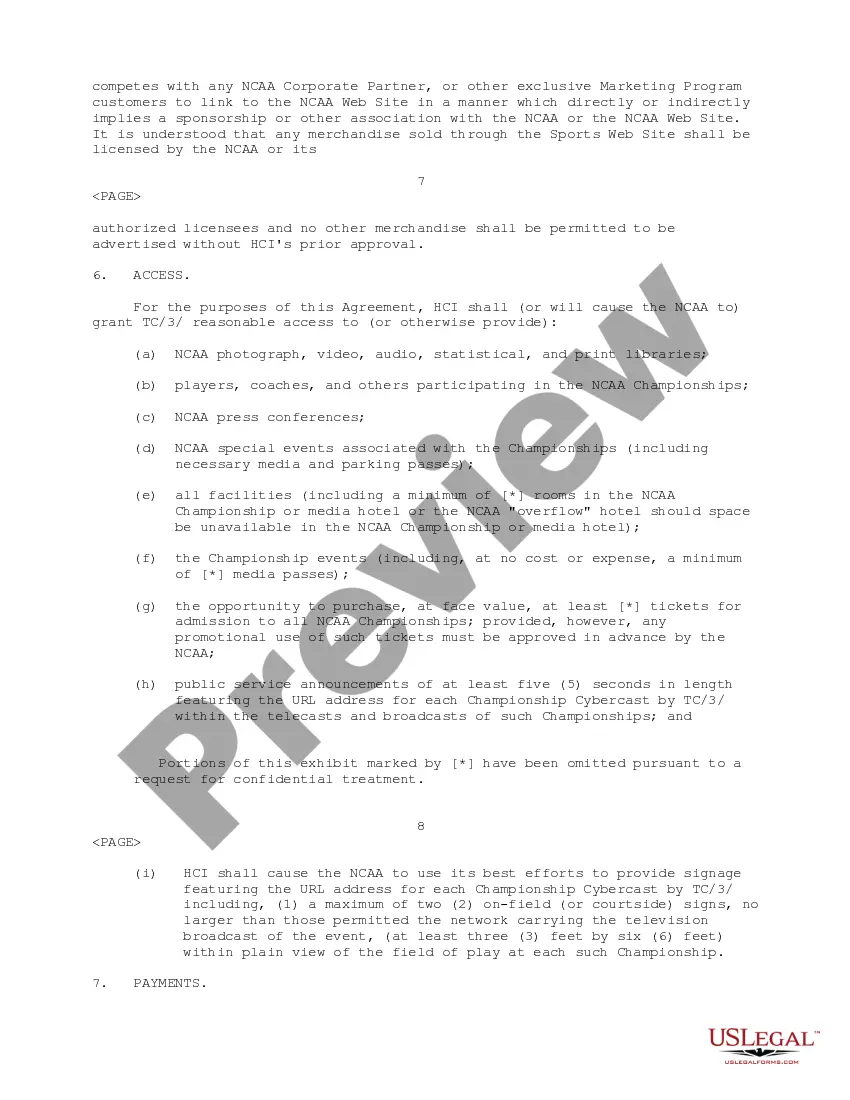
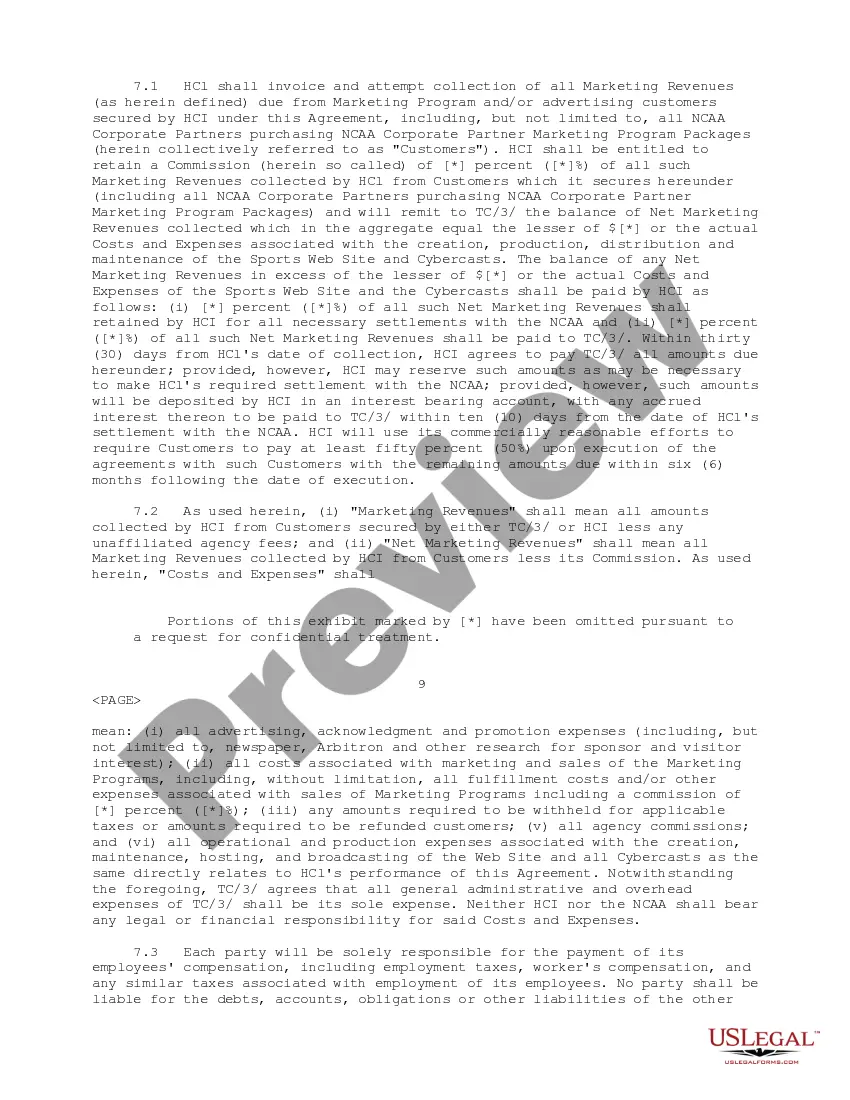
The Web Site and Cybercasting Agreement outlines the relationship between Host Communications, Inc. and Total College Communications Company, LLC, regarding the promotion and broadcasting of NCAA Championships via Cybercasts and a dedicated website. This agreement ensures that both parties adhere to specific obligations and rights concerning the use of NCAA trademarks and the operations of the official sports website.
Form components explained
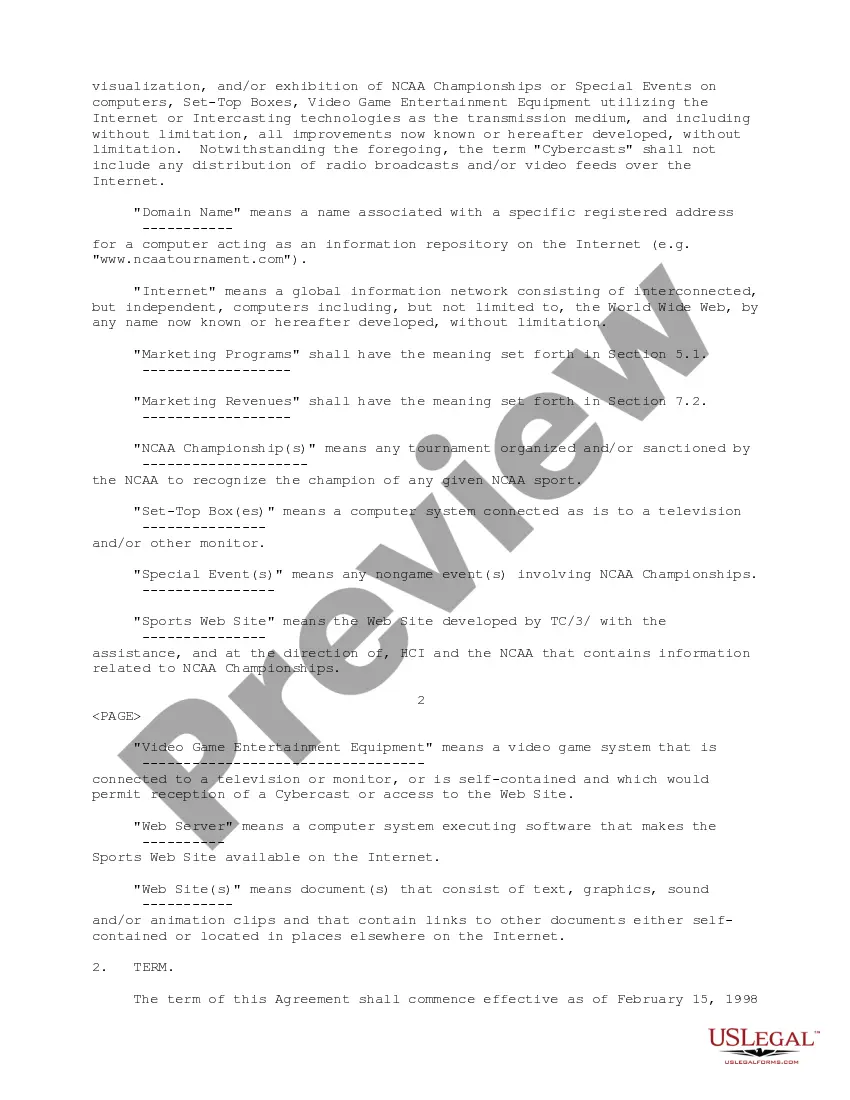
- Definitions of key terms, including "Cybercasts" and "Domain Name."
- Term duration specifying the start and end date of the agreement.
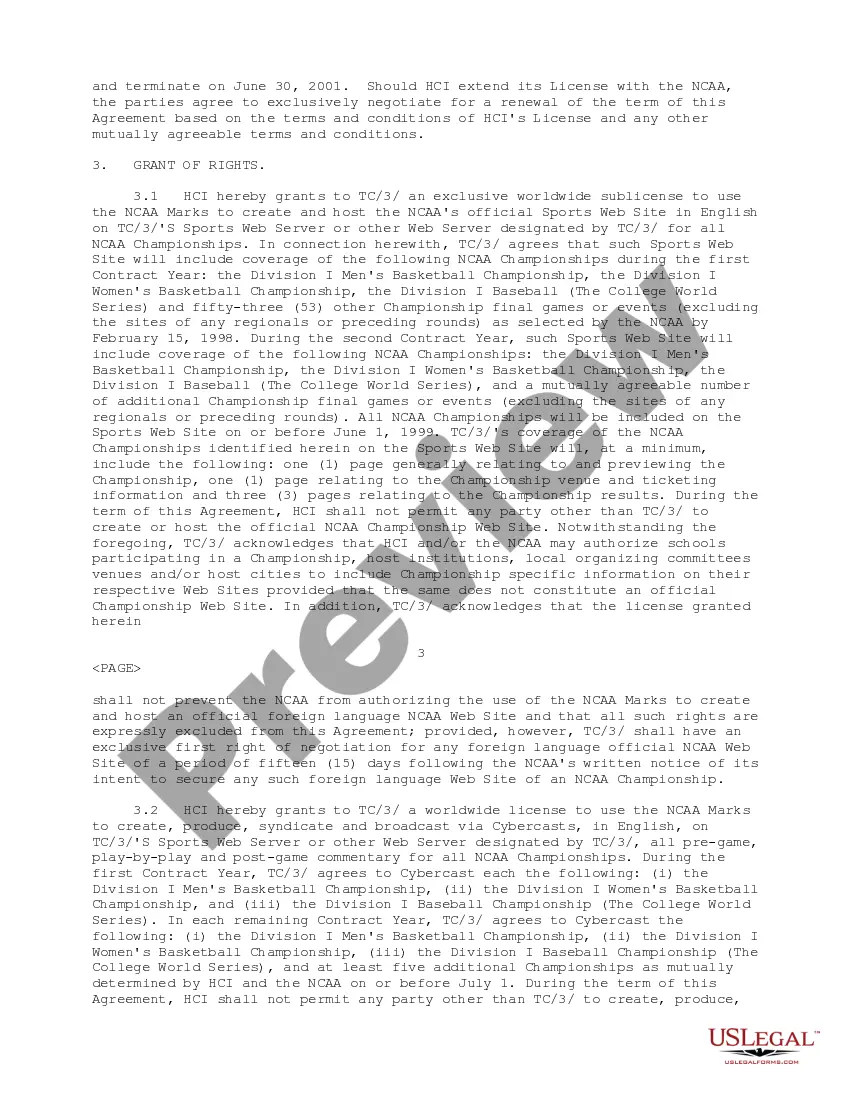
- Grant of rights, detailing the exclusive sublicenses for creating and promoting the sports website.
- Obligations of Host Communications, including the provision of media and promotional materials.
- Provisions for marketing programs, advertising sales, and royalty payments.
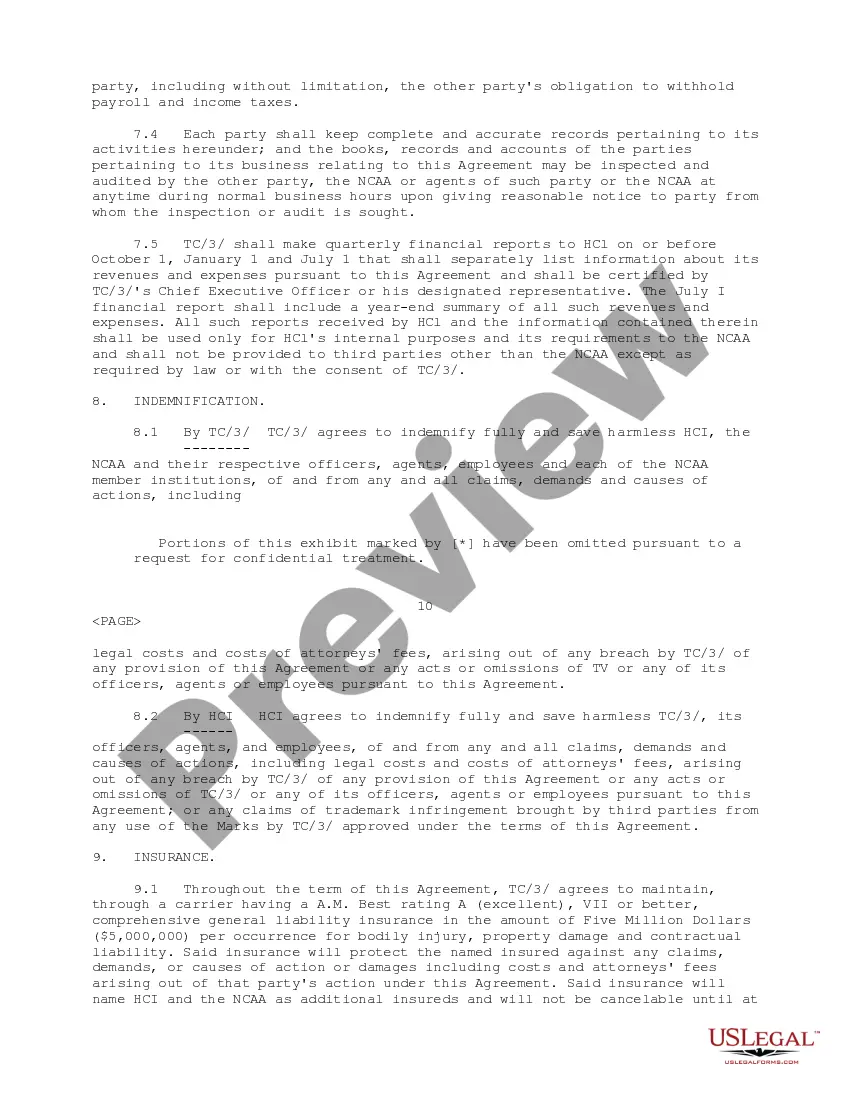
- Indemnification clauses protecting both parties from specific liabilities.


When to use this document
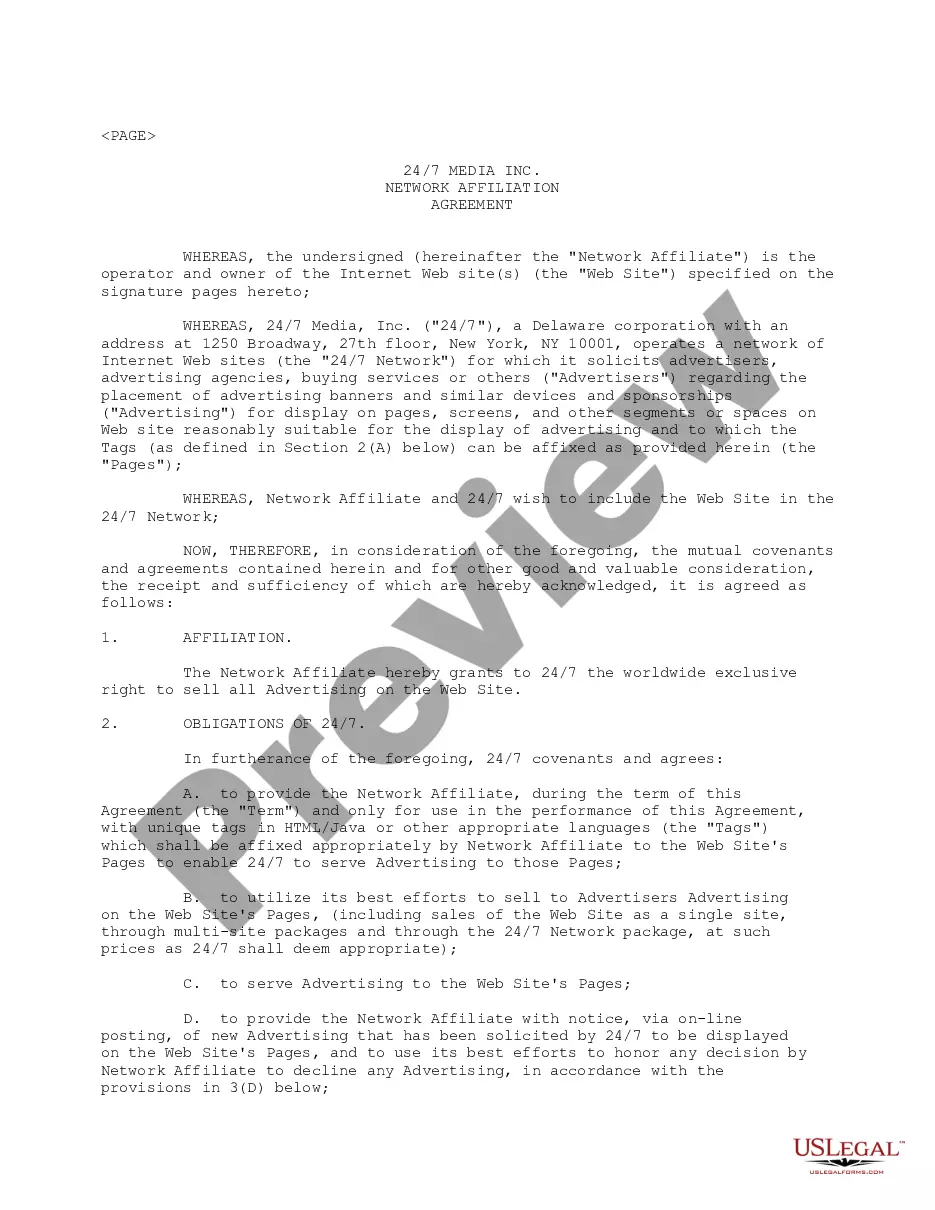
This form is essential when two parties wish to formalize their partnership for the online promotion and broadcasting of sporting events, specifically NCAA Championships. It clarifies the use of trademarks, responsibilities for content creation, and revenue-sharing agreements.
Who should use this form
- Sports organizations looking to promote events online.
- Media companies seeking to broadcast live sporting events via the internet.
- Entities that require a formal agreement for using trademarked branding in their promotions.
How to prepare this document
- Identify the parties involved: Host Communications, Inc. and Total College Communications Company, LLC.
- Specify the duration of the contract by entering the effective dates.
- Detail the rights granted, ensuring trademarks and promotional activities are clearly outlined.
- Include obligations for both parties related to content and marketing strategies.
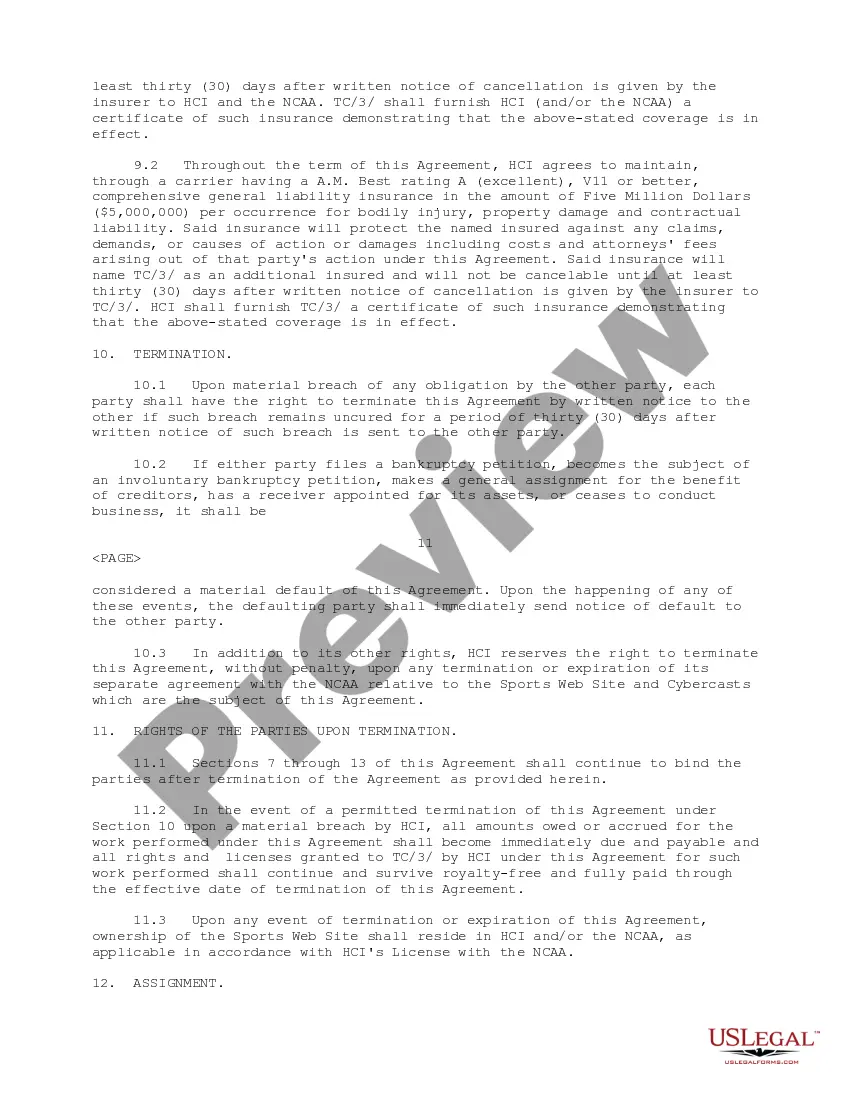
- Outline conditions for termination and dispute resolution processes.
Notarization guidance
Notarization is generally not required for this form. However, certain states or situations might demand it. You can complete notarization online through US Legal Forms, powered by Notarize, using a verified video call available anytime.
Get your form ready online
Our built-in tools help you complete, sign, share, and store your documents in one place.
Make edits, fill in missing information, and update formatting in US Legal Forms—just like you would in MS Word.
Download a copy, print it, send it by email, or mail it via USPS—whatever works best for your next step.
Sign and collect signatures with our SignNow integration. Send to multiple recipients, set reminders, and more. Go Premium to unlock E-Sign.
If this form requires notarization, complete it online through a secure video call—no need to meet a notary in person or wait for an appointment.
We protect your documents and personal data by following strict security and privacy standards.

Make edits, fill in missing information, and update formatting in US Legal Forms—just like you would in MS Word.

Download a copy, print it, send it by email, or mail it via USPS—whatever works best for your next step.

Sign and collect signatures with our SignNow integration. Send to multiple recipients, set reminders, and more. Go Premium to unlock E-Sign.

If this form requires notarization, complete it online through a secure video call—no need to meet a notary in person or wait for an appointment.

We protect your documents and personal data by following strict security and privacy standards.
Common mistakes
- Failing to define all key terms clearly, which can lead to ambiguous interpretations.
- Not specifying the duration of the agreement, resulting in confusion about ongoing rights.
- Ignoring compliance with NCAA trademark regulations and guidelines.
- Omitting necessary signatures or dates, making the agreement unenforceable.
Advantages of online completion
- Convenience of accessing and completing the agreement from anywhere.
- Editable templates that allow customization to suit specific needs.
- Guidance from legal experts ensures compliance and reduces risks.
Looking for another form?
Form popularity
FAQ
Step 1: Create a Google Drive Slideshow. Step 2: Set up a computer/screen. Step 3: Publish to the Web. Step 4: Publish. Step 5: Create the file. Step 6: Open the created HTML file and full screen it.
DigitalSignage.com. Screenly OSE. Concerto. viewneo. Chrome Sign Builder.
That's because it all comes down to the scope and scale of your business' specific digital signage deployment. Total Cost: Simple one or two-screen set-ups: $200.00-$300.00. Large-scale and complex digital signage integrations: $2000.00-$10000.00.
Lighted signs can cost more than $35 per sq. ft. while a neon sign can cost from $250 to $1,250 per sq. ft.
Digital signage software is a tool that enables users to manage their digital signage content and screens. With digital signage software, users can schedule content, create playlists, organize their screens into groups, and even diagnose playback issues that occur with remote screens.
Digital billboards cost from $1,200 to over $15,000 per month.
DigitalSignage.com. Screenly OSE. Concerto. viewneo. Chrome Sign Builder.
Cybercast is a visual communications software platform designed to be agile and powerful. With the ability to leverage data coming from multiple sources to deliver a much more relevant customer experience via digital screens, tablets and kiosks.
NoviSign. Yodeck. OnSign TV. Telemetry TV. Viewneo.