Detailed Consultant Invoice
Overview of this form
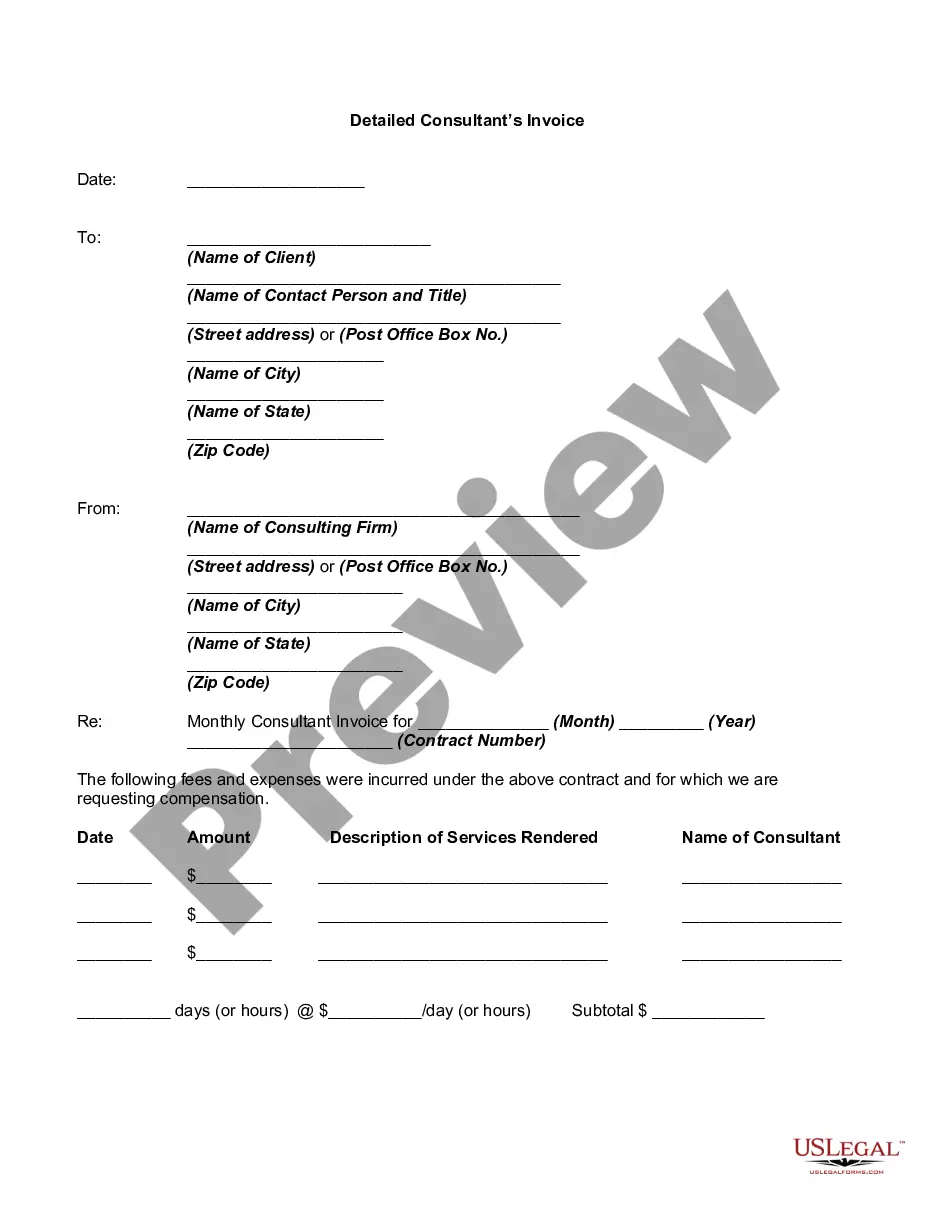
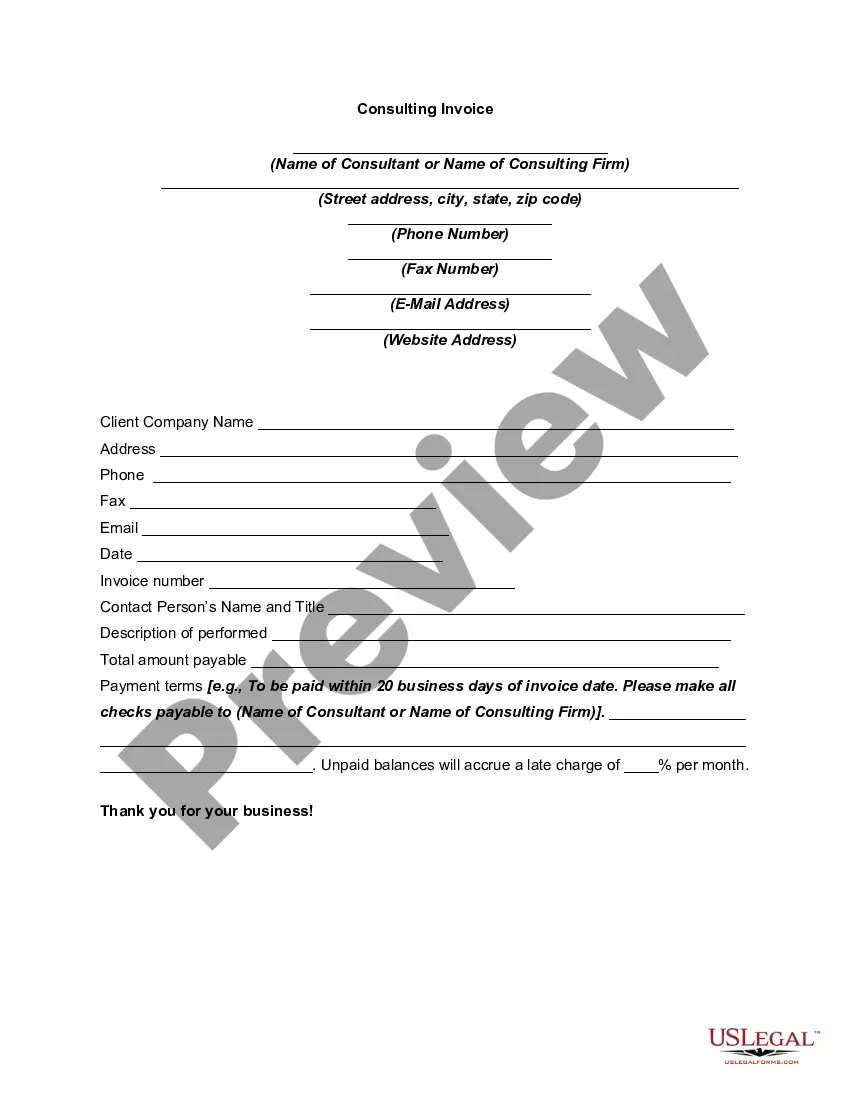
The Detailed Consultant Invoice is a formal document used by consulting firms to communicate billing information to clients. It outlines the services rendered, associated fees, and payment terms. Unlike standard invoices, this form includes detailed descriptions of services and incurred expenses, making it clearer for clients about what they are paying for. This ensures transparency and proper record-keeping for both parties.
Key parts of this document
- Client and consultant information, including names and addresses.
- Invoice date and the billing period.
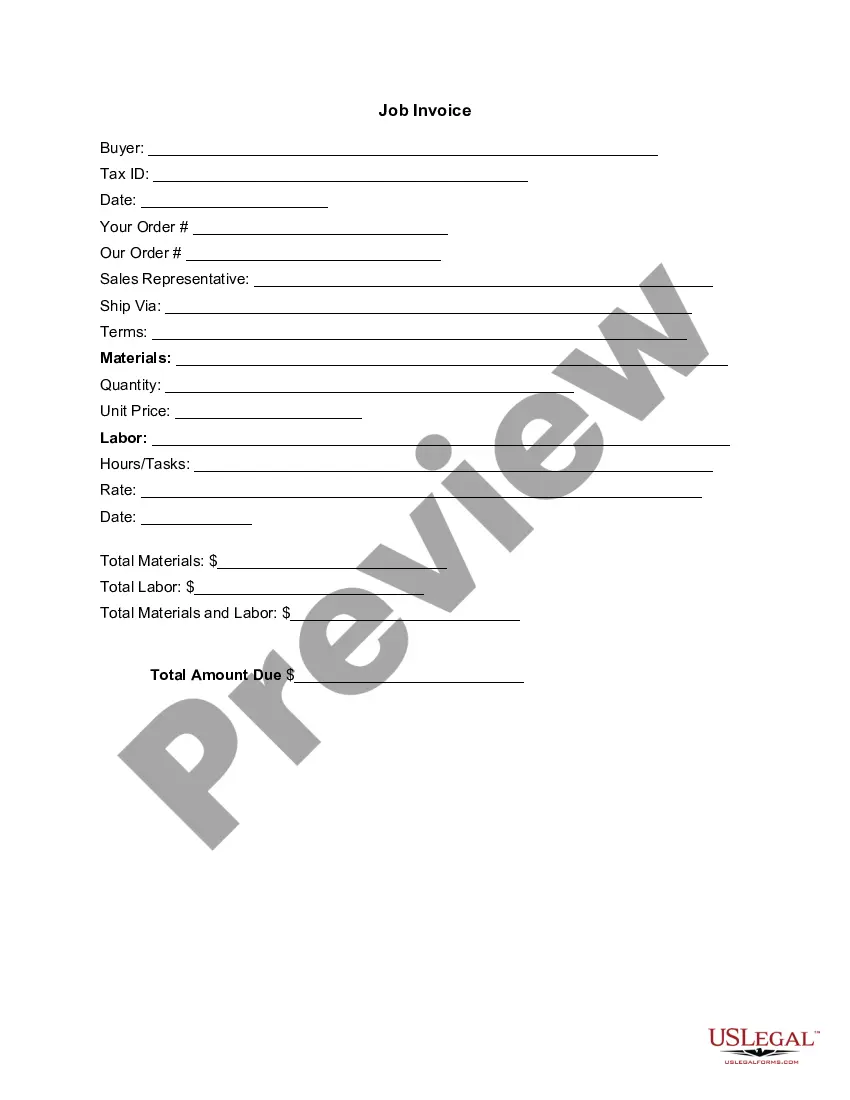
- Description of services rendered, including specific dates and amounts.
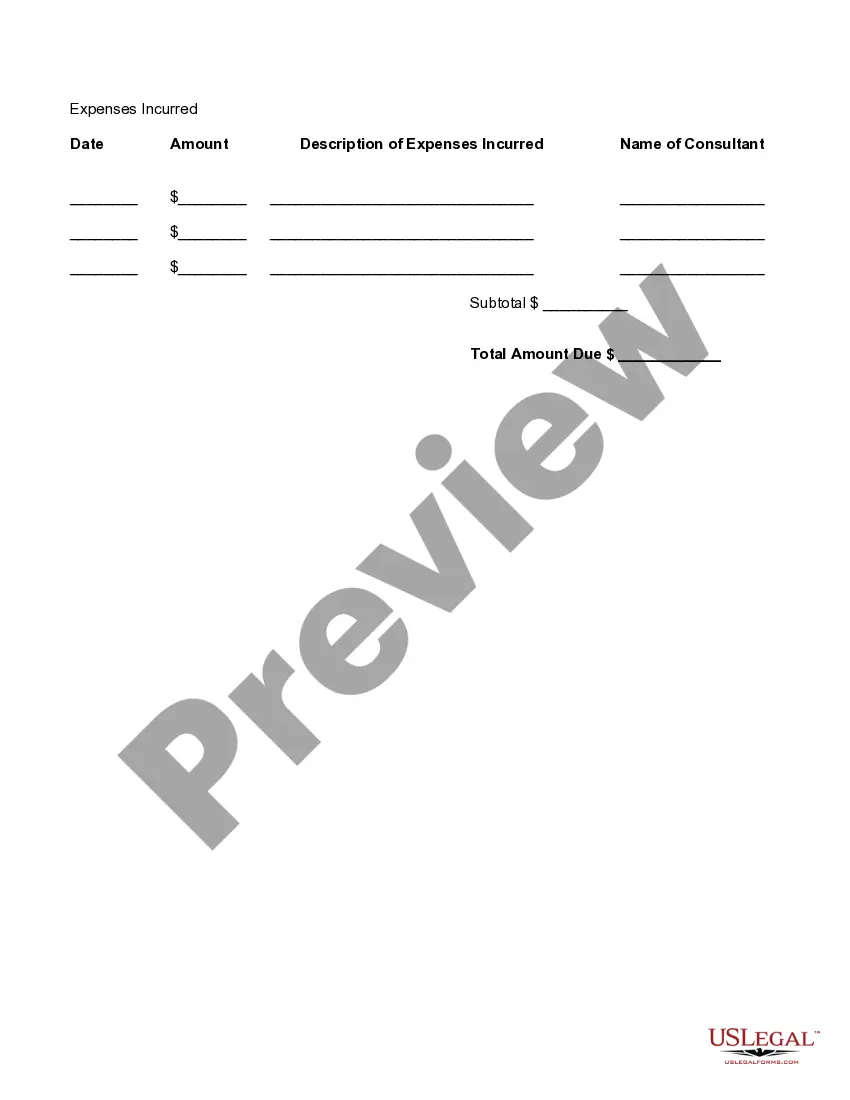
- Breakdown of expenses incurred during the consulting period.
- Total amount due, including subtotals for services and expenses.



Situations where this form applies
You should use the Detailed Consultant Invoice when billing a client for consulting services. Scenarios include monthly billing cycles, project completion, or when you need to itemize hours and expenses associated with specific tasks. This form is effective for maintaining clear communication and documentation regarding services provided and amounts owed.
Who this form is for
- Consultants offering professional services.
- Freelancers managing multiple clients requiring detailed invoices.
- Small businesses providing consulting solutions.
- Any consulting firm looking for a formal invoicing structure.
Completing this form step by step
- Enter the date of the invoice and the billing period.
- Fill in the client's name and contact information, including address details.
- List the services rendered, including dates, descriptions, and amounts for each service.
- Detail any expenses incurred along with descriptions and amounts.
- Calculate the subtotals for services and expenses, then provide the total amount due.
Does this document require notarization?
This form does not typically require notarization unless specified by local law. Always check the specific regulations in your jurisdiction to confirm any notarization needs.
Get your form ready online
Our built-in tools help you complete, sign, share, and store your documents in one place.
Make edits, fill in missing information, and update formatting in US Legal Forms—just like you would in MS Word.
Download a copy, print it, send it by email, or mail it via USPS—whatever works best for your next step.
Sign and collect signatures with our SignNow integration. Send to multiple recipients, set reminders, and more. Go Premium to unlock E-Sign.
If this form requires notarization, complete it online through a secure video call—no need to meet a notary in person or wait for an appointment.
We protect your documents and personal data by following strict security and privacy standards.

Make edits, fill in missing information, and update formatting in US Legal Forms—just like you would in MS Word.

Download a copy, print it, send it by email, or mail it via USPS—whatever works best for your next step.

Sign and collect signatures with our SignNow integration. Send to multiple recipients, set reminders, and more. Go Premium to unlock E-Sign.

If this form requires notarization, complete it online through a secure video call—no need to meet a notary in person or wait for an appointment.

We protect your documents and personal data by following strict security and privacy standards.
Mistakes to watch out for
- Failing to include all relevant service details.
- Not itemizing expenses accurately.
- Forgetting to specify payment terms, which can lead to delayed payments.
- Neglecting to proofread for errors in amounts or client information.
Why complete this form online
- Convenience of downloading a professional template quickly.
- Editable format allows customization to meet specific needs.
- Reliability backed by licensed attorneys who draft the templates.
- Easy to store and manage electronically, reducing paperwork.
What to keep in mind
- The Detailed Consultant Invoice is essential for billing clients accurately.
- It includes specific fields for service descriptions, dates, and total amounts.
- Using a structured format helps ensure compliance with invoicing standards.
Looking for another form?

Form popularity
FAQ
To calculate your consulting hourly rate, determine what salary you'd like to make. Take that number and divide it by 52 (number of working weeks), then again by 40 (number of hours in each week). And finfally, take that number and mark it up by 25 to 50 percent.
Identify the Document as an Invoice. Include Your Business Information. Add the Client's Contact Details. Assign a Unique Invoice Number. Add the Invoice Date. Provide Details of Your Services. Include Your Payment Terms. List the Total Amount Due.
Personalize and make your invoice professional. To begin, choose a color that best represents your brand and upload your brand's logo. Fill-out the appropriate contact information on your invoice. Select a due date on your invoice. Fill in the projects/ tasks you are invoicing the client for. Add payment information.
Invoices - what they must include your company name, address and contact information. the company name and address of the customer you're invoicing. a clear description of what you're charging for. the date the goods or service were provided (supply date)
List all products and/or services individually. Each service or item sold should be listed separately. Sales tax. The sales tax should be included and should be based off the total amount of all items added together. Payment type. Make Copies. Finalize and bill customer.
If goods or services were purchased on credit, the invoice usually specifies the terms of the deal and provides information on the available methods of payment. Types of invoices may include a paper receipt, a bill of sale, debit note, sales invoice, or online electronic record.
Always make sure to include the following details on any invoice you send out: Legal company name and number.The client's name and address. Invoice number.
Make your invoice look professional. The first step is to put your invoice together. Clearly mark your invoice. Add company name and information. Write a description of the goods or services you're charging for. Don't forget the dates. Add up the money owed. Mention payment terms.