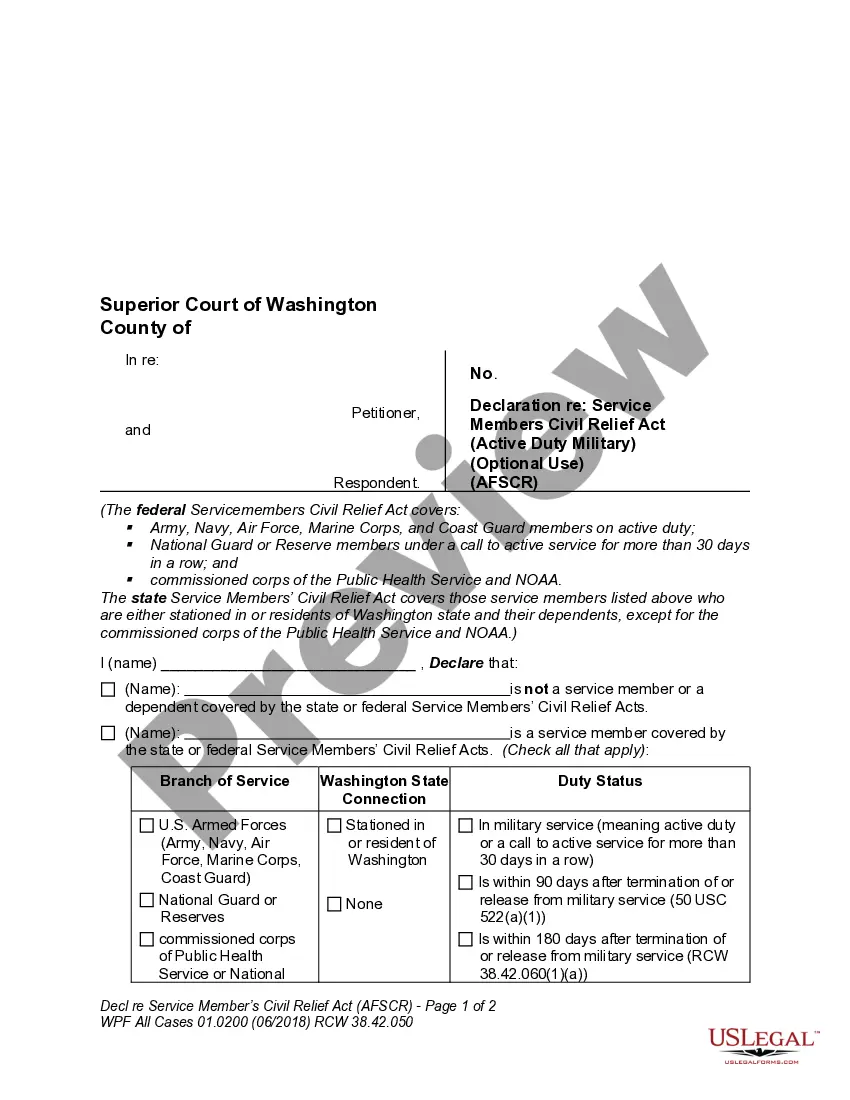
Office Management Consultant and Marketing Agreement with Medical and Dental Practices
What is this form?
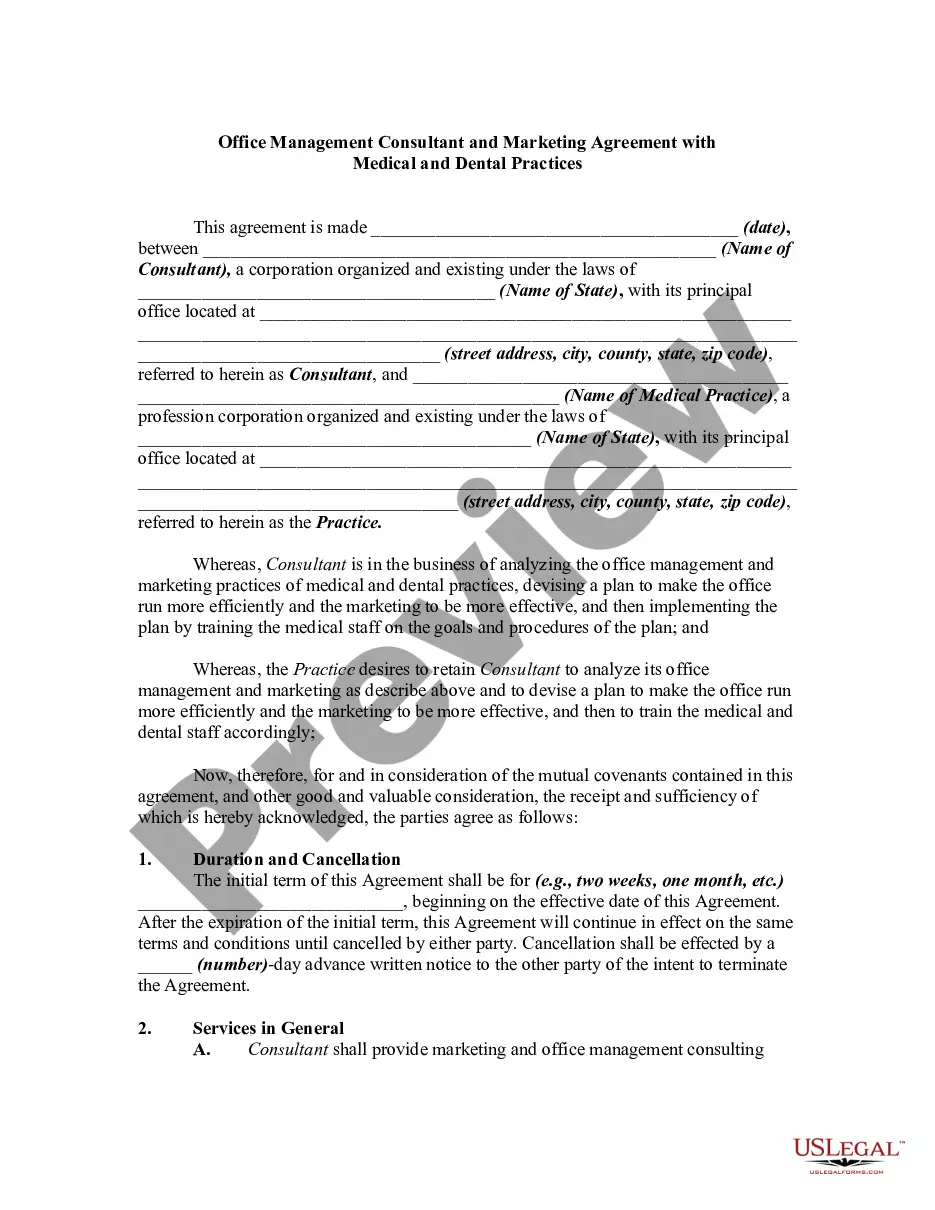
This form is an Office Management Consultant and Marketing Agreement designed for medical and dental practices. It outlines the terms between a consultant and a practice to improve management and marketing strategies. This agreement helps ensure efficiency and effective marketing practices by detailing the consultant's services, responsibilities, and compensation, distinct from other service agreements by focusing specifically on medical and dental office settings.
What’s included in this form
- Identification of parties involved: Names and addresses of both the consultant and the medical or dental practice.
- Duration and cancellation terms: Specifies the duration of the agreement and how either party can cancel it.
- Services provided: Details the consulting services the consultant will perform for the practice.
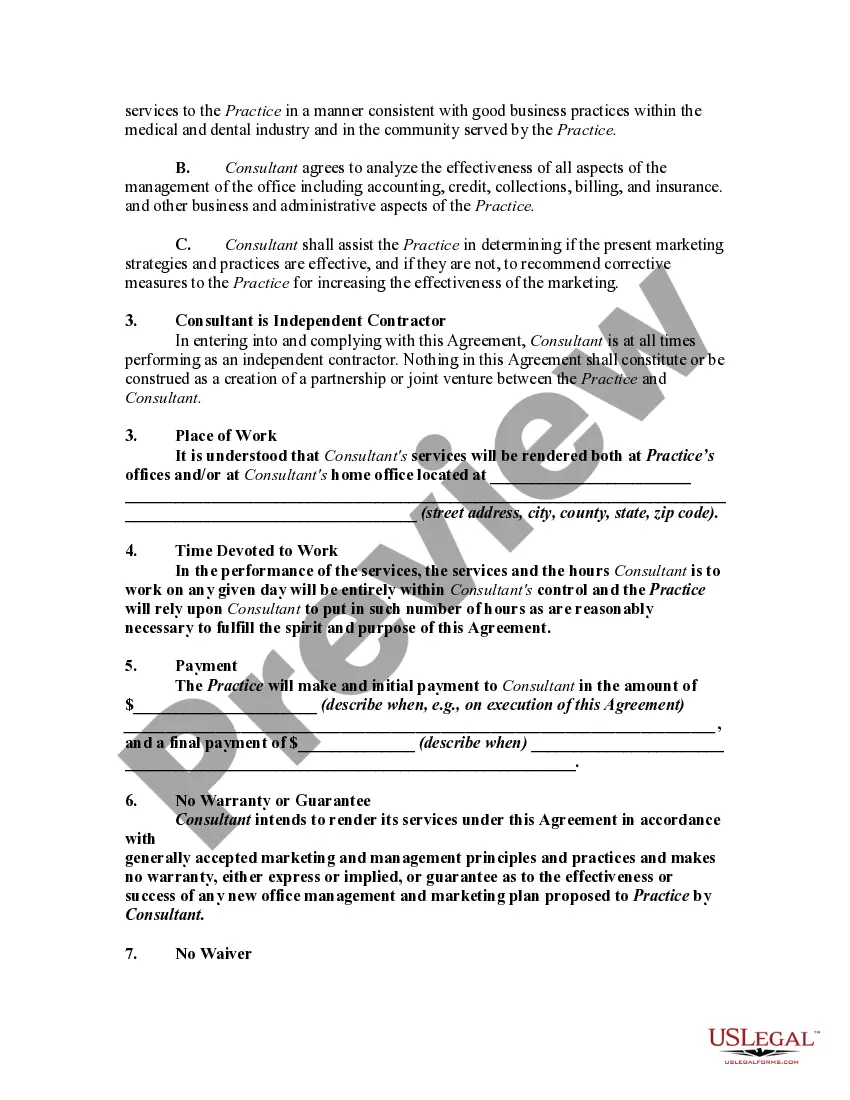
- Payment structure: Outlines initial and final payment terms for the consulting services rendered.
- Independent contractor clause: Clarifies the relationship between the consultant and the practice.
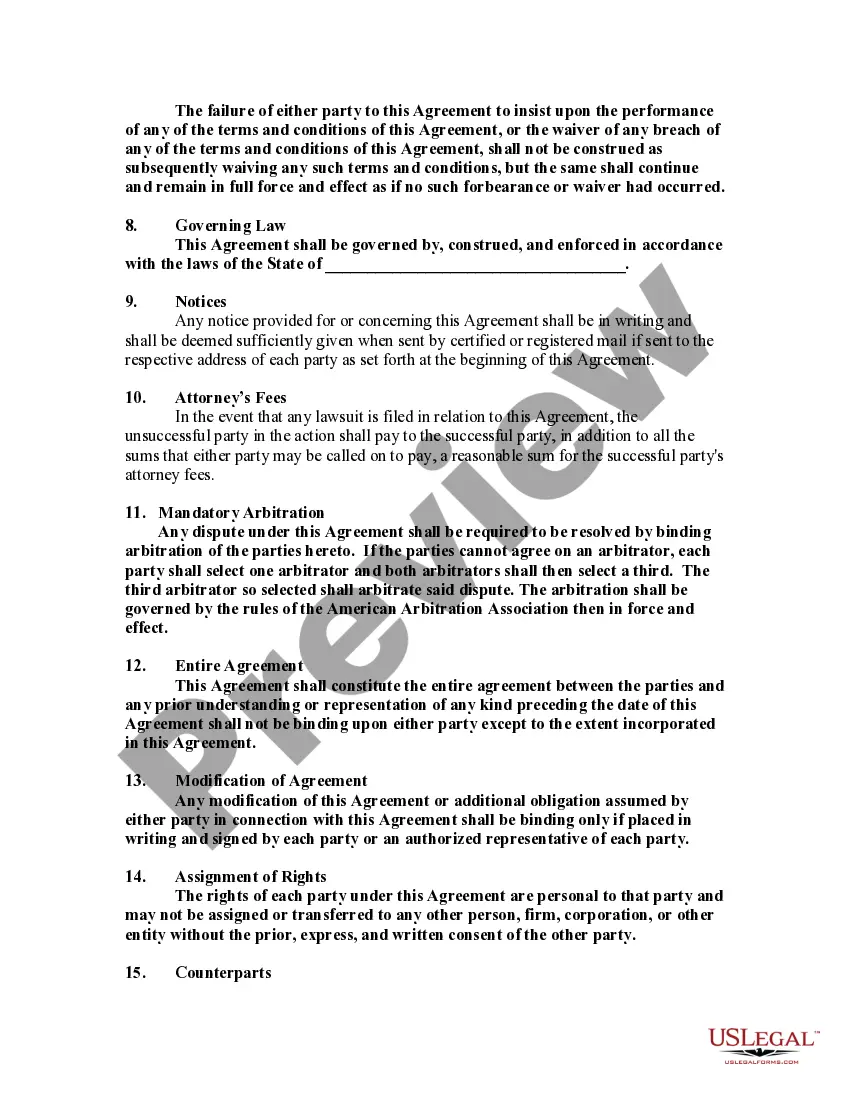
- Governing law: Indicates which state laws will govern the agreement.
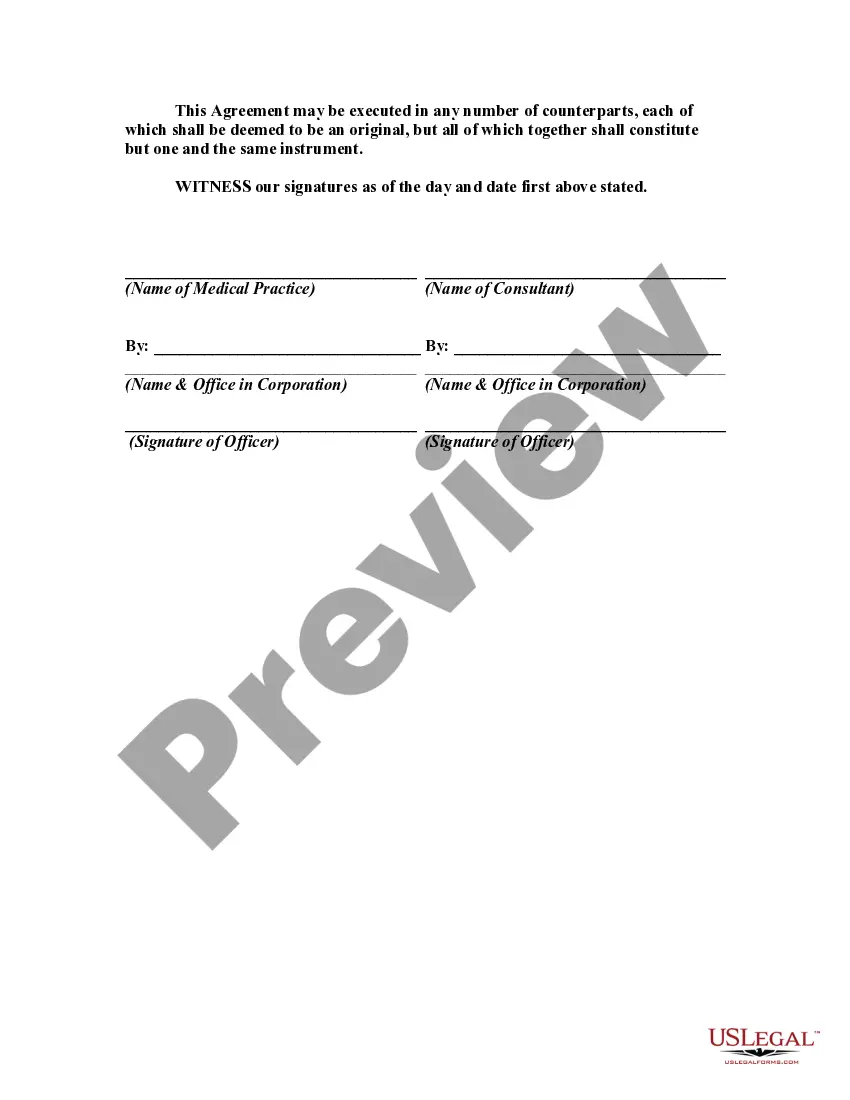
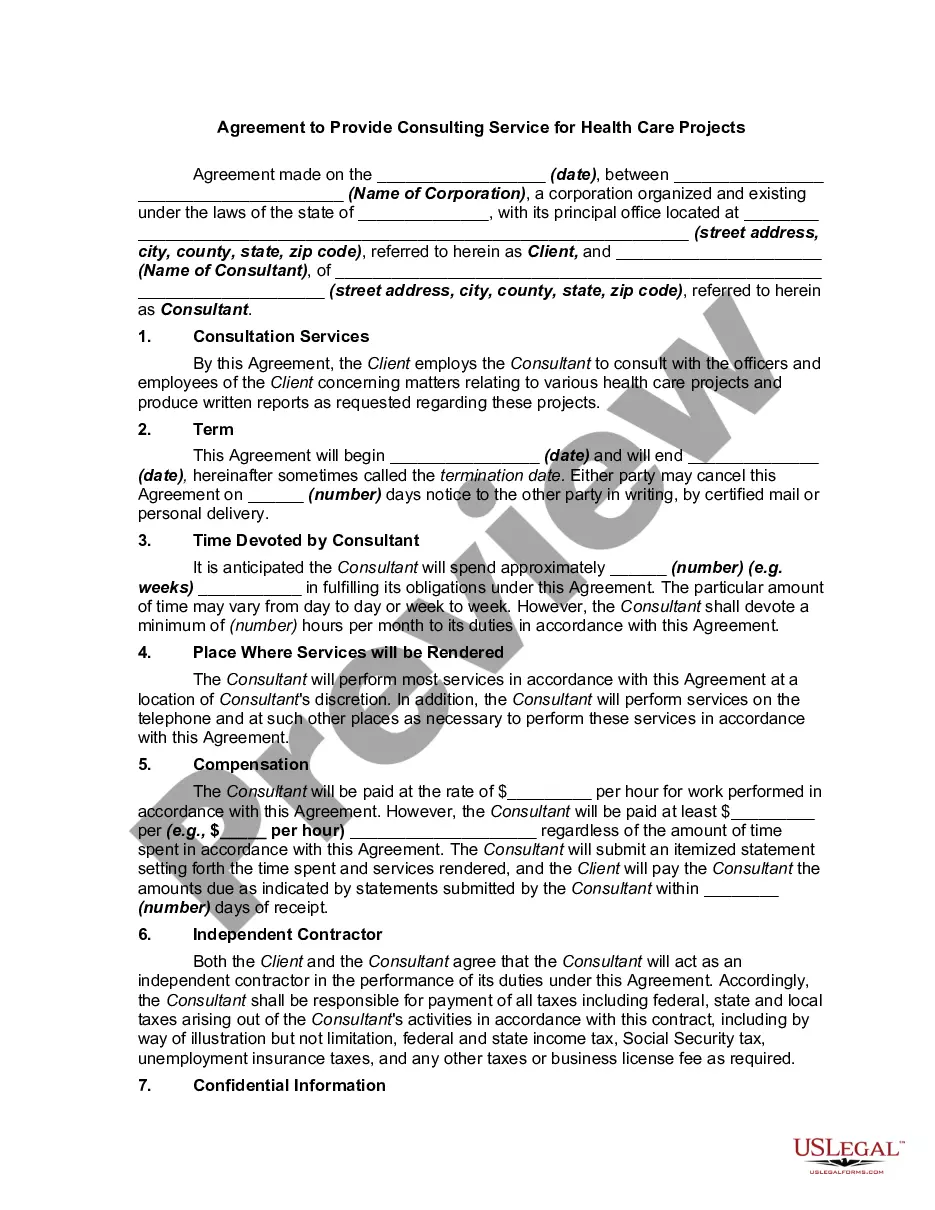
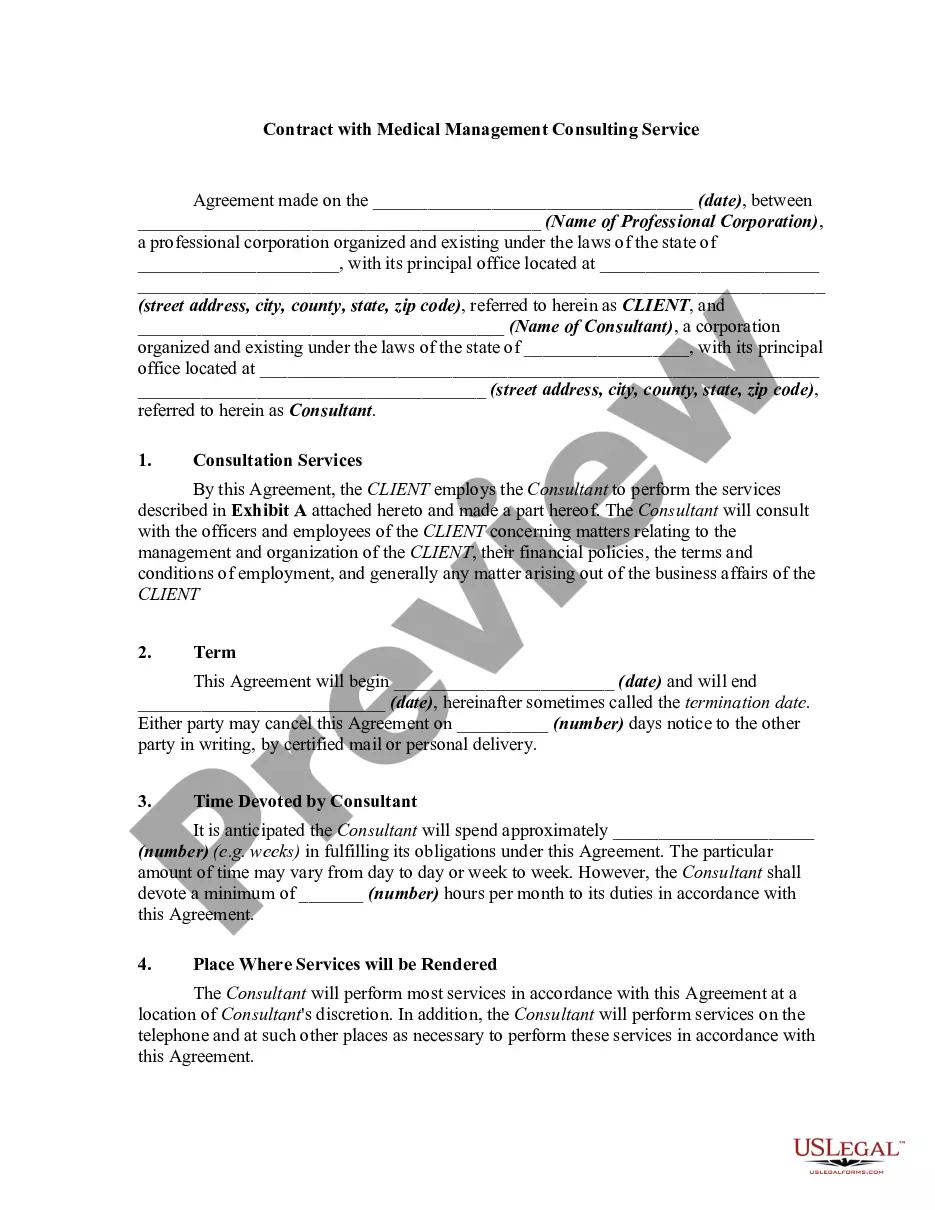
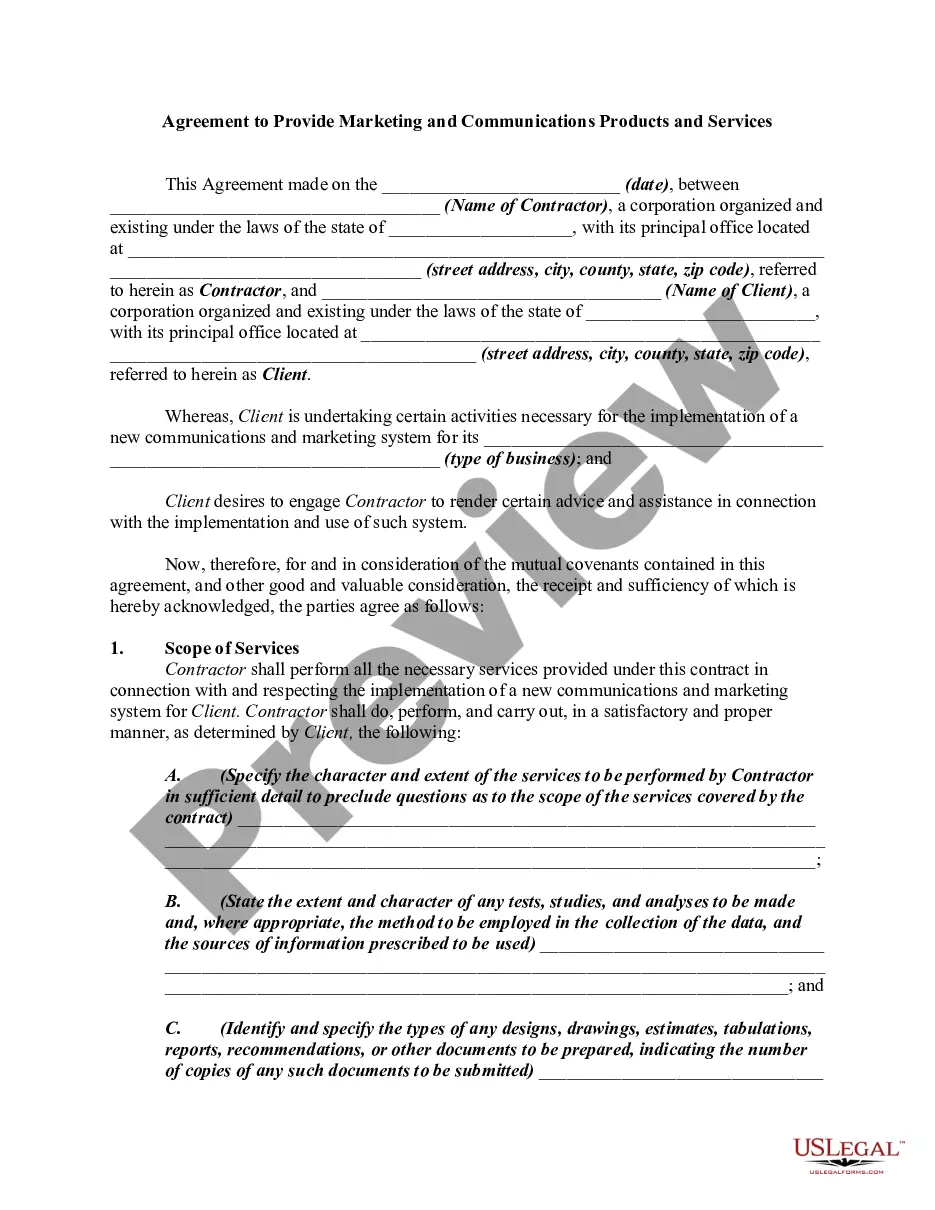
Situations where this form applies
This form should be used when a medical or dental practice seeks to engage a consultant to enhance office management and marketing efforts. It is beneficial when practices are facing challenges with efficiency, patient engagement, or where marketing strategies need improvement. By formalizing the relationship and expectations through this agreement, both parties can clearly understand their roles and responsibilities.
Who this form is for
This agreement is intended for:
- Medical and dental practice owners looking to improve their office management and marketing strategies.
- Consultants specialized in the medical and dental industries seeking to formalize their services.
- Legal professionals advising clients on consulting agreements.
Instructions for completing this form
To complete this form:
- Identify the parties: Fill in the names and addresses of both the consultant and the medical/dental practice.
- Specify the duration: Indicate the start date and the length of the consulting agreement.
- Detail the services: Clearly outline the marketing and management consulting services the consultant will provide.
- Outline payment terms: Provide specifics on initial and final payments to be made to the consultant.
- Enter governing law: Indicate the state law that will apply to the agreement.
Does this document require notarization?
This form does not typically require notarization unless specified by local law. However, it is always advisable to check local regulations to ensure compliance.
Get your form ready online
Our built-in tools help you complete, sign, share, and store your documents in one place.
Make edits, fill in missing information, and update formatting in US Legal Forms—just like you would in MS Word.
Download a copy, print it, send it by email, or mail it via USPS—whatever works best for your next step.
Sign and collect signatures with our SignNow integration. Send to multiple recipients, set reminders, and more. Go Premium to unlock E-Sign.
If this form requires notarization, complete it online through a secure video call—no need to meet a notary in person or wait for an appointment.
We protect your documents and personal data by following strict security and privacy standards.

Make edits, fill in missing information, and update formatting in US Legal Forms—just like you would in MS Word.

Download a copy, print it, send it by email, or mail it via USPS—whatever works best for your next step.

Sign and collect signatures with our SignNow integration. Send to multiple recipients, set reminders, and more. Go Premium to unlock E-Sign.

If this form requires notarization, complete it online through a secure video call—no need to meet a notary in person or wait for an appointment.

We protect your documents and personal data by following strict security and privacy standards.
Common mistakes to avoid
- Failing to specify clear responsibilities for both parties, leading to misunderstandings.
- Not including cancellation terms, which can create complications if either party wishes to terminate the agreement.
- Leaving out payment details, resulting in disputes over compensation.
- Not tailoring the agreement to comply with state-specific legal requirements, which could affect enforceability.
Why use this form online
- Convenience of downloadable format allows for quick access and use.
- Editability lets users customize the form to fit specific needs and circumstances.
- Reliability from licensed attorneys ensures the agreement is legally sound and comprehensive.
- Structured format makes it easy to understand and complete without needing legal assistance.
Legal use & context:
- Binding agreements enhance accountability between the consultant and the medical practice.
- Provides a legal framework for resolving disputes through arbitration.
- The reliance on professional standards ensures the agreement is enforceable under applicable laws.
Key takeaways
- The Office Management Consultant and Marketing Agreement is vital for defining the relationship between consultants and medical/dental practices.
- Understanding key components of the agreement can prevent common mistakes and ensure clarity.
- Properly completing the form ensures both parties are aligned on expectations, responsibilities, and compensation.
Looking for another form?









Form popularity
FAQ
Prioritize. Setting priorities is the first step toward organizing the chaos. Calendar Control. Review and Modify Open-Door Policies Open Mail Only Once. Order Office Products and Supplies Online. Plan Ahead for Emergencies.
1. Open Word and click on File. Click New, and then select Forms from the template list. Click Medical and Healthcare Forms.
Log in at fafsa.gov to apply online or. Fill out the form in the myStudentAid mobile app, available on the App Store (iOS) or Google Play (Android) or. Complete a 2021-22 FAFSA PDF or 2020-21 FAFSA PDF (note: you must print out and mail the FAFSA PDF for processing) or.
If your Medi-Cal application is approved by the County, you'll receive an enrollment packet from Health Care Options. This packet includes a Medi-Cal Choice form for choosing your doctor and your health plan. The form gives you the option to choose L.A. Care as the primary heath plan.
Find an attorney. Find an accounting firm. Obtain financing. Decide on a practice name. Determine organizational structure. Obtain tax identification numbers (i.e. Federal, State, Local) Setup Bank Accounts. Obtain Sales Tax Certificate (varies by state)
The patient's name. The patient's date of birth. The biological gender of the patient. Marital or civil status. The contact information of the patient. Known allergies of the patient. The complete medical history of the patient.
Definition: The Patient Information Form (PIF) is used to collect demographic information as well as additional information about the impact of the event on a patient (e.g., level of harm, unplanned interventions). It supplements the HERF in cases where an incident is being reported.
Description. CLINIC CODE is the same as attribute CLINIC OR FACILITY CODE. For Commissioning Data Set version 6-2, CLINIC CODE identifies the CLINIC OR FACILITY where an Out-Patient Appointment took place. CLINIC CODE is an optional item in the Commissioning Data Set version 6-2, and is for local use only.
The patient registration form, patient medical history, physical examination forms, laboratory results, diagnosis and treatment plans, operative reports, records of follow-up visits and telephone calls, hospital discharge summaries, consent forms, and correspondence with or about the patients are all documents that