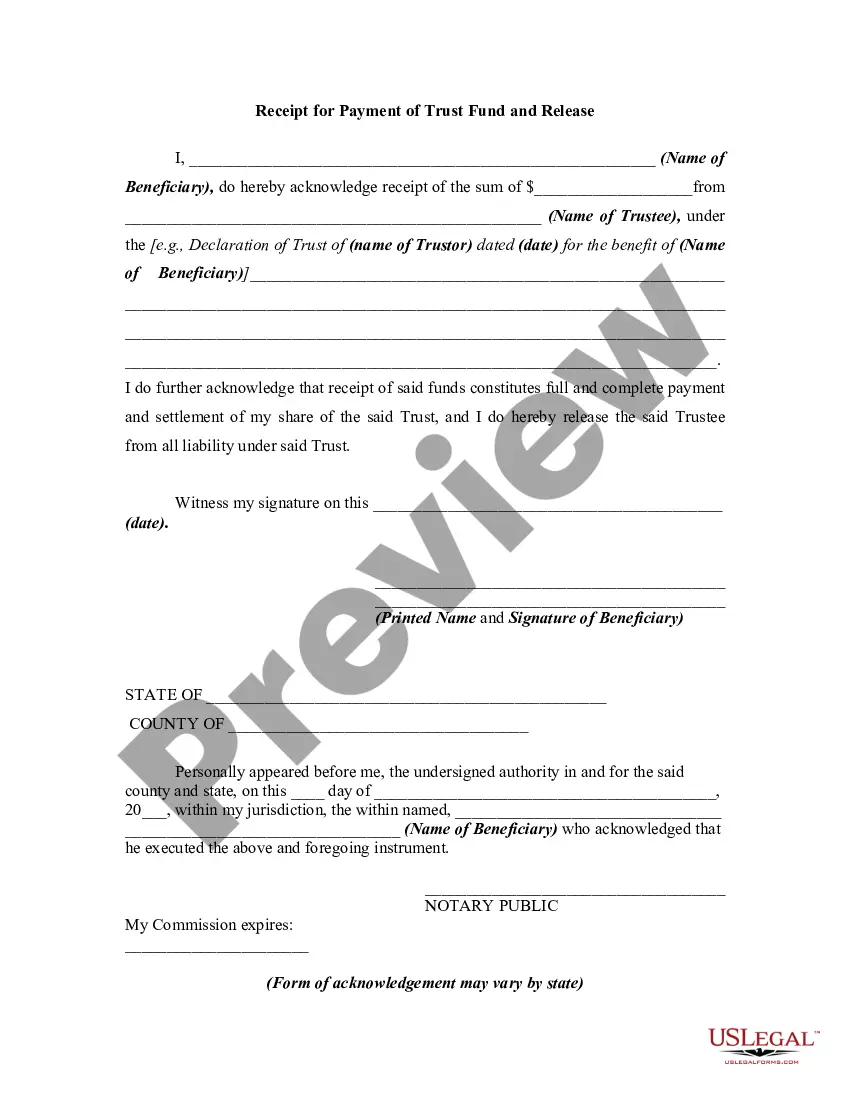
Receipt for Payment of Trust Fund and Release
Understanding this form
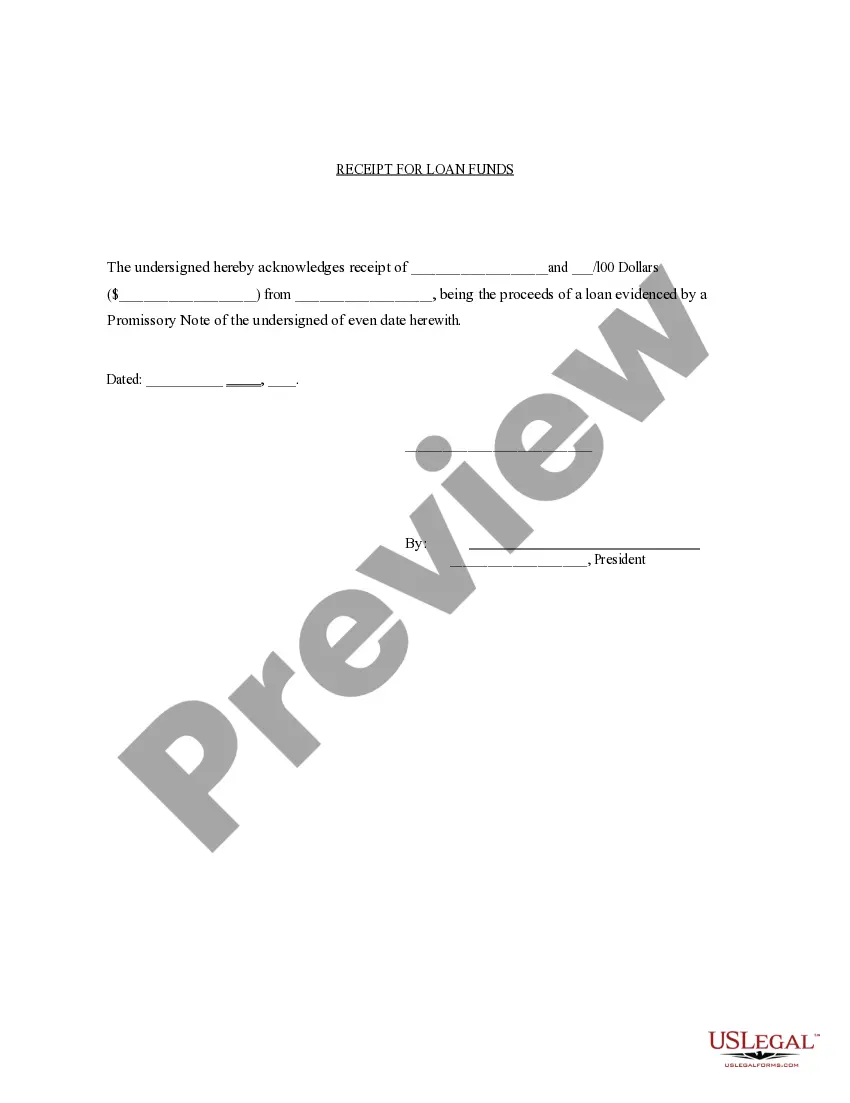
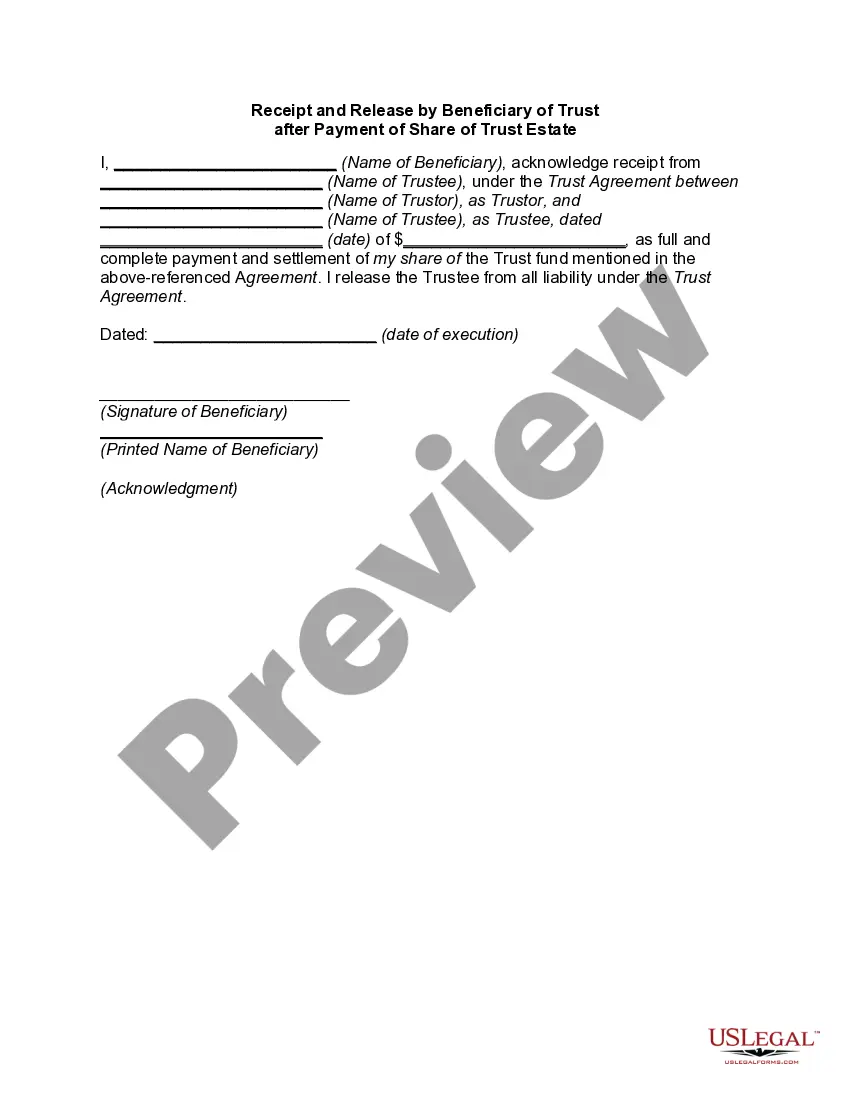
The Receipt for Payment of Trust Fund and Release is a document that allows a beneficiary of a trust to formally acknowledge receipt of funds from the trustee. This form signifies that the beneficiary has received all payments due according to the terms of the trust, and it releases the trustee from further liability. It is designed to ensure clarity and legal certainty in financial transactions related to trusts, differing from other forms that may not include a release clause or may be specific to different types of agreements.
Form components explained
- Name of beneficiary
- The amount received
- Name of trustee
- Details of the trust agreement
- Signature and date of receipt
- Notary acknowledgment (if applicable)
Situations where this form applies
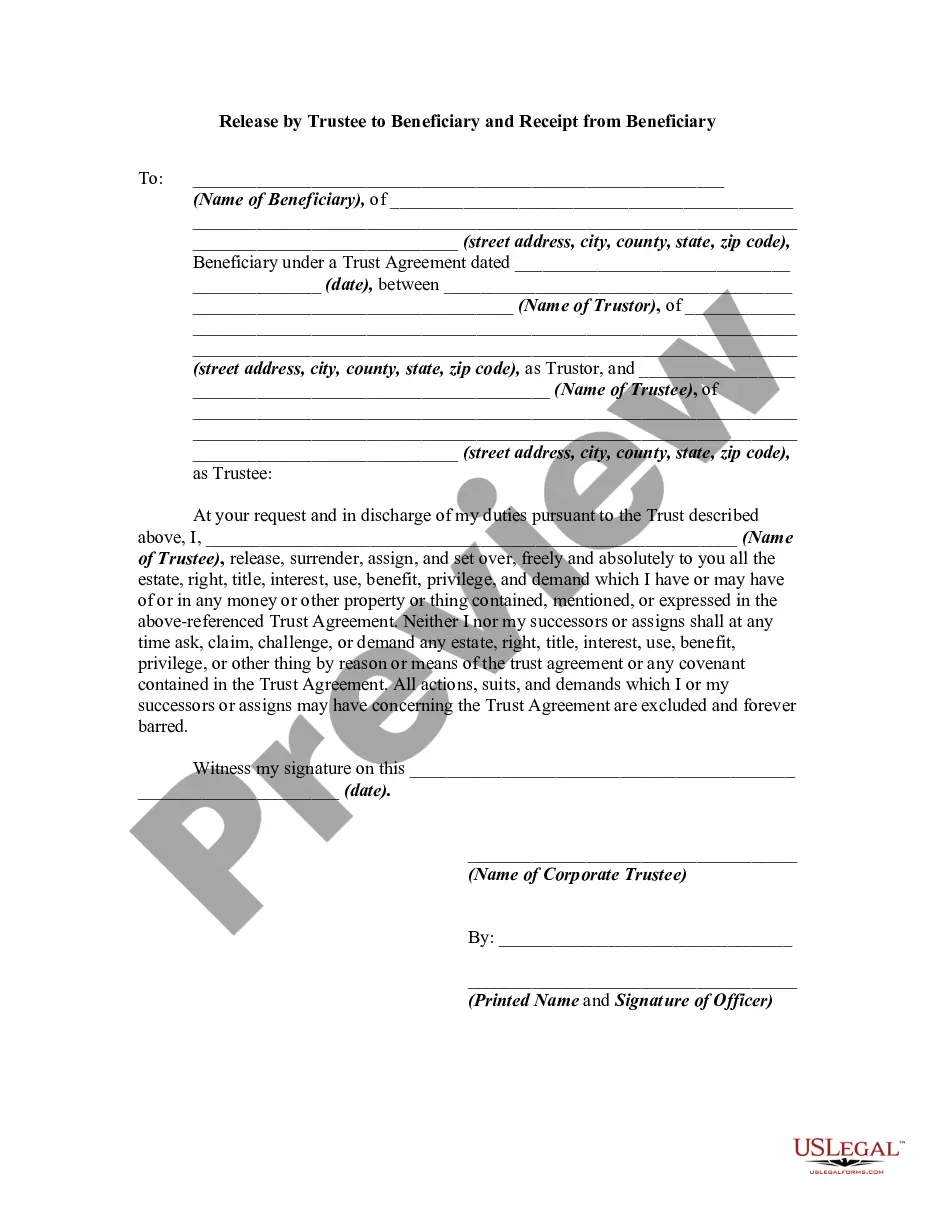
This form is typically used when a beneficiary receives their share of a trust fund. It is crucial in situations where a beneficiary needs to confirm receipt of funds and formally release the trustee from any further claims regarding that trust. This situation often arises during estate settlements or when trust funds are being distributed after the trustor's death.
Who this form is for
- Beneficiaries of a trust who have received their payments
- Trustees who need to document the distributions made to beneficiaries
- Legal representatives involved in trust management and distribution
Completing this form step by step
- Identify and enter the name of the beneficiary.
- Specify the amount of money received.
- Fill in the name of the trustee.
- Include the name of the trustor and the date of the trust declaration.
- Sign and date the document as the beneficiary.
- Have the form notarized if required by local law.
Is notarization required?
To make this form legally binding, it must be notarized. Our online notarization service, powered by Notarize, lets you verify and sign documents remotely through an encrypted video session.
Get your form ready online
Our built-in tools help you complete, sign, share, and store your documents in one place.
Make edits, fill in missing information, and update formatting in US Legal Forms—just like you would in MS Word.
Download a copy, print it, send it by email, or mail it via USPS—whatever works best for your next step.
Sign and collect signatures with our SignNow integration. Send to multiple recipients, set reminders, and more. Go Premium to unlock E-Sign.
If this form requires notarization, complete it online through a secure video call—no need to meet a notary in person or wait for an appointment.
We protect your documents and personal data by following strict security and privacy standards.

Make edits, fill in missing information, and update formatting in US Legal Forms—just like you would in MS Word.

Download a copy, print it, send it by email, or mail it via USPS—whatever works best for your next step.

Sign and collect signatures with our SignNow integration. Send to multiple recipients, set reminders, and more. Go Premium to unlock E-Sign.

If this form requires notarization, complete it online through a secure video call—no need to meet a notary in person or wait for an appointment.

We protect your documents and personal data by following strict security and privacy standards.
Mistakes to watch out for
- Failing to include all relevant details about the trust.
- Not obtaining a signature and date from the beneficiary.
- Neglecting the notarization requirement in some jurisdictions.
Why use this form online
- Convenient access to downloadable templates at any time.
- Edit and customize the form to fit specific needs without any hassle.
- Assurance that the forms are drafted by licensed attorneys.
Legal use & context
- This form serves as evidence that the beneficiary has received the designated funds.
- It provides a legal release for the trustee against any further claims regarding that portion of the trust.
- Using this form can help prevent disputes about trust distributions in the future.
Looking for another form?
Form popularity
FAQ
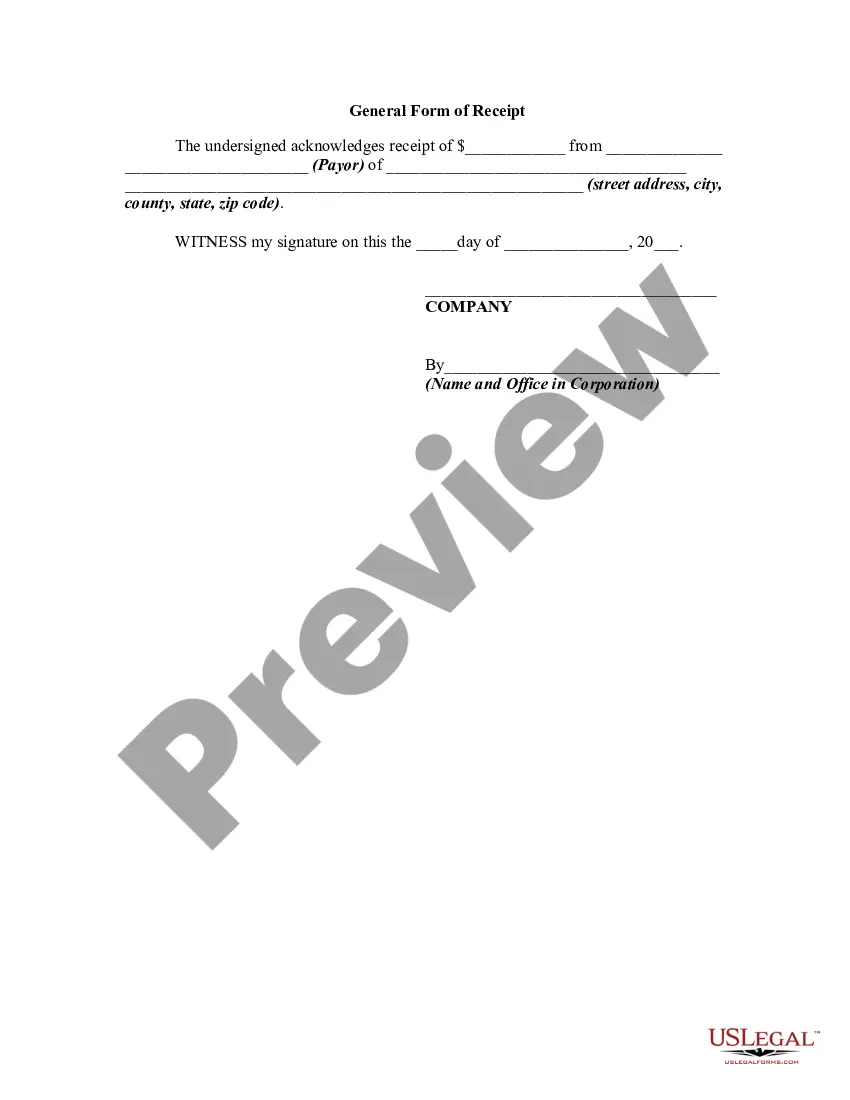
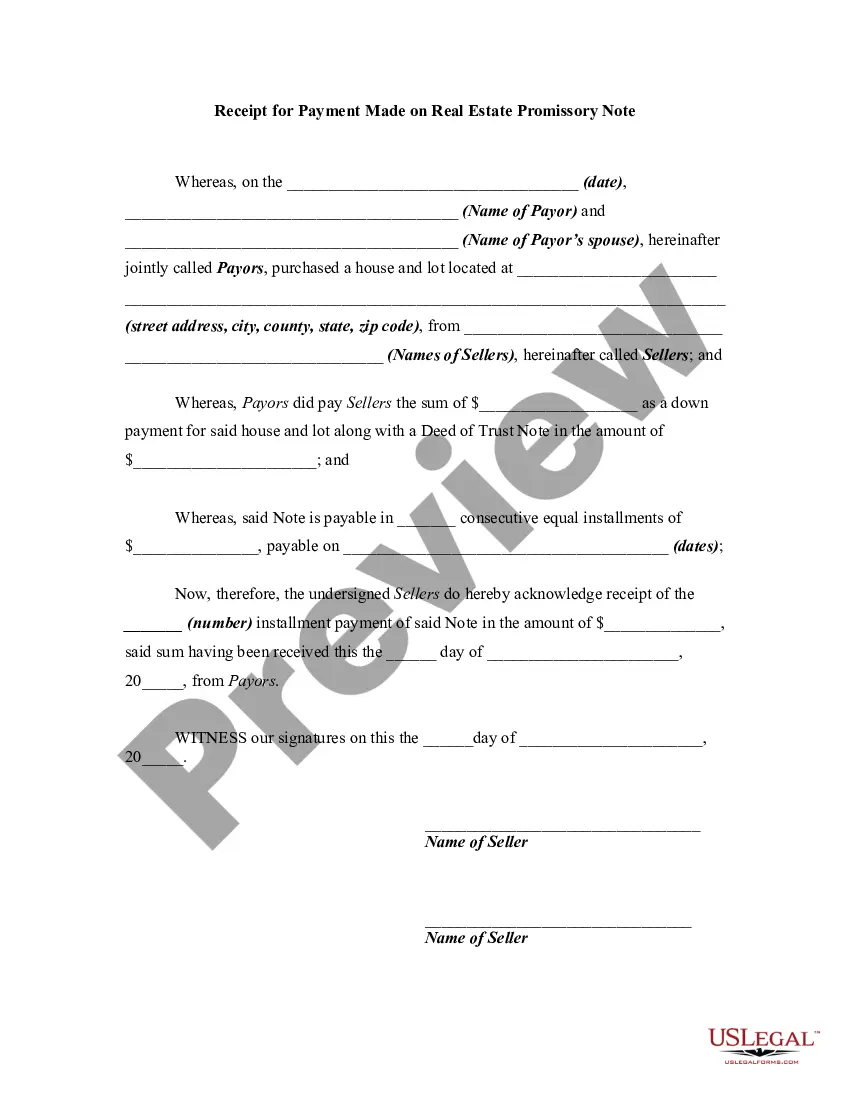
While an invoice is a request for payment, a receipt is the proof of payment. It is a document confirming that a customer received the goods or services they paid a business for or, conversely, that the business was appropriately compensated for the goods or services they sold to a customer.
Add in your company details (name, address) in From section. Fill out client details (name, email, address) in For section. Write out line items with description, rate and quantity. Finish with the date, invoice number and your personalized brand.
A payment receipt, also referred to as a receipt for payment, is an accounting document that a business provides its customer as proof of full or partial payment toward a product or service. Payment receipts typically include the following information about the transaction: Business name.
A receipt is a simple document issued by a vendor and given to the customer immediately after a sale. An invoice is sent after a vendor provides its goods or services, as a way to request payment.