Bill of Sale for Personal Computer
Overview of this form
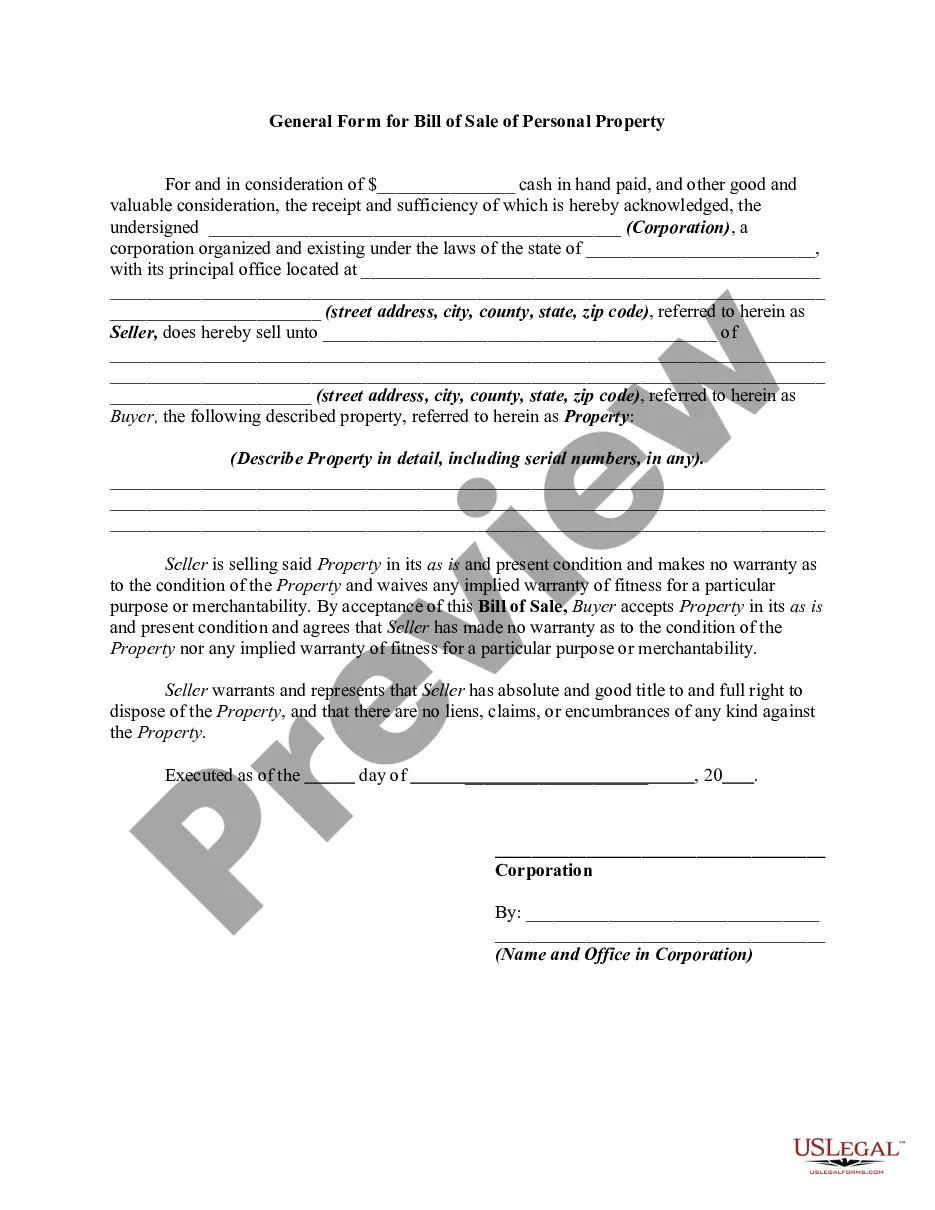
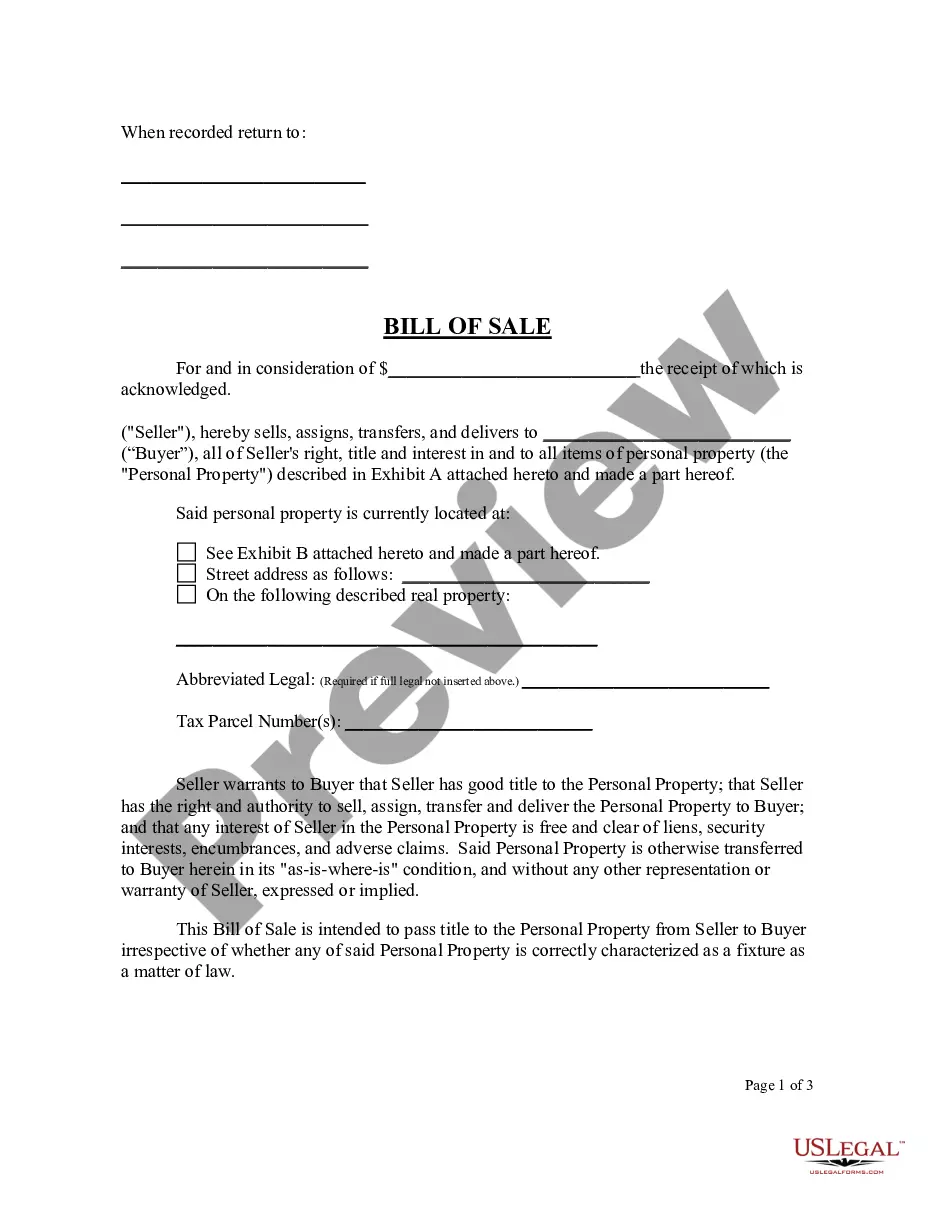
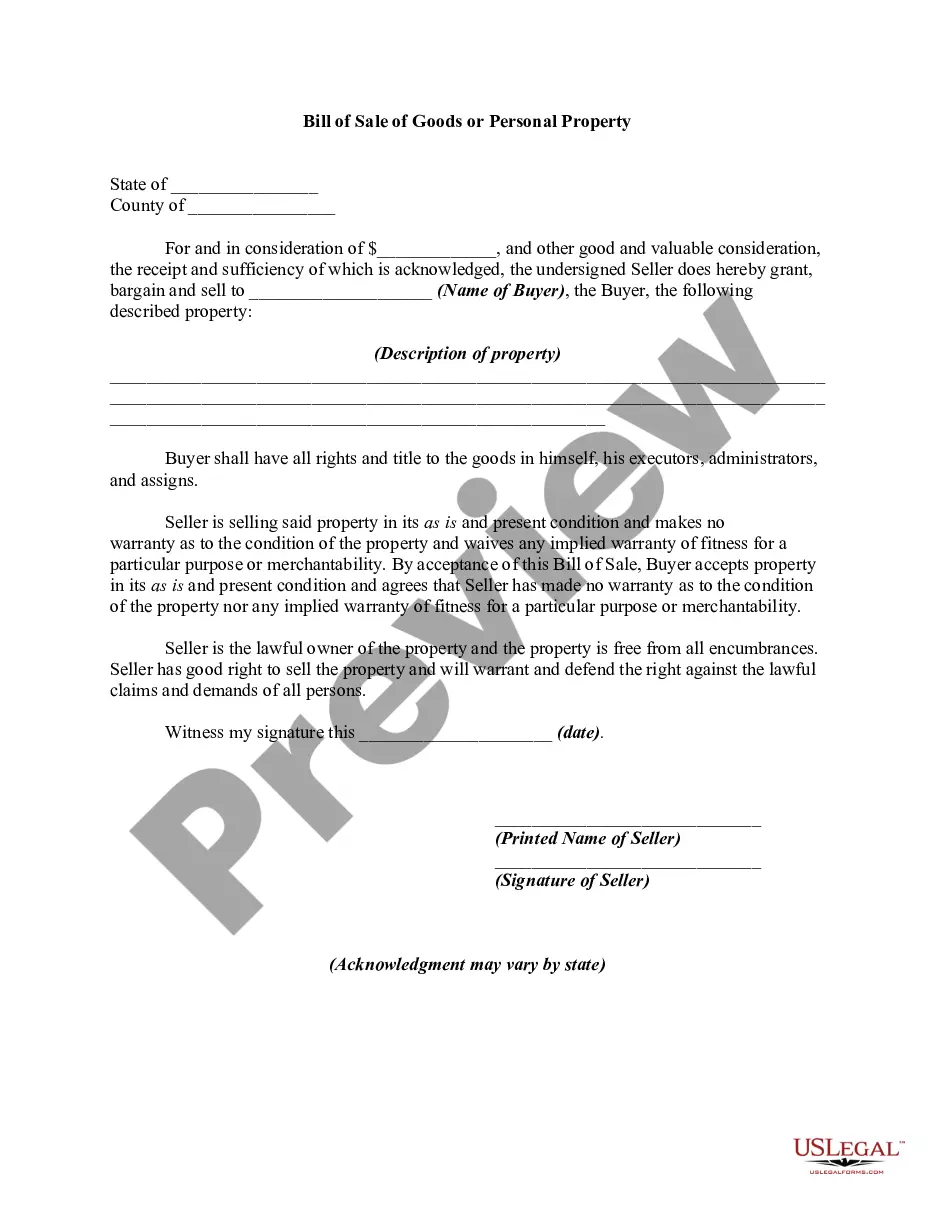
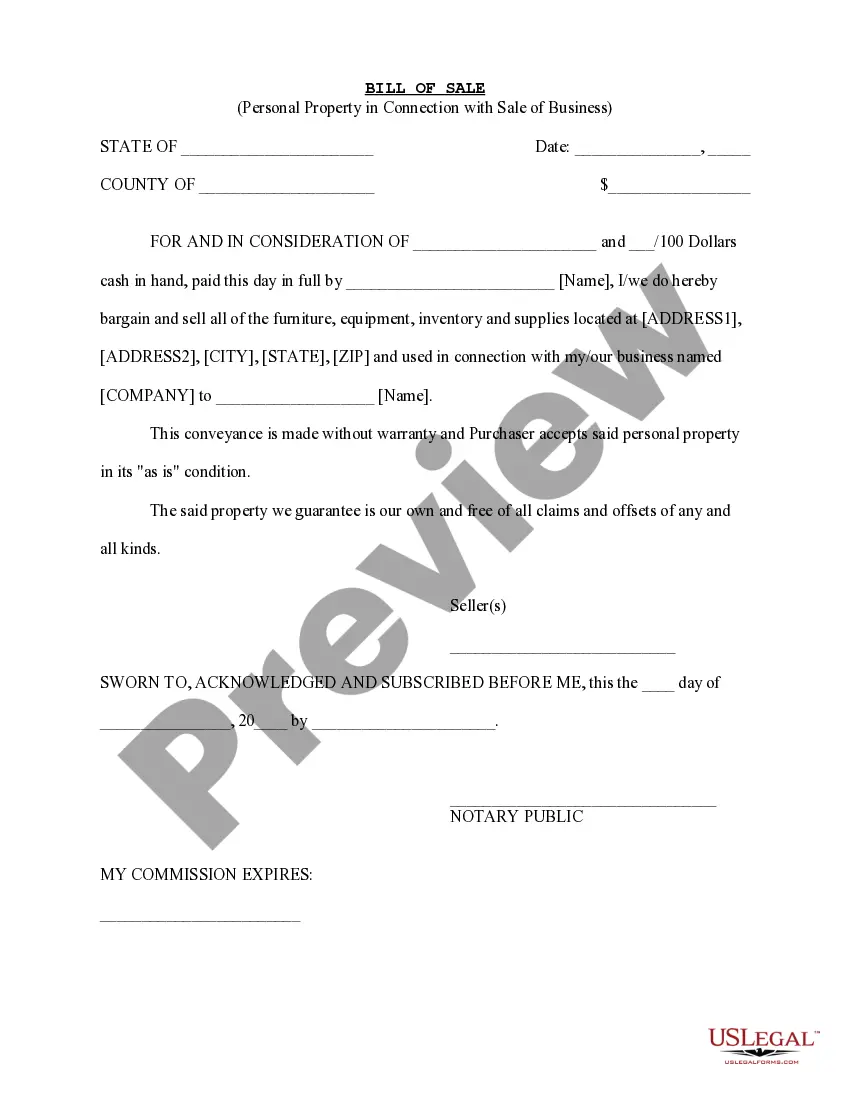
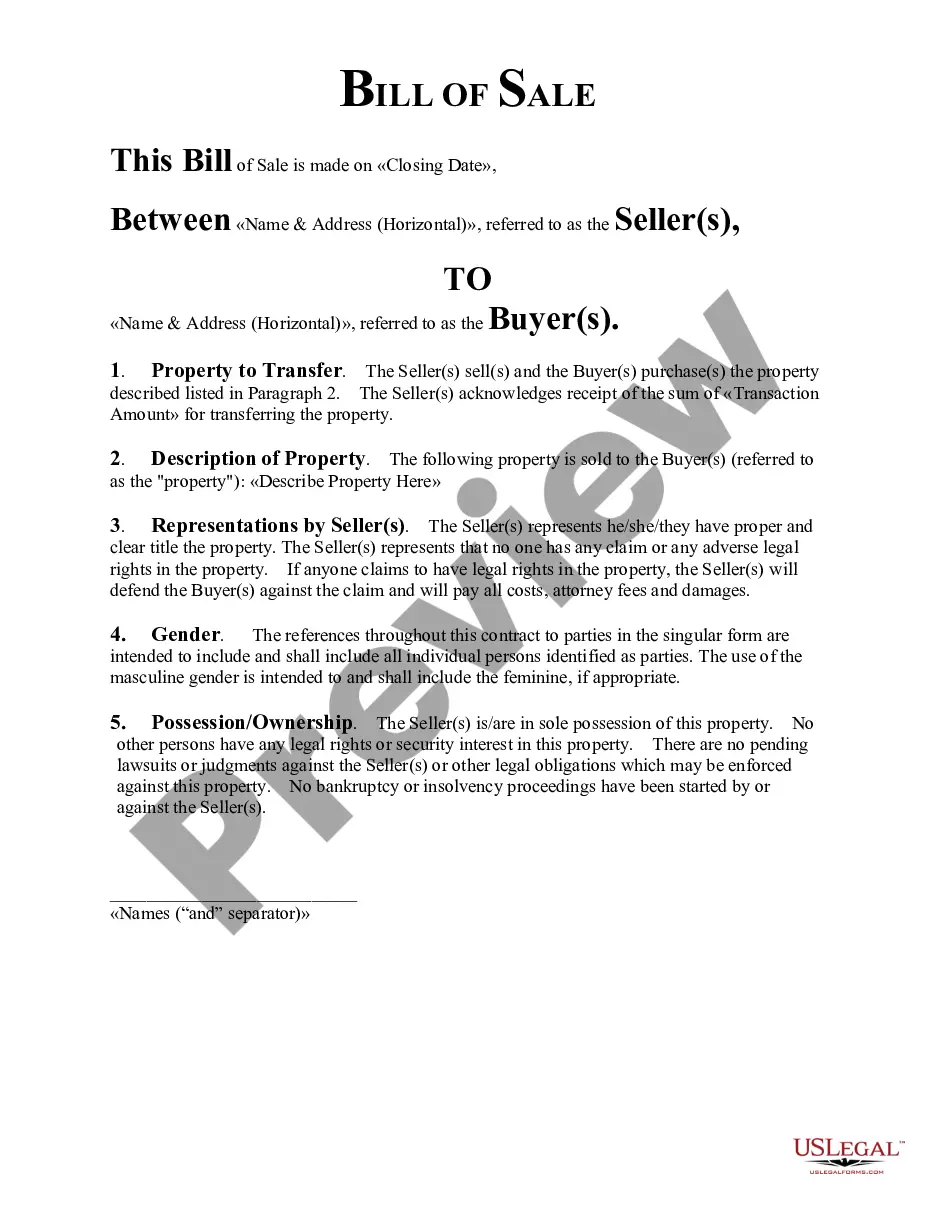
The Bill of Sale for Personal Computer is a legal document that formalizes the sale of a personal computer between individuals. This form is distinct as it does not come with any warranties regarding the condition of the computer, making it clear that the sale is "as is." It serves as a receipt and can be used for personal transactions rather than for deals made through commercial dealers.
Key parts of this document
- Purchase amount: The total dollars exchanged for the personal computer.
- Seller information: Name and address of the seller.
- Buyer information: Name and address of the buyer.
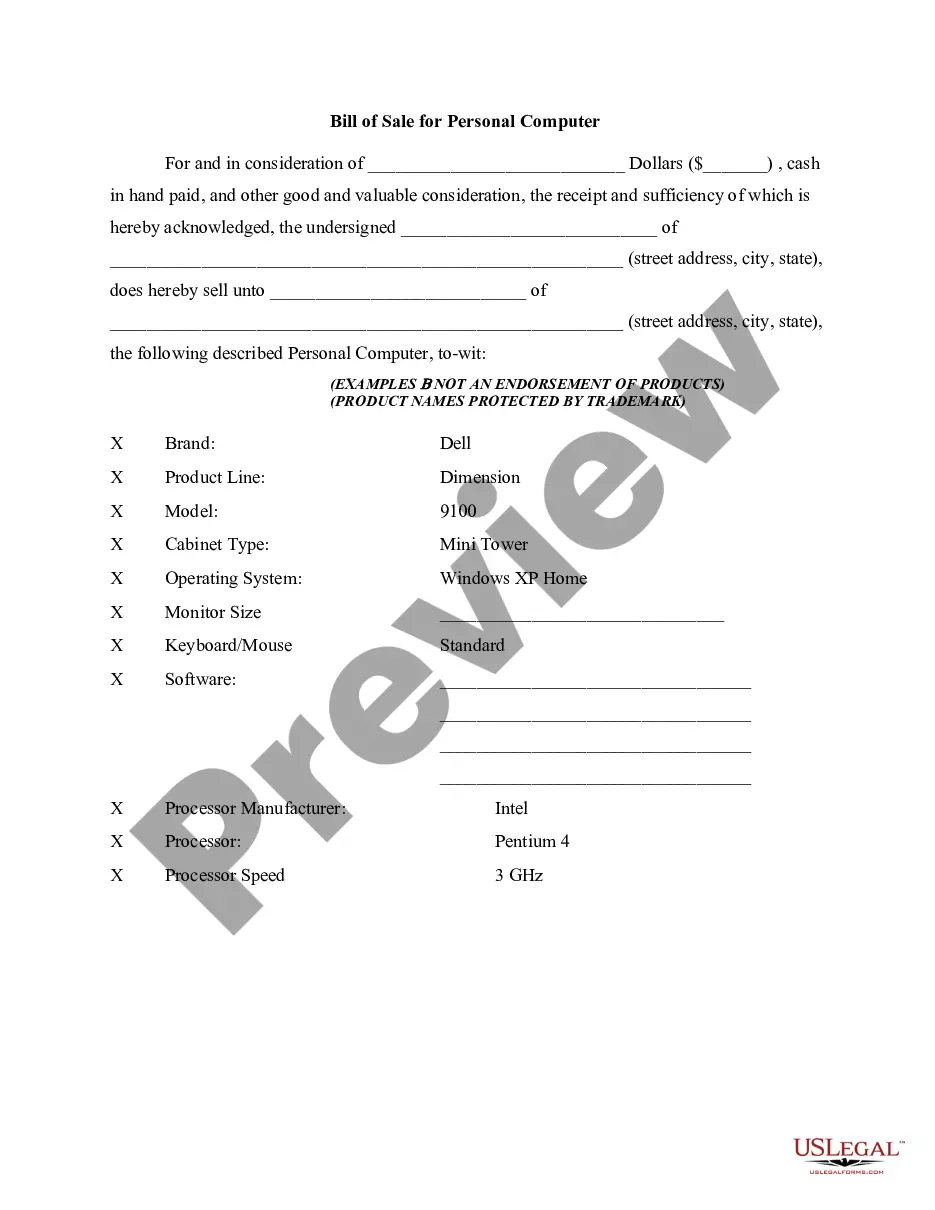
- Description of the personal computer: Includes brand, model, specifications, and optional software.
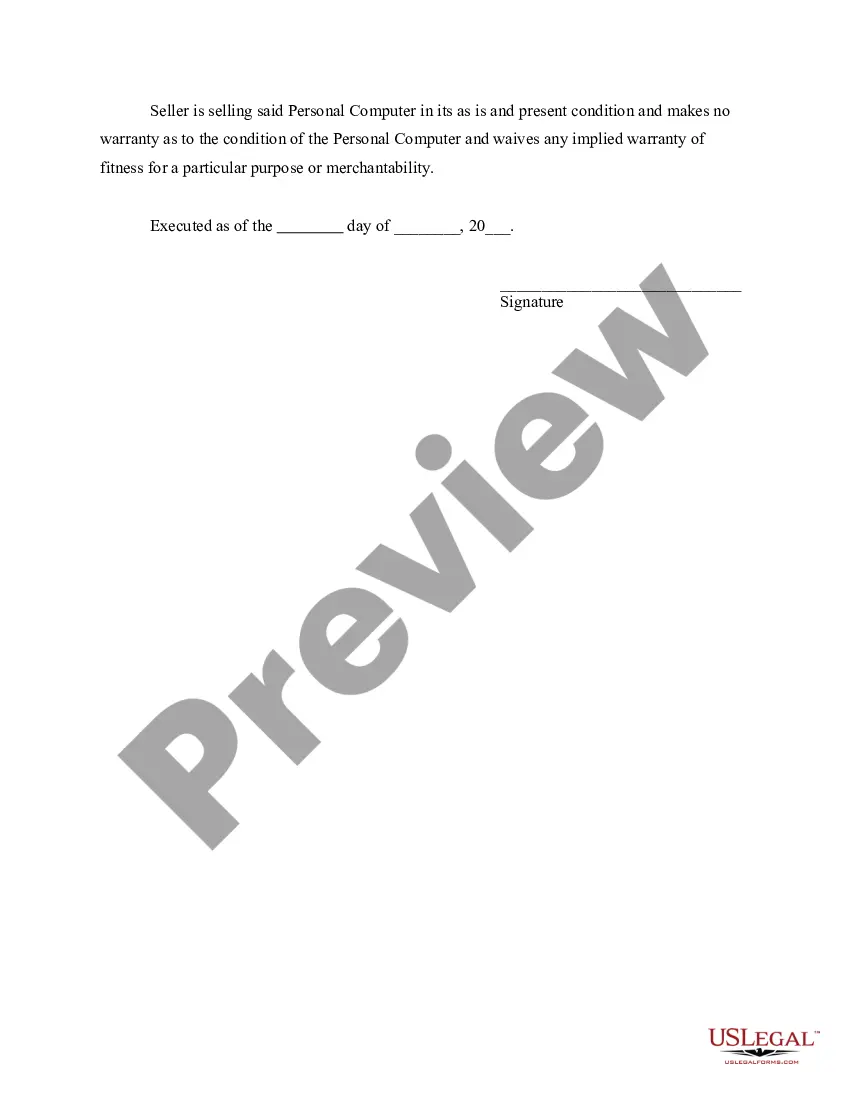
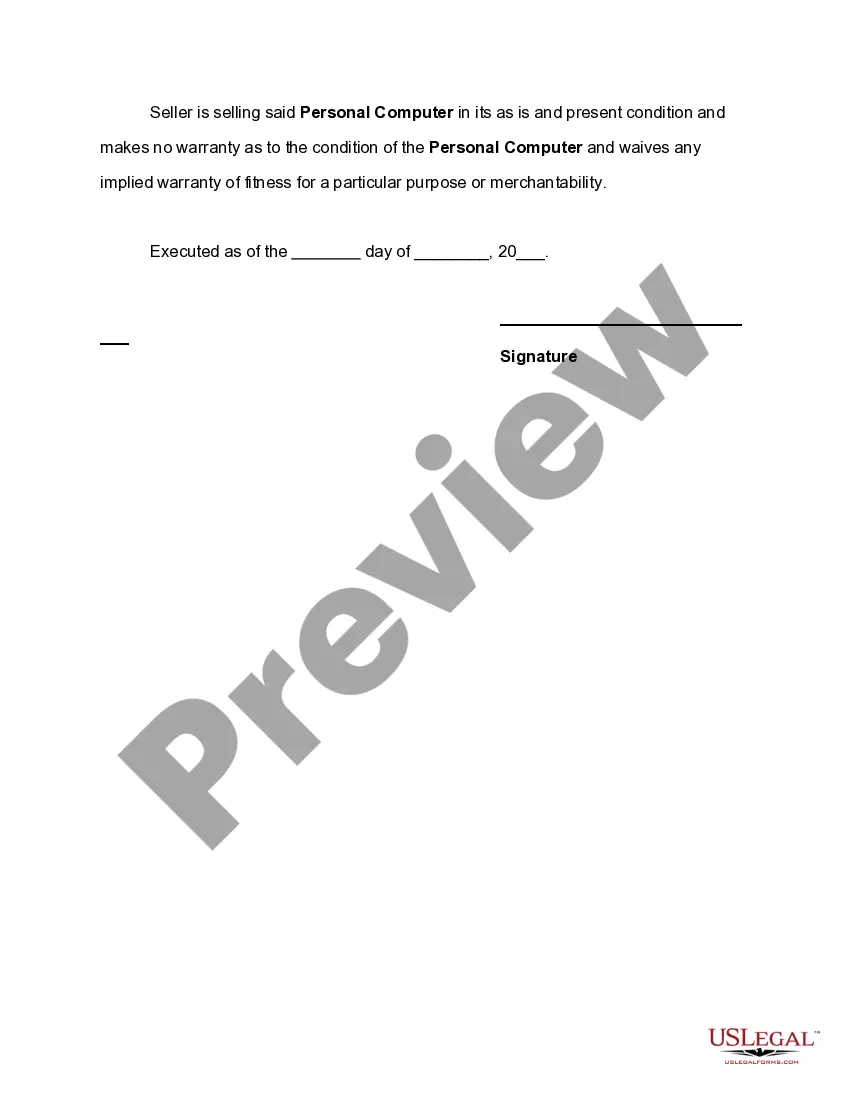
- Condition clause: States that the computer is sold "as is" with no warranties.
- Signatures: Required signatures from both the seller and buyer, along with the date of the sale.
When to use this document
This form should be used when an individual is selling a personal computer to another individual. It is applicable in situations where no warranty is provided, such as casual or informal sales among friends or family. This document is necessary to legally document the transaction and protect both parties involved.
Who needs this form
- Individuals selling their personal computers to others.
- Buyers looking to acquire a personal computer and wish to have a record of the transaction.
- Anyone involved in a private sale where warranties are not applicable.
How to complete this form
- Identify the purchase amount and enter it in the appropriate field.
- Provide the full names and addresses of both the seller and the buyer.
- Fill out the specific details of the personal computer, including brand, model, specifications, and any included software.
- Confirm and indicate that the computer is sold "as is" with no warranties.
- Both parties should sign the document and date it to finalize the sale.
Notarization guidance
This form does not typically require notarization unless specified by local law. It is essential to ensure that all necessary details are accurately filled out and that both parties sign the document to validate the transaction.
Get your form ready online
Our built-in tools help you complete, sign, share, and store your documents in one place.
Make edits, fill in missing information, and update formatting in US Legal Forms—just like you would in MS Word.
Download a copy, print it, send it by email, or mail it via USPS—whatever works best for your next step.
Sign and collect signatures with our SignNow integration. Send to multiple recipients, set reminders, and more. Go Premium to unlock E-Sign.
If this form requires notarization, complete it online through a secure video call—no need to meet a notary in person or wait for an appointment.
We protect your documents and personal data by following strict security and privacy standards.

Make edits, fill in missing information, and update formatting in US Legal Forms—just like you would in MS Word.

Download a copy, print it, send it by email, or mail it via USPS—whatever works best for your next step.

Sign and collect signatures with our SignNow integration. Send to multiple recipients, set reminders, and more. Go Premium to unlock E-Sign.

If this form requires notarization, complete it online through a secure video call—no need to meet a notary in person or wait for an appointment.

We protect your documents and personal data by following strict security and privacy standards.
Avoid these common issues
- Failing to accurately describe the personal computer's specifications.
- Not including the purchase amount in the form.
- Leaving out signatures or not dating the document.
- Assuming verbal agreements are sufficient; a written Bill of Sale is essential.
Why complete this form online
- Easy access: Download the form instantly for immediate use.
- Editability: Customize the form fields according to the specific transaction.
- Legally reliable: Professionally drafted by licensed attorneys to meet legal standards.
Key takeaways
- The Bill of Sale for Personal Computer is essential for transferring ownership in private sales.
- It protects both buyers and sellers by documenting the sale terms.
- Ensure all details are accurate and both parties sign the form to make it legally binding.
Looking for another form?


Form popularity
FAQ
Step 1 The Parties. Provide the Buyer's Name. Enter the Seller's Name. Enter the agreed purchase price. Step 2 Description. Enter a description of the tool(s) and/or heavy or light machinery. Make. Model. Year. Step 3 Signatures. Buyer's Signature. Date of Signature. Printed Name.
A bill of sale does not serve as proof of ownership. Only a title has that legal authority. Bills of sale serve as proof of title transfer, which buyers and sellers need for personal financial and tax records.
Can a Bill of Sale Be Handwritten? A bill of sale is a legal document that verifies you have sold your car and provides basic information about the vehicle or any other item and the terms of the sale.As, with any legal written document a bill of sale can be handwritten.
The seller's name and address. The buyer's name and address. A description of the item being sold, including serial numbers, identification numbers, make, model, size, color, design, any distinguishing marks, features or faults source: Cooper.
Names of the buyer and seller. Contact details. A description of the item(s) being sold. The price of the item(s). Methods of payment. Warranty details.
The date of the sale. A description of the car, including its: Year, make and model. The selling price of the car. If the car is a gift or partial gift, you should still create a bill of sale. Warranty information. The full names, addresses and signatures of the buyer and seller.
Create an electronic bill of sale. It takes just a few minutes to create a form and add fields for legally binding signatures, the date, signer name or initials, email address, and more. Then you can send the form out via email for the other party's signature. If you need to make changes after sending, you can.
In simple terms, a bill of sale agreement is nothing more than a contract for the purchase of a vehicle between a buyer and a seller.In most cases, the contract is legally binding between buyer and seller as long as the bill of sale follows guidelines required in the state where the sale or transfer takes place.