Acceptance of Office - Corporate Resolutions
About this form
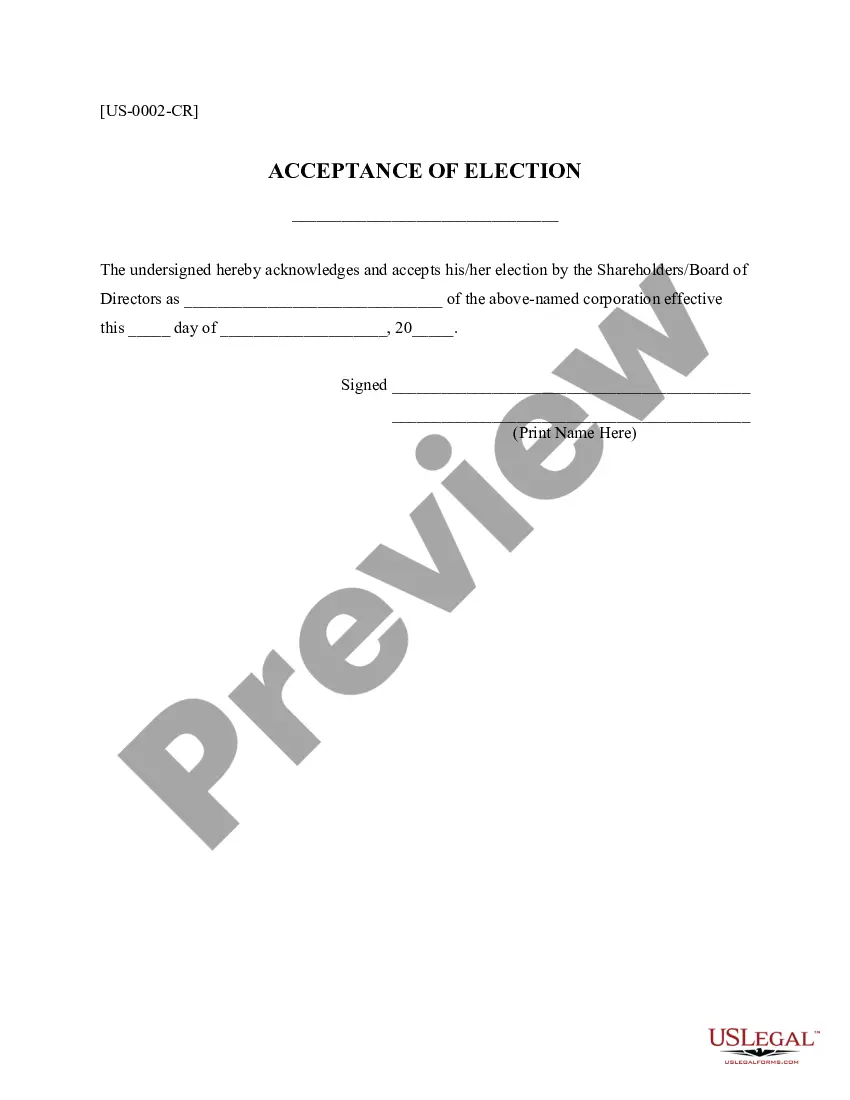
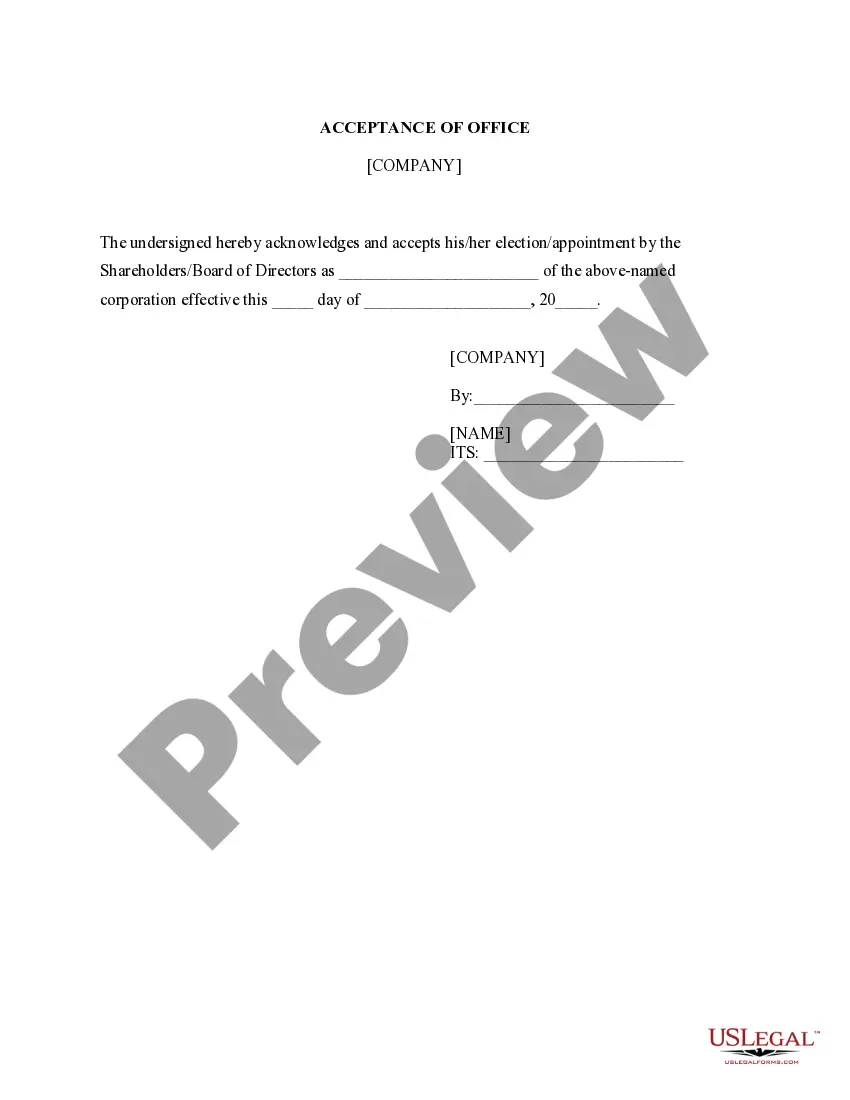
The Acceptance of Office - Corporate Resolutions is a formal document that an individual uses to officially accept their election or appointment as a corporate officer or representative. This form signifies the individual's acknowledgment of their responsibilities and role within the corporation. Unlike other corporate documents, this form focuses specifically on the acceptance aspect of the appointment, making it a crucial step in corporate governance.
What’s included in this form
- Identification of the individual accepting the office.
- Details of the corporate position accepted.
- Effective date of the appointment.
- Signature of the individual accepting the position.


Situations where this form applies
This form is necessary when a corporation elects or appoints an individual to serve in a specific role, such as a president, secretary, treasurer, or any other corporate officer. It is often used during corporate meetings and must be completed to confirm that the individual accepts the role and the associated responsibilities.
Who this form is for
This form is intended for:
- Individuals appointed as officers of a corporation.
- Corporate boards of directors or shareholders who need an official record of acceptance.
- Legal representatives or corporate secretaries responsible for maintaining corporate records.
How to complete this form
- Enter the name of the corporation at the top of the form.
- State the title of the position being accepted.
- Specify the effective date of the appointment.
- Sign the form to indicate acceptance.
- Print the name of the individual accepting the position next to their signature.
Does this form need to be notarized?
In most cases, this form does not require notarization. However, some jurisdictions or signing circumstances might. US Legal Forms offers online notarization powered by Notarize, accessible 24/7 for a quick, remote process.
Get your form ready online
Our built-in tools help you complete, sign, share, and store your documents in one place.
Make edits, fill in missing information, and update formatting in US Legal Forms—just like you would in MS Word.
Download a copy, print it, send it by email, or mail it via USPS—whatever works best for your next step.
Sign and collect signatures with our SignNow integration. Send to multiple recipients, set reminders, and more. Go Premium to unlock E-Sign.
If this form requires notarization, complete it online through a secure video call—no need to meet a notary in person or wait for an appointment.
We protect your documents and personal data by following strict security and privacy standards.

Make edits, fill in missing information, and update formatting in US Legal Forms—just like you would in MS Word.

Download a copy, print it, send it by email, or mail it via USPS—whatever works best for your next step.

Sign and collect signatures with our SignNow integration. Send to multiple recipients, set reminders, and more. Go Premium to unlock E-Sign.

If this form requires notarization, complete it online through a secure video call—no need to meet a notary in person or wait for an appointment.

We protect your documents and personal data by following strict security and privacy standards.
Common mistakes to avoid
- Failing to include the effective date of the appointment.
- Not signing the form, which makes it legally invalid.
- Incorrectly stating the title of the position being accepted.
- Leaving fields incomplete or illegible.
Benefits of completing this form online
- Convenience of accessing the form anytime and anywhere.
- Easy to edit fields to tailor the document to your needs.
- Reliable templates drafted by licensed attorneys to ensure legality.
Looking for another form?
Form popularity
FAQ
Furthermore, the corporate secretary or another officer of the corporation not the person given the signing authority must sign the corporate resolution certification. The resolution must also contain the exact wording of the resolution authorized by the board.
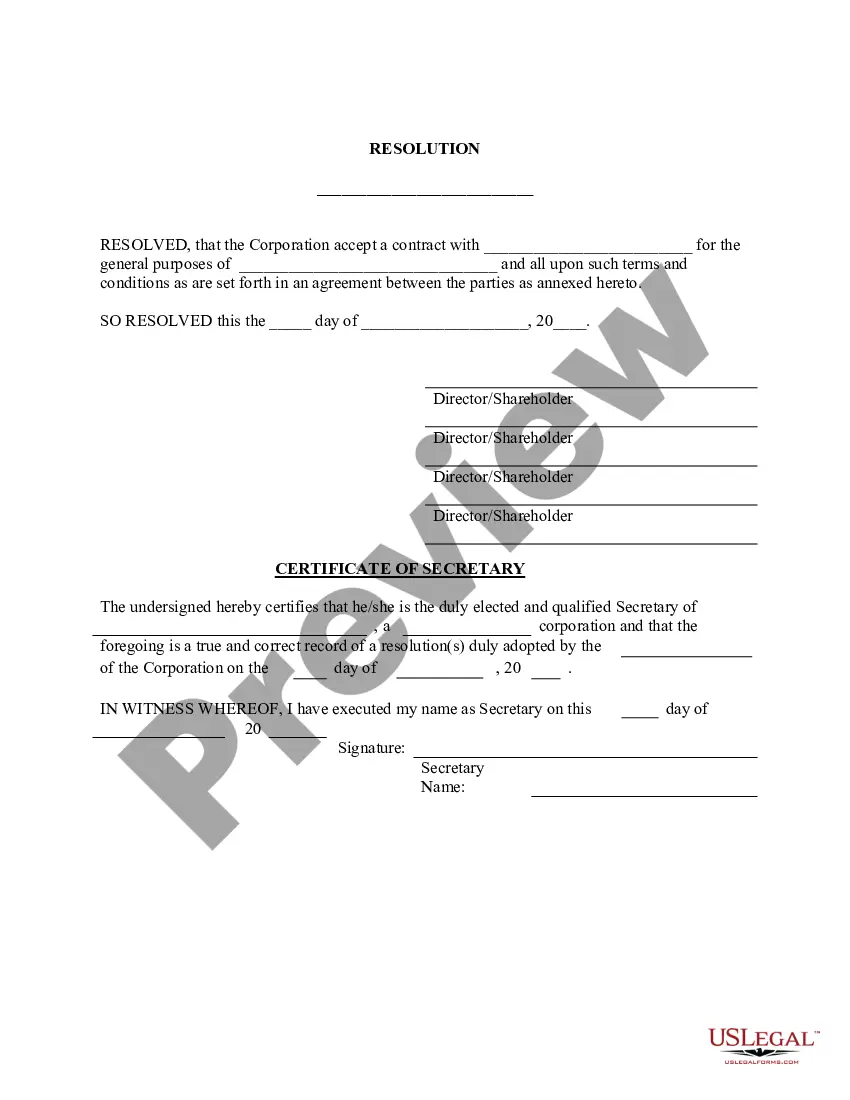
Corporate resolutions provide a paper trail of the decisions made by the board and the executive management team. Decisions made via a corporate resolution include changes to a dividend policy, executive compensation, and the issuance of debt.
A corporate resolution is the legal document that provides the rules and framework as to how the board can act under various circumstances. Corporate resolutions provide a paper trail of the decisions made by the board and the executive management team.
Like every legal document, resolutions need to be signed and dated by the members of the board as they would do with minutes of meetings.
A corporate resolution is a document that formally records the important binding decisions into which a company enters. These decisions are made by such stakeholders as the corporation's managers, directors, officers or owners.
No need to notarize a corporate resolution.
A corporate resolution form is used by a board of directors. Its purpose is to provide written documentation that a business is authorized to take specific action. This form is most often used by limited liability companies, s-corps, c-corps, and limited liability partnerships.
Once the Articles of Incorporation are filed and a Certificate of Incorporation is received from the Secretary of State the corporation should hold the organizational meetings.A corporate resolution is a written document describing the action taken by the directors of a corporation.
Format the resolution by putting the date and resolution number at the top. Form a title of the resolution that speaks to the issue that you want to document. Use formal language in the body of the resolution, beginning each new paragraph with the word, whereas.