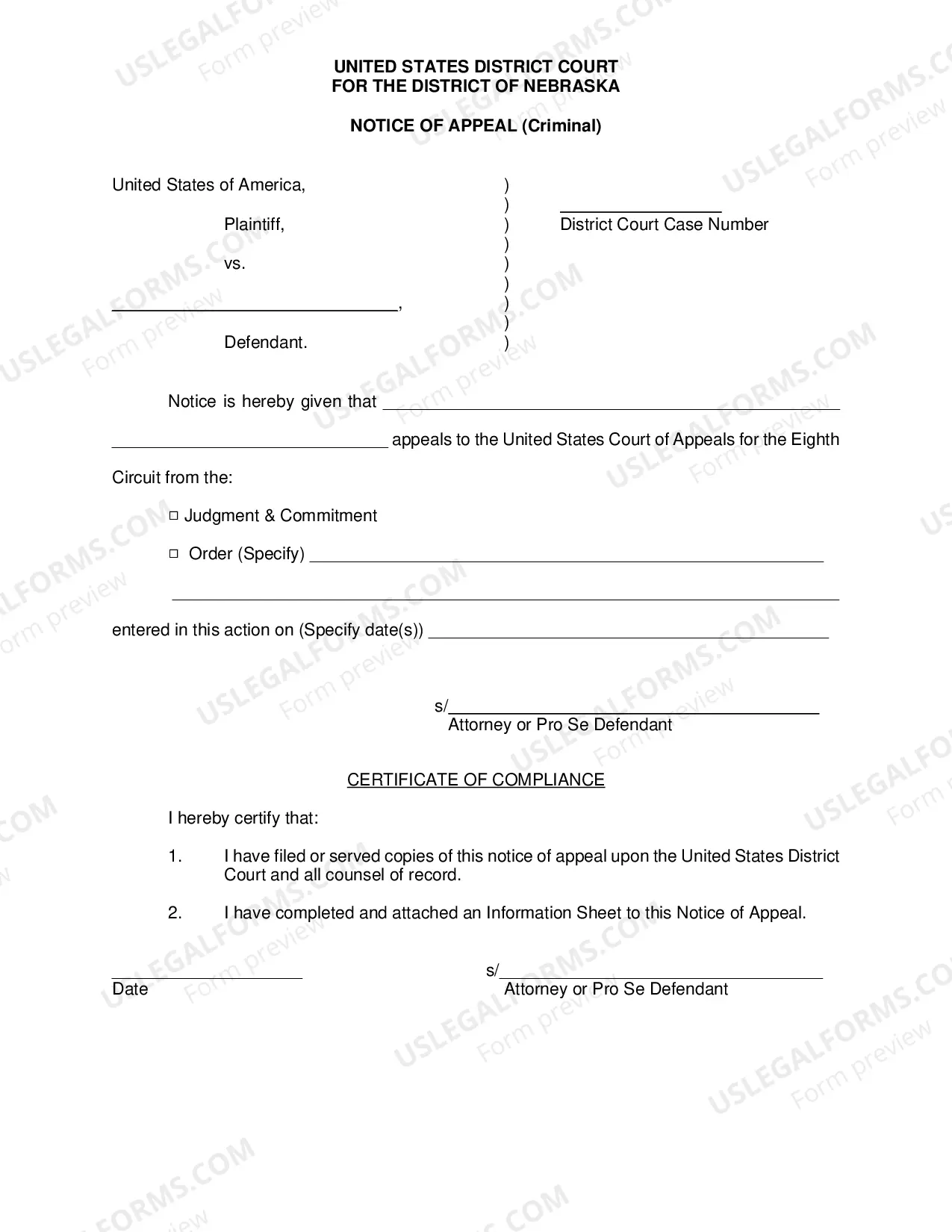
South Carolina Statement of Account - Individual
Overview of this form
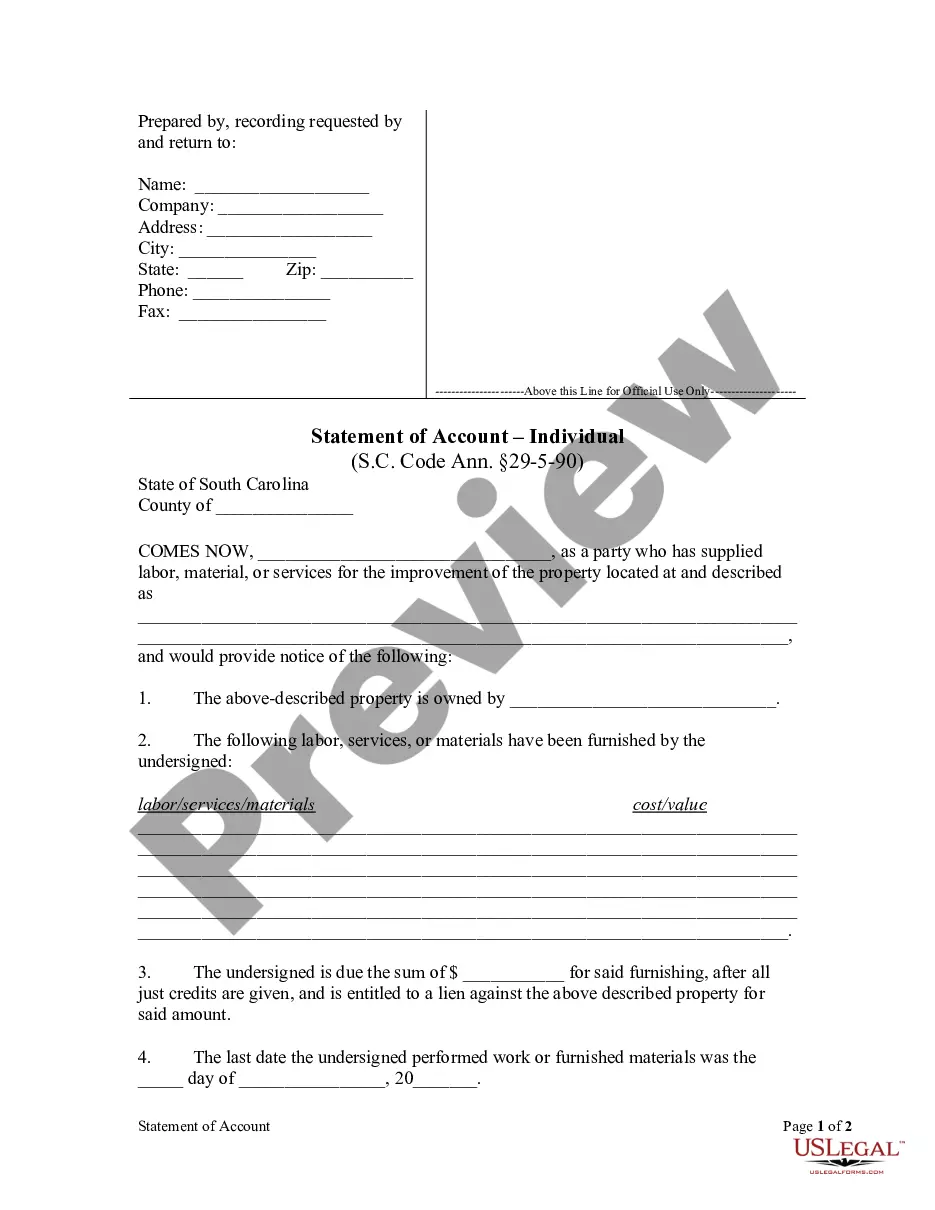
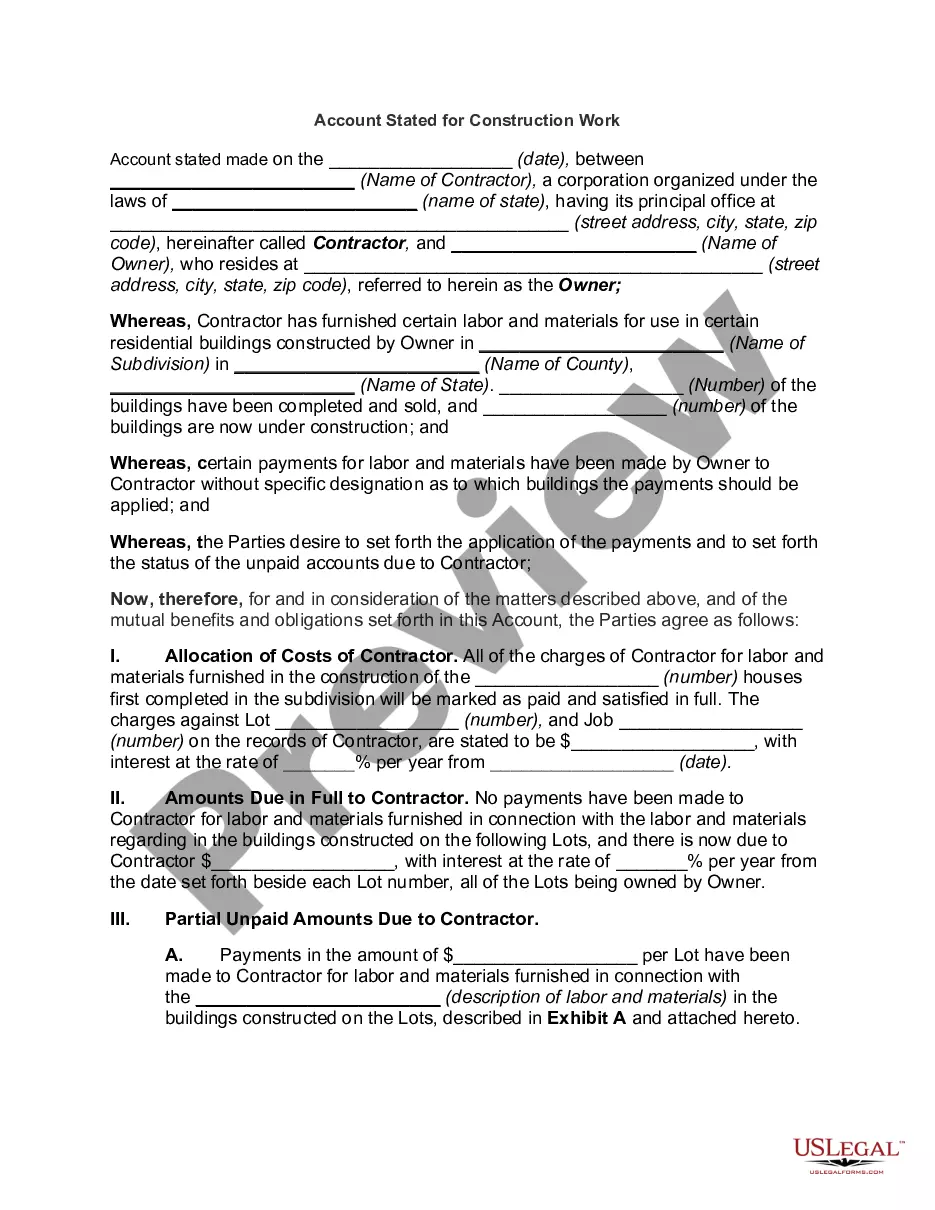
The Statement of Account - Individual is a legal form used to claim amounts due for labor, materials, or services provided in relation to a property. This form ensures that suppliers or laborers can assert their right to payment and recover a lien against the property if necessary. Unlike other forms of debt collection, this document specifically addresses claims related to construction or improvement projects.
Key components of this form
- Information about the claimant, including name, address, and contact details.
- Property description where the labor or materials were supplied.
- Details of the labor, services, or materials provided along with their costs.
- Amount due after all credits have been applied.
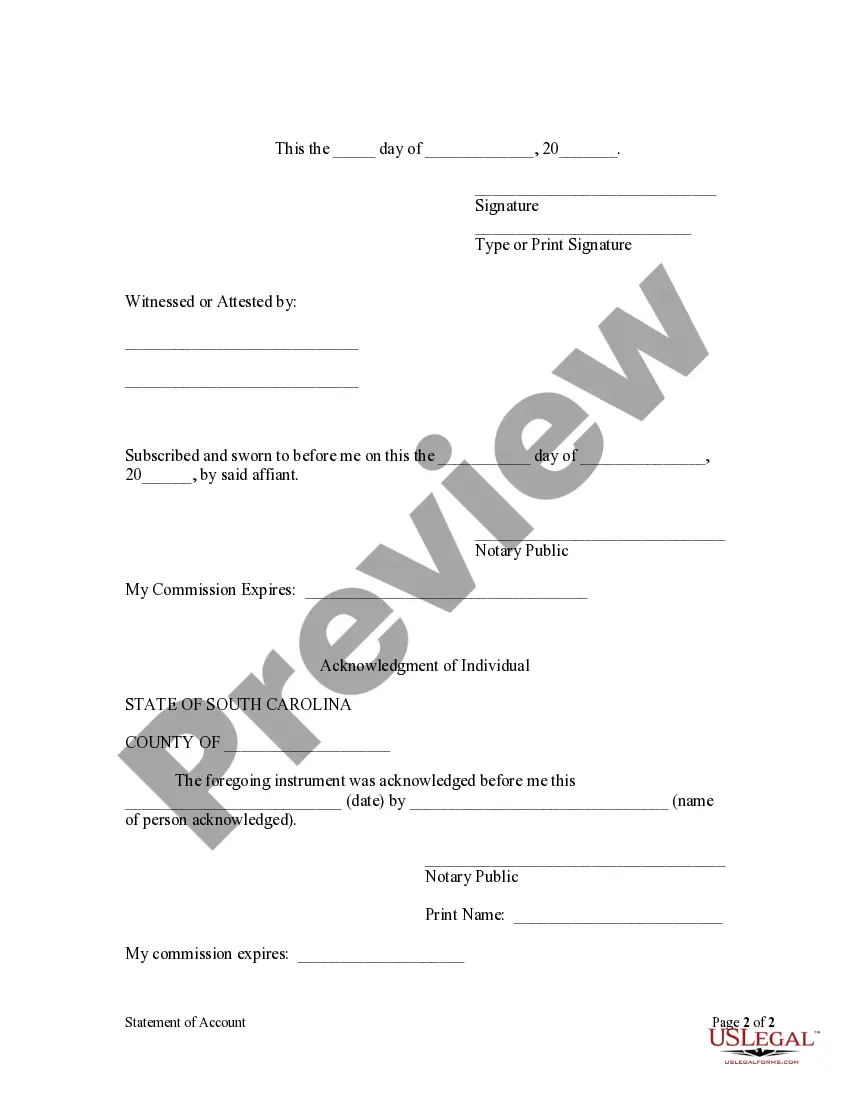
- Signature of the claimant and acknowledgment by a notary public.
When to use this form
You should use the Statement of Account - Individual when you have supplied labor, materials, or services for the improvement of a property and have not received payment. This form is particularly relevant within ninety days after ceasing work or providing materials, as it formally notifies the property owner of your claim for payment and establishes your right to file a lien against the property.
Who this form is for
This form is intended for individuals or entities that have provided labor, materials, or services related to property improvement. Typical users include:
- Contractors and subcontractors
- Suppliers of construction materials
- Laborers involved in property renovations
- Any individual or business claiming unpaid amounts for services rendered to property owners
How to complete this form
Follow these steps to complete the Statement of Account:
- Enter your personal information, including name and contact details.
- Provide a detailed description of the property where the labor or materials were supplied.
- List the labor, services, or materials provided along with their corresponding costs.
- State the total amount due after applying any credits.
- Sign and date the document in the presence of a notary public.
Notarization requirements for this form
Yes, this form must be notarized to be legally valid. A notary public must witness the signing of the statement, ensuring the authenticity of the claim. US Legal Forms provides integrated online notarization services for your convenience, allowing you to complete the process securely via a video call without needing to travel.
Get your form ready online
Our built-in tools help you complete, sign, share, and store your documents in one place.
Make edits, fill in missing information, and update formatting in US Legal Forms—just like you would in MS Word.
Download a copy, print it, send it by email, or mail it via USPS—whatever works best for your next step.
Sign and collect signatures with our SignNow integration. Send to multiple recipients, set reminders, and more. Go Premium to unlock E-Sign.
If this form requires notarization, complete it online through a secure video call—no need to meet a notary in person or wait for an appointment.
We protect your documents and personal data by following strict security and privacy standards.

Make edits, fill in missing information, and update formatting in US Legal Forms—just like you would in MS Word.

Download a copy, print it, send it by email, or mail it via USPS—whatever works best for your next step.

Sign and collect signatures with our SignNow integration. Send to multiple recipients, set reminders, and more. Go Premium to unlock E-Sign.

If this form requires notarization, complete it online through a secure video call—no need to meet a notary in person or wait for an appointment.

We protect your documents and personal data by following strict security and privacy standards.
Avoid these common issues
- Failing to provide a complete and accurate description of the property.
- Not specifying the total amount due after credits.
- Missing the signature of the claimant or notary's acknowledgment.
- Submitting the form after the ninety-day deadline.
Why complete this form online
- Convenience of completing the form online and downloading it instantly.
- Editability features that allow you to fill out the form easily based on your specific situation.
- Reliable templates drafted by licensed attorneys to ensure legal compliance.
Legal use & context
- This form is essential for enforcing claims for unpaid work or materials in property-related matters.
- Filing a Statement of Account can protect your right to payment through liens.
- Ensure that all claims are legitimate and properly documented to avoid potential disputes.
Summary of main points
- Use the Statement of Account - Individual to claim payment for labor or materials provided.
- Submit within ninety days of the last date of service to maintain a lien against the property.
- Complete the form accurately, including notarization for legal validity.
Looking for another form?
Form popularity
FAQ
If you did not receive a Form 1099-G, check with the government agency that made the payments to you. If you received a state or local income tax refund for 2012 and you reside in Conn., Mo., N.J., N.Y. or Penn your Form 1099-G may be available to you only in an electronic format.
A 1099-G is the form used by the SCDOR to notify taxpayers of refunds or rebates. If you received a South Carolina tax refund or rebate during 2019 and you itemized your deductions on your 2018 return, you should receive a 1099-G from the SCDOR.
Taxpayers receive 1099-G forms if they received unemployment compensation payments, state or local income tax refunds, or certain other payments from a government or government agency. If you receive Form 1099-G, you may need to report some of the information on your income tax return.
The most common uses of the 1099-G is to report unemployment compensation, as well as any state or local income tax refunds you received that year. If you received a 1099-G Form this year from a government agency, you may need to report some of the information it contains on your tax return.
Phone. Call our Interactive Voice Response (IVR) System at 1-866-333-4606 and follow the instructions to get your Form 1099G information or to request that your 1099G be mailed to you. This option is available 24 hours a day, 7 days a week. Form 1099G tax information is available for up to five years.
The 1099-G/INT is a statement showing the amount of refund, credit, or interest issued to you in a calendar year. It is not a bill, a check, or an additional refund. It does not mean you owe the state any additional tax. Any amounts shown as refunds have already been issued to you.
File SC1040, including all federal taxable income, and attach SC1040TC to claim a credit for taxes paid to another state.
Your 1099-G shows the unemployment compensation and state and local income tax refunds you received during the past year. According to the South Carolina Department of Employment and Workforce, 1099-Gs were sent out during the last week of January but can also be downloaded from DEW's unemployment benefits portal.