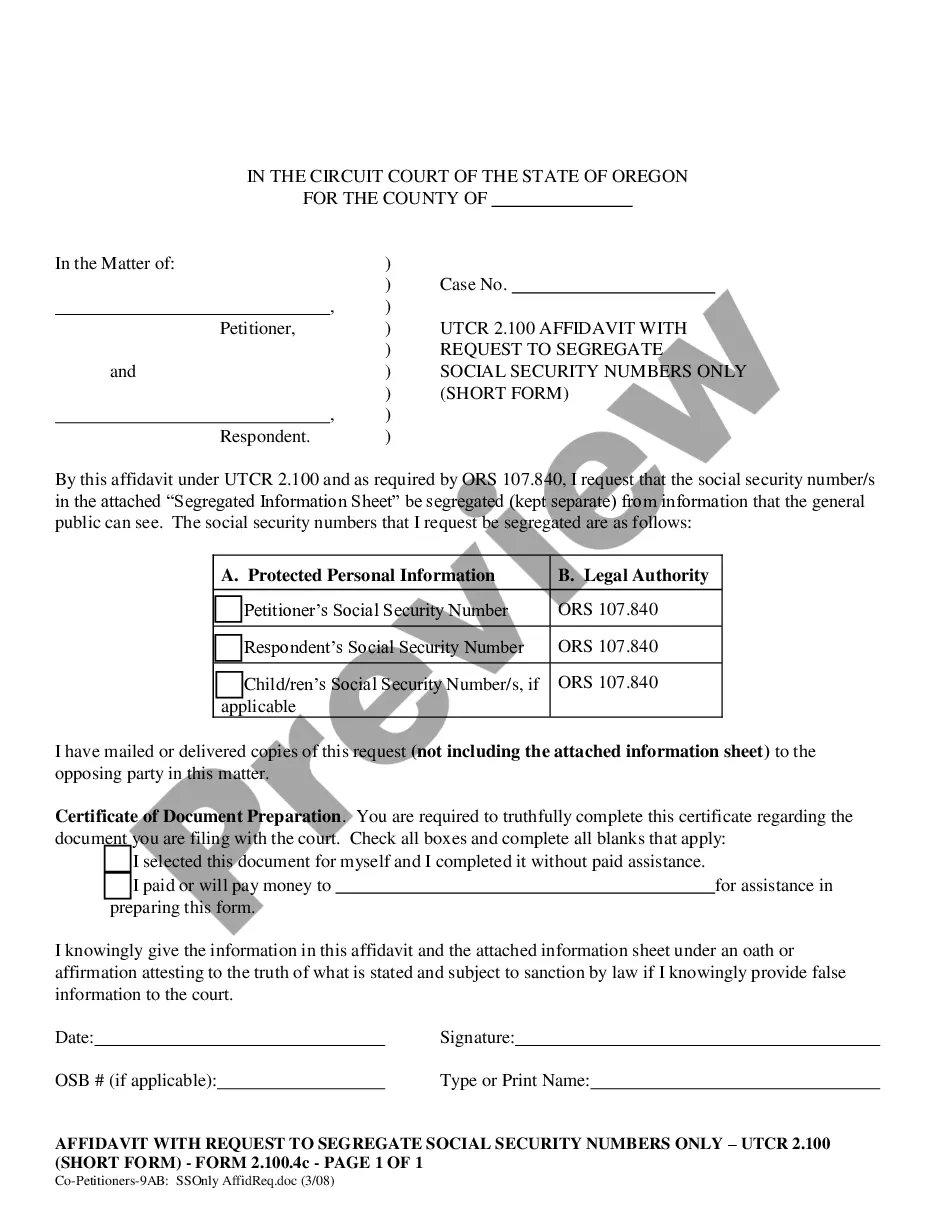
Oregon Co-Petitioner (with no or adult children) Affidavit with Request to Segregate Social Security Numbers Only (Short Form)
Overview of this form
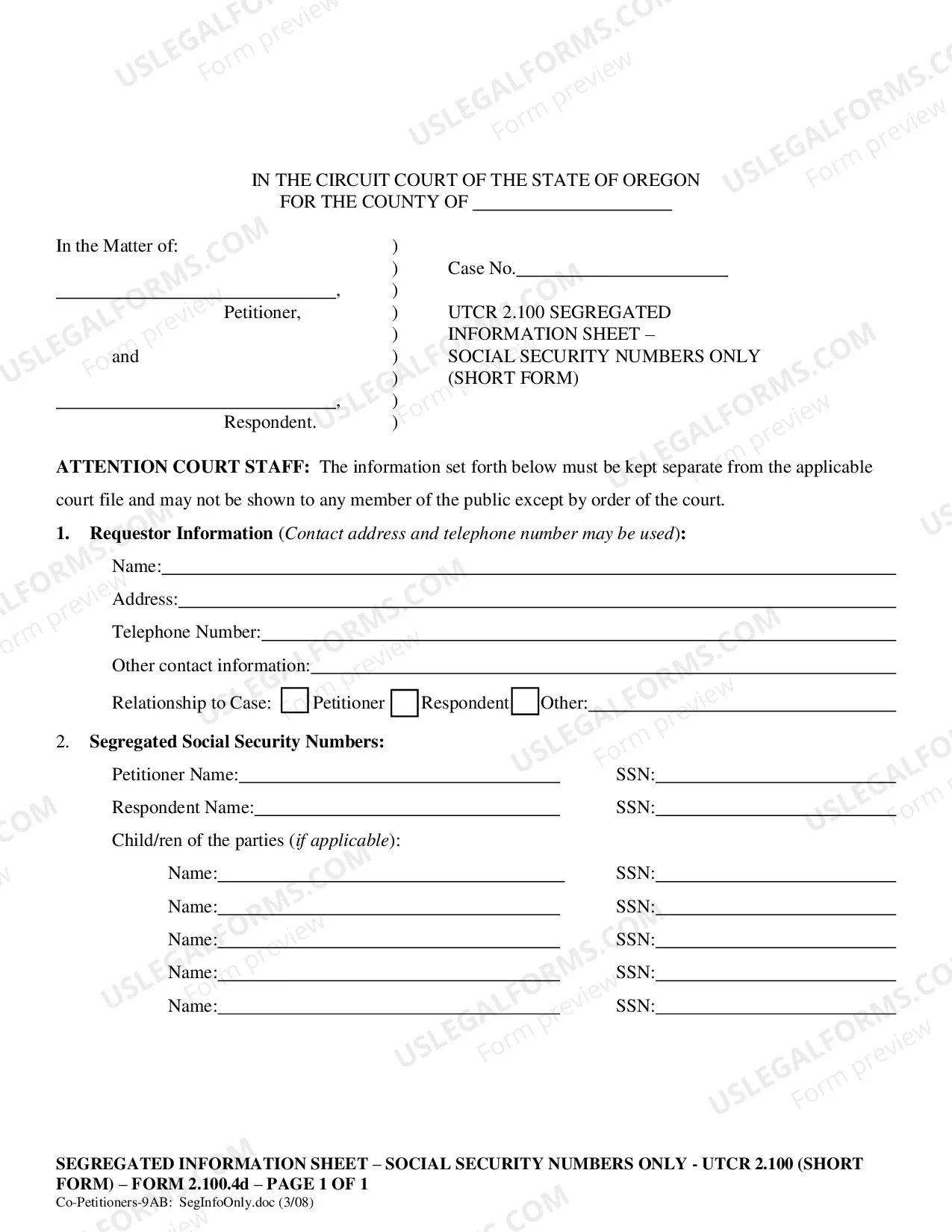
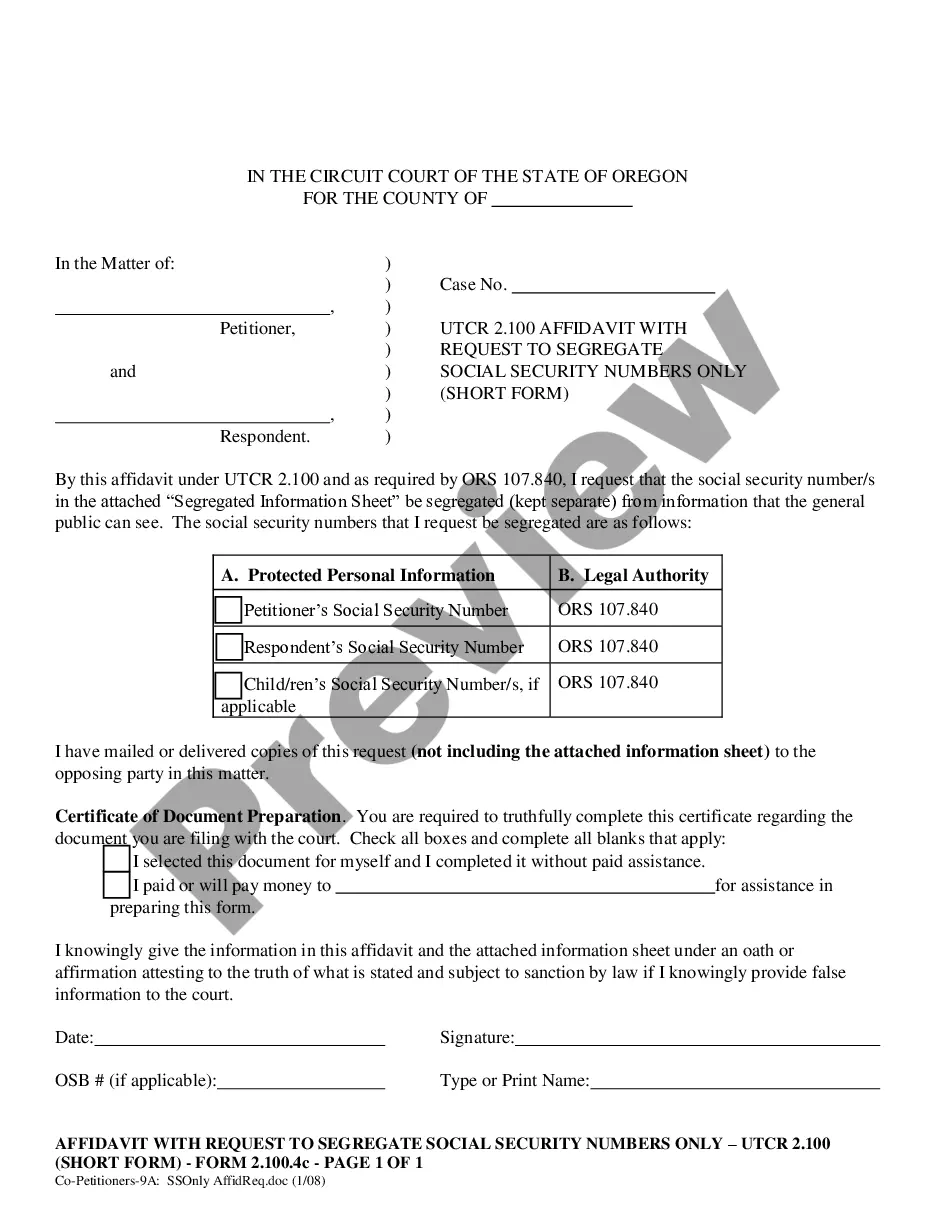
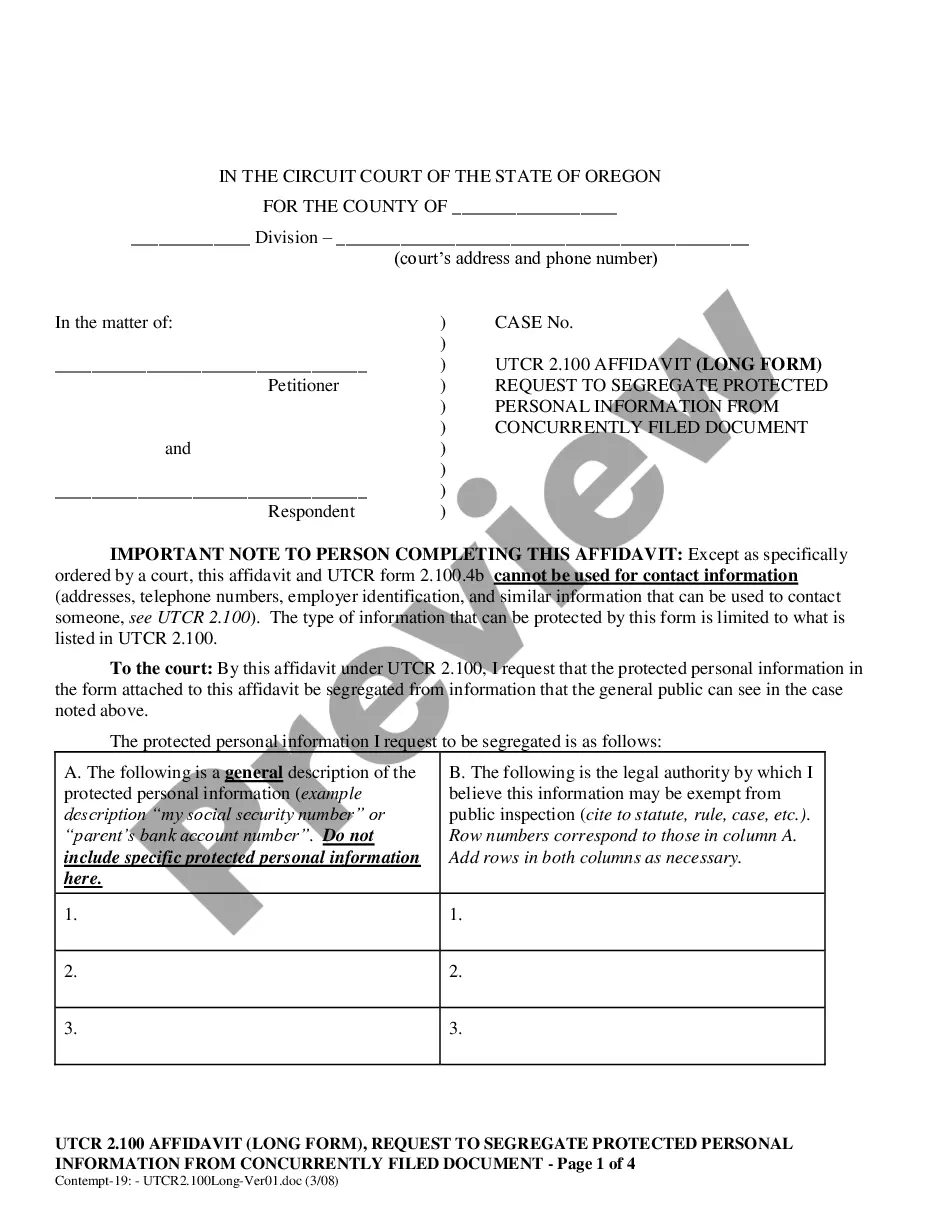
The Co-Petitioner Affidavit with Request to Segregate Social Security Numbers Only (Short Form) is a legal document used in Oregon to request that Social Security numbers be kept confidential during dissolution, separation, or annulment proceedings. This short form is specifically designed for co-petitioners who do not have children or only have adult children and require a streamlined option to protect sensitive personal information while complying with legal requirements.
Key parts of this document
- Affidavit under UTCR 2.100 to request segregation of Social Security numbers.
- Sections for identifying the parties involved (petitioner and respondent).
- Checkboxes for specifying whose Social Security numbers are to be segregated.
- Certificate of Document Preparation for self-identified completion.
- Segregated Information Sheet for securely listing protected Social Security numbers.
When to use this document
This form should be used when co-petitioners file for dissolution, separation, or annulment in Oregon and need to ensure the confidentiality of their Social Security numbers. It is applicable when there are no minor children involved or when both parties only have adult children.
Who should use this form
- Co-petitioners in a dissolution, separation, or annulment case without minor children.
- Co-petitioners wishing to safeguard their Social Security numbers from public access.
- Individuals seeking a simplified affidavit for Social Security number segregation.
Steps to complete this form
- Identify the parties involved, including the petitioner and respondent.
- Specify which Social Security numbers need to be segregated by checking the appropriate boxes.
- Complete the Certificate of Document Preparation to indicate how the form was filled out.
- Sign and date the affidavit attesting to the truth of the provided information.
- Attach the Segregated Information Sheet listing all Social Security numbers and ensure it is submitted correctly to the court.
Does this document require notarization?
This form does not typically require notarization unless specified by local law. However, users should consult the court for specific requirements related to their case.
Get your form ready online
Our built-in tools help you complete, sign, share, and store your documents in one place.
Make edits, fill in missing information, and update formatting in US Legal Forms—just like you would in MS Word.
Download a copy, print it, send it by email, or mail it via USPS—whatever works best for your next step.
Sign and collect signatures with our SignNow integration. Send to multiple recipients, set reminders, and more. Go Premium to unlock E-Sign.
If this form requires notarization, complete it online through a secure video call—no need to meet a notary in person or wait for an appointment.
We protect your documents and personal data by following strict security and privacy standards.

Make edits, fill in missing information, and update formatting in US Legal Forms—just like you would in MS Word.

Download a copy, print it, send it by email, or mail it via USPS—whatever works best for your next step.

Sign and collect signatures with our SignNow integration. Send to multiple recipients, set reminders, and more. Go Premium to unlock E-Sign.

If this form requires notarization, complete it online through a secure video call—no need to meet a notary in person or wait for an appointment.

We protect your documents and personal data by following strict security and privacy standards.
Typical mistakes to avoid
- Failing to include all required Social Security numbers on the Segregated Information Sheet.
- Neglecting to sign and date the affidavit, which may invalidate the submission.
- Not notifying the opposing party of the request, as required by the form.
Benefits of using this form online
- Convenience of downloading the form anytime, anywhere, without waiting for postal mail.
- Editability allows users to customize the document based on specific needs.
- Reliability of using attorney-drafted templates ensures legal compliance with state requirements.
Looking for another form?







Form popularity
FAQ
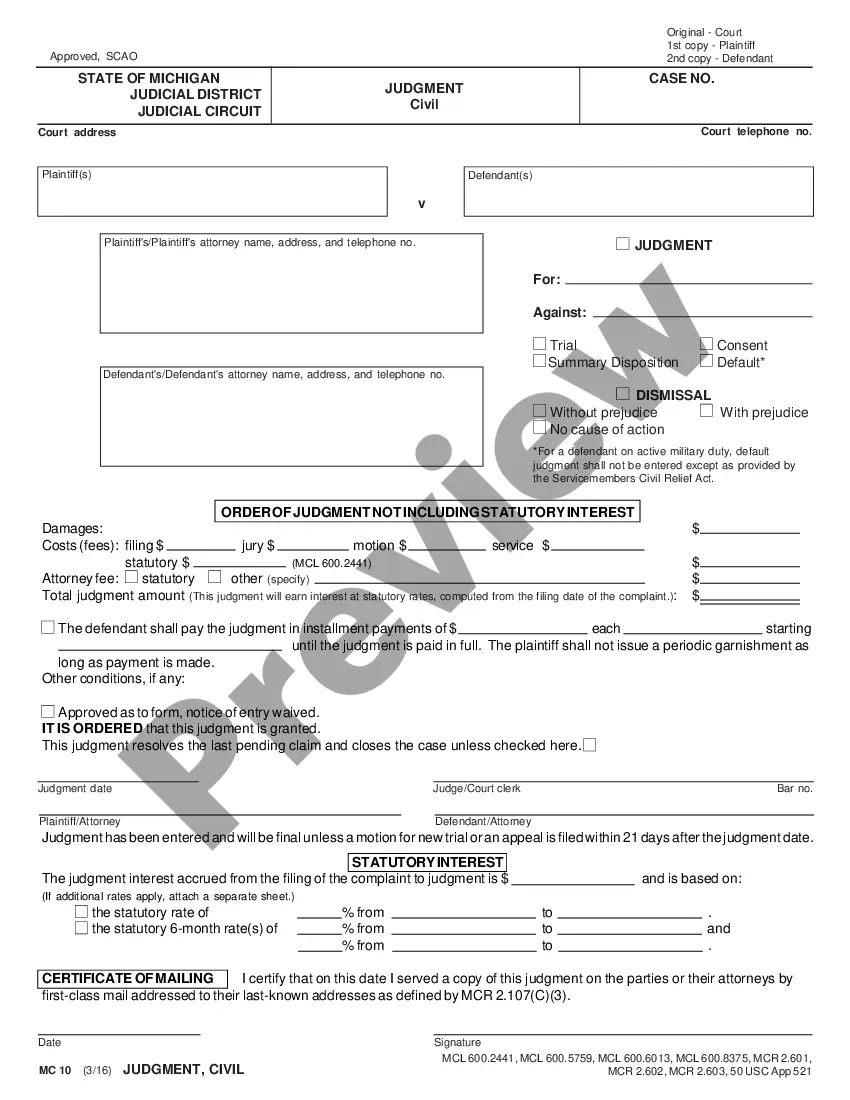
The term "entry of judgment" refers to a court order being entered after the judge rules on a case. In a divorce case, the judge orders a dissolution of the marriage, property division, child custody and support, visitation schedules, spousal support, attorney's fees and any other pertinent issues.
Notice of Entry of Judgment or Order (CIV-130) Tells the parties that a judgment has been entered in a case. Service of this notice sets the start date of important deadlines regarding the ability to set-aside or challenge the judgment. Was this helpful?
A Notice of Entry of Judgment is a document stating that an entry of judgment in a divorce in California is the final judgment signed by the judge. The divorce process in California can take months, or even years, and may involve complicated court proceedings.
In a contested divorce the petitioner (plaintiff) petitions the court for a divorce and respondent (defendant) has to respond. When the petition is jointly filed, the spouses are called Co-Petitioners. The husband and wife petition the court together with paperwork that is signed by both parties.
"Petitioner" refers to the party who petitioned the Supreme Court to review the case. This party is variously known as the petitioner or the appellant. "Respondent" refers to the party being sued or tried and is also known as the appellee.
If after filing a divorce petition, the parties decide they want to try and reconcile their marriage, the petition can be dismissed, or simply put on hold (which saves time and expense of refiling) while the parties try to work things out.
(b) Notice of entry of judgment Promptly upon entry of the award as a judgment, the clerk must serve notice of entry of judgment on all parties who have appeared in the case and must execute a certificate of service and place it in the court's file in the case.
Notice of Entry means a docket entry or other document that provides notice to appropriate persons or entities that an order or judgment has been entered, including a Notice of Electronic Filing, a BNC Certificate of Notice, or other Proof of Service or Certificate of Mailing.