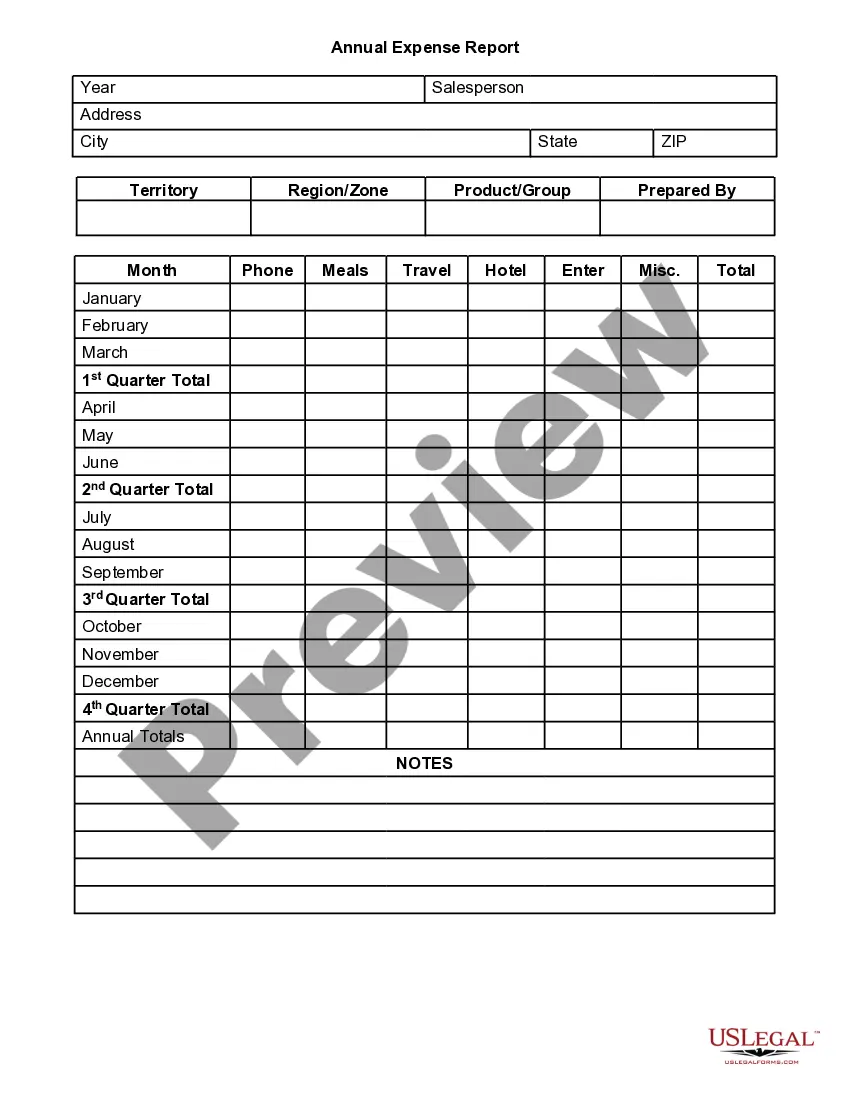
This form is a weekly expense report listing name, period, position, client, project number, project code, the expense items and the daily totals.
Clark Nevada Weekly Expense Report
Category:
State:
Multi-State
County:
Clark
Control #:
US-OG-637
Format:
Word;
Rich Text
Instant download
Description


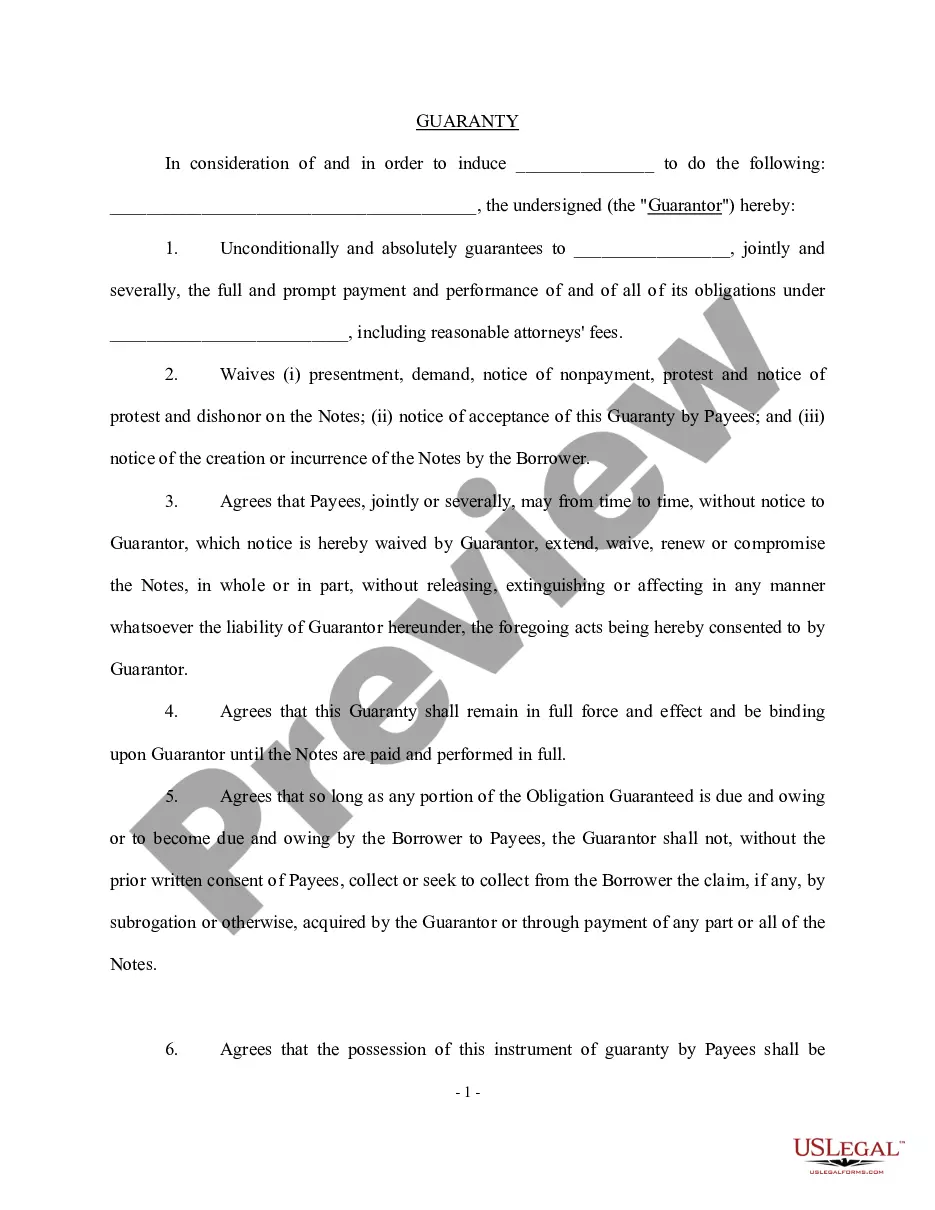
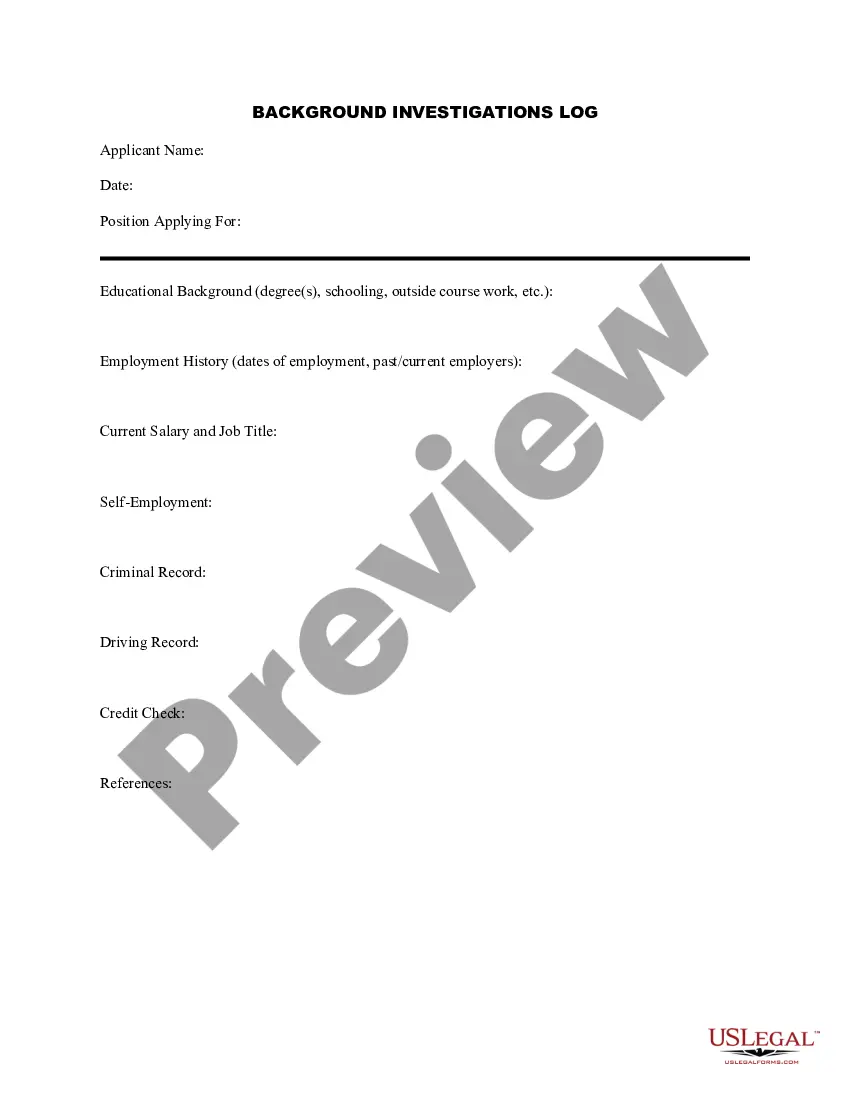






How to fill out Weekly Expense Report?
Whether you intend to establish your enterprise, engage in a contract, submit for your identification renewal, or address family-related legal matters, you must organize specific documentation in accordance with your local statutes and regulations.
Locating the appropriate documents may consume considerable time and effort unless you utilize the US Legal Forms library.
The platform offers users more than 85,000 expertly crafted and validated legal templates for any personal or business event. All documents are categorized by state and purpose of use, making it easy and quick to select a form like the Clark Weekly Expense Report.
Documents offered by our library are repeatable. With an active subscription, you can access all of your previously purchased documents at any time in the My documents section of your profile. Stop wasting time on a continuous search for current formal documents. Join the US Legal Forms platform and maintain your paperwork organized with the most extensive online form collection!
- Ensure the template meets your personal requirements and complies with state law regulations.
- Review the form description and examine the Preview if available on the page.
- Utilize the search feature specifying your state above to discover additional templates.
- Click Buy Now to acquire the template once you find the suitable one.
- Choose the subscription plan that best fits your needs to proceed.
- Log in to your account and compensate for the service using a credit card or PayPal.
- Download the Clark Weekly Expense Report in your preferred file format.
- Print the document or fill it out and sign it electronically using an online editor to save time.
Form popularity
FAQ
Select the magnifying glass for the appropriate report in the search results. Select the PDF Print icon on the blue bar on the upper right of the View Expense Report window. A Print Document Window will appear, click OK. A message will appear indicating that your PDF document is available in your My Reports queue.
You can retrieve your Expense Report by searching My Expense Reports in the search bar of Workday > select In Progress for the Expense Report Status > find the Expense Report you're looking for and click Change Expense Report.
It includes a section for expenses that need to be reimbursed, such as mileage and other travel expenses, and a section for amounts spent using the company credit card. It also includes a place for documenting specific expenses such as business meals.
An expense report contains a categorized and itemized list of expenses that were made on behalf of the organization. This report helps the employer or finance team determine what money was spent, what was purchased, and how much of the expenditure is approved for reimbursement.
Expense reports show how much money is being spent within the whole company, a department or on a project. They can also be used by employees for reimbursement of business-related expenses. Most accounting software offers the ability to create expense reports.
Under the View column, select Expense Reports. Select Draft for Expense Report Status. Select a date range (it is always a good idea to go back to the beginning of the fiscal year). Select OK Page 3 2022 Click on the Twinkie, and hover your mouse over the Expense Report action, select Edit.
To create a new Domestic Expense Report, click on New > Start a Report from the Concur home page. The Create a New Expense Report page will appear, showing the Report Header.
Submitting an Expense Report Log Into Workday. Click on the Expenses Application. Choose "Create Expense Report" Enter Expense Report Information.Select Credit Card Transactions.Fill In Expense Report Line Information.Attache a Receipt.Select the Next Transaction From the Left Column.Submit Expense Report.
In short, the steps to create an expense sheet are: Choose a template or expense-tracking software. Edit the columns and categories (such as rent or mileage) as needed. Add itemized expenses with costs. Add up the total. Attach or save your corresponding receipts. Print or email the report.