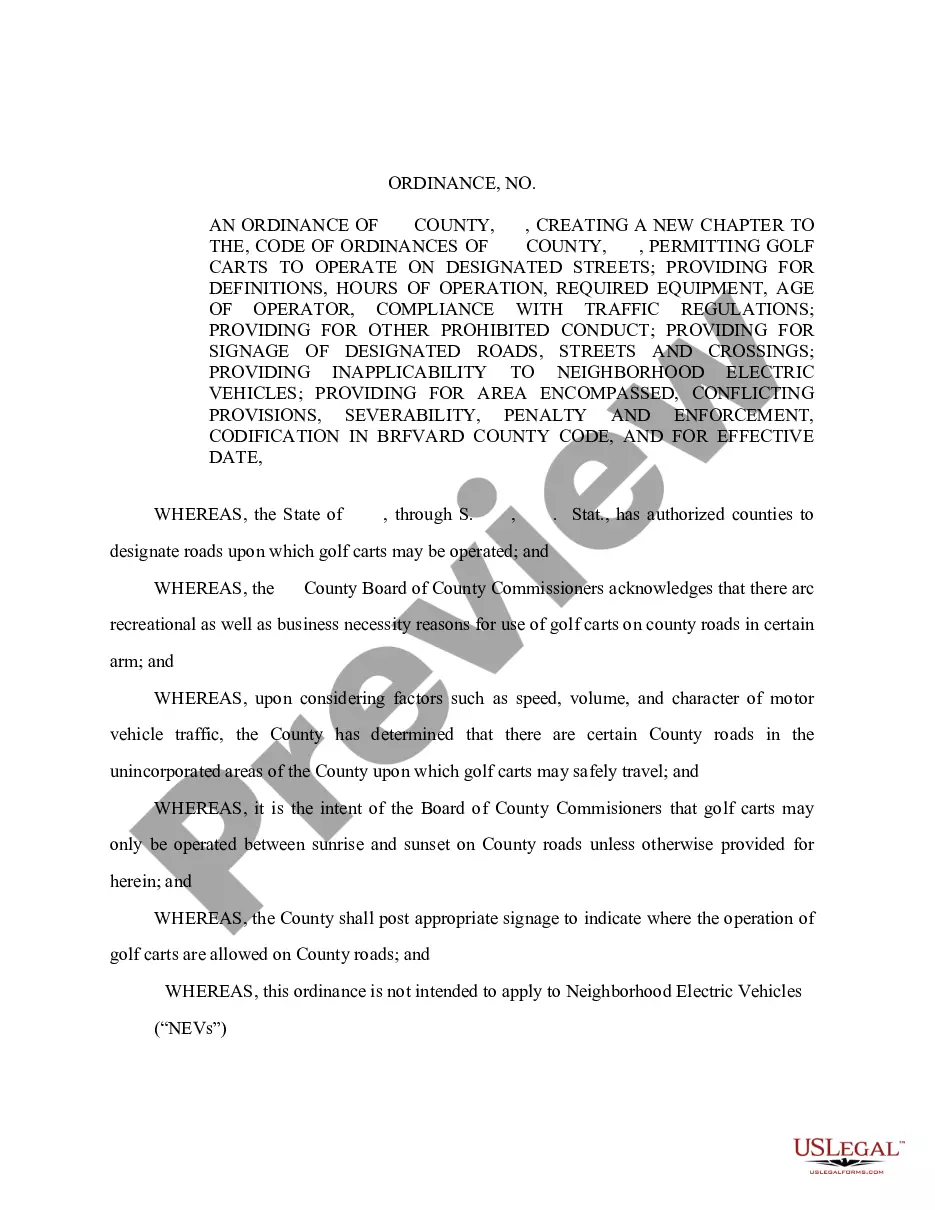
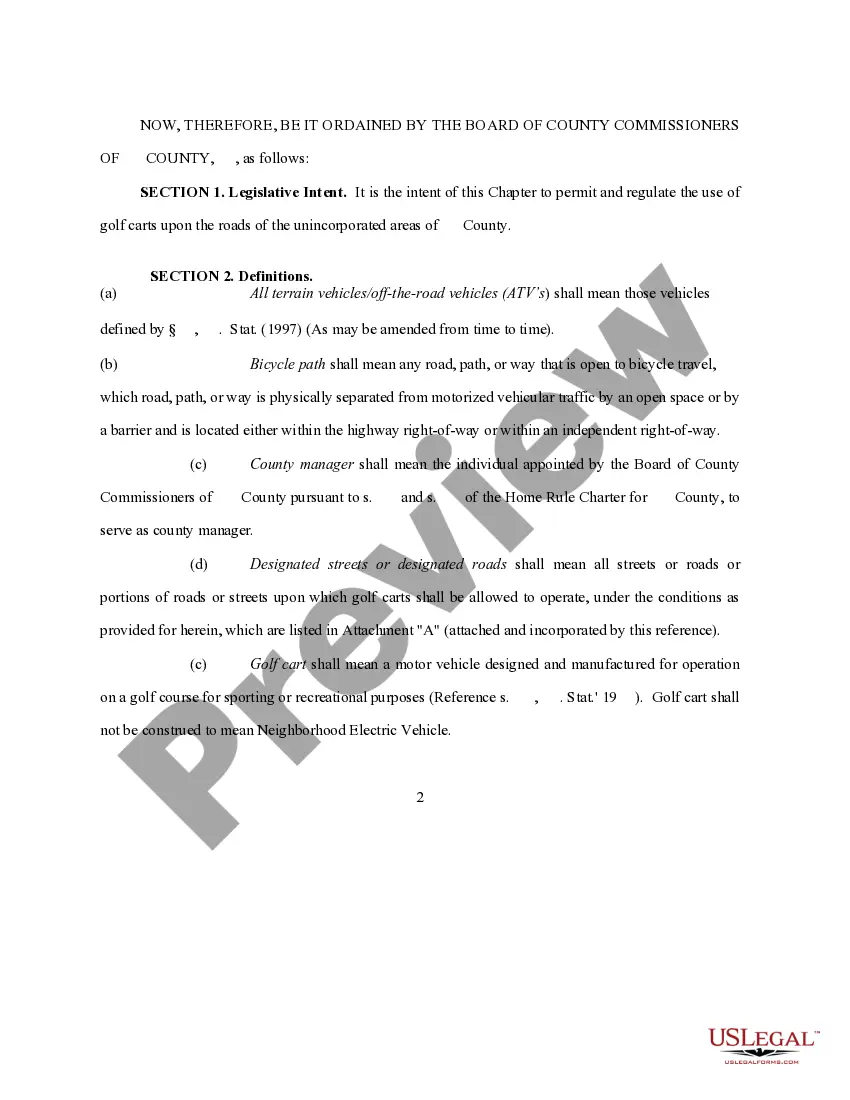
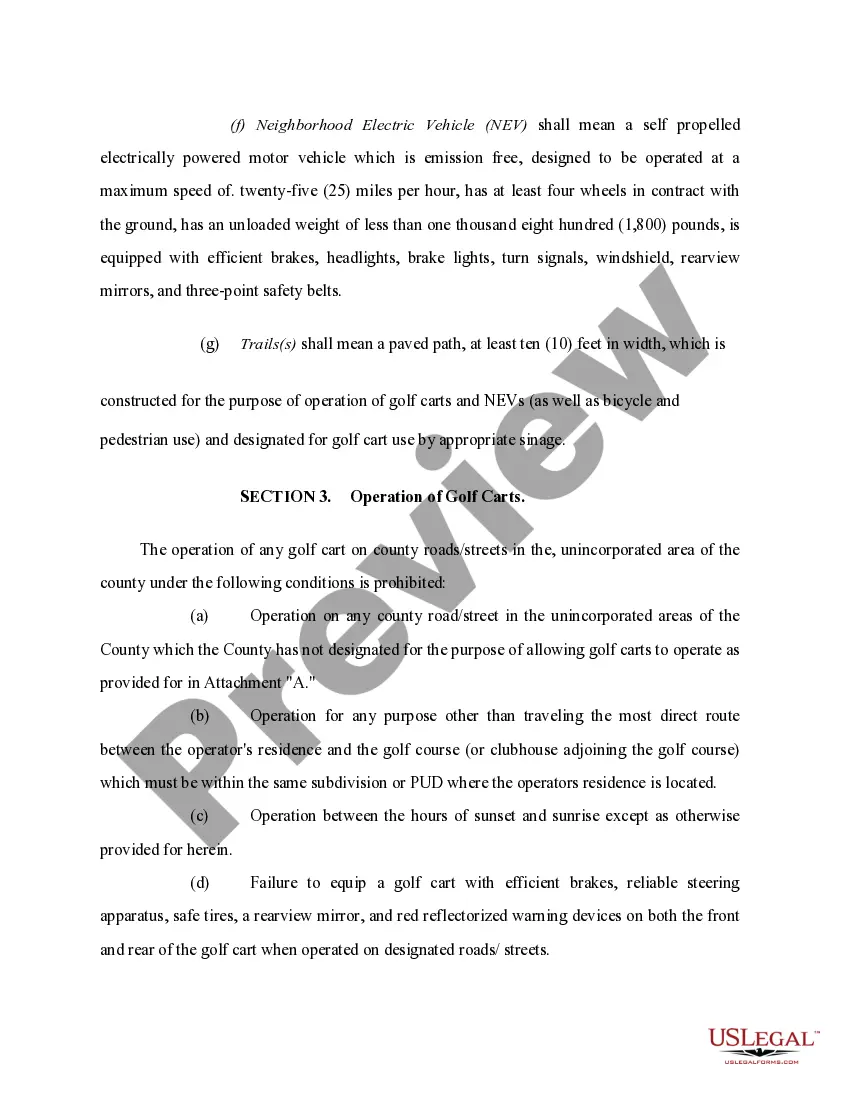
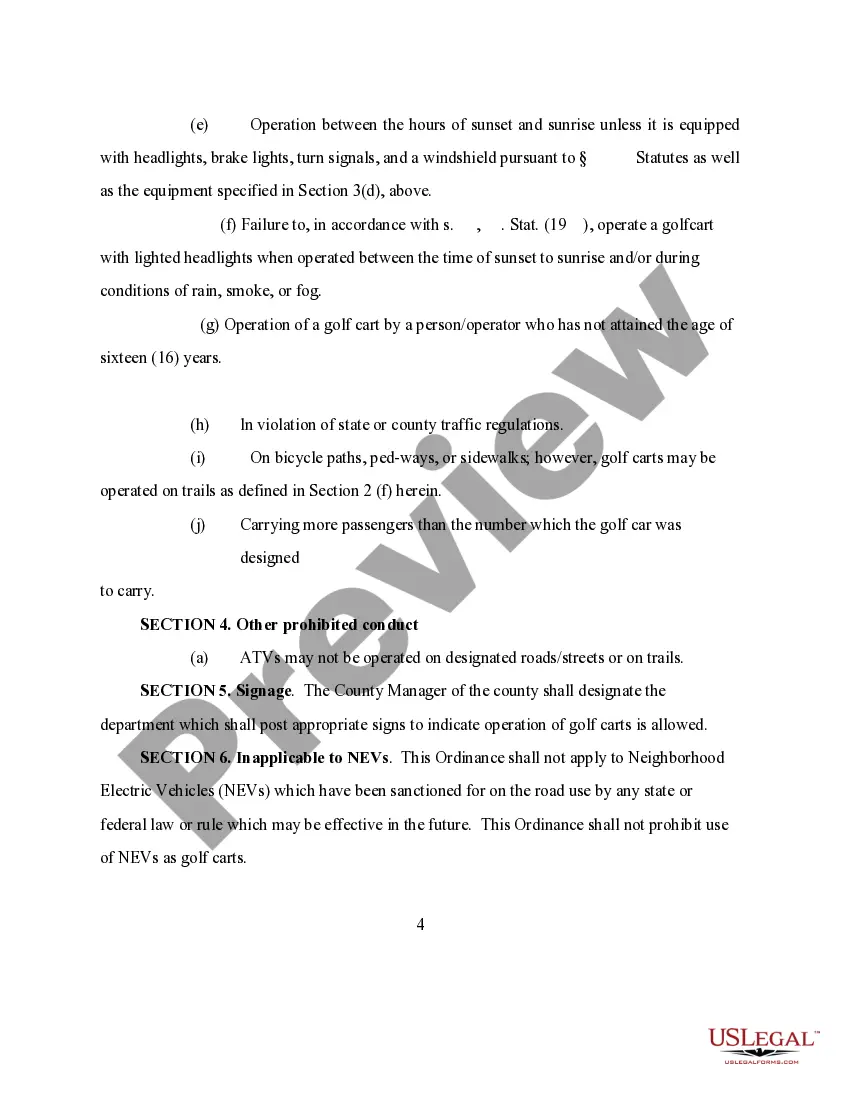
Santa Clara California Golf Carts on Streets Ordinance
Description
Get your form ready online
Our built-in tools help you complete, sign, share, and store your documents in one place.
Make edits, fill in missing information, and update formatting in US Legal Forms—just like you would in MS Word.
Download a copy, print it, send it by email, or mail it via USPS—whatever works best for your next step.
Sign and collect signatures with our SignNow integration. Send to multiple recipients, set reminders, and more. Go Premium to unlock E-Sign.
If this form requires notarization, complete it online through a secure video call—no need to meet a notary in person or wait for an appointment.
We protect your documents and personal data by following strict security and privacy standards.

Make edits, fill in missing information, and update formatting in US Legal Forms—just like you would in MS Word.

Download a copy, print it, send it by email, or mail it via USPS—whatever works best for your next step.

Sign and collect signatures with our SignNow integration. Send to multiple recipients, set reminders, and more. Go Premium to unlock E-Sign.

If this form requires notarization, complete it online through a secure video call—no need to meet a notary in person or wait for an appointment.

We protect your documents and personal data by following strict security and privacy standards.
Looking for another form?

How to fill out Golf Carts On Streets Ordinance?
Drafting legal documents can be tedious. Moreover, if you choose to hire an attorney to create a business contract, documents for property transfer, prenuptial agreement, divorce documents, or the Santa Clara Golf Carts on Streets Regulation, it could cost a lot of money.
So what is the most economical way to conserve time and funds while preparing valid documents that adhere to your state and local laws? US Legal Forms is an excellent option, whether you're in need of templates for personal or business purposes.
- US Legal Forms is the largest online repository of state-specific legal documents, offering users access to the latest and professionally vetted templates for any situation compiled in one location.
- Consequently, if you require the latest version of the Santa Clara Golf Carts on Streets Regulation, you can effortlessly find it on our site.
- Acquiring the documents takes very little time.
- For those with an existing account, double-check that your subscription is active, Log In, and choose the template using the Download button.
- If you haven't signed up yet, here’s how you can access the Santa Clara Golf Carts on Streets Regulation.
- Browse the page and confirm there is a template for your locality.
- Examine the form description and utilize the Preview option, if available, to ensure it is the template you need.
- Don’t fret if the form doesn’t meet your needs - search for the appropriate one in the header.
- Hit Buy Now once you discover the required template and select the most suitable subscription.
- Log in or create an account to purchase your subscription.
- Make a payment with a credit card or through PayPal.
- Select the document format for your Santa Clara Golf Carts on Streets Regulation and save it.
- Once completed, you can print it out and fill it on paper or upload the templates to an online editor for quicker and easier completion.
- US Legal Forms lets you use all the documents you have obtained multiple times - you can find your templates in the My documents section of your profile.
- Give it a try today!
Form popularity
FAQ
Operation permitted on a bicycle path, trail or bikeway, unless there is a local ordinance prohibiting it. On the roadway with a posted speed limit of greater than 25 mph, driver must operate in Class II bicycle lane.
One is supposed to complete the golf cart permit registration, which is also known as SCDMV Form GC-2. Secondly, you're to provide proof of the insurance for your golf cart. Thirdly, provide your valid driver's license number for the cart or other vehicles, and lastly, paying the registration fees.
You are not required to have a valid California driver's license or operate a golf cart on private property.
Street-legal golf carts can go beyond the golf course, but they cannot go everywhere. They cannot drive on roads with a posted speed limit of 35 miles per hour or more.
You are not required to have a valid California driver's license or operate a golf cart on private property. The same goes for registering a golf cart with the California Department of Motor Vehicles on private property it is not necessary.
Q: Is it permissible to drive a golf cart on the sidewalk? A: A golf cart is a motor vehicle and pursuant to Vehicle Code Section 21663, motor vehicles cannot be operated on sidewalks except to enter and exit adjacent property.
For a golf cart to be street-legal, it must meet certain criteria. These models must be able to reach at least 20 miles per hour. They must have headlights, turn signals, and brake lights. They also must have mirrors, seat belts, and a VIN.
Yes, golf carts are street legal in California but only when they're properly equipped. A street-legal version of a golf cart is a motor vehicle that is based on the traditional body design made to carry golf equipment but has been modified to meet California's requirements for street driving.