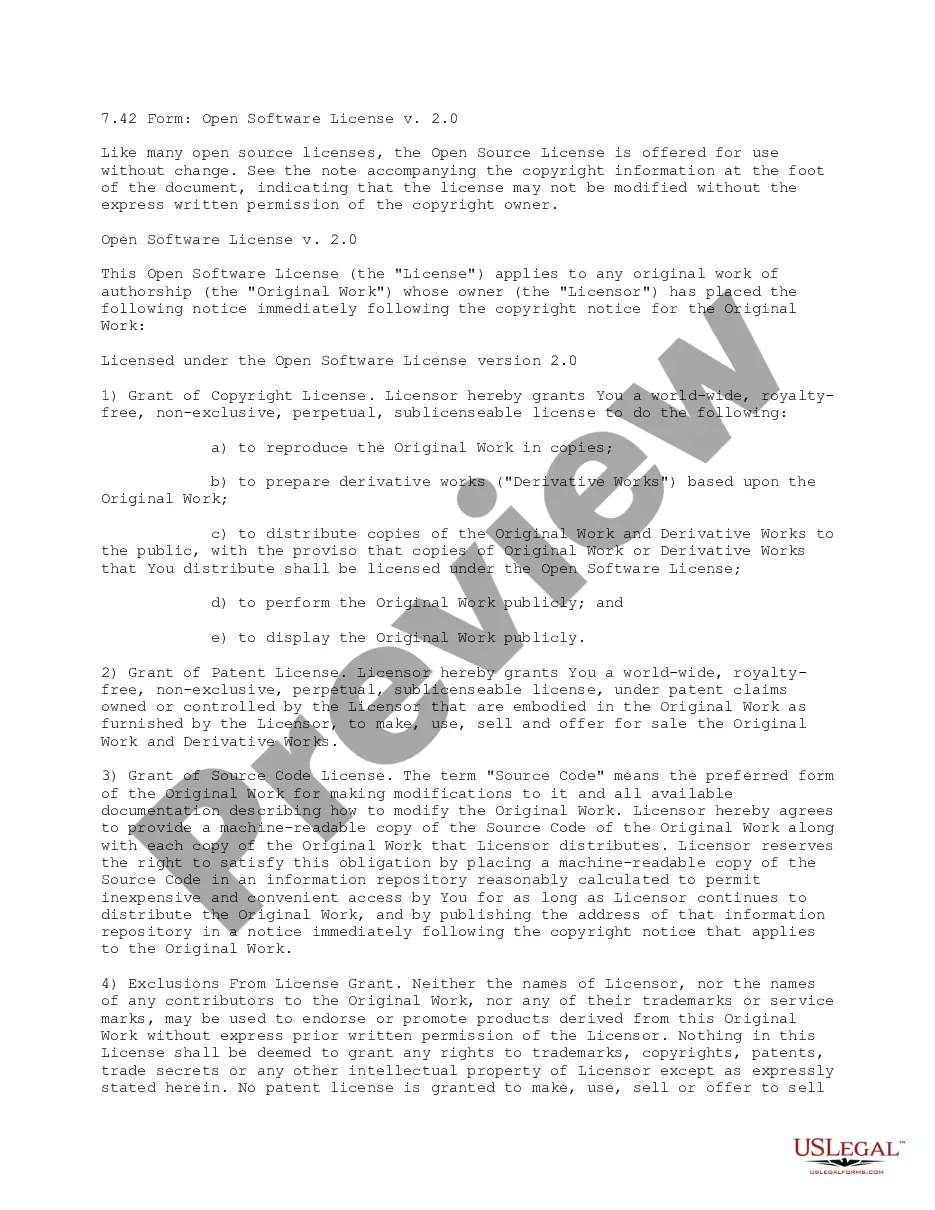
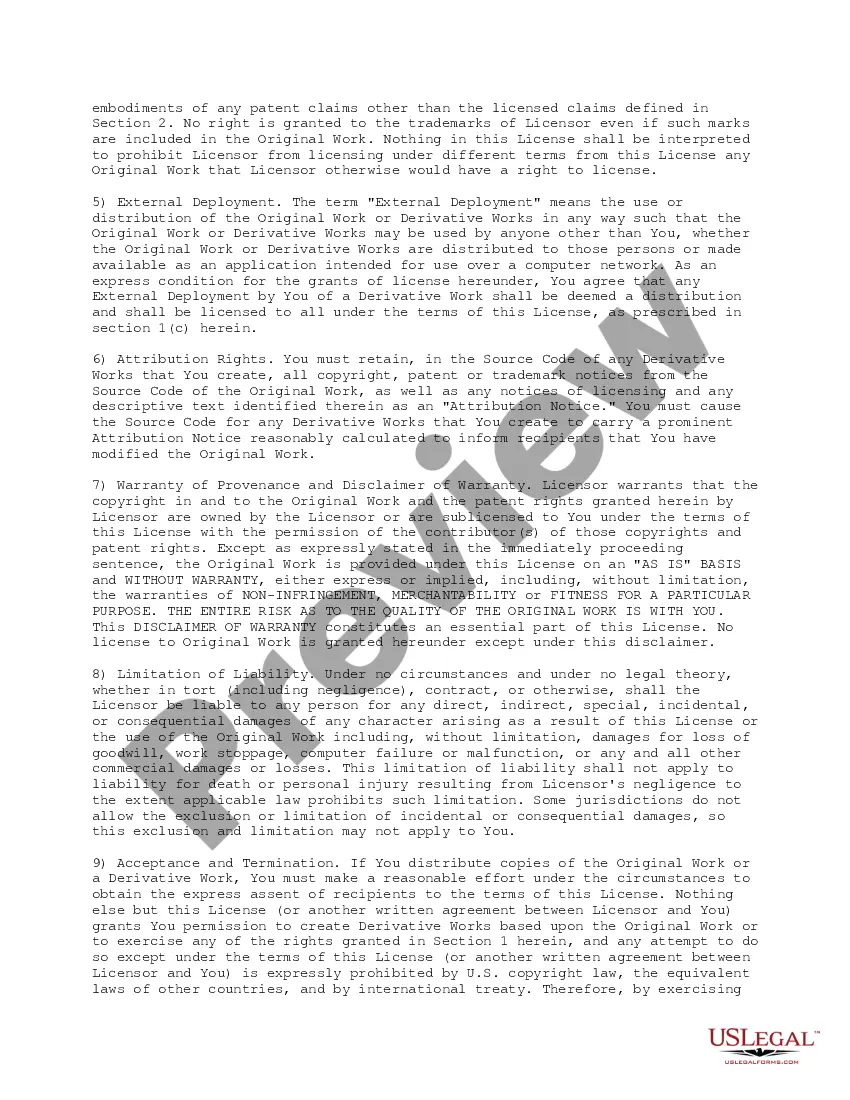
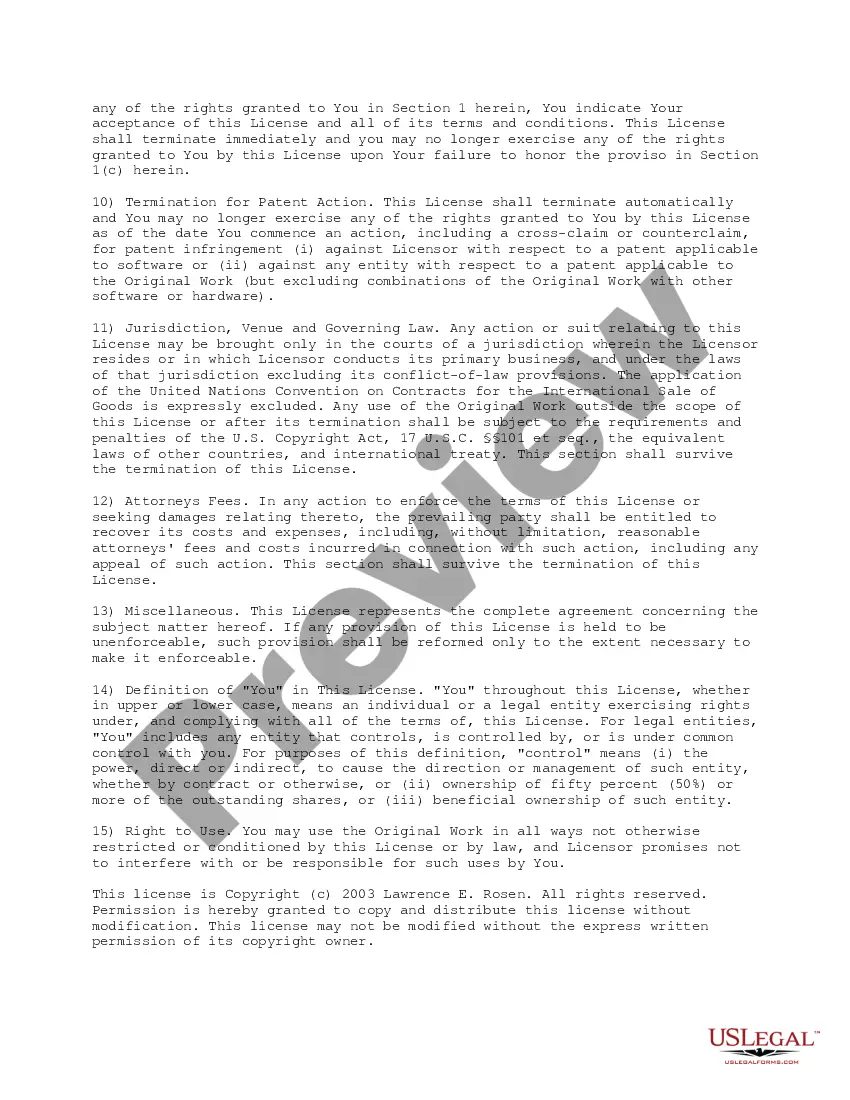
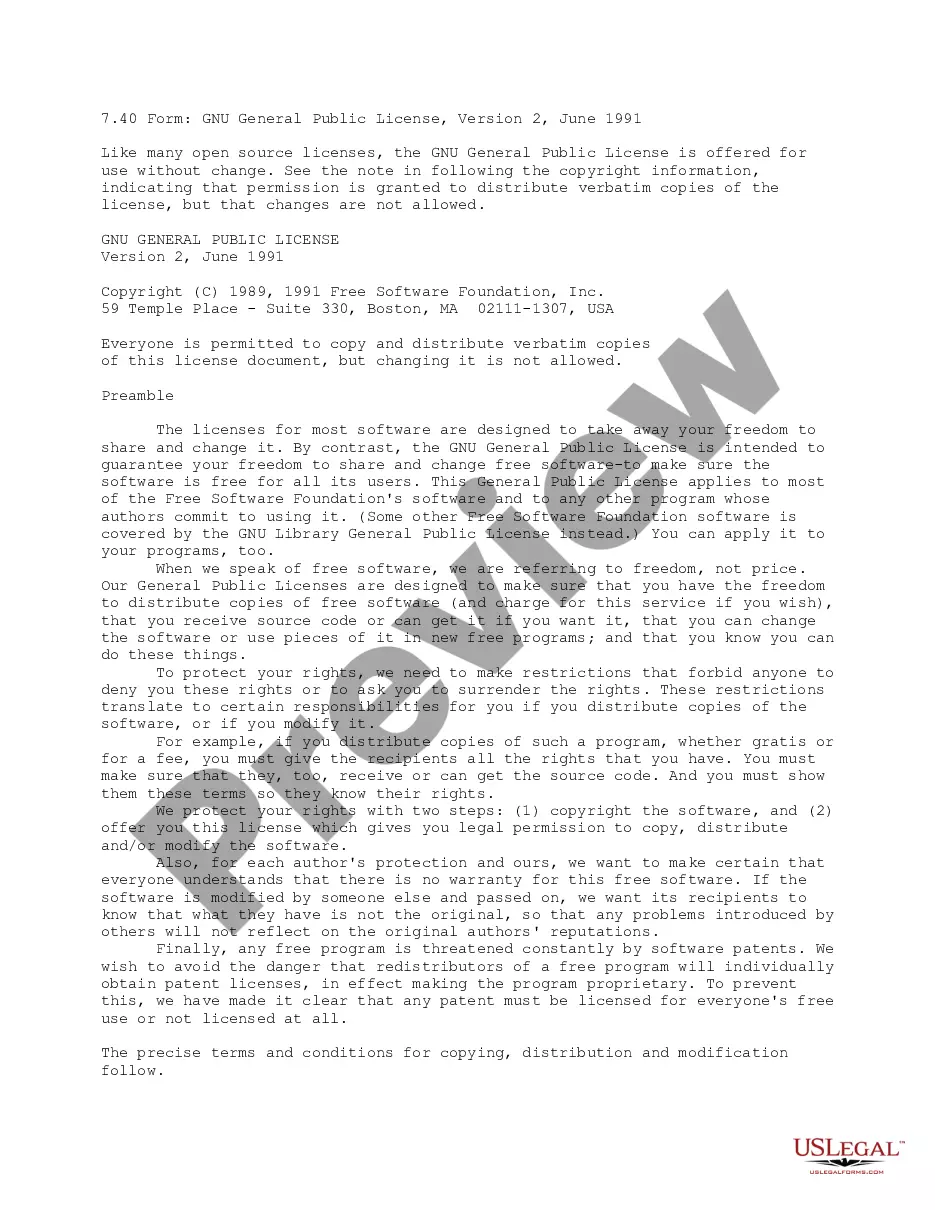
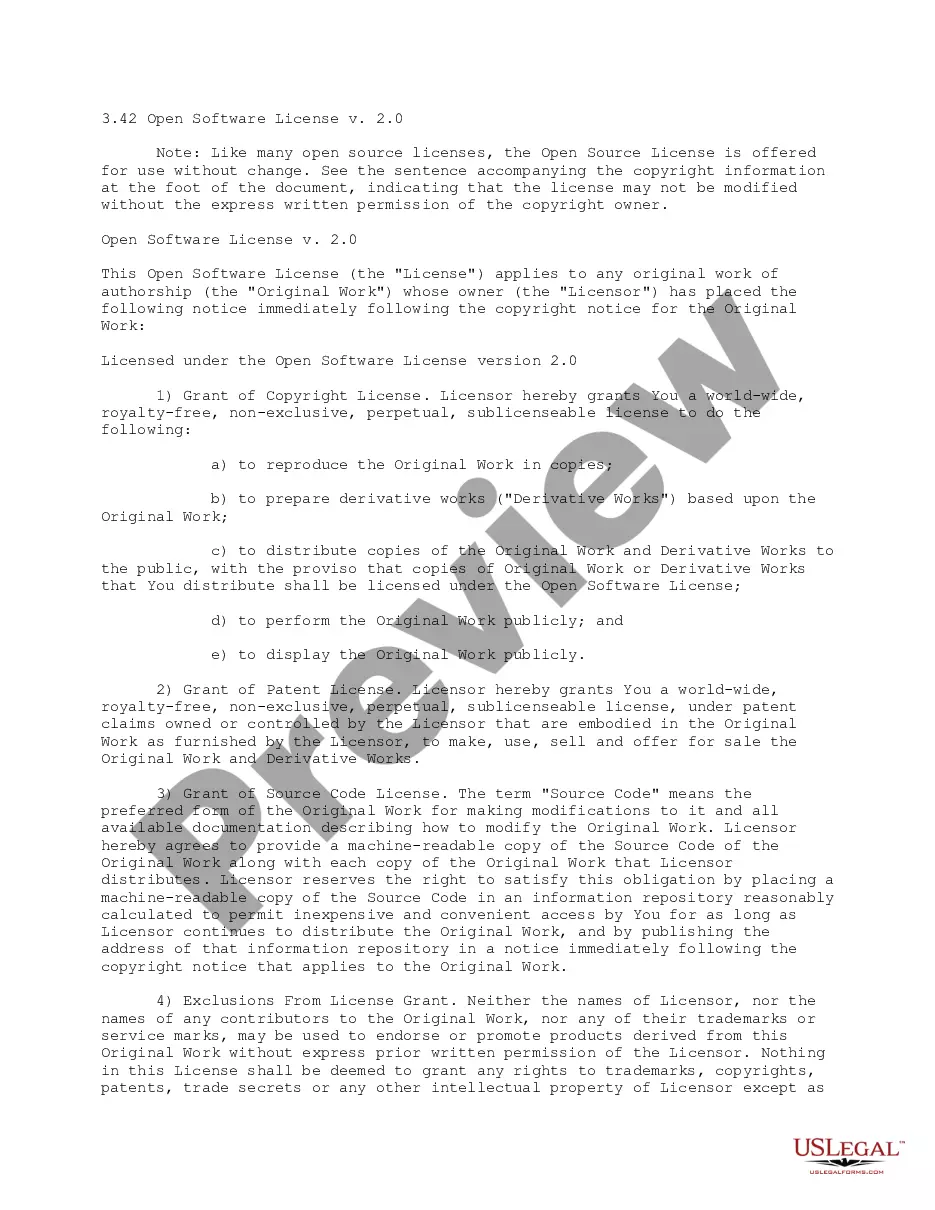
This License applies to any original work of authorship whose owner has placed the
following notice immediately following the copyright notice for the Original Work:
Licensed under the Open Software License version 2.0.
Kings New York Open Software License
Category:
State:
Multi-State
County:
Kings
Control #:
US-CP0742
Format:
Word;
PDF;
Rich Text
Instant download
Description
Free preview








How to fill out Open Software License?
A document procedure consistently accompanies any legal activity you undertake.
Establishing a business, seeking or accepting a job proposition, transferring ownership, and numerous other life situations require you to prepare official paperwork that varies from state to state.
This is why having everything organized in one location is extremely beneficial.
US Legal Forms is the largest online repository of current federal and state-specific legal documents.
This is the easiest and most reliable method to acquire legal documents. All templates available in our library are professionally created and verified for compliance with local laws and regulations. Prepare your documents and handle your legal matters efficiently with US Legal Forms!
- Finding templates on the platform is exceptionally easy.
- If you possess a subscription to our service, Log In to your account, search for the template, and click Download to save it to your device.
- Subsequently, the Kings Open Software License will be available for further use in the My documents tab of your profile.
- If it's your first time using US Legal Forms, follow this brief guide to obtain the Kings Open Software License.
- Make certain you are on the correct page with your regional form.
- Utilize the Preview mode (if available) and scroll through the sample.
- Review the description (if provided) to confirm that the form meets your requirements.
Form popularity
FAQ
Some open-source licenses are considered problematic due to their complexity or restrictive nature. Licenses that impose extensive obligations on users may hinder widespread usage. The Kings New York Open Software License stands out positively as it facilitates easier integration and implementation without excessive burdens.
Open source licenses are licenses that comply with the Open Source Definition in brief, they allow software to be freely used, modified, and shared. To be approved by the Open Source Initiative (also known as the OSI), a license must go through the Open Source Initiative's license review process.
Yep. It's just a contract granting rights to use a copyrighted work. You can write your own contracts, so you can write your own software license.
GitHub makes it even easier: Open your GitHub repository in a browser. In the root directory, click on Create new file . Name the file LICENSE. Click on Choose a license template . Pick one of the licenses (all the ones mentioned in this article are there). Once chosen, click on Review and submit . Commit the file.
Applying a license to your open source projects Open your GitHub repository in a browser. In the root directory, click on Create new file . Name the file LICENSE. Click on Choose a license template . Pick one of the licenses (all the ones mentioned in this article are there). Once chosen, click on Review and submit .
These encompass a wide spectrum of licensing scenarios, from free software (public domain) to paid commercial software (proprietary). Between these two extremes, there are also three categories (GNU/LGPL, permissive, and copyleft) that apply to various forms of open-source projects.
Don't share your software login credentials with anyone inside or outside of your company. Don't allow anyone else to log in and use the software with your license credentials.
Add Software License Click Assets tab in the header pane. Select Software -> Software License under Resources block.Click Add New button. Select the Manufacturer of the software. The list of managed software available for the selected manufacture is listed in Managed Software drop down.
Applying a license to your open source projects Open your GitHub repository in a browser. In the root directory, click on Create new file . Name the file LICENSE. Click on Choose a license template . Pick one of the licenses (all the ones mentioned in this article are there). Once chosen, click on Review and submit .
The first question is if your code will be part of a broader open source ecosystem many open source communities have a few favorite licenses they use. If it will be, consider using the licenses vetted and accepted by your community. If you're on your own, first ask yourself how you want others to use your software.