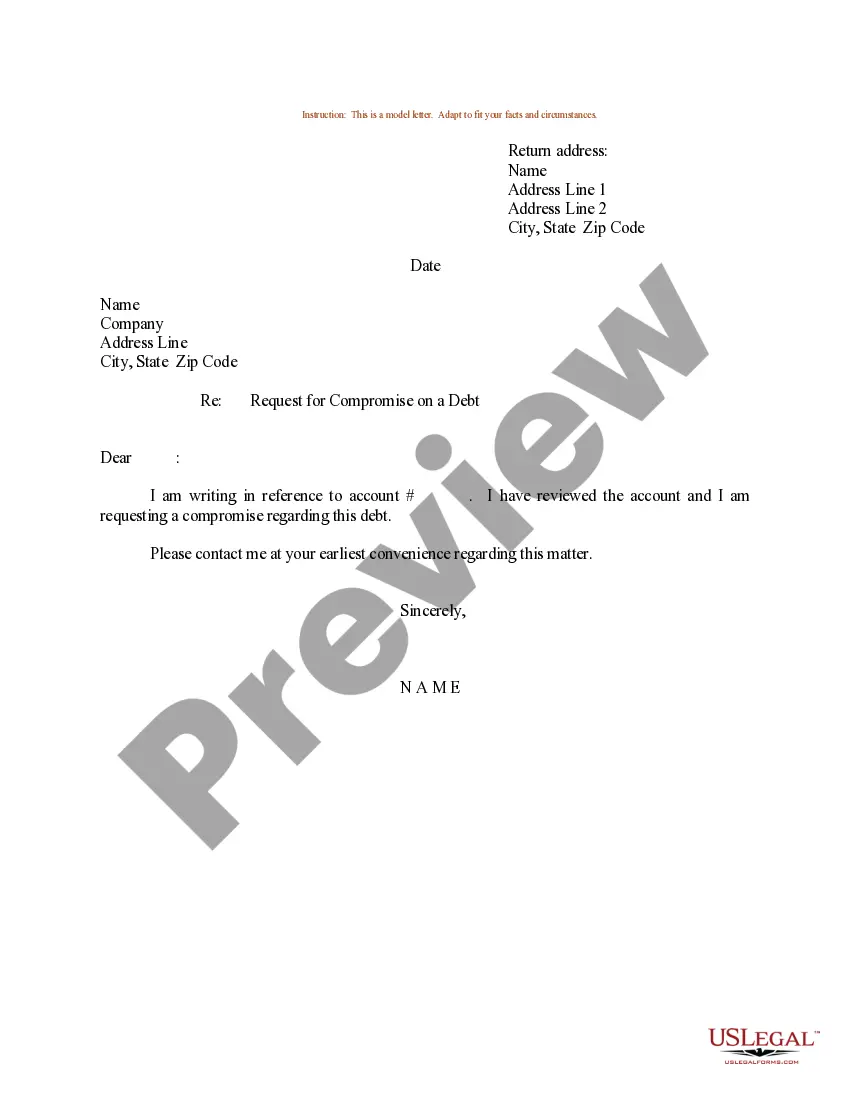
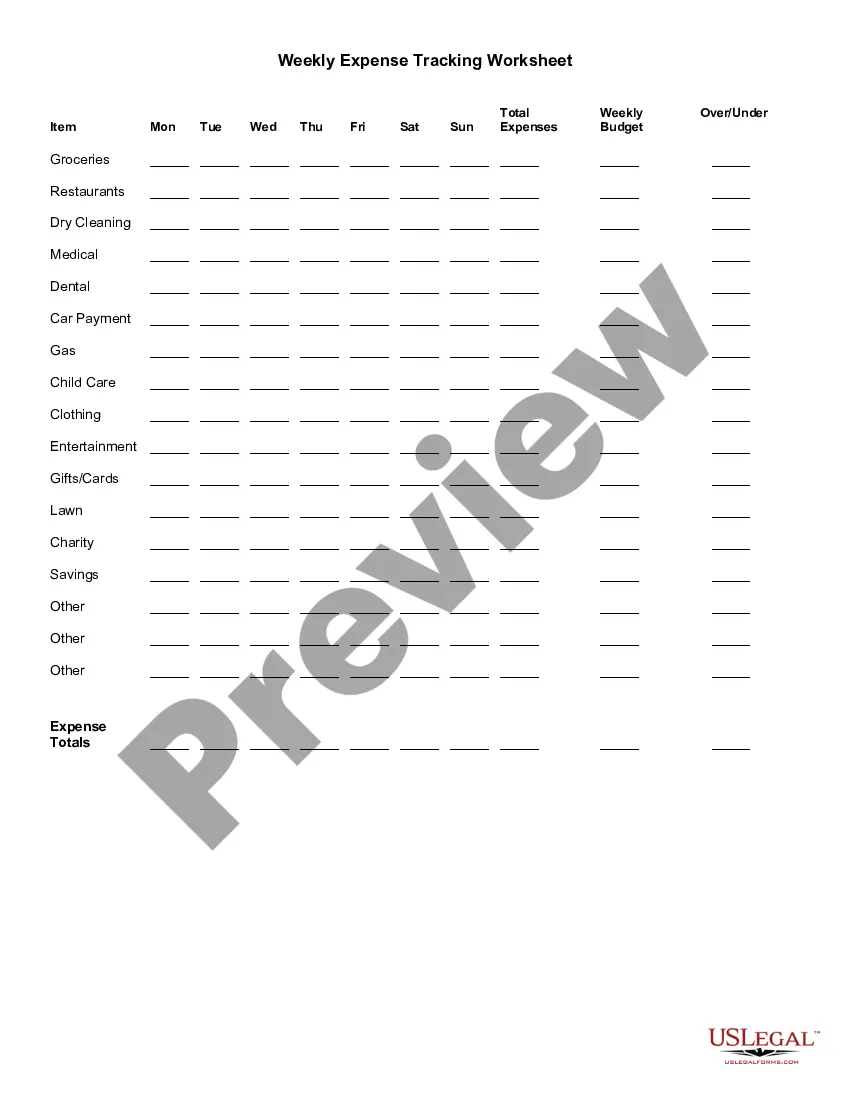
Palm Beach Florida Weekly Expense Tracking Worksheet
Description
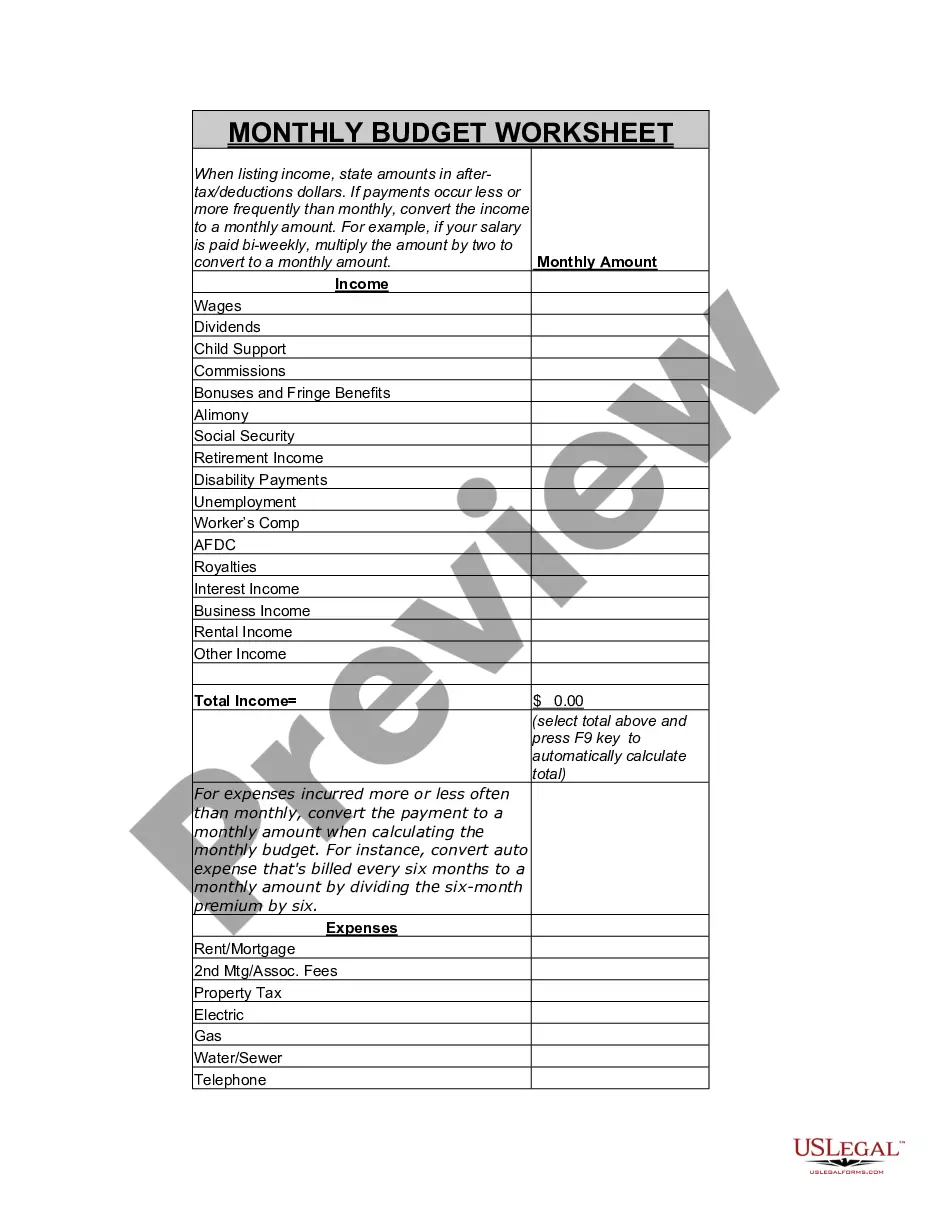
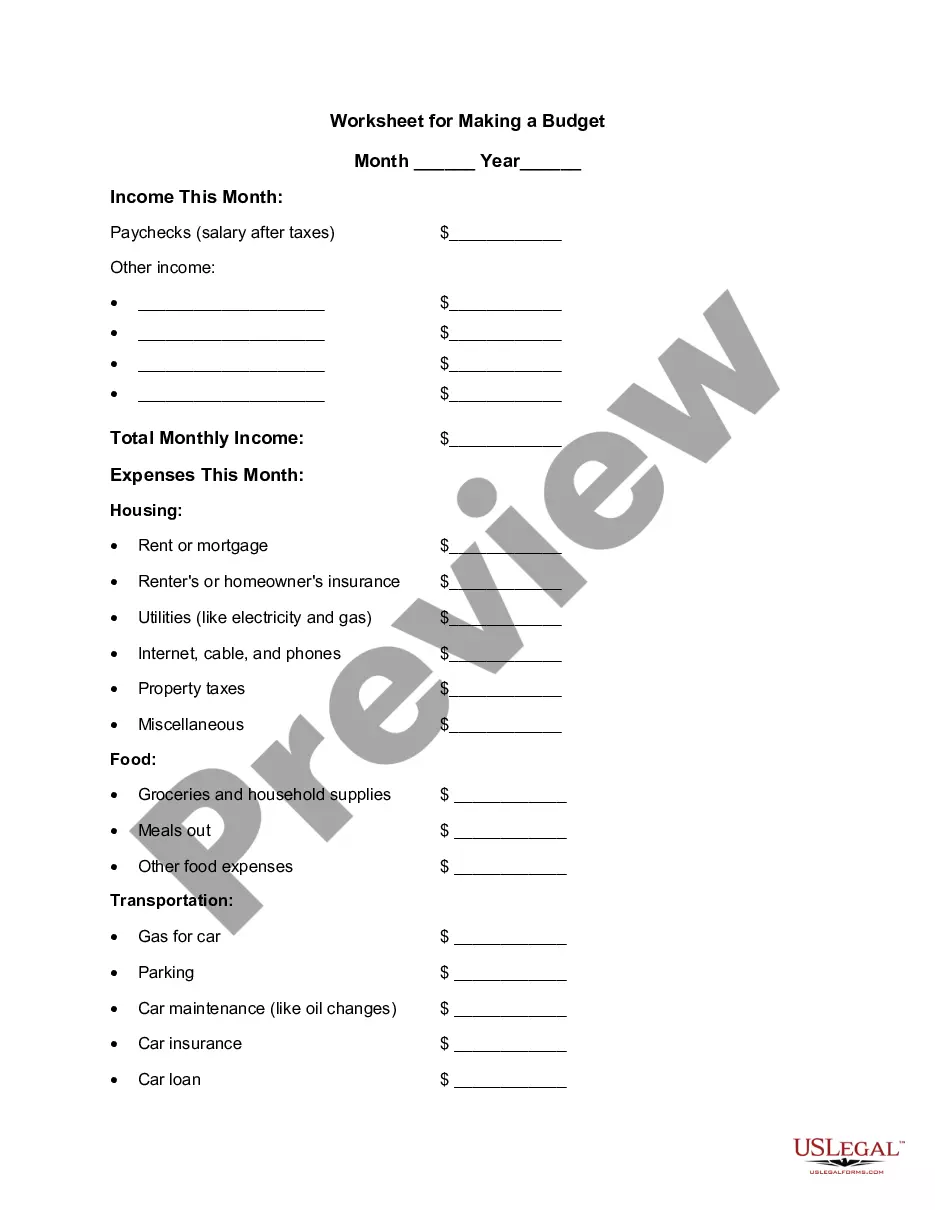
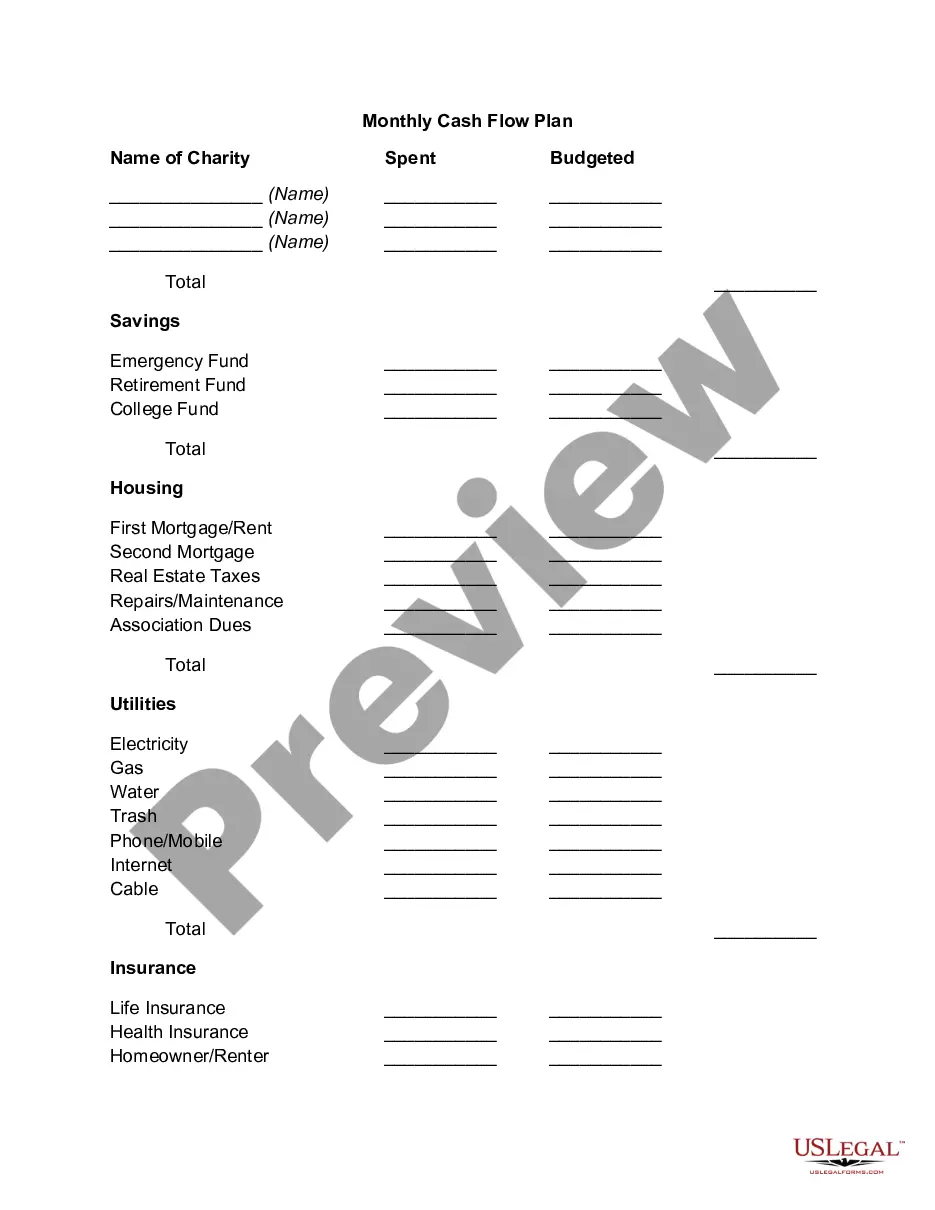
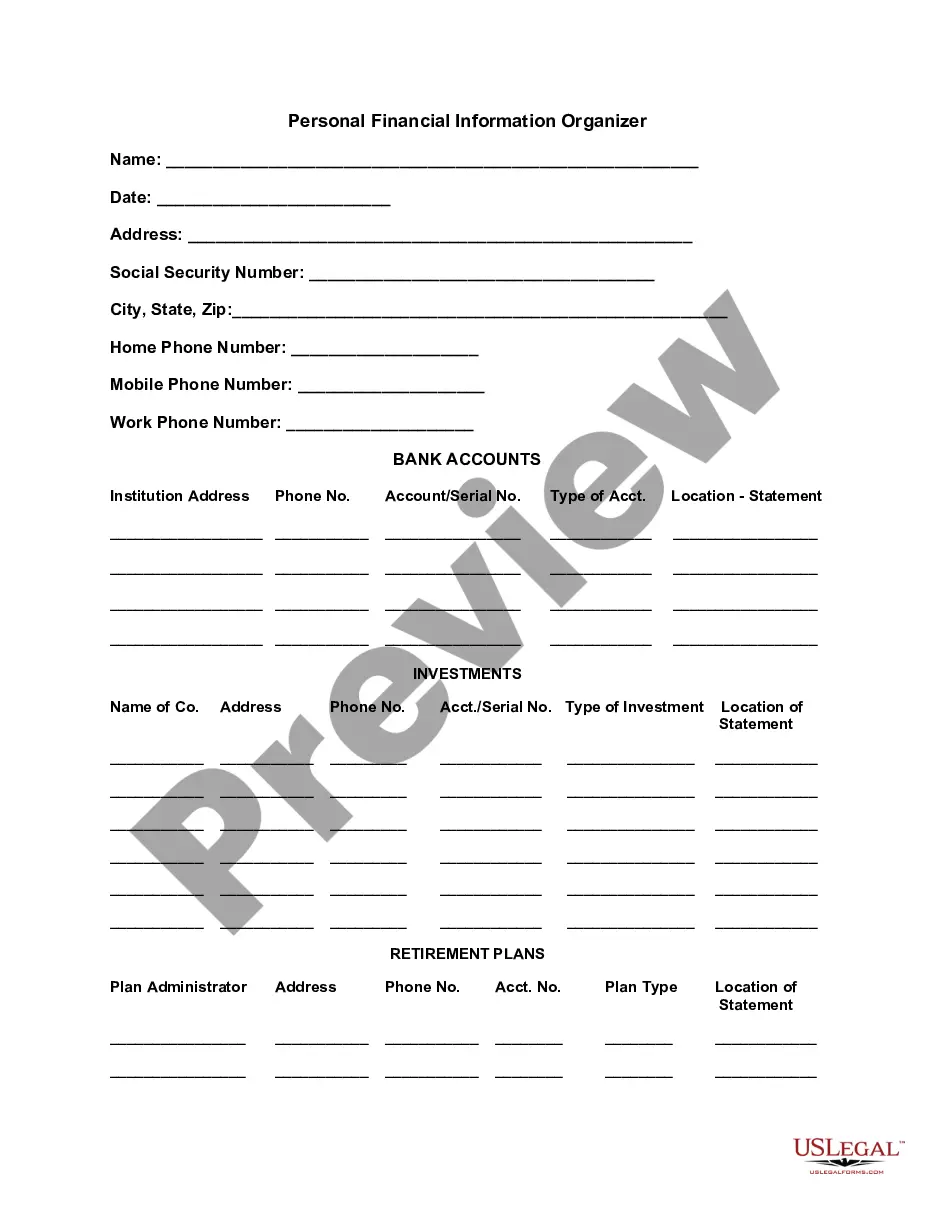







How to fill out Weekly Expense Tracking Worksheet?
Creating documents, such as the Palm Beach Weekly Expense Tracking Worksheet, to manage your legal issues is a challenging and time-consuming endeavor.
Many cases necessitate an attorney’s involvement, which also contributes to the expense of this task.
However, you can take charge of your legal matters and handle them independently.
The onboarding process for new clients is equally seamless! Here’s what you need to do before acquiring the Palm Beach Weekly Expense Tracking Worksheet: Ensure your template aligns with your state/county regulations, as the requirements for drafting legal documents can differ by state. Explore the form by previewing it or reading a brief introduction. If the Palm Beach Weekly Expense Tracking Worksheet isn’t what you needed, utilize the search feature in the header to find an alternative. Log In or create an account to begin using our website and obtain the form. Everything satisfactory on your end? Click the Buy now button and choose the subscription plan. Select the payment method and enter your payment details. Your template is ready. You can attempt to download it. Finding and acquiring the right document with US Legal Forms is a straightforward process. Countless businesses and individuals are already reaping the benefits of our extensive library. Subscribe now to discover the additional benefits you can enjoy with US Legal Forms!
- US Legal Forms is here to assist you.
- Our site features over 85,000 legal documents designed for a variety of cases and life scenarios.
- We guarantee that each form complies with the laws of each state, alleviating your concerns about possible legal complications related to compliance.
- If you’re familiar with our offerings and hold a subscription with US, you know how simple it is to obtain the Palm Beach Weekly Expense Tracking Worksheet template.
- Just Log In to your account, download the template, and customize it to fit your specifications.
- Lost your form? No problem. You can retrieve it from the My documents section in your account, whether on desktop or mobile.
Form popularity
FAQ
Create an Expense Tracker in Excel in 14 Minutes - YouTube YouTube Start of suggested clip End of suggested clip So let's call this rockstar excel expense tracker and i'm going to go ahead. And name this tabMoreSo let's call this rockstar excel expense tracker and i'm going to go ahead. And name this tab summary um and then i want to lay this out. So let's call this january 21 feb 2021 and then once i've.
Select all cells in column E (in the Jan 2021 sheet), starting from cell Es3. Navigate to Data->Data Validation. Click on the dropdown next to Criteria. Select 'List from range' from the dropdown list. In the next input box, enter the range containing the category list. In our case, it is 'Expense / Budget Summary'!
How to create a simple Expense Tracker Choose simple expense tracker software.Create your expense categories.Create your expense input sheet.Create your summary tab.Try Sheetgo's automated expense tracker template.
Budget Tracker - Google Workspace Marketplace. Create and track your budget in Google Sheets. Adds tools to track your expenditures throughout the year. This free add-on allows you to use Google Sheets as a budgeting application.
How to Make a Budget in Excel from Scratch Step 1: Open a Blank Workbook.Step 2: Set Up Your Income Tab.Step 3: Add Formulas to Automate.Step 4: Add Your Expenses.Step 5: Add More Sections.Step 6.0: The Final Balance.Step 6.1: Totaling Numbers from Other Sheets.Step 7: Insert a Graph (Optional)
How to Create a Budget Spreadsheet in Excel Identify Your Financial Goals.Determine the Period Your Budget Will Cover.Calculate Your Total Income.Begin Creating Your Excel Budget.Enter All Cash, Debit and Check Transactions into the Budget Spreadsheet.Enter All Credit Transactions.
A simple, step-by-step guide to creating a budget in Google Sheets Step 1: Open a Google Sheet.Step 2: Create Income and Expense Categories.Step 3: Decide What Budget Period to Use.Step 4: Use simple formulas to minimize your time commitment.Step 5: Input your budget numbers.Step 6: Update your budget.
To prepare the weekly expense budget, include your expected revenues and the estimated bills. Subtract your expenses from your revenues. If the number is positive, then compare this to the estimated cash flows for the week and adjust your expenses down if the existing cash and incoming cash will not cover them.
Create a Weekly Budget - YouTube YouTube Start of suggested clip End of suggested clip First up is the budgeting piece start with your net income recording. The amount you actually takeMoreFirst up is the budgeting piece start with your net income recording. The amount you actually take home if you have multiple jobs or other sources of income list. Each one separately.
How to track your expenses in Google Sheets 2020 Money ManagementYouTube Start of suggested clip End of suggested clip So much the most important thing is just to track your stuff and whatever way you can if it'sMoreSo much the most important thing is just to track your stuff and whatever way you can if it's spreadsheet or if it's apps whatever. Just use the thing that will help you track your things let's go