Kings New York Time Sheet Instructions
Description
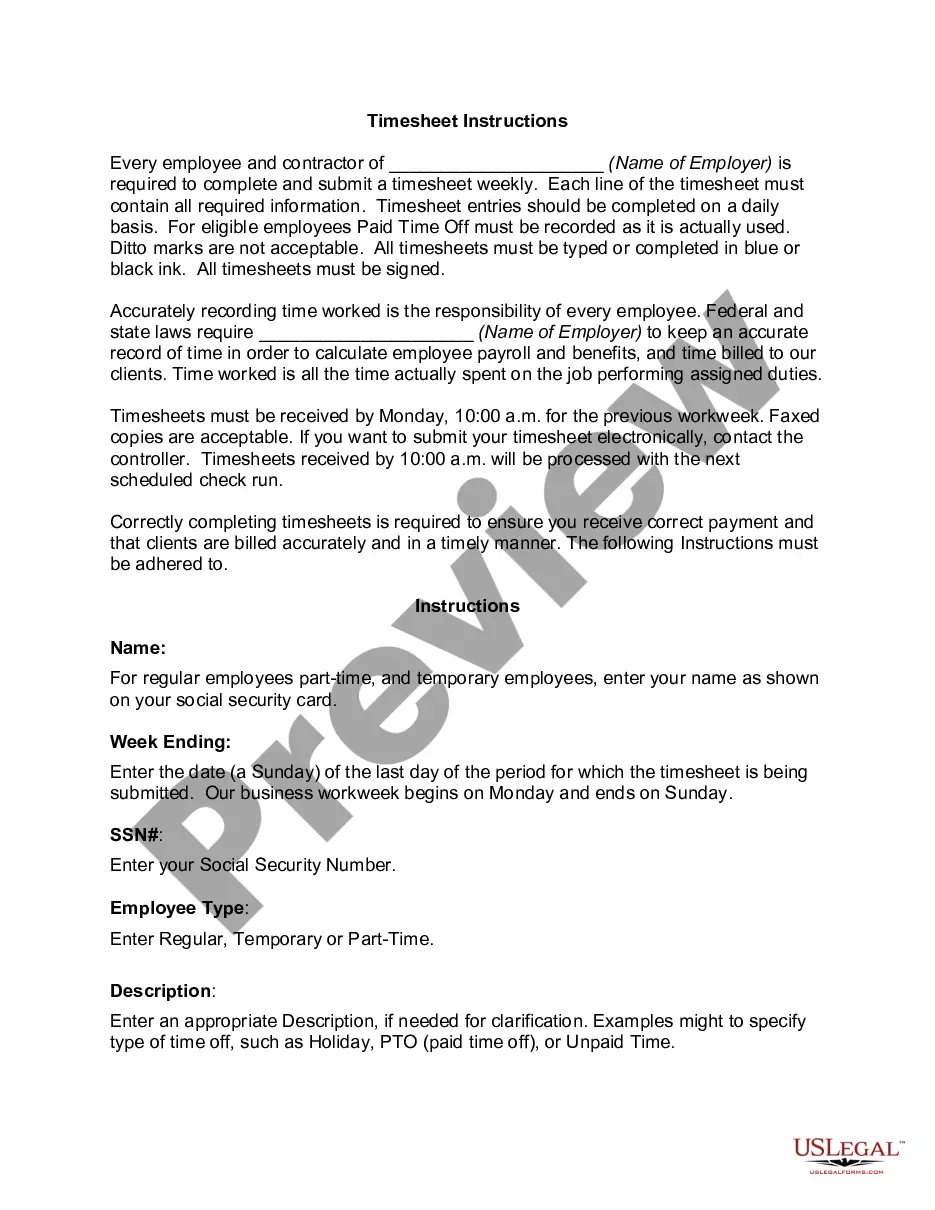
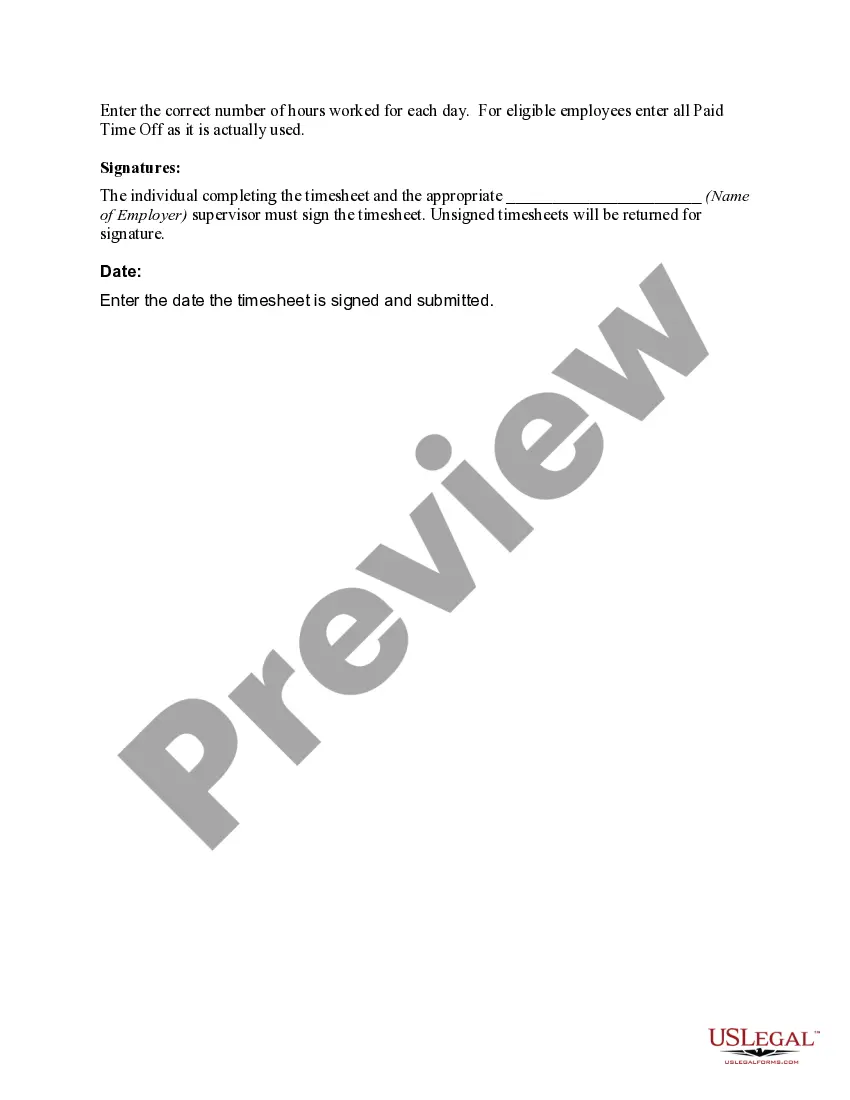
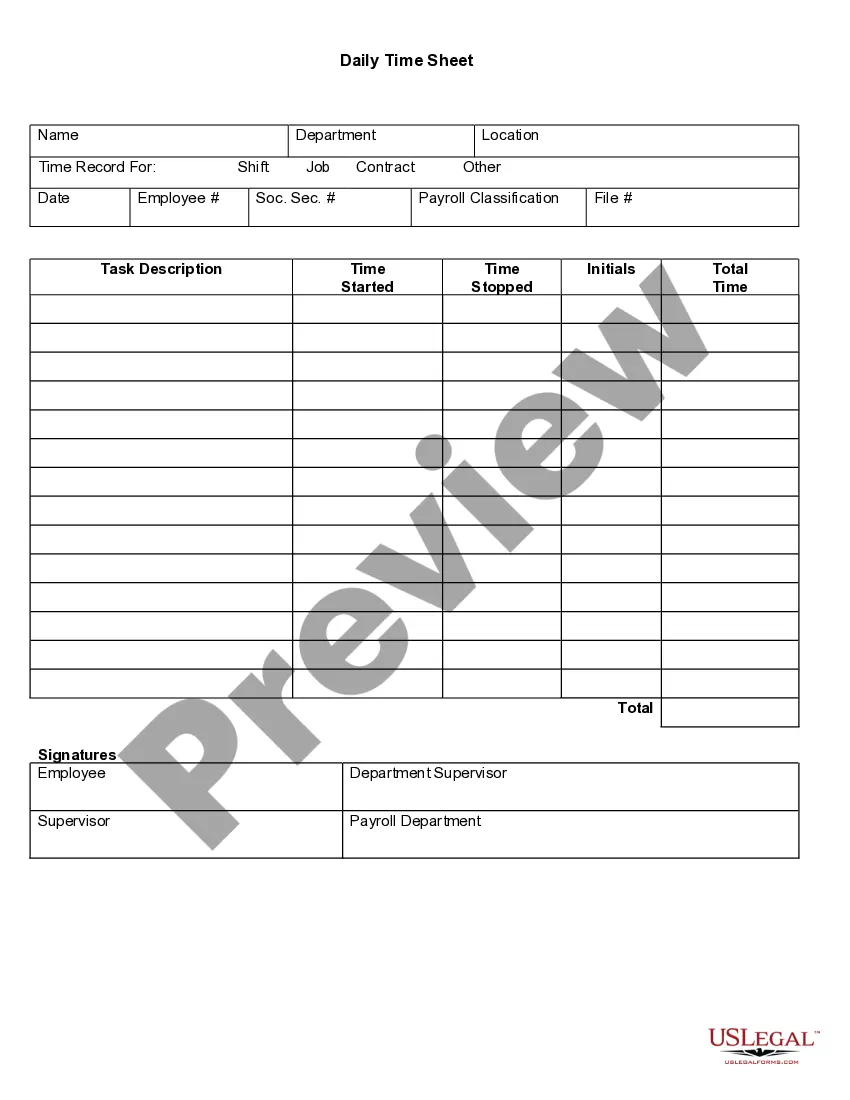




How to fill out Time Sheet Instructions?
A documentation process consistently accompanies any legal action you undertake.
Establishing a business, applying for or accepting employment, transferring assets, and many other life situations require you to prepare official documents that vary from one jurisdiction to another.
This is why having everything organized in a single location is incredibly beneficial.
US Legal Forms is the most comprehensive online repository of current federal and state-specific legal documents.
Select the suitable subscription plan, Log In or create an account, choose the preferred payment method (via credit card or PayPal) to proceed, select the file format, and save the Kings Time Sheet Instructions on your device. Utilize it as necessary: print it or fill it out digitally, sign it, and submit it where required. This is the simplest and most dependable way to acquire legal documents. All samples offered by our library are professionally drafted and validated for compliance with local laws and regulations. Prepare your documents and manage your legal matters effectively with US Legal Forms!
- Here, you can swiftly find and acquire a document for any personal or corporate purpose applicable in your area, including the Kings Time Sheet Instructions.
- Finding templates on the platform is exceptionally straightforward.
- If you already possess a subscription to our service, Log In to your account, use the search field to find the sample, and click Download to save it on your device.
- Following this, the Kings Time Sheet Instructions will be accessible for further use in the My documents tab of your profile.
- If you are using US Legal Forms for the first time, follow this brief guide to obtain the Kings Time Sheet Instructions.
- Ensure you have visited the correct page with your regional document.
- Utilize the Preview mode (if accessible) and browse through the template.
- Examine the description (if available) to confirm that the template fulfills your needs.
- If the sample does not suit you, look for another document via the search tab.
- When you locate the needed template, click Buy Now.
Form popularity
FAQ
6 Steps to Encourage Employees to Submit Their Timesheets Communicate the purpose of time tracking.Set clear policies and guidelines.Let your employees learn how to use the timesheet.Send automatic timesheet reminders.Follow up.Use gamification in time tracking.
Q: How early can I submit my Electronic Timesheet? A: There are no changes to the Due Dates that are in place when using paper timesheets. The Due Dates remain the same. Timesheets must be submitted on or after the end of the pay period or after the last day worked.
An employer cannot legally withhold your wages as the result of a late timesheet, but if a timesheet is requested and required, you can receive a warning or further disciplinary action including termination as a result of failing to submit it to your manager or employer on time.
A timesheet is a type of time tracking document that will explicitly record the specific amount of time a business's employees have spent at work on the clock. This can be done automatically or entered manually. It will also record the delegated time an employee has devoted to specific clients, projects and tasks.
How to Submit Your Timesheet for Approval - YouTube YouTube Start of suggested clip End of suggested clip Once you've finished logging your work for a time period such as for the week or month you usuallyMoreOnce you've finished logging your work for a time period such as for the week or month you usually need to submit your timesheet for approval. You can do this in my work here which you can get to by
How to fill out a timesheet: Step-by-step instructions Step 1: Enter the employee's name. Enter the person's name whose working hours you are recording. Step 2: Add a date range.Step 3: Add project details.Step 4: Include working hours for work days.Step 5: Determine total hours.Step 6: Get approval from supervisor.
Timesheet on your last working day. Note: Timesheets must be submitted promptly to allow time for supervisor approval and to submission before the deadline. Submit timesheets a day before or, at a minimum, several hours BEFORE the 5 pm deadline on the 20th.
To complete a timesheet: Simply write in the dates of the end of the 1. weeks (always the Saturday date) and then fill in the number of hours you worked per day If you worked zero hours on Monday, 2022 leave the space for Monday blank. Add the total hours you have worked and 2.
6 Steps to Encourage Employees to Submit Their Timesheets Communicate the purpose of time tracking.Set clear policies and guidelines.Let your employees learn how to use the timesheet.Send automatic timesheet reminders.Follow up.Use gamification in time tracking.