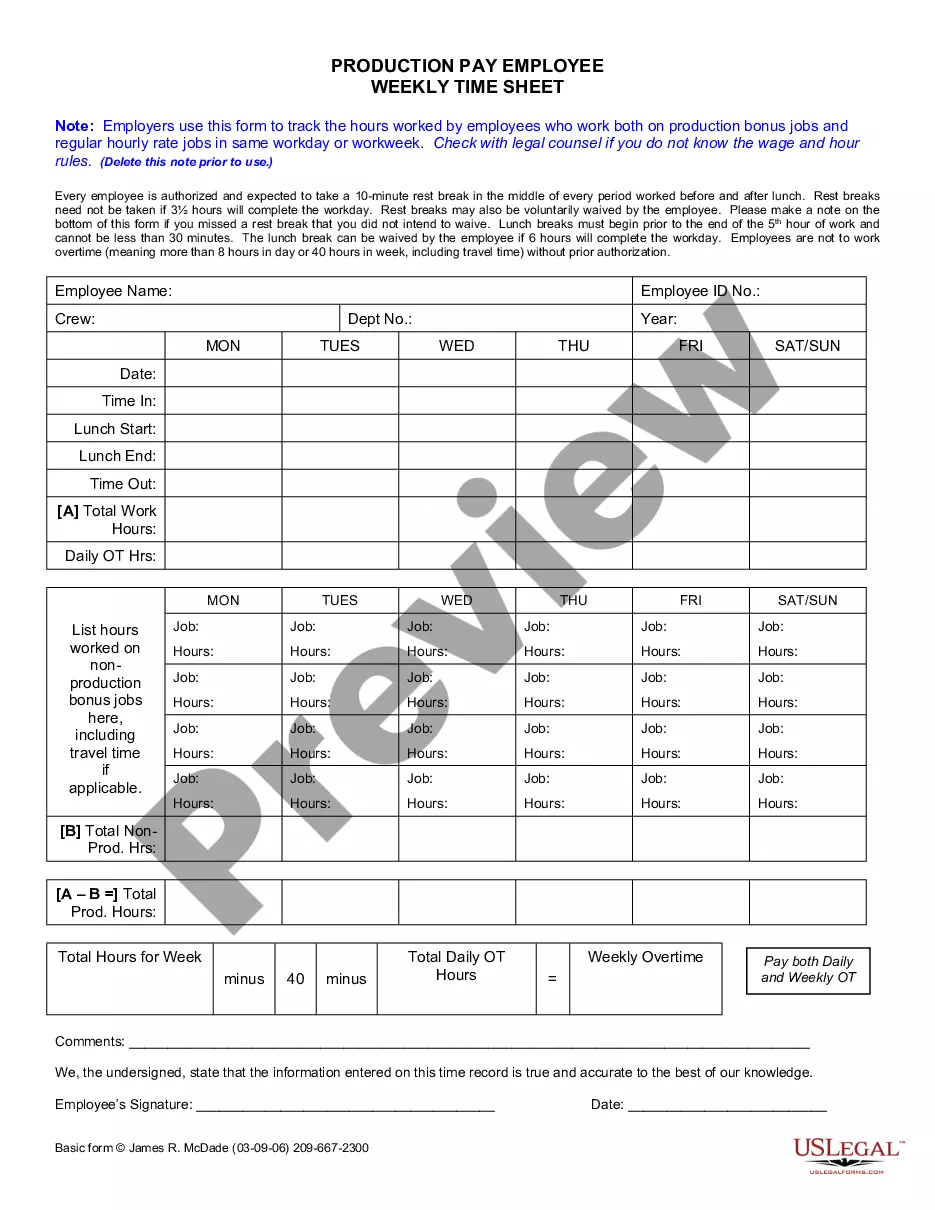
Employers use this form to track the hours worked by employees who work on both production bonus jobs and regular hourly rate jobs in same workday or workweek.
Norwalk California Weekly Time Sheet for Production Pay Employee
State:
California
City:
Norwalk
Control #:
CA-JM-0061
Format:
Word
46 downloads
Description
Get your form ready online
Our built-in tools help you complete, sign, share, and store your documents in one place.
Built-in online Word editor
Make edits, fill in missing information, and update formatting in US Legal Forms—just like you would in MS Word.
Export easily
Download a copy, print it, send it by email, or mail it via USPS—whatever works best for your next step.
E-sign your document
Sign and collect signatures with our SignNow integration. Send to multiple recipients, set reminders, and more. Go Premium to unlock E-Sign.
Notarize online 24/7
If this form requires notarization, complete it online through a secure video call—no need to meet a notary in person or wait for an appointment.
Store your document securely
We protect your documents and personal data by following strict security and privacy standards.

Make edits, fill in missing information, and update formatting in US Legal Forms—just like you would in MS Word.

Download a copy, print it, send it by email, or mail it via USPS—whatever works best for your next step.

Sign and collect signatures with our SignNow integration. Send to multiple recipients, set reminders, and more. Go Premium to unlock E-Sign.

If this form requires notarization, complete it online through a secure video call—no need to meet a notary in person or wait for an appointment.

We protect your documents and personal data by following strict security and privacy standards.
Looking for another form?

How to fill out California Weekly Time Sheet For Production Pay Employee?
Irrespective of societal or occupational position, completing legal paperwork is a regrettable requirement in the modern world.
Often, it’s nearly unattainable for an individual lacking any legal education to compose these types of documents from scratch, primarily due to the intricate language and legal nuances they entail.
This is where US Legal Forms comes to the aid.
Confirm that the template you found is appropriate for your location, noting that the regulations of one state or region may not apply to another.
Review the document and check a brief description (if available) regarding the cases the form can be utilized for.
- Our platform offers a vast collection of over 85,000 ready-to-use state-specific forms that cater to almost any legal scenario.
- US Legal Forms is also a valuable resource for associates or legal advisors who wish to become more efficient time-wise using our DIY documents.
- Whether you need the Norwalk California Weekly Time Sheet for Production Pay Employee or any other form relevant to your state or region, with US Legal Forms, everything is easily accessible.
- Here’s a quick guide to obtain the Norwalk California Weekly Time Sheet for Production Pay Employee within minutes using our trustworthy platform.
- If you are an existing subscriber, you can directly Log In to your account to acquire the needed document.
- However, if you are not familiar with our platform, please ensure to follow these steps before obtaining the Norwalk California Weekly Time Sheet for Production Pay Employee.
Form popularity
FAQ
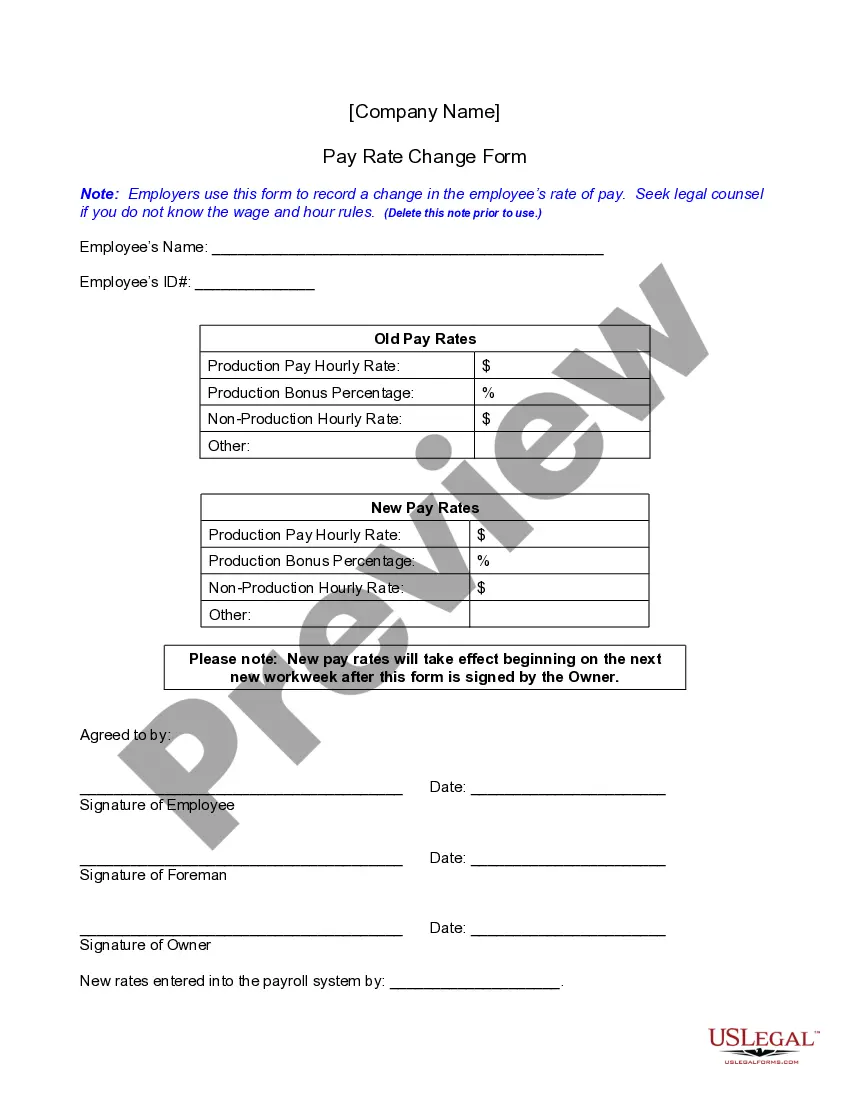
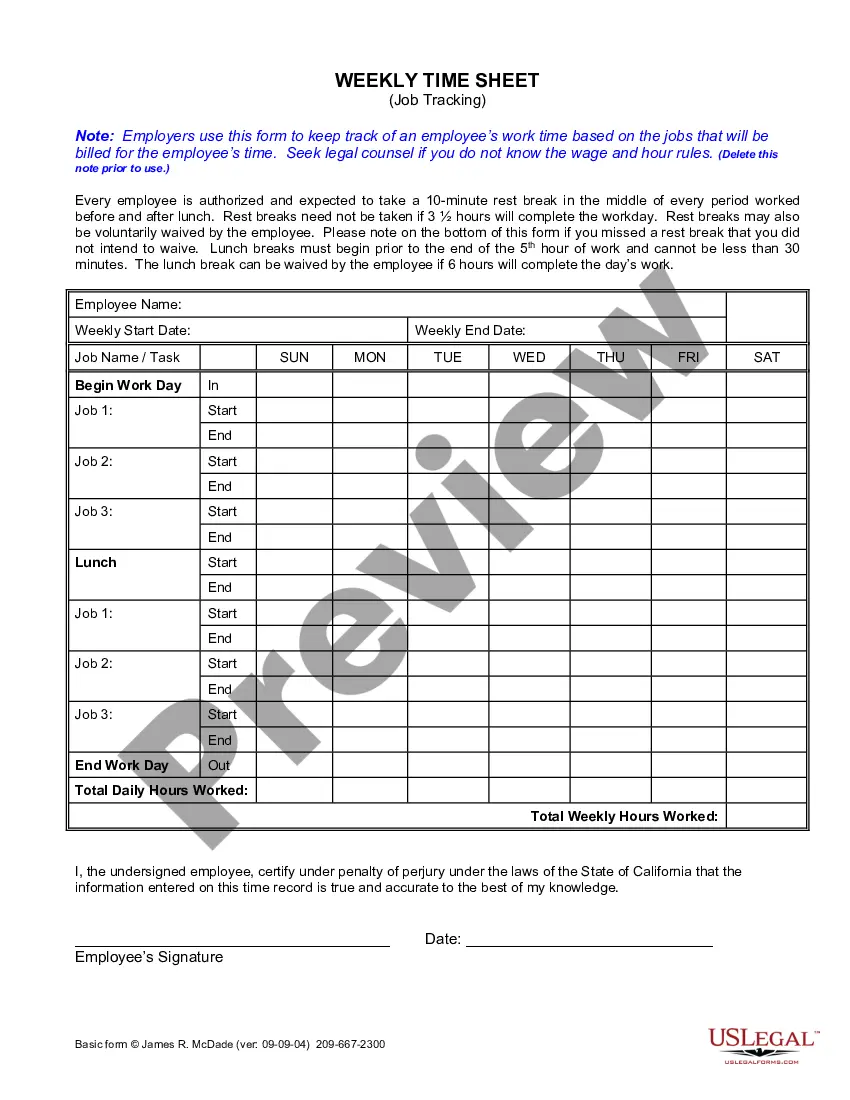
How to Fill Out a Timesheet Enter the Employee's Name. Here you should fill out the employee's full, legal name whose hours you are recording. Provide the Date or the Date Range. Next up you need to add the date.Fill in the Task Details.Add Hours Worked.Calculate Your Total Hours.Approve the Timesheet.
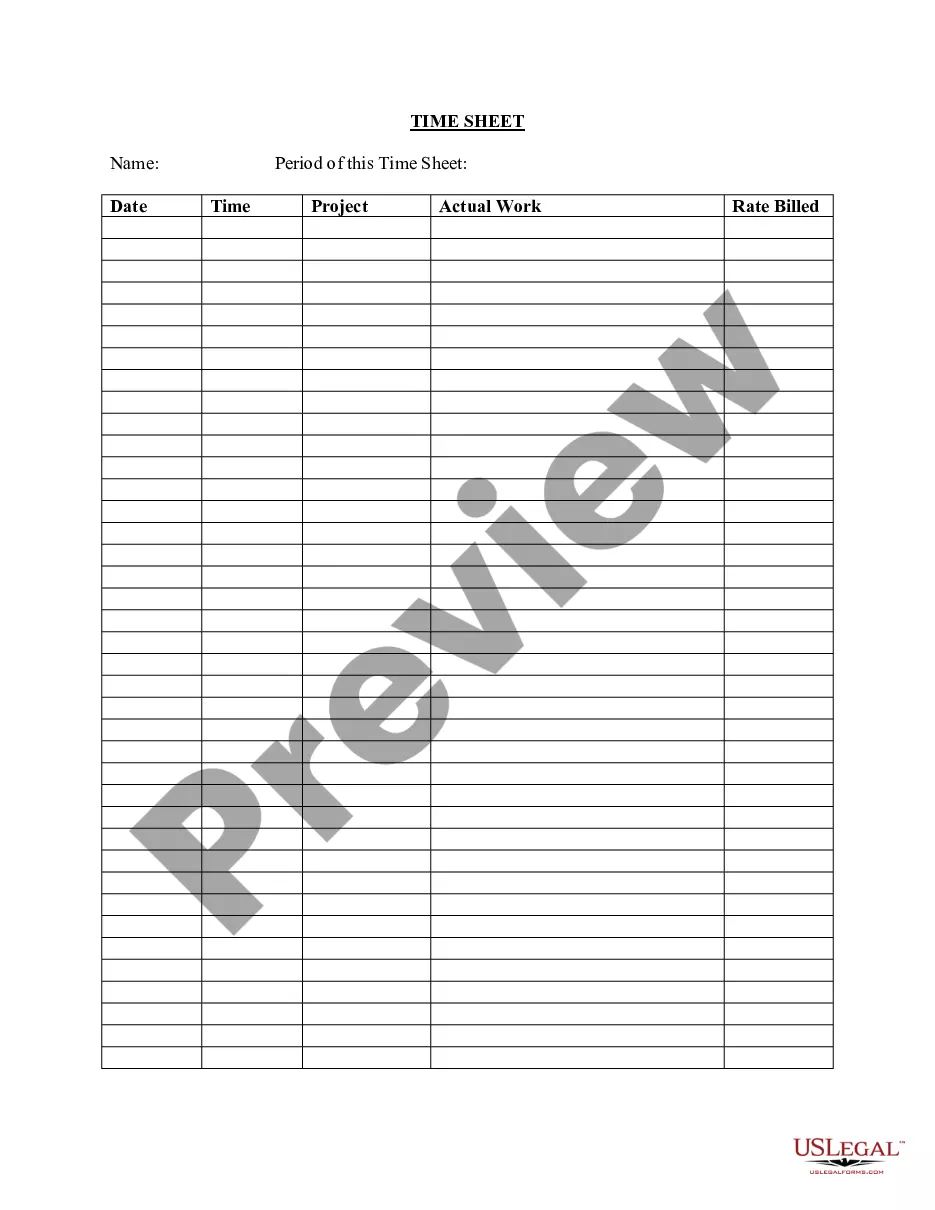
A timesheet is a data table which an employer can use to track the time a particular employee has worked during a certain period. Businesses use timesheets to record time spent on tasks, projects, or clients.
An Excel timesheet calculator is very easy to use. Once you design or download your template and send it to your employees, they can use it to track the hours they work each day. You can then use this data to calculate payroll, pay contractors and keep a record of hours worked.
Types of timesheets Standard timesheet. Techno timesheet. Weekly timesheet. Express timesheet.
A timesheet is a data table which an employer can use to track the time a particular employee has worked during a certain period. Businesses use timesheets to record time spent on tasks, projects, or clients.
How to Fill Out a Timesheet (Step-by-Step Guide) Step 1: Enter the Employee Name.Step 2: Add the Date or Date Range.Step 3: Fill in the Project and Task Details.Step 4: Add Working Hours for Each Day of the Week.Step 5: Calculate the Total Hours.Step 6: Add Notes if Required.Step 7: Get Approval.Daily Timesheets.
Clockify is the completely free timesheet app for teams. Homebase is the timesheet application with features like time clock and team communication. ClickTime is the employee timesheet app for individuals and teams. ZoomShift is the best online timesheet app for hourly employees.
Companies use timesheets to determine an employee's pay for a given period. For example, a weekly timesheet would calculate how much income an employee earned in a given week given the amount of time they spent working in that time period.
How To Create a Timesheet in Excel? Step 1: Format your spreadsheet. Open a new Excel file.Step 2: Add timesheet title. Highlight the cell range A1?L1.Step 3: Add required labels. Now it's time to add all the labels to your Excel timesheet.Step 4: Add time-related labels.Step 5: Finishing touches.
A Microsoft Word timesheet template is a document where employees list, track, and submit their regular, overtime, and other work hours for various pay periods. Like businesses managing payrolls, supervisors track work activities using timesheet templates.