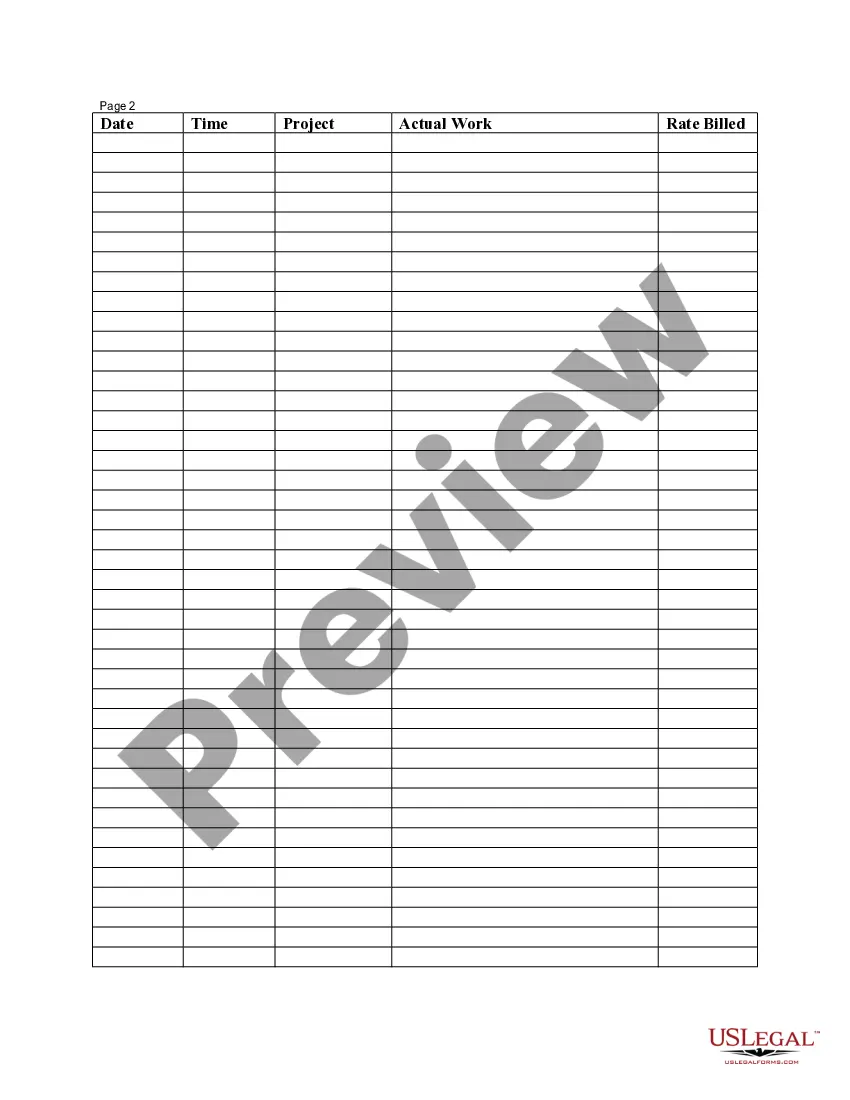
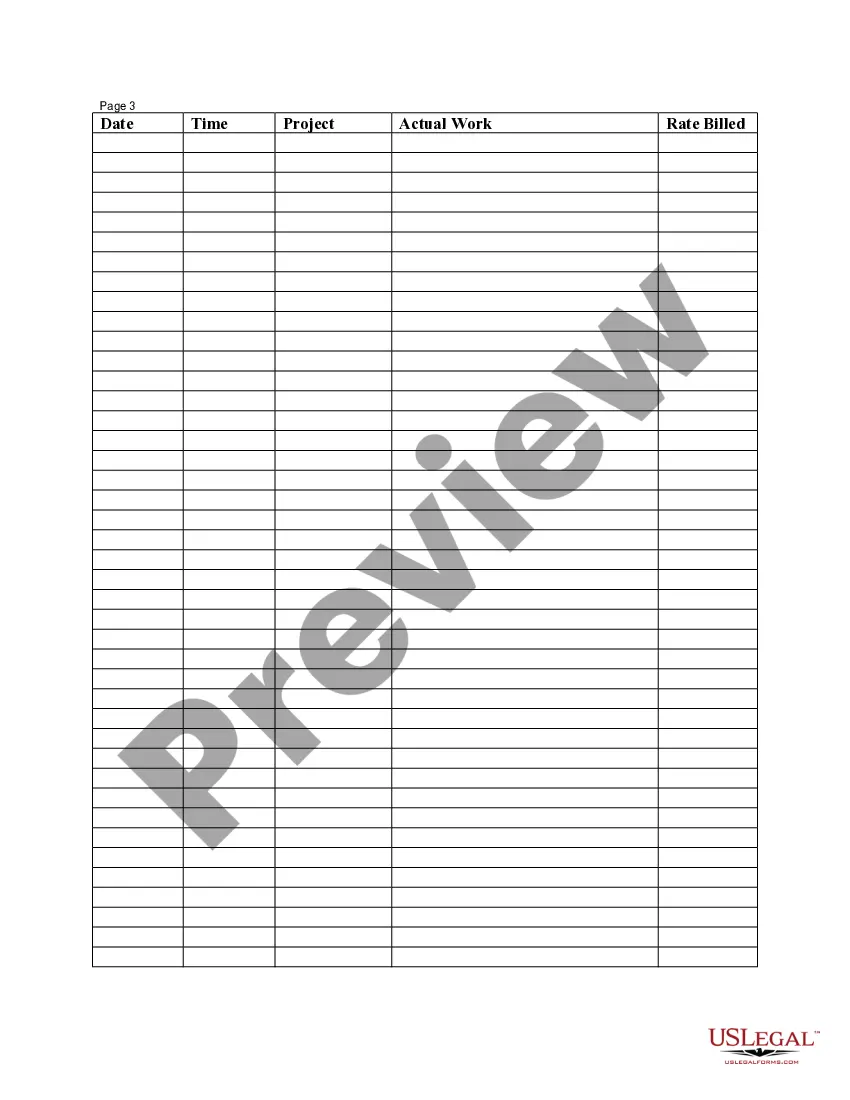
Contra Costa California Employee Time Sheet
Description


Get your form ready online
Our built-in tools help you complete, sign, share, and store your documents in one place.
Make edits, fill in missing information, and update formatting in US Legal Forms—just like you would in MS Word.
Download a copy, print it, send it by email, or mail it via USPS—whatever works best for your next step.
Sign and collect signatures with our SignNow integration. Send to multiple recipients, set reminders, and more. Go Premium to unlock E-Sign.
If this form requires notarization, complete it online through a secure video call—no need to meet a notary in person or wait for an appointment.
We protect your documents and personal data by following strict security and privacy standards.

Make edits, fill in missing information, and update formatting in US Legal Forms—just like you would in MS Word.

Download a copy, print it, send it by email, or mail it via USPS—whatever works best for your next step.

Sign and collect signatures with our SignNow integration. Send to multiple recipients, set reminders, and more. Go Premium to unlock E-Sign.

If this form requires notarization, complete it online through a secure video call—no need to meet a notary in person or wait for an appointment.

We protect your documents and personal data by following strict security and privacy standards.
Looking for another form?

How to fill out Employee Time Sheet?
Developing legal documents is essential in the current environment.
However, you don't necessarily have to pursue expert assistance to generate some of them from scratch, including Contra Costa Employee Time Sheet, by using a service like US Legal Forms.
US Legal Forms provides more than 85,000 documents to select from across different categories, ranging from living wills to real estate agreements to divorce documents.
Select the pricing {plan, pick a convenient payment option, and purchase the Contra Costa Employee Time Sheet.
Choose to save the form template in any available file format.
- All documents are categorized based on their applicable state, streamlining the search process.
- Moreover, you can find comprehensive resources and instructions on the website to make all tasks related to document preparation simple.
- Here’s how to find and retrieve the Contra Costa Employee Time Sheet.
- Review the document’s preview and description (if available) to get a basic understanding of what you’ll receive after acquiring the document.
- Verify that the document you choose is tailored to your state/county/region as state regulations can affect the legality of certain documents.
- Look for similar document templates or restart your search to find the right file.
- Hit Buy now and set up your account. If you already have an account, opt to Log In.
Form popularity
FAQ
IHSS Timesheet Training - English - YouTube YouTube Start of suggested clip End of suggested clip The left side of each column. You'll see the date IHSS providers fill out timesheets twice a monthMoreThe left side of each column. You'll see the date IHSS providers fill out timesheets twice a month the first pay period goes from the first to the 15th.
According to the California Department of Social Services, it can take up to 10 business days from the date your timesheet is received for processing in Chico, CA until the date you are paid. Have questions or need help with a delayed IHSS paycheck or timesheet?
What if I make a mistake on my timesheet? If you submit a timesheet with mistakes, your timesheet may still be rejected if the hours claimed are unreadable. You may need to complete another timesheet. This can cause a delay in your paycheck.
Do you want to know if your payment has been issued yet? Now you can utilize the ESP to access this information 24 hours a day! IHSS Care Providers and IHSS Recipients can now access the California Department of Social Services' Electronic Services Portal to get real-time timesheet and payment status information!
If you approve a timesheet it will be released to the payroll system for further processing using standard IHSS processes and is will be released for payment. If you reject a timesheet, your provider will be notified so an appropriate follow-up can occur.
A: While filling out your timesheet you will receive error messages for mistakes and the system will warn you if you would get a violation. At this point, you may choose to go back and change the hours you have recorded so that you do not get a violation. You cannot enter hours that you are not approved to work.
A: Go to the Electronic Timesheet website at to select the New User Registration link and follow the online directions to create an account. You will need to register in order to use this service.
The Telephone Timesheet System (TTS) number to approve timesheets is (833) DIAL-EVV or (833) 342-5388.
Starting July 1, 2020, you MUST begin using the Electronic Services Portal (ESP) or Telephonic Timesheet System (TTS) to submit, review, and approve timesheets.
One way is to select the electronic timesheets link on the top menu bar and in the drop down listMoreOne way is to select the electronic timesheets link on the top menu bar and in the drop down list select the time entry link under the electronic timesheets.