Wyoming Identity Theft Prevention Package
What is this form package?
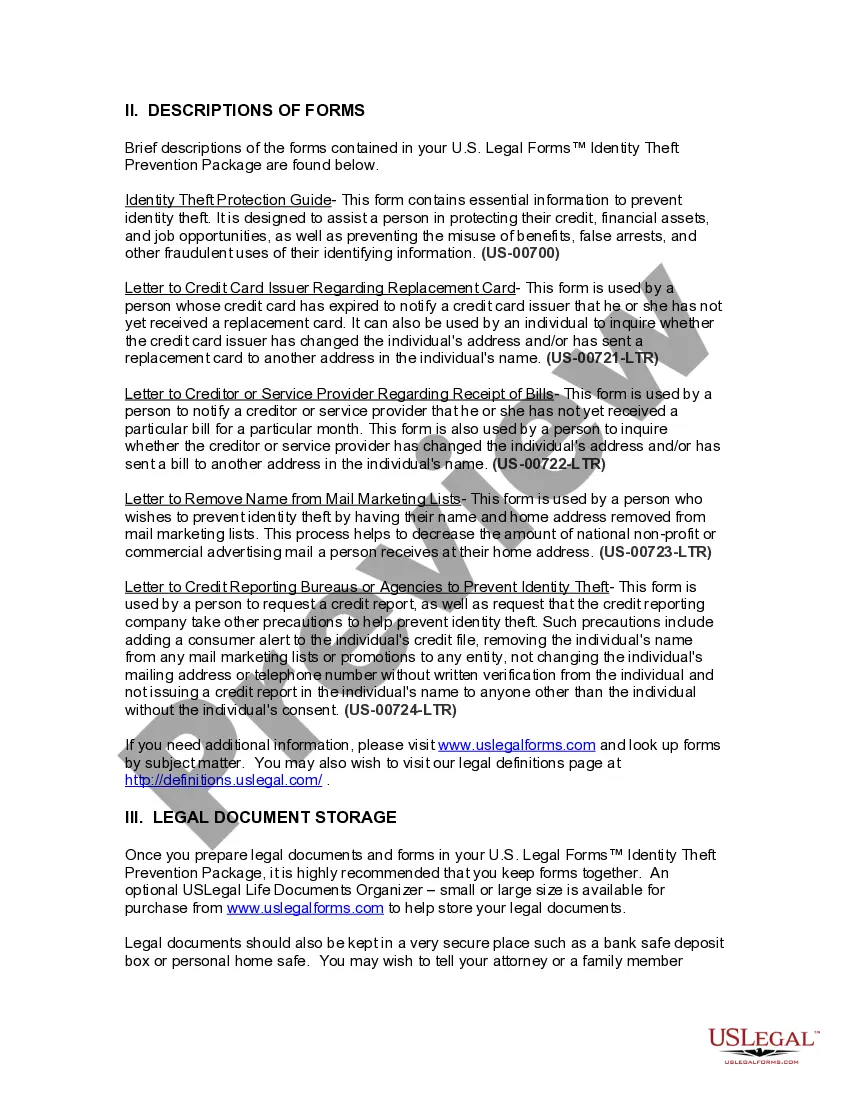
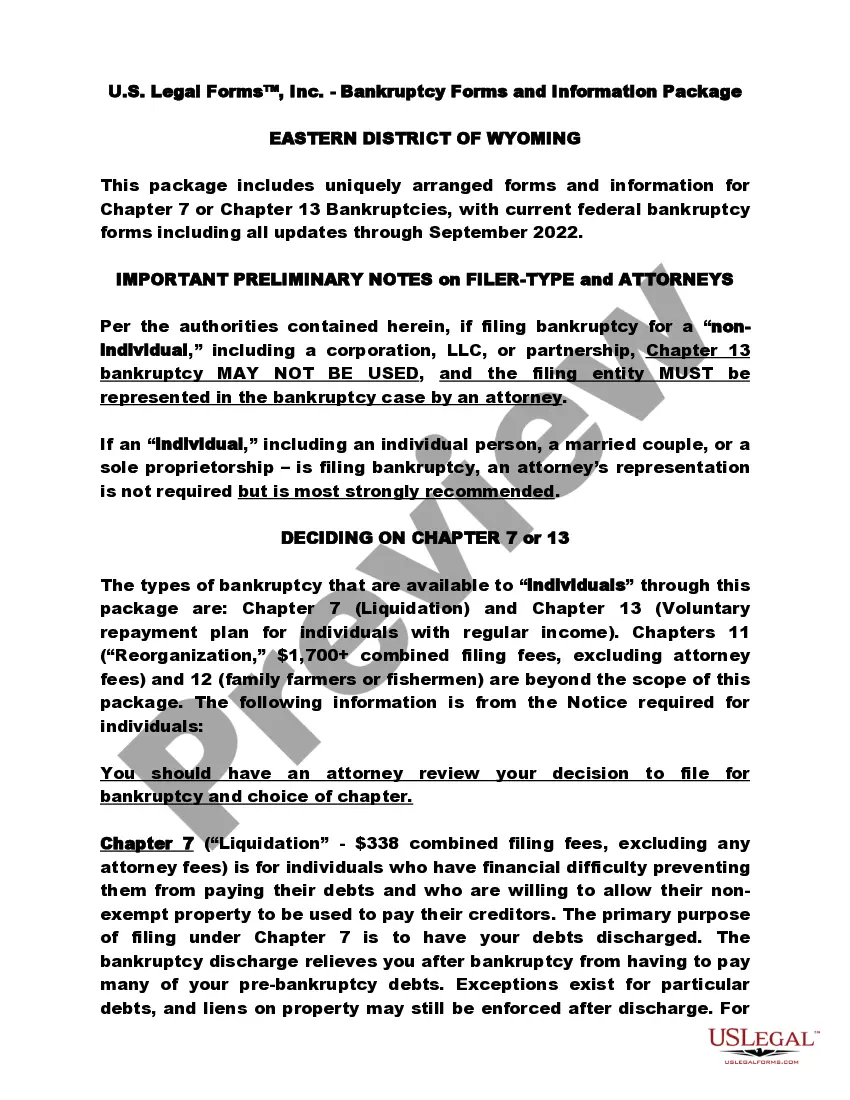
The Wyoming Identity Theft Prevention Package provides essential forms designed to help individuals protect their identifying information and minimize the risk of identity theft. This package differs from others by offering a comprehensive set of documents that address various aspects of identity protection, including financial security and safeguarding personal data. With this package, users can take proactive steps to secure their credit and prevent the misuse of their identity.
Documents contained in this package
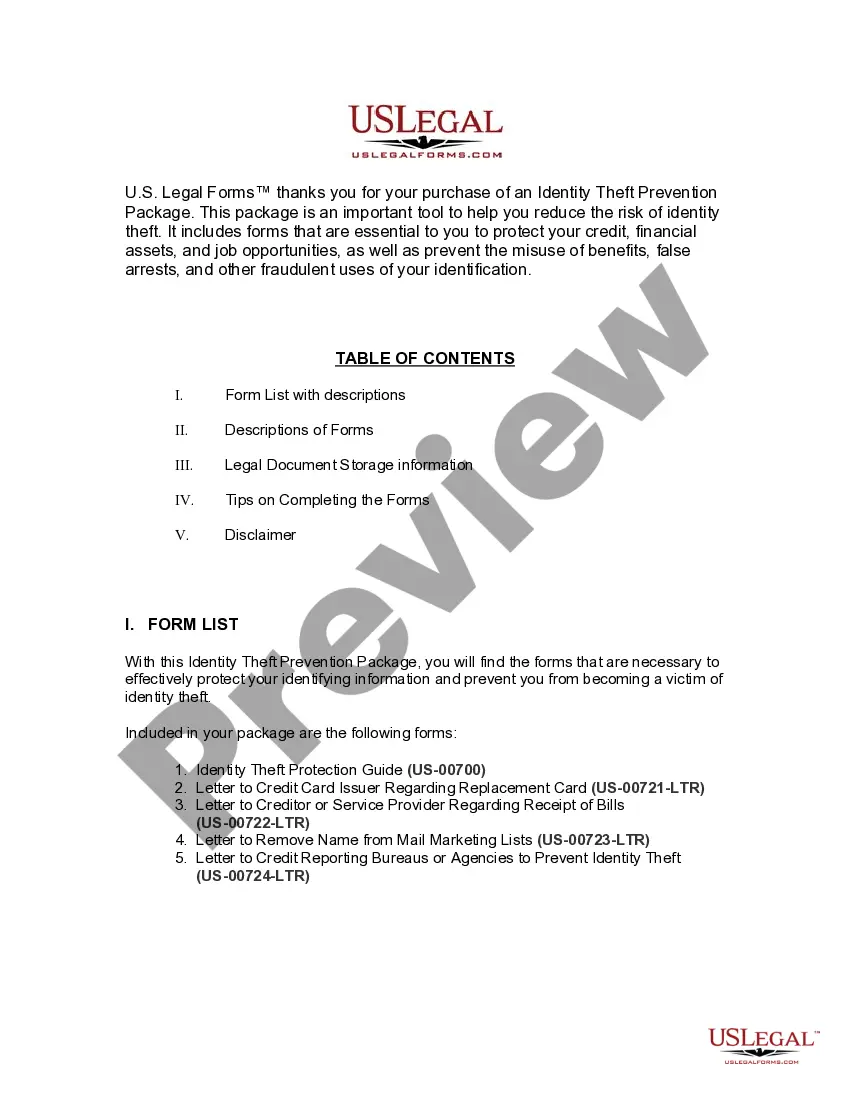
- Identity Theft Protection Guide
- Sample Letter to Credit Card Issuer Regarding Replacement Card
- Sample Letter to Creditor or Service Provider Regarding Receipt of Bills
- Sample Letter to Remove Name from Mail Marketing Lists
- Sample Letter to Credit Reporting Bureau or Agency to Help Prevent Identity Theft
When to use this form package
This package is useful in several scenarios, including:
- If you suspect your personal information has been compromised
- When applying for new credit and you want to prevent unauthorized access to your accounts
- If you are overwhelmed by unsolicited marketing materials and want to limit exposure
- When you have not received expected bills, indicating potential fraudulent activity
Intended users of this form package
- Individuals concerned about identity theft or who have previously been victims
- Anyone looking to enhance their personal information security
- Residents of Wyoming needing to comply with state regulations on identity protection
- Those who want to proactively manage their credit and personal data
Steps to complete these forms
- Review the contents of the package carefully to understand each form's purpose.
- Gather any necessary personal information and documentation required for the forms.
- Complete each form using the provided fields, either digitally or manually.
- Sign and date each form where indicated to ensure validity.
- Make copies of all completed forms for your records before sending them out.
- Store your completed documents in a secure location to safeguard your information.
Do forms in this package need to be notarized?
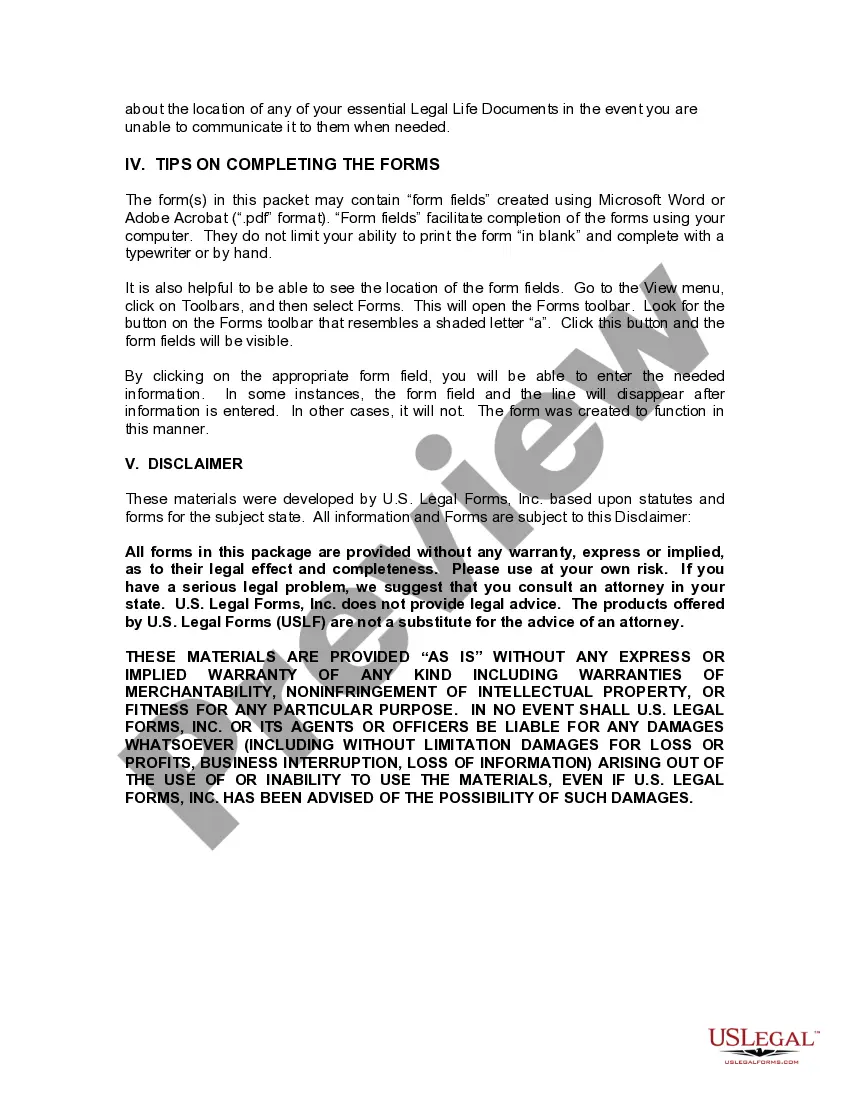
Forms in this package typically do not require notarization unless required by local law. It is advisable to check the specific requirements for any documents you intend to submit.
Get your form ready online
Our built-in tools help you complete, sign, share, and store your documents in one place.
Make edits, fill in missing information, and update formatting in US Legal Forms—just like you would in MS Word.
Download a copy, print it, send it by email, or mail it via USPS—whatever works best for your next step.
Sign and collect signatures with our SignNow integration. Send to multiple recipients, set reminders, and more. Go Premium to unlock E-Sign.
If this form requires notarization, complete it online through a secure video call—no need to meet a notary in person or wait for an appointment.
We protect your documents and personal data by following strict security and privacy standards.

Make edits, fill in missing information, and update formatting in US Legal Forms—just like you would in MS Word.

Download a copy, print it, send it by email, or mail it via USPS—whatever works best for your next step.

Sign and collect signatures with our SignNow integration. Send to multiple recipients, set reminders, and more. Go Premium to unlock E-Sign.

If this form requires notarization, complete it online through a secure video call—no need to meet a notary in person or wait for an appointment.

We protect your documents and personal data by following strict security and privacy standards.
Avoid these common issues
- Failing to fill out all required fields on the forms.
- Not keeping copies of submitted forms for personal records.
- Ignoring instructions specific to each form, which could lead to delays or rejections.
Advantages of online completion
- Convenience of downloading and printing forms from home.
- Easy access to legal forms drafted by licensed attorneys.
- Editability of forms allows for customization to fit individual needs.
- Reliability of up-to-date forms that meet current legal standards.
Legal use & context
- Documents provided in this package are legally recognized in Wyoming for identity theft protection.
- Using these forms can help establish a legal basis for reporting identity theft incidents.
- Proper use of these forms may enhance your ability to recover from financial loss due to identity theft.
Main things to remember
- The Wyoming Identity Theft Prevention Package is a comprehensive tool for enhancing personal security.
- Proper completion of forms is crucial to effectively prevent and respond to identity theft.
- Individuals residing in Wyoming can ensure compliance with state regulations using this package.
Looking for another form?
Form popularity
FAQ
What happens if my ID doesn't have a star? You must present an acceptable ID, such as a valid passport, state-issued enhanced driver's license or U.S. military ID, to fly within the U.S. You will not be allowed to fly if your identity cannot be verified. Review the complete list of acceptable identification.
A REAL ID-compliant driver's license or state ID card will have a star in a gold circle printed in the upper right corner of the card. Enhanced licenses and state ID cards that do not have a star on them are still REAL ID compliant and will be printed with a star when renewed or replaced.
To apply for a Wyoming ID card, visit your local WY DOT office in person and: Complete and sign a Wyoming Identification Card Application (Form FSIDC-705). Present a valid passport or state-certified copy of your birth certificate.
The documents needed are the same for a driver license and a state identification card. Drivers will need to bring one proof of identity, two proofs of current residency, one proof of Social Security number and one proof of name change if applicable.
Georgia has two stars that indicate a REAL ID-compliant license. The star cut out in a gold circle and the star cut out in a black circle. If your driver's license does not show either in the right-hand corner, head over to their website to learn ways to ensure you have a REAL ID.
Since Jan. 1, 2010, any new credential issued at an office in Florida has the gold star. To become REAL ID compliant, visit an office and bring original documents which validate your identity, Social Security Number and residential address.
A REAL ID-compliant driver's license or state ID card will have a star in a gold circle printed in the upper right corner of the card. Enhanced licenses and state ID cards that do not have a star on them are still REAL ID compliant and will be printed with a star when renewed or replaced.
WYDOT has recently started issuing a new revamped driver license, and those will also feature a star in the top right corner. However, it will be a black circle with the star shape in the middle.
WYDOT has recently started issuing a new revamped driver license, and those will also feature a star in the top right corner. However, it will be a black circle with the star shape in the middle.