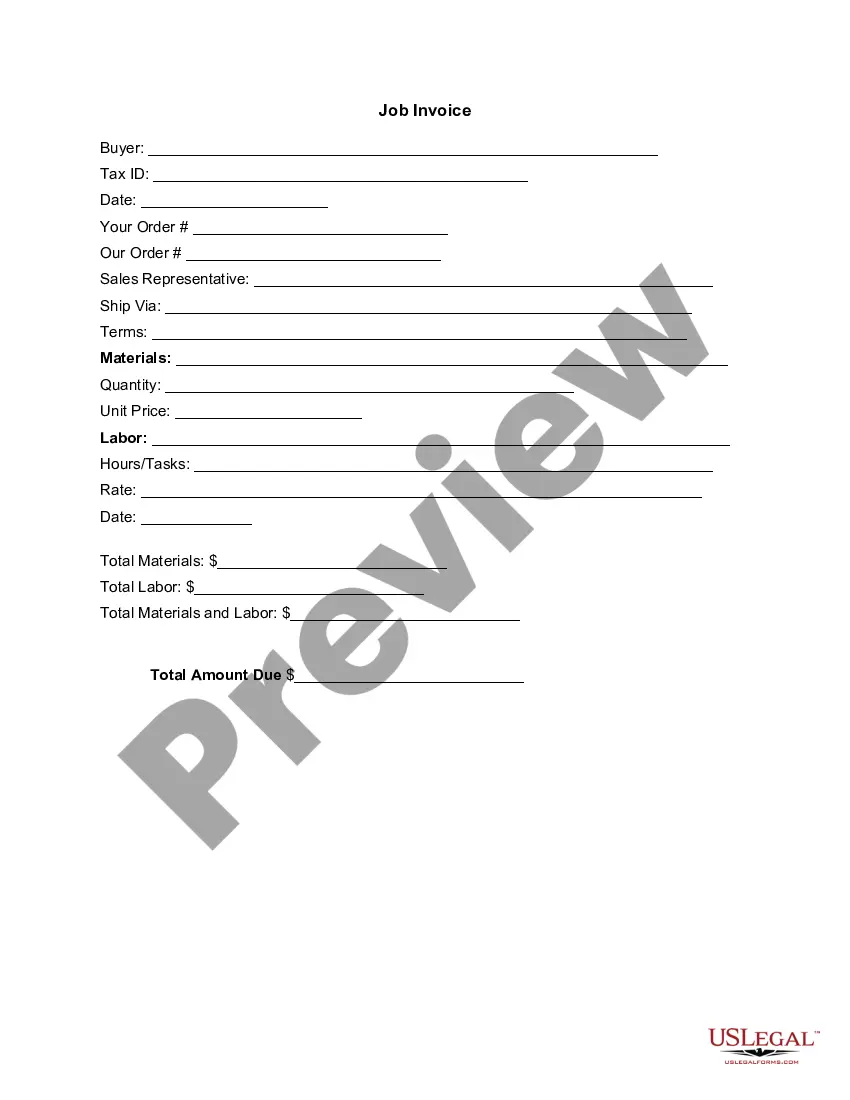
West Virginia Invoice Template for Physician
Description
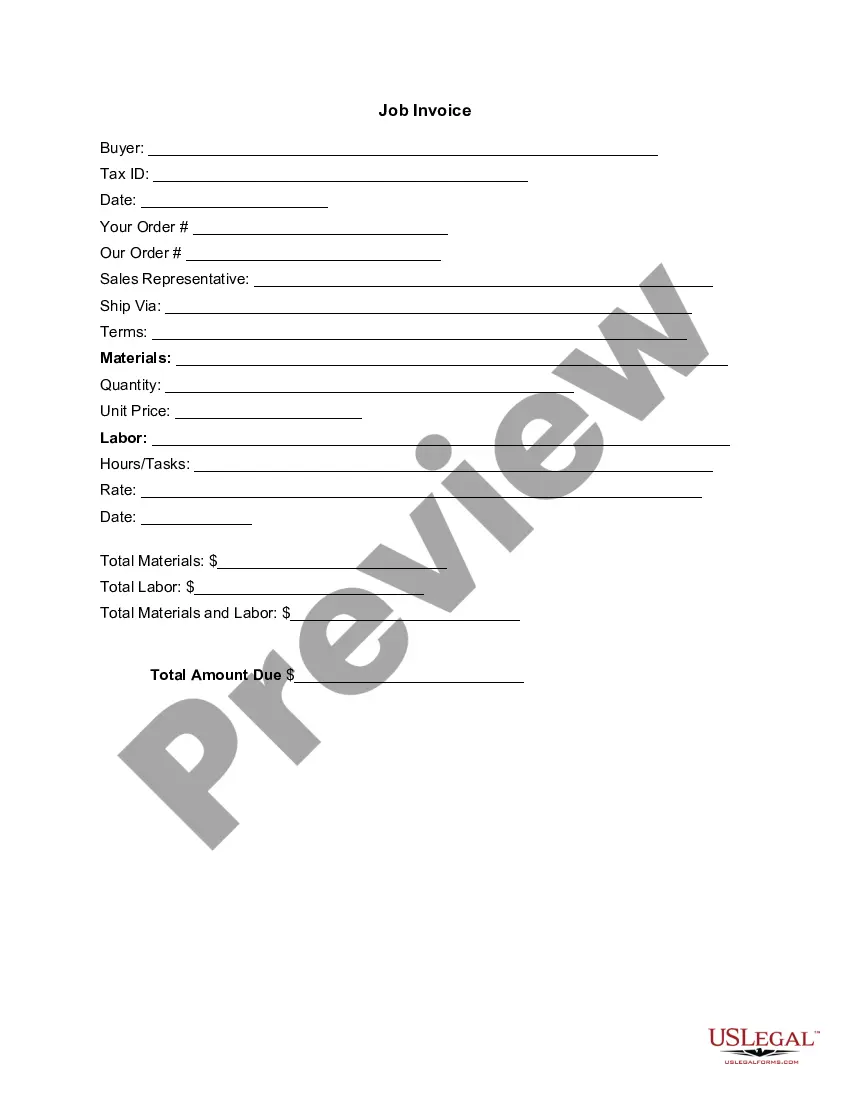
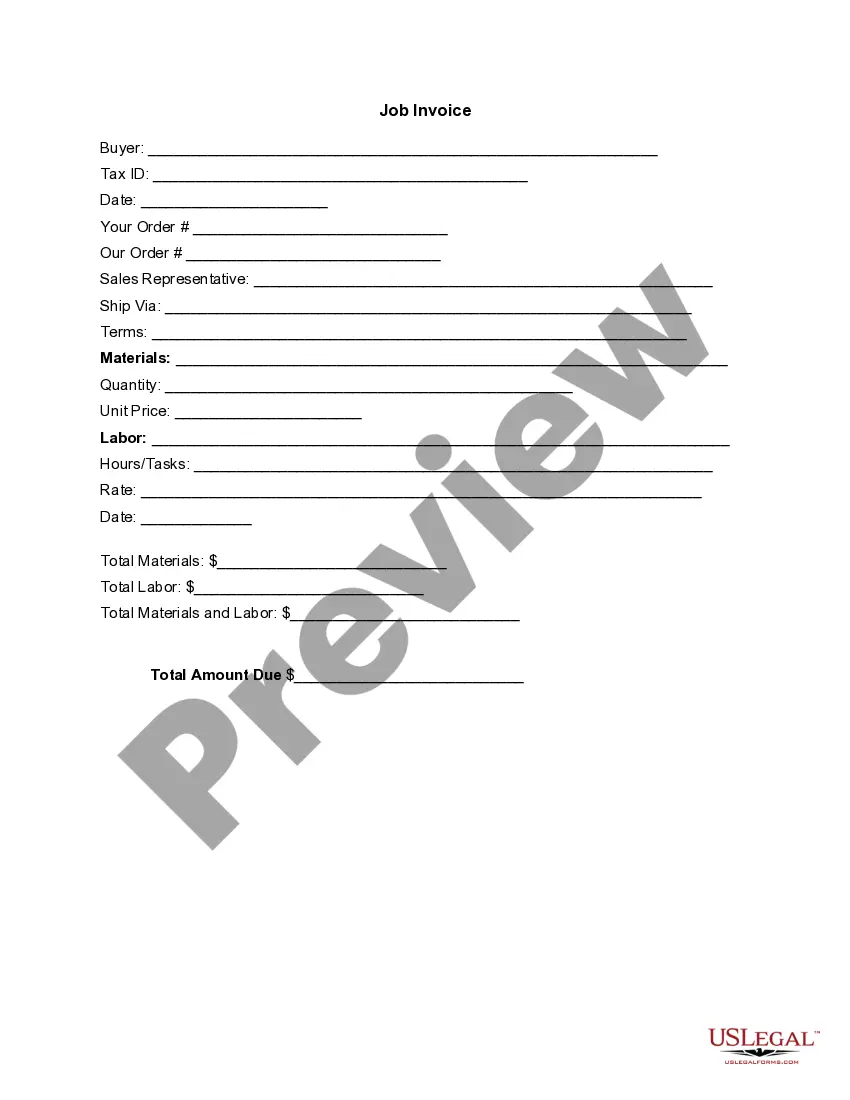

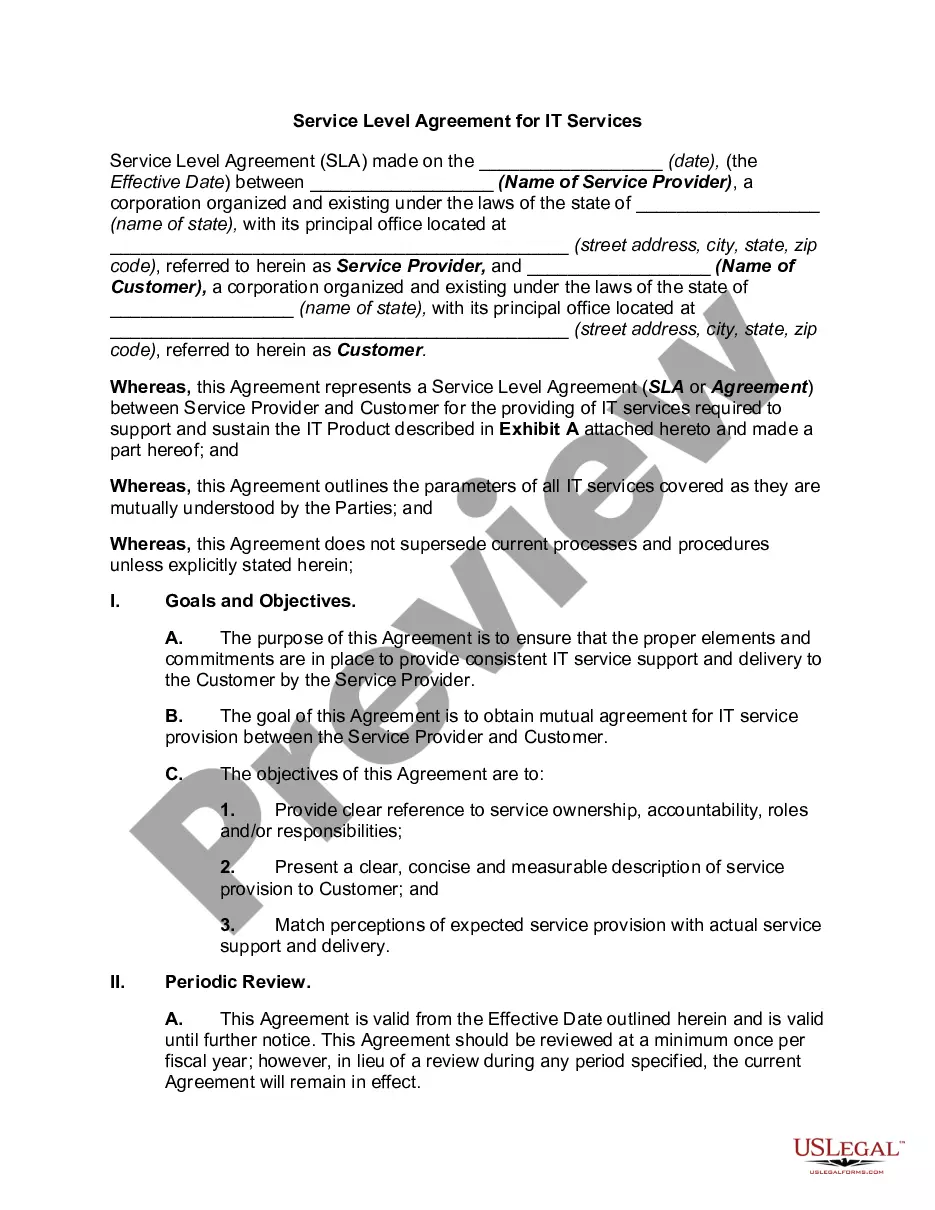



How to fill out Invoice Template For Physician?
Selecting the most suitable official document format can be quite a challenge.
Naturally, there are numerous templates available online, but how do you find the official form you require.
Utilize the US Legal Forms website. This service provides thousands of templates, such as the West Virginia Invoice Template for Physician, which you can utilize for business and personal needs.
If the form does not meet your requirements, use the Search area to find the correct form. Once you're sure that the form is satisfactory, click the Buy now button to obtain the form. Choose your preferred pricing plan and enter the required information. Create your account and complete your purchase using your PayPal account or Visa or Mastercard. Select the file format and download the official document format to your device. Complete, modify, print, and sign the acquired West Virginia Invoice Template for Physician. US Legal Forms is the largest repository of legal templates where you can find numerous document layouts. Use the service to download professionally crafted documents that comply with state regulations.
- All the documents are reviewed by experts and adhere to federal and state regulations.
- If you are already registered, Log In to your account and click the Download button to obtain the West Virginia Invoice Template for Physician.
- Use your account to search through the legal forms you have previously obtained.
- Visit the My documents section of your account and get another copy of the document you need.
- If you are a new user of US Legal Forms, here are simple steps for you to follow.
- First, ensure that you have chosen the right form for your city/state. You can review the form using the Review button and read the form description to confirm it is suitable for you.
Form popularity
FAQ
To submit an invoice to the Wide Area Workflow (WAWF), start by preparing your invoice according to their guidelines. Log into the WAWF platform, and then follow the steps to create a new invoice entry. Using the West Virginia Invoice Template for Physician can help ensure you have the correct information before submission, reducing errors that could delay payment.
Invoicing as a beginner starts with understanding the key components of an invoice. You’ll want to include your details, service details, payment terms, and due date. Using a West Virginia Invoice Template for Physician can streamline this learning curve, providing a clear layout that guides you in creating and sending professional invoices.
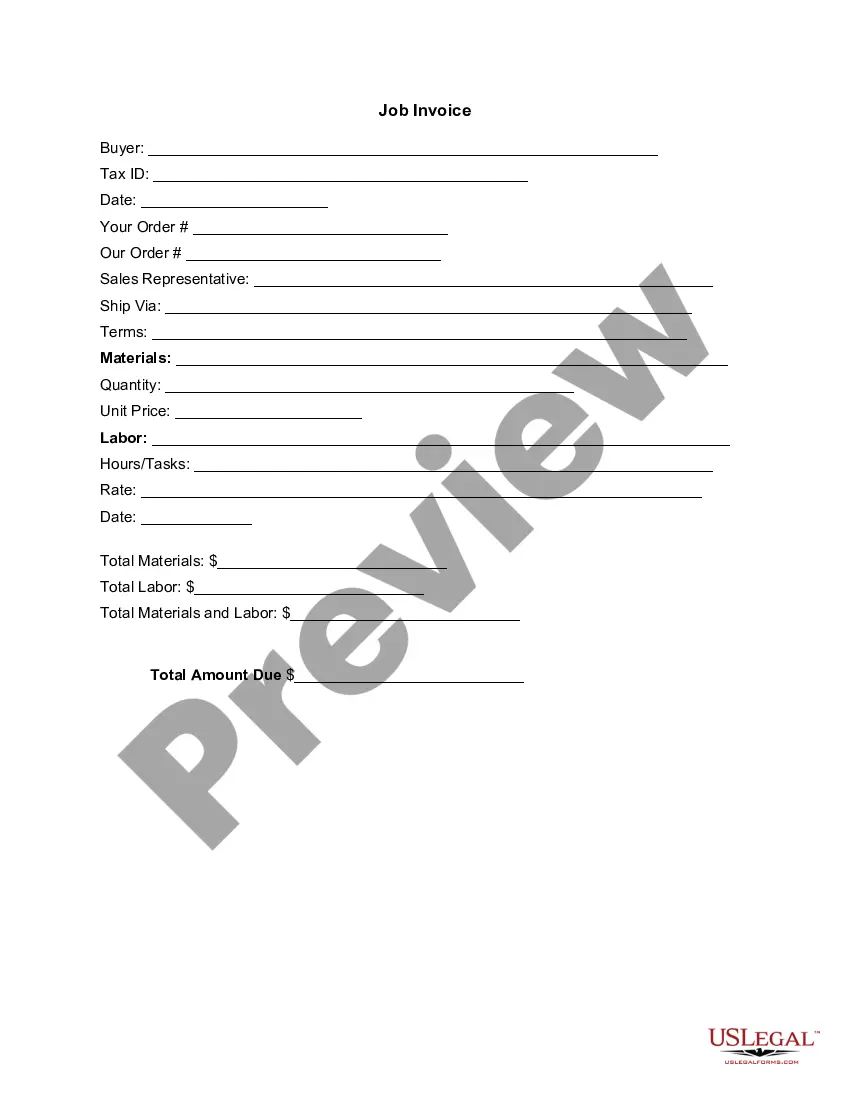
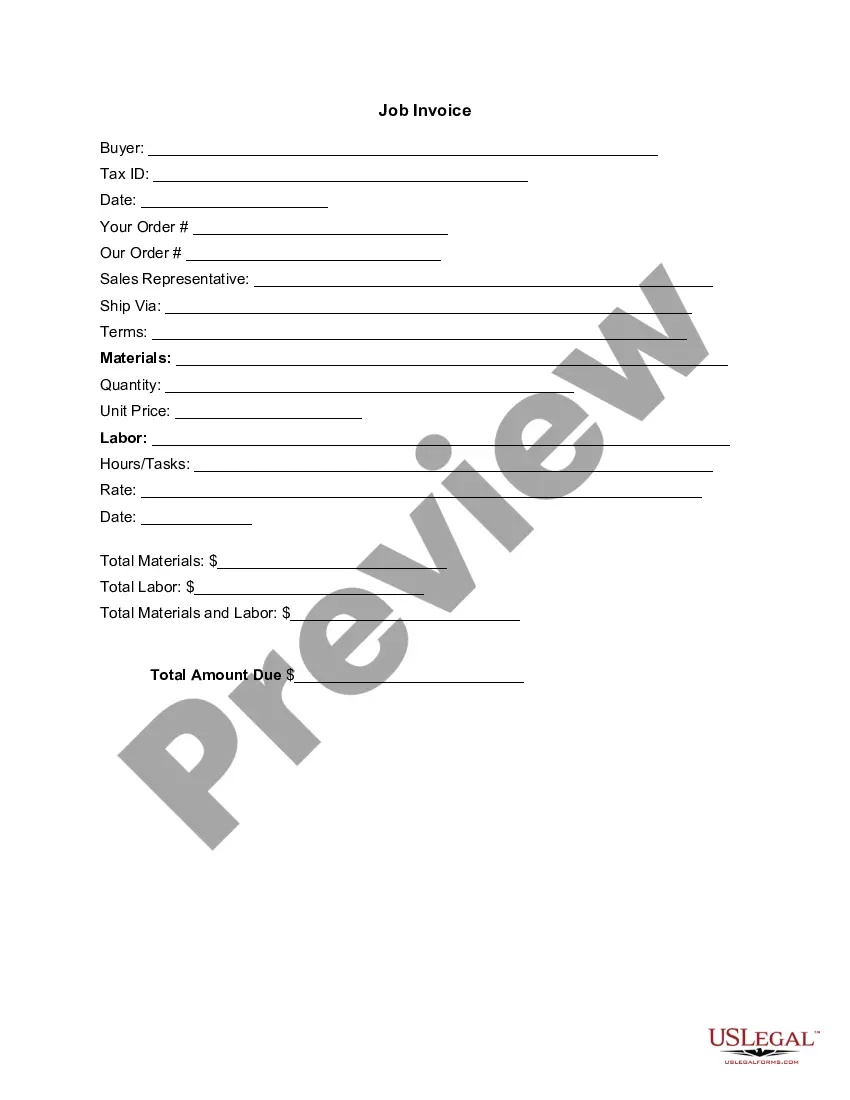
Filling in an invoice template involves entering the required details relevant to the transaction. Begin with the date of service, followed by the services rendered, quantities, rates, and any taxes applied. The West Virginia Invoice Template for Physician offers designated sections to fill in this information, ensuring you include everything necessary for accurate billing.
To write a simple invoice template, start by including your business name, address, and contact information at the top. Next, add the recipient's information, such as the patient's name and address. List the services provided along with their corresponding costs, and make sure to clearly indicate the total amount due. Utilizing a West Virginia Invoice Template for Physician can simplify this process greatly by providing a structured format.
Whether to use Word or Excel for creating invoices often depends on your personal preference and needs. Word offers more design flexibility, while Excel allows for easy calculations and data organization. However, using a West Virginia Invoice Template for Physician in either application can provide a strong foundation. This way, you can create an invoice that meets your practice's requirements whatever program you choose.
To create a professional invoice, you should start with a template that provides a structured format. The West Virginia Invoice Template for Physician can serve as an excellent base, helping you to include crucial details such as your practice's name, services provided, and total costs. Ultimately, a well-structured invoice not only enhances your professionalism but also helps facilitate timely payments and good client relationships.
Making a professional invoice involves including key details in a clean layout. A West Virginia Invoice Template for Physician can be especially useful, as it guides you in formatting your invoice correctly. Focus on clarity by listing services, their costs, and any applicable taxes or total amounts, thus ensuring your clients understand the charges. Finally, make sure to include your contact information for any questions.
To create a medical invoice template, start by outlining all essential components, including your practice's information, services rendered, and payment details. Using a West Virginia Invoice Template for Physician can save you time and ensure compliance with local standards. Once you have your template, you can customize it for different patients or services, allowing for a consistent and professional appearance.
Yes, you can generate an invoice for your services by using a simple document or an online tool. Utilizing a West Virginia Invoice Template for Physician can make this task easier and more efficient. By following the structured format provided in a template, you ensure that all necessary information is included, which helps present your services professionally while streamlining your billing process.
To find an invoice template in Google Docs, start by navigating to the template gallery within the application. Look for invoice templates that match your needs, and consider searching specifically for the West Virginia Invoice Template for Physician. Once you find an appropriate template, you can easily customize it by adding your practice's details and services to create a professional invoice quickly.