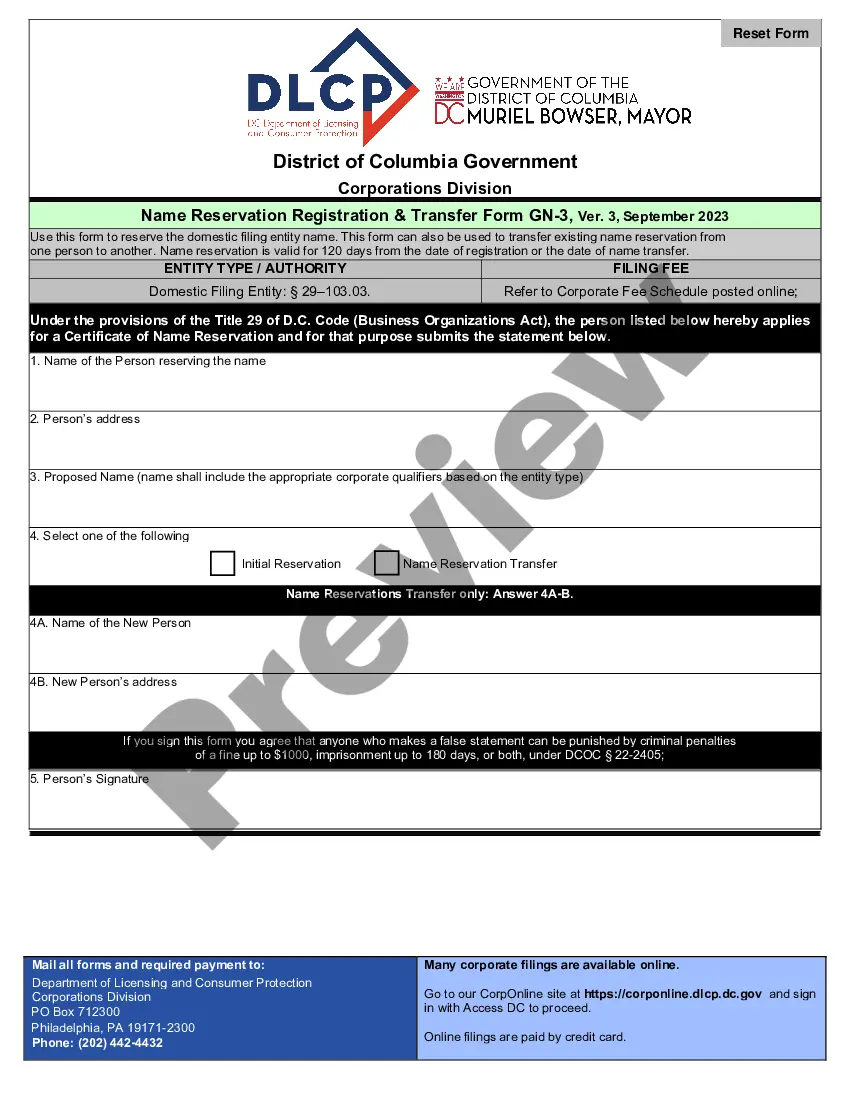
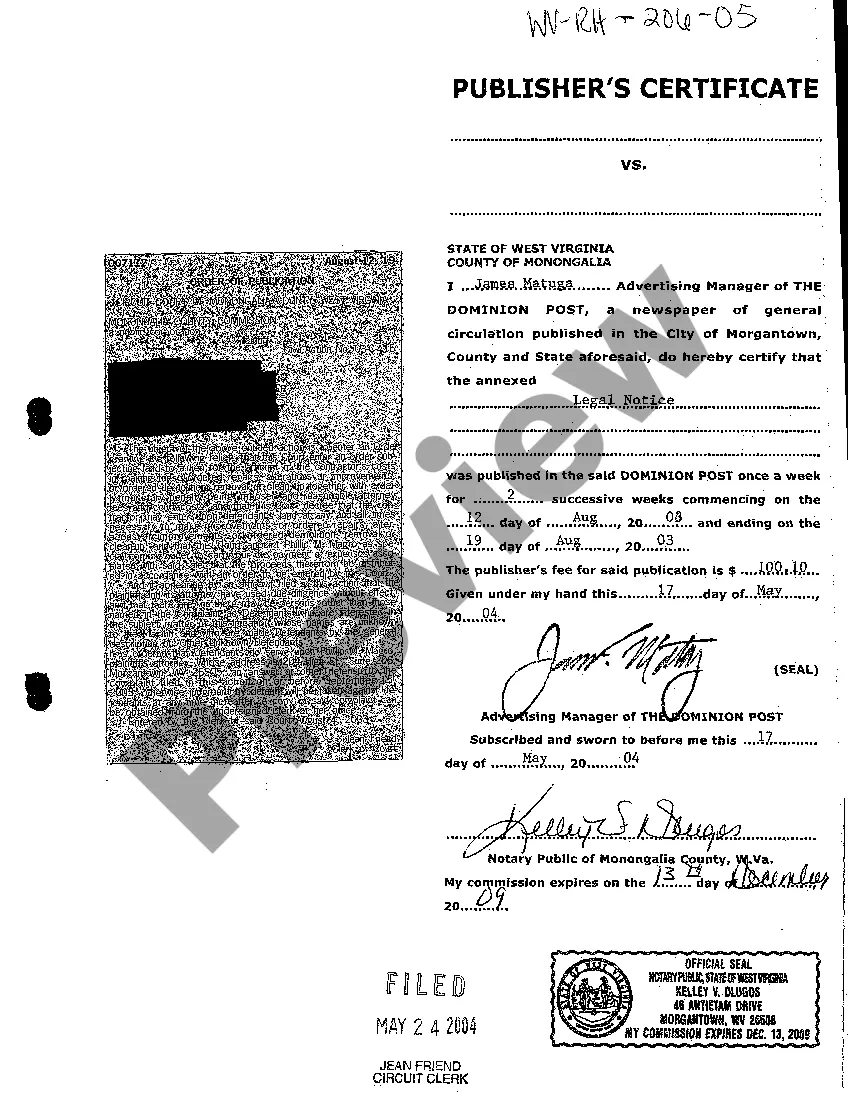
West Virginia Publisher's Certificate
Description
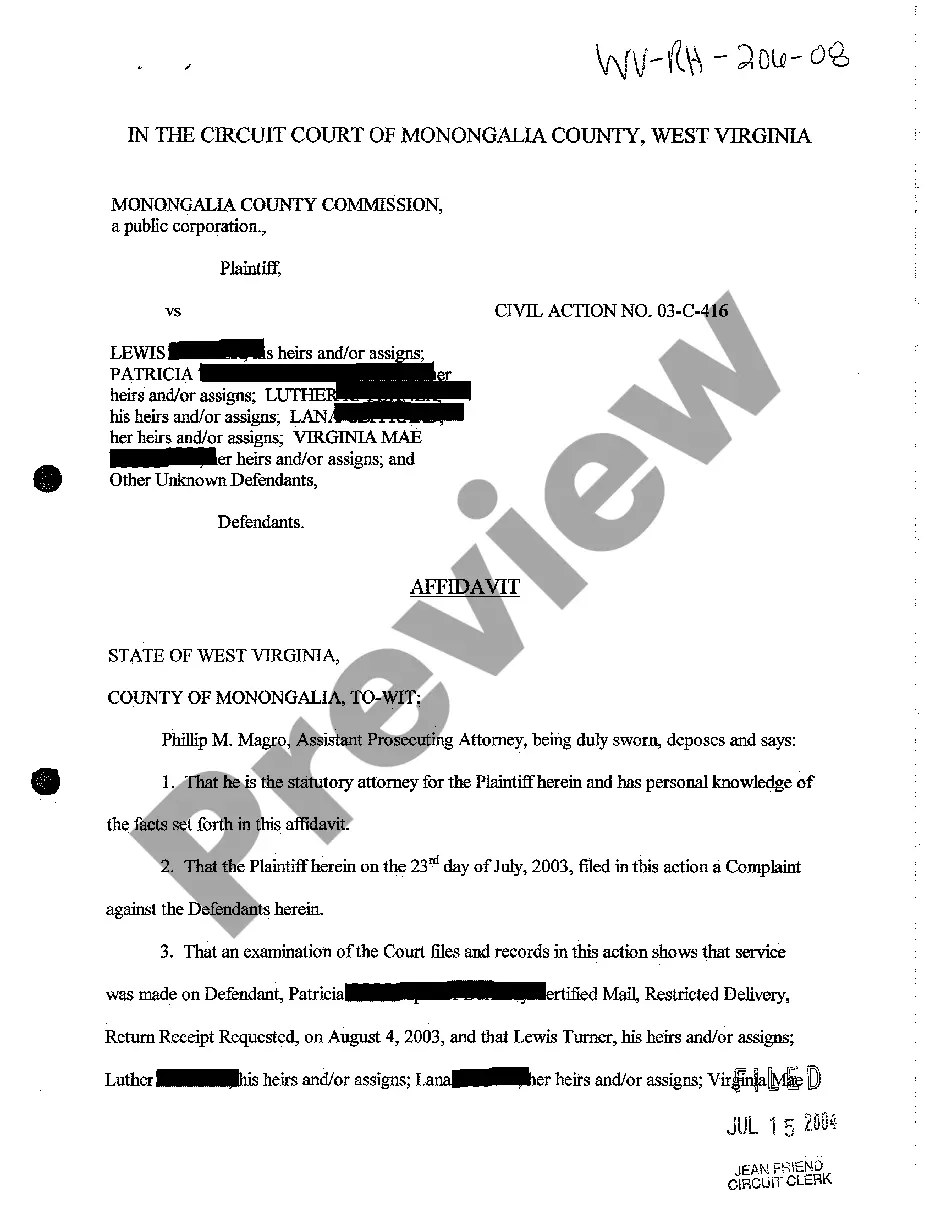
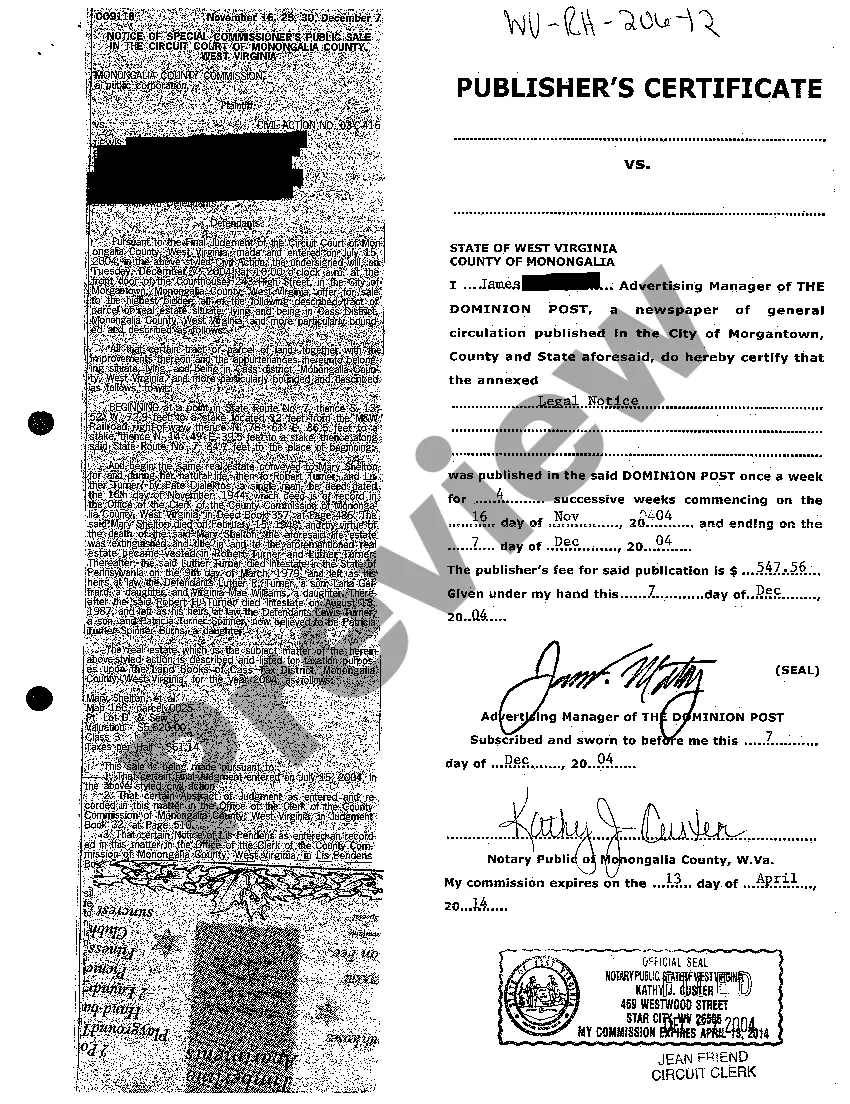


How to fill out West Virginia Publisher's Certificate?
Among hundreds of paid and free examples that you get online, you can't be sure about their accuracy and reliability. For example, who created them or if they are qualified enough to take care of the thing you need these people to. Keep relaxed and use US Legal Forms! Locate West Virginia Publisher's Certificate samples developed by professional legal representatives and avoid the costly and time-consuming procedure of looking for an lawyer or attorney and then having to pay them to write a document for you that you can easily find yourself.
If you have a subscription, log in to your account and find the Download button next to the file you’re trying to find. You'll also be able to access your earlier downloaded templates in the My Forms menu.
If you are making use of our website the very first time, follow the tips listed below to get your West Virginia Publisher's Certificate with ease:
- Make sure that the file you see is valid in the state where you live.
- Review the template by reading the information for using the Preview function.
- Click Buy Now to start the ordering process or find another template utilizing the Search field located in the header.
- Choose a pricing plan sign up for an account.
- Pay for the subscription using your credit/debit/debit/credit card or Paypal.
- Download the form in the needed format.
When you have signed up and bought your subscription, you may use your West Virginia Publisher's Certificate as often as you need or for as long as it continues to be active in your state. Edit it in your favorite online or offline editor, fill it out, sign it, and print it. Do much more for less with US Legal Forms!
Form popularity
FAQ
The WV State Tax Department is located at 1124 Smith Street, Charleston, WV 25301. You can contact them by phone at 304.558. 3333 or online at www.business4wv.com. The cost of a General Municipal Business License is $20.00.
The WV State Tax Department is located at 1124 Smith Street, Charleston, WV 25301. You can contact them by phone at 304.558. 3333 or online at www.business4wv.com. The cost of a General Municipal Business License is $20.00.
If you are engaged in business activity, a business registration certificate can be obtained by filing an application, either through the Business for West Virginia Website or by filing a BUS-APP with the Tax Commissioner.
If you are engaged in business activity, a business registration certificate can be obtained by filing an application, either through the Business for West Virginia Website or by filing a BUS-APP with the Tax Commissioner.
Cost to Form a West Virginia LLC The LLC filing fee is $100; however, the fee is waived for veteran-owned businesses. Standard approval for the LLC is 5-10 days. Expedited service is available.
1Step 1: Choose a Business Idea.2Step 2: Write a Business Plan.3Step 3: Select a Business Entity.4Step 4: Register a Business Name.5Step 5: Get an EIN.6Step 6: Open a Business Bank Account.7Step 7: Apply for Business Licenses & Permits.8Step 8: Find Financing.Starting a Business in West Virginia Simple, Step-by-Step Guide\nstartingyourbusiness.com > west-virginia
Before engaging in business activity in West Virginia, every individual or business entity is required to register with the West Virginia State Tax Department to obtain a Business Registration Certificate (i.e., the "Business License") to obtain a business license identification number and maintain a State Tax
Step 1: Choose a Business Idea. Step 2: Write a Business Plan. Step 3: Select a Business Entity. Step 4: Register a Business Name. Step 5: Get an EIN. Step 6: Open a Business Bank Account. Step 7: Apply for Business Licenses & Permits. Step 8: Find Financing.