West Virginia Protecting Minors from Identity Theft Package
About this form package
The West Virginia Protecting Minors from Identity Theft Package is a comprehensive set of legal forms designed to assist minors or their parents in addressing the challenges faced after a minor's identification is lost or stolen. This package stands out by offering specific documents tailored to help clear a minor's name and effectively communicate with creditors and government agencies regarding identity theft, ultimately reducing time and expense associated with such cases.
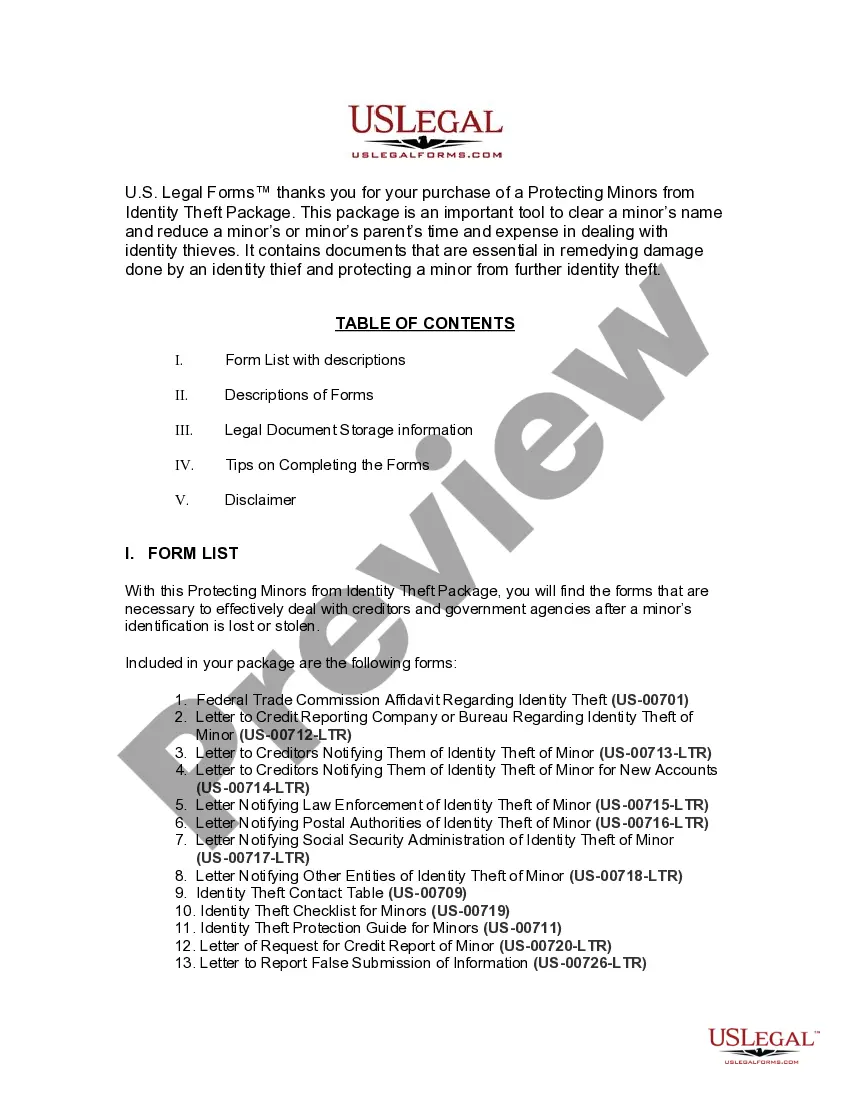
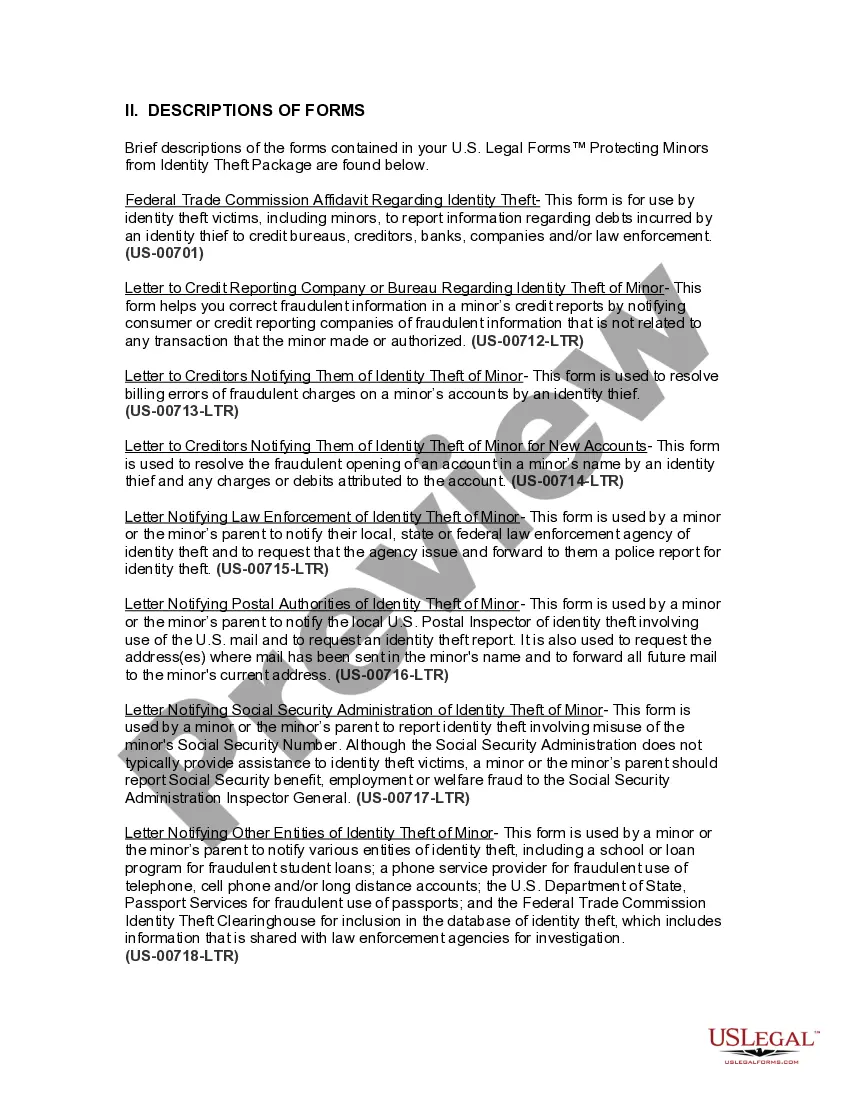
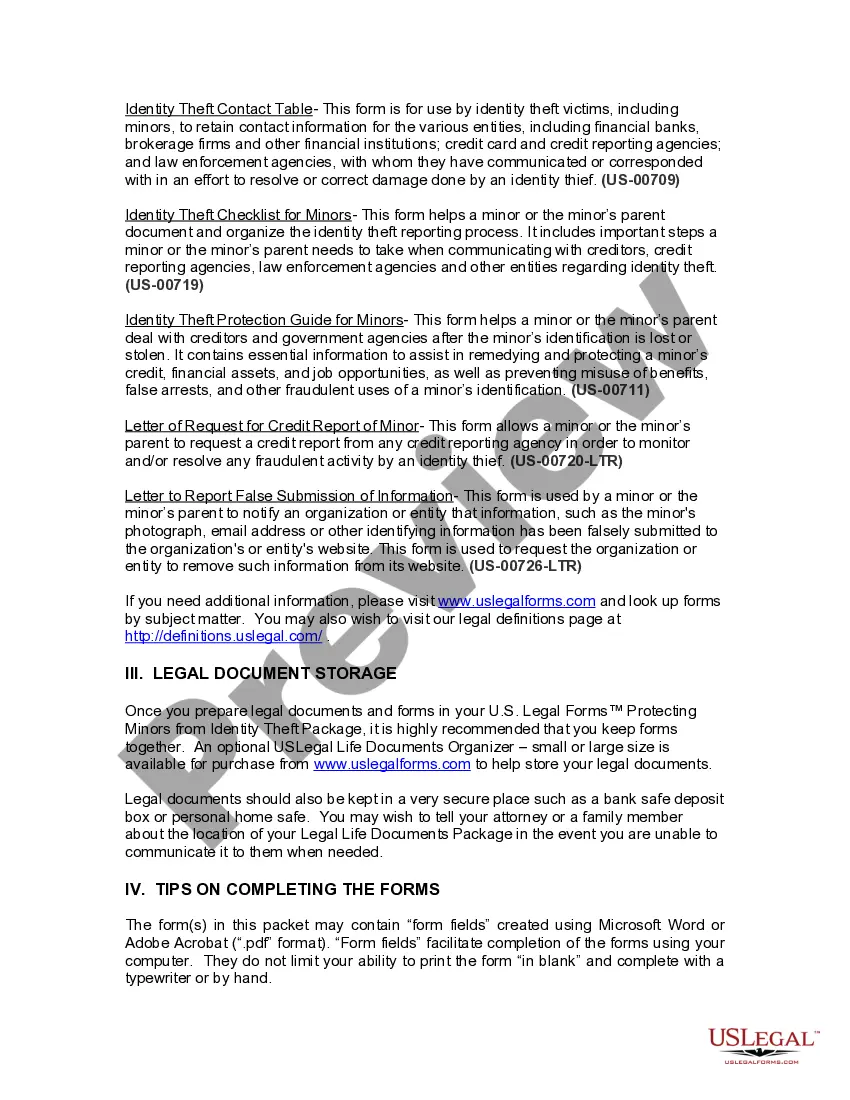
Forms provided in this package
- Federal Trade Commission Affidavit regarding Identity Theft
- Identity Theft Contact Table
- Guide for Protecting Minors from Identity Theft
- Letter to Credit Reporting Company or Bureau Regarding Identity Theft of Minor
- Letter to Creditors Notifying Them of Identity Theft of Minor
- Letter to Creditors Notifying Them of Identity Theft of Minor for New Accounts
- Letter Notifying Law Enforcement of Identity Theft of Minor
- Letter Notifying Postal Authorities of Identity Theft of Minor
- Letter Notifying Social Security Administration of Identity Theft of Minor
- Letter to Other Entities Notifying Them of Identity Theft of Minor
- Identity Theft Checklist for Minors
- Sample Letter for Request for Credit Report of a Minor
- Sample Letter to Report False Submission of Minor's Information
When to use this form package
This form package should be used in the following scenarios:
- When a minor's identification has been stolen or lost.
- If unauthorized transactions have appeared on a minor's financial accounts.
- When a minor has been victimized by identity theft, affecting their credit or personal information.
- If a parent needs to notify law enforcement or financial institutions about identity theft impacting their child.
Who this form package is for
- Parents or guardians of minors who have experienced identity theft.
- Minors who have had their personal identification compromised.
- Individuals seeking to protect a minor's credit and financial assets from the effects of identity theft.
How to prepare this document
- Review included forms to understand the specifics of your situation.
- Identify the parties involved, including the minor and any affected creditors.
- Complete each form with accurate information, ensuring all details are correct.
- Gather any necessary supporting documents that may be required for submission.
- Follow the instructions outlined for each form, and ensure timely distribution to the relevant entities.
Do forms in this package need to be notarized?
Forms in this package usually don’t need notarization, but certain jurisdictions or signing circumstances may require it. US Legal Forms provides a secure online notarization option powered by Notarize, accessible 24/7 from anywhere.
Get your form ready online
Our built-in tools help you complete, sign, share, and store your documents in one place.
Make edits, fill in missing information, and update formatting in US Legal Forms—just like you would in MS Word.
Download a copy, print it, send it by email, or mail it via USPS—whatever works best for your next step.
Sign and collect signatures with our SignNow integration. Send to multiple recipients, set reminders, and more. Go Premium to unlock E-Sign.
If this form requires notarization, complete it online through a secure video call—no need to meet a notary in person or wait for an appointment.
We protect your documents and personal data by following strict security and privacy standards.

Make edits, fill in missing information, and update formatting in US Legal Forms—just like you would in MS Word.

Download a copy, print it, send it by email, or mail it via USPS—whatever works best for your next step.

Sign and collect signatures with our SignNow integration. Send to multiple recipients, set reminders, and more. Go Premium to unlock E-Sign.

If this form requires notarization, complete it online through a secure video call—no need to meet a notary in person or wait for an appointment.

We protect your documents and personal data by following strict security and privacy standards.
Mistakes to watch out for
- Failing to provide complete and accurate information on forms.
- Neglecting to notify all relevant parties about the identity theft.
- Overlooking the need for multiple notifications to different agencies and creditors.
- Not following up on submitted forms to ensure they have been processed correctly.
Benefits of completing this package online
- Convenient access to all necessary forms in one package, saving time and effort.
- Edit and personalize forms easily using a computer, ensuring accuracy.
- Downloadable and printable documents that can be completed at your own pace.
- Reliable legal documents drafted by licensed attorneys, ensuring compliance with state laws.
Looking for another form?






Form popularity
FAQ
Highlights: Check your child's credit reports. Consider a free security freeze. Consider a credit monitoring product. Keep your child's documents in a safe place. Don't share your child's personal information unless it's absolutely necessary.
Child identity theft occurs when someone uses a child's Social Security number to commit fraud. That might include opening credit accounts, taking out loans or applying for government benefits or a job. The crime can go undetected for years.Victims of child identity theft often discover it when they're older.
Parents and legal guardians have unfettered access to their children's personal information. In many cases, a parent, a close relative, or a legal guardian might use the child's Social Security number to commandeer their identity (and clean credit history).
First, you need to check with the Social Security Administration once a year to make sure no one is using your child's SSN. Secondly, you need to check your child's credit report (free Equifax -1-800-525-6285; Experian-1-888-397-3742; TransUnion-1-800-680-7289.)
Child identity theft occurs when a child's identity is compromised by fraudsters. And just like normal identity theft, once a fraudster gets their hands on a piece of personal information, the damage they can do can take years to recover from.
Self Lock helps protect you from employment-related identity fraud. Self Lock is the unique feature that lets you protect your identity in E-Verify and Self Check by placing a "lock" on your Social Security number (SSN). This helps prevent anyone else from using your SSN to try to get a job with an E-Verify employer.
Gather the needed documents. The three major credit bureaus (Experian, Equifax and TransUnion) have slightly different requirements. Print out child freeze request forms. 3. Mail the request and document copies. Wait for confirmation, then store it securely.
Next, you should start by contacting your local police department. Hand your credit reports to the police and attach them to any statements.If you know the identity of the fraudster or a creditor needs a police report, then you must report the incident to the police.
No, you cannot stop someone from claiming a dependent.