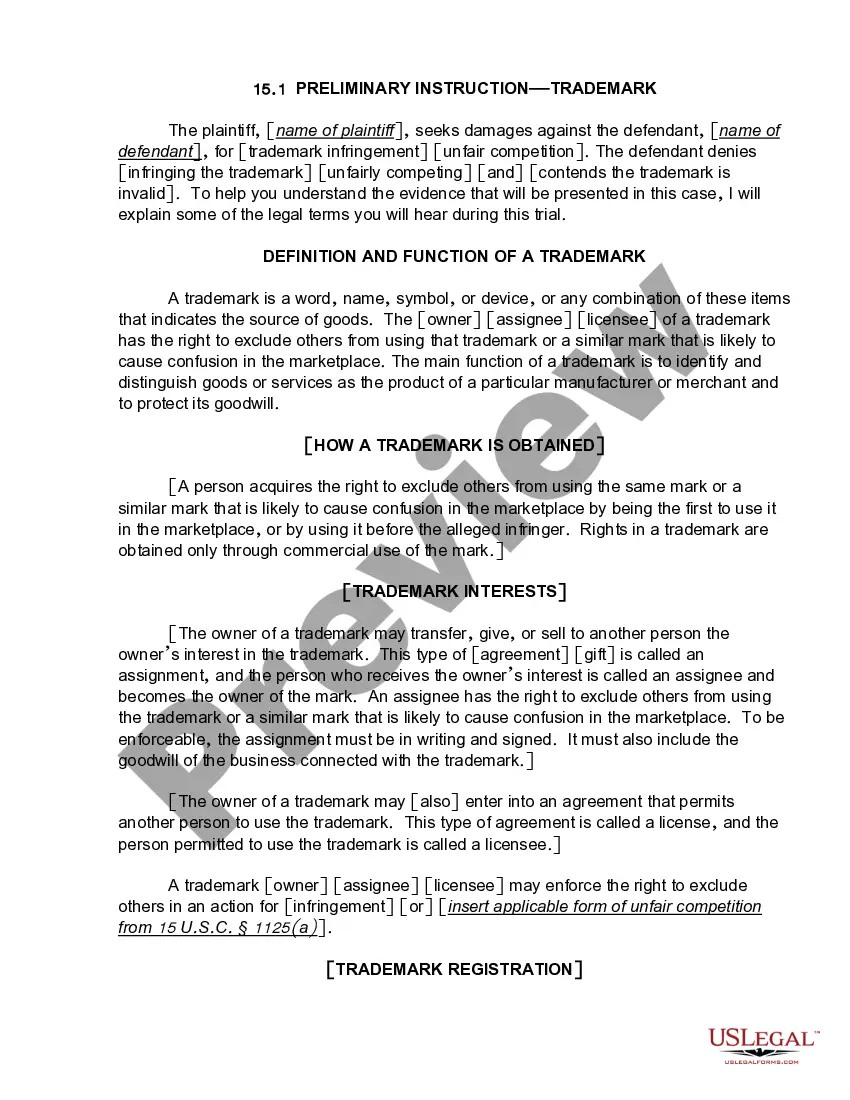
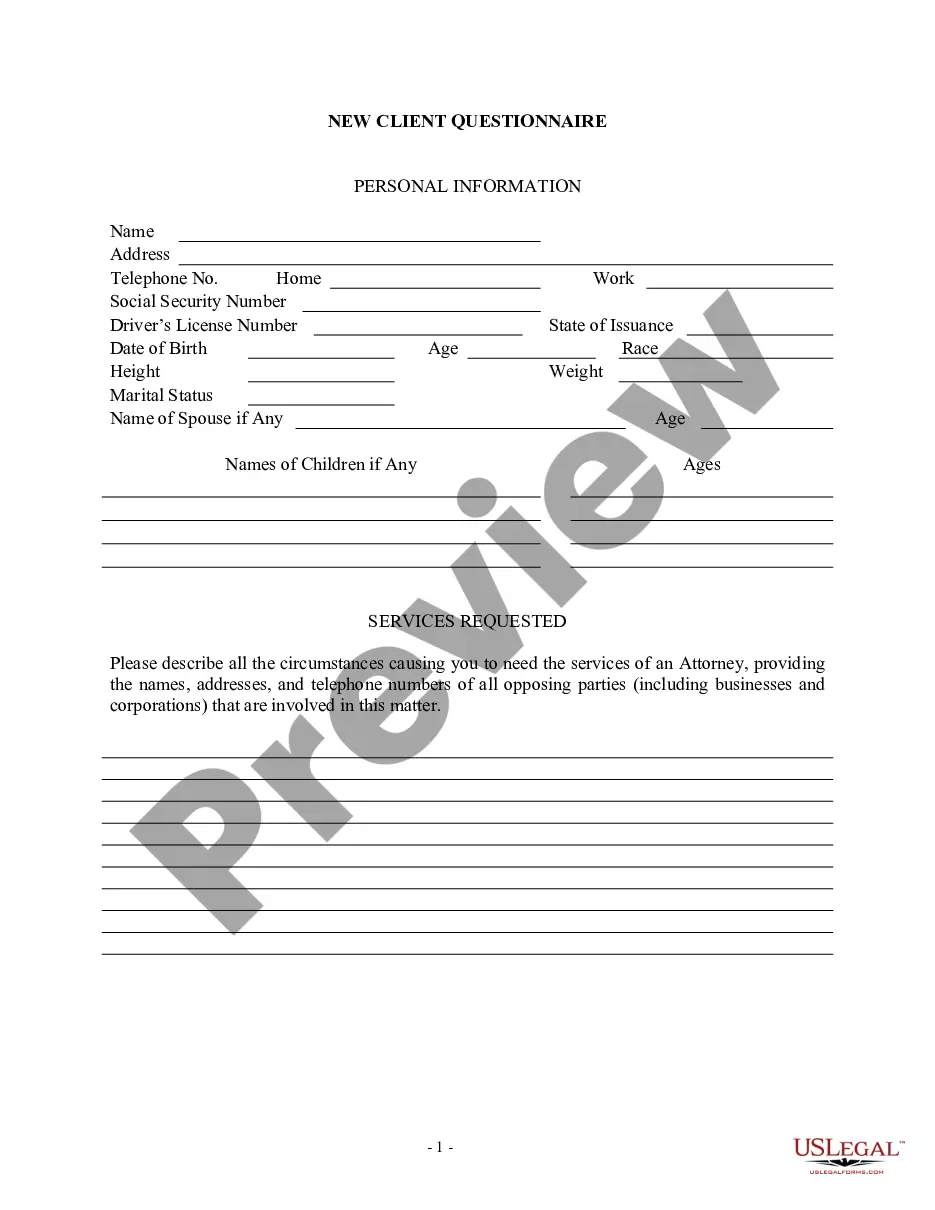
This information should be filled in at and/or immediately after the initial client interview. There can be numerous variations of this form to fit an individual attorney's needs.
Wisconsin Client Intake Sheet
Instant download
Description
Get your form ready online
Our built-in tools help you complete, sign, share, and store your documents in one place.
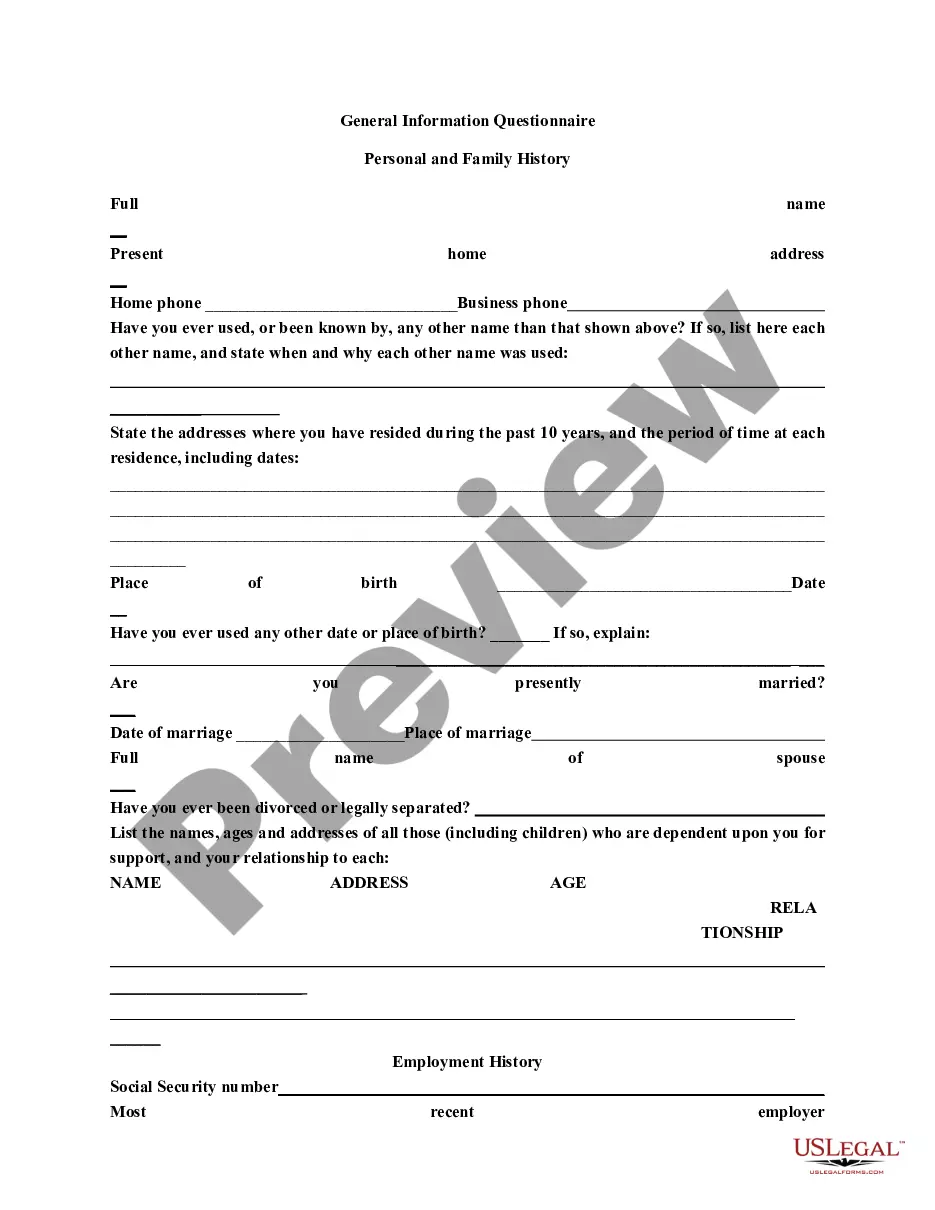
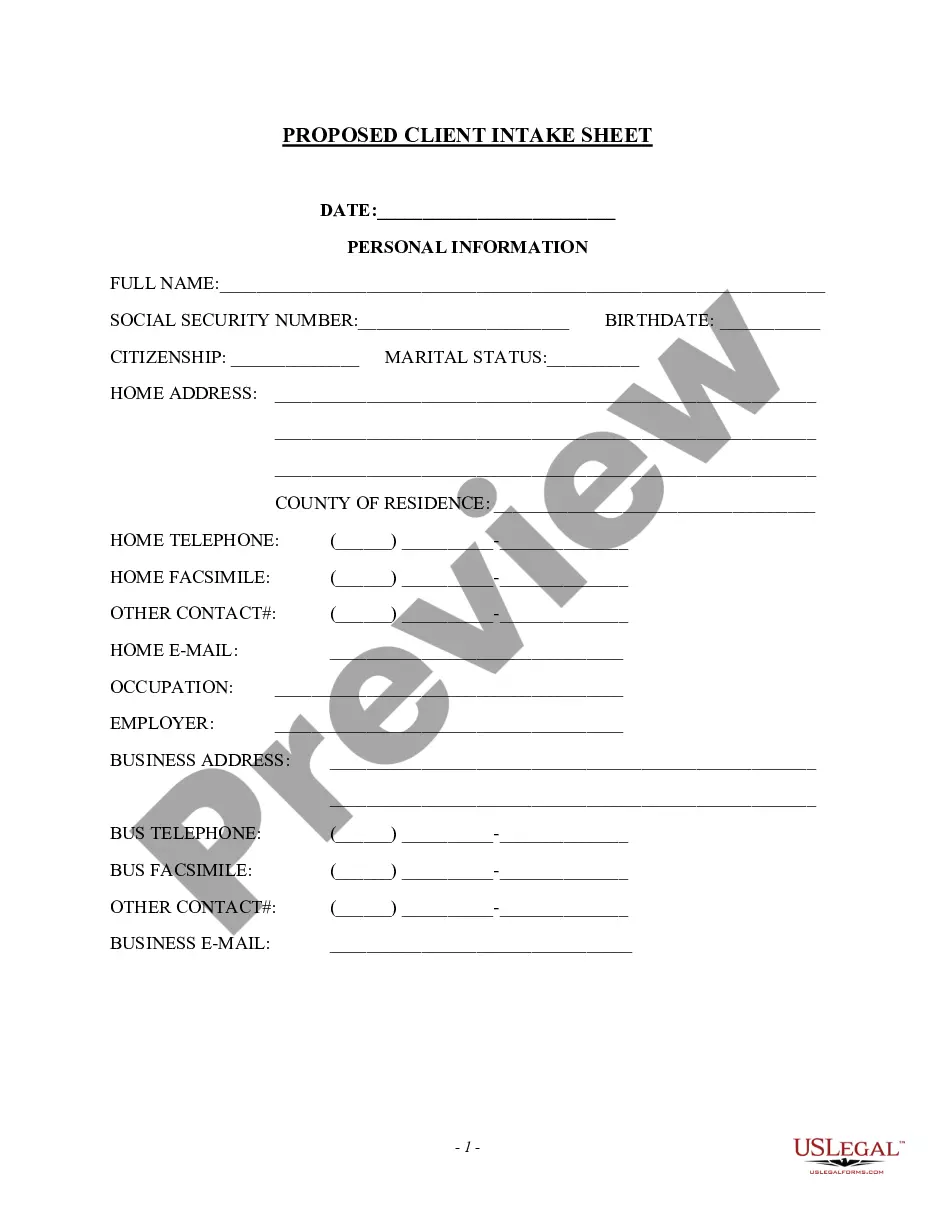
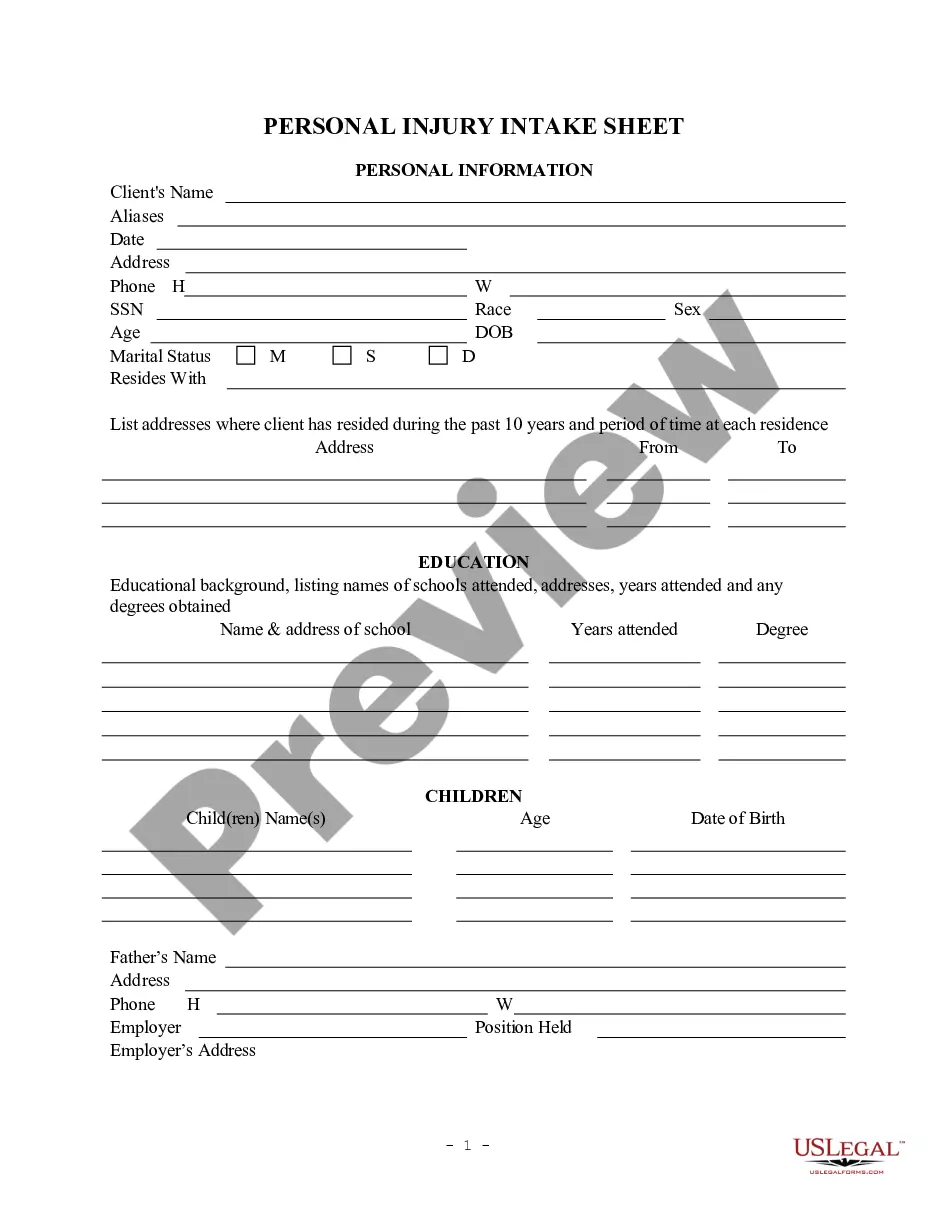
Built-in online Word editor
Make edits, fill in missing information, and update formatting in US Legal Forms—just like you would in MS Word.
Export easily
Download a copy, print it, send it by email, or mail it via USPS—whatever works best for your next step.
E-sign your document
Sign and collect signatures with our SignNow integration. Send to multiple recipients, set reminders, and more. Go Premium to unlock E-Sign.
Notarize online 24/7
If this form requires notarization, complete it online through a secure video call—no need to meet a notary in person or wait for an appointment.
Store your document securely
We protect your documents and personal data by following strict security and privacy standards.

Make edits, fill in missing information, and update formatting in US Legal Forms—just like you would in MS Word.

Download a copy, print it, send it by email, or mail it via USPS—whatever works best for your next step.

Sign and collect signatures with our SignNow integration. Send to multiple recipients, set reminders, and more. Go Premium to unlock E-Sign.

If this form requires notarization, complete it online through a secure video call—no need to meet a notary in person or wait for an appointment.

We protect your documents and personal data by following strict security and privacy standards.
Looking for another form?





How to fill out Client Intake Sheet?
US Legal Forms - one of the largest collections of legal documents in the United States - provides a vast selection of legal paperwork templates that you can download or print.
Through the website, you can access thousands of documents for business and personal purposes, organized by categories, states, or keywords. You can find the latest document types such as the Wisconsin Client Intake Sheet in just a few minutes.
If you already hold a subscription, Log In and retrieve the Wisconsin Client Intake Sheet from the US Legal Forms library. The Download button will appear on every document you view. You can access all previously saved documents from the My documents tab in your account.
Select the format and download the document to your device.
Make edits. Fill out, modify, print, and sign the saved Wisconsin Client Intake Sheet. Each template you add to your account has no expiration date and is yours forever. So, if you wish to download or print another copy, just visit the My documents section and click on the document you need. Access the Wisconsin Client Intake Sheet with US Legal Forms, one of the most extensive libraries of legal paperwork templates. Utilize thousands of professional and state-specific templates that cater to your business or personal needs and requirements.
- If you are using US Legal Forms for the first time, here are simple instructions to get you started.
- Ensure you have selected the appropriate form for your state/area. Click the Preview button to examine the form's content.
- Review the form description to make sure you have picked the right document.
- If the form does not meet your needs, use the Search field at the top of the screen to find one that does.
- If you are satisfied with the form, confirm your choice by clicking the Purchase now button. Then, select the pricing plan you prefer and provide your credentials to register for an account.
- Complete the transaction. Use a credit card or PayPal account to finalize the transaction.
Form popularity
FAQ
Client intake in law firms is the process of onboarding new clients and acquiring the personal information that is needed to open their cases.
A website intake form helps you understand the client's specific needs. It reveals everything from project goals and features to desired outcomes. Simply put, you'll gain clarity on the scope of work, including the required functionalities and technical specifications.
An intake form collects all the information an organization or department needs to properly assess and route an individual or request through a business process.
Elements of a Client Intake Form Business information. Dependents. Emergency contact(s) Financial institution details. Health details. Income details. Insurance information. Marriage status.
Intake forms ensure client safety by providing clinician's with information pertinent to a client prior to treatment. These forms allow clinicians to obtain accurate and up-to-date information about a client since the client has to fill in their own information before treatment can begin.
Intake documents are documents prepared at the beginning of a job, usually based on the requests of a customer. You might write an intake document if: A customer is placing an order for something to be manufactured. A customer is placing an order for repairs to be completed.
Create a client intake form using Google Forms. In Google Forms, click the plus sign. Click the ?Untitled form? header box. Enter a name and description for the form. Click the Untitled Question box. Type ?What is your name?? Click the dropdown menu to choose the type of answer field.
An Intake Sheet uses the data collected to populate the Summary section (or profile data) of your project sheets automatically. The Intake Sheet standardizes and restricts access to profile data for each project. Locking items like Budget or Project Due Date prevents team members from changing important data points.